The Samsung Odyssey OLED G60SD dropped to a record-low price in early 2026, and 360Hz OLED panels are now within striking distance of what 240Hz IPS monitors cost two years ago. That price compression makes the refresh rate question harder to answer than it used to be — so here’s a practical breakdown of when each tier actually matters.
| Spec | LG UltraGear 27GP850-B 8.5/10 | ASUS ROG Swift PG279QM Unavailable 8.8/10 | Samsung Odyssey OLED G6 G61SD 9.1/10 | ASUS ROG Swift 360Hz PG27AQN 8.7/10 | Samsung Odyssey OLED G60SD 9.3/10 |
|---|---|---|---|---|---|
| panel | Nano IPS | Fast IPS | QD-OLED | Fast IPS | QD-OLED |
| resolution | 2560x1440 (QHD) | 2560x1440 (QHD) | 2560x1440 (QHD) | 2560x1440 (QHD) | 2560x1440 (QHD) |
| refresh_rate | 165Hz (OC 180Hz) | 240Hz | 240Hz | 360Hz | 360Hz |
| response_time | 1ms GtG | 1ms GtG | 0.03ms GtG | 1ms GtG | 0.03ms GtG |
| hdr | HDR10 | DisplayHDR 400 | HDR10+ Gaming / DisplayHDR True Black 400 | DisplayHDR 600 | HDR10+ Gaming |
| sync | G-Sync Compatible / FreeSync Premium | G-Sync (hardware module) | FreeSync Premium Pro / G-Sync Compatible | G-Sync (hardware module) | FreeSync Premium Pro / G-Sync Compatible |
| Rating | 8.5/10 | 8.8/10 | 9.1/10 | 8.7/10 | 9.3/10 |
Prices change daily — tap Check Price for the current Amazon price.
Prices change daily — tap Check Price for the current Amazon price.
Quick Picks
- Best 165Hz value: LG UltraGear 27GP850-B — 1440p Nano IPS at $280, overclockable to 180Hz, best pick if your GPU tops out around 165 FPS in your main games
- Best 240Hz OLED: Samsung Odyssey OLED G6 G61SD — QD-OLED panel delivers better motion clarity at 240Hz than most IPS monitors achieve at 360Hz
- Best 360Hz overall: Samsung Odyssey OLED G60SD — fastest refresh rate plus fastest pixel response in one panel, now available under $700
Buying Guide: What Refresh Rate Do You Actually Need?
The Frame Rate Rule
A high-refresh-rate monitor only helps if your GPU can sustain the matching frame rate. A 360Hz monitor running at 150 FPS is slower than a 165Hz monitor also running at 150 FPS — you need 360+ FPS to use 360Hz fully. This is the single most important thing to understand before spending money.
Rough GPU tiers for competitive 1440p gaming:
- RTX 4060 / RX 7600: 144–165 FPS sustained in CS2 and Valorant at low settings
- RTX 4070 / RX 7800 XT: 200–280 FPS — 240Hz makes sense
- RTX 4080 / RX 7900 XTX: 300–400 FPS — 360Hz starts delivering returns
- RTX 4090: 360+ FPS in most competitive titles
The Diminishing Returns Curve
Going from 60Hz to 144Hz is a transformation — motion goes from choppy to smooth and input lag drops from 16.7ms maximum frame delivery to 6.94ms. The 144Hz-to-240Hz jump cuts that to 4.17ms per frame, a 2.77ms improvement you can feel in fast shooters. The 240Hz-to-360Hz step is another 1.39ms — still real, but only competitive players who are already optimizing every variable will benefit.
For single-player and open-world games (Elden Ring, Cyberpunk, Baldur’s Gate), the difference between 144Hz and 240Hz is small and 360Hz is irrelevant. For competitive FPS titles (CS2, Valorant, Rainbow Six Siege), every millisecond of input lag reduction translates to faster reaction time feedback, and pros have moved to 240Hz as the minimum standard.
Panel Technology Matters More Than Refresh Rate Number
The Samsung Odyssey G6 G61SD at 240Hz has a 0.03ms pixel response time (QD-OLED). The ASUS PG279QM at 240Hz has a 1ms response time (Fast IPS). In motion clarity testing, the OLED panel eliminates the pixel trailing that IPS panels still show even at 240Hz. If you’re choosing between a 240Hz OLED and a 360Hz IPS at a similar price, the OLED’s motion clarity advantage often closes the gap.
Who Should Buy Each Tier
144–165Hz: Casual to moderate gamers, anyone on an RTX 4060 or below, single-player focused setups, or anyone who wants the best image quality per dollar (the LG 27GP850-B at $280 beats most 240Hz IPS panels on color).
240Hz: The practical competitive gaming tier in 2026. If you own an RTX 4070 or better and play FPS games regularly, 240Hz delivers a meaningful upgrade over 165Hz. OLED at this refresh rate is now available under $800 and represents the best overall value for image quality plus responsiveness.
360Hz: For players who are serious about ranking, run an RTX 4080 or 4090, and can consistently hit 300+ FPS in their main titles. The Samsung G60SD combining 360Hz with QD-OLED is the best technical monitor you can buy right now.
Detailed Reviews
LG UltraGear 27GP850-B — Best Value 165Hz
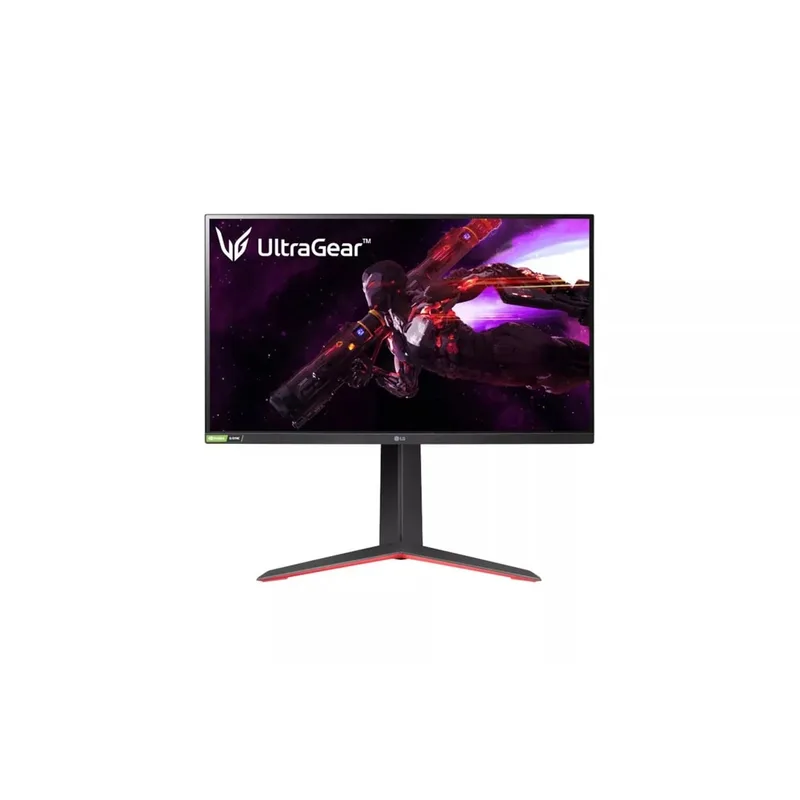
The LG 27GP850-B remains the benchmark for value at the 165Hz tier. Nano IPS covers 98% DCI-P3 and 135% sRGB — better color than most 240Hz IPS panels at twice the price. The 165Hz native rate pushes to 180Hz via overclock in the OSD, and at $280 it’s the cheapest path to 1440p gaming that doesn’t require compromise on panel quality.
Input lag is measured at 4ms at 165Hz — on par with competing IPS panels. The 1ms GtG spec means pixel transitions are fast enough that motion blur at 165Hz is dominated by sample-and-hold blur rather than pixel response lag, and NVIDIA G-Sync Compatible certification confirms VRR works across the full 48–165Hz range.
The stand handles height, tilt, swivel, and pivot, which is rare at this price. It’s the monitor to buy if your GPU is an RTX 4060 or equivalent — you’re not leaving performance on the table.
ASUS ROG Swift PG279QM — Best 240Hz 1440p IPS
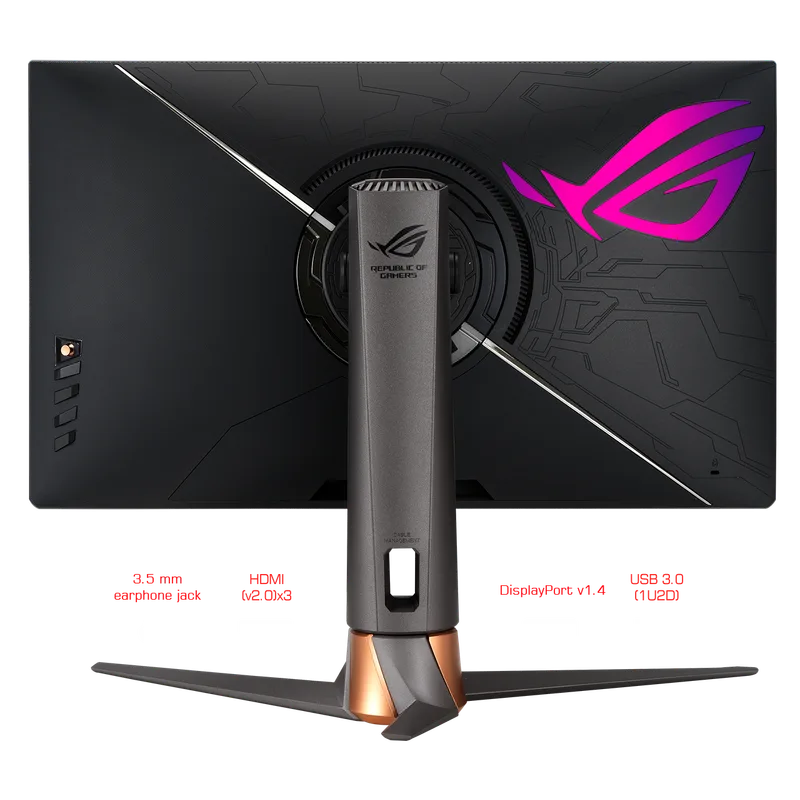
ASUS ROG Swift PG279QM
The ASUS ROG Swift PG279QM is the 240Hz 1440p IPS reference. Fast IPS panel with 1ms GtG response means pixel transitions are about as fast as any LCD technology gets — only OLED is faster. At 240 FPS, frames arrive every 4.17ms, vs 6.94ms at 144Hz, and the difference is noticeable in Valorant aim training and CS2 deathmatch.
The built-in NVIDIA Reflex Latency Analyzer is actually useful for competitive players — it measures system latency from mouse click to pixel change using a photodiode pointed at your mouse. Combined with the hardware G-Sync module (not just G-Sync Compatible), VRR behavior is consistent even when frame rates drop below 48Hz, which matters for GPU-heavy scenes.
At $449, this is the monitor to buy if you have an RTX 4070 and play competitive FPS. It won’t beat an OLED on motion clarity, but Fast IPS at 240Hz is close, and the ergonomic stand and build quality are better than budget options in this range.
Samsung Odyssey OLED G6 G61SD — Best 240Hz OLED
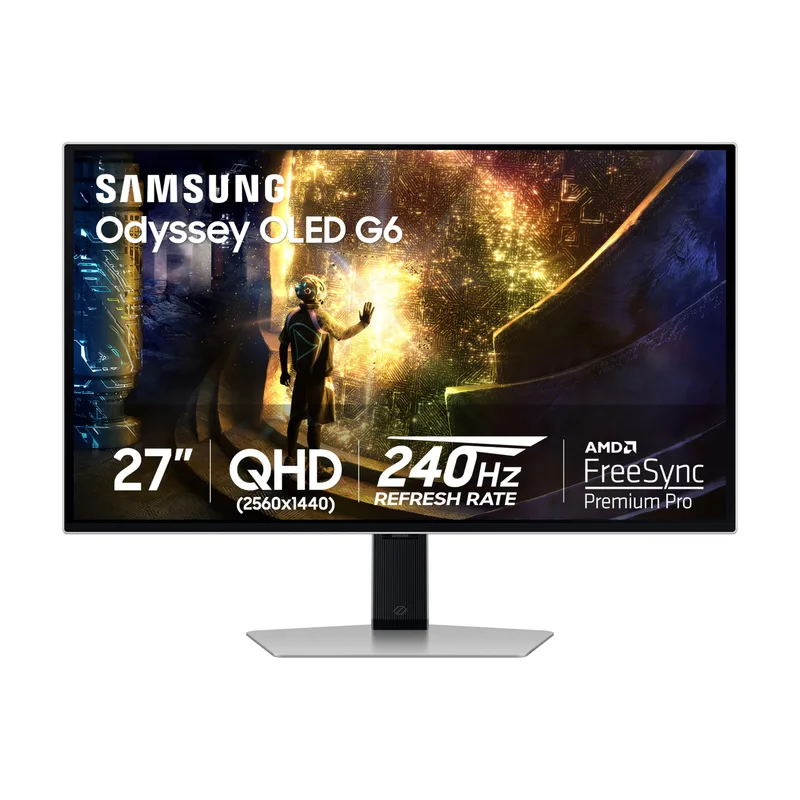
The Samsung Odyssey OLED G6 G61SD is the strongest argument for stopping at 240Hz instead of pushing to 360Hz. QD-OLED delivers 0.03ms pixel response — 33x faster than the 1ms spec on Fast IPS panels — which means motion clarity at 240Hz matches or exceeds what IPS achieves at 360Hz on pixel smearing benchmarks.
The panel covers 99% DCI-P3 with true-black contrast from self-emitting OLED pixels. HDR10+ Gaming support and DisplayHDR True Black 400 mean HDR content looks like HDR content, not like a slightly brighter SDR image. For players who split time between competitive FPS and visually-intensive single-player games, this dual capability is the case for OLED at 240Hz over IPS at 360Hz.
Practical consideration: sustaining 240 FPS at 1440p in CS2 requires an RTX 4070 at low-to-medium settings, which is achievable. OLED burn-in remains a concern if you display static elements at max brightness for thousands of hours — use the built-in pixel refresh features and don’t exceed 80% brightness for gaming sessions longer than 4 hours.
ASUS ROG Swift 360Hz PG27AQN — Best 360Hz 1440p IPS
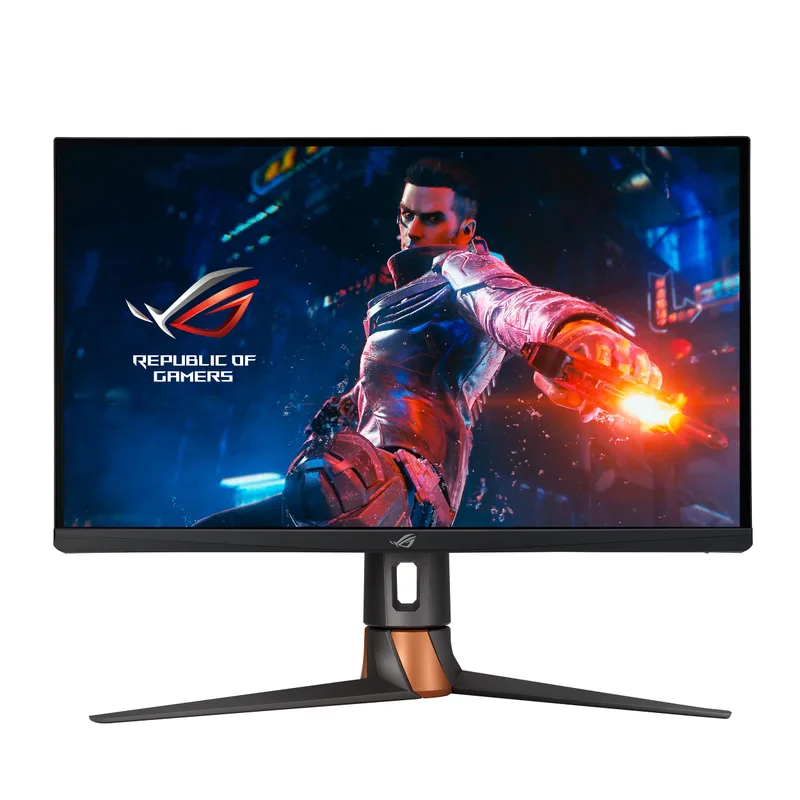
The ASUS ROG Swift PG27AQN was the first QHD 360Hz monitor on the market and remains the reference for 360Hz IPS. At 360Hz, frames arrive every 2.78ms — compared to 4.17ms at 240Hz and 6.94ms at 144Hz. The real-world impact is most visible in high-speed flick shots and tracking in CS2 and Valorant, where the reduced frame delivery interval translates to more accurate cursor feedback on fast movements.
ULMB 2 (Ultra Low Motion Blur 2) strobing mode can further improve motion clarity by reducing sample-and-hold blur at the cost of brightness. DisplayHDR 600 with local dimming gives it better HDR performance than the PG279QM — peak brightness hits 600 nits in HDR zones.
The GPU requirement is the honest barrier: sustaining 360 FPS at 1440p in CS2 requires an RTX 4080 at low settings. If you’re running an RTX 4070, you’ll spend a lot of time between 200–300 FPS, which is better served by a 240Hz monitor where VRR handles the variance more efficiently.
Samsung Odyssey OLED G60SD — Top Pick 360Hz
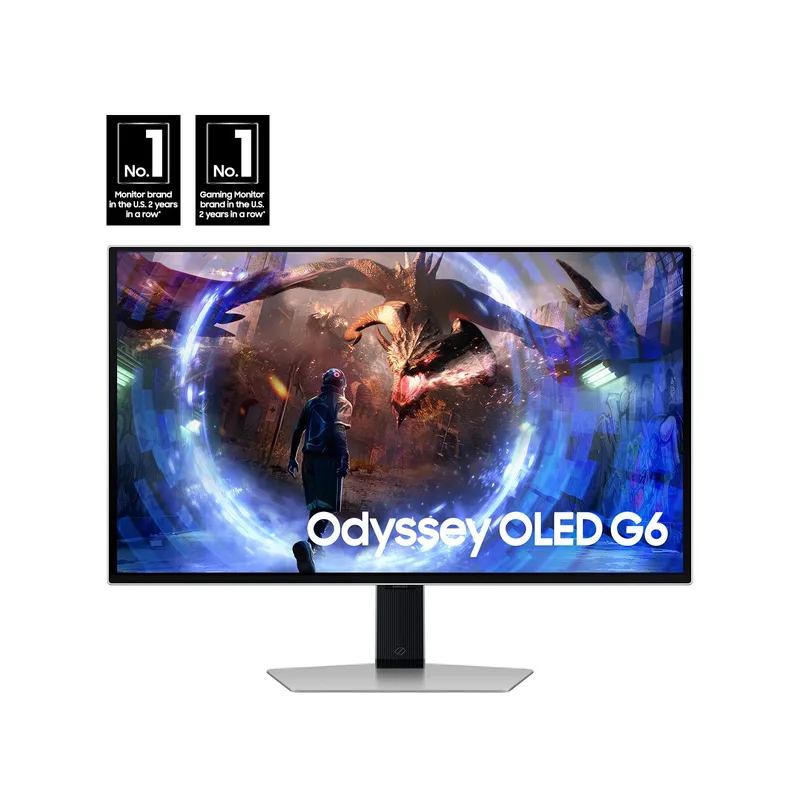
The Samsung Odyssey OLED G60SD combines the two specs that matter most for competitive gaming: 360Hz refresh rate and 0.03ms QD-OLED pixel response. No other monitor at this price point delivers both simultaneously. After hitting record-low prices on sale in early 2026, it’s now routinely available under $700 — within a few dollars of the ASUS PG27AQN IPS alternative.
The matte anti-glare coating solves one of the biggest complaints about OLED monitors. Most OLED gaming panels use glossy glass that creates distracting reflections in ambient light. Samsung’s matte treatment on the G60SD delivers the same OLED contrast and color without the mirror-like surface.
At $687 current retail, the G60SD is the monitor to buy if you have an RTX 4080 or 4090 and play CS2 or Valorant at 360+ FPS. The QD-OLED panel also makes it the better choice over the IPS PG27AQN for anyone who plays demanding single-player games alongside competitive titles — the image quality difference is not subtle.
FAQ
Does 360Hz actually make you better at gaming?
It depends on your current frame rate. If you’re capping at 144 FPS, moving to a 360Hz monitor does nothing — you need the frames first. If you’re consistently above 300 FPS in CS2 or Valorant with an RTX 4080 or 4090, the reduction from 4.17ms to 2.78ms frame delivery intervals is measurable and pros in high-level play do notice it. For most players, the GPU investment to hit 360 FPS is better spent elsewhere.
Is 240Hz OLED better than 360Hz IPS?
In motion clarity testing, yes — QD-OLED at 240Hz eliminates pixel smearing that Fast IPS at 360Hz still shows on high-contrast edge tests. The Samsung G61SD at 240Hz looks smoother in motion than the ASUS PG27AQN at 360Hz on most motion clarity benchmarks. If you’re choosing purely on motion quality, the G60SD 360Hz OLED combines both — but at higher cost.
What GPU do I need for 240Hz gaming at 1440p?
For competitive titles (CS2, Valorant, Apex at low-medium settings): RTX 4070 or RX 7800 XT can sustain 200–280 FPS. For 240Hz to be fully used with some headroom, aim for an RTX 4070 Super or better. For demanding games at high settings, you’ll drop below 240 FPS — that’s fine, VRR covers the variance down to 48Hz.
Will 165Hz feel noticeably worse than 240Hz?
Side by side in a store, yes. After a few weeks of regular use at 165Hz, most players adapt and it feels smooth. The 144/165Hz tier is completely viable for competitive gaming if your GPU can’t sustain 240 FPS — playing at 200+ FPS on a 165Hz monitor wastes frames, but playing at 150 FPS on a 165Hz monitor is better than playing at 150 FPS on a 240Hz monitor doing the same VRR work.
Should I buy the cheapest 240Hz monitor or a quality 165Hz?
The LG 27GP850-B at $280 beats most budget 240Hz monitors on panel quality, color accuracy, and build. If the choice is between a budget 240Hz IPS and the 27GP850-B, buy the 165Hz. If the choice is between the 27GP850-B and the ASUS PG279QM, the PG279QM’s 240Hz and Reflex Latency Analyzer justify the price premium for competitive FPS players.
The Bottom Line
For most competitive gamers, 240Hz is the target in 2026 — the GPU requirement is realistic with an RTX 4070, and the improvement over 165Hz is tangible in CS2 and Valorant. The Samsung Odyssey OLED G6 G61SD is the best 240Hz option: QD-OLED motion clarity makes it faster in practice than most 360Hz IPS monitors. 360Hz makes sense if you own an RTX 4080+ and play competitively at high rank — the Samsung Odyssey OLED G60SD is the panel to buy, combining 360Hz with 0.03ms OLED response. For players on a budget or with a mid-range GPU, the LG 27GP850-B at $280 is the smart buy — better image quality per dollar than most 240Hz alternatives.