The $300 ceiling on gaming monitors keeps dropping. In early 2026 you can get 1440p at 180Hz for under $200, genuine mini-LED HDR with 1,000+ nits for $260, and a 240Hz IPS panel for $270 — specs that cost $400-$500 two years ago. The AOC Q27G40XMN, released in late 2025, pushed the bar further by fitting 1,152-zone full-array local dimming into the sub-$300 segment for the first time. Here are the five monitors worth buying under $300 right now.
| Spec | ViewSonic VX2728J-2K 8.5/10 | ASUS TUF Gaming VG27AQL3A 8.8/10 | AOC Q27G3XMN 9.1/10 | LG 27GR83Q-B UltraGear 8.7/10 | AOC Q27G40XMN Unavailable 9.3/10 |
|---|---|---|---|---|---|
| panel | IPS | Fast IPS | VA Mini LED | IPS | VA Mini LED |
| resolution | 2560x1440 (QHD) | 2560x1440 (QHD) | 2560x1440 (QHD) | 2560x1440 (QHD) | 2560x1440 (QHD) |
| refreshRate | 180Hz | 180Hz | 180Hz | 240Hz | 180Hz |
| responseTime | 0.5ms GtG | 1ms GtG | 1ms GtG | 1ms GtG | 0.5ms |
| hdr | No HDR | DisplayHDR 400 | HDR1000 (336-zone FALD) | DisplayHDR 400 | HDR1000 (1,152-zone FALD) |
| connectivity | 2x HDMI, 1x DisplayPort | 2x HDMI, 2x DisplayPort | 1x HDMI 2.0, 1x DisplayPort 1.4 | 1x HDMI 2.1, 1x DisplayPort 1.4 | 2x HDMI, 2x DisplayPort |
| Rating | 8.5/10 | 8.8/10 | 9.1/10 | 8.7/10 | 9.3/10 |
Prices change daily — tap Check Price for the current Amazon price.
Prices change daily — tap Check Price for the current Amazon price.
Quick Picks
- Best Value: ViewSonic VX2728J-2K — the cheapest 1440p 180Hz IPS with full ergonomics at ~$190
- Editor’s Pick: AOC Q27G3XMN — mini-LED with 336-zone FALD and 1,300-nit peak HDR for ~$260
- Best HDR: AOC Q27G40XMN — 1,152-zone FALD and HDR1000 certification at the $299 price ceiling
Buying Guide: What Actually Matters Under $300
Panel Type: IPS vs. VA Mini LED
Standard IPS panels dominate the lower end of this bracket. They offer fast pixel response, accurate colors, and wide viewing angles. The downside is limited contrast — typically 1,000:1, which means blacks look gray in dark scenes. VA panels, including the mini-LED options here, deliver 4,000:1 native contrast and can get genuinely dark when paired with local dimming zones. The trade-off is slightly slower dark-to-dark pixel transitions at high refresh rates, visible as motion smearing in pure black scenes. If you play mostly bright-environment games (racing, sports, open-world), VA mini-LED wins. For fast-paced competitive shooters in dark maps, IPS is cleaner.
Refresh Rate: 180Hz vs. 240Hz
At 1440p, 180Hz is the sweet spot for GPU efficiency. An RTX 4070 or RX 7800 XT can hit 180fps at 1440p Medium-High settings in most esports and AAA titles. Pushing 240fps requires a higher-end GPU and often demands lower quality settings that undercut the visual benefit of a $260 monitor. The one exception: if you already own an RTX 4080/4090 or RX 7900 XTX and play competitive titles at low settings, the LG 27GR83Q-B’s 240Hz becomes meaningful. For everyone else, 180Hz is the rational choice.
HDR Tiers at This Price
Not all HDR certifications are equal. DisplayHDR 400 (400-nit peak, edge-lit backlight) barely improves on good SDR and is found on the ViewSonic and ASUS in this list. DisplayHDR 1000 with full-array local dimming — what the two AOC mini-LED monitors carry — makes a visible difference: deeper blacks alongside bright highlights in the same frame. The Q27G3XMN and Q27G40XMN are the only options under $300 that deliver HDR worth enabling.
Connectivity
Check your GPU output. DisplayPort 1.4 handles 1440p at 180Hz without compression. HDMI 2.0 (on the Q27G3XMN) caps out at 1440p 144Hz. If you’re on a console, the LG’s HDMI 2.1 port is the only one here that can pass 1440p@240Hz from a PS5 or Xbox Series X.
Detailed Reviews
ViewSonic VX2728J-2K — Best Value 1440p
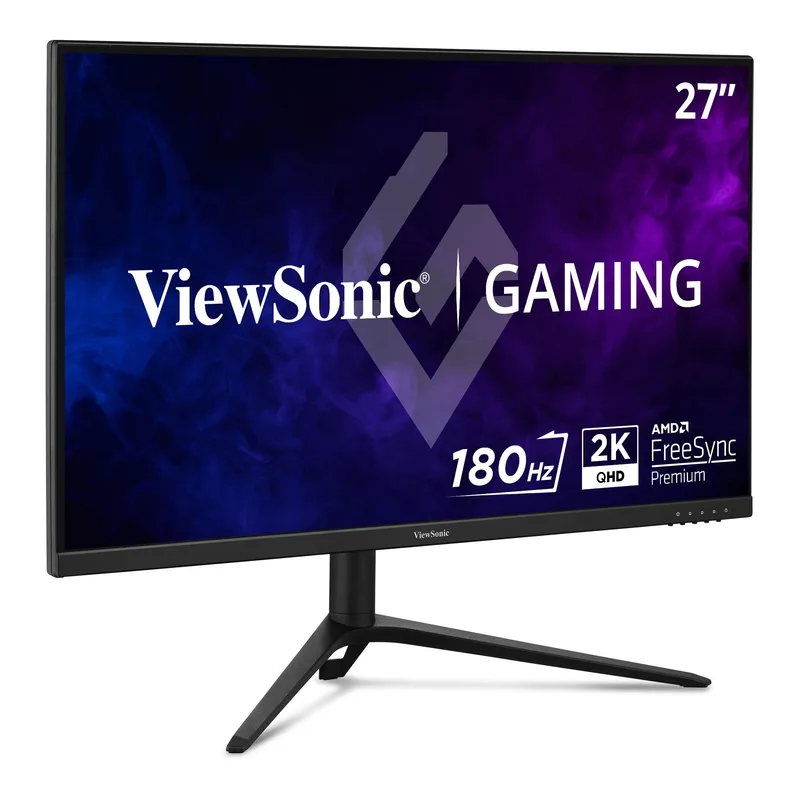
The ViewSonic VX2728J-2K is the fastest route to 1440p gaming for under $200. The IPS panel hits 180Hz with a 0.5ms GtG response time, covers sRGB accurately, and ships with a stand that adjusts for height, tilt, swivel, and pivot — ergonomics you usually pay $50 extra for on competing panels. FreeSync Premium and G-Sync Compatible certification means it works tear-free on both RTX and RX GPUs.
What it doesn’t have: HDR worth using. This is a pure SDR panel with no local dimming and no high-brightness spec. At $190, that’s the correct trade-off — the money went into panel speed and stand quality instead. If your primary focus is smooth, sharp 1440p gaming without mini-LED pricing, this is the pick. Pair it with any mid-range GPU from an RTX 4060 Ti to an RX 7700 XT and it’ll stay saturated at 180fps in most games.
ASUS TUF Gaming VG27AQL3A — Best All-Around
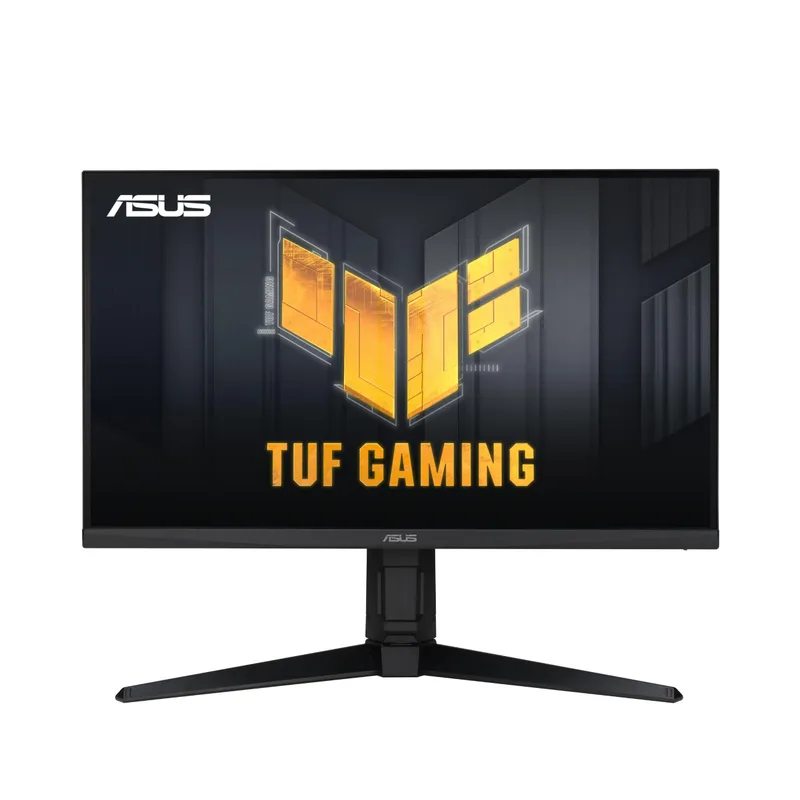
The ASUS TUF Gaming VG27AQL3A costs $60 more than the ViewSonic and earns it with two meaningful upgrades: a 130% sRGB Fast IPS panel and ELMB Sync. The expanded color gamut makes game environments look noticeably richer — greens are more saturated, fire effects pop without oversaturation. Fast IPS pixel response is fractionally snappier than standard IPS in motion-heavy scenes, though the practical difference at 180Hz is subtle.
ELMB Sync is the standout feature at this price. Most monitors force you to choose between motion blur reduction and adaptive sync. The VG27AQL3A runs both simultaneously, cutting ghosting during variable-framerate sessions without tearing. DisplayHDR 400 is present but edge-lit — don’t expect the HDR punch of the AOC mini-LED options. The 3-year zero-dead-pixel warranty from ASUS is a genuine differentiator for a budget panel. At $250, this is the balanced choice if you want IPS speed with better-than-average color.
AOC Q27G3XMN — Editor’s Pick
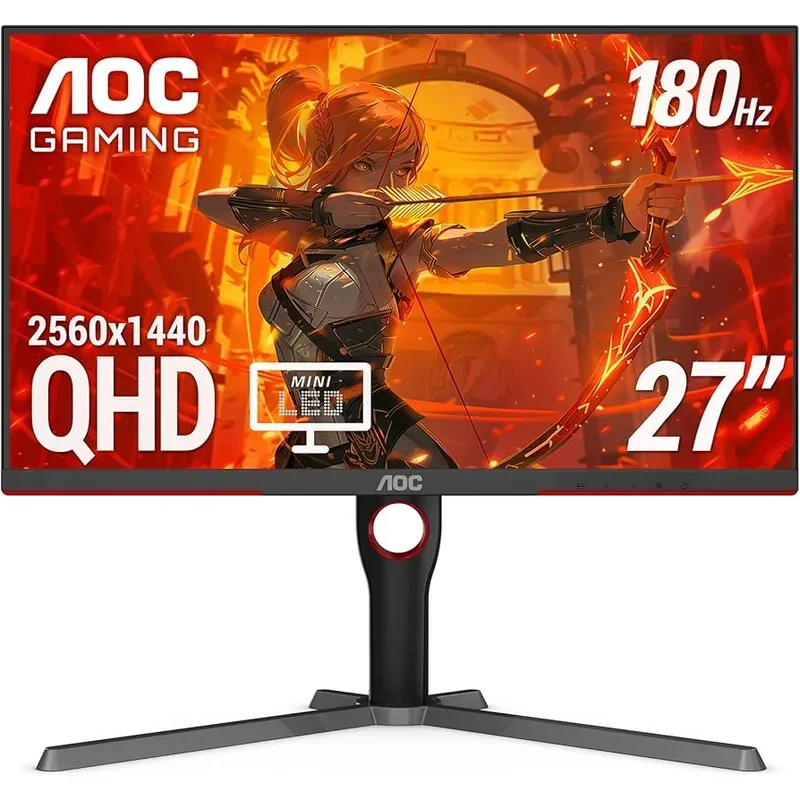
The AOC Q27G3XMN redefined what sub-$300 HDR looks like when it launched. The VA mini-LED panel pairs a 4,000:1 native contrast ratio with 336 individually controlled dimming zones, producing peak brightness of up to 1,300 nits in HDR content — three times what DisplayHDR 400 panels achieve. The 96% DCI-P3 color coverage and 137.5% sRGB volume exceed every IPS panel in this price range.
In practice, the HDR experience on the Q27G3XMN is closer to budget OLED than budget edge-lit IPS. Dark areas in a scene stay dark while explosions and light sources push into nit territory that actually causes squinting. The VA panel’s inherent 4,000:1 contrast makes SDR content look great without enabling HDR at all — something no IPS panel at this price can match. The caveat is dark-scene motion: VA’s slower dark pixel transitions leave faint ghosting in pure-black sequences at 180Hz. If you play more story games and HDR-capable titles than competitive shooters, the Q27G3XMN is the strongest pick under $270.
LG 27GR83Q-B UltraGear — Best for Competitive Gaming
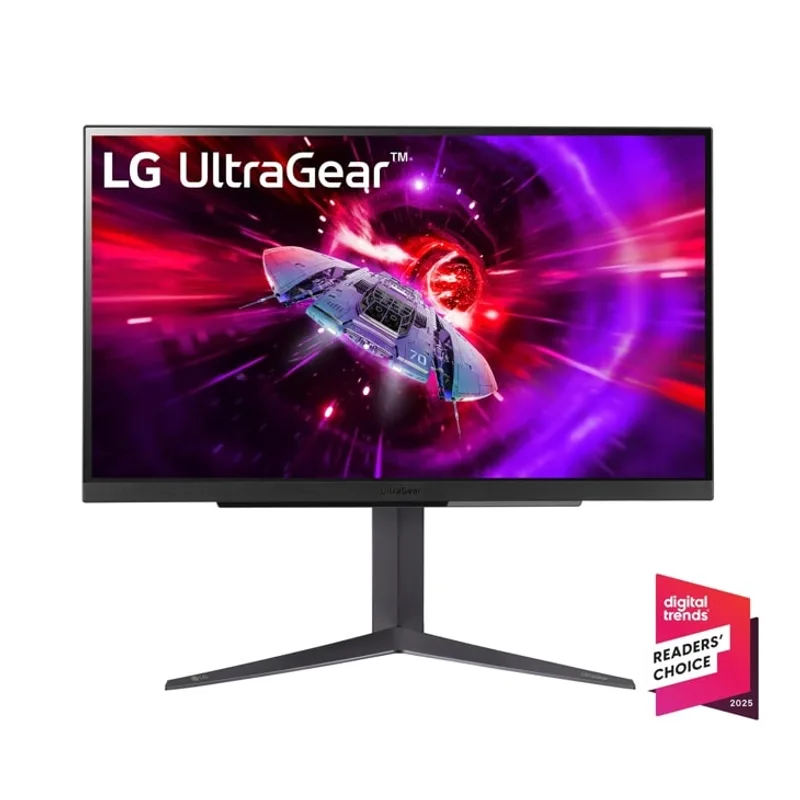
The LG 27GR83Q-B is the monitor to buy if you care primarily about refresh rate. At $270, it’s the only panel in this roundup that reaches 240Hz at 1440p — a spec that costs $50-$100 more from every other brand. The IPS panel keeps pixel response fast with 1ms GtG, and DCI-P3 95% color coverage is better than most IPS monitors at this price. The HDMI 2.1 input is a useful addition for console gamers who want to push 1440p@240Hz from a PS5.
The trade-offs are familiar for an IPS panel at this tier: 1,000:1 contrast, DisplayHDR 400 certification without meaningful local dimming, and no motion blur reduction technology beyond VRR. If you’re running an RTX 4080 or RX 7900 XTX and playing Apex Legends at 1440p Low settings to chase 240fps, this monitor is the only way to spend that frame rate under $300. Everyone else gets more value from the AOC mini-LED options.
AOC Q27G40XMN — Best HDR Under $300
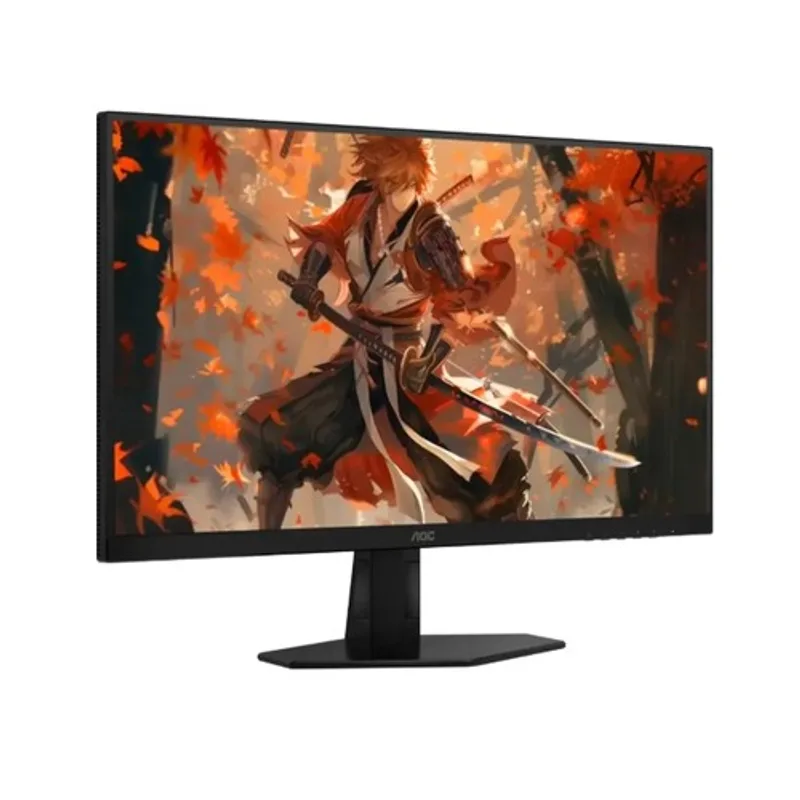
AOC Q27G40XMN
The AOC Q27G40XMN is the most technically impressive monitor in this roundup and one of the most impressive sub-$300 panels available in 2026. Its 1,152-zone full-array local dimming backlight is finer-grained than monitors costing $200 more, enabling near-OLED contrast performance in HDR content. The HDR1000 certification reflects sustained 1,000-nit output, not a single-pixel peak measurement — entire bright scenes hold that brightness.
Compared to the Q27G3XMN’s 336 zones, the 1,152-zone dimming produces tighter haloing around bright objects on dark backgrounds and more precise zone transitions. The practical difference is most visible in cinematic content and HDR-capable games with high dynamic range scenes. The connectivity upgrade — dual HDMI and dual DisplayPort — is a welcome improvement over its sibling. Like all VA mini-LED panels, dark-scene motion smearing remains present at 180Hz, making this a poor choice for competitive shooters. For story-driven, HDR-enabled gaming at the absolute maximum of the $300 budget, no other monitor comes close.
FAQ
Is 1440p worth it under $300? Yes. At this price in 2026, 1440p IPS panels like the ViewSonic VX2728J-2K start at $190 and 1440p mini-LED panels start at $260. The visual improvement over 1080p at 27 inches is substantial — pixel density jumps from 82 PPI to 109 PPI, which eliminates visible pixel structure at normal desk distances. A mid-range GPU like the RTX 4060 Ti or RX 7700 XT can drive 1440p at 144-180fps in most games.
What’s the difference between the two AOC mini-LED monitors? The Q27G3XMN has 336 dimming zones and costs ~$260. The Q27G40XMN has 1,152 dimming zones and costs $299. More zones means less halo bleed around bright objects on dark backgrounds and more precise local dimming transitions. Both carry HDR1000 certification. If you’re within $40 of the $300 limit, the Q27G40XMN’s dimming performance is a meaningful upgrade. If you need to stay under $270, the Q27G3XMN still delivers HDR well beyond any edge-lit panel at this price.
Can a budget GPU run a 180Hz 1440p monitor effectively? An RTX 4060 (non-Ti) averages 100-180fps at 1440p Medium in most AAA titles, meaning it’ll consistently hit the VRR range on any 180Hz monitor listed here. An RTX 4060 Ti or RX 7700 XT adds 20-40% more headroom and keeps you in the 144-180fps range at High settings. You don’t need a flagship GPU to use a 180Hz 1440p panel — mid-range hardware feeds it properly.
Do any of these monitors work with consoles? The LG 27GR83Q-B is the strongest console pick: its HDMI 2.1 port supports 1440p at 240Hz from a PS5 or Xbox Series X. The AOC monitors use HDMI 2.0, which caps PS5 output at 1440p 120Hz. The ViewSonic and ASUS also use HDMI 2.0. For console-primary use, the LG is the clear recommendation.
Is VA mini-LED bad for competitive gaming? VA panels have slower dark pixel transitions than IPS — this shows as faint trailing on fast-moving objects in dark scenes. In bright environments (most racing games, open-world games with outdoor settings), VA motion is indistinguishable from IPS at 180Hz. In dark competitive maps (CS2 Night maps, Valorant Haven), the ghosting is noticeable. For serious competitive play at maximum framerate, an IPS panel is the correct choice.
The Bottom Line
For most gamers under $300, the AOC Q27G3XMN delivers the best balance of HDR performance, color quality, and contrast in 2026 — mini-LED at this price was unthinkable two years ago. Budget-first buyers get a genuinely excellent 1440p IPS panel with the ViewSonic VX2728J-2K at $190, while competitive players chasing 240fps at 1440p should go straight to the LG 27GR83Q-B. If you can stretch to exactly $299, the AOC Q27G40XMN’s 1,152-zone dimming is the best HDR available under $500.