Video editing software has never been more demanding. Adobe Premiere Pro 2025 and DaVinci Resolve 19 both lean heavily on CPU core counts for color grading, effect rendering, and background encoding — and the Zen 5 generation from AMD alongside Intel’s Arrow Lake lineup arrived with enough headroom to keep pace. AMD’s Ryzen 9000 series hit record-low pricing in early 2026, making this a genuine buyer’s market for content creators at every budget.
| Spec | AMD Ryzen 9 9950X 9.4/10 | AMD Ryzen 9 9900X 8.7/10 | Intel Core Ultra 9 285K 8.5/10 | AMD Ryzen 7 9800X3D 8.2/10 | AMD Ryzen 7 9700X 7.8/10 |
|---|---|---|---|---|---|
| cores | 16 Cores / 32 Threads | 12 Cores / 24 Threads | 24 Cores (8P + 16E) / 24 Threads | 8 Cores / 16 Threads | 8 Cores / 16 Threads |
| boost_clock | 5.7 GHz Max Boost | 5.6 GHz Max Boost | 5.7 GHz Max Boost | 5.2 GHz Max Boost | 5.5 GHz Max Boost |
| base_clock | 4.3 GHz Base | 4.4 GHz Base | 3.7 GHz Base | 4.7 GHz Base | 3.8 GHz Base |
| tdp | 170W TDP | 120W TDP | 125W Base / 250W PBP | 120W TDP | 65W TDP |
| socket | AM5 (DDR5) | AM5 (DDR5) | LGA1851 (DDR5) | AM5 (DDR5) | AM5 (DDR5) |
| cache | 64MB L3 Cache | 64MB L3 Cache | 36MB L3 Cache (40MB total) | 104MB Total Cache (3D V-Cache) | 32MB L3 Cache |
| Rating | 9.4/10 | 8.7/10 | 8.5/10 | 8.2/10 | 7.8/10 |
Prices change daily — tap Check Price for the current Amazon price.
Prices change daily — tap Check Price for the current Amazon price.
Quick Picks
- Best overall: AMD Ryzen 9 9950X — 16 cores at 5.7GHz, unmatched for serious 4K and 8K production workflows
- Best value: AMD Ryzen 9 9900X — 12 cores, down 34% from launch, covers most editing workloads under $400
- Budget pick: AMD Ryzen 7 9700X — 8 cores at 65W, hits record-low prices, handles 4K editing on a tight budget
Buying Guide: What Matters for Video Editing
Core Count vs. Clock Speed
Video editing is not a single workload — it’s three:
- Timeline scrubbing and preview: Depends on single-threaded clock speed. A 5.5GHz+ boost keeps playback smooth even with effects applied.
- Background encoding and export: CPU rendering scales with core count. The difference between 8 cores and 16 cores in a Handbrake H.264 encode is roughly 2x throughput.
- Effect computation and compositing: Depends on both cores and memory bandwidth. After Effects in particular benefits from high core counts and fast DDR5.
For casual 1080p editing, 8 cores at modern Zen 5 or Arrow Lake speeds is plenty. For regular 4K delivery, 12 cores becomes the comfort zone. For 8K or simultaneous rendering-while-editing workflows, 16+ cores pay off.
Platform Considerations
All AMD picks here use AM5, which supports DDR5 and PCIe 5.0. The platform launched in 2022 and will receive CPU support through at least 2027, making it a sound investment. Pair with an X870 or B650 motherboard.
The Intel Core Ultra 9 285K uses LGA1851 with Z890 motherboards. If you’re building fresh and want Intel’s Quick Sync encoder for faster H.264/H.265 exports in Premiere Pro, this is viable — but upgrading from an existing Intel platform means a full motherboard swap.
RAM for Video Editing
DDR5-6000 CL30 is the sweet spot for all AM5 CPUs listed here — it matches the memory controller’s optimal Infinity Fabric frequency. For Intel LGA1851, DDR5-6400 performs well. Minimum 32GB for 4K work; 64GB if you run Fusion or After Effects alongside Resolve/Premiere.
GPU vs. CPU Rendering
DaVinci Resolve offloads most heavy lifting to the GPU once you enable Optimized Media and GPU rendering. In GPU-accelerated workflows, the CPU difference between a 9700X and 9950X narrows considerably. The CPU still handles audio, effects that lack GPU acceleration, and final export — so more cores remain useful, just not the only thing that matters. For GPU picks optimized for Resolve and Premiere Pro workflows, see our best GPUs for video editing guide. For builds focused on 3D rendering in Blender or other CPU-heavy render workloads, see our best CPUs for Blender rendering guide.
Detailed Reviews
1. AMD Ryzen 9 9950X — Best Overall for Video Editing
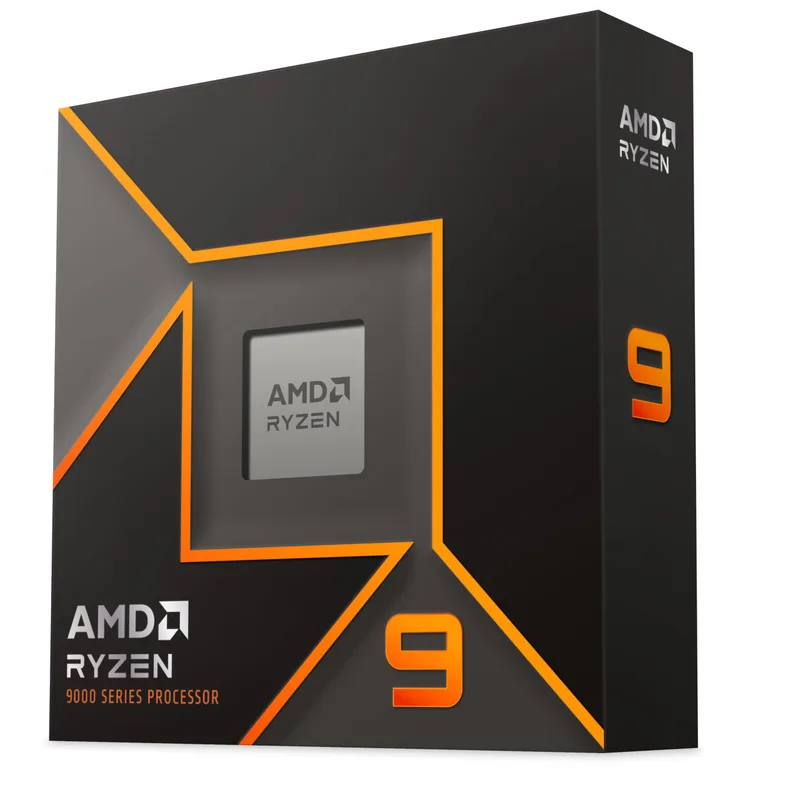
The AMD Ryzen 9 9950X is the straightforward answer for anyone whose livelihood depends on render times. Sixteen Zen 5 cores running at up to 5.7GHz cover every scenario: 4K timelines with stacked effects, background exports, and live streaming simultaneously — without the CPU becoming the bottleneck.
In DaVinci Resolve’s PugetBench score, the 9950X consistently outperforms the previous 7950X. The gains are more pronounced in CPU-bound tasks like noise reduction and Fusion compositing than in GPU-accelerated color work. In Handbrake H.264 encoding tests, the 16 cores deliver roughly 30% faster throughput than an 8-core Zen 5 part.
The one caveat: if you’re coming from a 7950X, the upgrade is modest in most editing apps. Premiere Pro in particular only shows a ~2% improvement. If you’re on an older Ryzen 5000 or Intel 12th/13th gen system, the generational jump is substantial. The 9950X requires a 360mm AIO or equivalent air cooler to sustain performance under sustained load — a budget cooler will cause it to thermal throttle.
At ~$519 (down from its $649 MSRP), the 9950X is now more accessible than at launch, particularly for AM5 builders already on a compatible motherboard. For a deep dive into benchmarks and real-world rendering comparisons, read our full AMD Ryzen 9 9950X review.
2. AMD Ryzen 9 9900X — Best Value for Creators
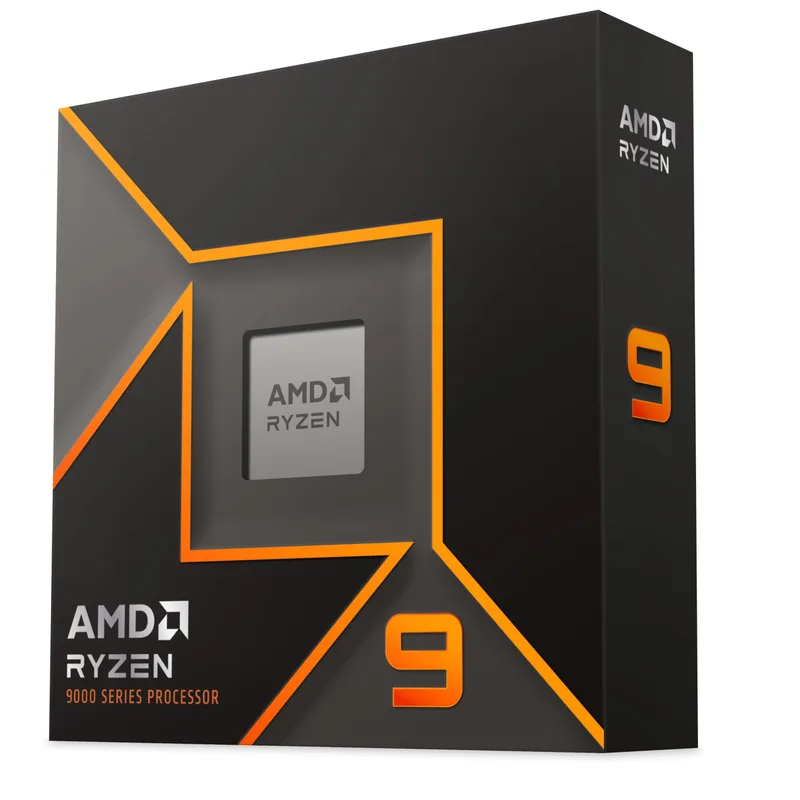
The AMD Ryzen 9 9900X dropped 34% from its $499 launch price to around $329, making it the most interesting mid-range option in 2026. Twelve Zen 5 cores at 5.6GHz cover 4K editing with room to spare, and the 120W TDP keeps thermals manageable with a 240mm AIO.
For creators who don’t routinely export 8K footage or run GPU renders alongside CPU renders, the 9900X reaches roughly 85-90% of the 9950X’s real-world editing performance at 73% of the cost. The gap becomes noticeable in sustained 4K H.265 encode queues (where the extra 4 cores matter) but stays small in DaVinci Resolve’s interactive color work.
The 9900X shares the AM5 socket with every other Ryzen pick here, so existing X670/B650/X870 boards support it without a BIOS update in most cases. DDR5-6000 is the recommended memory pairing for optimal latency.
3. Intel Core Ultra 9 285K — Best Intel Option
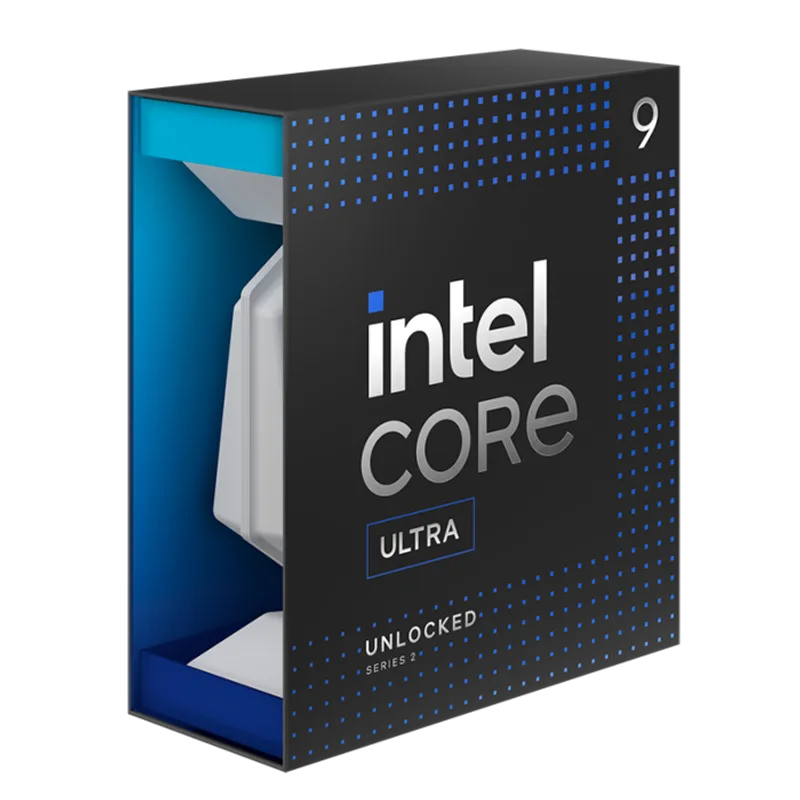
The Intel Core Ultra 9 285K brings 24 cores to Arrow Lake’s new LGA1851 platform — 8 performance cores and 16 efficiency cores running independently without HyperThreading. The efficiency cores handle background tasks (antivirus scans, system processes, Dropbox sync) while the performance cores focus on your edit, which translates to more consistent frame rates in Premiere Pro.
The bigger advantage for Intel here is Quick Sync. Premiere Pro’s Hardware Encoding mode and DaVinci Resolve’s Delivery page both use Intel’s media engine for H.264 and H.265 exports, pushing final deliveries faster than the CPU core count alone would suggest. If your workflow is heavy on export (YouTube, client deliveries, review links), the 285K’s Quick Sync advantage is real and measurable.
The platform cost is the catch. LGA1851 requires a new Z890 motherboard, adding $200-$400 to the build. For existing Intel users on LGA1700, this is a full platform upgrade. Street price around $499 is competitive against the 9950X, but factor in the new motherboard.
The 285K dropped to $429 during Black Friday 2025 — worth watching for similar deals throughout 2026.
4. AMD Ryzen 7 9800X3D — Best for Creator-Gamers
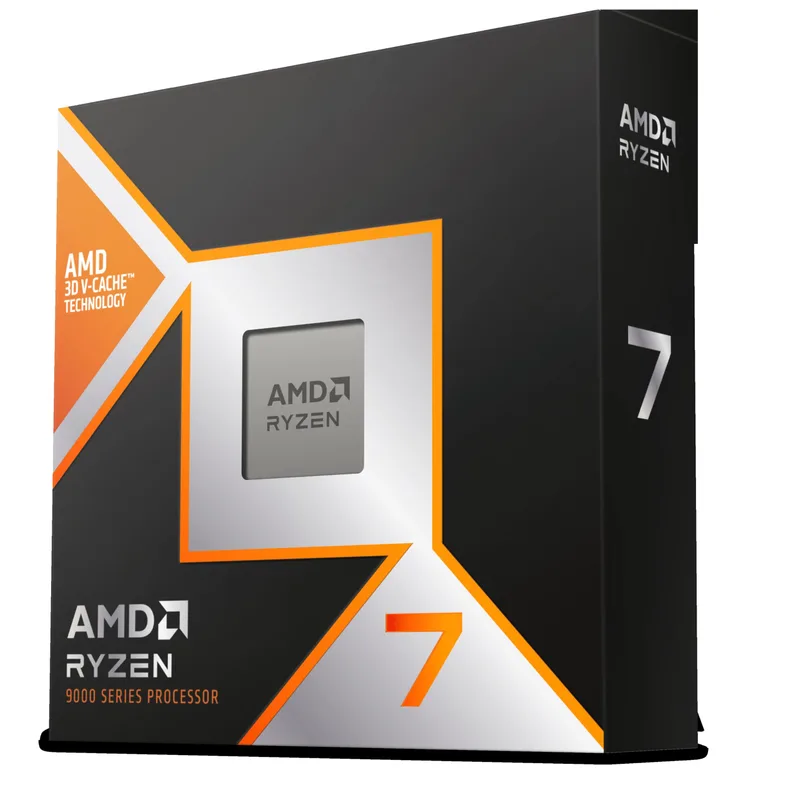
The AMD Ryzen 7 9800X3D exists in a specific niche: the creator who also games seriously and refuses to compromise on either. Its 104MB 3D V-Cache stack makes it the fastest gaming CPU available, and the 5.2GHz single-threaded boost keeps editing tasks responsive.
For video editing specifically, the 8 cores handle 4K timelines smoothly in DaVinci Resolve and Premiere Pro, and GPU-accelerated workflows minimize the core-count gap versus the 9900X. Where it falls behind is in long, CPU-bound render queues — a straight H.264 export in Handbrake takes roughly 40% longer than on the 9950X.
The 3D V-Cache slightly constrains max boost compared to the standard 9700X (5.2GHz vs 5.5GHz), but the extra cache benefits lightly-threaded editing tasks more than the lost clock speed hurts. At $449, it costs more than the 9700X but less than the 9900X, sitting in the middle of this roundup’s price range.
If your system is used for competitive gaming at least as much as editing, this is the right pick. If editing dominates your workflow, the 9900X offers more render throughput per dollar.
5. AMD Ryzen 7 9700X — Best Budget Pick
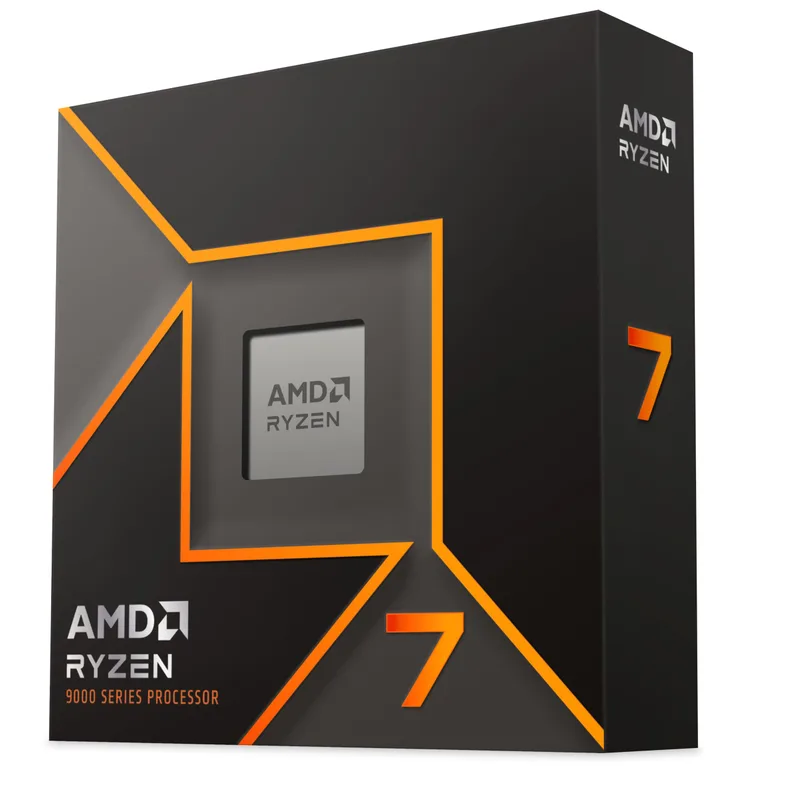
The AMD Ryzen 7 9700X is the entry point for serious content creation on AM5. Its 65W TDP is the standout spec — it runs cool enough to pair with a quality tower cooler like the Noctua NH-D15 or Thermalright Peerless Assassin, skipping AIO costs entirely.
Eight Zen 5 cores at 5.5GHz handle 1080p and 4K editing without issue in most workflows. DaVinci Resolve on GPU acceleration keeps the timeline fluid, and basic H.264 exports complete at a reasonable pace. The constraint shows up when you load the CPU with effects that don’t have GPU acceleration paths, or when you’re running renders in the background while continuing to edit.
The 9700X is currently available around $265, giving it a compelling price-per-performance position for the budget-conscious creator. It shares AM5 compatibility with the rest of this list, so upgrading to a 9900X or 9950X later without changing motherboards is possible.
If your editing work is consistent and professional — regular 4K delivery, client deadlines, heavy render schedules — invest in the 9900X instead. If you’re starting out or editing is secondary to other PC use, the 9700X covers the basics without overspending.
FAQ
Does more cores always mean better video editing performance?
For export and render tasks, yes — core count scales almost linearly up to a point. But for interactive editing (scrubbing the timeline, applying effects, color grading in real time), single-threaded clock speed and GPU acceleration matter more. A 9700X at 5.5GHz feels snappier for playback than older 16-core CPUs from two generations ago.
Is Intel Quick Sync worth choosing Intel over AMD?
If your primary output format is H.264 or H.265 for YouTube or client review, Quick Sync genuinely accelerates the export step in Premiere Pro. It’s less relevant if you render to ProRes, DNxHD, or uncompressed formats, or if you use DaVinci Resolve’s GPU-based encoder. AMD’s hardware media engine (on the GPU side via VCE) partially compensates when paired with an AMD GPU.
Do I need DDR5 for video editing?
All CPUs in this roundup require DDR5. The practical question is how much and how fast. For 4K work in DaVinci Resolve or Premiere Pro, 32GB DDR5-6000 is the minimum comfortable configuration. After Effects and Fusion compositing push the case for 64GB. Going beyond DDR5-6000 on AM5 shows diminishing returns.
How much CPU headroom do I need for live streaming while editing?
Live streaming via OBS in x264 (software encoding) consumes substantial CPU resources — plan for 20-30% CPU utilization depending on quality settings. The 9900X and 9950X can handle simultaneous editing and streaming without noticeable slowdown. The 8-core picks (9700X and 9800X3D) show lag during heavy streaming + editing tasks; use hardware encoding (NVENC, AMF) to reduce the CPU load.
Will these CPUs support future software demands?
AM5 has confirmed support through 2027 at minimum, and DDR5 headroom exists for next-gen applications. The core counts on the 9950X and 9900X will handle video production software demands for the foreseeable future. The 8-core picks may feel constrained as AI-assisted editing tools (Resolve’s Magic Mask, Premiere’s AI Generative tools) add more CPU-side computation in future versions.
The Bottom Line
The AMD Ryzen 9 9950X is the right call for dedicated content creators — 16 Zen 5 cores at 5.7GHz handle every production scenario, and its price has dropped meaningfully from launch. The AMD Ryzen 9 9900X is the value pick after its 26% price cut, covering 4K editing workloads at 12 cores for under $400. If you need a single machine that excels at both gaming and creation without compromise, the Ryzen 7 9800X3D is the only realistic option. For a broader look at CPU picks across photo editing, 3D rendering, and streaming — not just video — see our best CPUs for content creation guide. For a full build walkthrough optimized for creators — including case, RAM, and storage picks for 4K workflows — see our how to build a PC for video editing guide.