Affiliate disclosure: PCBuildRanked earns a commission on qualifying Amazon purchases at no extra cost to you.
Three things shifted the WFH CPU market since this article launched in January: Intel slashed the Core Ultra 5 225 price by 21% to under $200, AMD’s Ryzen 5 9600X settled into the $182–$188 range, and the Ryzen 7 7700’s supply tightened enough to push its street price past $290 — higher than the better-performing Ryzen 7 9700X. For a home office build in April 2026, the value picture is sharper than six months ago.
Work-from-home builds have different priorities than gaming rigs: integrated graphics (no GPU required), low noise under 8-hour sustained loads, and stable multitasking over raw peak performance. This list reflects those priorities.
| Spec | Intel Core i5-13400 9/10 | AMD Ryzen 5 7600 8.5/10 | AMD Ryzen 5 9600X 8.9/10 | Intel Core Ultra 5 225 8.3/10 | AMD Ryzen 7 9700X 8.8/10 |
|---|---|---|---|---|---|
| cores | 10 Cores (6P + 4E) / 16 Threads | 6 Cores / 12 Threads | 6 Cores / 12 Threads | 10 Cores (6P + 4E) / 10 Threads | 8 Cores / 16 Threads |
| boost_clock | 4.6 GHz Max Boost | 5.1 GHz Max Boost | 5.4 GHz Max Boost | 4.9 GHz Max Boost | 5.5 GHz Max Boost |
| base_clock | 2.5 GHz Base (P-core) | 3.8 GHz Base | 3.9 GHz Base | 3.3 GHz Base | 3.8 GHz Base |
| tdp | 65W Base TDP | 65W TDP | 65W TDP | 65W Base TDP | 65W TDP |
| socket | LGA1700 | AM5 (LGA1718) | AM5 (LGA1718) | LGA1851 (Z890/B860) | AM5 (LGA1718) |
| cache | 20MB L3 Cache | 32MB L3 Cache | 38MB Total Cache (32MB L3) | 20MB L3 Cache | 40MB L3 Cache |
| Rating | 9/10 | 8.5/10 | 8.9/10 | 8.3/10 | 8.8/10 |
Prices change daily — tap Check Price for the current Amazon price.
Prices change daily — tap Check Price for the current Amazon price.
Quick Picks
- Best Overall: Intel Core i5-13400 — Integrated UHD 730 graphics, DDR4 platform compatibility, and a $169 price create the lowest-cost complete WFH build.
- Best Budget AMD: AMD Ryzen 5 7600 — $194 with AM5 upgrade path. Needs a discrete GPU or the 7600G variant for built-in graphics.
- Best Value Zen 5: AMD Ryzen 5 9600X — ~15% faster than the 7600 in single-threaded tasks at $185. Worth it for developers and analysts.
- Best High-End: AMD Ryzen 7 9700X — 8 Zen 5 cores at 65W for builders who run real compute workloads alongside their day job.
WFH CPU Buying Guide
Does Core Count Matter for Office Work?
For typical work-from-home tasks — video calls, browser tabs, Office apps, email — 6 cores is more than adequate. The performance ceiling for Zoom, Microsoft Teams, and a standard Chrome session sits well within what any budget desktop CPU delivers. The 6-core chips on this list all handle that stack without breaking a sweat.
Where core count matters: software development (compilation, containers), data science (local model runs, large datasets), or anything involving sustained background compute alongside a video call. If Docker is in your daily toolchain, the jump to 8 cores on the 9700X is substantive. If it isn’t, you’re paying for headroom you’ll never use.
Integrated Graphics vs. Discrete GPU
This is the most important buying decision for a WFH build. If your desk runs two 1080p monitors for documents and video calls, Intel’s UHD graphics (i5-13400 and Core Ultra 5 225) handle it without a GPU purchase. The AMD AM5 chips (7600, 9600X, 9700X) include a minimal Radeon display output — sufficient to get a signal out, but not equivalent to Intel’s iGPU for sustained display tasks or GPU-accelerated video call features.
For AMD without a dGPU: the Ryzen 5 7600G ($169) and Ryzen 5 9600G (~$199) carry the Radeon 760M and 880M respectively, both capable of real 1080p display work. For a dual-use WFH and light gaming machine, a budget discrete GPU (RX 7600 at ~$180, Arc B580 at ~$220) opens both platforms equally.
DDR4 vs. DDR5 Platform Costs
Intel’s LGA1700 platform (i5-13400) accepts both DDR4 and DDR5. DDR4-3200 cuts $40-60 from memory costs and opens a wider used motherboard market — a B660M board runs $70-90. For productivity tasks, the performance difference between DDR4-3200 and DDR5-5600 is under 3%.
AMD AM5 requires DDR5. DDR5-5600 CL40 is the value target — the price premium for DDR5-6000+ kits is unjustified unless the machine also runs games. A B650 board plus 16GB DDR5-5600 kit runs around $150-170 combined.
Socket Compatibility and Upgrade Path
- LGA1700 (i5-13400): End-of-life platform. No future Intel CPU upgrades on this socket. Fine for a dedicated office machine you’ll replace as a unit in 5+ years.
- LGA1851 (Core Ultra 5 225): New Arrow Lake platform. Intel hasn’t confirmed multi-generation support beyond Series 2.
- AM5 (Ryzen 5 7600, 9600X, Ryzen 7 9700X): AMD committed to AM5 through at least 2027, covering Zen 6 chips not yet released. A B650 board today accepts future upgrades without a platform swap.
Power Efficiency and Noise
Every chip here runs at 65W TDP. At 8 hours per workday, 65W vs. 125W saves roughly $20-30/year in electricity while keeping fan noise lower. All five chips run comfortably on a $25-35 tower cooler (Thermalright AXP90-X47, Assassin X 120 R SE) without audible fan spin under typical office loads.
Detailed Reviews
Intel Core i5-13400 — Best Overall WFH CPU
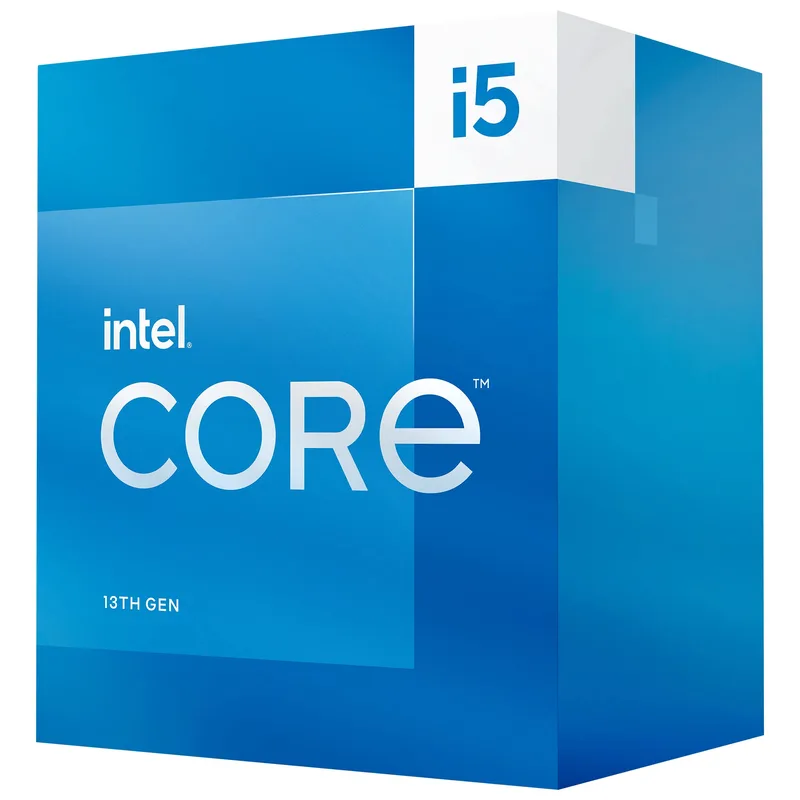
The Intel Core i5-13400 remains the practical default for a WFH build in 2026. At $169, it combines Intel UHD 730 integrated graphics with a 10-core hybrid layout and DDR4 compatibility — the combination that keeps total platform cost the lowest of anything on this list.
Running Zoom, two browser windows, Slack, and a spreadsheet simultaneously puts negligible load on the i5-13400. The E-cores absorb background tasks (OneDrive sync, Windows Defender, Teams AI features) while P-cores stay available for foreground work — a genuine advantage when multiple background processes compete for cycles during a call.
Total platform cost: CPU ($169) + B660M board ($80) + DDR4-3200 16GB kit ($35-45) = approximately $285-$295 before storage and case. That’s $70-90 less than an equivalent AM5 build using a Ryzen 5 7600.
The clear downside: LGA1700 is a dead socket. There is no upgrade path to a future Intel CPU without replacing the board and likely the RAM. For a purpose-built office machine you will replace whole in 5-6 years, that is fine. For a build you plan to extend by swapping the CPU in 2-3 years, AM5 is the better long-term platform.
AMD Ryzen 5 7600 — Best Budget AMD WFH CPU
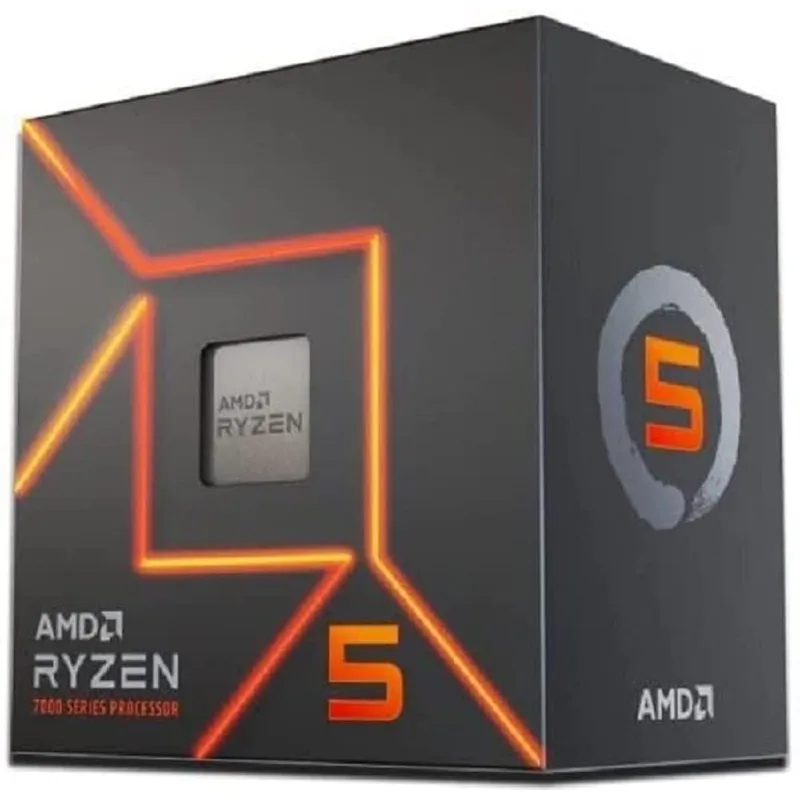
The AMD Ryzen 5 7600 is at $194 — with faster single-core performance than the i5-13400 and a longer platform lifespan. The trade-offs are the lack of a meaningful integrated GPU and the DDR5 requirement.
In single-core tasks, Zen 4’s IPC gives the 7600 roughly a 7% lead over the i5-13400. For spreadsheet calculations, Python script execution, and app-launch responsiveness, that difference is occasionally perceptible. For Teams calls and browser work, it is invisible.
The 65W Zen 4 architecture keeps this chip under 55°C under typical office loads on a basic $25 tower cooler. Quiet operation is achievable without any fan curve adjustment.
The WFH caveat: the Ryzen 5 7600 has no gaming-capable integrated GPU. AMD’s AM5 processors include a Radeon 610M (2 compute units) sufficient for display output but not GPU-accelerated video features or gaming. For a no-GPU WFH build, consider the Ryzen 5 7600G ($169) with Radeon 760M graphics instead — it handles dual-monitor productivity display without a dGPU.
For builders who plan to include any discrete GPU — even a used $80 card — the 7600 at $194 is the best pure value on this list for AM5 platform flexibility.
AMD Ryzen 5 9600X — Best Value Zen 5
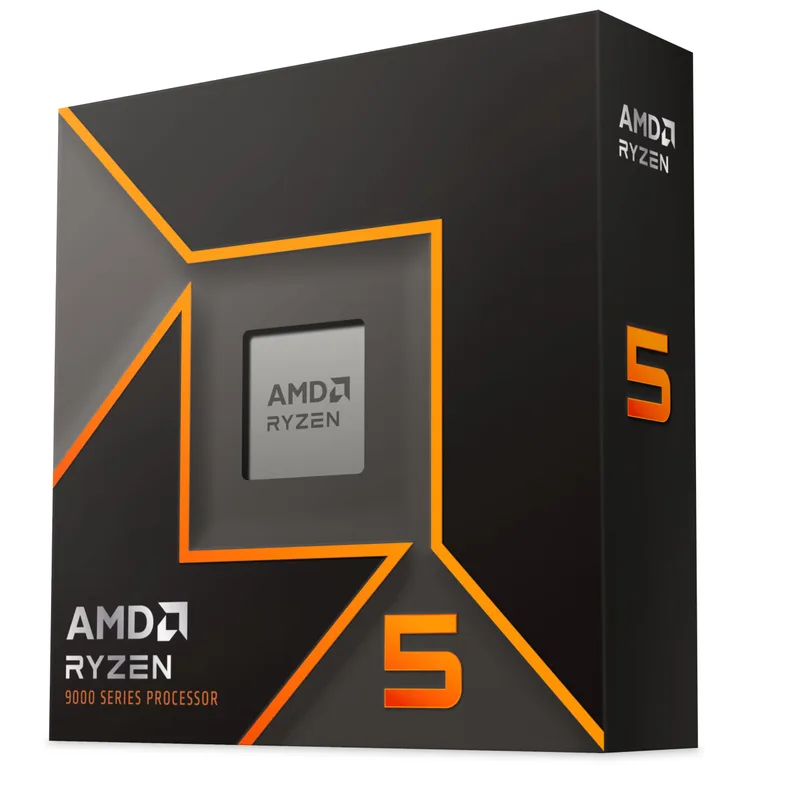
The AMD Ryzen 5 9600X is the 9000-series entry point and the strongest all-around WFH chip for anyone who does real compute work. Zen 5 delivers a ~15% single-threaded IPC improvement over the 7600, which shows up clearly in code compilation, data processing scripts, and any task that serializes through a single core.
In 7-Zip single-threaded compression, the 9600X runs about 15% faster than the Ryzen 5 7600 while staying within the same 65W TDP envelope. For a developer running make builds or an analyst processing CSV files in Python, that gap shortens real task durations. For Teams calls and Excel work, the two chips perform identically.
The 38MB total cache is a practical advantage in memory-latency-sensitive workloads. Database queries, large spreadsheet recalculations, and interpreted language execution all benefit from the larger L3 compared to the 7600’s 32MB.
At $185, the 9600X is $9 less than the Ryzen 5 7600. For a purely Office-and-browser WFH stack where the 9600X’s Zen 5 gains are invisible, the 7600 at $194 on an AM5 platform remains a reasonable choice if you plan to upgrade to a future chip. The 9600X shares the AM5 platform and drops into any existing B650 or X670 board — no platform change needed for current AM5 owners.
Like all standard AM5 chips, it has no gaming-capable integrated GPU. The Ryzen 5 9600G (~$199) covers that case with Radeon 880M graphics.
Intel Core Ultra 5 225 — Best Modern Intel WFH CPU
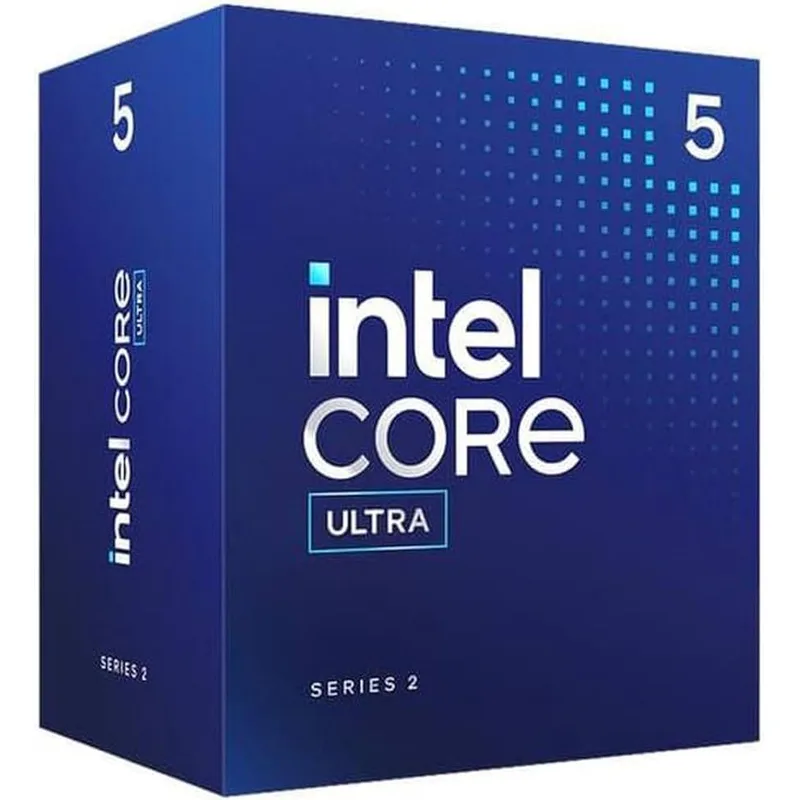
The Intel Core Ultra 5 225 dropped from its $229-$246 launch price to under $200 — a 21% price cut that makes it genuinely competitive for WFH consideration. The defining feature for home office use is the dedicated NPU (Neural Processing Unit).
Microsoft 365 Copilot features, Windows 11’s live captions, and Teams’ AI noise suppression all offload to the NPU rather than borrowing CPU cycles. On a standard CPU, AI-assisted Teams features consume 10-15% of a P-core during a call. The Core Ultra 5 225 routes those tasks through the NPU, leaving the CPU cores fully available for screen-sharing and foreground work.
Intel UHD integrated graphics handles dual-4K60 output without a discrete GPU — more capable than the i5-13400’s UHD 730 for a high-resolution monitor setup. At 65W base TDP, it runs quietly on a tower cooler throughout an 8-hour workday.
The platform cost remains the sticking point. B860 boards start around $130, putting CPU plus board at approximately $325 before RAM. For a build where Microsoft Copilot and Windows 11 AI features are part of your daily workflow, the NPU earns that cost. For standard productivity use, the i5-13400 at $169 does the same office work for significantly less total spend.
AMD Ryzen 7 9700X — Best High-End WFH CPU
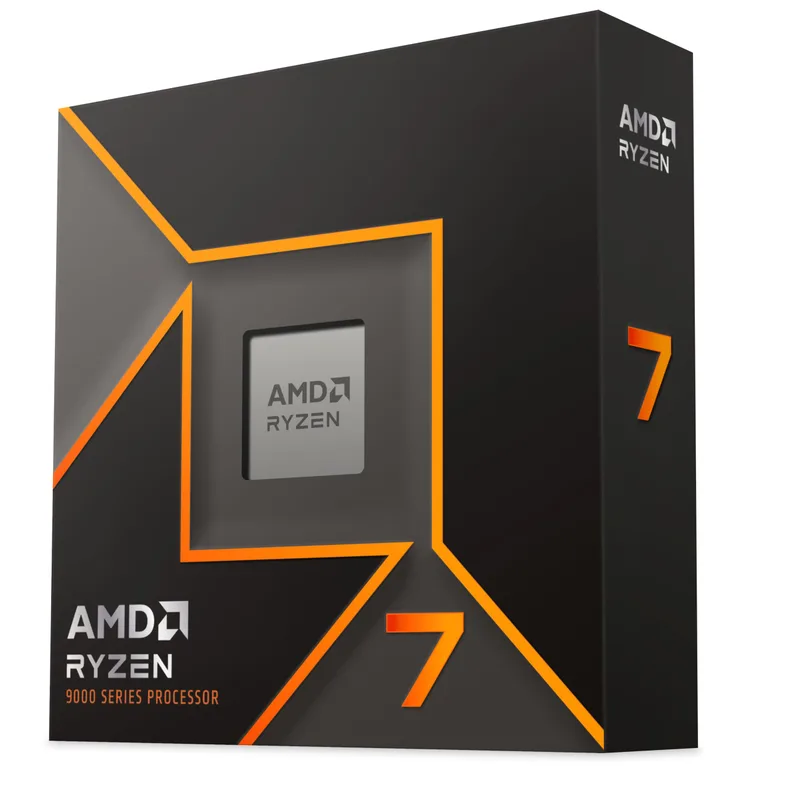
The AMD Ryzen 7 9700X dropped to $269 during the Amazon Spring Sale and continues trading near that price. At roughly $84 more than the Ryzen 5 9600X, the premium buys two additional Zen 5 cores and measurably faster multi-threaded throughput.
In 7-Zip compression, the 9700X runs about 25% faster than the 9600X. For a software developer running make -j8 build jobs, a data analyst processing large datasets in pandas, or a creator doing light video transcoding alongside their day job, those extra threads shorten real task durations. Running a full Docker Compose stack alongside VS Code, Zoom, and Slack is where 8 cores over 6 makes a practical difference — 6-core chips approach saturation under that combined load.
The 65W TDP for 8 Zen 5 cores is the efficiency headline. The 7700X it effectively replaced ran at 105W — the 9700X delivers better per-core performance at 38% less power. In a machine running 9 hours per day, that translates to quieter fans and approximately $20-25/year less electricity at average US rates.
For purely standard office and video call work, the 9700X is overbuilt. It earns its place when your machine genuinely runs compute tasks — compilation, simulation, local AI inference — or when you want the most efficient 65W chip available for a quiet, long-running workstation. If your primary use is Zoom and browser tabs, the i5-13400 at $169 handles it equally.
FAQ
Do I need a powerful CPU for Zoom and Teams calls?
No. Modern video conferencing apps offload encoding to GPU hardware acceleration where available. A 6-core CPU from any generation on this list handles 1080p Zoom with background effects enabled without breaking 20% utilization. The CPU only becomes relevant when you are screen-sharing a demanding application or running local AI features simultaneously. The i5-13400 and Ryzen 5 7600 both handle every standard conferencing scenario without performance issues.
Can I use an Intel Core i5-13400 without a graphics card?
Yes. The i5-13400 includes Intel UHD 730 integrated graphics, which handles 1080p and 4K display output for productivity use. It runs dual monitors, video calls, and browser work without any discrete GPU. It is not suitable for gaming, but for a purpose-built WFH machine it eliminates a $150-200 GPU from the build cost entirely.
Is DDR4 or DDR5 better for a WFH build?
For productivity tasks, DDR4-3200 and DDR5-5600 perform within 2-3% of each other. DDR4 is cheaper and available on LGA1700, which lowers overall build cost by $40-60. If building on AM5 (which requires DDR5), target DDR5-5600 CL40 kits — they hit the platform’s memory bandwidth targets without the price premium of DDR5-6000+ kits.
How many cores do I need for working from home?
6 cores handles standard office work — email, Office apps, video calls, and browsing. Move to 8 cores if your workflow includes software development, local Docker containers, data processing scripts, or any sustained background computation running alongside normal apps. The Ryzen 5 9600X handles the 6-core ceiling comfortably; the Ryzen 7 9700X is the right pick when your work genuinely saturates 6 threads.
Is AM5 worth it for a WFH build over cheaper LGA1700?
If you plan to upgrade the CPU in 2-3 years, AM5’s upgrade path is valuable — AMD has committed to socket support through at least 2027, covering Zen 6 chips not yet released. If you are building a dedicated office machine you will replace whole in 5+ years, LGA1700’s lower platform cost (DDR4 plus cheaper boards) is the practical choice. The total platform cost difference is roughly $70-90 in favor of LGA1700.
What about the Ryzen 5 9600G for a no-GPU WFH build?
The Ryzen 5 9600G (~$199) combines Zen 5 CPU cores with Radeon 880M integrated graphics — a meaningful upgrade over the Radeon 760M in the 7600G. It handles dual-monitor 1080p productivity setups, GPU-accelerated video calls, and light gaming at 1080p medium settings. For a no-GPU WFH build on AM5, it is the stronger iGPU option over the 7600G, especially if you want future CPU upgrade flexibility on the same board.
The Bottom Line
The Intel Core i5-13400 is the top pick for most WFH builds in 2026 — integrated UHD 730 graphics, DDR4 platform compatibility, and a $169 price create the lowest practical total build cost for a capable home office machine. Builders who want AM5’s upgrade path with faster single-core performance should consider the AMD Ryzen 5 7600 at $194, keeping in mind a discrete GPU or the 7600G variant is needed for display output. For developers and analysts who run compute tasks alongside their day job, the AMD Ryzen 5 9600X at $185 hits the sweet spot between Zen 5 efficiency and price. For the most demanding hybrid office and compute setups, the AMD Ryzen 7 9700X at $269 justifies its premium with 8 Zen 5 cores at a power draw that keeps the machine quiet all day.