PC builders need external SSDs differently than regular consumers. You’re cloning drives before a fresh Windows install, transferring a 150GB game library to a new NVMe during a storage upgrade, or keeping a bootable backup of your OS partition in your parts bin. External SSD prices have risen significantly in mid-2026 due to an ongoing NAND shortage that has pushed prices 50–150% above early-2026 lows. The arrival of USB4-based drives like the SanDisk Extreme Pro USB4 still pushes portable speeds past 3,800 MB/s, rivaling many internal NVMe drives from two years ago — but buyers should budget accordingly at current pricing.
| Spec | Samsung T9 2TB Portable SSD 9.2/10 | SanDisk Extreme Pro USB4 2TB Unavailable 8.7/10 | Crucial X9 Pro 2TB Unavailable 8.8/10 | SanDisk Extreme Portable V2 2TB Unavailable 8.4/10 | Seagate One Touch SSD 2TB 7.9/10 |
|---|---|---|---|---|---|
| interface | USB 3.2 Gen 2x2 (20Gbps) | USB4 40Gbps (USB 3.2 Gen 2x2 backwards compatible) | USB 3.2 Gen 2 (10Gbps) | USB 3.2 Gen 2 (10Gbps) | USB 3.2 Gen 2 (10Gbps) |
| sequential_read | 2,000 MB/s | 3,800 MB/s | 1,050 MB/s | 1,050 MB/s | 1,030 MB/s |
| sequential_write | 2,000 MB/s | 3,700 MB/s | 1,050 MB/s | 1,000 MB/s | 1,000 MB/s |
| capacity | 1TB / 2TB / 4TB | 2TB / 4TB | 1TB / 2TB | 1TB / 2TB / 4TB | 500GB / 1TB / 2TB |
| durability | 3m drop resistant | IP65 water and dust resistance | Drop and shock resistant | IP65 water and dust resistance | — |
| dimensions | 88 x 58 x 10 mm | 96 x 51 x 11 mm | — | — | — |
| Rating | 9.2/10 | 8.7/10 | 8.8/10 | 8.4/10 | 7.9/10 |
Prices change daily — tap Check Price for the current Amazon price.
Prices change daily — tap Check Price for the current Amazon price.
Quick Picks
- Best overall: Samsung T9 2TB — 2,000 MB/s symmetric on a USB 3.2 Gen 2x2 connection, drop-resistant to 3m, compact rubber chassis
- Best value: Crucial X9 Pro 2TB — 1,050 MB/s at $149, works with PS5/Mac/Android out of the box
- Fastest: SanDisk Extreme Pro USB4 2TB — 3,800 MB/s if your motherboard or dock has a USB4 port
Buying Guide
Which interface do you actually have?
This is where most buyers get burned. The drive you buy needs to match the fastest port on your system to hit rated speeds:
- USB4 40Gbps — Found on recent Intel Arc and AMD Ryzen 7000/9000-series platforms with Thunderbolt 4/USB4 ports. Unlocks 3,800 MB/s on the SanDisk Extreme Pro USB4.
- USB 3.2 Gen 2x2 (20Gbps) — Present on most Z790/X670 motherboards as a rear USB-C port. Required for the Samsung T9’s full 2,000 MB/s.
- USB 3.2 Gen 2 (10Gbps) — Standard USB-C. Caps all Gen 2 drives (Crucial X9 Pro, SanDisk Extreme, Seagate One Touch) at ~1,050 MB/s regardless of drive hardware.
Check your motherboard’s I/O spec sheet before buying. A 20Gbps T9 connected to a 10Gbps port performs identically to the $149 Crucial X9 Pro.
Capacity for PC building tasks
- 1TB — Sufficient for most OS backup images and game transfers; covers a typical Windows 11 install plus 700GB of games
- 2TB — Sweet spot for most builders; fits a full drive clone of a 1TB NVMe plus a separate game library partition
- 4TB — Only needed if you’re archiving multiple build configs or have a 2TB internal drive to back up
Durability: IP ratings matter on a build bench
Passive cooling liquid spills, flux residue, and thermal paste accidents are real risks in a workshop. The SanDisk Extreme Portable V2 and SanDisk Extreme Pro USB4 both carry IP65 ratings (protected against water jets and fine dust), making them safer picks for a messy workbench. The Samsung T9’s 3-meter drop rating covers the “knocked off the desk” scenario without a water rating.
DIY option: enclosure + NVMe
The search results from PC builders in 2026 show a growing trend: buy a cheap M.2 NVMe enclosure (like the ASUS TUF Gaming A2 or Sabrent EC-SNVE) and populate it with a 1TB or 2TB NVMe SSD you already have. You get internal-grade speeds at external-drive prices. The trade-off is size and the extra assembly step. If you have a spare NVMe sitting in your parts bin, this is worth considering before spending $100+ on a sealed drive. For portable SSD picks focused on gaming use cases — fast transfers to gaming laptops, portable game libraries, and console backup — see our best portable SSDs for gaming PCs guide.
Detailed Reviews
1. Samsung T9 2TB — Best Overall
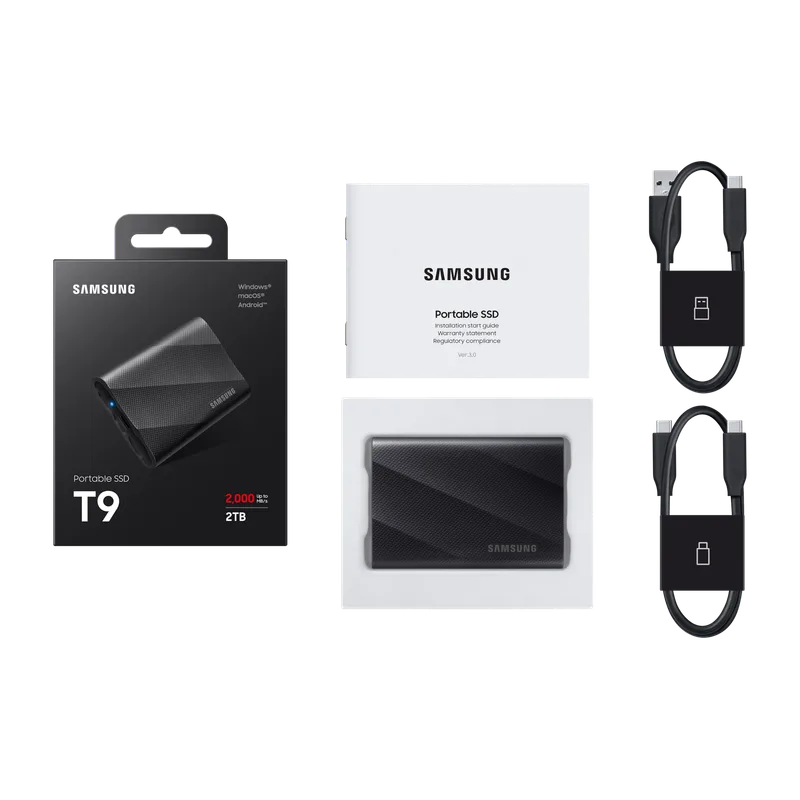
The Samsung T9 is the external SSD most PC builders should buy in 2026. USB 3.2 Gen 2x2 at 20Gbps gives it symmetric 2,000 MB/s reads and writes — not just reads — which matters when you’re cloning a drive or writing a large backup image. That symmetric write speed separates it from every 10Gbps drive in this roundup.
At 2,000 MB/s, the T9 clones a 500GB Windows install in roughly 4 minutes. A 100GB game transfer finishes in under a minute. Compare that to the Crucial X9 Pro at 1,050 MB/s, where those same operations take about twice as long.
The rubber-wrapped chassis is genuinely compact — it disappears into a jeans pocket — and the 3-meter drop rating means you can toss it in your toolbox without a case. Samsung rates the TLC NAND inside for 600 TBW on the 2TB model. For backup and data transfer use, that’s effectively lifetime durability.
The one requirement: your USB-C port needs to support Gen 2x2 (20Gbps). Most recent Z790/B760/X670 motherboards have at least one Type-C port at 20Gbps on the rear I/O. Verify before buying.
2. SanDisk Extreme Pro USB4 2TB — Fastest
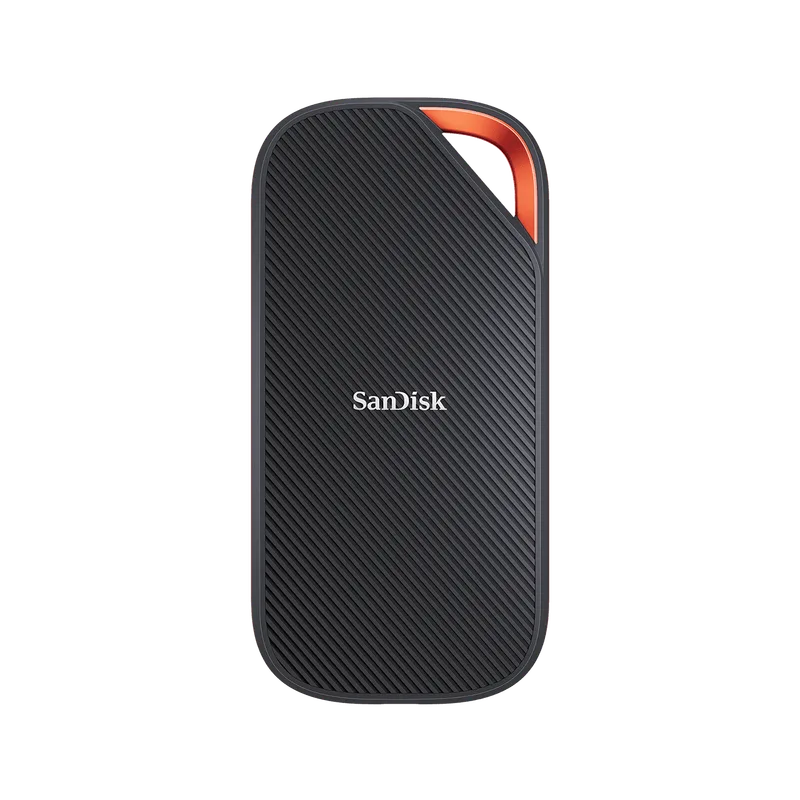
SanDisk Extreme Pro USB4 2TB
The SanDisk Extreme Pro USB4 is the fastest portable consumer SSD available in early 2026 at 3,800 MB/s sequential read over a 40Gbps USB4 connection. That puts it in the same performance class as PCIe 3.0 x4 NVMe drives from 2021 — but portable and bus-powered.
Tom’s Hardware noted that sustained write performance drops below peak during long sequential transfers, which is worth knowing if you plan to write hundreds of gigabytes continuously (like cloning a full 4TB drive). For typical builder workloads — OS image transfers, game backups, file moves — burst performance dominates and the T9 will saturate its rated speeds.
The IP65 rating is the best in this roundup and the only feature that genuinely justifies the price premium over the T9 for workshop use. Water jets and dust intrusion won’t kill this drive.
At $280, it now costs $154 less than the Samsung T9 while delivering far faster 3,800 MB/s speeds — making it the better pick for anyone with a USB4 host. The trade-off is that USB4 (40Gbps) ports remain uncommon on mainstream boards; verify your motherboard or dock supports it before buying.
3. Crucial X9 Pro 2TB — Best Value
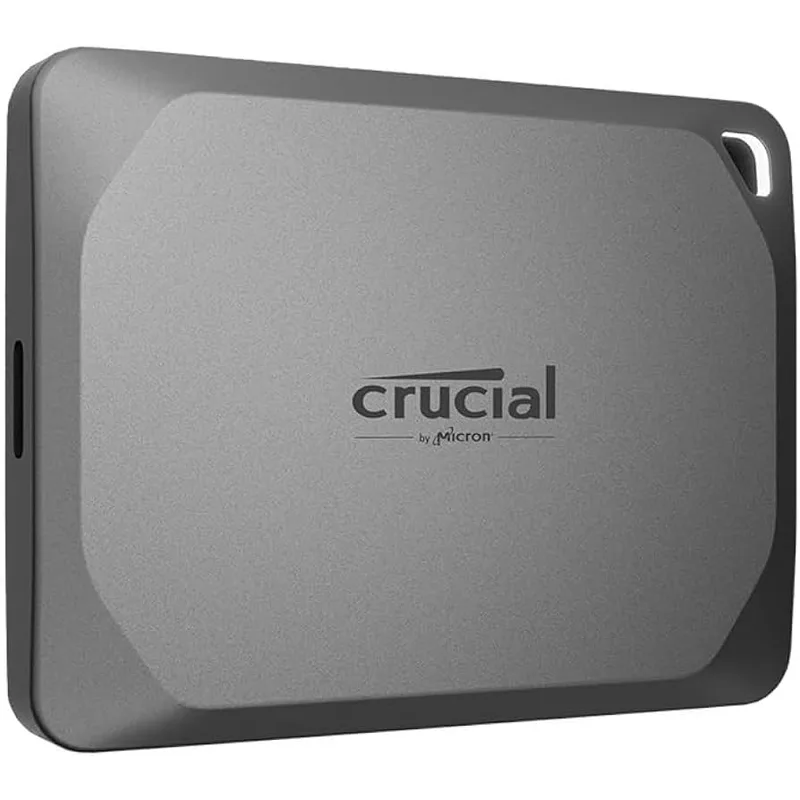
Crucial X9 Pro 2TB
The Crucial X9 Pro is the easiest recommendation for builders who don’t need 20Gbps performance. At $149 for 2TB, it delivers 1,050 MB/s read and write — fast enough for most transfers — and works natively with PlayStation 5 expanded storage, Mac, Android, and Windows without reformatting.
The included USB-C to USB-A adapter is a minor but meaningful detail. You can plug it into any USB 3.0 port on a desktop or server without hunting for a cable. The drive is also shock-resistant, though Crucial doesn’t publish a specific drop rating or IP rating.
One note: the Crucial X9 (non-Pro) is also worth checking. It delivers the same 1,050 MB/s at the same capacity but often sells for $10–$20 less — the only difference is the Pro’s silver aluminum shell versus the X9’s plastic.
4. SanDisk Extreme Portable V2 2TB — Best Rugged Budget
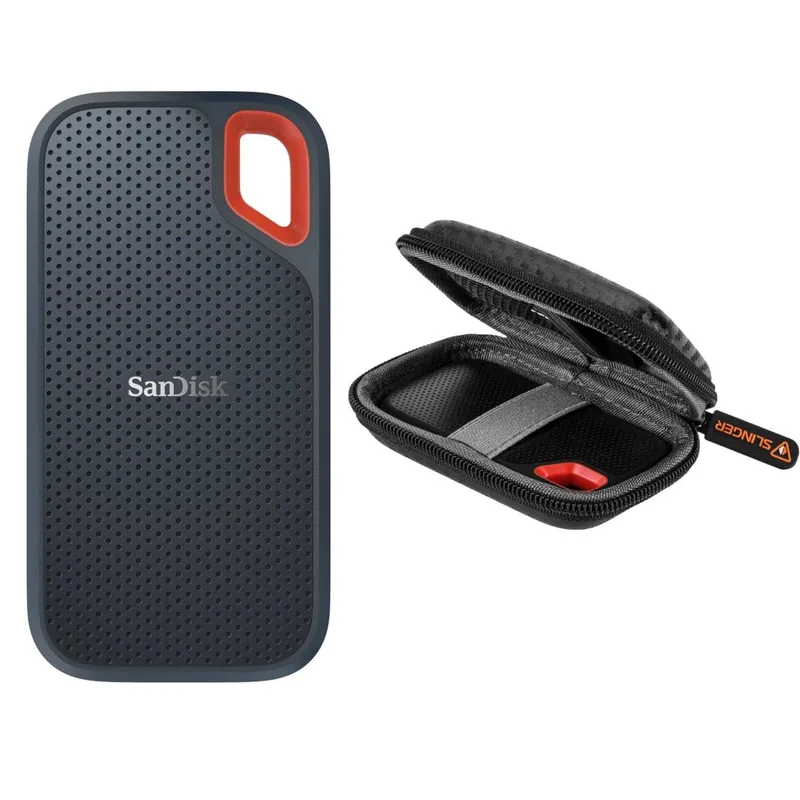
SanDisk Extreme Portable V2 2TB
The SanDisk Extreme Portable V2 matches the Crucial X9 Pro’s 1,050 MB/s speeds while adding an IP65 rating — that’s the key differentiator. If your build environment involves liquids, fine dust (drywall, sanding), or outdoor conditions, the IP65 certification matters in a way that Crucial’s unrated chassis doesn’t.
The 256-bit AES hardware encryption is enabled through SanDisk’s companion app. If you’re storing client data, OS images for business machines, or anything sensitive, this is worth turning on.
Where the Extreme Portable V2 loses ground: at current NAND-shortage pricing it costs significantly more than the Crucial X9 Pro without delivering more speed. If you’re indoors and price-sensitive, the X9 Pro wins. If water exposure is a real risk, the V2’s IP65 rating makes it worth the premium.
5. Seagate One Touch SSD 2TB
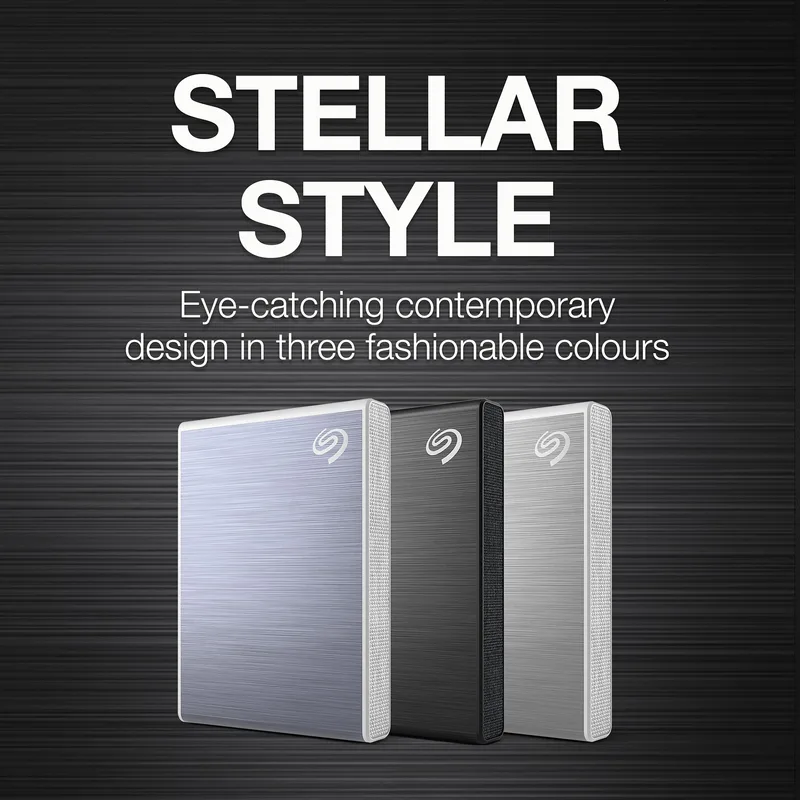
Seagate One Touch SSD 2TB
The Seagate One Touch SSD is the budget backup pick. At 1,030 MB/s reads, it’s one of the more affordable ways into a fast external SSD with backup software included.
Seagate Toolkit lets you set up automatic backup schedules — useful for backing up a documents folder or a finished build’s OS partition on a timer. It won’t replace dedicated cloning software like Macrium Reflect or Clonezilla, but it handles incremental file backups without configuration.
The slim aluminum chassis is the most aesthetically neutral drive in this roundup. No rubber bumpers, no carabiner hook — just a small metal rectangle. The trade-off is that it’s the only drive here with no drop or water resistance rating.
If you need backup software and want the lowest-cost option with equivalent speed, the Seagate is worth checking. If you don’t need Seagate’s software, the X9 Pro’s cross-device compatibility makes it the better all-rounder.
FAQ
Do I need a special cable for USB 3.2 Gen 2x2? The Samsung T9 comes with a USB-C to USB-C cable rated for Gen 2x2 (20Gbps). If you’re connecting to a USB-A port via an adapter, you’ll cap out at 10Gbps regardless. The bottleneck is always the slowest link in the chain — port, cable, or drive.
Can I use an external SSD to expand PS5 storage? Yes, but only as secondary storage for PS5 games, not primary SSD expansion. The PS5 extended storage slot is internal (M.2). External SSDs connected via USB store PS5 games but run them at the PS5’s USB read speed (~900 MB/s), not the drive’s peak. The Crucial X9 Pro explicitly supports PS5 use.
Is it worth building my own external SSD with an enclosure? For PC builders already familiar with M.2 installation, yes — especially if you have a spare NVMe from a previous build. A USB 3.2 Gen 2x2 enclosure costs $30–$60 and a 2TB Gen 3 NVMe runs $60–$80, giving you a 2TB 20Gbps drive for less than the Samsung T9. The trade-off is size and the DIY factor.
How long does it take to clone a 1TB drive externally? At 1,050 MB/s (Crucial, SanDisk Extreme, Seagate): roughly 16 minutes to read/write 1TB sequentially, though real-world clone times with OS volume shadow copy overhead run 25–40 minutes. At 2,000 MB/s (Samsung T9): closer to 10–15 minutes for a 1TB system drive.
Are USB4 external SSDs compatible with USB 3.x ports? Yes. The SanDisk Extreme Pro USB4 is backwards-compatible with USB 3.2 Gen 2x2 (20Gbps), Gen 2 (10Gbps), and Gen 1 (5Gbps) ports. Speed scales down to match the host. At 10Gbps, it performs identically to the $149 Crucial X9 Pro.
The Bottom Line
The SanDisk Extreme Pro USB4 2TB is now the strongest pick for builders with USB4 or Thunderbolt 4 ports — at $280 it’s $154 less than the Samsung T9 while offering 3,800 MB/s speeds. For the broadest compatibility and best value, the Crucial X9 Pro 2TB at $149 delivers 1,050 MB/s with PS5/Mac/Android support and an included USB-A adapter. The Samsung T9 2TB at $434 remains the top choice when you specifically need USB 3.2 Gen 2x2 (20Gbps) symmetric write speeds for large drive clones, but at current NAND-shortage pricing, verify it’s the right fit for your use case.