Budget gaming monitors reached a milestone in early 2026: 1440p at 200Hz broke through the $200 barrier. The KTC 27M1 hit shelves at $199.99 with specs that were $350 territory a year ago, while longtime staples like the LG 24GS65F-B brought full ergonomic stands and G-Sync + FreeSync to 1080p 180Hz at $180. If you’ve been waiting to upgrade from a 60Hz or 75Hz panel, the timing has never been better.
| Spec | LG 24GS65F-B 24" UltraGear Gaming Monitor Unavailable 9/10 | KTC 27M1 27" QHD Gaming Monitor 8.8/10 | Samsung Odyssey G3 27" (G30D) 8.4/10 | AOC 24G2SP 24" Gaming Monitor Unavailable 8.5/10 | Sceptre C305B-200UN1 30" Ultrawide Unavailable 8.2/10 |
|---|---|---|---|---|---|
| panel | IPS | Fast IPS | VA | IPS | VA |
| resolution | 1920x1080 | 2560x1440 | 1920x1080 | 1920x1080 | 2560x1080 |
| refresh | 180Hz | 210Hz (200Hz native) | 180Hz | 165Hz | 200Hz |
| response | 1ms GtG | 1ms MPRT | 1ms MPRT | 1ms MPRT | 1ms MPRT |
| sync | G-Sync Compatible / FreeSync Premium | Adaptive Sync / FreeSync | AMD FreeSync | G-Sync Compatible / FreeSync Premium | AMD FreeSync Premium |
| size | 23.8" | 27" | 27" | 23.8" | 30" curved (1500R) |
| Rating | 9/10 | 8.8/10 | 8.4/10 | 8.5/10 | 8.2/10 |
Prices change daily — tap Check Price for the current Amazon price.
Prices change daily — tap Check Price for the current Amazon price.
Quick Picks
- LG 24GS65F-B — Best all-around under $200: 24” IPS, 180Hz, full ergonomic stand, both AMD and NVIDIA sync support.
- KTC 27M1 — Best 1440p value: 27” Fast IPS, 200Hz, 2560x1440, factory-calibrated colors, right at the $200 ceiling.
- Samsung Odyssey G3 27” — Best pure value: 27” VA at 180Hz for ~$130, with deeper blacks than every IPS pick on this list.
Buying Guide
Panel Type: IPS vs. VA at This Price
At under $200, you’re choosing between IPS and VA. Neither is universally better — it depends on what you play.
IPS panels (LG 24GS65F-B, KTC 27M1, AOC 24G2SP) deliver accurate colors, wide viewing angles (~178°), and faster pixel response times. The downside is limited contrast — typically 800:1 to 1000:1 native, which means blacks look grey in a dark room.
VA panels (Samsung G3, Sceptre C305B) produce 2,500:1 to 3,000:1 contrast, making dark scenes look dramatically better than IPS at the same price. The tradeoff is ghosting in fast motion: VA pixels take longer to transition between dark shades, creating a trailing effect that’s visible in competitive FPS at 144Hz+.
If you primarily play fast-paced shooters or esports titles — pick IPS. If you play story games, RPGs, or watch movies on your monitor — VA’s contrast ratio is genuinely better.
Resolution: 1080p vs. 1440p Under $200
1080p at 24” gives 93 PPI — acceptable, but the individual pixels are visible if you sit close. At 27”, 1080p drops to 82 PPI, which feels noticeably soft compared to a laptop display.
1440p at 27” (like the KTC 27M1) gives 109 PPI — sharper text, cleaner edges on UI elements, and generally more enjoyable for non-gaming use. The tradeoff is that your GPU works harder: an RTX 4060 pushing 144 FPS at 1080p Ultra might only hit 90 FPS at 1440p Medium in demanding titles.
If your GPU is an RTX 4070 or RX 7700 XT or better, the KTC 27M1’s 1440p is worth the extra $70 over the Samsung G3. If you’re running an RTX 4060, RX 7600, or lower, stick with 1080p.
Sync Technology
Every monitor on this list supports VRR (variable refresh rate) to eliminate screen tearing. But the flavor matters:
- G-Sync Compatible + FreeSync Premium (LG, AOC): Works on both NVIDIA and AMD GPUs via DisplayPort and often HDMI. Best flexibility.
- FreeSync only (Samsung G3): Works natively on AMD GPUs; NVIDIA cards can use FreeSync over HDMI VRR but with occasional compatibility quirks.
- Adaptive Sync (KTC 27M1): Standard VESA Adaptive Sync — works with both GPU brands but lacks the Premium certification tier.
For NVIDIA GPU owners, the LG 24GS65F-B and AOC 24G2SP are the safest picks on this list.
Detailed Reviews
LG 24GS65F-B — Best Overall
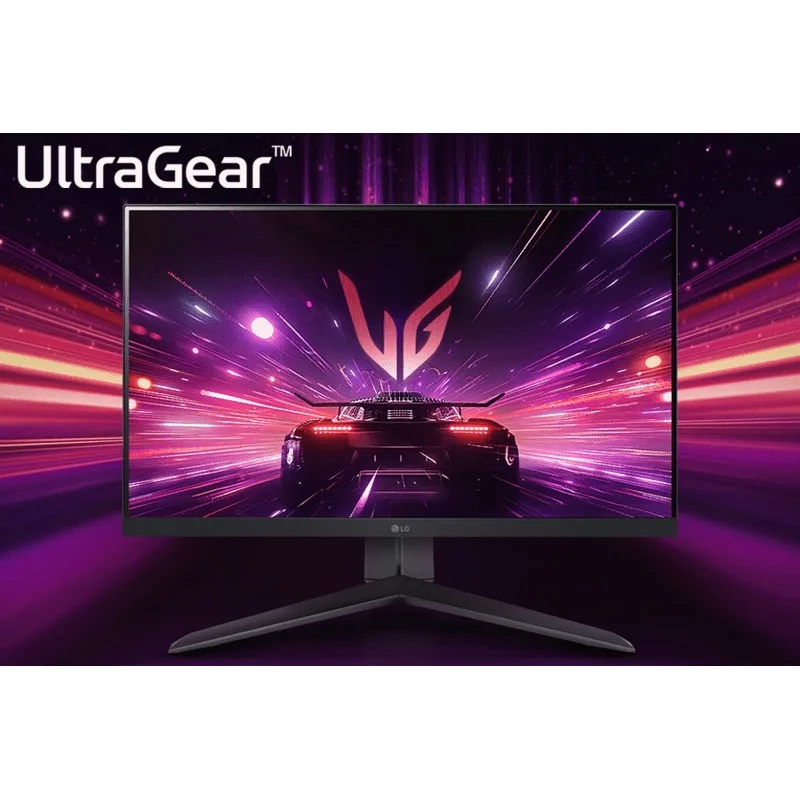
LG 24GS65F-B 24" UltraGear Gaming Monitor
The LG 24GS65F-B is the most complete package under $200. Most monitors at $180 ship with a stand that only tilts — this one pivots, swivels, and adjusts height by 130mm. That matters for ergonomics over a long session, and it saves you the cost of a separate monitor arm.
The IPS panel runs at 180Hz with 1ms GtG response — fast enough that you won’t see pixel smearing in Counter-Strike or Valorant. G-Sync Compatible certification means the adaptive sync actually works on NVIDIA GPUs, not just on paper.
The HDR10 badge is nominal: at 400 nits peak brightness, you won’t see real HDR highlights. Disable it and run SDR — the colors are accurate without it.
At 1080p on a 24” screen, the resolution is appropriate. You’re not sitting at 8K, but 93 PPI is the standard for gaming displays and text remains legible without scaling.
KTC 27M1 — Best 1440p Value
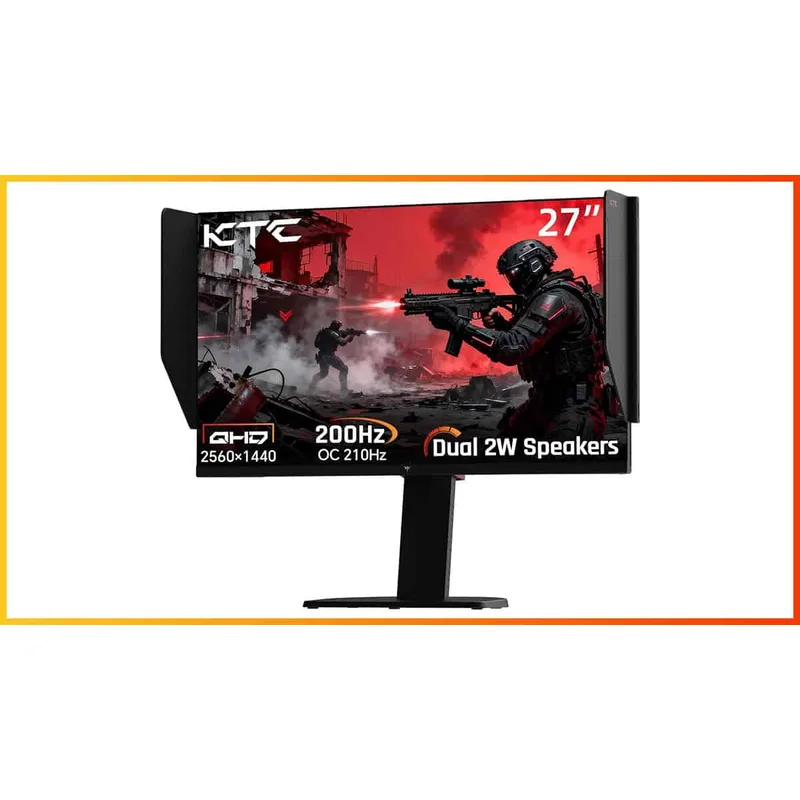
Six months ago, the only 1440p 200Hz monitors under $200 were discontinued or heavily compromised. The KTC 27M1 changed that. At $199.99, it delivers 2560x1440 at 200Hz (native) with a Fast IPS panel, 130% sRGB coverage, and ΔE<2 factory calibration.
Competitive color accuracy at this price is unusual. Budget monitors often ship with 6-bit+FRC panels and ~95% sRGB; the 27M1’s 130% sRGB means saturated colors in-game look vivid without needing color profile adjustments.
The included anti-glare shielding hood is a niche but practical bonus for bright rooms. Built-in 2×2W speakers are adequate for system audio. The full ergonomic stand — height, swivel, tilt, pivot — would justify a $50 standalone purchase.
The catch: HDMI 2.0 only delivers 144Hz. If your GPU lacks DisplayPort, you’re leaving 56Hz on the table. Check your card’s output before ordering.
KTC is a newer brand without the decade-long track record of LG or Samsung. The monitor has received positive reviews from PC World and DisplayNinja, but if brand longevity is a priority, the LG 24GS65F-B is the safer choice.
Samsung Odyssey G3 27” — Best Value
At ~$130, the Samsung Odyssey G3 27” delivers 27 inches of screen at 180Hz — a combination you can’t replicate from any IPS monitor at this price. Samsung’s VA panel produces 3,000:1 contrast, which means black letterboxes in movies look actually black, not charcoal grey.
The Black Equalizer feature adjusts gamma in shadowed areas without touching midtones — it brightens dark caves and corners in FPS games without washing out sunlit environments. It’s more useful than it sounds in practice.
The ergonomic stand matches what you’d get on a $250 monitor: height adjustment, tilt, and swivel. Samsung’s build quality is consistent.
The VA ghosting is real. Fast dark-to-bright transitions — character movement in a dark corridor against a bright background — produce a brief trail. It’s less visible in brightly lit games. If you play Apex Legends or CS2 and notice pixel blur, you’d be better served by the LG or AOC.
AOC 24G2SP — Best Budget IPS

AOC 24G2SP 24" Gaming Monitor
The AOC 24G2SP is the 24G2 series updated with a 165Hz refresh rate and a full ergonomic stand. At ~$130, it’s the cheapest IPS monitor on this list and one of the only budget monitors to include height, swivel, tilt, and pivot adjustment at that price.
The IPS panel covers 125% sRGB and 92% DCI-P3 — competitive color gamut for a $130 display. G-Sync Compatible certification plus FreeSync Premium means smooth adaptive sync on both GPU brands without configuration.
The 165Hz ceiling is the main limitation. An RTX 4060 in Fortnite at 1080p can easily push 200+ FPS, and without a monitor that keeps pace, the extra frames get dropped. For esports players who consistently clear 165 FPS, look at the LG 24GS65F-B’s 180Hz instead.
Sceptre C305B-200UN1 — Best Ultrawide
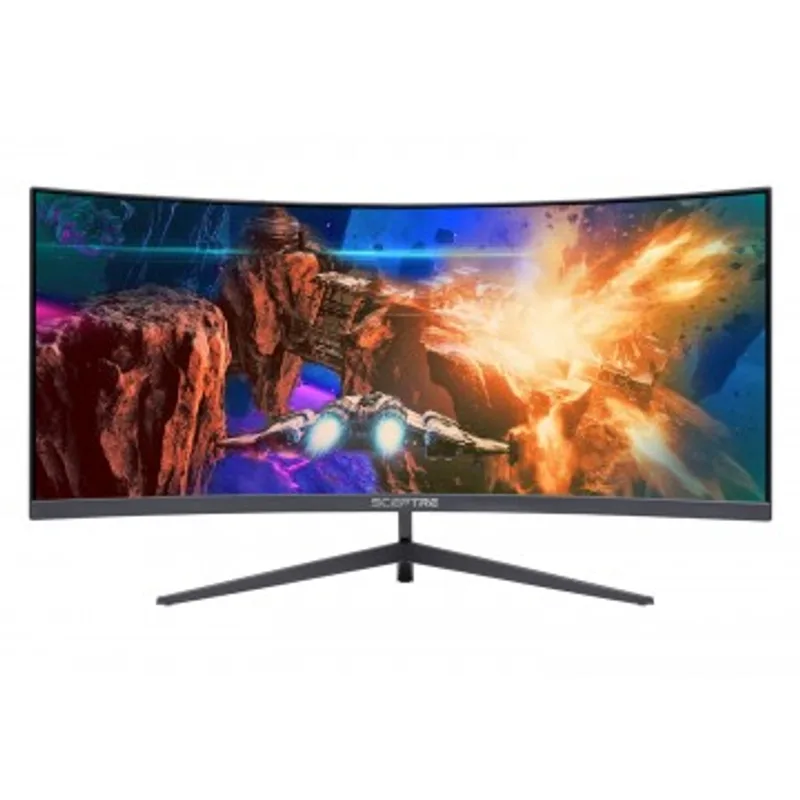
Sceptre C305B-200UN1 30" Ultrawide
The Sceptre C305B is the only ultrawide on this list — and the only ultrawide under $200 running at 200Hz. That combination is essentially unavailable elsewhere at any price near $190.
The 2560x1080 resolution at 30” gives you 25% more horizontal screen real estate than a standard 1920x1080 display. In games that support 21:9 (most modern titles do), the wider field of view is immediately noticeable and gives a competitive peripheral advantage in third-person and racing games.
The VA panel produces ~3,000:1 contrast — the same strength as the Samsung G3 — and the 1500R curve keeps the edges roughly the same distance from your eyes as the center.
Pixel density is the compromise: 2560x1080 across 30 inches gives ~90 PPI. Fine for gaming where you’re 24–30 inches from the screen, but noticeably soft for reading or desktop work. Game compatibility for ultrawide is now near-universal in modern titles, but older games may require a mod to unlock 21:9.
FAQ
Is 1080p still worth buying in 2026? Yes, for esports and competitive gaming. At 1080p, lower-end GPUs like the RTX 4060 and RX 7600 can reach 144–200 FPS in CS2, Valorant, and Apex — maintaining your monitor’s full refresh rate. 1440p demands more GPU horsepower. If you’re gaming competitively on a mid-range card, 1080p 165–180Hz is still the fastest-feeling option under $200.
Does the panel type matter more than the refresh rate? For competitive gaming, refresh rate matters more. For single-player and cinematic games, panel type matters more. A 144Hz VA panel (like the Samsung G3) will feel smoother in Spider-Man than a 165Hz IPS with similar specs, because VA’s black levels make the image more immersive. In CS2 at 200 FPS, you won’t notice the contrast difference — you’ll notice whether the pixels keep up.
Can I use a FreeSync monitor with an NVIDIA GPU? Yes. NVIDIA added FreeSync support (via Adaptive Sync) to its cards starting with the GTX 10 series. Most FreeSync monitors work with NVIDIA GPUs via DisplayPort — the Samsung G3 being FreeSync-only is not a problem for NVIDIA users. G-Sync Compatible certification (LG, AOC) just means NVIDIA tested and certified that specific monitor.
What’s the minimum GPU for 1440p gaming? For 60–100 FPS at 1440p Medium-High settings: RTX 4060 or RX 7600. For hitting the KTC 27M1’s 200Hz ceiling, you need an RTX 4070 or RX 7800 XT or better in esports titles, and even then, demanding AAA games will run well below 200 FPS at 1440p.
Do these monitors work for console gaming (PS5/Xbox)? The Samsung G3 and LG 24GS65F-B both support HDMI and are compatible with PS5 and Xbox Series X. The PS5 supports 1080p/120Hz over HDMI 2.1, and all monitors here support HDMI 1.4 or 2.0 with 120Hz capability at 1080p. The KTC 27M1 requires HDMI for console use; its 1440p resolution works at 60Hz on PS5 but drops to 1080p for 120Hz mode.
The Bottom Line
The LG 24GS65F-B is the safest all-around pick: 180Hz IPS with a full ergonomic stand and dual-certified sync for $180. If you have a GPU that can drive 1440p, the KTC 27M1 at $200 is genuinely the best value in the monitor market right now — 2560x1440 at 200Hz was not possible under $200 before 2026. Budget-first buyers should look at the Samsung Odyssey G3 27” at $130 — 27 inches and 180Hz for less than any IPS option, with contrast that makes single-player games look substantially better.