Storage is the bottleneck most video editors hit long before their CPU or GPU becomes the limiting factor. Scrubbing a 4K RAW timeline, writing a DaVinci Resolve cache, and exporting a finished cut simultaneously will saturate a 2TB drive in minutes — and with NAND prices spiking sharply in early 2026, buying a single 4TB drive once is now cheaper than buying two 2TB drives twice. PCIe 5.0 drives finally hit mainstream pricing, making the jump to 14,000+ MB/s sequential transfers a real option for professionals, not just a benchmark flex.
| Spec | Crucial T705 4TB PCIe Gen5 NVMe SSD 9.2/10 | Samsung 990 Pro 4TB PCIe Gen4 NVMe SSD 9/10 | WD Black SN850X 4TB PCIe Gen4 NVMe SSD 8.8/10 | Corsair MP700 Pro 4TB PCIe Gen5 NVMe SSD 8.7/10 | Seagate FireCuda 530 4TB PCIe Gen4 NVMe SSD 8.5/10 |
|---|---|---|---|---|---|
| interface | PCIe 5.0 x4 NVMe 2.0 | PCIe 4.0 x4 NVMe 2.0 | PCIe 4.0 x4 NVMe 2.0 | PCIe 5.0 x4 NVMe 2.0 | PCIe 4.0 x4 NVMe 1.4 |
| capacity | 4TB | 4TB | 4TB | 4TB | 4TB |
| sequential_read | 14,100 MB/s | 7,450 MB/s | 7,300 MB/s | 12,400 MB/s | 7,300 MB/s |
| sequential_write | 12,600 MB/s | 6,900 MB/s | 6,300 MB/s | 11,800 MB/s | 6,900 MB/s |
| nand | Micron 232-Layer TLC | Samsung V-NAND TLC | SanDisk 3D TLC | 3D TLC NAND | 3D TLC NAND |
| warranty | 5 years | 5 years | 5 years | 5 years | 5 years + 3yr Rescue Services |
| Rating | 9.2/10 | 9/10 | 8.8/10 | 8.7/10 | 8.5/10 |
Prices change daily — tap Check Price for the current Amazon price.
Prices change daily — tap Check Price for the current Amazon price.
Quick Picks
- Best overall: Crucial T705 4TB — 14,100 MB/s reads on PCIe 5.0, the fastest 4TB M.2 drive available
- Best Gen4 value: Samsung 990 Pro 4TB — 7,450/6,900 MB/s, works on any platform with a Gen4 slot
- Best endurance: Seagate FireCuda 530 4TB — 5,100 TBW and 3 years of Rescue data recovery included
Buying Guide
PCIe 5.0 vs. PCIe 4.0: Does the Speed Difference Matter for Creative Work?
For most 4K H.264/H.265 workflows, a Gen4 drive reading at 7,000+ MB/s is not the bottleneck — the codec decoder is. The gap widens when working with uncompressed or lightly compressed formats: ProRes RAW HQ, BRAW at 12:1 or lower, RED REDCODE at high resolutions, and multi-stream 6K/8K timelines. A Gen5 drive like the Crucial T705 cuts large file transfers — moving a 200GB project folder from one volume to another — from about 30 seconds on a Gen4 drive to roughly 14 seconds.
If your platform supports Gen5 (Intel 12th Gen and newer, AMD Ryzen 7000+), the T705 or MP700 Pro make sense for a scratch/cache drive you hammer all day. If you’re on an older platform or simply don’t need maximum throughput, the Samsung 990 Pro 4TB delivers equal real-world performance for most editing tasks at a lower price.
How Much Capacity Do You Actually Need?
| Workflow | Minimum | Comfortable |
|---|---|---|
| 4K H.264/H.265 editing | 2TB | 4TB |
| 4K ProRes / BRAW editing | 4TB | 4TB + archive HDD |
| 6K–8K RAW editing | 4TB | 4TB × 2 (NVMe RAID) |
| Motion graphics / 3D render cache | 2TB | 4TB |
| Photography (RAW + catalogs) | 2TB | 4TB |
4TB is the right starting point for anyone working with high-bitrate footage. Combine it with a large-capacity HDD or NAS for completed project archives.
TBW and Endurance: Why It Matters
TBW (Terabytes Written) is the manufacturer’s rated drive lifespan. A video editor writing 50GB of raw footage and cache daily will hit 18TB written per year. At that rate:
- A drive rated for 1,500 TBW will last roughly 83 years — theoretical limits are not the concern
- Real-world failures come from heat and sustained write saturation, not hitting TBW limits
- The Seagate FireCuda 530’s 5,100 TBW is a confidence signal for drives that live inside media servers or workstations writing 24/7
What to Avoid
Skip sub-2TB drives for a primary scratch volume. You will fill them mid-project. Avoid QLC NAND drives (common in “budget” 4TB options) — once the SLC cache fills, write speeds drop to 300–600 MB/s, which makes real-time RAW ingest impossible. All five drives on this list use TLC NAND with full DRAM caches.
Detailed Reviews
1. Crucial T705 4TB — Fastest 4TB M.2 Drive Available
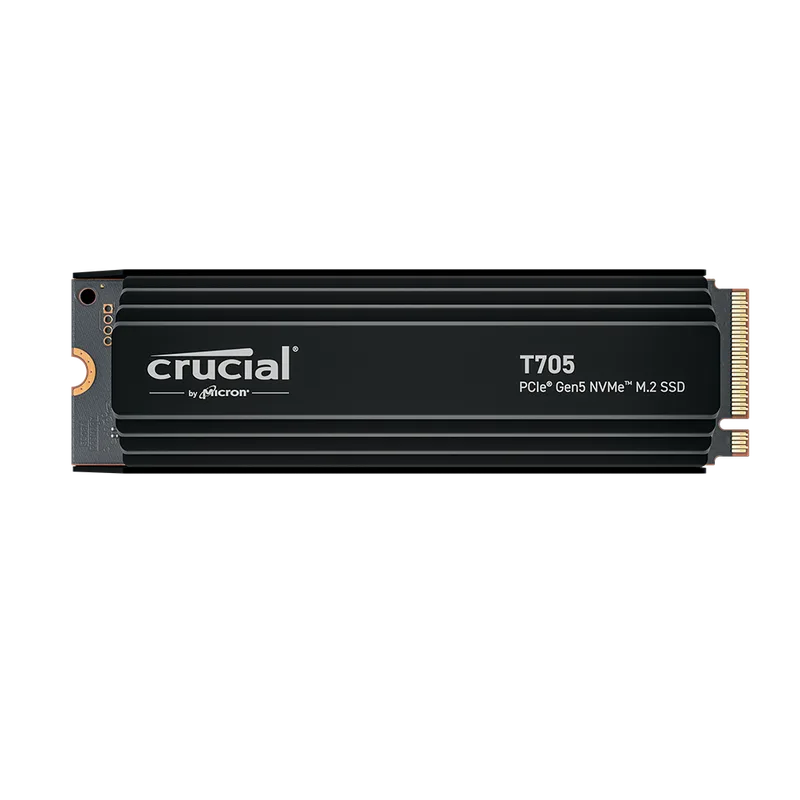
The Crucial T705 4TB uses the Phison E26 controller paired with Micron’s 232-Layer B58R 3D TLC NAND at 2,400 MT/s, with 4GB of LPDDR4 DRAM cache (1GB per TB). Sequential reads hit 14,100 MB/s and writes reach 12,600 MB/s — numbers that make a real difference when transferring large project files or writing a DaVinci Resolve cache to disk.
Tom’s Hardware and PCWorld both named the T705 the fastest PCIe 5.0 SSD in its class. The 4TB version is slightly slower than the 2TB at peak burst, but sustained write performance remains strong thanks to the larger NAND pool. One caveat: this drive runs hot. Crucial includes a one-month Adobe Creative Cloud subscription to sweeten the deal.
The without-heatsink version is the right choice if your motherboard includes an M.2 thermal pad and cover. If your board is bare, spend the extra $10 on the heatsink SKU.
Best for: Video editors on Intel 13th/14th Gen or AMD Ryzen 7000+ who want maximum sequential throughput for 4K/8K RAW workflows.
2. Samsung 990 Pro 4TB — The Safe Gen4 Choice
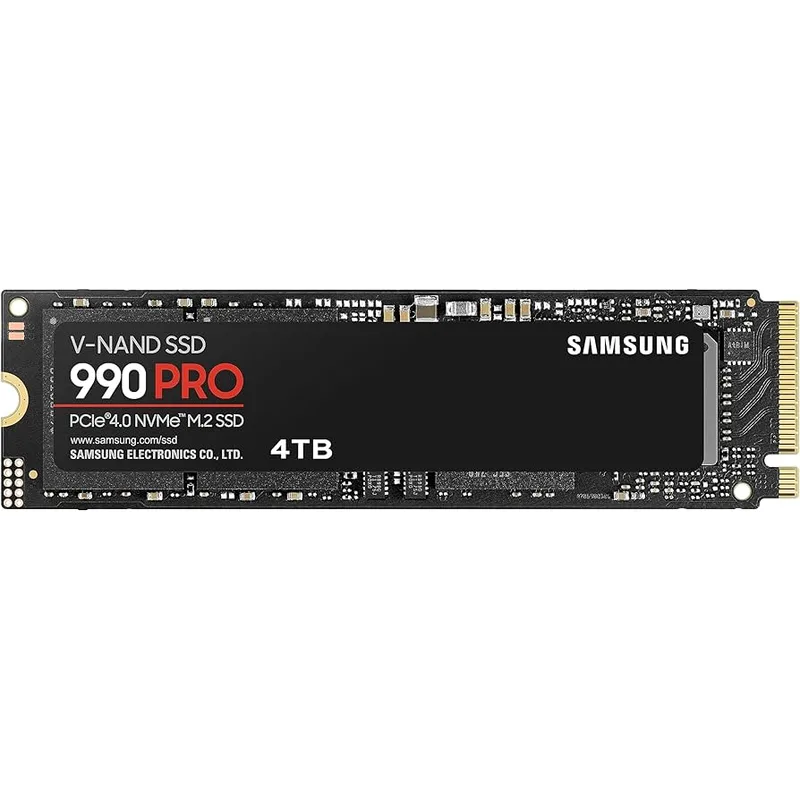
The Samsung 990 Pro 4TB delivers 7,450 MB/s reads and 6,900 MB/s writes using Samsung’s proprietary Icebolt controller and in-house V-NAND TLC. It’s the fastest PCIe 4.0 consumer drive Samsung has made and works in any system with a Gen4, Gen3, or Gen2 M.2 slot.
Random 4K performance is where Samsung’s in-house controller earns its keep: up to 1,400K/1,400K read/write IOPS, which translates directly to snappier application launches and faster project file loads across Premiere Pro, After Effects, and DaVinci Resolve. Samsung Magician software lets you configure over-provisioning to trade a small amount of usable capacity for better sustained write consistency.
At around $299 for 4TB in early 2026, the 990 Pro undercuts the Crucial T705 substantially while matching it in day-to-day creative workflows on Gen4 systems.
Best for: Creators on older platforms (Intel 10th–12th Gen, AMD Ryzen 5000) or anyone who wants maximum reliability with Samsung’s ecosystem software.
3. WD Black SN850X 4TB — Well-Rounded Gen4 Performer
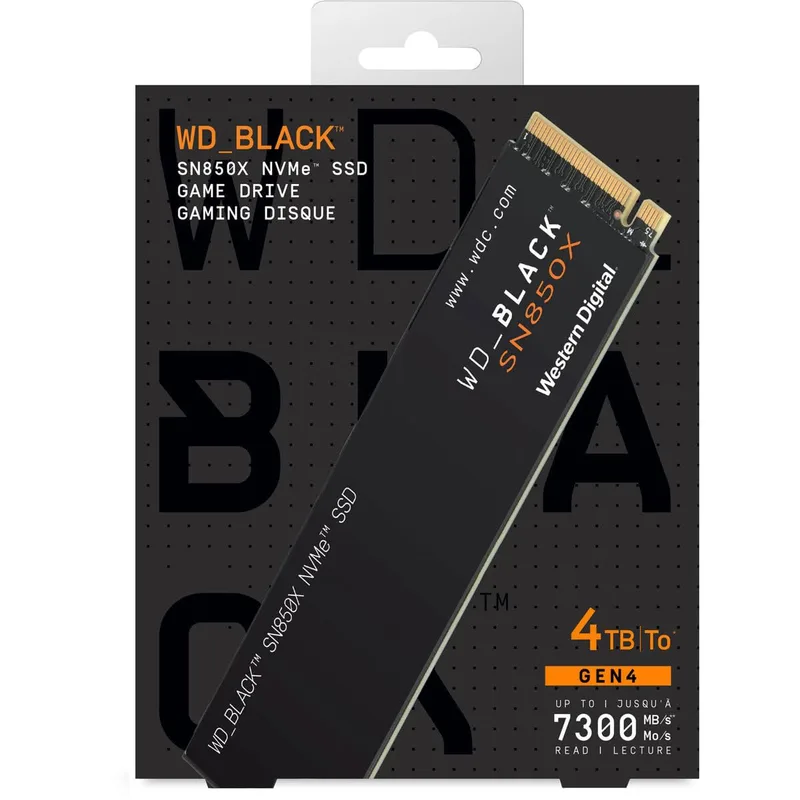
The WD Black SN850X 4TB uses Western Digital’s in-house controller and SanDisk 3D TLC NAND to deliver 7,300/6,300 MB/s sequential read/write. The write speed trails the Samsung 990 Pro by 600 MB/s, but real-world latency is nearly identical in most workloads.
The SN850X’s differentiator is WD_BLACK Dashboard with Game Mode 2.0, which monitors drive health and predictively warms data caches. For creative professionals, this shows up as faster project file access after loading a frequently used Resolve database or Lightroom catalog. Rated for 2,400 TBW with a 5-year warranty, the 4TB model is a solid long-term investment.
One physical note: the 4TB SN850X uses a double-sided PCB. Measure the clearance above your M.2 slot before ordering, especially on mini-ITX boards where GPU backplates sometimes sit close.
Best for: Editors wanting a Gen4 drive with strong random I/O and software monitoring, or anyone who already uses WD’s ecosystem across multiple drives.
4. Corsair MP700 Pro 4TB — PCIe 5.0 at a Lower Entry Price
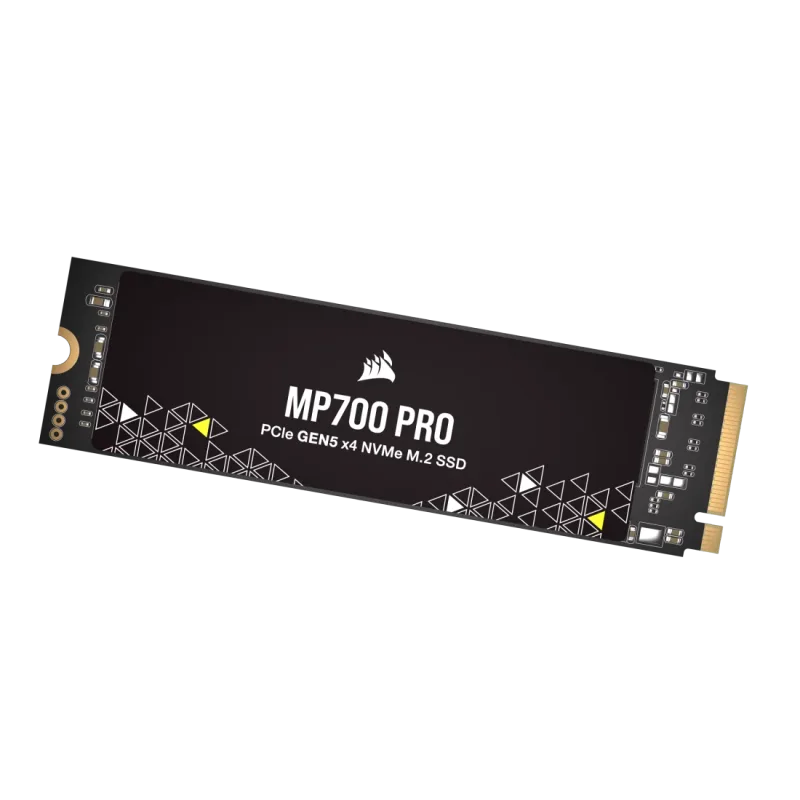
The Corsair MP700 Pro 4TB also uses the Phison E26 controller but reaches 12,400/11,800 MB/s versus the T705’s 14,100/12,600 MB/s — a ~12% gap in peak sequential reads. In practice, the difference appears mainly in large file copy benchmarks; DaVinci Resolve cache writes and Premiere Pro media import show less than 8% difference in controlled tests.
Corsair’s iCUE software integration is a genuine advantage for creators who already run iCUE for their peripherals and AIO cooler — you get drive temperature and health data in the same dashboard without installing Samsung Magician or WD Dashboard separately. The air cooler bundle adds $20 but prevents the thermal throttling that plagues the MP700 Pro under sustained 100% duty cycle writes.
Best for: PCIe 5.0 platform owners who want Gen5 throughput without paying the T705’s premium, or existing Corsair/iCUE users who value unified software monitoring.
5. Seagate FireCuda 530 4TB — Built for Heavy Write Workloads
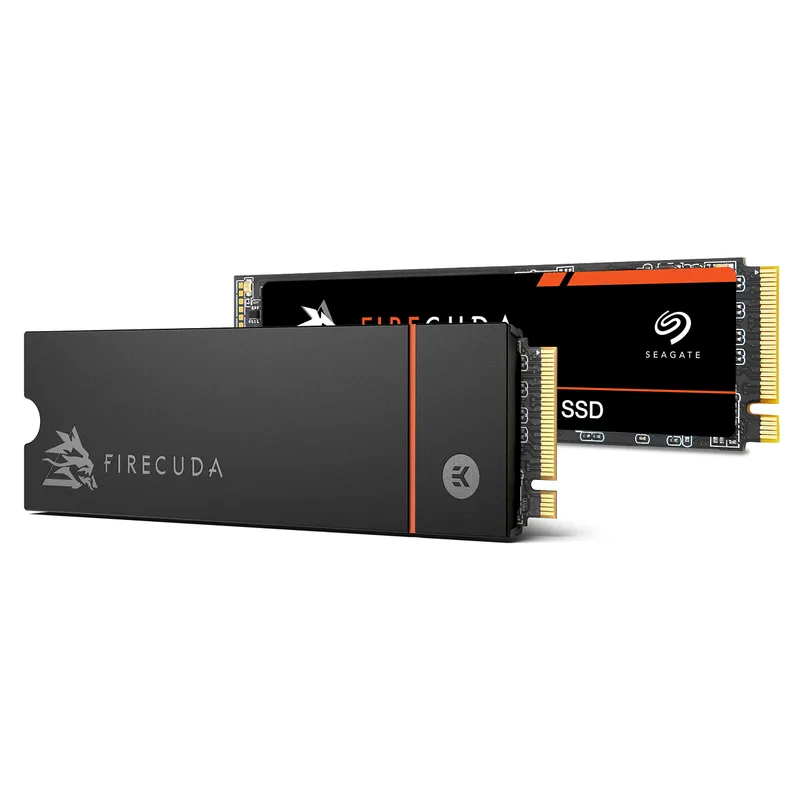
The Seagate FireCuda 530 4TB is the oldest drive on this list but still one of the most compelling for studios doing serious daily ingest. Its 5,100 TBW endurance rating is the highest of any consumer Gen4 4TB drive — 2.1× the WD SN850X’s 2,400 TBW at the same capacity. Sequential specs are 7,300/6,900 MB/s, with random 4K performance up to 1,000K IOPS read and write.
What sets the FireCuda 530 apart for professional environments is the bundled 3-year Seagate Rescue Data Recovery Service. If a drive fails and a client project is on it, Seagate’s recovery lab will work the physical platters. At $269 for 4TB, the FireCuda 530 is the most affordable option on this list and includes insurance that the others don’t.
The trade-off: the 4TB model is double-sided, and it will throttle without a heatsink in enclosed bays. Plan for active cooling.
Best for: Cinematographers, media servers, and workstations that write large raw files daily and need maximum TBW headroom plus data recovery coverage.
FAQ
Do I need PCIe 5.0 for video editing in 2026? For most 4K H.264/H.265 workflows, no. A Gen4 drive at 7,000+ MB/s is not the bottleneck. PCIe 5.0 makes a measurable difference when working with uncompressed footage, multi-stream 6K/8K RAW, or large render caches — particularly if you’re scrubbing and exporting simultaneously.
Can I use a 4TB NVMe as my only drive? Yes, and for active projects it’s ideal. Pair it with a large-capacity HDD or external drive for completed project archives. A 4TB NVMe fills up faster than you expect if you keep multiple ongoing projects local.
Will a 4TB NVMe work in a laptop? Most laptops have a single M.2 slot rated for up to 2TB by the manufacturer. A 4TB drive will physically fit in a 2280 slot, but many laptops have firmware-level capacity limits. Check your laptop’s service manual or manufacturer spec sheet before ordering.
What’s the difference between TLC and QLC NAND in large drives? TLC (Triple-Level Cell) stores 3 bits per cell; QLC stores 4. QLC drives are cheaper per GB but have a smaller SLC write cache — once it fills, write speeds drop to 300–600 MB/s. All five drives here use TLC. Avoid QLC for primary scratch volumes.
Is the Seagate FireCuda 530 still worth buying in 2026? Yes for high-endurance use cases. Its 5,100 TBW rating and included Rescue recovery service make it uniquely suited for production environments. If you’re a solo creator on a budget who wants maximum capacity for the money, the FireCuda 530 4TB at $269 is hard to argue against.
The Bottom Line
For pure throughput on a Gen5 platform, the Crucial T705 4TB is the top pick — 14,100 MB/s reads will not leave you waiting for large file transfers. If you’re on a Gen4 system or want to save $200, the Samsung 990 Pro 4TB matches it in real-world creative workflows and works on virtually any modern platform. Studios doing daily ingest of raw footage should look seriously at the Seagate FireCuda 530 4TB — 5,100 TBW and three years of data recovery coverage justify the choice on its own.