NAS drive prices have climbed roughly 46% since September 2025, with Western Digital already reporting its 2026 capacity fully allocated — a direct consequence of hyperscaler AI infrastructure buildout consuming nearline HDD supply. That makes the home NAS drive decision more consequential than it was two years ago: the wrong pick costs more money and, if it’s SMR-based, can cripple RAID rebuild times under load.
| Spec | Seagate IronWolf 4TB NAS Internal Hard Drive 8.8/10 | WD Red Plus 4TB NAS Internal Hard Drive Unavailable 8.5/10 | Toshiba N300 6TB NAS Internal Hard Drive 8.6/10 | Seagate IronWolf Pro 8TB NAS Internal Hard Drive Unavailable 9.2/10 | WD Red Pro 8TB NAS Internal Hard Drive Unavailable 9/10 |
|---|---|---|---|---|---|
| capacity | 4TB | 4TB | 6TB | 8TB | 8TB |
| rpm | 5400 RPM | 5400 RPM | 7200 RPM | 7200 RPM | 7200 RPM |
| cache | 256MB | 256MB | 256MB | 256MB | 256MB |
| interface | SATA 6Gb/s | SATA 6Gb/s | SATA 6Gb/s | SATA 6Gb/s | SATA 6Gb/s |
| workload | 180 TB/year | 180 TB/year | 180 TB/year | 300 TB/year | 300 TB/year |
| warranty | 3-year + Rescue | 3-year | 3-year | 5-year + Rescue | 5-year |
| Rating | 8.8/10 | 8.5/10 | 8.6/10 | 9.2/10 | 9/10 |
Prices change daily — tap Check Price for the current Amazon price.
Prices change daily — tap Check Price for the current Amazon price.
Quick Picks
- Best overall for 2-bay home NAS: Seagate IronWolf 4TB — CMR, 256MB cache, Rescue Data Recovery, $99
- Best budget 7200 RPM: Toshiba N300 6TB — 7200 RPM at a price that undercuts Pro drives by $60+
- Best for Plex/heavy workloads: Seagate IronWolf Pro 8TB — 300 TB/year workload, 1.2M hour MTBF, 5-year warranty
Buying Guide
CMR vs SMR: This Actually Matters
NAS drives must be CMR (Conventional Magnetic Recording), not SMR (Shingled Magnetic Recording). SMR writes in overlapping tracks, which creates a write-cache buffer that behaves well under light sequential writes but degrades badly during RAID rebuild operations. A degraded RAID array rebuilding 4TB+ of data from an SMR drive can take 3–5× longer than a CMR equivalent, during which a second drive failure means permanent data loss.
The original WD Red (non-Plus) line infamously shipped SMR drives without disclosure. The current WD Red Plus and WD Red Pro are CMR. Seagate IronWolf is CMR across all capacities. Toshiba N300 is CMR. Avoid the base WD Red and the consumer Seagate BarraCuda in NAS RAID builds.
Workload Ratings: 180 TB/year vs 300 TB/year
Consumer desktop drives are typically rated for 55 TB/year. Standard NAS drives (IronWolf, WD Red Plus, N300) handle 180 TB/year — adequate for home media storage, Time Machine backup, and light Plex serving. If you run 24/7 transcoding or multiple simultaneous cloud sync jobs, step up to the Pro tier (IronWolf Pro, WD Red Pro) rated for 300 TB/year. Exceeding workload ratings doesn’t cause immediate failure, but voids warranty coverage.
5400 RPM vs 7200 RPM for Home NAS
5400 RPM drives consume less power (typically 5–6W idle vs 8–9W for 7200 RPM), run quieter, and generate less heat. In a 2-bay or 4-bay home NAS used primarily for backups and Plex, the throughput difference — roughly 175 MB/s vs 210 MB/s sequential — rarely surfaces as a bottleneck because gigabit Ethernet caps at ~112 MB/s. If your NAS has a 2.5GbE or 10GbE port and you’re running active databases or VMs off it, the 7200 RPM drives earn their premium.
Capacity Sweet Spot
At current inflated pricing, 4TB and 8TB offer the best cost-per-TB in the home segment. The 4TB IronWolf at $99 works out to $24.75/TB. The 8TB IronWolf Pro at $195 is $24.38/TB. 6TB drives like the N300 land at $20.83/TB, making them genuinely attractive if capacity efficiency matters more than brand symmetry.
Buy in Matched Sets
For RAID 1 (mirrored) or RAID 5 builds, buy drives from the same model/firmware batch when possible. Mixed revisions can introduce subtle timing differences that some NAS OS firmware handles poorly. Both Synology and QNAP publish compatibility lists — cross-reference before ordering, particularly for the Toshiba N300 which has fewer explicit certifications than Seagate or WD.
Detailed Reviews
1. Seagate IronWolf 4TB — Best Overall for Starter Home NAS
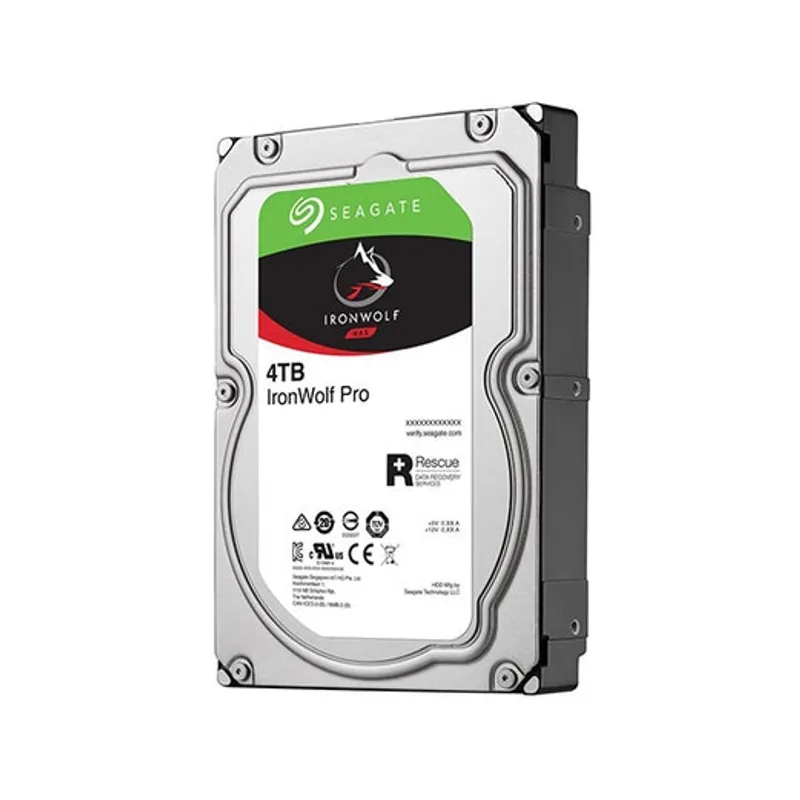
The Seagate IronWolf 4TB (ST4000VNZ06) remains the default recommendation for anyone setting up a first 2-bay or 4-bay home NAS in 2026. It ships with NAS-specific firmware that handles error recovery differently than desktop drives — consumer drives in RAID configurations can trigger errors when the RAID controller’s timeout is shorter than the drive’s internal error correction cycle, causing unnecessary drive dropouts. IronWolf’s firmware is tuned to complete error correction within RAID-compatible timeframes.
The 256MB cache is notable at this capacity tier. Earlier IronWolf 4TB revisions shipped with 64MB, which created throughput inconsistencies under concurrent read/write operations. The current ST4000VNZ06 revision standardizes on 256MB across the 4TB model, putting it on par with the WD Red Plus at the same capacity.
Seagate’s Rescue Data Recovery is a legitimate differentiator. If the drive fails within three years, Seagate recovers data from the platters for free with a published 95% success rate. At $99 per drive, this amounts to roughly $2/month of implicit data recovery insurance per drive. Buy two, set up RAID 1, and you have both redundancy and recovery coverage.
Genuine con: 5400 RPM limits sequential throughput to around 180 MB/s. On a Synology DS223 or DS420+ connected via gigabit Ethernet, that’s invisible. On a 2.5GbE-connected NAS used for active 4K video editing, the Toshiba N300 or an IronWolf Pro is a better fit.
2. WD Red Plus 4TB — Best CMR Alternative
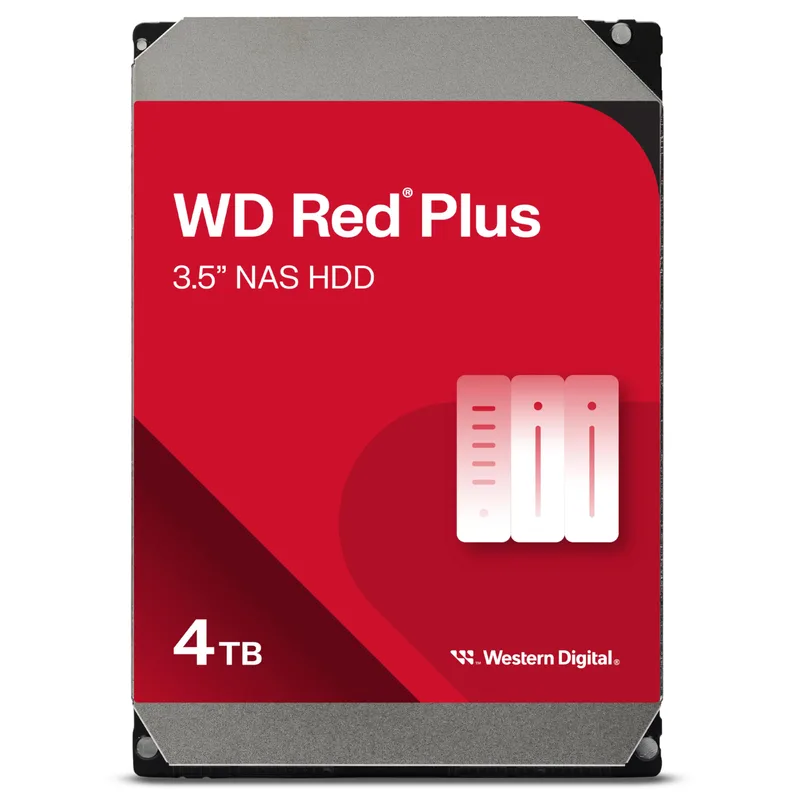
WD Red Plus 4TB NAS Internal Hard Drive
The WD Red Plus 4TB (WD40EFPX) is the cleanest alternative to the IronWolf for buyers who prefer WD’s ecosystem or whose NAS compatibility list lists WD drives explicitly. The 256MB cache puts it on equal footing with the current IronWolf 4TB revision, and the CMR recording is guaranteed across all Red Plus capacities — there’s no need to verify firmware SKUs the way you would with older WD Red drives.
In practice, the throughput difference between the Red Plus and IronWolf at 4TB is under 5 MB/s in sequential reads — not meaningful for home NAS workloads. The Red Plus runs fractionally quieter in some multi-bay enclosures, according to user reports on r/homelab and the Synology forums, though the gap is inaudible in typical living-room or office environments.
The main trade-off is the lack of bundled data recovery. WD offers its own Recovery Service as a paid add-on, but it doesn’t match Seagate’s no-charge Rescue program. If you pair this with a RAID 1 setup and a separate off-site backup (Backblaze, rsync to cloud), the absence of drive-level recovery coverage is less critical.
At $90 vs $99 for the IronWolf, the Red Plus wins on price. If you have an existing WD NAS enclosure, a home network that already uses WD ecosystem tools (WD My Cloud OS), or specific compatibility requirements, the Red Plus is the correct pick over the IronWolf.
3. Toshiba N300 6TB — Best Budget 7200 RPM
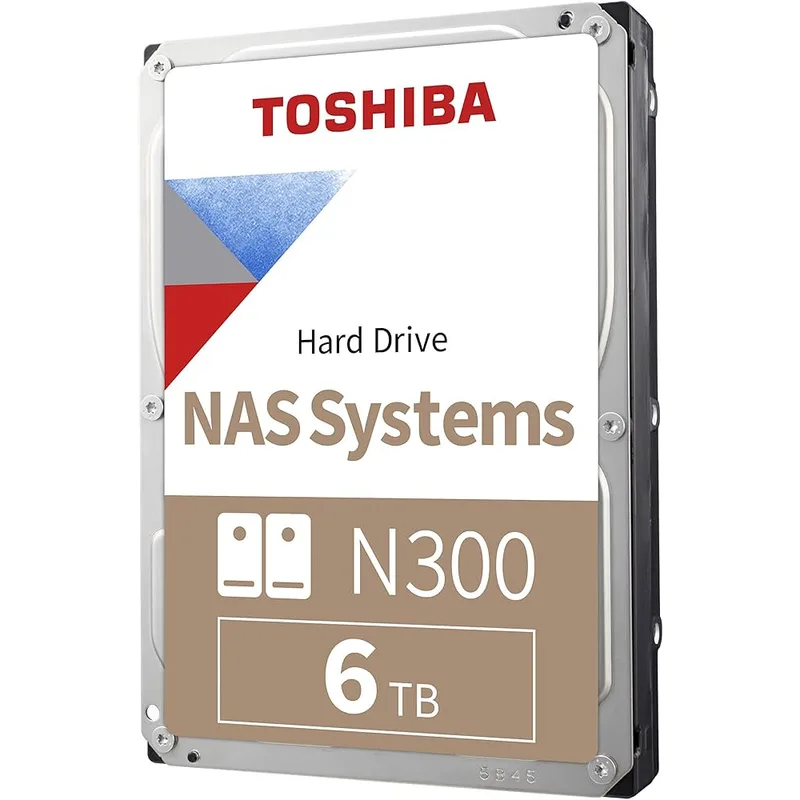
The Toshiba N300 6TB (HDWG460XZSTA) is the cheapest way to get 7200 RPM CMR storage in a NAS at 6TB capacity. At $125, it undercuts the Seagate IronWolf Pro 6TB by roughly $60 per drive while hitting the same RPM and workload rating. It also costs less per terabyte than the 4TB IronWolf at current pricing.
The N300 uses Dual-Stage Actuator (DSA) technology, which adds a secondary piezoelectric actuator to fine-tune the read/write head position independently of the primary voice coil. In multi-drive NAS enclosures, vibration from neighboring drives can push the read head off-track, causing read retries and throughput drops. DSA reduces this. In a 4-bay or 8-bay setup running RAID 5, the N300 handles vibration better than drives without DSA at the same price tier.
Toshiba N300 compatibility coverage is the genuine limitation. Synology and QNAP don’t list as many specific N300 model numbers on their compatibility databases as they do for Seagate and WD drives. The drives work — there’s extensive user confirmation on the TrueNAS and Synology forums — but if your NAS controller shows a compatibility warning at boot, the N300 is more likely to trigger it than an IronWolf or Red Plus. Verify against your specific NAS model before ordering.
At 6TB, the N300 is the right choice for budget-conscious buyers who need 7200 RPM performance and aren’t locked into a Synology SHR-2 pool that requires exact compatibility certification.
4. Seagate IronWolf Pro 8TB — Editor’s Pick for Plex and Heavy Workloads
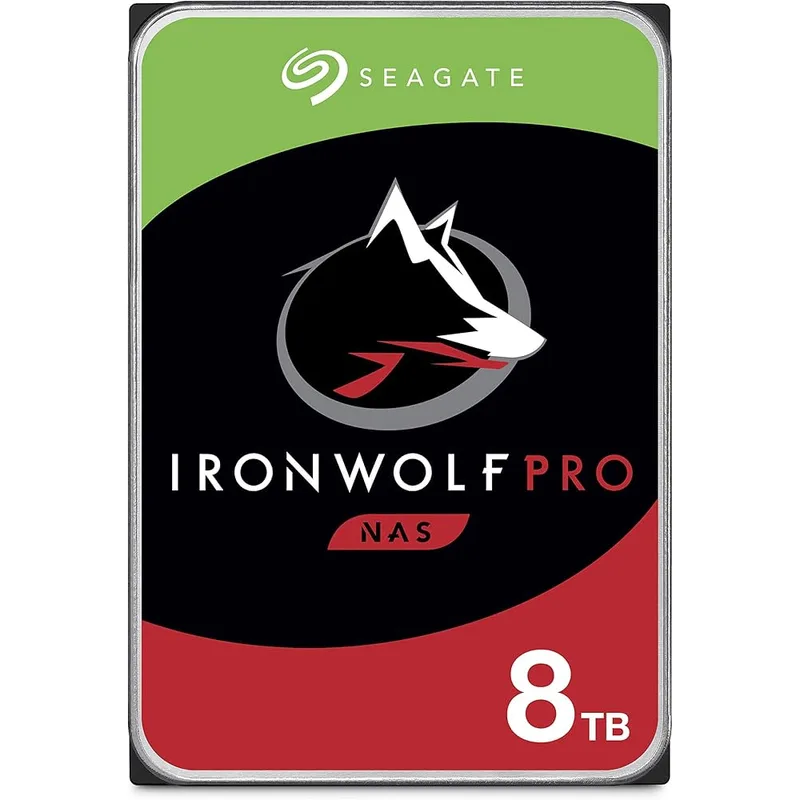
Seagate IronWolf Pro 8TB NAS Internal Hard Drive
The Seagate IronWolf Pro 8TB (ST8000NT001) is the correct drive for home NAS builds that go beyond simple backup. If you’re running Plex with hardware transcoding, simultaneously syncing multiple Docker containers, hosting a home lab with active databases, or backing up multiple computers to the NAS in real time, the standard 180 TB/year drives start falling short within months.
The Pro tier’s 300 TB/year workload rating is a 67% increase over the standard IronWolf. That translates directly to reduced thermal wear under sustained load. The IronWolf Pro is also rated to a 1.2 million hour MTBF versus 1.0 million for the standard tier — again not a guarantee, but statistically meaningful across a fleet of drives.
The 5-year warranty with Rescue Data Recovery is the headline spec here. Standard drives come with 3-year coverage; the Pro extends that to 5, plus keeps the no-charge recovery service intact. At 8TB per drive and $195 per unit, the protection-to-cost ratio is strong.
One honest trade-off: 7200 RPM at 8TB generates more heat than a 5400 RPM drive. Seagate specs the IronWolf Pro at 8.5W idle and 11.5W under load, versus roughly 5.5W and 6.8W for the 4TB IronWolf. In a Synology DS923+ with its dual-fan design, this is managed easily. In a cheaper single-fan NAS running in a sealed cabinet, thermal throttling is possible during extended RAID rebuilds.
5. WD Red Pro 8TB — Premium Pick
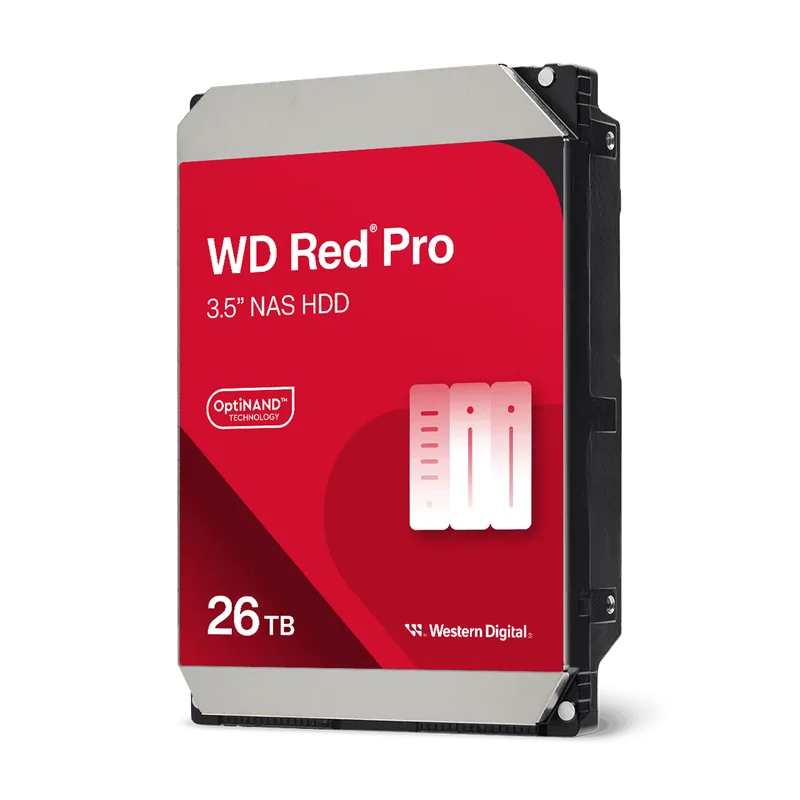
WD Red Pro 8TB NAS Internal Hard Drive
The WD Red Pro 8TB (WD8005FFBX) targets the same workload as the IronWolf Pro and matches it spec-for-spec on paper: 7200 RPM, 256MB cache, CMR, 300 TB/year, 5-year warranty. The MTBF comes in lower at 1 million hours versus the IronWolf Pro’s 1.2 million, which is the only real spec disadvantage.
WD NASware 3.0 is worth mentioning for users running RAID on custom-built FreeNAS/TrueNAS arrays. The firmware extends the drive’s error recovery time limit for RAID-compatible operation, reduces vibration tolerance for dense enclosures, and includes power loss protection circuitry that completes in-flight writes before full power-down. These are table-stakes features on NAS drives at this tier, but WD’s implementation has a longer proven track record in TrueNAS community builds specifically.
The main argument against the Red Pro at $220 is price. For $25 less you get the IronWolf Pro with a higher MTBF rating and the same warranty and workload specs. The Red Pro makes sense if you’re already invested in WD ecosystem tools (WD Dashboard, existing warranty claims), or if a specific NAS manufacturer’s support agreement requires WD drives.
FAQ
Can I use a regular desktop hard drive in a NAS? Technically yes, but it’s not recommended for RAID builds. Consumer drives have shorter error recovery timeouts that conflict with RAID controller behavior, causing drives to drop from arrays during error correction. They’re also rated for ~55 TB/year versus 180 TB/year for NAS drives, so they wear out significantly faster under 24/7 operation.
Do I need drives that are specifically certified for my NAS model? For Synology SHR and SHR-2 pools, Synology strongly recommends drives from their compatibility list — unlisted drives may work but show warnings in DSM and can’t always participate in SHR pool expansion. For basic RAID 1 and JBOD on most NAS firmware, any quality CMR drive works without certification. QNAP is more permissive about unlisted drives than Synology.
Should I buy two drives or four for a first home NAS build? Start with two drives in RAID 1 if redundancy is the goal. Four-drive RAID 5 adds capacity efficiency (effective 3-of-4 drives usable) but requires a successful rebuild of the full array if one drive fails. For a first build, RAID 1 simplicity and lower upfront cost wins. Expand once you’ve validated the NAS setup and software configuration.
Why are NAS drive prices so high in early 2026? Hard drive production is fully allocated through 2026, driven by hyperscaler AI infrastructure buildout that consumed all nearline HDD capacity from Seagate and WD. Prices are up roughly 46% from September 2025 levels. Meaningful price relief isn’t expected before 2027 when expanded production capacity comes online.
Is it safe to mix IronWolf and Red Plus drives in the same RAID array? Mixing drive brands in RAID is technically supported by most NAS firmware but not recommended. Mixed models can have different vibration profiles, acoustic behaviors, and error recovery timing that some controllers handle inconsistently. If you must mix due to availability, match capacity and RPM exactly. For new builds, buy matching drives from the same batch.
The Bottom Line
For most home NAS builds, the Seagate IronWolf 4TB is the correct starting point: CMR, 256MB cache, NAS firmware, and Rescue Data Recovery at $99 per drive. If you’re running a Plex server, home lab VMs, or any workload approaching 180 TB/year sustained, step up to the Seagate IronWolf Pro 8TB — the 300 TB/year workload rating and 5-year warranty justify the $195 price at current elevated market rates. Budget builders who want 7200 RPM throughput without Pro pricing should look at the Toshiba N300 6TB at $125, provided their NAS model’s compatibility list confirms support.