PCIe 5.0 SSDs stopped being exotic in early 2026. The WD Black SN8100 launched in Q1 2026 using a new SMI SM2508 controller that finally cracked the heat and power consumption problems that plagued first-generation Gen5 drives — and its arrival pushed prices on last year’s PCIe 5.0 options like the Crucial T705 down to competitive territory. Meanwhile, the Samsung 9100 PRO established new sequential write records with its 5nm controller. If you’re building or upgrading right now, Gen5 is worth serious consideration if your board supports it.
Quick Picks
- Best overall: WD Black SN8100 1TB — 14,900 MB/s reads, runs cool, and costs $179
- Best writes + Samsung ecosystem: Samsung 9100 PRO 1TB — 13,400 MB/s writes, 5nm controller, $209
- Best Gen4 all-rounder: Samsung 990 PRO 1TB — 7,450 MB/s, $109, works in every platform
- Best value by GB: SK hynix Platinum P41 2TB — 2TB for $114, 1,200 TBW endurance
Buying Guide: PCIe 5.0 vs. PCIe 4.0 in 2026
The speed gap between Gen5 and Gen4 is real: 14,900 MB/s vs. 7,450 MB/s in sequential reads. But that gap doesn’t translate 1:1 to gaming or everyday use. Game load times on PCIe 5.0 drives are typically 3–8% faster than Gen4, not the 2x implied by the bandwidth numbers. The difference shows up in content creation — loading a 50GB Premiere Pro project, exporting 4K video, or working with large Unreal Engine asset packs.
Get a PCIe 5.0 drive if:
- Your board has a PCIe 5.0 x4 M.2 slot (Z790, X670E, B650E, or newer)
- You do video editing, 3D rendering, or work with large files regularly
- You’re building a new system and want it to stay relevant for 4+ years
Stick with PCIe 4.0 if:
- You’re on an older platform (AM4, LGA1151, LGA1200)
- Your use case is primarily gaming — you’ll save $50–100 with no perceptible difference
- You need 2TB+ capacity at the lowest price per GB
What About Gen4 vs. Gen3?
Skip PCIe 3.0 SSDs entirely. PCIe 4.0 drives like the 990 PRO and P41 hit the streets at $55–$115 in 2026 and offer 3,500–7,000 MB/s reads vs. a Gen3 drive’s 3,500 MB/s ceiling. The upgrade cost is minimal.
Heatsink: Required or Optional?
PCIe 5.0 drives run hot under sustained load — typically 65–80°C without airflow. Heatsink versions of the SN8100, 9100 PRO, and T705 add $15–$20 and are worth it if:
- Your M.2 slot is in an enclosed area with no airflow
- You’re doing sustained large transfers regularly
If your board has a built-in M.2 heatspreader plate, skip the heatsink SKU — you’re already covered.
Detailed Reviews
1. WD Black SN8100 1TB — Best Overall NVMe SSD
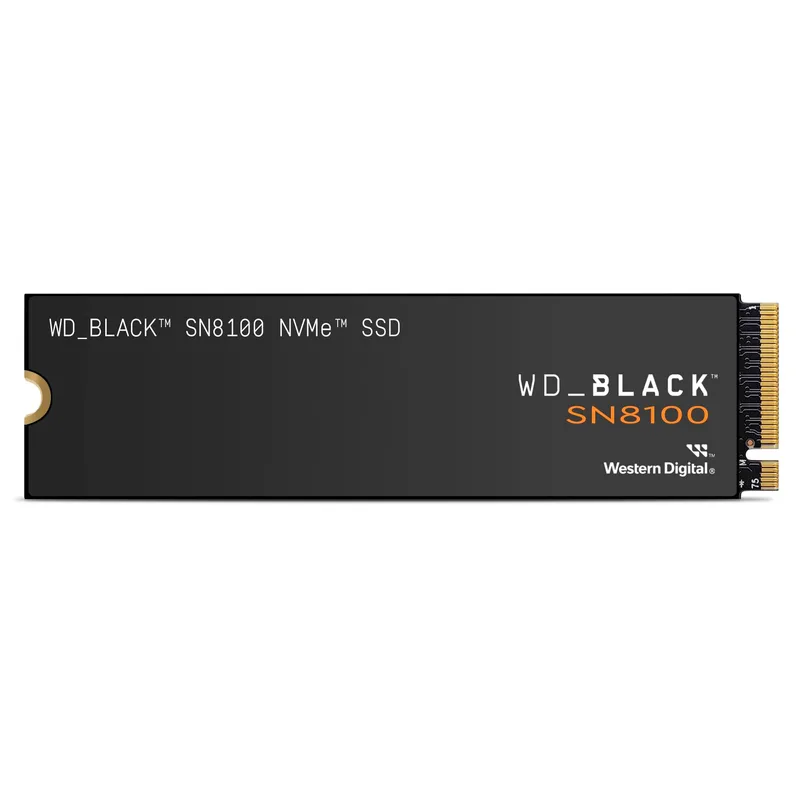
WD Black SN8100 1TB NVMe SSD
The SN8100 is the drive that makes Gen5 make sense at consumer prices. Western Digital (now under the SanDisk brand) paired Silicon Motion’s SM2508 controller with Kioxia’s BiCS8 218-layer TLC NAND, and the combination produces a drive that reads at 14,900 MB/s while drawing only 6.2W — dramatically lower than the Phison E26-based T705’s peak power draw. Tom’s Hardware called it “the fastest all-around drive out there” in their 2026 SSD roundup.
Real-world synthetic benchmarks confirm the spec sheet: CrystalDiskMark 8.0 records 14,820 MB/s read and 10,870 MB/s write. Random 4K performance hits 1.6 million IOPS read — which matters for OS and application load times more than sequential numbers do.
The 1TB model carries 600 TBW endurance and a 5-year warranty. At $179, it undercuts the Samsung 9100 PRO by $30 while matching or exceeding it in sequential reads. The only scenario to choose something else: if sequential write speed is your top priority (13,400 MB/s on the 9100 PRO vs. 11,000 MB/s here) or you need more than 2TB (the SN8100 scales to 8TB).
2. Samsung 9100 PRO 1TB — Best Sequential Write Speed
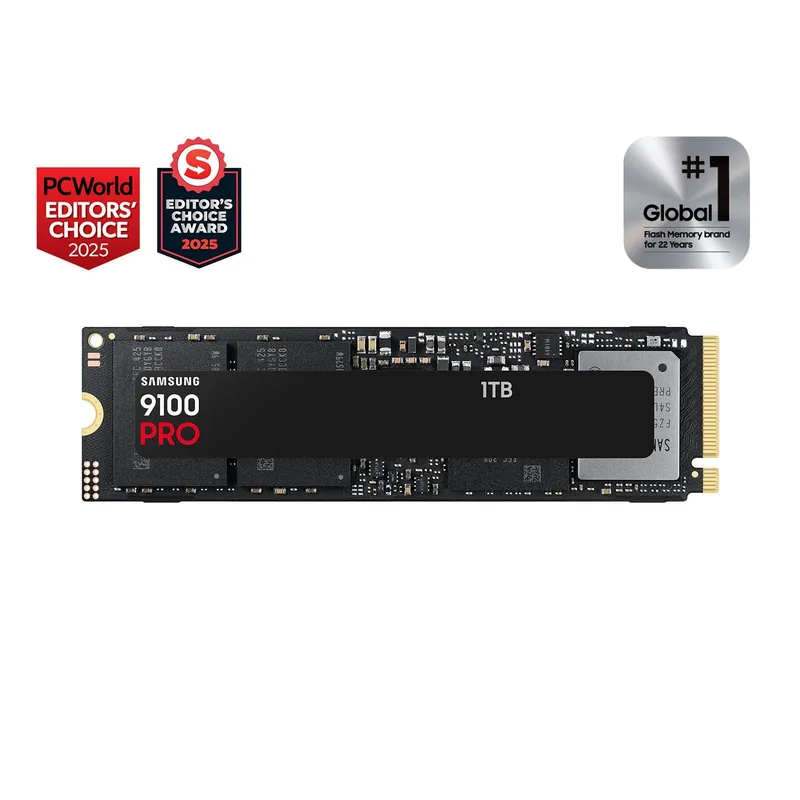
Samsung 9100 PRO 1TB NVMe SSD
Samsung’s 9100 PRO broke the sequential write record with 13,400 MB/s when it launched — a 22% edge over the SN8100’s 11,000 MB/s. That advantage is meaningful if you’re ingesting raw camera footage, compiling large codebases, or doing sustained database writes. For gaming or general desktop use, you won’t feel it.
The 5nm controller is the real story. Samsung quotes 49% better efficiency than the 990 PRO generation, and that efficiency pays off in thermals: the 9100 PRO runs cooler under sustained write loads than the T705 or many other Gen5 options. It also supports NVMe 2.0’s I/O Determinism feature, which reduces latency spikes during mixed read/write workloads.
At $209 for 1TB, it’s the priciest 1TB option here. Samsung also offers it with a low-profile heatsink (ASIN B0DX2CFF9X) for $229 — the integrated heatsink is Samsung’s own design, significantly lower profile than most add-on heatsinks, which matters in tight ITX builds.
3. Crucial T705 1TB — Best Value PCIe 5.0
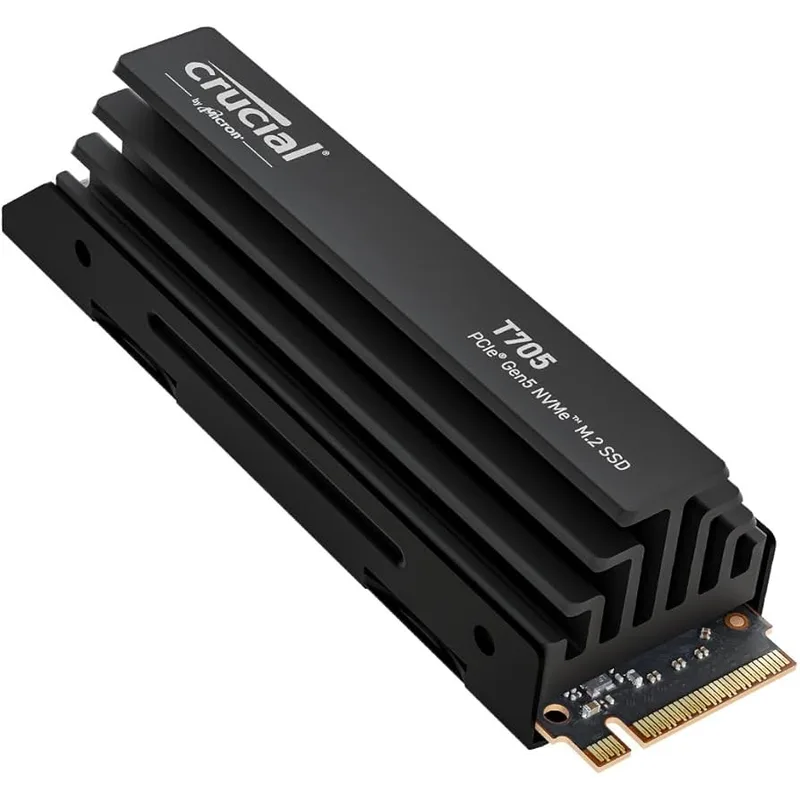
Crucial T705 1TB NVMe SSD
The T705 launched as a top-tier Gen5 drive in 2024 and has since dropped to ~$130 as newer controllers pushed it down the food chain. Its Phison PS5026-E26 controller and Micron 232-layer TLC NAND are proven — the same platform was used across multiple high-end Gen5 drives, meaning firmware is mature and stability issues have been long resolved.
Sequential reads hit 13,600 MB/s and writes reach 10,200 MB/s. That’s 9% behind the SN8100 on reads and 7% behind on writes, but $50 cheaper. For gaming, you will not notice the difference. For content creation, the performance gap is real but marginal in all but the most demanding workflows.
The one genuine concern is heat. The T705 without a heatsink regularly hits 80–85°C under sustained loads in systems without active M.2 airflow. The heatsink version (ASIN B0CTRXBKHP) costs about $15 more and keeps temperatures 20°C lower. If your case has direct airflow over the M.2 slot, the bare drive is fine.
4. Samsung 990 PRO 1TB — Best PCIe 4.0 NVMe
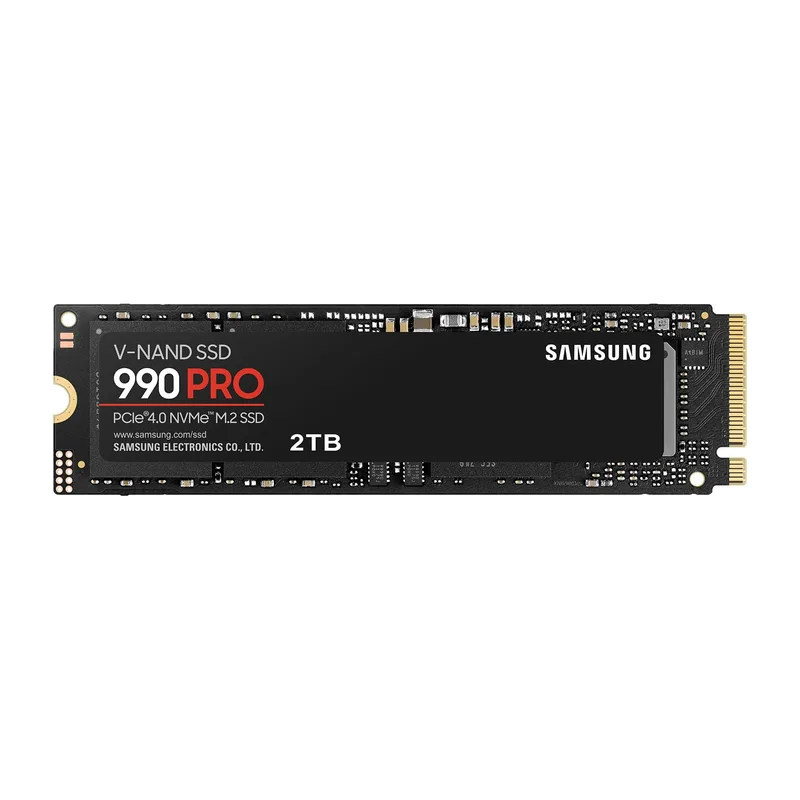
Samsung 990 PRO 1TB NVMe SSD
The 990 PRO is the benchmark every Gen4 drive is compared against. At 7,450/6,900 MB/s sequential read/write, it beats every other Gen4 consumer SSD in both synthetic and real-world workloads — edging out the SK hynix Platinum P41 and the WD Black SN850X in CrystalDiskMark tests.
More importantly, it works everywhere. PCIe 4.0 x4 is backward-compatible with PCIe 3.0 x4 slots, so you can drop it into an older AM4 system and still get ~3,500 MB/s — a significant improvement over any SATA drive. It’s fully compatible with the PS5 at 7,450 MB/s.
A note on the early firmware controversy: Samsung shipped early 990 PRO units with a bug that caused the SSD health indicator to deflate incorrectly, making the drive appear more worn than it was. Samsung released firmware update 3B2QFXO7 in early 2023 that resolved the issue. Any drive purchased today ships with the corrected firmware, and Amazon sellers have turned over inventory since then.
At $109 for 1TB, this is the best choice for anyone on a PCIe 4.0 platform who doesn’t want to compromise on speed.
5. SK hynix Platinum P41 2TB — Best Value Per GB
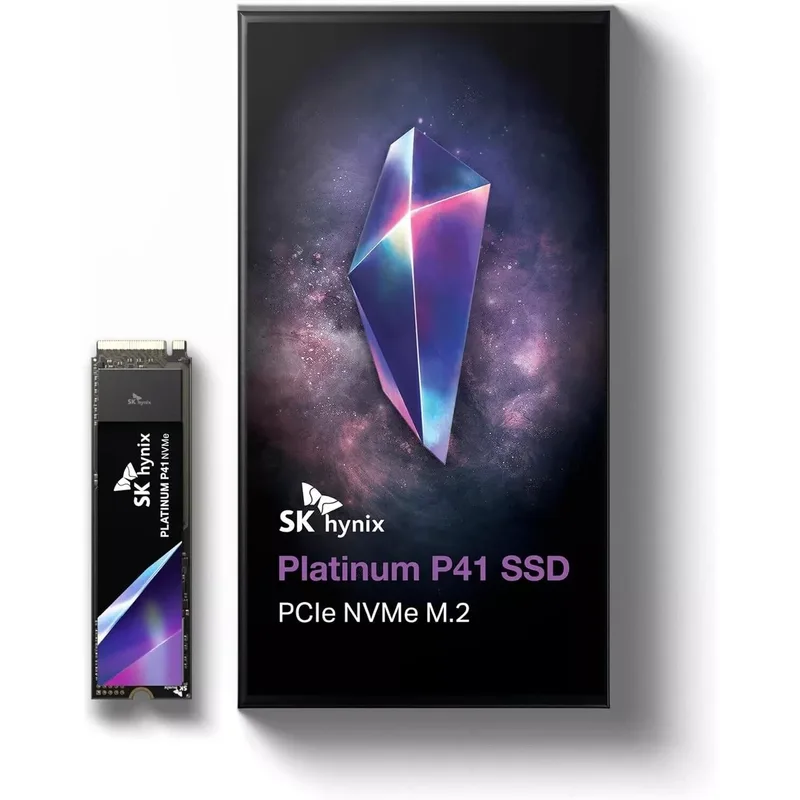
SK hynix Platinum P41 2TB NVMe SSD
The P41 offers 2TB of PCIe 4.0 storage for around $114 — the best price-per-gigabyte among high-performance Gen4 drives. For context, that’s roughly $57 per TB vs. $109 per TB for the Samsung 990 PRO 1TB model. If your priority is storage capacity rather than peak sequential throughput, the math heavily favors the P41.
Performance-wise, the 2TB model hits 7,000/6,500 MB/s read/write. The Samsung 990 PRO 1TB leads by 6% on reads and 6% on writes, but that gap essentially disappears in game load time tests where the bottleneck shifts to decompression and IOPS rather than raw bandwidth.
The 2TB P41 also has double the endurance of most competitors: 1,200 TBW vs. 600 TBW on 1TB drives. That matters for NAS use, content creation systems, or anyone who writes large amounts of data regularly. SK hynix uses in-house 176-layer TLC NAND, and unlike some NAND suppliers, they make their own controller too — the whole package is optimized together.
The only gap: SK hynix doesn’t sell a factory heatsink version. If you run the drive in an exposed slot or a hot case, buy a $10 M.2 heatsink separately.
| Spec | WD Black SN8100 1TB NVMe SSD $179 9.2/10 | Samsung 9100 PRO 1TB NVMe SSD $209 9/10 | Crucial T705 1TB NVMe SSD $130 8.6/10 | Samsung 990 PRO 1TB NVMe SSD $109 8.8/10 | SK hynix Platinum P41 2TB NVMe SSD $114 8.7/10 |
|---|---|---|---|---|---|
| interface | PCIe 5.0 x4 NVMe 2.0 | PCIe 5.0 x4 NVMe 2.0 | PCIe 5.0 x4 NVMe 2.0 | PCIe 4.0 x4 NVMe 2.0 | PCIe 4.0 x4 NVMe 2.0 |
| formFactor | M.2 2280 | M.2 2280 | M.2 2280 | M.2 2280 | M.2 2280 |
| seqRead | 14,900 MB/s | 14,700 MB/s | 13,600 MB/s | 7,450 MB/s | 7,000 MB/s |
| seqWrite | 11,000 MB/s | 13,400 MB/s | 10,200 MB/s | 6,900 MB/s | 6,500 MB/s |
| endurance | 600 TBW | 600 TBW | 600 TBW | 600 TBW | 1,200 TBW |
| warranty | 5 years | 5 years | 5 years | 5 years | 5 years |
| Rating | 9.2/10 | 9/10 | 8.6/10 | 8.8/10 | 8.7/10 |
FAQ
Do I need a PCIe 5.0 SSD for gaming in 2026?
No. Game load times on a PCIe 5.0 drive like the WD SN8100 are 3–8% faster than on a good Gen4 drive like the Samsung 990 PRO. The difference in real seconds depends on the game — typically less than one second per load screen. PCIe 5.0 drives are worth it for content creation workflows, not gaming.
Will a PCIe 5.0 SSD work in a PCIe 4.0 slot?
Yes, at reduced speed. A Gen5 drive in a PCIe 4.0 x4 slot runs at roughly half its rated sequential bandwidth — around 7,000–7,500 MB/s. You’re essentially paying Gen5 prices for Gen4 performance. Buy a Gen4 drive instead if your platform only has PCIe 4.0 M.2 slots.
How much NVMe storage do I need for gaming in 2026?
At least 1TB for a primary OS + games drive. Modern AAA titles average 80–120GB per install — a 1TB drive fills up in 8–10 games. 2TB is the practical sweet spot for most gaming builds: it fits Windows, your most-played library, and a few large titles without constant management. The SK hynix Platinum P41 2TB at $114 is the most cost-efficient way to get there.
Is the Samsung 990 PRO still good in 2026?
Yes. PCIe 4.0 bandwidth is not a bottleneck for gaming or most productivity workloads. The 990 PRO’s 7,450 MB/s reads handle everything from game loading to large application installs without hesitation. The only reason to upgrade to Gen5 from a working 990 PRO is if you actively encounter sequential read/write limits in your workflow — video editors, engineers, and 3D artists will; most gamers won’t.
What M.2 slot do I need for these drives?
All five drives use the M.2 2280 form factor (22mm wide, 80mm long) with an M-key connector. PCIe 5.0 drives require a PCIe 5.0 x4 M.2 slot — available on Z790, X670E, B650E, and newer boards. PCIe 4.0 drives work in PCIe 4.0 or PCIe 5.0 x4 M.2 slots. Check your motherboard spec sheet for the M.2 slot’s PCIe generation before buying a Gen5 drive.
The Bottom Line
The WD Black SN8100 is the best NVMe SSD you can buy right now — 14,900 MB/s reads, a cool-running controller, and $179 pricing that makes Gen5 accessible. If you’re building on a PCIe 4.0 platform, the Samsung 990 PRO at $109 is the fastest 1TB Gen4 drive available, while the SK hynix Platinum P41 2TB at $114 is the obvious choice when you need capacity over peak throughput.