Sub-$100 PCIe 4.0 NVMe SSDs are genuinely fast now — fast enough that the bottleneck in most builds has shifted from storage to the CPU and GPU. The challenge in early 2026 is that NAND prices are climbing again, driven by AI infrastructure demand soaking up flash supply. The sub-$100 window is still open, but the selection of 1TB Gen4 drives has narrowed compared to mid-2025. These five drives represent the best options still firmly under budget.
| Spec | SK Hynix Platinum P41 1TB Unavailable 9.2/10 | Crucial P310 1TB 8.8/10 | Crucial P5 Plus 2TB 8.7/10 | WD Blue SN5000 1TB 8.3/10 | Kingston NV3 1TB 8/10 |
|---|---|---|---|---|---|
| interface | PCIe 4.0 x4 NVMe | PCIe 4.0 x4 NVMe | PCIe 4.0 x4 NVMe | PCIe 4.0 x4 NVMe | PCIe 4.0 x4 NVMe |
| form_factor | M.2 2280 | M.2 2280 | M.2 2280 | M.2 2280 | M.2 2280 |
| seq_read | 7,000 MB/s | 7,100 MB/s | 6,600 MB/s | 5,150 MB/s | 6,000 MB/s |
| seq_write | 6,500 MB/s | 6,000 MB/s | 5,000 MB/s | 4,200 MB/s | 5,000 MB/s |
| capacity | 1TB | 1TB | 2TB | 1TB | 1TB |
| warranty | 5-year | 5-year | 5-year | 5-year | 3-year |
| Rating | 9.2/10 | 8.8/10 | 8.7/10 | 8.3/10 | 8/10 |
Prices change daily — tap Check Price for the current Amazon price.
Prices change daily — tap Check Price for the current Amazon price.
Quick Picks
- Best overall: SK Hynix Platinum P41 1TB — 7,000/6,500 MB/s with DRAM cache, the most balanced performer at the $100 ceiling
- Best value: Crucial P310 1TB — 7,100 MB/s reads at $78, better sequential performance than drives costing $130+
- Best capacity: Crucial P5 Plus 2TB — 2TB of Gen4 NVMe at ~$98, the obvious choice if you need storage space over peak speed
Buying Guide
DRAM vs DRAM-less: Does It Matter for Gaming?
For game loading, Windows boot, and application launches, DRAM-less drives perform within a few percent of DRAM-equipped drives. The difference becomes significant in two scenarios: sustained random writes (large file transfers, video editing scratch disk) and workloads that continuously read small files across many locations. For a gaming PC or general-use machine, DRAM-less drives like the P310 and NV3 are perfectly adequate. If you’re doing content creation or running a home server, prioritize a DRAM-equipped drive like the P41.
PCIe 4.0 vs PCIe 3.0
Every drive on this list uses PCIe 4.0 x4. If your motherboard only supports PCIe 3.0 (older Ryzen 3000 series or Intel 9th gen), these drives will still work — they’ll run at PCIe 3.0 speeds (~3,500 MB/s reads), which is still faster than most PCIe 3.0-native drives. No compatibility issues to worry about.
Form Factor
All five drives use the M.2 2280 form factor (80mm length). This fits virtually every desktop motherboard and most modern laptops. If you need a compact 2230 form factor for a Steam Deck, ROG Ally, or similar device, the Crucial P310 is also available in a 2230 variant with the same performance specs.
Capacity for Gaming
For a primary gaming drive, 1TB is workable but tight if you play multiple AAA titles simultaneously — modern games routinely hit 100GB+. The Crucial P5 Plus 2TB at $98 is the obvious choice if your game library is larger than 500GB.
NAND Shortage Pricing Alert
As of early 2026, NAND flash spot prices are up roughly 15–20% from their 2025 lows due to AI server demand. Both the P41 and P5 Plus 2TB sit within $5 of the budget ceiling, and deals are less frequent than they were throughout 2026–2025. If a listed price shows above the threshold, the Kingston NV3 and WD Blue SN5000 remain solid alternatives that have held their pricing more consistently.
Detailed Reviews
SK Hynix Platinum P41 1TB — Best Overall
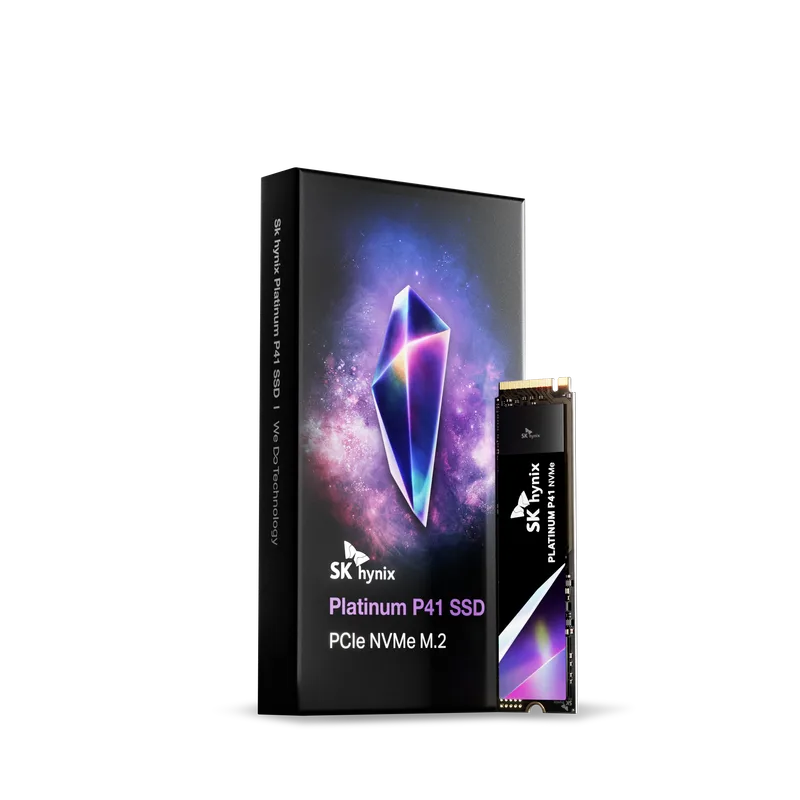
SK Hynix Platinum P41 1TB
The SK Hynix Platinum P41 is the best-performing sub-$100 SSD you can buy right now. It uses SK Hynix’s own 176-layer TLC NAND and pairs it with a 1GB LPDDR4 DRAM cache — a combination that most budget drives skip entirely. Sequential reads hit 7,000 MB/s and writes reach 6,500 MB/s, which puts it within 7% of the Samsung 990 Pro while costing half as much.
What separates it from cheaper drives isn’t the peak sequential numbers — it’s the sustained performance. With DRAM, the P41 maintains consistent random read/write speeds under heavy workloads. Tom’s Hardware testing showed it sustaining 1.8M/1.8M IOPS random 4K performance, which trails only enthusiast-tier drives costing $150+.
The 750 TBW endurance rating is the highest of any drive on this list. At typical gaming usage of 30–50 GB written per day, that’s 40+ years of rated endurance. The 5-year warranty backs it up.
The main risk is pricing. The P41 1TB floats around $95–105 depending on sales activity. With NAND prices rising in 2026, it’s worth checking the current price before assuming it clears the $100 threshold.
Crucial P310 1TB — Best Value
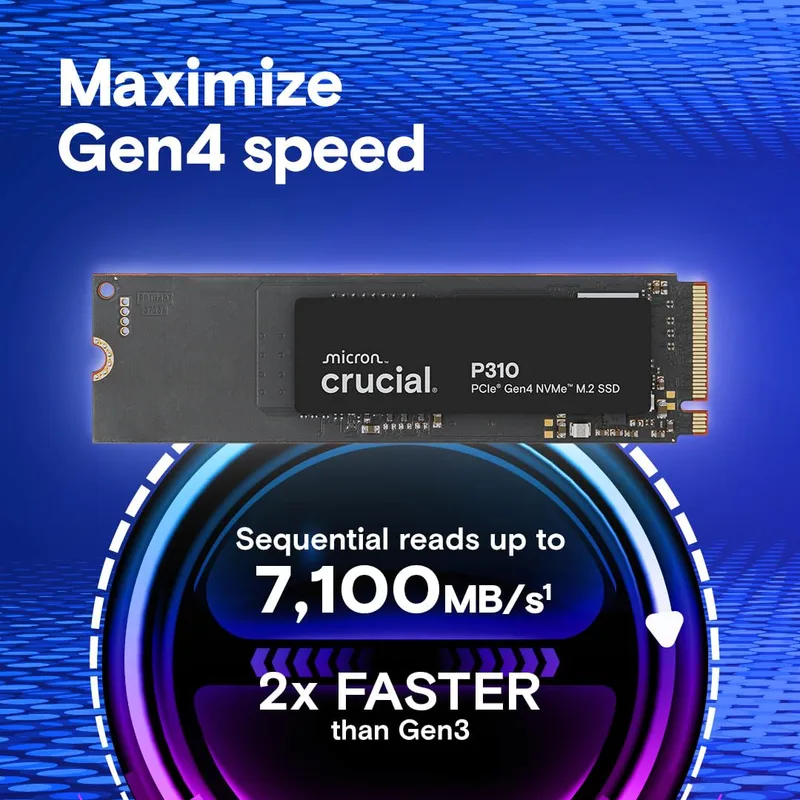
The Crucial P310 launched in late 2026 and immediately became the reference point for budget Gen4 NVMe. At $78, its 7,100 MB/s sequential reads are faster than the Samsung 990 Pro EVO and match the WD Black SN770 — drives that regularly sold for $120–150.
The P310 uses HMB (Host Memory Buffer) instead of a dedicated DRAM chip, borrowing a small slice of system RAM to cache frequently accessed data. In gaming and daily use, this trades blows with DRAM-equipped drives. In sustained sequential writes — ripping Blu-ray discs, editing 4K video — it’s noticeably slower once the SLC cache is exhausted, dropping to around 1,800 MB/s on the 1TB model.
For the target audience of this article — builders who want fast, reliable storage under $100 — the P310 is the easy recommendation. The included Acronis Data Recovery license adds practical value, and the 5-year/600 TBW warranty is above average for this price tier.
Also available in M.2 2230 form factor for handheld gaming devices.
Crucial P5 Plus 2TB — Best Capacity
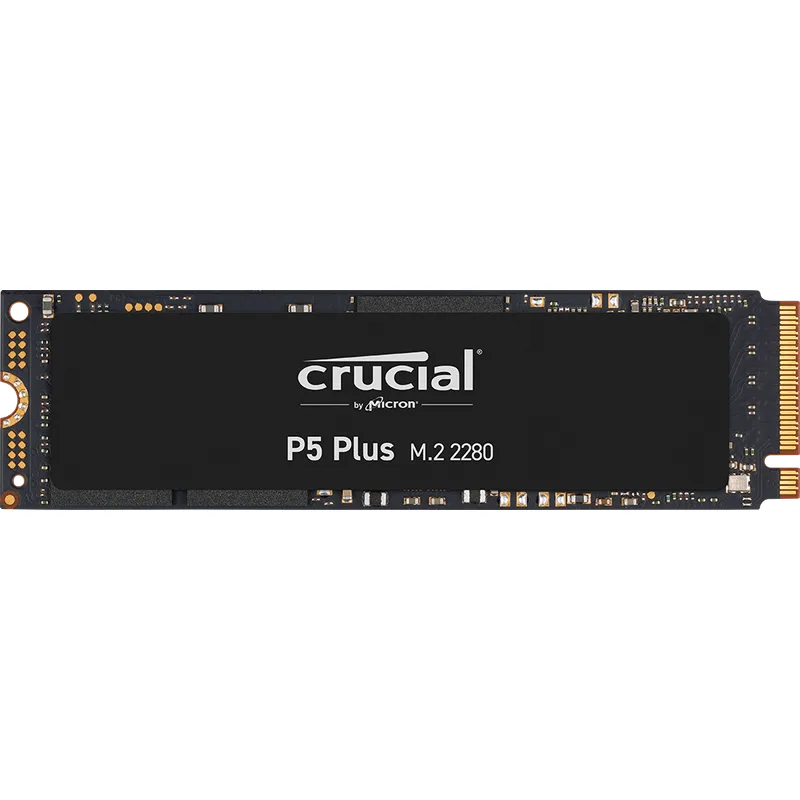
The Crucial P5 Plus 2TB is the answer to anyone who wants storage space rather than peak speed. At roughly $98, it delivers 2TB of PCIe 4.0 NVMe storage with full AES-256 hardware encryption — roughly $0.05 per GB, which represents exceptional value given PCIe 4.0 pricing just 18 months ago.
Sequential reads hit 6,600 MB/s and writes reach 5,000 MB/s. These numbers are lower than the P310 and P41, but the performance gap is irrelevant for game loading — 6,600 MB/s vs 7,100 MB/s produces loading time differences measured in milliseconds. The real win is the 1,200 TBW endurance rating, which is double most 1TB competitors and 60% higher than the Kingston NV3 1TB.
The P5 Plus includes TCG Opal 2.0 hardware encryption support, useful if you’re deploying this in a work machine that stores sensitive data. It also comes backed by a 5-year warranty.
One caveat: pricing has been volatile. It’s regularly available at $93–99, but NAND spot market swings can push it over $100. Check current Amazon pricing before purchasing.
WD Blue SN5000 1TB — Budget Pick
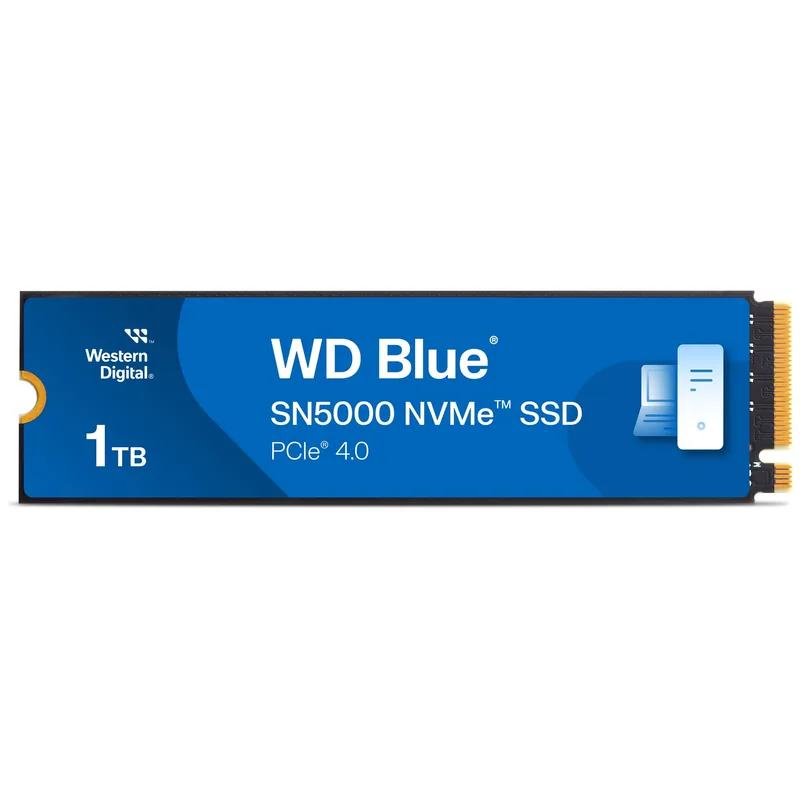
The WD Blue SN5000 is the most straightforward budget recommendation on this list. At $66, it’s the cheapest Gen4 NVMe drive available from a tier-one manufacturer. Sequential reads top out at 5,150 MB/s — meaningfully slower than the P310’s 7,100 MB/s — but in practice, game load times and system boot are virtually identical.
WD’s HMB implementation is one of the better ones in the dram-less segment. In AnandTech-style random 4K reads, the SN5000 sustains speeds that match or slightly exceed the Kingston NV3, despite similar peak specs. This matters for OS responsiveness more than any sequential benchmark.
The 5-year warranty is the standout feature at this price. Kingston’s competing NV3 only offers 3 years. For a budget OS or game drive that will see moderate use, the SN5000’s combination of reliability track record, warranty, and pricing makes it hard to beat.
Not the choice for content creators or heavy random I/O workloads, but for gaming and everyday use, it’s hard to fault at $66.
Kingston NV3 1TB — Most Affordable
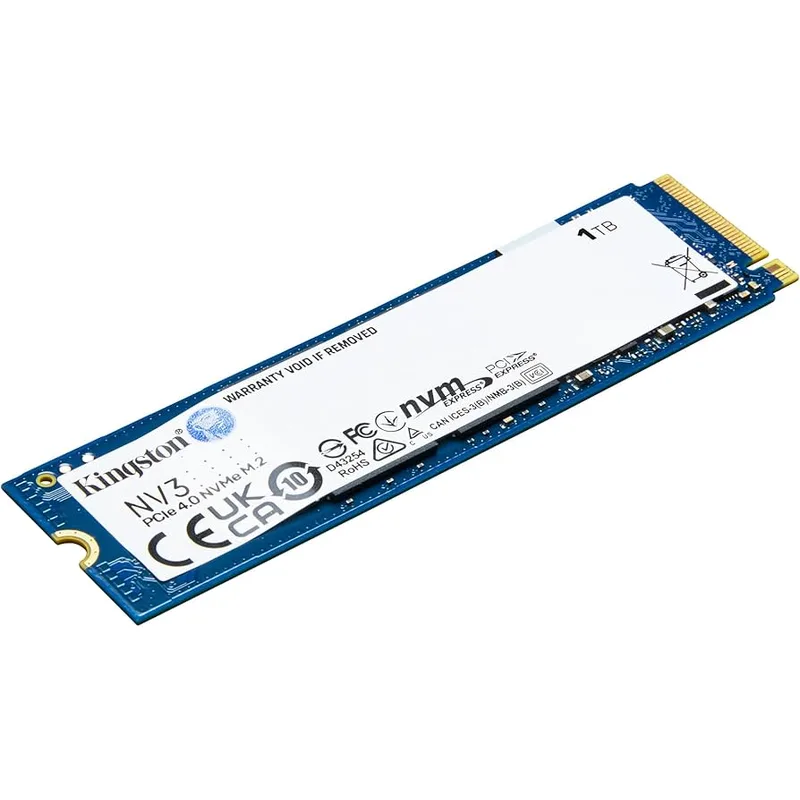
Kingston NV3 1TB
The Kingston NV3 trades blows with the WD Blue SN5000 on paper — it has higher rated sequential speeds (6,000 vs 5,150 MB/s) at a slightly lower price ($65). In real-world use, performance is nearly identical for gaming and general workloads. The decision usually comes down to two factors: the shorter 3-year warranty and Kingston’s specific NAND sourcing.
Kingston’s NV3 uses 3D TLC NAND without DRAM. Its PCIe 4.0 x4 interface delivers peak sequential performance well above PCIe 3.0 drives, which is the most relevant comparison for buyers upgrading from an older system. Sustained random I/O performance is average for the category.
For a secondary storage drive — game library expansion, file dump, scratch space — the NV3 makes more sense as a budget option than for a primary OS drive where long-term reliability and warranty coverage matter more. If you can stretch $1 more, the SN5000’s 5-year warranty is worth it.
FAQ
Does PCIe 4.0 NVMe actually improve gaming compared to PCIe 3.0?
For traditional spinning-platter games, the difference is minimal — GPU and CPU are still the limiting factors for frame rates. However, games built with DirectStorage (Microsoft’s rapid asset streaming API) can show meaningful loading improvements on Gen4 drives. Most current AAA titles don’t use DirectStorage aggressively yet, but it’s the direction the industry is heading. Buying Gen4 now ensures compatibility with that pipeline.
Is 1TB enough for a gaming PC in 2026?
Tight, but workable if you manage installs. Modern AAA games average 70–120GB each. With a 1TB drive split between Windows (~30GB) and programs (~20GB), you have roughly 950GB of usable space — enough for 8–12 major titles simultaneously. If you regularly play more than that, go for the 2TB Crucial P5 Plus.
Can I use these SSDs in a PlayStation 5?
Yes. All five drives are M.2 2280 PCIe 4.0 NVMe, which is the PS5’s required spec. The SK Hynix P41, Crucial P310, and Crucial P5 Plus are all listed as PS5-compatible. Make sure your drive clears 5,500 MB/s reads for official Sony support — all five do. A heatsink is recommended for PS5 installs (the console bay gets warm); heatsink versions of the P310 are available.
What’s the difference between DRAM and DRAM-less SSDs?
DRAM-equipped drives (SK Hynix P41) include a small dedicated memory chip that caches the drive’s file allocation table. This speeds up random I/O by 20–40% and helps sustain performance under heavy sustained writes. DRAM-less drives (P310, P5 Plus, SN5000, NV3) are cheaper to manufacture and perform nearly as well for sequential reads and light workloads. For gaming and OS use, DRAM-less is fine. For video editing or database workloads, DRAM matters.
Will SSD prices keep rising in 2026?
NAND pricing is up roughly 15–20% from 2025 lows due to AI infrastructure build-out consuming flash supply. The sub-$100 Gen4 market is narrower than it was 12 months ago, but deals still appear regularly. The Kingston NV3 and WD Blue SN5000 have been the most price-stable options; the P41 and P5 Plus fluctuate more with market conditions.
The Bottom Line
The SK Hynix Platinum P41 1TB is the top pick for anyone who wants the best-performing drive under $100 — its DRAM cache, 750 TBW endurance, and 7,000/6,500 MB/s speeds outclass every cheaper option. For pure value, the Crucial P310 1TB at $78 delivers 7,100 MB/s sequential reads that rival drives costing twice as much 18 months ago. If you need 2TB without breaking the budget, the Crucial P5 Plus 2TB at ~$98 is exceptional — 2TB of Gen4 NVMe at $0.05/GB with full hardware encryption included.