Ultrawide prices broke through a significant barrier in early 2026: the Alienware AW3423DWF QD-OLED hit $499.99 at Amazon in late January — matching what budget 27-inch IPS panels cost two years ago. OLED technology now dominates the category at every tier above $400, and if you’re shopping a VA or IPS ultrawide in 2026, you need a compelling reason to skip OLED at current prices.
| Spec | LG 45GX950A-B 45" Ultragear 5K2K OLED 9.5/10 | Asus ROG Swift OLED PG34WCDM 34" Unavailable 9.2/10 | Samsung Odyssey OLED G9 G95SC 49" Unavailable 9/10 | Dell Alienware AW3423DWF 34" 8.8/10 | MSI MPG ARTYMIS 343CQR 34" Unavailable 7.8/10 |
|---|---|---|---|---|---|
| panel | WOLED | QD-OLED | QD-OLED | QD-OLED | VA |
| resolution | 5120×2160 (5K2K) | 3440×1440 (WQHD) | 5120×1440 (DQHD) | 3440×1440 (WQHD) | 3440×1440 (UWQHD) |
| refresh_rate | 165Hz (330Hz Dual-Mode) | 240Hz | 240Hz | 165Hz | 165Hz |
| response_time | 0.03ms | 0.03ms | 0.03ms | 0.1ms | 1ms MPRT |
| hdr | DisplayHDR True Black 400 | DisplayHDR True Black 400 | DisplayHDR True Black 400 | DisplayHDR True Black 400 | HDR 400 |
| ports | DP 2.1, 2x HDMI 2.1, USB-C 90W | DP 1.4, 2x HDMI 2.1, USB-C 90W | DP 1.4, 2x HDMI 2.1, USB-C | DP 1.4, 2x HDMI 2.0 | DP 1.4, 2x HDMI 2.0, USB-C 15W |
| Rating | 9.5/10 | 9.2/10 | 9/10 | 8.8/10 | 7.8/10 |
Prices change daily — tap Check Price for the current Amazon price.
Prices change daily — tap Check Price for the current Amazon price.
Quick Picks
- Best overall: LG 45GX950A-B — 5K2K OLED with Dual-Mode 330Hz, the only monitor that handles both immersive and competitive use cases without a compromise
- Best 34-inch: Asus ROG Swift OLED PG34WCDM — 240Hz QD-OLED at 3440×1440 is the highest-refresh ultrawide you can buy in a standard desk footprint
- Best value: Dell Alienware AW3423DWF — QD-OLED at $499 makes every competing IPS panel at the same price look obsolete
Buying Guide
Which size is right?
34-inch (21:9) at 3440×1440 is the practical sweet spot. Game support is universal, GPU requirements are reasonable (an RTX 5070 handles most AAA titles at high settings), and the desk footprint stays manageable at 800–820mm wide. This is where the Alienware AW3423DWF and ROG PG34WCDM live.
45-inch (21:9) at 3440×1440 or 5120×2160 gives you more screen real estate without the aspect ratio compatibility issues of 32:9. The LG 45GX950A runs 5K2K — noticeably sharper at 125 PPI versus the 109 PPI of a standard 34-inch WQHD panel.
49-inch (32:9) replaces a dual-monitor setup. The Samsung Odyssey OLED G9 is stunning, but 32:9 game support remains inconsistent — some titles handle it natively, others stretch the HUD or black-bar the sides. Check your specific game library before buying.
OLED vs VA vs IPS
Every panel on this list above $450 uses OLED (either WOLED from LG or QD-OLED from Samsung). The MSI Artymis 343CQR is the only VA panel here, included because it’s the best-performing ultrawide below $400.
OLED gives you infinite contrast, sub-0.1ms pixel response, and HDR that’s actually worth enabling. VA gives you better static contrast than IPS (3,000:1 versus 1,000:1) at a lower price. IPS ultrawides at 165Hz exist below $300, but in 2026 the value proposition is hard to justify against OLED pricing.
Burn-in: OLED burn-in is a real concern for static elements (taskbars, HUDs). All current OLED monitors include pixel refresh routines and built-in mitigations. In practice, burn-in from gaming is unlikely within a 3–4 year ownership period if you follow manufacturer guidelines and don’t run static elements at maximum brightness for thousands of hours.
GPU requirements
| Target | Minimum GPU | Recommended GPU |
|---|---|---|
| 3440×1440 at 165Hz | RTX 5060 Ti | RTX 5070 |
| 3440×1440 at 240Hz | RTX 5070 | RTX 5080 |
| 5120×1440 at 240Hz | RTX 5080 | RTX 5090 |
| 5120×2160 at 165Hz | RTX 5080 | RTX 5090 |
Sync technology
All five monitors support AMD FreeSync Premium or FreeSync Premium Pro. The LG 45GX950A, ROG PG34WCDM, and Alienware AW3423DWF are also G-Sync Compatible certified — they work with Nvidia GPUs through the open adaptive sync standard without needing a proprietary G-Sync module.
Detailed Reviews
LG 45GX950A-B — Best Overall
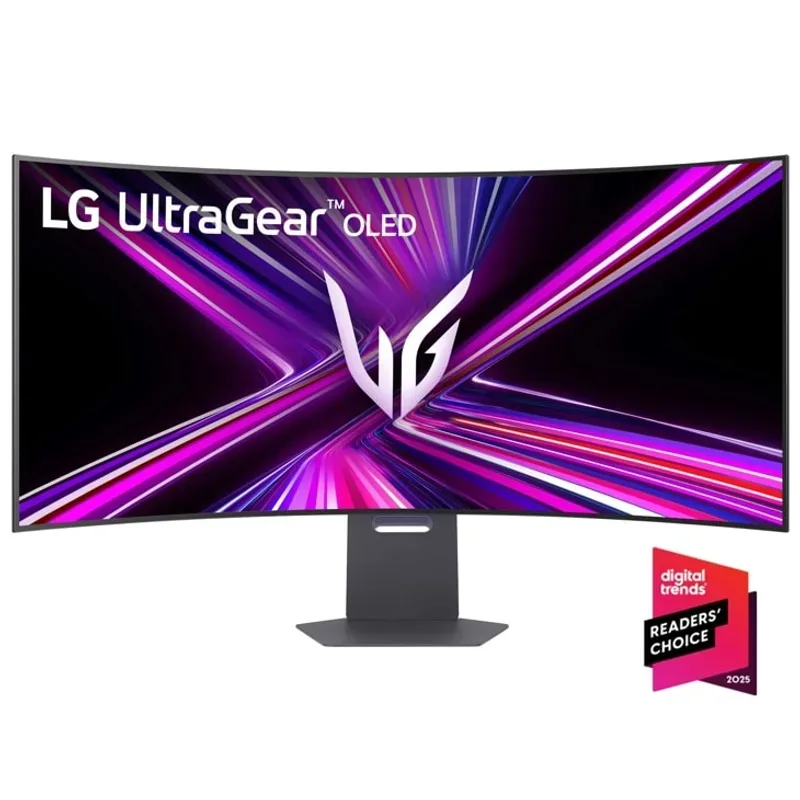
The LG 45GX950A-B is the first ultrawide to offer 5K2K (5120×2160) resolution, and it changes the ultrawide calculus. At 125 PPI on a 45-inch panel, text and fine detail are noticeably crisper than any 3440×1440 monitor regardless of size. The WOLED panel covers 98.5% DCI-P3 with infinite contrast and a claimed 1,300 nit peak in HDR mode for a 1.5% window.
Dual-Mode is the feature that justifies the $1,999 price tag for competitive gamers. In Dual-Mode, the monitor drops to 2560×1080 and unlocks 330Hz — running at native display resolution for the halved pixel count, not an interpolated upscale. You can switch modes through the OSD. For players who alternate between Elden Ring at 165Hz 5K2K and Valorant at 330Hz, this replaces two monitors.
Connectivity is equally premium: DisplayPort 2.1 handles 5K2K at 165Hz without Display Stream Compression, two HDMI 2.1 ports cover 4K consoles, and USB-C delivers 90W of power delivery for laptops.
The caveat is GPU requirements. Running 5K2K at 165Hz demands an RTX 5080 minimum in modern AAA titles — the 5090 is the realistic choice for those who don’t want to drop quality settings. At $1,999, you’re looking at a $3,000+ monitor-plus-GPU investment.
Asus ROG Swift OLED PG34WCDM — Best 34-Inch
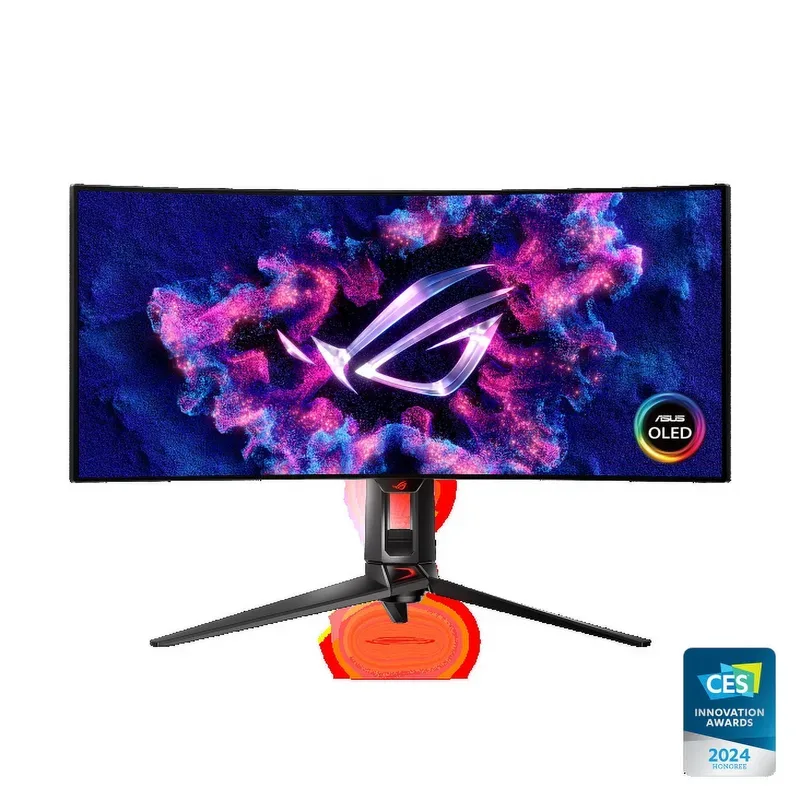
Asus ROG Swift OLED PG34WCDM 34"
The PG34WCDM sits at the top of the 34-inch ultrawide category by a significant margin. Its 240Hz QD-OLED panel at 3440×1440 is the highest-refresh standard ultrawide available in 2026, and the image quality matches what you’d expect from a $850 OLED display.
ROG’s custom heatsink design addresses one of the main criticisms of earlier OLED ultrawides: heat buildup in the panel during extended sessions. The heatsink dissipates thermal load more evenly than passive designs, which contributes to brightness consistency and reduces the risk of ABL (automatic brightness limiting) triggering during bright, high-load scenes.
Smart KVM lets you control two computers through the monitor’s USB hub with a single keyboard and mouse — useful if you run a desktop gaming rig and a work laptop side by side. The USB-C port handles both the laptop display signal and charges at 90W simultaneously.
At $850, the PG34WCDM competes directly with LG’s equivalent 34-inch OLED offerings. Asus wins on refresh rate (240Hz versus LG’s 144Hz in the same price bracket) and loses slightly on color calibration out of the box — LG panels typically ship with tighter delta-E numbers.
Samsung Odyssey OLED G9 G95SC — Best Super-Ultrawide
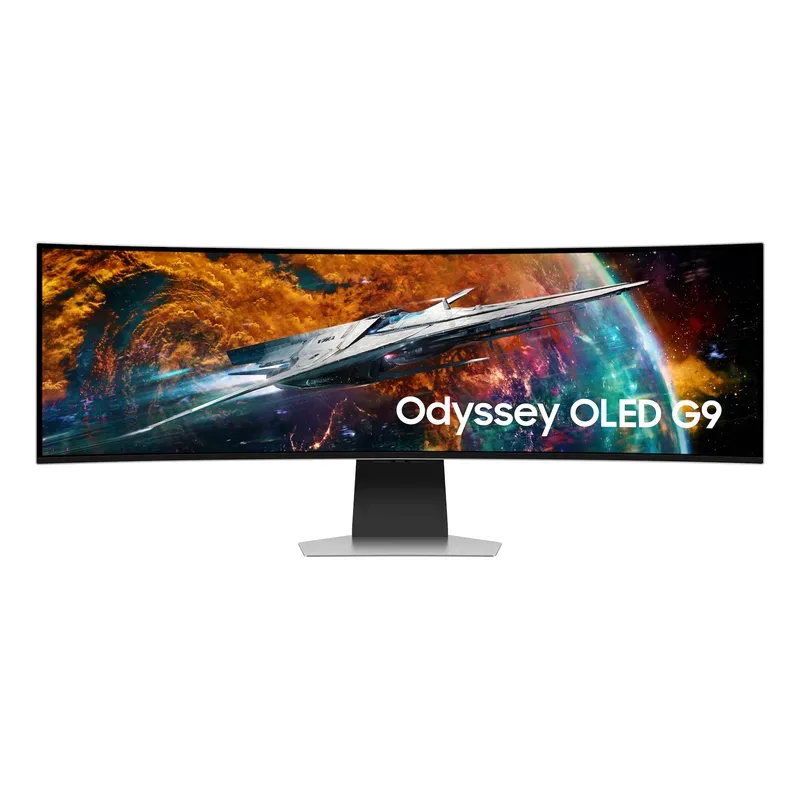
Samsung Odyssey OLED G9 G95SC 49"
The 49-inch Odyssey OLED G9 delivers a 5120×1440 QD-OLED panel in a single seamless display that covers roughly the same field of view as a 27-inch and 32-inch monitor placed side by side. The QD-OLED panel outputs peak brightness around 1,000 nits in HDR highlights — visibly brighter than LG’s WOLED technology, which tops out around 850 nits in comparable conditions.
The 2026 pricing shift from $1,799 to $1,299 closes much of the gap with 34-inch premium options. For content creators and sim racers who work across wide horizontal real estate, the Odyssey G9 now makes financial sense where it previously felt like a luxury tax.
The 1000R curve is aggressive but appropriate for a 49-inch display — at 80–90cm desk distance, the edges land at the same perceived depth as the center, preventing the edge distortion you’d notice on a flat 49-inch panel.
Game compatibility is the persistent limitation. Racing and flight simulators run flawlessly. Strategy games, MMOs, and sandboxes generally support 32:9 natively. Major AAA titles with scripted HUDs often cap at 21:9 — the game renders correctly, but the HUD stretches or blacks out at the sides. Verify your specific game list at ultrawide.community before purchasing.
Dell Alienware AW3423DWF — Best Value
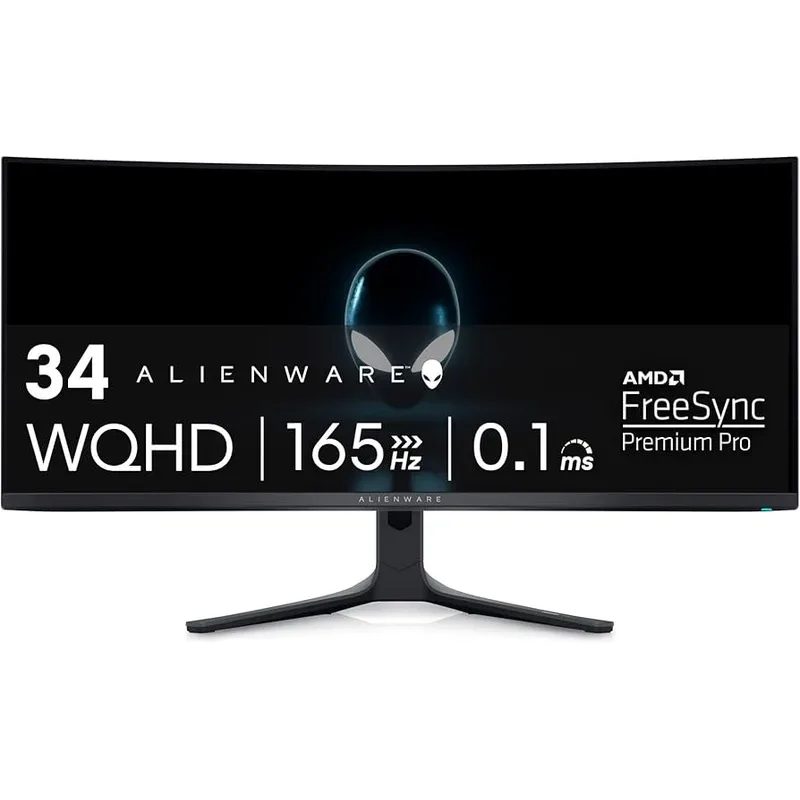
The AW3423DWF is the QD-OLED ultrawide that changed the price/performance conversation when it launched, and its January 2026 sale to $499.99 makes it the automatic recommendation for anyone spending under $600. The QD-OLED panel covers 99.3% DCI-P3 with DisplayHDR True Black 400 certification — specifications that cost $900+ when this monitor launched.
At 3440×1440 and 165Hz, the AW3423DWF is GPU-friendly. An RTX 5060 Ti can drive it at high settings in most current titles. You’re not overpaying for refresh rate you can’t actually use, and the QD-OLED quality more than offsets the 165Hz limitation versus IPS panels that claim 240Hz with worse pixel response and contrast.
The main limitation is connectivity: HDMI 2.0 means PS5 and Xbox Series X owners are capped at lower bandwidth. The included HDMI ports can’t push 3440×1440 at 120Hz on current consoles — DisplayPort is mandatory for PC use, and console users should verify their setup before purchasing.
Dell’s warranty and panel replacement support is better than most monitor manufacturers. The AW3423DWF includes a 3-year panel warranty that covers burn-in, which is increasingly rare for OLED monitors at this price point.
MSI MPG ARTYMIS 343CQR — Budget Option
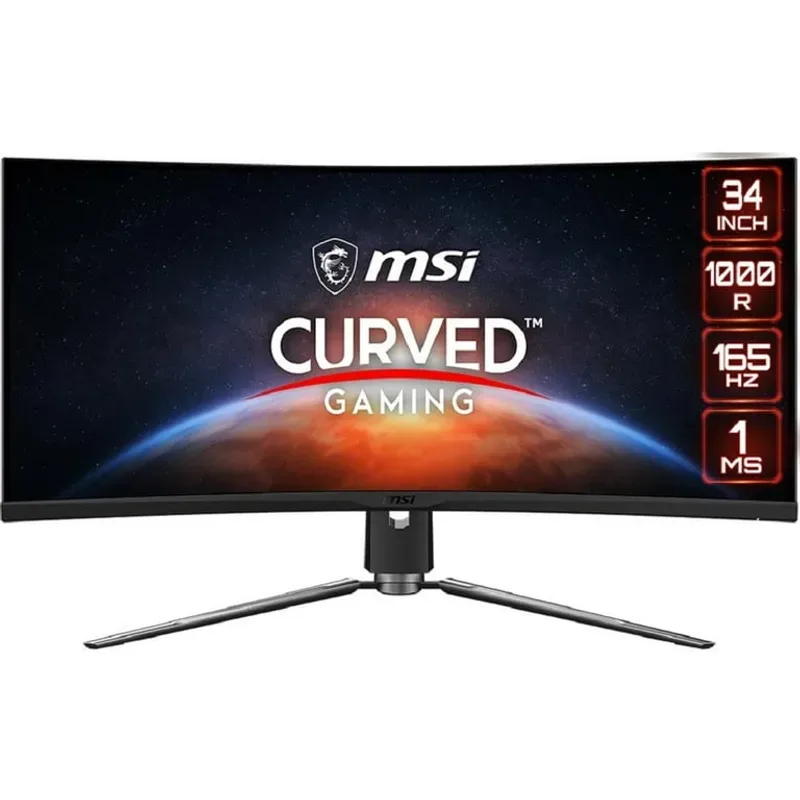
MSI MPG ARTYMIS 343CQR 34"
The MSI MPG ARTYMIS 343CQR is the entry point for 34-inch ultrawide gaming at 3440×1440, sitting at $380 without compromising on resolution or refresh rate. The VA panel delivers a 3,000:1 static contrast ratio — dramatically deeper blacks than any IPS panel at any price, which matters for dark scene visibility in games like Dark Souls or Cyberpunk 2077.
The 1000R curve is tighter than the 1800R found on most competitors. At a 60–70cm desk distance, the Artymis wraps into peripheral vision more aggressively, which either enhances immersion or feels claustrophobic depending on preference. Most users should sit slightly further back than they would with a standard monitor.
VA smearing is the real limitation. The 1ms spec is MPRT (Motion Picture Response Time) — a backlight strobing measurement that doesn’t reflect actual pixel transition speed. In practice, fast lateral movement in games like racing sims or first-person shooters shows trailing ghosting behind objects. It’s manageable, not display-breaking, but visible.
For under $400, the Artymis 343CQR outperforms competing IPS ultrawides in contrast while matching them on refresh rate and color gamut. If OLED isn’t in budget, this is the next best option.
FAQ
Do ultrawides work with consoles? The PS5 and Xbox Series X output at 3440×1440 through select titles, but support is limited. Most console games are optimized for 16:9. The Samsung Odyssey G9’s 32:9 aspect ratio has almost no console support. For console gaming, stick to 16:9.
Is 34-inch or 49-inch better for gaming? 34-inch wins on game compatibility, desk space, and GPU requirements. 49-inch wins on immersion for racing/flight sims and multi-tasking productivity. If gaming is your primary use case, 34-inch is the safer choice unless you’ve verified your game library supports 32:9.
Do I need an OLED ultrawide, or will VA work? For pure gaming, OLED’s 0.03ms pixel response eliminates motion blur that’s visible on VA at 165Hz. For productivity or when budget is the priority, VA’s 3,000:1 contrast delivers better image quality than IPS at comparable prices. At current pricing, QD-OLED is available for $499 — the value gap over VA has narrowed significantly.
What GPU do I need for a 34-inch ultrawide? At 3440×1440 and 165Hz, an RTX 5060 Ti or RX 9070 handles most titles at high settings. For 240Hz at the same resolution, step up to the RTX 5070. The Alienware AW3423DWF at 165Hz is the most GPU-friendly high-quality ultrawide in this roundup.
Does ultrawide cause eye strain? No clinical evidence supports ultrawides causing more eye strain than standard aspect ratios. The key factor is maintaining proper desk distance (60–80cm for 34-inch, 80–100cm for 45-49-inch) and matching screen brightness to ambient lighting.
The Bottom Line
The Alienware AW3423DWF at $499 is the default recommendation — QD-OLED quality at a price that was impossible two years ago. For buyers who game competitively and immersively on the same setup, the LG 45GX950A-B justifies its $1,999 price with Dual-Mode 330Hz and the only 5K2K OLED panel in the category. The Asus ROG Swift OLED PG34WCDM is the 34-inch choice when 240Hz matters.