SSD prices are climbing again in early 2026. AI infrastructure buildout is vacuuming up NAND flash supply faster than fabs can replenish it — Tom’s Hardware reports that enterprise SSDs now cost 16x more per TB than HDDs, up from 6x just nine months ago. For consumer storage, that gap is more like 7-8x per GB. The practical effect: a 4TB HDD costs around $90, while 4TB of NVMe storage runs close to $200. That spread makes the HDD vs SSD question more financially relevant than it’s been since 2022.
| Spec | Seagate BarraCuda 2TB HDD 7.8/10 | Seagate BarraCuda 4TB HDD 8/10 | Samsung 870 EVO 1TB 8.5/10 | WD Blue SN580 1TB NVMe 8.8/10 | Crucial P3 Plus 2TB NVMe Unavailable 8.6/10 |
|---|---|---|---|---|---|
| capacity | 2TB | 4TB | 1TB | 1TB | 2TB |
| interface | SATA 6Gb/s | SATA 6Gb/s | SATA III | PCIe Gen4 x4 | PCIe Gen4 x4 |
| rpm | 7200 RPM | 5400 RPM | — | — | — |
| cache | 256MB | 256MB | — | — | — |
| formFactor | 3.5 inch | 3.5 inch | 2.5 inch | M.2 2280 | M.2 2280 |
| pricePerGB | $0.035/GB | $0.022/GB | — | — | — |
| Rating | 7.8/10 | 8/10 | 8.5/10 | 8.8/10 | 8.6/10 |
Prices change daily — tap Check Price for the current Amazon price.
Prices change daily — tap Check Price for the current Amazon price.
Quick Picks
- Best HDD for bulk storage: Seagate BarraCuda 4TB — $0.022/GB is unmatched; pairs cleanly with any NVMe boot drive
- Best budget NVMe: WD Blue SN580 1TB — 4,150 MB/s Gen4 performance at ~$75, better value than SATA SSDs
- Best SATA SSD upgrade: Samsung 870 EVO 1TB — the only option when your system lacks an M.2 slot
HDD vs SSD: What Actually Matters
Speed
The performance gap is wide and non-negotiable. A Seagate BarraCuda running at 7200 RPM delivers around 190 MB/s sequential read. The WD Blue SN580 NVMe hits 4,150 MB/s — 21x higher. For random read performance (the metric that controls Windows boot times and app launch speeds), the gap is larger still: HDDs manage roughly 1-2 MB/s in random 4K reads; NVMe drives reach 50-70 MB/s. That difference is the gap between a 45-second boot and a 10-second boot.
SATA SSDs sit in the middle — 560 MB/s sequential, around 40-50 MB/s random 4K — which is why swapping a spinning drive for a Samsung 870 EVO transforms the feel of older hardware even without going full NVMe.
Cost Per GB
| Storage Type | Example | Price | Cost/GB |
|---|---|---|---|
| 5400 RPM HDD | Seagate BarraCuda 4TB | Check price | $0.022/GB |
| 7200 RPM HDD | Seagate BarraCuda 2TB | Check price | $0.035/GB |
| Value NVMe | Crucial P3 Plus 2TB | Unavailable | $0.065/GB |
| Budget NVMe | WD Blue SN580 1TB | Check price | $0.075/GB |
| SATA SSD | Samsung 870 EVO 1TB | Check price | $0.110/GB |
Even the cheapest NVMe is 3x the cost per GB of the cheapest HDD. At 4TB, HDDs are more than 9x cheaper per byte. That math doesn’t improve in 2026 — the AI-driven NAND crunch is keeping SSD prices elevated through at least mid-year according to market analysts.
Reliability
Both technologies are mature. Modern HDDs and SSDs have similar annualized failure rates — roughly 1-3% depending on manufacturer and workload intensity. SSDs have no moving parts, which makes them more resistant to physical shock — relevant for laptops and portable drives. HDDs have a longer track record at extreme capacities (16TB+), where SSDs at equivalent sizes cost ten times as much and remain impractical for most users.
When to Buy an HDD
- Your PC already has an NVMe boot drive and you need additional storage capacity
- Storing media libraries — movies, music, RAW photos, video archives — accessed sequentially
- NAS or backup target where $/TB matters more than latency
- You need 4TB+ at the lowest possible cost per byte
For a full breakdown of the best drives to pair as secondary storage, including 7200 RPM CMR options from WD, Seagate, and Toshiba, see our best gaming HDDs for mass storage guide.
When to Buy an SSD
- OS drive or primary game drive — anything where load times affect every session
- Laptop, mini-ITX build, or any system without 3.5-inch drive bays
- Scratch disk for video editing or any workload writing gigabytes daily
- You have a system without an M.2 slot and need to dramatically improve responsiveness
The Hybrid Approach
The most cost-effective storage setup in 2026 is still a fast NVMe boot and game drive (1-2TB) paired with a high-capacity HDD (4TB+) for cold storage. A WD Blue SN580 1TB ($75) plus Seagate BarraCuda 4TB ($90) totals about $165 for the pair — 4,150 MB/s on your active games and 4TB of media storage at $0.022/GB. That beats an all-SSD approach at the same budget by a factor of 3-4x in total usable capacity.
Seagate BarraCuda 2TB HDD
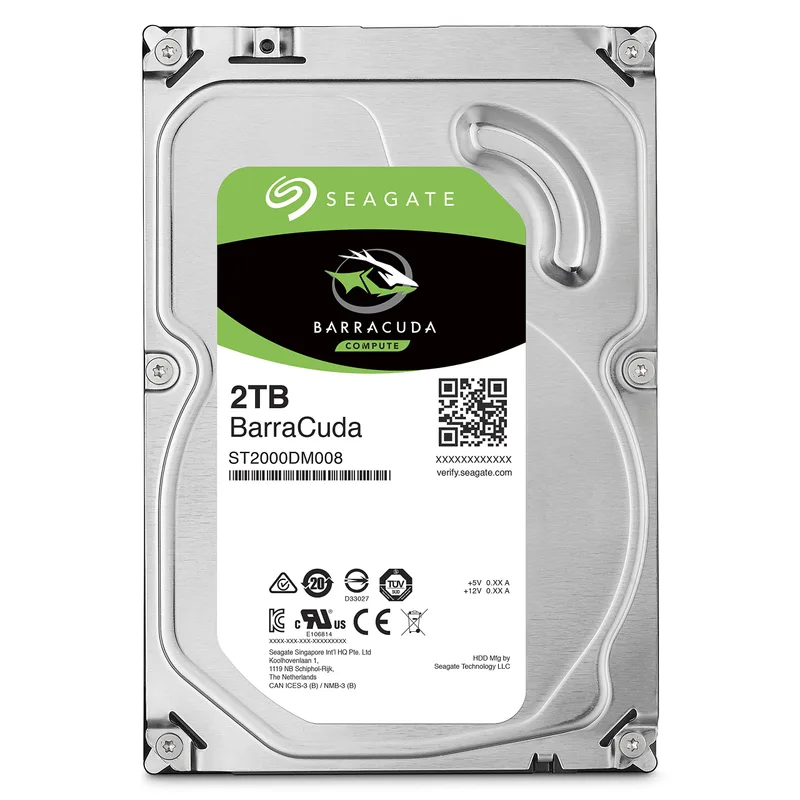
The BarraCuda 2TB runs at 7200 RPM — the fastest platter speed at this price. That matters for sustained sequential reads: expect around 190 MB/s on large file transfers, noticeably faster than 5400 RPM drives at 140-160 MB/s. The 256MB DRAM cache buffers burst I/O and smooths sequential transfers, but it can’t overcome the fundamental seek latency of a spinning platter.
At $70 for 2TB, cost per GB is $0.035 — about one-third of the Samsung 870 EVO. That savings only makes sense if this isn’t your primary OS or game drive. Windows on an HDD today is genuinely painful: cold boot takes 45-60 seconds, large applications take 10-15 seconds to open, and the drive chatters audibly during heavy random I/O.
Keep your OS and active games on NVMe and use this for your Steam library backlog, music collection, and video archives.
Seagate BarraCuda 4TB HDD
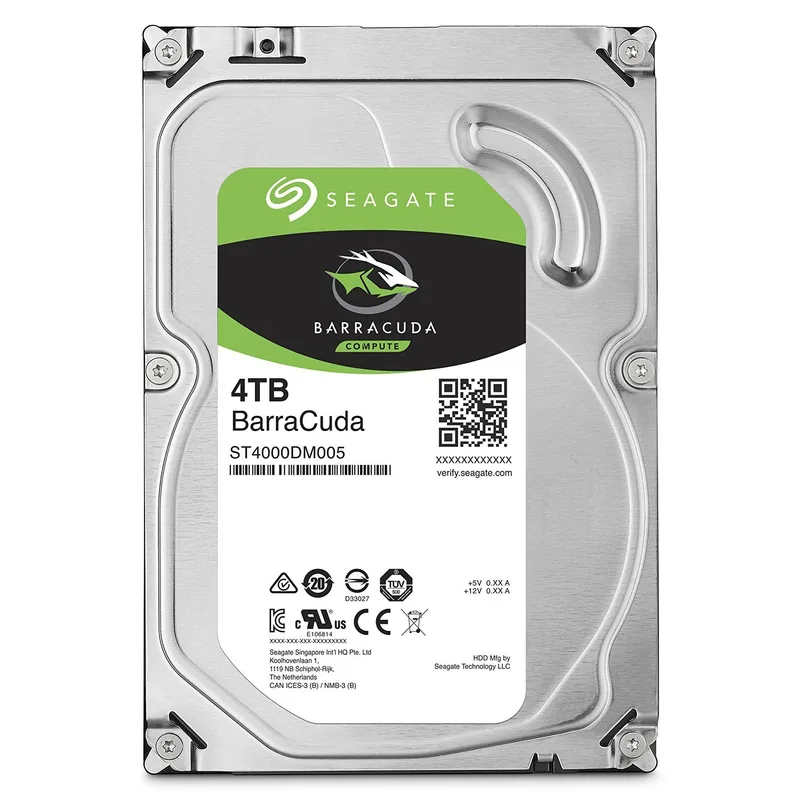
The BarraCuda 4TB runs at 5400 RPM with the same 256MB cache as the 2TB model. Sequential read performance sits at 160-175 MB/s — slightly below the 7200 RPM model — but for its actual use case (streaming media, backups, archives), that’s irrelevant. You’re not waiting for individual files to load from cold storage with any noticeable difference at those speeds.
$90 for 4TB works out to $0.022/GB — the best cost-per-byte in this entire roundup. A 4TB drive holds over 1,100 Blu-ray rips, 650,000 MP3s, or six months of 4K dashcam footage. It’s the backup target for your NVMe boot drive, the home for your full game library backlog, and the place where RAW photos live before you edit them.
This pairs naturally with any NVMe in this roundup. Run the SN580 or P3 Plus for your OS, active games, and projects; run this for everything else.
Samsung 870 EVO 1TB
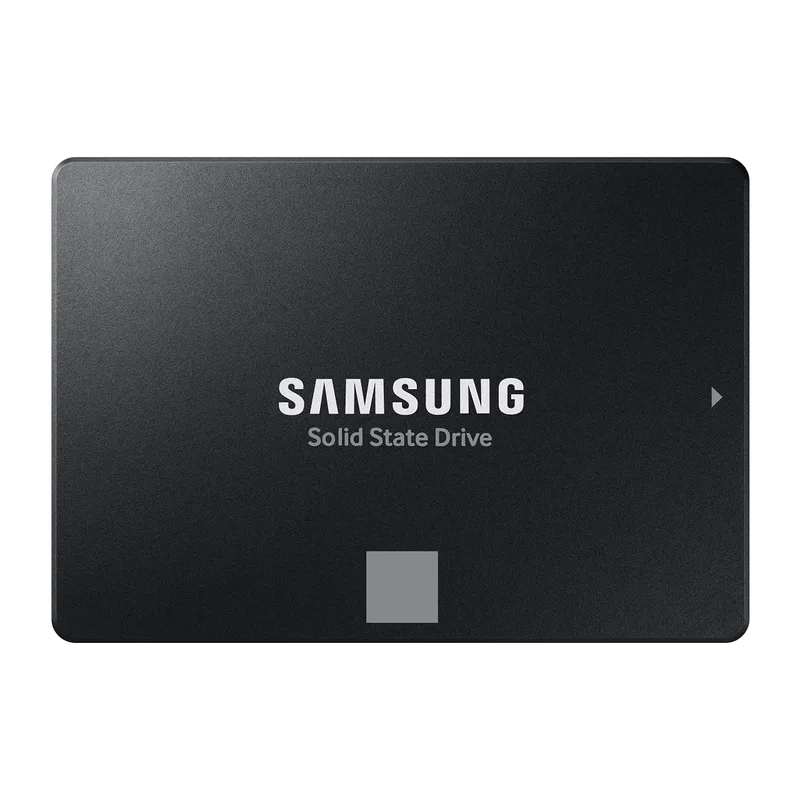
The 870 EVO hits 560 MB/s sequential read and 530 MB/s write — the practical ceiling for SATA III. It uses Samsung’s V-NAND with a DRAM buffer, and the 600 TBW endurance rating on the 1TB model is among the highest in its class. Samsung’s Magician software provides drive health monitoring, encryption management, and firmware updates.
The case for buying this over an NVMe drive in 2026 is narrow but real: your system doesn’t have an M.2 slot. Older boards, budget office PCs, and many laptops from 2017-2020 shipped without M.2 support. Swapping a spinning drive for a 2.5-inch SATA SSD in those systems is still the single highest-impact upgrade available — cutting boot times from 60 seconds to under 15.
If your system has an M.2 slot, the WD Blue SN580 at ~$75 delivers 7.4x the sequential bandwidth for less money. The 870 EVO’s use case is the systems where that slot doesn’t exist.
WD Blue SN580 1TB NVMe
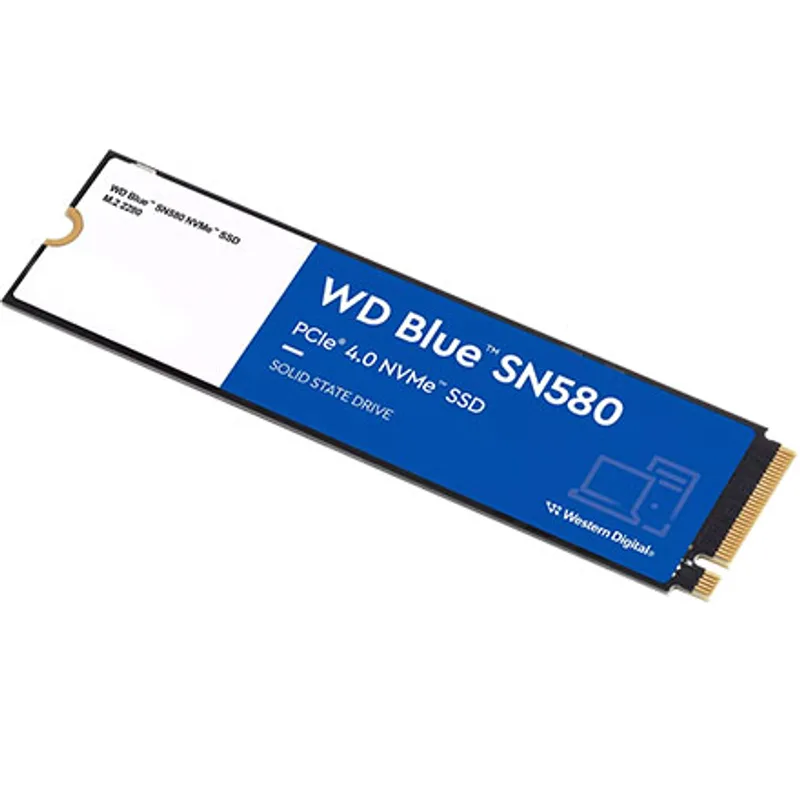
The SN580 uses PCIe Gen4 x4 over M.2 2280 and hits 4,150 MB/s sequential read and write. For context, the Seagate BarraCuda 2TB HDD hits ~190 MB/s sequential. That’s a 21x bandwidth advantage on sequential transfers and a roughly 50x advantage on random 4K reads — which governs every interaction Windows has with storage.
At ~$75 for 1TB, this is one of the better value propositions in PC storage right now. It costs less than most SATA SSDs while delivering Gen4 NVMe performance. The 600 TBW endurance rating is solid for a mid-range drive at this capacity.
The limitations are real. 1TB fills fast with a modern gaming library: Baldur’s Gate 3 alone is 150GB, Call of Duty can hit 250GB. If you have four or five of the largest games installed simultaneously, you’ll be deleting and reinstalling. Pairing this with a Seagate BarraCuda 4TB ($90) solves the problem — combined two-drive cost of $165 with NVMe speeds where they count.
Check your motherboard before ordering. AM4 and older Intel boards (pre-Z590) cap this drive at PCIe Gen3 speeds (~3,500 MB/s). Still 18x faster than HDD, but worth knowing.
Crucial P3 Plus 2TB NVMe
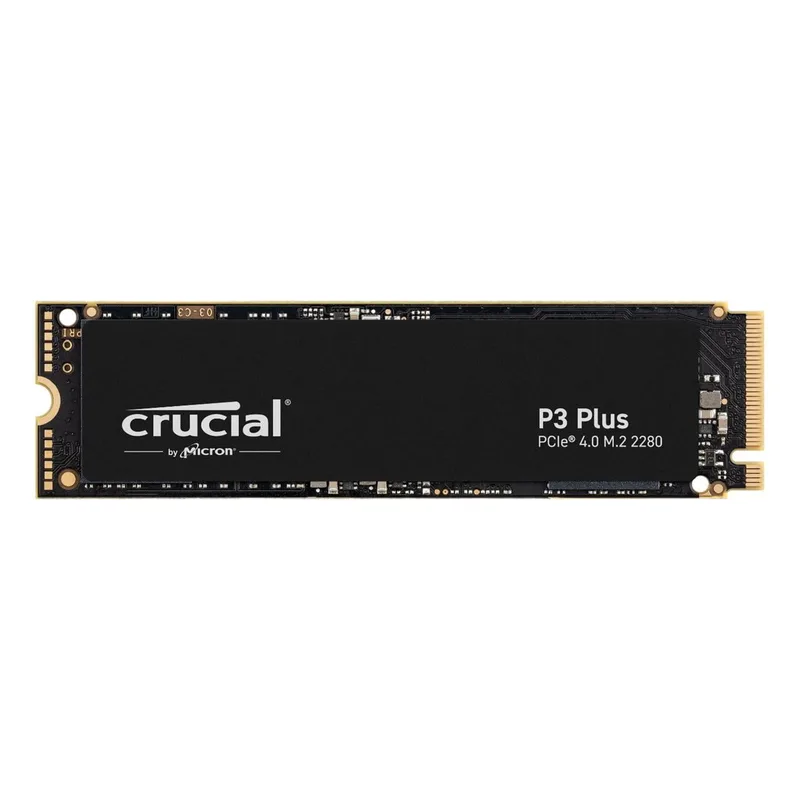
Crucial P3 Plus 2TB NVMe
The P3 Plus delivers 5,000 MB/s sequential read at 2TB. The capacity is the defining feature: at $130, you get $0.065/GB — meaningfully closing the cost gap versus budget NVMe while keeping the full 2TB on fast storage. No need to choose which games stay on the fast drive; all 20 of them can live here.
For gaming rigs with a growing installed library, 2TB NVMe is increasingly the practical minimum. A modern 10-game library with a few large titles can hit 1.5TB, and you want all of those on fast storage, not just your current rotation.
The 440 TBW endurance at 2TB is the main caveat. Samsung’s 990 Pro 2TB rates 1,200 TBW — nearly 3x higher. For gaming and general use, 440 TBW will last most users well over five years at typical write rates. For daily video editing or heavy creative workloads, a higher-endurance TLC drive is worth the premium.
FAQ
Is an SSD worth it in 2026 even with prices going up?
Yes, for your OS and active game library. SSD prices have risen due to AI demand on NAND supply, but a 1TB NVMe is still ~$75. The performance difference over HDD is fundamental — 21x faster sequential reads, 50x faster random 4K. For mass storage and backups, an HDD at $0.022/GB remains the right call.
Can I use only an HDD as my primary drive in 2026?
Technically yes, but the quality-of-life penalty is significant. Windows on an HDD boots in 45-60 seconds versus 8-12 seconds on NVMe. Games that load in 3 seconds on NVMe take 20-30 seconds on spinning disk. Any system you use regularly should have an SSD as its primary drive.
Do I need NVMe, or will a SATA SSD do?
For everyday PC tasks and gaming, a SATA SSD (560 MB/s) is adequate — most games don’t exceed 200 MB/s sustained reads during gameplay, so NVMe’s 4,000+ MB/s advantage doesn’t translate directly to higher frame rates. NVMe matters for large file transfers, video editing, and game load times in titles with DirectStorage. Given that the WD Blue SN580 undercuts most SATA SSDs on price, NVMe is the better default choice when your board supports it.
How long do SSDs last compared to HDDs?
Both have similar annualized failure rates of roughly 1-3% in production environments. SSDs measure endurance in Total Bytes Written: the Samsung 870 EVO 1TB is rated 600 TBW. At 50GB/day of writes — heavy daily usage — that’s 32+ years. HDDs don’t fail on write cycles; they fail on mechanical wear, which is harder to predict but similarly rare in the first five years under normal use.
Should I go all-SSD or hybrid HDD + SSD?
At 2026 pricing, hybrid makes more financial sense for most users. A WD Blue SN580 1TB ($75) plus Seagate BarraCuda 4TB ($90) gives you fast NVMe for your active workload and 4TB of cheap bulk storage — $75 + $90 = $165 for the pair. Matching that capacity with all NVMe (Crucial P3 Plus 4TB) would cost $260+. Unless every byte you write is performance-sensitive, the hybrid approach delivers better value.
The Bottom Line
HDD and SSD answer different problems. The Seagate BarraCuda 4TB at $0.022/GB is still the right answer for bulk storage, backups, and large media libraries — no SSD competes on cost-per-byte at that capacity. The WD Blue SN580 1TB is the right answer for your OS and active games — 4,150 MB/s for $75 is real value even with prices elevated. The hybrid setup — NVMe boot drive plus high-capacity HDD — remains the most cost-effective complete storage solution in 2026.