Affiliate disclosure: PCBuildRanked earns a commission on qualifying purchases through Amazon affiliate links at no extra cost to you.
Game installs are bigger than they’ve ever been. Call of Duty: Black Ops 6 requires 102GB on PC — and that’s considered average-sized in 2026. The era of fitting your entire library on a 500GB drive is over, and the minimum viable storage for a gaming PC has shifted upward. Complicating the picture: the NAND shortage that started in late 2025 has pushed 2TB NVMe prices from ~$140 to $325+ by mid-2026. This guide breaks down exactly how much storage you need and which drives are worth buying at current prices.
| Spec | Crucial P3 Plus 1TB PCIe Gen4 NVMe 7.8/10 | Samsung 990 EVO Plus 2TB 8.4/10 | WD Black SN850X 2TB NVMe Unavailable 8.9/10 | WD Black SN850X 4TB NVMe 8.8/10 | Crucial T700 4TB PCIe Gen5 NVMe 8.7/10 |
|---|---|---|---|---|---|
| capacity | 1TB | 2TB | 2TB | 4TB | 4TB |
| interface | PCIe Gen4 x4, NVMe | PCIe Gen4x4 / Gen5x2, NVMe 2.0 | PCIe Gen4 x4, NVMe | PCIe Gen4 x4, NVMe | PCIe Gen5 x4, NVMe 2.0 |
| seq_read | 5,000 MB/s | 7,250 MB/s | 7,300 MB/s | 7,300 MB/s | 12,400 MB/s |
| seq_write | 4,200 MB/s | 6,300 MB/s | 6,600 MB/s | 6,600 MB/s | 11,800 MB/s |
| form_factor | M.2 2280 | M.2 2280 | M.2 2280 | M.2 2280 | M.2 2280 |
| warranty | 5 years | 5 years | 5 years | 5 years | 5 years |
| Rating | 7.8/10 | 8.4/10 | 8.9/10 | 8.8/10 | 8.7/10 |
Prices change daily — tap Check Price for the current Amazon price.
Prices change daily — tap Check Price for the current Amazon price.
Quick Picks
- Best budget: Crucial P3 Plus 1TB — $90, Gen4, best per-dollar value right now
- Best 2TB value: Samsung 990 EVO Plus 2TB — $325, dual Gen4/Gen5 bandwidth, the most forward-compatible 2TB drive
- Best 4TB for Gen5 platforms: Crucial T700 4TB Gen5 — $590, faster than the SN850X 4TB and $139 cheaper right now
Storage at a Glance
| Tier | Capacity | Games Installed | Best For | May 2026 Cost |
|---|---|---|---|---|
| Minimum | 1TB | 6-8 modern AAA titles | Tight budgets, secondary drives | ~$90 |
| Sweet Spot | 2TB | 18-22 modern AAA titles | Most gamers with active libraries | ~$325–420 |
| Power User | 4TB Gen4 | 40-50 modern AAA titles | Large libraries, Gen4-only platforms | ~$729 |
| Future-Proof | 4TB Gen5 | 40-50 + DirectStorage | Gen5-capable platforms | ~$590 |
Why These Capacities
The 1TB floor: 1TB was comfortable in 2020. Today, after reserving ~50GB for Windows 11, ~10GB for drivers and software, and ~20GB for Steam and Battle.net clients, you have roughly 920GB of actual game space. At an average AAA install of 80–100GB, that’s 9–11 games maximum before you’re deleting something. For a single-drive build, 1TB is the floor — not the recommendation. That said, at $90 in mid-2026, the Crucial P3 Plus 1TB is the most rational budget entry given the current pricing environment.
The 2TB situation in 2026: 2TB gives you ~1.85TB of usable space after OS. At 80GB average per title, that’s 23 games simultaneously without opening Storage Manager. The problem: the NAND shortage has pushed 2TB NVMe prices from ~$140 to $325–420 in mid-2026. The per-GB cost gap has widened sharply — 1TB runs $0.09/GB while 2TB sits at $0.16–0.21/GB. Budget builds should consider whether 1TB covers their actual rotation before paying the $235 premium. For gamers who consistently have 15+ titles installed, 2TB remains the right call.
The 4TB tier: 4TB was a compelling value around $290 in early 2026. The NAND shortage has since pushed Gen4 4TB drives to $729. A single 4TB NVMe still eliminates the traditional NVMe + HDD secondary setup — you drop HDD load-time penalties and cable clutter in one move. At current prices, 4TB makes sense primarily for gamers who keep 25+ titles installed simultaneously or actively capture gameplay footage (4K OBS at 60fps generates roughly 5–10GB per hour).
PCIe Gen5 and the 2026 inversion: An unusual pricing situation has emerged — the Crucial T700 4TB Gen5 ($590) is now cheaper than the WD SN850X 4TB Gen4 ($729). If your motherboard has a PCIe 5.0 M.2 slot, Gen5 is the better value at the 4TB tier. Beyond cost, DirectStorage-native titles are expanding in 2026–2027, and Gen5 throughput feeds the GPU faster during open-world scene streaming.
Component Deep Dives
Crucial P3 Plus 1TB — The Budget Standard
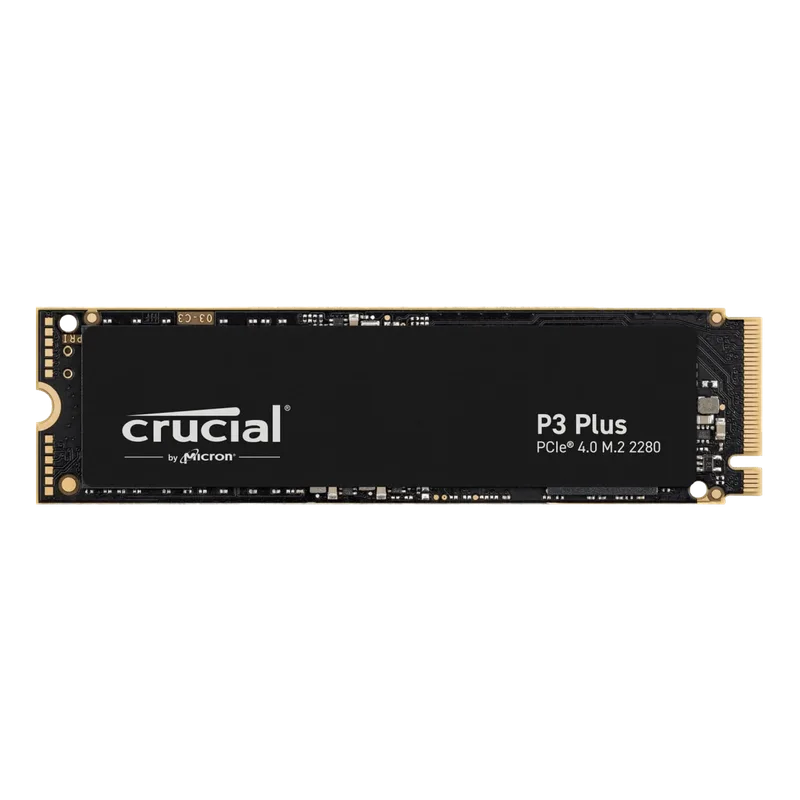
The P3 Plus hits 5,000 MB/s sequential read using PCIe Gen4 — fast enough to eliminate the bottlenecks you’d feel from an older SATA SSD. In practical terms: Cyberpunk 2077 loads to the main menu in about 12 seconds on the P3 Plus versus 8 seconds on the fastest Gen4 drives. That 4-second gap is real but not the limiting factor in your experience.
Where 1TB stings is library management. Windows 11 takes roughly 30–50GB. The OS-level page file and hibernation file claim another 20–30GB depending on RAM size. Steam’s installation sits at around 3–4GB. After all that overhead, a realistic 1TB install has 870–900GB of usable game space — enough for 9–10 games at the current AAA average. Once you add Warzone (100GB+), two large RPGs, and a few 20–40GB competitive shooters, you’re making hard choices.
At $90 in mid-2026, the P3 Plus is the right call for budget builds, secondary game drives, or anyone planning to upgrade within 12–18 months once NAND prices ease.
Samsung 990 EVO Plus 2TB — The 2TB Pick
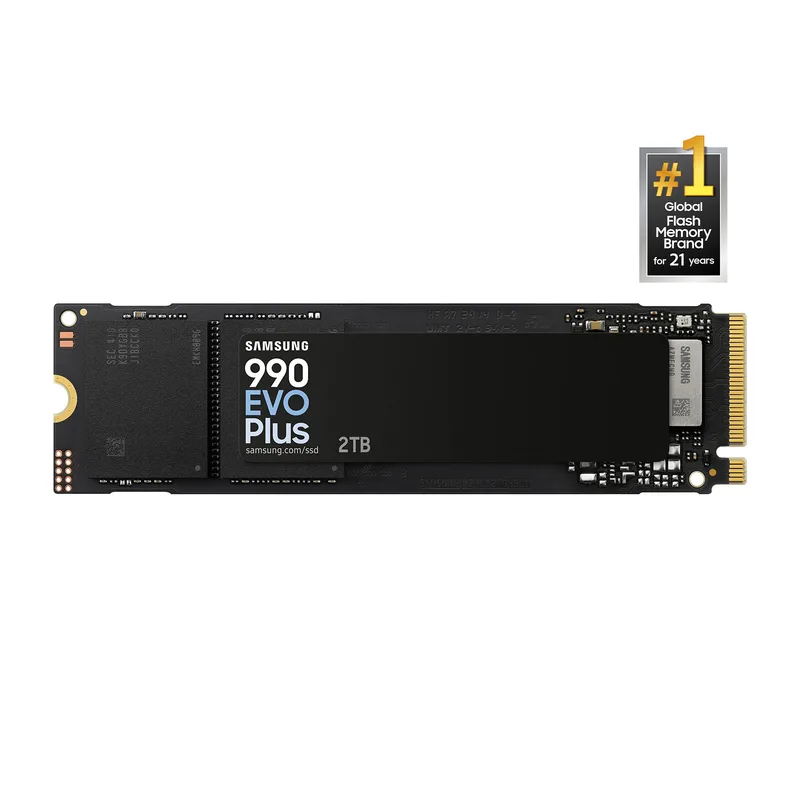
The 990 EVO Plus uses Samsung’s hybrid PCIe Gen4x4 / Gen5x2 interface, which means it saturates a Gen4 M.2 slot today at 7,250 MB/s and steps up to Gen5 x2 performance in compatible motherboards. It’s not a full PCIe Gen5 x4 drive, but the dual-mode support makes it the most forward-compatible 2TB option in this roundup.
Samsung’s Intelligent TurboWrite 2.0 dynamically sizes the SLC cache based on NAND fullness and workload. In gaming, this translates to consistent sequential read performance across both initial game installs (large sustained writes) and back-to-back title launches (random reads). Budget TLC and QLC drives often show a 30–50% write speed cliff once SLC cache is exhausted; the 990 EVO Plus largely avoids this in typical gaming workloads.
At $325, the honest framing is this: it’s the best available 2TB pick among these options, and 2TB still makes sense for anyone managing a 20+ title rotation. But budget builders should be clear-eyed that the $235 premium over a 1TB drive is a real spend, and 1TB at $90 covers most light-to-moderate gaming use cases.
WD Black SN850X 2TB — The Performance Pick
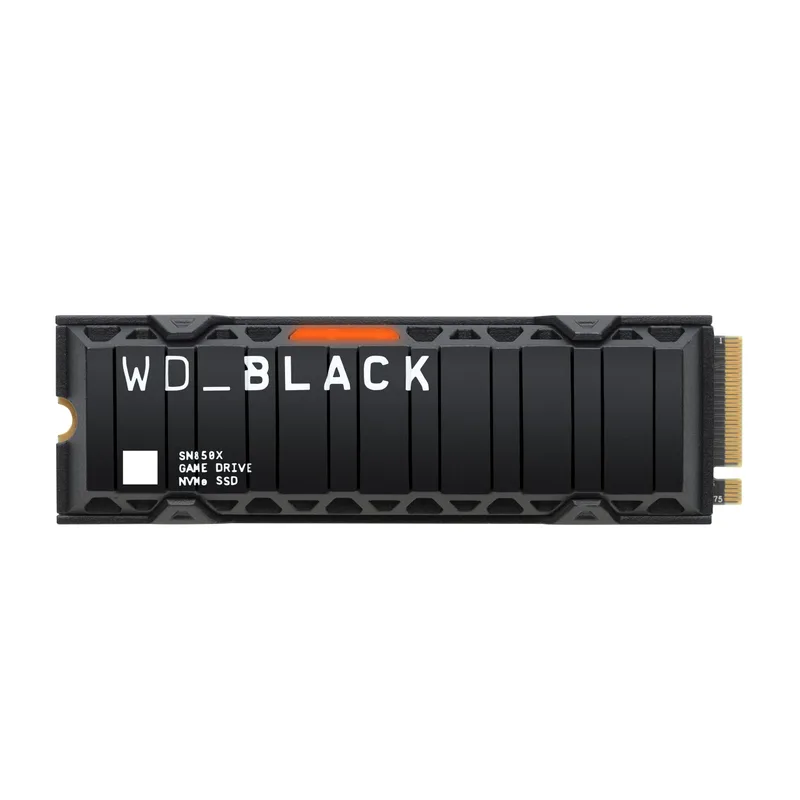
WD Black SN850X 2TB NVMe
The SN850X 2TB is the reference drive for high-performance Gen4 gaming storage. At 7,300 MB/s read and 6,600 MB/s write, it leads the Gen4 class without requiring PCIe 5.0 hardware. WD_BLACK Dashboard’s Game Mode 2.0 pre-allocates SLC cache before and during gaming sessions — the drive reserves headroom for the random read pattern that game engines generate.
Load time data from published benchmarks: in Starfield, the SN850X averages around 8.1 seconds to the main menu versus 8.9 seconds for a SATA SSD — a 10% advantage that compounds when fast travel and save loads are frequent. In Microsoft Flight Simulator, which streams terrain assets continuously, faster NVMe drives show a more noticeable gap in pop-in reduction compared to SATA.
At $420, the SN850X 2TB costs $95 more than the 990 EVO Plus 2TB for marginal gaming load-time gains. The practical justifications are narrow: PlayStation 5 compatibility (WD validates the SN850X for PS5 storage expansion) or Game Mode 2.0’s cache pre-allocation for heavy gaming sessions with frequent fast travel. If neither applies, the 990 EVO Plus is the smarter buy.
WD Black SN850X 4TB — The Gen4 High-Capacity Option
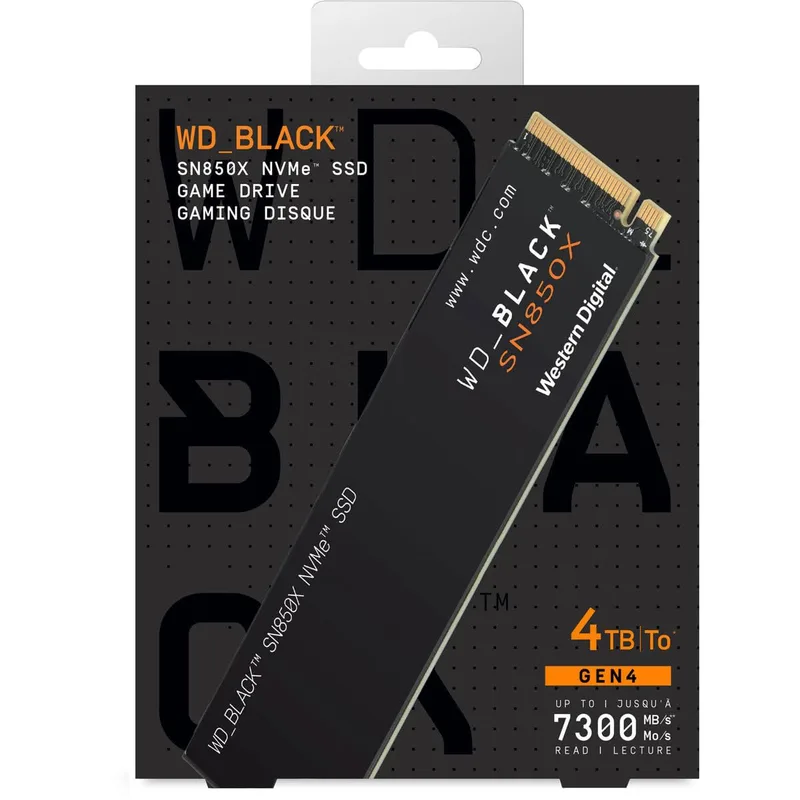
The 4TB SN850X maintains the exact same 7,300/6,600 MB/s speed rating as the 2TB version — WD didn’t downclock the higher-capacity variant, unlike some competing 4TB drives that use slower NAND to cut costs. At 4TB, you have roughly 3.6TB of usable space after formatting. Even at 100GB per AAA title, that’s 36 simultaneous full installs before approaching the limit.
The 2026 pricing reality complicates the recommendation. At $729, the SN850X 4TB heatsink variant is now more expensive than the Crucial T700 4TB Gen5 at $590. The SN850X 4TB’s position is clear: it’s the right choice when your motherboard lacks a PCIe 5.0 M.2 slot. Gen4-only platforms (Intel 10th/11th Gen, AMD Ryzen 5000) get top-tier Gen4 performance at 4TB capacity. If your platform supports Gen5, the T700 is faster and $139 cheaper.
Crucial T700 4TB with Heatsink — The Gen5 Option
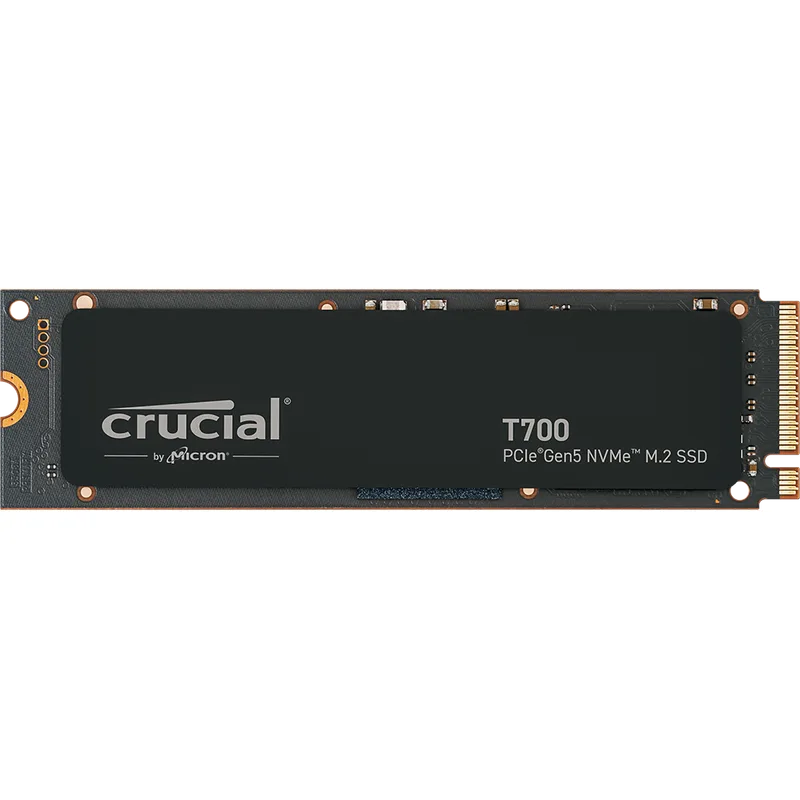
The T700 is built on Micron’s 232-layer TLC NAND and reaches 12,400 MB/s sequential read — nearly double the fastest Gen4 drives. The heatsink version is not optional for Gen5 drives: without active thermal management, PCIe 5.0 x4 drives regularly hit 70°C+ under sustained writes, triggering thermal throttling that negates the speed advantage.
In mid-2026, the T700 4TB has become the better value at the 4TB tier. At $590 — $139 less than the WD SN850X 4TB — it delivers Gen5 speeds that benefit DirectStorage-enabled titles and positions the build ahead of games shipping with GPU-direct asset streaming in 2026–2027. Requirement check: you need a PCIe 5.0 x4 M.2 slot on Intel 12th Gen+ or AMD Ryzen 7000+ platforms. On older hardware, the T700 runs at Gen4 speeds and the SN850X 4TB is the correct alternative.
For gaming load times specifically, the Gen5 advantage over fast Gen4 drives is modest today — fractions of a second in most titles. The argument is forward-looking: the storage tier where Gen5 throughput will matter most is being built now for the 2026–2028 game release cycle.
Installation and Setup Tips
Check your M.2 slot version. Most modern motherboards have 2–3 M.2 slots, but not all run at PCIe Gen4 speed. Secondary and tertiary slots on mid-range boards often run at Gen3 speeds or share bandwidth with SATA ports. Install your fastest drive in the primary M.2 slot closest to the CPU.
Format drives as NTFS. Windows defaults to NTFS for internal drives, which is correct. exFAT lacks journal recovery features that protect installations from corruption during unexpected shutdowns — reserve it for external media only.
Leave 10–15% free space. NVMe drives perform best with headroom for the controller to manage wear leveling. A 2TB drive should stay below ~1.7TB filled capacity for consistent long-term performance.
Samsung Magician and WD Dashboard are worth installing. Both provide real-time health monitoring and temperature data. WD’s tool also enables Game Mode 2.0 cache pre-allocation. Neither bloats startup — set them to background-only if you want monitoring without a system tray icon.
Gen5 slot airflow matters. If installing a Gen5 drive, confirm the M.2 slot has adequate airflow. Motherboard-side heatsinks on Gen5 slots can reach 60°C+ during sustained transfers — keep the slot area unobstructed in compact builds.
Real-World Storage by Game Type
| Game / Category | Install Size | Notes |
|---|---|---|
| Call of Duty: Black Ops 6 | 102–128GB | Larger with all content packs |
| Cyberpunk 2077 + DLC | ~75GB | After HD Texture Pack |
| Microsoft Flight Simulator 2026 | ~50GB base + streaming | Streams terrain; SSD speed matters |
| Baldur’s Gate 3 | ~152GB | One of the largest single-player titles |
| Fortnite | ~35GB | Relatively compact |
| Valorant | ~22GB | Lightweight competitive shooter |
| Steam client + redistributables | ~8–15GB | Per-launcher overhead |
| Windows 11 + drivers | ~30–50GB | OS baseline |
What fits on each tier:
- 1TB: Windows 11, Steam, 8–10 average-sized games. No margin for multiple large AAA titles simultaneously.
- 2TB: Windows 11, Steam, Epic, 20–25 games across all sizes. Comfortable for most active libraries.
- 4TB: Windows 11, all launchers, 40+ games. Covers full-size live-service games, a large backlog, plus recordings and capture footage.
Upgrade Path
1TB → 2TB: The most common first upgrade. Clear signals: reinstalling games at least once a month, drive over 85% full, or offloading titles to a slow secondary HDD. At current NAND prices, the $90 → $325 jump is significant — budget builds may prefer waiting until late 2026 when price relief is projected.
2TB → 4TB: Warranted when you keep 20+ titles installed or actively record gameplay. 4K OBS recordings at 60fps generate roughly 5–10GB per hour — 2TB drains fast for capture setups.
Adding a secondary drive: A budget Gen4 NVMe or SATA SSD as secondary storage is cost-effective if you already have a fast primary. Keep most-played titles on the fast primary; offload the backlog to secondary. Even Gen4 secondary storage is 5–10x faster than any HDD for titles you play occasionally.
NAND shortage timing: Meaningful price relief is not projected until late 2026 at the earliest, with TrendForce forecasting continued elevated pricing through Q3 2026. If budget is a constraint, 1TB now and an upgrade later is rational — the NAND situation is temporary.
FAQ
Is 1TB enough for gaming in 2026?
Technically sufficient for a small rotation, but tight. After Windows 11 overhead, you have space for roughly 9–11 average-sized games. Install a couple of large titles — a Call of Duty variant, a big open-world RPG — and you’re managing space constantly. 2TB is more comfortable, but at $325 it’s a significant premium over the $90 1TB option. Evaluate your actual library before committing.
Does SSD speed actually affect gaming?
Load times and level streaming are measurably faster on NVMe versus SATA. The gap between a mid-range Gen4 NVMe and the fastest Gen4 drive is narrower — typically under 2 seconds in head-to-head comparisons. Gen5 drives show advantages mainly in DirectStorage-enabled titles, which remain a minority of the 2026 library.
Can I use an HDD as secondary game storage?
You can, but the experience degrades noticeably. HDDs load games 3–5x slower than NVMe and generate audible seek noise. Game engines increasingly assume NVMe-speed storage for asset streaming — open-world pop-in, texture loading, and fast travel are meaningfully worse on mechanical drives. Budget secondary NVMe drives are cheap enough that HDD game storage is hard to justify for titles you play actively. If you do want a high-capacity mechanical drive for game backloading or media storage, see our best gaming HDDs for mass storage guide for the top 7200 RPM CMR options.
Do I need PCIe Gen5 for gaming in 2026?
Not mandatory, but the value calculus has shifted. The Crucial T700 4TB Gen5 at $590 is now cheaper than the WD SN850X 4TB Gen4 at $729 — Gen5 is actually the better 4TB value if your board supports it. DirectStorage-native titles are expanding, and Gen5 throughput benefits GPU-direct asset streaming. For 1TB and 2TB buyers, Gen4 remains the correct choice.
When will SSD prices drop?
The NAND shortage that began in late 2025 — driven by AI and datacenter demand consuming HBM and conventional NAND capacity — has pushed 2TB drives from ~$140 to $325+. TrendForce projects client SSD prices staying elevated through Q3 2026, with meaningful relief not expected before late 2026. If budget is the constraint, 1TB now and an upgrade later is the rational approach.
How do I know when my drive is getting full?
Windows displays a warning when space drops below 10% of capacity. Steam and Epic both show per-game install sizes in their library views for selective removal. WD Dashboard and Samsung Magician show real-time capacity alongside drive health and temperature — worth keeping installed for long-term monitoring.
The Bottom Line
At mid-2026 pricing, the NAND shortage has reshaped the storage calculus. 1TB at $90 is now the smart budget entry — the Crucial P3 Plus 1TB delivers full Gen4 performance at a price the shortage hasn’t dramatically inflated. 2TB at $325 still makes sense for gamers managing large active libraries, where the Samsung 990 EVO Plus 2TB is the most forward-compatible pick. For a dedicated breakdown of every top 2TB drive ranked by value, speed, and endurance, see our best 2TB NVMe SSDs guide. At the 4TB tier, the pricing inversion is real: the Crucial T700 4TB Gen5 at $590 is faster and $139 cheaper than the WD SN850X 4TB at $729. If your board has a PCIe 5.0 M.2 slot, the T700 is the clear 4TB choice. The SN850X 4TB remains valid only on Gen4-only platforms.