An $800 gaming PC in 2026 plays AAA titles at 1440p medium-high settings, handles 1080p at ultra without breaking a sweat, and sits on a platform that supports meaningful upgrades for the next 2-3 years. Here’s exactly how to build one.
The Build at a Glance
| Component | Pick | Price |
|---|---|---|
| CPU | AMD Ryzen 5 9600X | $187 |
| GPU | Gigabyte RX 9070 Windforce OC | $549 |
| Motherboard | MSI MAG B850 Tomahawk MAX WiFi | $225 |
| RAM | Corsair Vengeance 32GB DDR5-5600 | $78 |
| Storage | Samsung 990 Evo 1TB | $80 |
| PSU | Any 80+ Bronze 650W | ~$60 |
| Case | Any ATX mid-tower with mesh front | ~$60 |
| Total | ~$800 |
The PSU and case aren’t reviewed individually here — any reputable 650W 80+ Bronze unit (Corsair CV650, Thermaltake Smart 650W) and mesh-front ATX mid-tower (Phanteks XT, Fractal Pop Air) will do the job. Spend $50-70 on each.
Why These Parts
The GPU gets the biggest share of the budget. In a gaming PC, the graphics card determines your frame rate more than any other component. The RX 9070 at $549 delivers 1440p gaming at medium-high settings in every current AAA title, with 16GB VRAM that won’t run out for years. At 1080p, it crushes everything at max settings.
The CPU is deliberately modest. The Ryzen 5 9600X at $187 games within 5-10% of the $449 Ryzen 7 9800X3D at 1440p. At this resolution, the GPU is the bottleneck — not the CPU. Spending more on the processor takes money away from where it matters most.
The motherboard is an investment. The MSI B850 Tomahawk at $225 is more than the minimum needed for this build, but it supports every AM5 CPU through the Ryzen 9 9950X. When you upgrade the CPU in 2-3 years, this board handles it without replacement. WiFi 7 and a PCIe 5.0 M.2 slot are future-proofing that costs less now than replacing the board later.
32GB DDR5 is the new baseline. Some games already consume 20GB+ of system memory with high-resolution texture packs. 16GB works today but will feel tight within a year. At $78 for 32GB DDR5-5600, there’s no reason to cut this corner.
1TB NVMe is the starting point. Modern AAA titles run 80-150GB each. 1TB holds your OS, apps, and 6-8 big games. Plan to add a second drive when it fills up — the B850 Tomahawk has a second M.2 slot waiting.
Component Deep Dives
CPU — AMD Ryzen 5 9600X
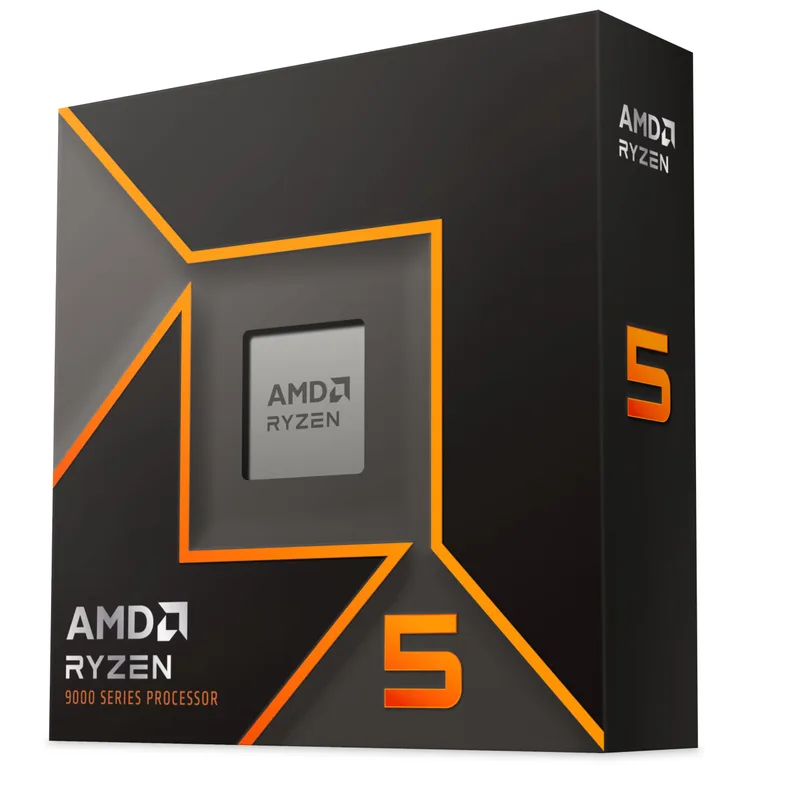
AMD Ryzen 5 9600X
The 9600X is the rational choice for a GPU-limited gaming build. Its 6 cores and 12 threads handle every current game without bottlenecking, and the 65W TDP means the included Wraith Stealth cooler keeps it under control without an aftermarket purchase.
The AM5 socket is the real story. AMD has confirmed support through at least 2027, meaning your next CPU upgrade — a Ryzen 7 9800X3D, a future Zen 6 part — drops into this same motherboard. That upgrade path makes the 9600X the smart entry point rather than a dead end.
GPU — Gigabyte Radeon RX 9070 Windforce OC
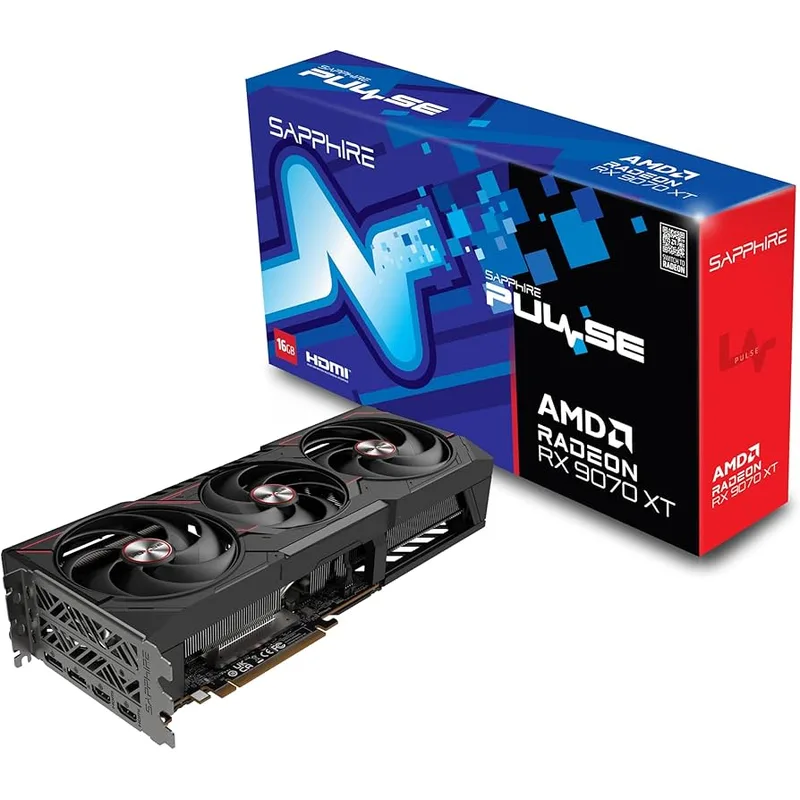
Gigabyte Radeon RX 9070 Windforce OC
The RX 9070 earns its spot in this build on three merits: 16GB VRAM, competitive rasterization, and a 220W TDP that doesn’t demand a premium PSU.
The 16GB buffer is the key differentiator versus the 12GB RTX 5070 at a similar price. For a build you plan to keep for 3+ years, that extra VRAM headroom means you won’t be dialing down texture quality as games get more demanding.
The trade-off is ray tracing — NVIDIA still leads here. If RT is a priority, the RTX 5070 at $549 MSRP is the alternative, though you’ll accept 12GB VRAM and often pay $50-80 above MSRP at street prices.
Motherboard — MSI MAG B850 Tomahawk MAX WiFi
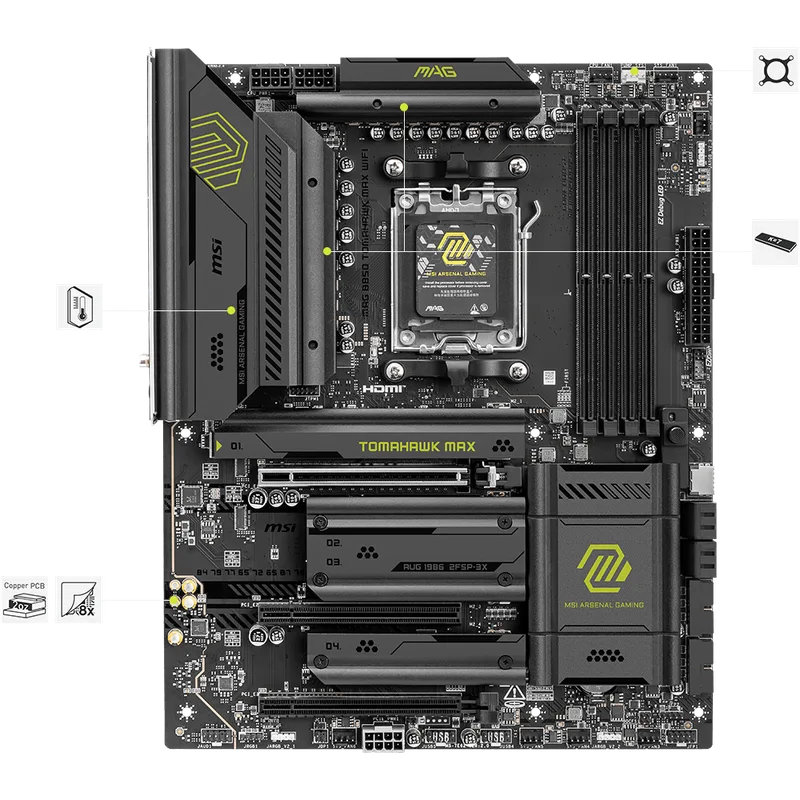
MSI MAG B850 Tomahawk MAX WiFi
This board punches above its weight class. The VRM can handle a 16-core Ryzen 9 9950X without throttling, which means a 65W Ryzen 5 9600X runs on it with thermal headroom to spare. Four DDR5 slots support up to 256GB — irrelevant for gaming now but valuable if this system eventually pulls double duty for productivity.
WiFi 7 is genuinely useful. Most gamers play on WiFi whether they admit it or not, and WiFi 7’s latency improvements over WiFi 6E are measurable in competitive titles. The 2.5GbE LAN port covers wired connections without an adapter.
RAM — Corsair Vengeance 32GB DDR5-5600
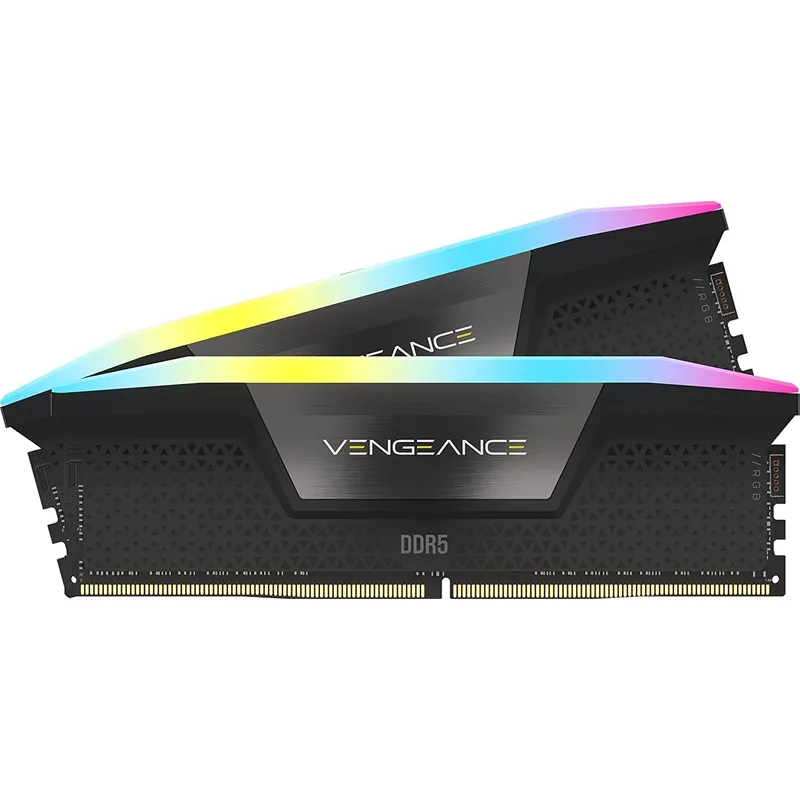
Corsair Vengeance 32GB DDR5-5600
DDR5-5600 is the native memory speed for both AMD Ryzen 9000 and Intel Arrow Lake. Running at native speed means you enable XMP/EXPO in BIOS and it just works — no manual tuning, no stability concerns.
32GB in a 2x16GB configuration leaves two DIMM slots open for a future upgrade to 64GB if you ever need it. For gaming alone, 32GB is plenty through at least 2028.
Storage — Samsung 990 Evo 1TB
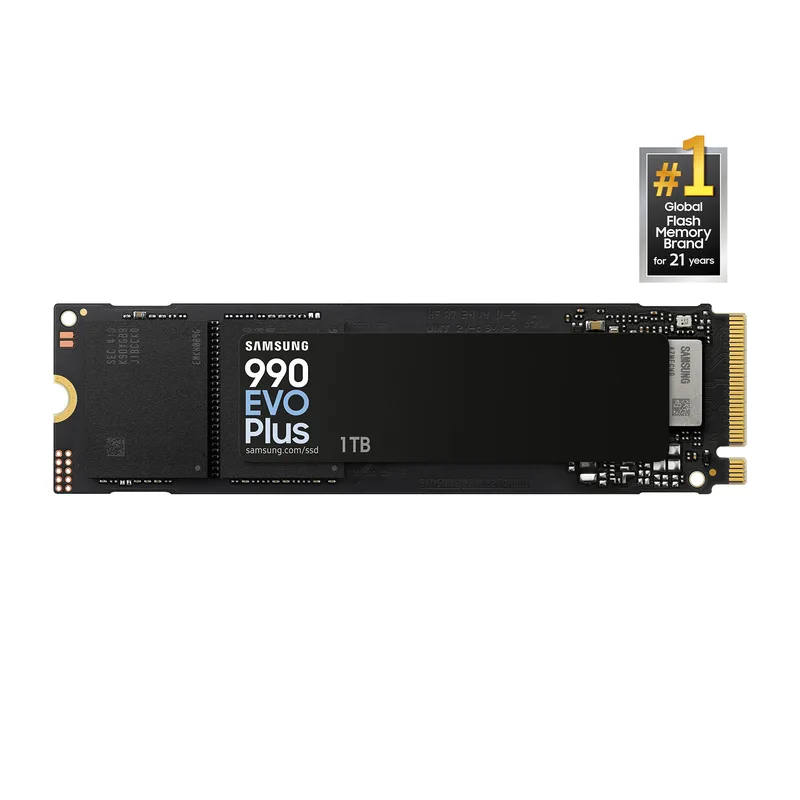
Samsung 990 Evo 1TB
At $80, the 990 Evo delivers 5,000 MB/s sequential reads — fast enough that game load times depend on decompression speed, not storage throughput. Samsung’s reliability track record gives this drive an edge over cheaper alternatives at similar price points.
1TB is a starting point, not a destination. Budget for a second 1TB or 2TB NVMe in 6-12 months as your game library grows. The B850 Tomahawk’s second M.2 slot makes expansion painless.
| Spec | AMD Ryzen 5 9600X $187 9/10 | Gigabyte Radeon RX 9070 Windforce OC $549 8.6/10 | MSI MAG B850 Tomahawk MAX WiFi $225 8.8/10 | Corsair Vengeance 32GB DDR5-5600 $78 8.5/10 | Samsung 990 Evo 1TB $80 8.4/10 |
|---|---|---|---|---|---|
| Cores/Threads | 6C/12T | — | — | — | — |
| Base/Boost | 3.9 / 5.4 GHz | — | — | — | — |
| Cache | 32MB L3 + 6MB L2 | — | — | — | — |
| TDP | 65W | 220W | — | — | — |
| Socket | AM5 | — | AM5 | — | — |
| Rating | 9/10 | 8.6/10 | 8.8/10 | 8.5/10 | 8.4/10 |
Build Tips
Assemble on the motherboard box. Use the motherboard’s retail box as a stable, non-conductive work surface. Install the CPU, cooler, and RAM before mounting the board in the case.
CPU installation is zero-force on AM5. Lift the retention arm, align the golden triangle on the CPU with the triangle on the socket, and lower the chip. It should drop in with no pressure. If it doesn’t seat, check orientation — never force it.
Apply thermal paste correctly. A grain-of-rice sized dot in the center of the CPU is sufficient. The mounting pressure of the cooler spreads it evenly. More paste is not better — excess gets squeezed out the sides.
Route cables before installing the GPU. The RX 9070 is a large card that will cover the lower half of the motherboard. Run your 24-pin ATX, 8-pin CPU, front panel, and SATA cables first. Install the GPU last.
Enable XMP/EXPO in BIOS. Your DDR5-5600 RAM will default to DDR5-4800 (JEDEC spec) out of the box. Enter BIOS on first boot, enable the XMP/EXPO profile, and save. This is a one-time setting that unlocks the full rated speed.
What This Build Plays
| Game | Resolution | Settings | Expected FPS |
|---|---|---|---|
| Cyberpunk 2077 | 1440p | Medium-High | 60-75 |
| Cyberpunk 2077 | 1080p | Ultra | 80-100 |
| Baldur’s Gate 3 | 1440p | High | 70-90 |
| Fortnite | 1080p | Competitive | 200+ |
| Call of Duty: Warzone | 1440p | Medium | 90-110 |
| Elden Ring | 1440p | High | 55-65 |
| Helldivers 2 | 1440p | Medium-High | 70-85 |
Frame rates are estimates based on published benchmarks for the RX 9070 paired with a Ryzen 5-class CPU. Your results will vary with driver versions, background processes, and game patches.
Upgrade Path
This build is designed to grow. Here’s the order of upgrades that deliver the most impact per dollar:
- Second NVMe drive (6-12 months): Add a 2TB drive for $100-120 when game storage fills up.
- CPU upgrade (2-3 years): Drop in a Ryzen 7 9800X3D or a Zen 6 part when gaming CPU performance gains justify it. The B850 Tomahawk handles anything AMD releases for AM5.
- GPU upgrade (3-4 years): When the RX 9070’s 16GB isn’t enough, the next-gen mid-range card will slot into the same PCIe x16 slot.
The key principle: the motherboard and PSU are the foundation. Spend enough on those now, and every other component can be upgraded independently without replacing the platform.
FAQ
Can I really build a gaming PC for $800?
Yes, with the parts listed here at current pricing. The total lands between $780-$830 depending on your case and PSU choices. Street pricing fluctuates — check all five component prices before ordering to stay within budget.
Should I get an Intel build instead?
At this budget, no. The Ryzen 5 9600X matches Intel’s Core Ultra 5 245K in gaming while costing $80-130 less, including a cooler. The AM5 platform also has a longer confirmed upgrade path than LGA 1851.
Why not the RTX 5070 instead of the RX 9070?
Both are valid at $549. The RX 9070 gets the nod here because 16GB VRAM ages better in a budget build you’ll keep for years. If DLSS 4 and ray tracing matter more to you than VRAM headroom, the RTX 5070 is the swap — same price, same power draw, different trade-offs.
Is 650W enough for this build?
Yes. The system’s total draw under full gaming load is approximately 350-400W (220W GPU + 65W CPU + 65-115W everything else). A quality 650W unit provides adequate headroom. If you plan to upgrade to a higher-TDP GPU later, a 750W unit for $10-15 more is reasonable insurance.
Do I need Windows 11?
Windows 11 is recommended for DDR5 and AM5 platform optimization. You can install it for free without activation — the only limitation is a watermark and locked personalization settings. Buy a license later when budget allows, or use Linux if you’re comfortable with it.
The Bottom Line
This $800 build maximizes gaming performance per dollar by putting the budget where it matters: the GPU. The Ryzen 5 9600X and RX 9070 pairing delivers 1440p gaming at medium-high settings today, while the B850 Tomahawk motherboard ensures every component can be upgraded independently as prices drop and performance improves. Build it now, upgrade it later — that’s the strategy.