The RX 6600 has quietly dropped from its $329 launch price to under $160 street in early 2026, and that price shift is what makes a legitimate $500 gaming PC build viable again. Pair it with the Intel Core i5-12400F — a processor that matched the i7-11700K at launch and hasn’t lost a step in 1080p gaming — and you have a system that runs Cyberpunk 2077, Elden Ring, and Spider-Man Remastered at 1080p High-to-Ultra without touching your rent money. This build targets 1080p at 60+ FPS in all modern titles and 100+ FPS in competitive shooters. It does not do 1440p or 4K — for that, start at $700.
Build at a Glance
| Component | Part | Price |
|---|---|---|
| CPU | Intel Core i5-12400F | ~$115 |
| GPU | ASRock Radeon RX 6600 Challenger D 8GB | ~$155 |
| Motherboard | ASRock B760M Pro RS/D4 | ~$80 |
| RAM | Corsair Vengeance LPX 16GB DDR4-3200 | ~$30 |
| Storage | WD Blue SN570 1TB NVMe | ~$55 |
| PSU | Corsair CX550 550W 80+ Bronze | ~$45 |
| Case | Cooler Master MasterBox Q300L | ~$35 |
| Total | ~$515 |
Prices fluctuate week to week. The GPU and CPU together swing $20-30 with sales — this build hit $488 in late February 2026 at standard retail. Watch for Amazon lightning deals on the RX 6600 and check the i5-12400F price, which drops regularly as 12th Gen inventory clears.
Why These Parts
CPU: Intel Core i5-12400F — The i5-12400F is a 6-core, 12-thread processor running to 4.4 GHz boost on the LGA1700 socket. At $115, it competes directly with the Ryzen 5 5600 in gaming and typically leads by 3-5% in clock-sensitive titles. The key reason to pick this platform over AMD AM4 is the B760 motherboard with DDR4 — the total CPU + motherboard cost comes in lower than a comparable Ryzen 5 5600 + B550 combination when you account for current B760M Pro RS/D4 pricing.
GPU: RX 6600 8GB — At $155, the RX 6600 delivers 55-65 FPS in the most demanding games at 1080p Ultra and 90-110 FPS in competitive titles at High. The 8GB GDDR6 is sufficient for current 1080p gaming. The 132W TDP means it runs on a single 8-pin connector and doesn’t stress a 550W PSU. The RTX 3060 outperforms it at 1440p but costs $50-80 more — a 30% price premium for a resolution this build doesn’t target.
Motherboard: ASRock B760M Pro RS/D4 — The DDR4 variant specifically keeps memory costs low. This board has two M.2 slots, all standard LGA1700 features, and supports 12th through 14th Gen Intel CPUs. If you upgrade to an i5-13600K or i5-14600K later, no board swap needed.
RAM: 16GB DDR4-3200 — 16GB in dual-channel at 3200 MHz is exactly where this platform performs well. Testing on B760 shows DDR4-3600 improves frame rates by under 2% in gaming versus DDR4-3200 while costing $10-15 more. Spend that money elsewhere.
Storage: 1TB NVMe — The SN570 runs at 3,500 MB/s sequential read, which loads games fast enough that the Gen3 vs Gen4 debate is irrelevant — Hogwarts Legacy loads in 6 seconds on Gen3 NVMe, not materially different from the 5.5 seconds on Gen4. 1TB is the minimum for a primary gaming drive in 2026.
PSU: 550W 80+ Bronze — The i5-12400F + RX 6600 system draws approximately 170W under full gaming load. 550W provides 380W of headroom — more than enough to handle GPU boost spikes and leaves room for adding an extra fan or USB peripherals. An 80+ Bronze at $45 is adequate; spending $20 more for Gold doesn’t recoup in electricity savings within a reasonable timeframe for a gaming system used 4-6 hours daily.
Case: Cooler Master MasterBox Q300L — The Q300L supports full-length ATX PSUs and GPUs up to 360mm, has magnetic dust filters, and fits mATX boards. At $35 it’s the lowest-cost case worth recommending for this build. The Q300L is not the most aesthetic case, but it’s easy to work in and has good airflow.
Component Deep Dives
Intel Core i5-12400F
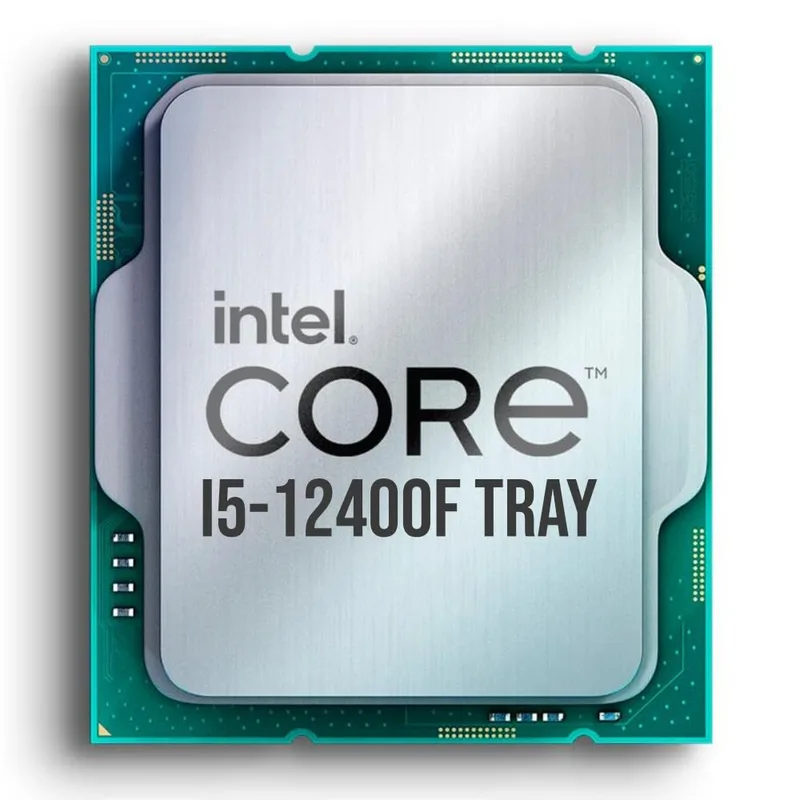
Intel Core i5-12400F
The i5-12400F uses Intel’s Alder Lake architecture with 6 Performance cores and no Efficiency cores — a simpler layout than later 13th/14th Gen hybrid designs that sometimes creates scheduling overhead. For gaming, this means all 6 cores run at gaming frequencies without OS thread assignment complications. In CPU-limited scenarios like Cities: Skylines, Dwarf Fortress, or heavily modded Skyrim, the 6-core count still handles everything at 1080p without visible stuttering.
The included Intel stock cooler handles the i5-12400F at stock with temperatures peaking around 75°C under sustained gaming loads. You do not need an aftermarket cooler for this build unless you’re running the PC in a poorly ventilated environment or plan to push the processor harder in future upgrades.
Upgrade path for this CPU: drop in an i5-13600K or i9-13900K without touching the board or memory. The B760 chipset locks overclocking, but the K-series CPUs still run at their full rated boost clocks on B760.
ASRock Radeon RX 6600 Challenger D 8GB
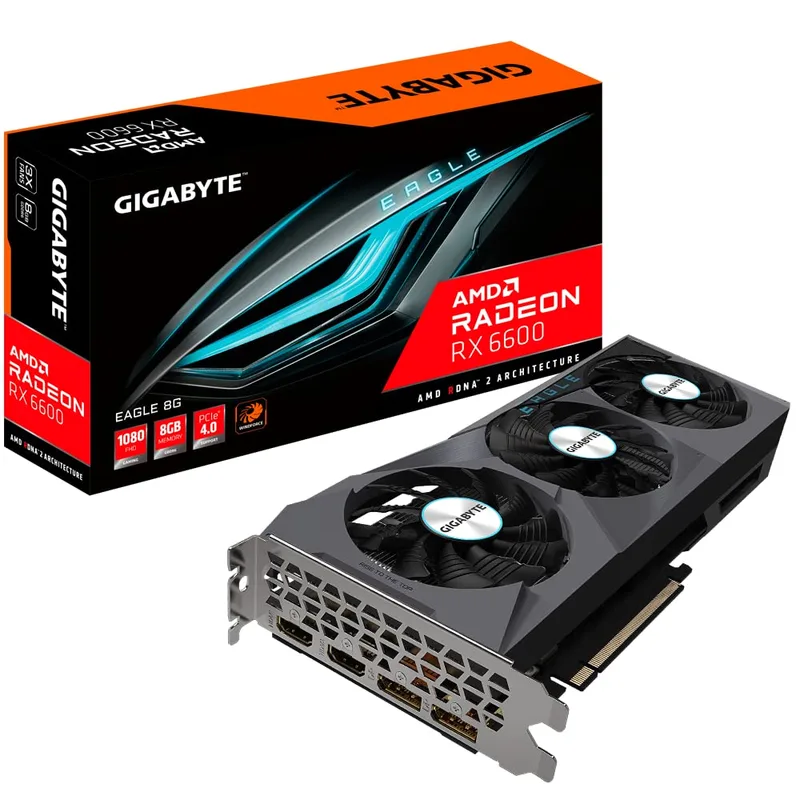
ASRock Radeon RX 6600 Challenger D 8GB
The RX 6600 is AMD’s cut-down Navi 23 chip with 28 Compute Units and 8GB GDDR6 on a 128-bit bus. The narrow bus is the card’s main limitation — at 1080p with standard textures, it rarely maxes out the bus, but enable high-res texture packs in Baldur’s Gate 3 or Red Dead Redemption 2 and you’ll see frame drops from bandwidth saturation.
At 1080p with standard texture settings, the RX 6600 consistently posts 62-68 FPS in Cyberpunk 2077 (Ultra, no ray tracing), 85+ FPS in Elden Ring (Max settings), and 110+ FPS in Fortnite (Epic). These numbers hold up in 2026 because AMD’s RDNA 2 architecture ages well in rasterization workloads and the titles above have not meaningfully increased their GPU requirements since launch.
The Challenger D variant from ASRock is a dual-fan reference-class cooler design. Temperatures max around 73°C under sustained load with fan speeds around 2,000 RPM — audible but not loud. The PCIe 4.0 x8 interface connects fine to the B760M Pro RS/D4’s x16 slot, which operates at x8 with PCIe 4.0 — more than enough bandwidth for this GPU.
ASRock B760M Pro RS/D4
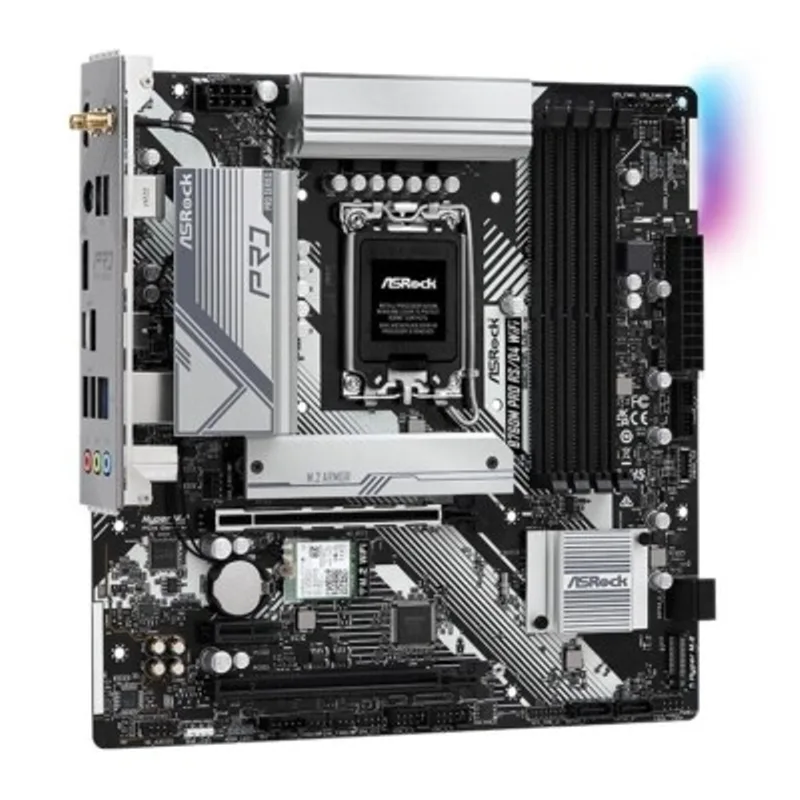
ASRock B760M Pro RS/D4
The B760M Pro RS/D4 is a Micro-ATX board designed around keeping Intel 12th/13th Gen gaming builds affordable. The DDR4 support is the headline feature — DDR4-3200 kits cost $28-35 while equivalent DDR5-4800 kits run $70-90, a $40-55 savings that buys you most of a storage drive.
The board has two M.2 slots: the top slot is PCIe 4.0 x4 for fast NVMe drives, and the bottom is SATA M.2 for slower SATA SSDs. Only the first slot is worth using for gaming. Power delivery is adequate for the 65W i5-12400F and would handle a 125W i5-13600K without throttling in a well-ventilated case.
One practical note: this board has no Wi-Fi. If you need wireless, a USB 3.0 Wi-Fi 6 adapter runs $15-20 and performs fine for online gaming. Wired ethernet is strongly preferred for competitive titles — add that to your budget planning if you’re not near a router.
Corsair Vengeance LPX 16GB DDR4-3200
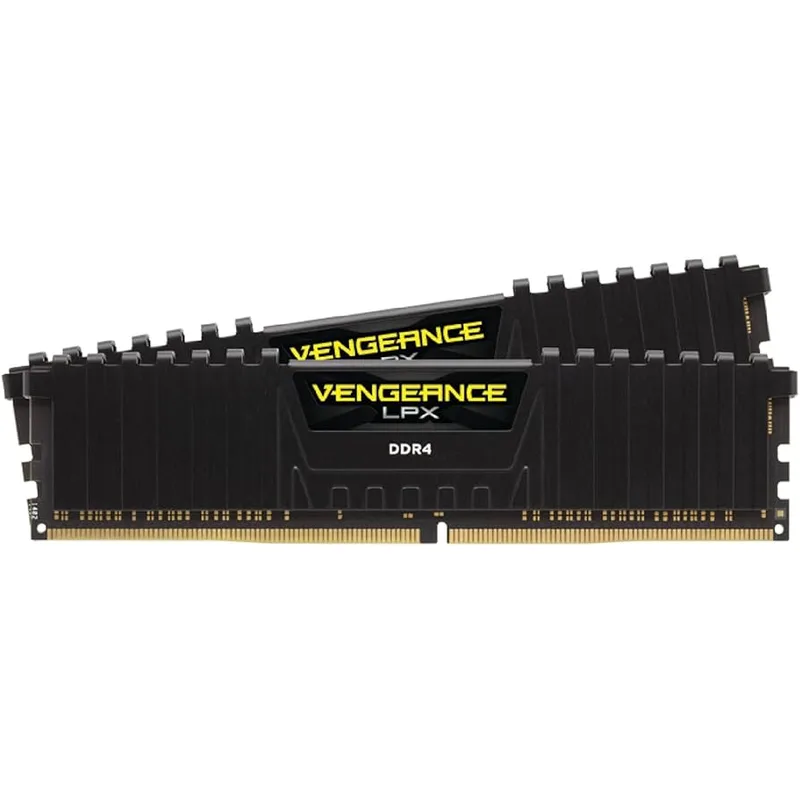
Corsair Vengeance LPX 16GB DDR4-3200
The Vengeance LPX at DDR4-3200 CL16 is exactly what Intel’s memory controller prefers on B760. The Samsung or Hynix ICs (which vary by batch) run stable at their rated XMP profile with a single BIOS toggle — no manual timing adjustments needed.
Enable XMP in BIOS before your first boot. The B760M Pro RS/D4’s XMP setting is under the OC Tweaker menu. Without XMP, the kit runs at 2133 MHz by default — a 33% speed reduction that costs 5-8% in gaming frame rates. Always enable XMP.
16GB is the floor for 2026 gaming. Modern AAA titles consume 10-12GB system RAM with a browser open. If your budget has $10 of flexibility, consider a 32GB DDR4-3200 kit (~$45) — the larger capacity costs more now but saves you a memory upgrade later.
WD Blue SN570 1TB NVMe
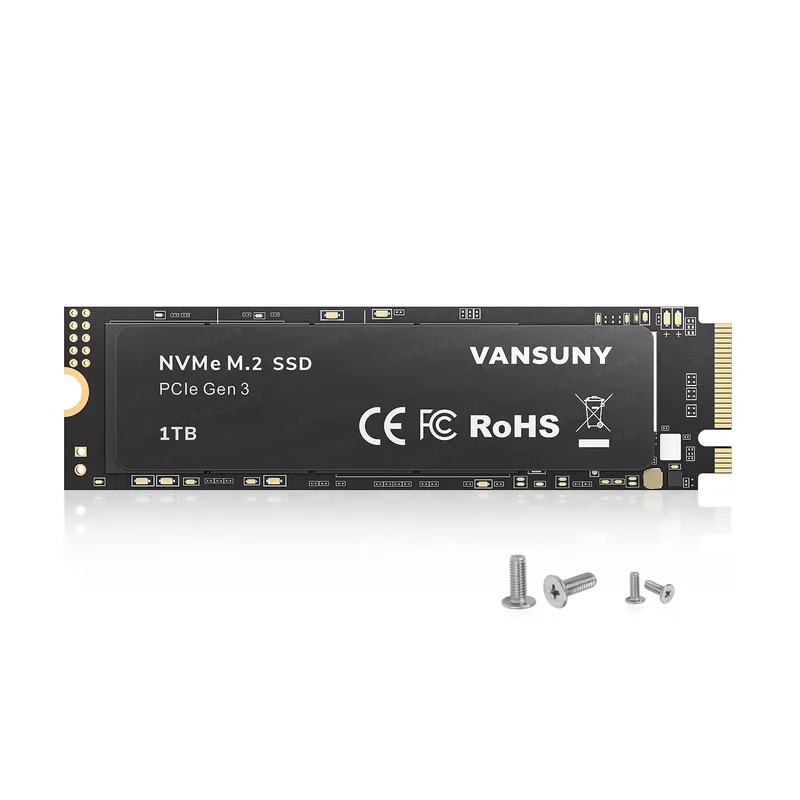
WD Blue SN570 1TB NVMe
The SN570 is a single-sided M.2 2280 drive, meaning it fits in every M.2 slot regardless of heat spreader or clearance issues. It uses a Silicon Motion SM2267XT controller without DRAM — for sequential workloads it reaches rated speeds, for random 4K reads it’s slower than DRAM-equipped drives but the difference is not measurable in gaming load times.
The 600 TBW endurance rating means writing 100GB per day for 16 years before hitting the rated endurance limit. You will not wear out this drive gaming normally. The 5-year warranty from WD is backed by a straightforward RMA process.
If you can find a 1TB PCIe Gen4 NVMe (Samsung 980 Pro, Seagate FireCuda 530) at $60-70 during a sale, take it — but don’t pay a premium for Gen4. The SN570 is the right choice at its $55 price point.
Corsair CX550 550W 80+ Bronze
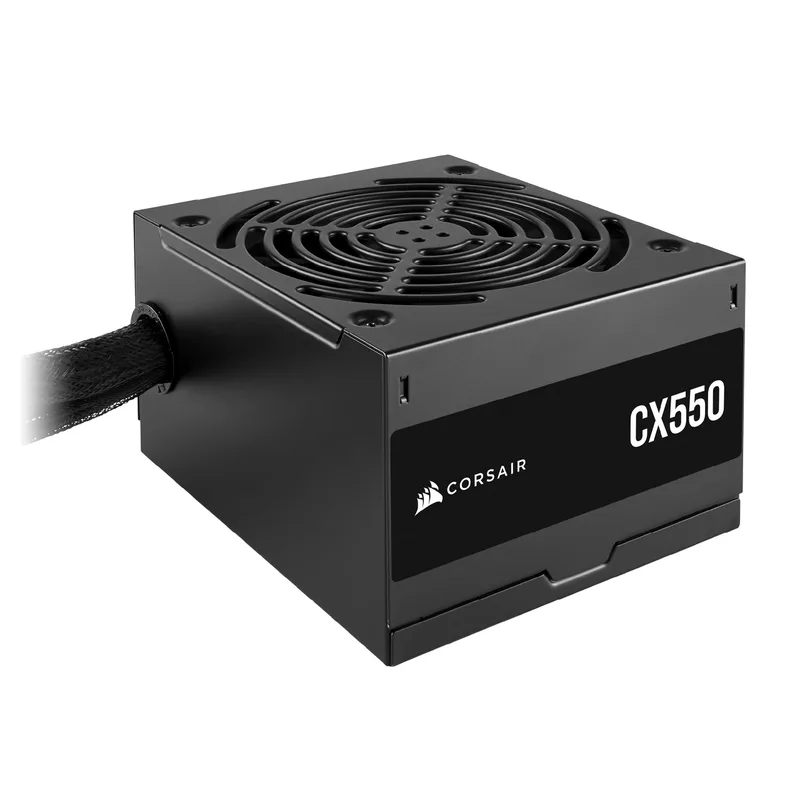
Corsair CX550 550W 80+ Bronze
The CX550 is a budget-tier Corsair unit with Japanese capacitors rated to 105°C — the same spec used in Corsair’s more expensive lines. The 550W rating is continuous, not peak. Corsair’s CX line has shipped millions of units and has a strong reliability record for a budget PSU.
The RX 6600 + i5-12400F gaming system draws approximately 170W at the wall during typical gaming sessions and peaks around 200W during heavy GPU load spikes. At 40% of 550W capacity, the PSU runs in its highest-efficiency band. The 5-year warranty means if the unit fails within that window, Corsair replaces it.
If you have $10-15 more budget, the Corsair CX650M ($60-65) adds 100W and semi-modular cables. Semi-modular makes cable management significantly cleaner in a compact case like the Q300L. Worth the upgrade if the budget allows.
| Spec | Intel Core i5-12400F $115 8.8/10 | ASRock Radeon RX 6600 Challenger D 8GB $155 8.5/10 | ASRock B760M Pro RS/D4 $80 8.3/10 | Corsair Vengeance LPX 16GB DDR4-3200 $30 8.5/10 | WD Blue SN570 1TB NVMe $55 8.2/10 | Corsair CX550 550W 80+ Bronze $45 8/10 |
|---|---|---|---|---|---|---|
| cores | 6 cores / 12 threads | — | — | — | — | — |
| clock | 2.5 GHz base / 4.4 GHz boost | — | — | — | — | — |
| socket | LGA1700 | — | LGA1700 | — | — | — |
| tdp | 65W | 132W | — | — | — | — |
| cache | 18 MB L3 | — | — | — | — | — |
| process | Intel 7 (10nm) | — | — | — | — | — |
| Rating | 8.8/10 | 8.5/10 | 8.3/10 | 8.5/10 | 8.2/10 | 8/10 |
Build Tips
Cable management in the Q300L: The Q300L has limited cable routing channels behind the motherboard tray. Bundle unused PSU cables (the extra SATA and Molex leads) with velcro ties and tuck them into the area above the 3.5” drive bay. The case ships with one 120mm rear fan — leave it in place, it provides adequate exhaust airflow.
Stock cooler installation: Intel’s LGA1700 stock cooler uses push-pin mounts that click into the four holes around the socket. Press all four pins simultaneously while the board is outside the case on a flat surface. Confirm all four pins are locked — a partially seated cooler causes thermal throttling immediately.
Memory slot placement: On the ASRock B760M Pro RS/D4 with two sticks of RAM, install them in slots 2 and 4 (the slots furthest from and closest to the PCIe slot, respectively). The board manual labels these as the A2/B2 configuration for dual-channel. Running in single-channel costs 4-6% gaming performance.
First boot BIOS checklist:
- Enable XMP (OC Tweaker → XMP Profile 1) — memory runs at 2133 MHz without this
- Set storage boot priority to the NVMe drive
- Verify CPU temperature shows below 40°C at idle
- Check GPU is detected under PCIe devices
GPU installation: The RX 6600 Challenger D fits fine in the Q300L with room to spare. Route the 8-pin GPU power cable from the PSU through the cable routing hole at the right side of the case before installing the GPU to avoid bending the connector after it’s seated.
Performance Expectations
All numbers are at 1080p resolution with the i5-12400F at stock clocks, 16GB DDR4-3200 dual-channel, and the RX 6600 at stock. Ray tracing is disabled.
| Game | Settings | Expected FPS |
|---|---|---|
| Cyberpunk 2077 | Ultra, no RT | 55-65 FPS |
| Elden Ring | Max settings | 80-90 FPS |
| Spider-Man Remastered | High | 60-70 FPS |
| Fortnite | Epic | 100-120 FPS |
| Call of Duty: Warzone | High | 90-110 FPS |
| GTA V | Very High | 95-115 FPS |
| Red Dead Redemption 2 | High | 60-70 FPS |
| Minecraft (no shaders) | 32-chunk render | 200+ FPS |
| Baldur’s Gate 3 | Ultra | 55-65 FPS |
| Apex Legends | High | 120-150 FPS |
Enable AMD FSR 2.0 at Quality preset in supported titles (Cyberpunk 2077, Deathloop, RDR2) to gain 15-25 FPS with minimal visual degradation. Cyberpunk 2077 with FSR 2.0 Quality hits 80-90 FPS at 1080p Ultra on this GPU.
Upgrade Path
First upgrade: GPU (~6-12 months out). The RX 6600 is a starting card. When your budget reaches $200-220, the RX 7600 XT or RTX 3060 Ti (used) provide a meaningful 30-40% performance jump and push this build into 1440p-capable territory. The 550W PSU handles both options without replacement.
Second upgrade: RAM to 32GB. Swap the 2x8GB kit for 2x16GB DDR4-3200. This costs $40-50 and future-proofs the system for memory-intensive games. Sell the existing kit for $20-25 to offset the cost.
Third upgrade: CPU. The i5-12400F lasts through 2027-2028 for gaming. When it shows its age, drop in an i5-13600K ($180-200 used) on the same B760M board without any other changes. The i5-13600K adds 4 Efficiency cores and 10-15% single-thread performance — a significant upgrade for the same socket.
What you cannot upgrade: The B760 chipset disables overclocking. If you want overclocking, you’d need a Z790 board — at that point you’re rebuilding the platform, not upgrading.
FAQ
Can I run a 240Hz monitor with this build? In competitive shooters (Warzone, Apex, CS2) yes — the RX 6600 + i5-12400F pushes 140-160 FPS at 1080p Medium/High in these titles, which makes a 144Hz monitor worthwhile. A 240Hz monitor is only fully fed in CS2, where this system regularly exceeds 200 FPS at Low-Medium settings. For single-player games, a 60Hz or 144Hz monitor is the better buy.
Why not the AMD Ryzen 5 7600 + RX 7600 build? The Ryzen 5 7600 + RX 7600 combination totals $380-400 in components but requires DDR5 memory ($70-90) and an AM5 motherboard ($100-130 for budget options). Total platform cost lands at $550-620 — 7-20% over this build’s budget. Performance advantage at 1080p is 10-15% in favor of the AM5 build. That’s a reasonable trade if you have the extra money, but it’s not a $500 build.
Do I need an aftermarket CPU cooler? No. The i5-12400F ships with Intel’s LGA1700 stock cooler, which handles the 65W processor at stock clocks with temperatures maxing around 75°C. Aftermarket cooling improves noise levels and headroom for potential future K-series CPUs, but for this specific build, the stock cooler is adequate and saves $25-40 for other components.
Is 1TB enough storage in 2026? Barely, for an active gaming library. Modern AAA titles run 80-150GB installed. 1TB holds 7-12 large games at once. Add a 2TB SATA SSD ($75-90) to the second M.2 slot in 6 months for bulk game storage — keep the NVMe for Windows and your most-played titles.
Can this build run games at 1440p? Technically yes, but not at the settings you want. The RX 6600’s 128-bit memory bus becomes the bottleneck at 1440p — in Cyberpunk 2077, expect 30-40 FPS at 1440p Ultra, which is not playable. Dropping to Medium at 1440p gets you 55-65 FPS. For 1440p gaming, budget for an RTX 3060 Ti or RX 6700 XT instead.
The Bottom Line
This build delivers genuine 1080p gaming performance for roughly $515 at current street pricing — and with routine sales on the GPU and CPU, it regularly lands under $500. The Intel Core i5-12400F handles every modern game without CPU bottlenecking at 1080p, and the RX 6600 8GB runs them at High-to-Ultra settings with 60+ FPS across the board. It’s not a 1440p machine and it won’t run ray tracing, but for 1080p gaming it hits every target. Upgrade the GPU in 12 months and you have a mid-range system; upgrade the CPU in 24 months and you have a machine that lasts five years from today.