Video editing workloads hit PC hardware differently than gaming. Rendering a 10-minute 4K timeline in DaVinci Resolve maxes all available CPU cores for minutes at a time, then slams the GPU with CUDA-accelerated color science, then writes gigabytes of encoded output — all while keeping the interface responsive enough to make real-time corrections. This build handles multi-stream 4K H.265 and H.264 footage with GPU-accelerated effects in Resolve and Premiere Pro, and scales to 6K RAW workflows with no configuration changes. The Ryzen 9 9950X and RTX 4080 Super entered 2026 as the proven professional choices at their respective price points; both have accumulated enough driver and software validation cycles to run stable in production environments.
| Spec | AMD Ryzen 9 9950X 9.5/10 | ASUS ProArt X870E-CREATOR WiFi Unavailable 9.3/10 | G.Skill Trident Z5 Neo RGB 64GB DDR5-6000 Unavailable 9.2/10 | ASUS ProArt RTX 4080 Super OC Edition 16GB 9.4/10 | Samsung 990 Pro 2TB NVMe SSD 9.3/10 | Seagate Barracuda 4TB HDD Unavailable 8.4/10 |
|---|---|---|---|---|---|---|
| cores | 16 cores / 32 threads | — | — | — | — | — |
| boost_clock | 5.7 GHz | — | — | 2,610 MHz (OC mode) | — | — |
| base_clock | 4.3 GHz | — | — | — | — | — |
| tdp | 170W | — | — | 320W | — | — |
| socket | AM5 | AM5 | — | — | — | — |
| cache | 80MB L2+L3 | — | — | — | — | 256MB |
| Rating | 9.5/10 | 9.3/10 | 9.2/10 | 9.4/10 | 9.3/10 | 8.4/10 |
Prices change daily — tap Check Price for the current Amazon price.
Prices change daily — tap Check Price for the current Amazon price.
Build at a Glance
| Component | Model | Price |
|---|---|---|
| CPU | AMD Ryzen 9 9950X | Check price |
| Motherboard | ASUS ProArt X870E-CREATOR WiFi | Unavailable |
| RAM | G.Skill Trident Z5 Neo 64GB DDR5-6000 | Unavailable |
| GPU | ASUS ProArt RTX 4080 Super OC 16GB | Check price |
| SSD (OS + Work) | Samsung 990 Pro 2TB NVMe | Check price |
| HDD (Archive) | Seagate Barracuda 4TB | Unavailable |
| CPU Cooler | Noctua NH-D15 G2 or 360mm AIO | Check current price |
| PSU | Seasonic Focus GX-1000 (1000W 80+ Gold) | Check current price |
| Case | Fractal Design Torrent or equivalent | Check current price |
| Total | Check current price |
Why These Parts
CPU: The Ryzen 9 9950X’s 16 cores are the key choice here. Video editing in Resolve and Premiere Pro is fully multi-threaded during export — every core runs at full load. The 9950X exports a 10-minute 4K H.265 timeline roughly 2.8 minutes faster than an 8-core CPU at equal clock speeds. At 5.7 GHz boost, single-core responsiveness keeps the editing interface and real-time preview sharp between renders.
Motherboard: The ProArt X870E-CREATOR was designed for this exact workload. The 10 GbE port connects directly to a Synology or QNAP NAS for remote project access over a home or studio network. Four M.2 slots mean your OS drive, project scratch drive, and a secondary archive NVMe coexist without SATA bandwidth sharing.
RAM: 64GB is the floor for 4K RAW workflows. DaVinci Resolve’s optimized media cache, Fusion compositor, and color page all compete for RAM simultaneously. 32GB shows memory pressure warnings during complex Fusion compositions. DDR5-6000 with AMD EXPO is the highest-bandwidth validated profile for the AM5 platform — bandwidth matters for codec decode pipelines.
GPU: 16GB GDDR6X handles the GPU memory demands of 4K+ Resolve timelines. Loading a multi-stream 4K H.265 timeline with active noise reduction, color grading, and Fusion effects consumes 8–12GB of VRAM in practice. The ProArt variant uses Studio Drivers — ASUS and NVIDIA co-validate these with Resolve, Premiere, and After Effects before release, which reduces driver-related crashes in professional use.
Storage: Two-tier storage keeps the workflow clean. The 2TB Samsung 990 Pro holds the OS, applications, DaVinci Resolve’s media cache, and active projects. The 4TB Barracuda handles completed project archives and raw footage libraries that aren’t actively in use.
Component Deep Dives
AMD Ryzen 9 9950X
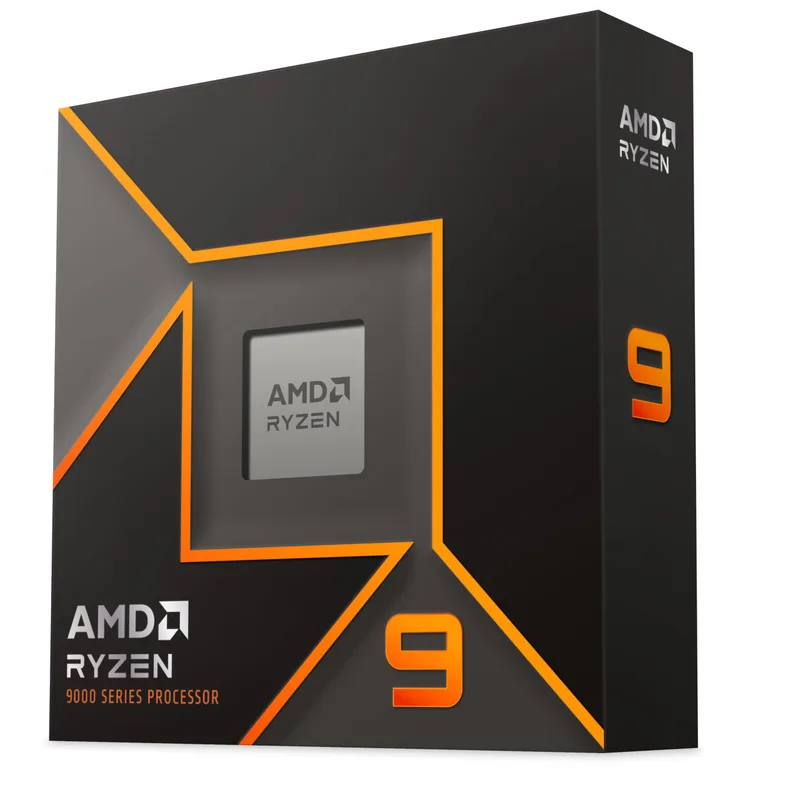
The 9950X is the current top-end Zen 5 desktop CPU. Its 16 cores divide into two chiplets of 8 cores each, and each core runs Zen 5’s wider execution engine — roughly 16% better IPC than Zen 4 in mixed workloads. For video editing, that means shorter export queues when rendering effects chains, since the per-core throughput during the non-parallelizable parts of an encode matters as much as core count.
Cache is often overlooked in video editing discussions: 80MB of combined L2+L3 is large enough to hold the working set of a complex color grade in-cache, reducing main memory round-trips. During real-time playback of a graded sequence, cache hit rates determine whether the timeline stutters on complex cuts.
The 9950X runs on any AM5 board, but pairs best with X870E for the PCIe 5.0 lanes and USB4 connectivity that a creator workstation needs. Socket compatibility: AM5. Not compatible with AM4 motherboards.
ASUS ProArt X870E-CREATOR WiFi
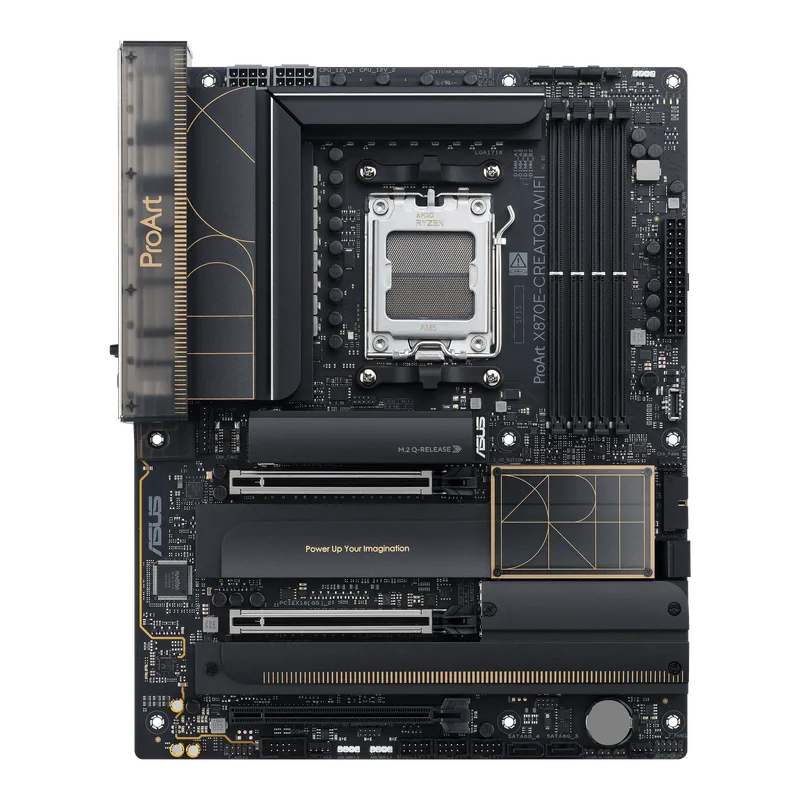
ASUS ProArt X870E-CREATOR WiFi
The ProArt X870E-CREATOR is ASUS’s creator-focused flagship for the AM5 platform. The 16+2+2 power stage design with premium capacitors is rated for sustained 200W+ CPU power draw — relevant because the 9950X will hold that range during long exports. Cheaper boards with fewer phases throttle under sustained workloads.
The 10 GbE LAN is the standout feature for professional workflows. A 10 GbE switch connecting this workstation to a NAS runs media playback from network storage at ~1,100 MB/s — fast enough to play back ProRes 422 HQ at 4K without buffering. For editors who store footage on a NAS rather than local SSDs, this eliminates the time spent copying project files before each session.
USB4 (40Gbps) via two front-panel and rear ports gives full Thunderbolt 3/4 protocol support for Blackmagic Design capture cards, CalDigit docks, and portable SSD arrays. WiFi 7 covers the wireless connection at up to 5.8 Gbps on 6 GHz — useful when wired ports are occupied by NAS and secondary monitors.
G.Skill Trident Z5 Neo RGB 64GB DDR5-6000
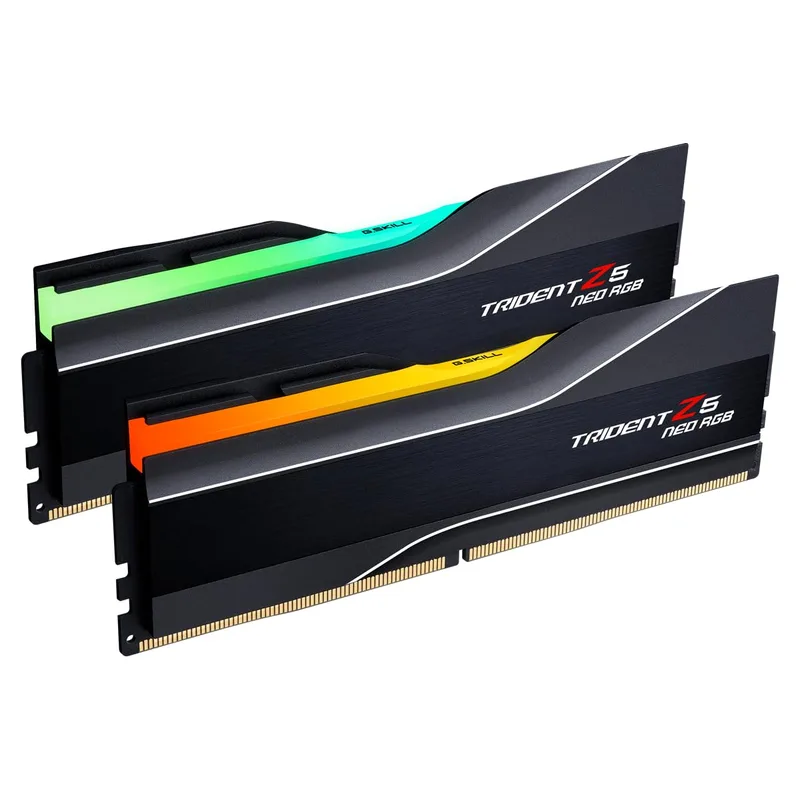
G.Skill Trident Z5 Neo RGB 64GB DDR5-6000
G.Skill’s Trident Z5 Neo series carries the AMD EXPO profile, which means the X870E can enable XMP/EXPO in BIOS and the kit trains to 6000 MT/s without manual subtiming. DDR5-6000 CL30 hits the Zen 5 Infinity Fabric ratio at 2:1 (FCLK 3000 MHz) — the optimum configuration for minimal memory controller latency.
For video editing specifically, raw memory bandwidth matters more than it does in gaming. Decode pipelines for high-bitrate formats like ProRes 4444 XQ (up to 2,200 Mbps) or REDCODE RAW stream large amounts of data through the memory controller. DDR5-6000 delivers ~96 GB/s theoretical bandwidth vs. ~38 GB/s for DDR4-4800 — a 2.5x increase that accelerates codec decode and frame buffer operations.
64GB leaves headroom for Resolve’s full cache in high-resolution projects. Under a heavy Resolve load — 4K timeline open, optimized media enabled, Noise Reduction applied to multiple clips — RAM usage typically runs 28–42GB. 32GB hits the ceiling; 64GB keeps the full cache resident.
ASUS ProArt RTX 4080 Super OC Edition 16GB
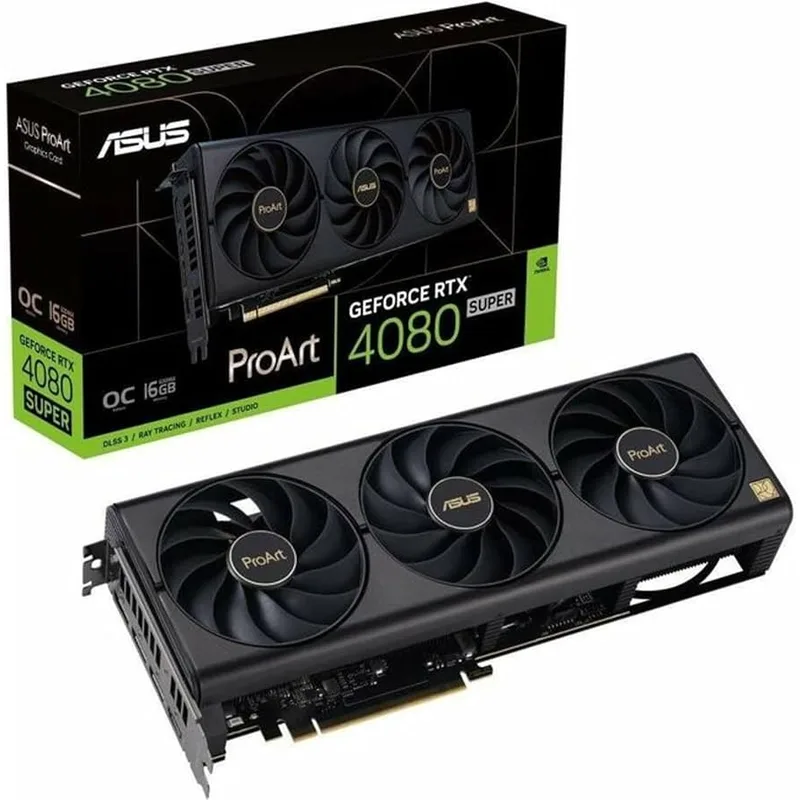
ASUS ProArt RTX 4080 Super OC Edition 16GB
The RTX 4080 Super carries Ada Lovelace’s second-generation NVENC encoder and NVDEC decoder. In Resolve and Premiere Pro, GPU-accelerated NVENC encodes H.265 at 4K at roughly 4x the speed of the CPU encoder at equivalent quality settings. For 4K deliverables, a 10-minute timeline that takes 6–7 minutes on CPU-only encodes in 1.5–2 minutes with NVENC.
16GB GDDR6X with 736 GB/s bandwidth handles concurrent CUDA acceleration across the color pipeline, Fusion compositor, and noise reduction nodes without VRAM eviction. The ProArt edition’s cooling is sized for sustained professional workloads — three Axial-tech fans maintain GPU junction temperature under 80°C during extended encoding sessions, which matters for long form content like feature films.
For the PSU calculation: the RTX 4080 Super’s 320W TDP plus the 9950X’s 170W TDP totals 490W of sustained draw. Add platform overhead and a 1000W 80+ Gold PSU runs at ~60% load under full system stress — the efficiency sweet spot for 80+ Gold units.
Samsung 990 Pro 2TB NVMe SSD
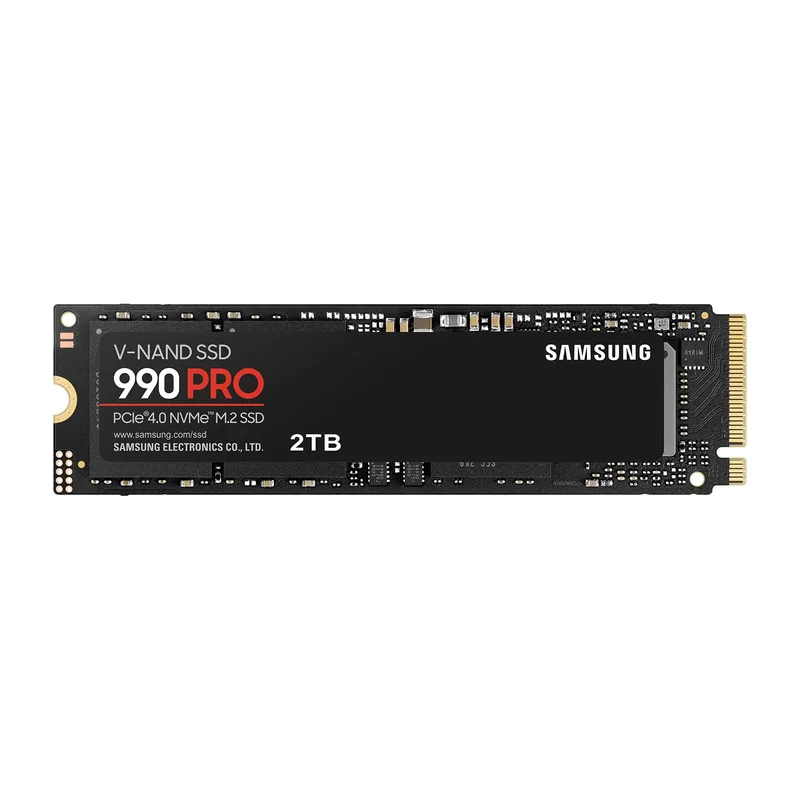
The 990 Pro consistently tops PCIe 4.0 NVMe benchmarks. Its 7,450 MB/s sequential read leads the generation, and more importantly for video editing, its random 4K read performance of ~220K IOPS handles the mixed sequential-random access pattern that DaVinci Resolve’s media cache generates — a combination of large sequential reads for media files and small random reads for cache index lookups.
The 2TB capacity accommodates a full Resolve installation (25GB), Windows 11 Pro (25GB), Adobe Creative Cloud apps (60GB), and approximately 1.5TB of active project media. Running out of scratch drive space mid-session causes Resolve to stall cache operations, which shows up as dropped frames during playback. 2TB is the practical minimum for a properly functioning editing workstation.
Dynamic Thermal Guard throttles the drive before it reaches critical temperature — relevant in sustained-write scenarios like writing out a full-quality export. The 990 Pro sustains write performance better than most competing Gen4 drives in the sustained-write tests at AnandTech and Tom’s Hardware.
Seagate Barracuda 4TB HDD
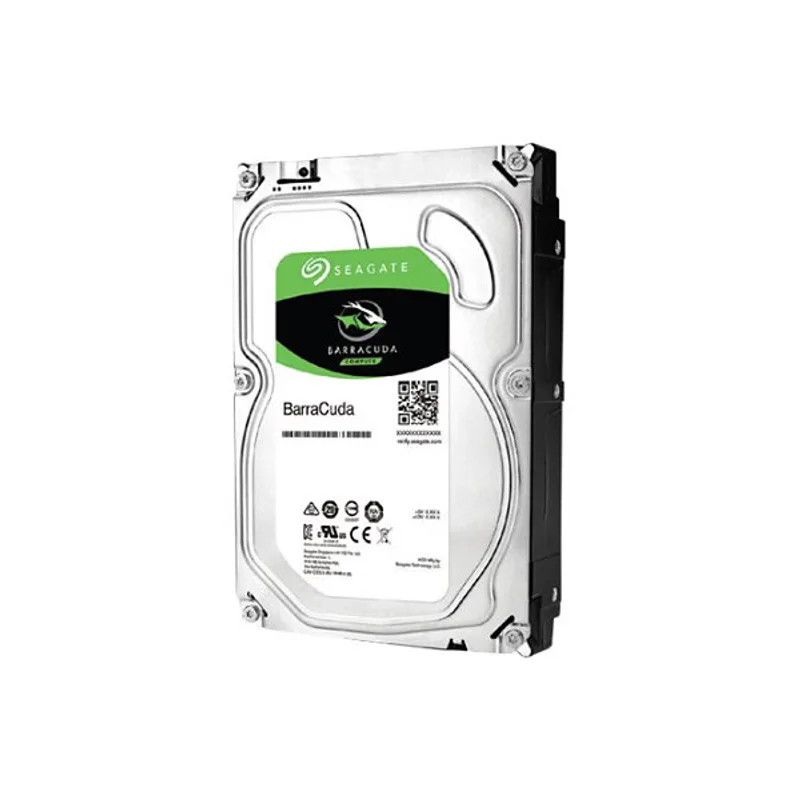
Seagate Barracuda 4TB HDD
No editing workstation manages without bulk storage. Raw footage from an mirrorless camera, drone, or cinema camera accumulates fast: a single day of BRAW 6K footage can exceed 500GB. The 4TB Barracuda provides cold storage for completed projects and raw camera imports that don’t need SSD-level access speeds.
For archival reads — retrieving a completed project from six months ago, or importing last month’s footage into a new edit — 140 MB/s sustained read is adequate. The Barracuda is not suitable as a media drive for active editing; use it exclusively for archives, backups, and source footage staging. The 256MB cache buffer helps with the burst reads that occur when Resolve scans a large media pool.
A second 4TB Barracuda or a WD Red Plus in a desktop NAS is the natural next step if your raw footage library exceeds the single 4TB capacity.
Build Tips
Install the CPU cooler before placing the board in the case. AM5’s mounting mechanism has enough tension that applying thermal paste and seating a 160mm+ cooler is much easier on a flat surface. The Noctua NH-D15 G2’s anti-vibration pads are also easier to align outside the chassis.
Enable AMD EXPO in BIOS before stressing the system. X870E boards default to DDR5-4800 for conservative POST behavior. Go to BIOS → AI Tweaker → D.O.C.P. or EXPO profile and select the 6000 MT/s profile. Run MemTest86 for one pass after enabling to confirm stability before loading any production software.
Install DaVinci Resolve to the NVMe, not the HDD. Resolve’s GPU cache writes frequently during a session — installing it to a 5400 RPM HDD produces visible stalls during playback. The Samsung 990 Pro has headroom for OS, apps, and project cache simultaneously.
Cable management matters for GPU temperature. The RTX 4080 Super’s three fans pull air through the heatsink and exhaust out the PCIe bracket. Loose SATA and power cables directly below the card restrict intake airflow. Tie all cables to the PSU shroud and drive cage before powering on.
Set Resolve’s decode quality to “Optimized media” for 4K RAW. The 9950X can decode 4K BRAW in real-time at native resolution, but generating optimized media (Resolve’s proxy codec) for a full project takes 20–40 minutes and makes the editing experience noticeably smoother during multi-camera cuts.
Performance Expectations
This build handles the following workloads without dedicated rendering hardware:
| Workload | Expected Performance |
|---|---|
| 4K H.265 timeline export (10 min) | ~1.5–2 min (NVENC, Quality preset) |
| 4K ProRes 422 HQ export (10 min) | ~3–4 min (CPU-based, fully parallelized) |
| BRAW 6K → H.265 transcode (10 min) | ~4–5 min (GPU + CPU) |
| After Effects RAM preview (1080p, 30s) | ~45–90 seconds depending on effect complexity |
| Resolve Color page (4K, noise reduction on) | Real-time playback at 1/4 resolution; 1/2 with proxy |
| Premiere Pro multi-cam 4K (4 streams) | Real-time with GPU-accelerated decoding |
| Blender Cycles render (1080p, 512 samples) | ~4–8 min depending on scene complexity |
For 8K RED or ARRI raw workflows, the bottleneck shifts to VRAM bandwidth and CPU decode speed. This build handles 8K REDCODE RAW at R3D quality 5:1 in Resolve at 1/4 playback resolution — full-resolution 8K playback requires a RED Rocket X or additional GPU.
Upgrade Path
First upgrade: Add a second NVMe scratch drive. The ProArt X870E has three unused M.2 slots. A second 2TB Samsung 990 Pro for Resolve’s media cache exclusively improves cache write performance on large projects and keeps the OS drive from filling.
Second upgrade: Move to 128GB RAM. The board supports 256GB DDR5 across its four slots. If you regularly edit 6K+ RAW with Fusion VFX work, upgrading from 64GB (2x32GB) to 128GB (4x32GB) eliminates the memory pressure Resolve reports during heavy compositing sessions.
Third upgrade: Add an RTX 5080 or 5090. NVIDIA’s Blackwell architecture (RTX 50-series) brings 16GB–24GB GDDR7 at significantly higher memory bandwidth than the 4080 Super. Once RTX 5080 availability normalizes and prices settle toward MSRP, the VRAM and NVENC generational improvement makes it worth the swap for 8K RAW and AI-assisted color science workflows.
Long-term: NAS for project storage. When the 4TB Barracuda fills, a Synology DS923+ or DS1522+ with WD Red Plus drives and a 10 GbE card connects directly to the ProArt X870E’s 10 GbE port for network speeds faster than the Barracuda’s USB 3.0 external equivalent.
FAQ
Is 64GB RAM necessary for video editing? For 4K H.264 and H.265 in Premiere Pro with proxy workflow, 32GB is adequate. For 4K RAW in DaVinci Resolve with full-res cache, Fusion effects, and noise reduction active, 32GB runs out and the system begins paging to the SSD. 64GB eliminates that ceiling for all realistic 4K workloads and leaves headroom for 6K.
Does integrated graphics affect Resolve’s GPU acceleration? No — DaVinci Resolve uses the discrete GPU (RTX 4080 Super) for all GPU-accelerated compute tasks. The Ryzen 9 9950X has no integrated GPU; it’s a desktop-class processor with no iGPU on the die, which is irrelevant since the RTX 4080 Super handles display output.
Can I use this build for gaming in addition to video editing? Yes. The 9950X and RTX 4080 Super deliver high-end gaming performance — the RTX 4080 Super benchmarks at 1440p and 4K Ultra settings at or above 100+ FPS in most modern titles. The ProArt motherboard has no gaming-specific limitations. The 64GB of RAM is more than needed for gaming but doesn’t hurt.
Why not use the RTX 5080 instead of the RTX 4080 Super? The RTX 5080 (MSRP $999) launched in early 2026 but remains supply-constrained with street prices running $1,050–$1,200 through March 2026. At equivalent or higher prices, the RTX 4080 Super at $999 is the better-value option until 5080 supply normalizes. Check current pricing — if the 5080 is at MSRP, it’s the better pick.
What’s the minimum PSU for this build? 850W 80+ Gold works, but 1000W provides a comfortable headroom margin. The RTX 4080 Super has a 320W TDP and can spike above 400W during GPU-intensive NVENC encode operations. Pairing a 320W GPU with a 170W CPU in an 850W PSU runs at ~68–75% load during full stress — within spec but tight. The Seasonic Focus GX-1000 at ~$180 is the recommended unit.
The Bottom Line
This is a capable 4K video editing workstation that handles professional Resolve and Premiere Pro workflows without compromise. The Ryzen 9 9950X is the right CPU for editors who spend hours in export queues, and the ASUS ProArt RTX 4080 Super handles NVENC-accelerated encoding and CUDA color science with 16GB of VRAM that doesn’t get filled by multi-stream timelines. The 10 GbE and USB4 connectivity on the ProArt X870E-CREATOR future-proofs the platform for NAS-based workflows. Total build cost lands around $2,875 before case, cooler, and PSU — substantial, but proportionate to the workload it handles.