Disclosure: PCBuildRanked earns from qualifying Amazon purchases.
Building a new PC in 2026 costs significantly more than it did 18 months ago. DDR5 kit prices have surged as AI datacenters consume global memory supply — a 32GB DDR5-6000 kit that cost well below its current price in mid-2025 now starts around $430. GPU and SSD prices remain elevated from NAND and silicon shortages. If your current system’s foundation is still sound — an AM5 board, a 12th/13th gen Intel platform, or even a well-specced AM4 rig — targeted upgrades deliver 70–90% of a new-build experience at 30–50% of the cost.
| Spec | XFX Swift AMD Radeon RX 9070 OC 16GB 9/10 | AMD Ryzen 7 9800X3D 9.5/10 | Corsair Vengeance DDR5 32GB (2x16GB) 6000MHz CL36 Unavailable 8.5/10 | WD Black SN7100 1TB NVMe SSD 9.2/10 | Corsair RM850e (2025) 850W ATX 3.1 9/10 |
|---|---|---|---|---|---|
| VRAM | 16GB GDDR6 | — | — | — | — |
| Memory Bus | 256-bit | — | — | — | — |
| PCIe | 4.0 x16 | — | — | — | — |
| TDP | 180W | 120W | — | — | — |
| PSU Required | 700W minimum | — | — | — | — |
| Architecture | RDNA 4 | — | — | — | — |
| Rating | 9/10 | 9.5/10 | 8.5/10 | 9.2/10 | 9/10 |
Prices change daily — tap Check Price for the current Amazon price.
Prices change daily — tap Check Price for the current Amazon price.
Upgrades at a Glance
| Upgrade | Component | Cost | Primary Gain |
|---|---|---|---|
| GPU | XFX Radeon RX 9070 OC 16GB | ~$619 | 60–100% more frames vs RX 5700 XT or RTX 2080 |
| CPU | AMD Ryzen 7 9800X3D | ~$449 | Best gaming CPU sold; 15–25% over Ryzen 7 9700X |
| RAM | Corsair Vengeance DDR5 32GB 6000MHz | ~$430 | Eliminates RAM bottleneck; 32GB floor for modern gaming |
| NVMe SSD | WD Black SN7100 1TB | ~$185 | 7,250 MB/s — replaces aging SATA or slow PCIe 3.0 drive |
| PSU | Corsair RM850e 850W | ~$119 | ATX 3.1 headroom for current and next-gen GPU power spikes |
Total for all five upgrades: ~$1,802. A complete new build using these same parts — adding a new motherboard, case, OS, and cooler — runs $2,500+. The math favors upgrading unless your current platform is truly end-of-life.
Why Upgrade Instead of Build New
The case for upgrading comes down to what you already own. If your motherboard supports the CPU you want, you save $150–$300 on a new board. If your case, cooler, storage, and peripherals are still functional, skipping them saves another $300–$500.
When to upgrade:
- You’re on AM5 (X670, B650, X870) — the 9800X3D is a drop-in upgrade
- You’re on Intel LGA 1700 (12th/13th gen) — DDR5 RAM and GPU upgrades work without touching the board
- Your GPU is two or more generations old (RTX 2080/3080, RX 5700 XT/6800 XT) — this is where the biggest performance gap exists
When to build new instead:
- You’re on AM4 and want the 9800X3D — AM5 migration requires a new CPU, motherboard, and DDR5 RAM at minimum (~$750+)
- You’re on Intel LGA 1200 (10th/11th gen) — dead-end platform, no upgrade path worth pursuing
- Your PSU is a no-name 450W unit from 2016 — replace it before you touch anything else
For a structured framework to help decide which path makes sense for your specific situation, see our upgrade vs. build new decision guide. Not sure if building yourself is the right call at all? See our prebuilt vs. building your own guide.
Component Deep Dives
XFX Swift AMD Radeon RX 9070 OC 16GB
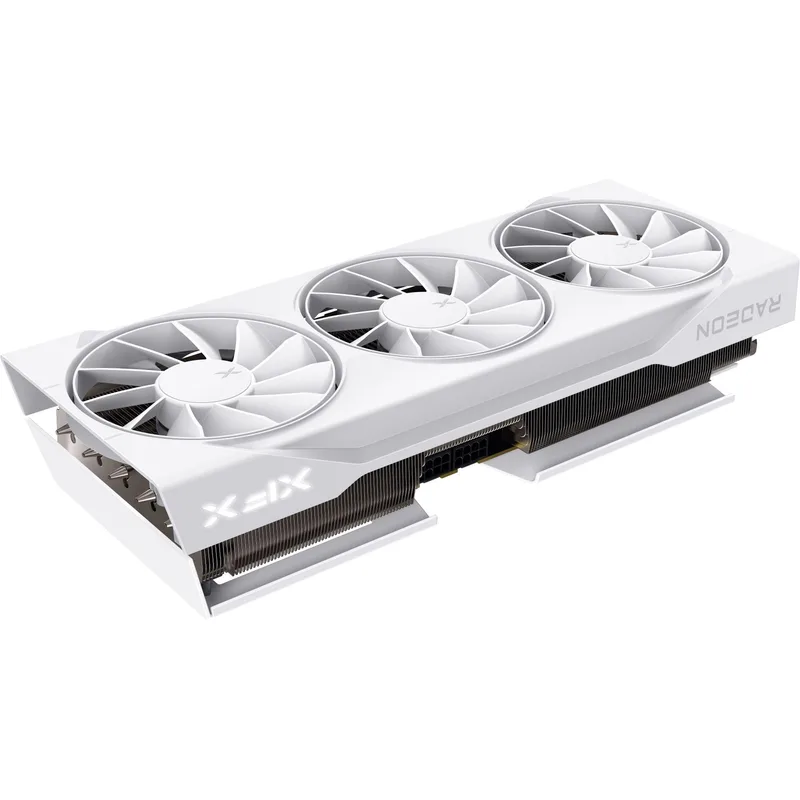
AMD’s RDNA 4 architecture, launched in early 2025, closed the ray tracing gap with Nvidia substantially. The XFX Swift RX 9070 OC is the non-XT variant — 16GB GDDR6, 180W TDP, and a street price around $619. It’s the upgrade pick for anyone coming from an RTX 2080, RX 5700 XT, or RTX 3070.
At 1440p Ultra, the RX 9070 averages 95–105 FPS in Cyberpunk 2077, 88 FPS in Alan Wake 2, and 130+ FPS in less-demanding titles. That’s a 60–90% increase over the RTX 2080 in most titles and roughly equivalent to the RTX 4070 Super in rasterization, but with 16GB GDDR6 versus the 4070 Super’s 12GB GDDR6X. The larger frame buffer is the key differentiator — you won’t hit VRAM limits at 1440p Ultra or early 4K experimentation.
The dual 8-pin power connector benefits upgraders: any PSU from the past five years with two 8-pin PCIe leads can power it directly, no adapter needed. It fits into PCIe 3.0, 4.0, and 5.0 slots without modification.
AMD Ryzen 7 9800X3D
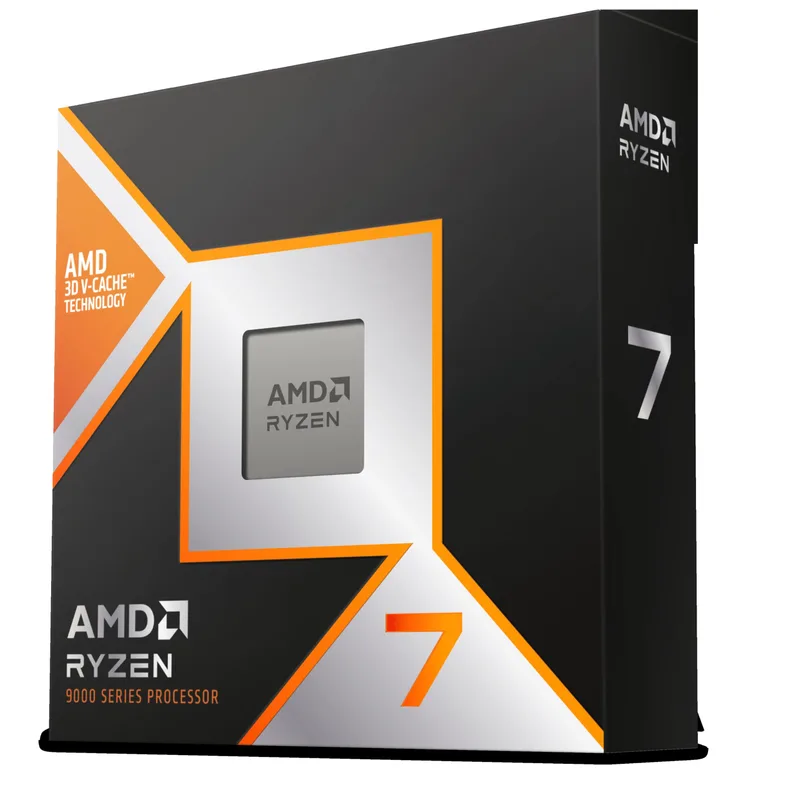
The AMD Ryzen 7 9800X3D holds the top spot in virtually every gaming CPU benchmark. The 96MB L3 cache from 3D V-Cache stacking keeps game data on-die, avoiding the latency of fetching from DRAM — a difference felt most in CPU-bound scenarios at 1080p and in titles with unpredictable asset streaming.
Concrete numbers: in Cyberpunk 2077 at 1080p Ultra, the 9800X3D averages 178 FPS vs 151 FPS for the Ryzen 7 9700X — 18% more frames from CPU cache alone with an identical GPU. In Baldur’s Gate 3 and The Last of Us Part I, the gap widens to 20–30% in CPU-heavy scenes.
It’s a drop-in upgrade for any AM5 board — B650, X670, or X870 — but confirm your BIOS is updated first. AMD’s AM5 BIOS updates have occasionally arrived after CPU launches, and the 9800X3D may require a firmware update on boards that haven’t been powered up recently.
If you’re on AM4, do the math carefully. The 9800X3D is AM5 only. CPU ($449) + a new AM5 board + DDR5 32GB ($430) makes for a costly platform migration — at that point, a new build starts to pencil out.
Corsair Vengeance DDR5 32GB (2x16GB) 6000MHz CL36
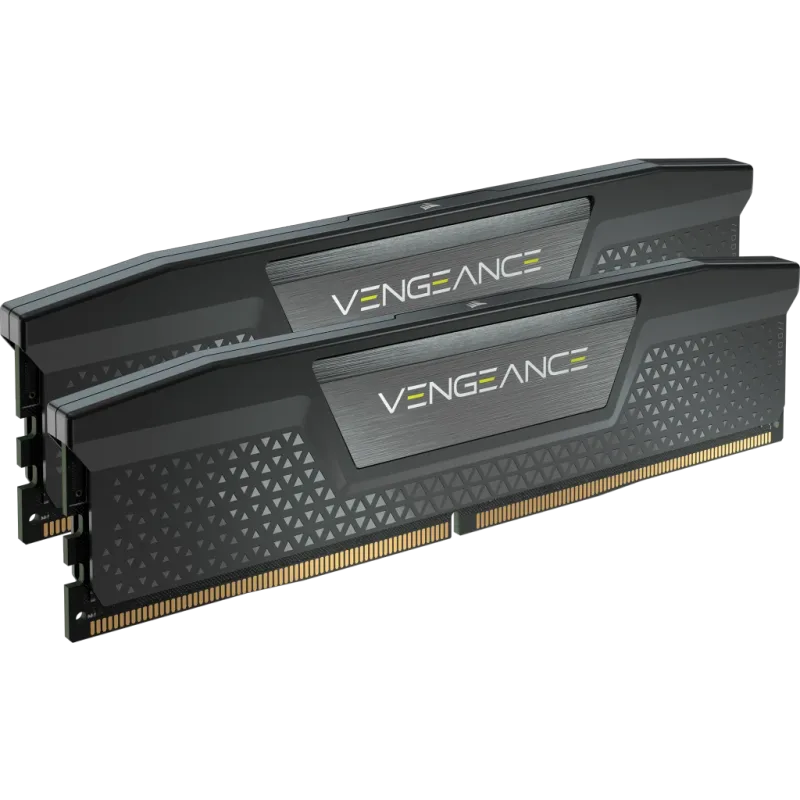
Corsair Vengeance DDR5 32GB (2x16GB) 6000MHz CL36
The Corsair Vengeance DDR5-6000 CL36 hits the exact sweet spot for AMD Ryzen 7000/9000 series. AMD’s Infinity Fabric runs at 2000 MHz when matched to DDR5-6000 in a 1:1 ratio — faster kits require a divider that can actually reduce effective bandwidth. For Intel platforms, DDR5-6000 with XMP 3.0 is similarly optimal on Raptor Lake and Arrow Lake.
One important caveat for AMD users: this kit carries an Intel XMP 3.0 profile only, not AMD EXPO. On AM5 boards, you’ll need to manually set DDR5-6000 timings in BIOS rather than using a one-click EXPO profile. The process takes about two minutes and the result is identical — but it’s worth knowing upfront. AMD users who want plug-and-play EXPO support should look at the Kingston Fury Beast DDR5-6000 CL30 EXPO instead.
Buy this if you’re upgrading an AM5 or LGA 1700 system from 16GB DDR5 to 32GB, or if you’re migrating from DDR4 and need a complete kit. Do not buy DDR5 to upgrade a DDR4 system without also replacing the motherboard and CPU — the slots are physically incompatible.
At ~$430, DDR5-6000 32GB is no longer the impulse buy it was in mid-2025 when kits briefly sold at fire-sale prices. AI-driven DRAM demand has pushed pricing sharply higher. If you see this kit in stock near $400, buy it — that’s close to the current market floor.
WD Black SN7100 1TB NVMe SSD
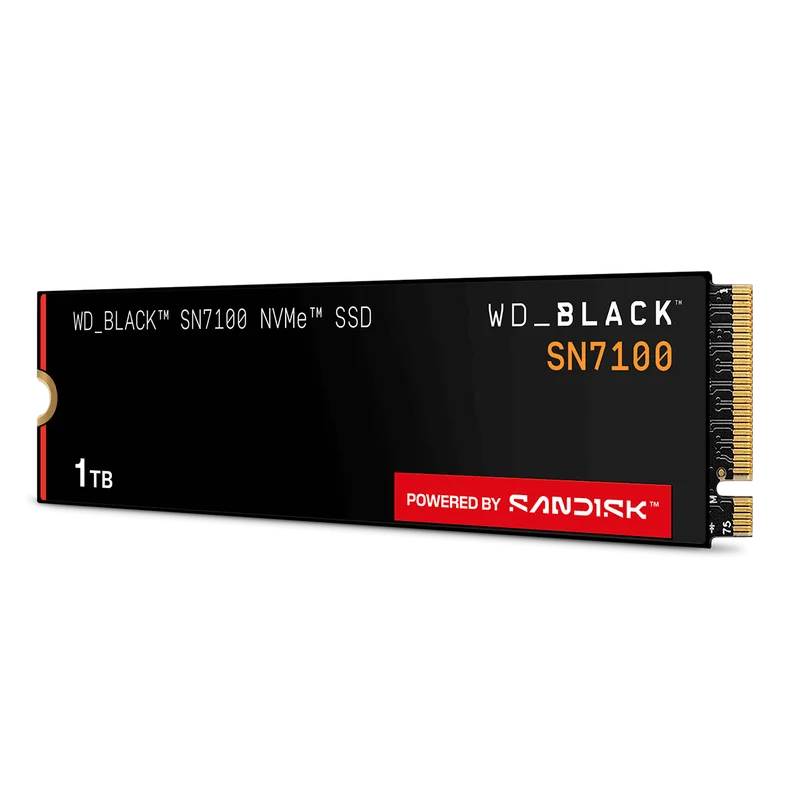
The WD Black SN7100 delivers 7,250 MB/s sequential reads at around $185 for 1TB — six times faster than a SATA SSD and fourteen times faster than a 7200 RPM mechanical drive. Game load times drop to under five seconds in titles that previously took 30+ seconds on mechanical storage.
Tom’s Hardware named it a top M.2 SSD for gaming in early 2026, citing its record-breaking power efficiency and class-leading benchmark performance among host memory buffer (HMB) drives. HMB means it uses a portion of your system RAM as cache instead of on-board DRAM — this keeps the price competitive without meaningfully affecting real-world gaming performance.
Context on pricing: the SN7100 1TB launched at budget pricing in 2026 but has risen to ~$185 due to the ongoing NAND shortage affecting all flash storage. Even at this price it’s a solid upgrade over SATA or HDD. Note that the Samsung 9100 Pro Gen5 (7,450 MB/s) is now priced only ~$15 more — if your board has a PCIe 5.0 M.2 slot, that’s worth considering.
The caveat for older platforms: PCIe 3.0 M.2 slots (common on Z390, B450, and Z490 boards) limit the SN7100 to ~3,500 MB/s instead of 7,250 MB/s. That’s still double the speed of most PCIe 3.0 SSDs and a massive upgrade over SATA or HDD.
Check your available M.2 slots before ordering. Most motherboards have one or two M.2 slots, but they may already be populated, or the second slot may be PCIe 3.0 while the primary is PCIe 4.0.
Corsair RM850e (2025) 850W ATX 3.1
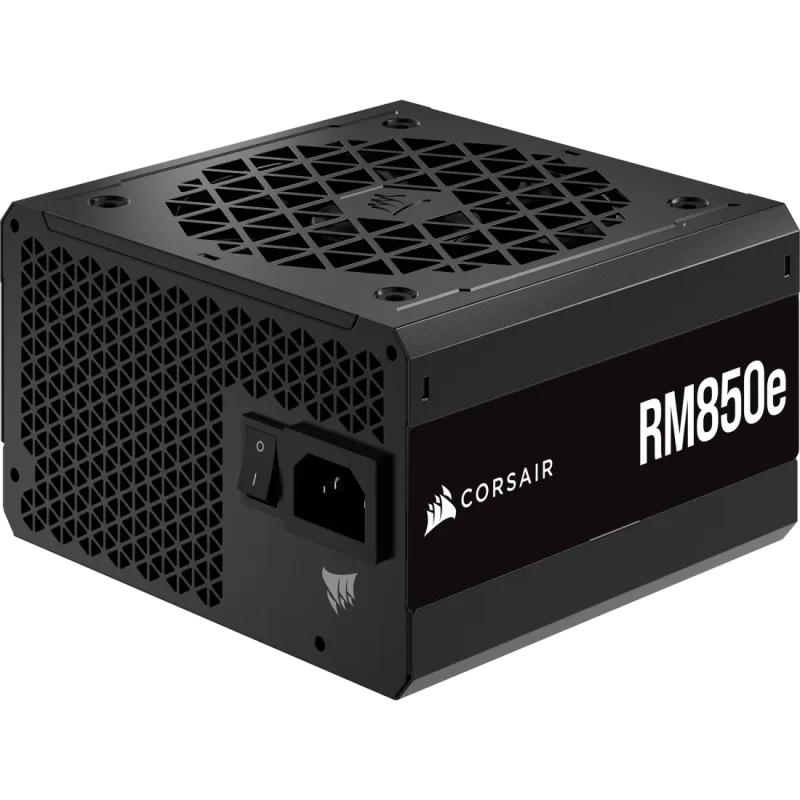
The Corsair RM850e (2025) addresses the most common oversight in GPU upgrade planning. Modern GPUs — including the RX 9070 at 180W nominal — draw significantly more power during transient spikes. The ATX 3.0/3.1 specification requires PSUs to handle spikes up to 200% of TDP without triggering protection shutoffs that cause random crashes or reboots mid-game.
An older 80+ Gold 550W PSU from 2019 may list adequate wattage on paper but lacks the ATX 3.1 transient response spec. Replacing it with an RM850e gives you full compliance plus 850W of clean, modular headroom.
The 2025 revision ships with a 12V-2x6 cable included — the standard for PCIe 5.0 GPUs — so you won’t need an adapter when upgrading to a next-gen card later. The 7-year warranty and Cybenetics Gold efficiency rating put it in the same class as the be quiet! Straight Power 12 and Seasonic Focus GX.
If your current PSU is already an 80+ Gold or better 750W+ unit from 2021 or later with ATX 3.0 compliance, pull up the model number and verify the spec before buying. You may not need this upgrade.
Upgrade Tips
Check your PSU first. Before any other upgrade, look up your current PSU model and confirm wattage plus ATX specification. An ATX 2.x PSU powering a 180W+ GPU with a transient spike can trip the OCP (overcurrent protection) and crash your system. This is the most common “mystery crash” after a GPU upgrade.
Verify M.2 slot versions. Open your motherboard’s manual or download the spec sheet. M.2 Key M slots can be PCIe 3.0 x4, PCIe 4.0 x4, or SATA — and the SSD you install runs at whichever speed the slot supports. The SN7100 won’t damage itself in a 3.0 slot; it just won’t reach 7,250 MB/s.
Enable XMP/EXPO after adding RAM. DDR5 kits default to 4800MHz out of the box regardless of their rating. After installing new RAM, enter BIOS, navigate to the memory profile section, and enable XMP (Intel) or set the frequency manually to 6000MHz (AMD). Skip this and your 6000MHz kit runs 20% slower.
Test stability with MemTest86 after RAM upgrades. DDR5 at 6000MHz pushes the IMC harder than stock. Run MemTest86 for one pass before gaming to confirm stability. A failed test means the kit may need slightly relaxed timings — bump CL38 before escalating.
Update BIOS before installing a new CPU. This applies especially to the Ryzen 9800X3D. Download the latest BIOS from your board manufacturer, flash it while the old CPU is still installed, then swap in the new processor. Installing an unsupported CPU into a board with outdated firmware can leave you unable to POST.
Performance Expectations
| Upgrade | 1080p Gain | 1440p Gain | Primary Bottleneck Removed |
|---|---|---|---|
| GPU (RX 9070) | +60–90% FPS vs RTX 2080/3070 | +70–100% FPS vs RX 5700 XT | GPU compute and VRAM limits |
| CPU (9800X3D) | +15–25% in CPU-bound titles | +5–12% in GPU-bound titles | L3 cache latency in game streaming |
| RAM (DDR5-6000 32GB) | +3–8% in memory-sensitive titles | +2–5% in most titles | RAM capacity and bandwidth |
| SSD (SN7100 1TB) | Minimal FPS gain | Minimal FPS gain | Load times, open-world streaming |
| PSU (RM850e) | Stability improvement | Stability improvement | Transient power delivery |
The GPU upgrade produces the largest raw gaming performance gain by a wide margin. The CPU upgrade matters most if you’re already on a fast GPU and playing at 1080p where CPU limits surface. The SSD upgrade doesn’t move FPS numbers significantly in most titles but transforms system responsiveness and open-world texture streaming.
Upgrade Order
Prioritize based on what’s actually holding you back:
- GPU first — if your card is more than two generations old, this is where 80% of your gaming performance gap lives. A 2018–2021 GPU on any platform benefits enormously from an RDNA 4 replacement.
- SSD second — even at current elevated prices, upgrading from a mechanical drive or slow SATA SSD to a Gen4 NVMe is one of the most impactful quality-of-life improvements in PC hardware.
- PSU before GPU — if you’re running a sub-750W or pre-ATX 3.0 unit, replace it before the GPU or you risk crashing the system under load.
- CPU/RAM together on platform migration — moving from AM4 to AM5 means buying CPU + motherboard + DDR5 simultaneously. Do all three at once; staggering them wastes money on partial upgrades.
- RAM alone (DDR5 platform) — if you’re on AM5 or LGA 1700 with only 16GB DDR5, a 32GB upgrade is meaningful. Time it to restocks if possible given current pricing volatility.
FAQ
Can I add an RX 9070 to a PCIe 3.0 motherboard?
Yes. The RX 9070 uses a PCIe 4.0 x16 interface but is backward compatible with PCIe 3.0 x16 slots. You lose roughly 2–4% of peak bandwidth, which has no measurable impact on real gaming frame rates at 1440p. Your bottleneck will be GPU compute, not the interface.
Do I need to reinstall Windows after a CPU upgrade?
Within the same platform, no — Windows handles CPU swaps cleanly. If you’re migrating from Intel to AMD (or vice versa) on a new motherboard, Microsoft recommends a clean install. The digital license tied to your Microsoft account reactivates automatically after the hardware change, but in-place upgrades across chipset families can leave driver conflicts.
My current DDR4 system has 32GB. Is DDR5 worth upgrading to?
Not on its own. DDR5 requires a new motherboard and CPU — you can’t slot it into a DDR4 board. If you’re already planning a CPU/mobo upgrade to AM5 or LGA 1700, pair new DDR5 RAM with it. If you’re staying on your current platform, there’s no benefit to DDR5.
What’s the minimum PSU wattage for the RX 9070?
AMD specifies 700W minimum system power for the RX 9070. That accounts for a full system with a 125W CPU. The RM850e at 850W gives you 150W of headroom for overclocking or adding a secondary SSD. If your current unit is a 750W Tier A PSU (Seasonic, Corsair, EVGA G6), you may not need an upgrade.
Is the Ryzen 7 9800X3D worth buying over the 9700X?
For gaming, yes — the 3D V-Cache advantage is 15–25% in CPU-bound titles and the price premium is about $180 at current pricing ($449 vs ~$269 for the 9700X). For productivity workloads (video encoding, 3D rendering, Blender), the 9700X is faster because 3D V-Cache increases thermal resistance. The 9800X3D is the gaming-specific buy.
The Bottom Line
The 2026 PC market makes upgrading more attractive than building from scratch, even with elevated component costs. The XFX Radeon RX 9070 OC is the single highest-impact upgrade for most systems — 16GB GDDR6, RDNA 4 ray tracing, and full backward compatibility with any PCIe slot. The WD Black SN7100 transforms system responsiveness for anyone still on mechanical or SATA storage. If you’re on AM5 and CPU-bound, the Ryzen 7 9800X3D closes the gap with a brand-new build without touching the rest of your system.