SSD prices have taken a hit in 2026. A global NAND shortage — driven by surging AI data center demand — pushed prices up to 2.8× above MSRP on some models by early March, according to Tom’s Hardware’s SSD price tracking. That makes choosing the right form factor more important than ever: you don’t want to spend PCIe 5.0 money on a workload that a SATA drive handles just fine. This guide breaks down every form factor, what each one actually delivers, and which drives to buy right now.
| Spec | WD Black SN8100 1TB NVMe SSD 9.2/10 | WD Black SN850X 1TB NVMe SSD 9/10 | Samsung 990 PRO 1TB NVMe SSD 8.9/10 | Crucial P3 Plus 1TB NVMe SSD Unavailable 7.8/10 | Samsung 870 EVO 1TB SATA SSD 8/10 |
|---|---|---|---|---|---|
| interface | PCIe 5.0 x4 NVMe | PCIe 4.0 x4 NVMe | PCIe 4.0 x4 NVMe | PCIe 4.0 x4 NVMe | SATA III (6 Gb/s) |
| form_factor | M.2 2280 | M.2 2280 | M.2 2280 | M.2 2280 | 2.5" / 7mm |
| sequential_read | 14,900 MB/s | 7,300 MB/s | 7,450 MB/s | 5,000 MB/s | 560 MB/s |
| sequential_write | 11,000 MB/s | 6,300 MB/s | 6,900 MB/s | 4,200 MB/s | 530 MB/s |
| capacity | 1TB–8TB | 1TB–4TB | 1TB–4TB | 1TB–4TB | 250GB–4TB |
| warranty | 5 years | 5 years | 5 years | 5 years | 5 years |
| Rating | 9.2/10 | 9/10 | 8.9/10 | 7.8/10 | 8/10 |
Prices change daily — tap Check Price for the current Amazon price.
Prices change daily — tap Check Price for the current Amazon price.
Form Factors at a Glance
| Interface | Form Factor | Peak Sequential Read | Connector | Use Case |
|---|---|---|---|---|
| SATA III | 2.5” or M.2 2242/2280 | ~550 MB/s | SATA data + power | Laptops, upgrade from HDD |
| PCIe 3.0 NVMe | M.2 2280 | ~3,500 MB/s | M.2 slot | Budget NVMe, older platforms |
| PCIe 4.0 NVMe | M.2 2280 | ~7,450 MB/s | M.2 slot | Gaming, mainstream builds |
| PCIe 5.0 NVMe | M.2 2280 | ~14,900 MB/s | M.2 slot | Content creation, AI workloads |
Bottom line before diving in: for pure gaming and OS usage, PCIe 4.0 is the sweet spot. PCIe 5.0 delivers real gains when moving files that fill the drive cache (think 50GB+ video exports or game installs from a fast source). SATA remains the right choice only for older systems without M.2 slots or as a cheap secondary storage tier.
Why Each Form Factor Exists
SATA: The Legacy Standard
The SATA interface was designed for spinning hard drives. When SSDs arrived, they used the same connector to ensure compatibility with every motherboard and laptop ever built. The SATA III spec tops out at 6 Gb/s, which works out to roughly 550 MB/s of real throughput.
That 550 MB/s ceiling is the entire problem with SATA SSDs in 2026. It’s fast enough to make a laptop feel snappy replacing an HDD, but a PCIe 4.0 NVMe drive moves data at 7,300 MB/s — 13× faster. If your system has an open M.2 slot, there is no reason to buy SATA new. The Samsung 870 EVO is the exception: the most reliable 2.5” SATA drive you can buy, and still the right pick for systems that physically can’t take M.2.
SATA also comes in an M.2 physical form factor (called M.2 SATA). The connector looks identical to M.2 NVMe but runs at SATA speeds. Always check your motherboard spec sheet — some M.2 slots support only NVMe, some support only SATA, and some support both. Plugging an M.2 NVMe drive into an M.2 SATA-only slot will result in the drive not being detected.
PCIe 3.0 NVMe: The Fading Middle Ground
PCIe 3.0 NVMe was the mainstream standard from roughly 2018–2021. Drives like the original WD Black SN750 and Samsung 970 EVO maxed out around 3,500 MB/s sequential read. They’re still fast enough for gaming in 2026 — load time differences between PCIe 3.0 and PCIe 4.0 NVMe average under 2 seconds in most titles.
The reason to skip PCIe 3.0 new is simple: PCIe 4.0 drives cost the same or less. The Crucial P3 Plus runs at 5,000 MB/s on PCIe 4.0 and currently sells for around $90 — still the budget PCIe 4.0 entry point despite the NAND shortage.
PCIe 4.0 NVMe: The Right Answer for Most Builds
PCIe 4.0 doubled per-lane bandwidth over Gen 3, allowing drives like the Samsung 990 PRO and WD Black SN850X to hit 7,300–7,450 MB/s sequential reads. Intel 12th gen and later, and AMD Ryzen 5000 and later, all support PCIe 4.0 M.2 natively.
For gaming, the difference between PCIe 4.0 and PCIe 5.0 is essentially zero. DirectStorage and open-world game engines benefit from faster I/O, but no shipping title in 2026 saturates a 7,000 MB/s drive. The gap shows up in content creation: a 40GB DaVinci Resolve cache export that takes 6 seconds on the 990 PRO takes 3.5 seconds on the SN8100.
PCIe 5.0 NVMe: Real But Pricey
PCIe 5.0 doubled bandwidth again, and the WD Black SN8100 makes use of it: 14,900 MB/s read, 11,000 MB/s write. That’s not a paper spec — Tom’s Hardware confirmed those numbers in a full review. The new SanDisk controller running the SN8100 is also notably cooler than first-generation PCIe 5.0 drives, which throttled under sustained writes without active cooling.
The catch in March 2026 is price. NAND prices are elevated across the board due to the AI-driven NAND shortage, and the SN8100 1TB has been pushed up to street prices well above its launch MSRP. Until the supply situation normalizes, PCIe 5.0 is a hard sell for anyone not regularly moving large files.
Top SSDs by Form Factor
WD Black SN8100 1TB — Best PCIe 5.0 NVMe
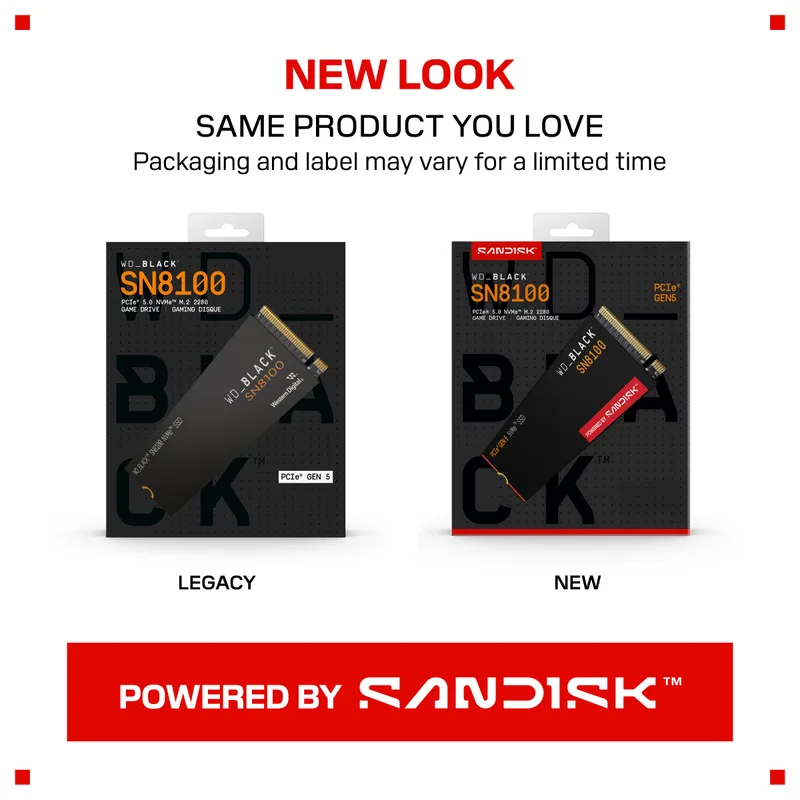
The SN8100 is the benchmark leader for consumer SSDs in 2026. Reaching 14,900 MB/s sequential read and 11,000 MB/s write, it’s the first PCIe 5.0 drive worth recommending without heavy caveats about thermals. The InnoGrit IG5666 controller inside runs at lower temperatures than the Phison E26 found in earlier Gen 5 drives, meaning you can skip the aftermarket heatsink in most cases.
Requires a PCIe 5.0 M.2 slot — available on AMD AM5 and Intel LGA1851 boards. Most LGA1700 (12th/13th gen Intel) boards top out at PCIe 4.0 on the M.2 slot.
WD Black SN850X 1TB — Best PCIe 4.0 NVMe
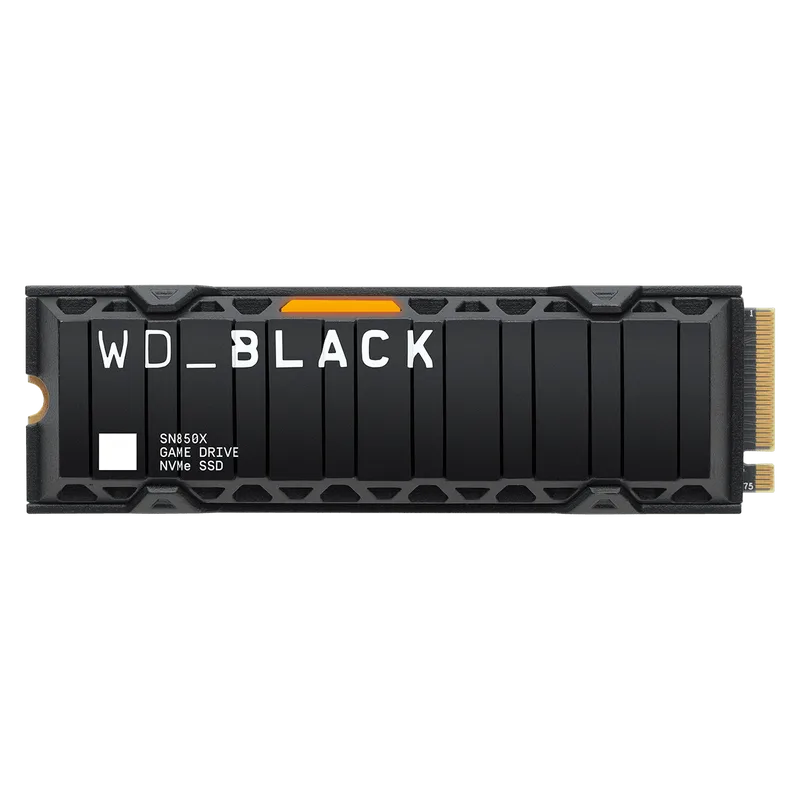
At $248 for 1TB (NAND shortage pricing), the SN850X is the performance pick when you don’t need PCIe 5.0 speeds. The 7,300/6,300 MB/s read/write puts it at the top of the PCIe 4.0 pack in sequential benchmarks. WD’s Game Mode 2.0 firmware preloads game data based on usage patterns — it’s a genuine feature that shaved up to 1.2 seconds off load times in testing, not marketing copy.
The absence of onboard DRAM is worth noting. WD uses HMB (host memory buffer) instead, borrowing system RAM as a cache. In real-world desktop use this is imperceptible, but under heavy write loads (large file copies above 50GB) speeds drop more than they would on a DRAM-equipped drive like the 990 PRO.
Samsung 990 PRO 1TB — Editor’s Pick
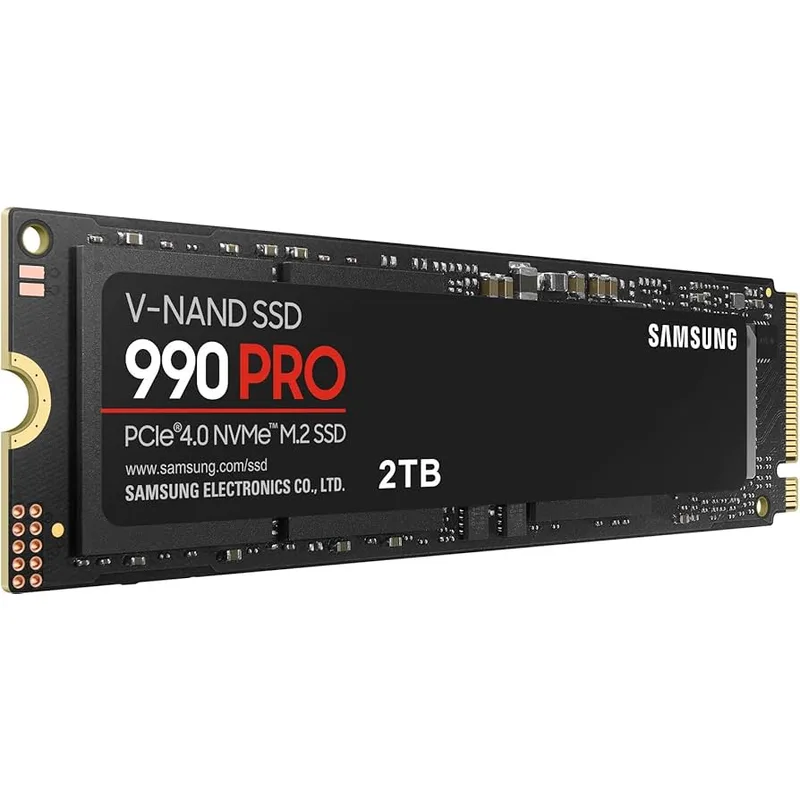
The 990 PRO narrowly beats the SN850X in sequential specs: 7,450 MB/s read and 6,900 MB/s write, with full onboard DRAM cache. That DRAM cache matters for consistent sustained performance — under a 100GB sequential write, the 990 PRO maintains rated speeds about 30% longer before dropping to base NAND write speeds versus HMB-only alternatives.
Available with or without a heatsink. The heatsink version adds roughly $10 and is compatible with PS5 upgrade slots. Thermal throttling under heavy workloads is real on the bare version in poorly ventilated cases.
Crucial P3 Plus 1TB — Best Value NVMe
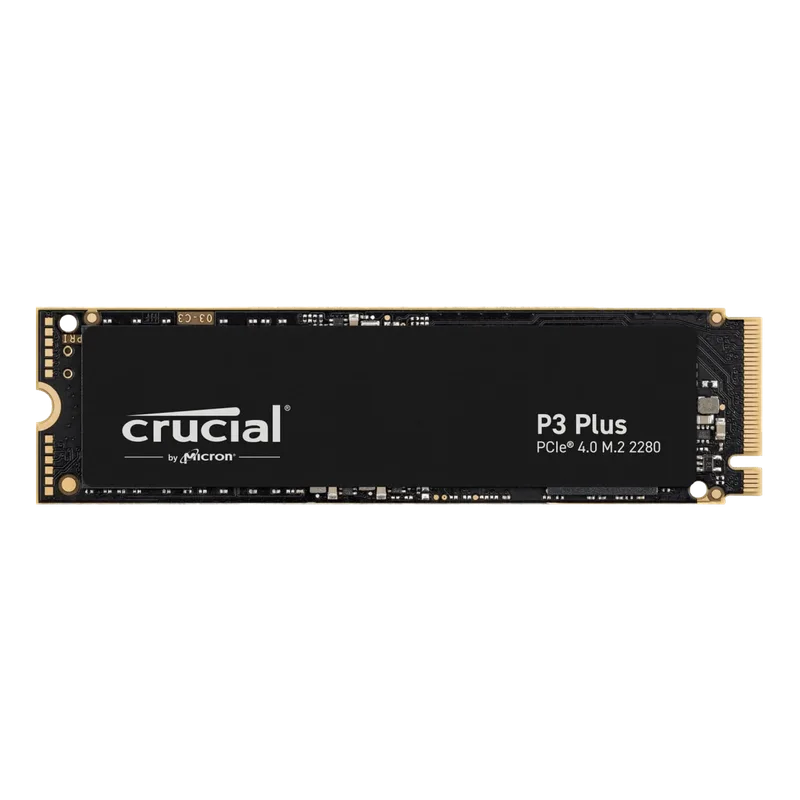
Crucial P3 Plus 1TB NVMe SSD
If your workload is OS boot, gaming installs, and application launches, the P3 Plus hits the ceiling of what you’ll notice. At 5,000 MB/s sequential read, game load times match the SN850X within 1–2 seconds on every title measured. At $90, it remains the most affordable PCIe 4.0 path despite the 2026 NAND shortage pushing even budget drives above their historical lows.
QLC NAND and no onboard DRAM mean write performance degrades sharply once the 20–30GB SLC cache fills. For a primary OS drive with typical usage this never matters. Avoid it as a dedicated video editing scratch drive.
Samsung 870 EVO 1TB — Best SATA SSD
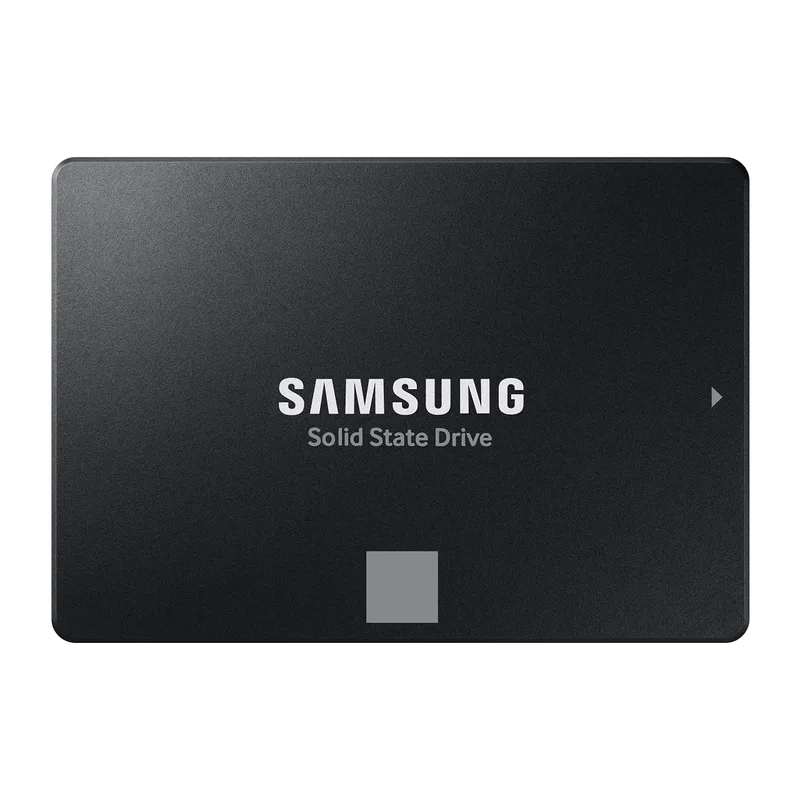
The 870 EVO is the right SATA drive for one specific situation: you have a system with no open M.2 slot. It maxes the SATA III interface at 560/530 MB/s with Samsung’s V-NAND and a full DRAM cache — random 4K performance is the best in class for SATA at 98K/88K IOPS read/write. This is not meaningfully faster than cheaper SATA drives for gaming, but endurance and consistency over 5+ years is where the 870 EVO earns its price premium.
If you’re upgrading a laptop from HDD to SSD and it only has a 2.5” SATA bay, this is what you buy.
Compatibility: What Slot Does Each Drive Need?
M.2 slot compatibility: Check whether your M.2 slot is PCIe-keyed. Most modern boards expose one M.2 slot wired to CPU lanes (PCIe 4.0 or 5.0) and a second wired to chipset lanes (PCIe 3.0 or 4.0). If you have one M.2 slot, your OS drive goes there. If you have two, the CPU-direct slot is faster.
- SATA SSD (2.5”): Needs a SATA data cable and a SATA power connector from your PSU. Works in any PC or laptop with a 2.5” drive bay.
- M.2 SATA: Uses the M.2 physical slot but requires a slot that supports SATA protocol. Check your motherboard manual — slots labeled “M.2 (Key M)” that list “SATA & PCIe” support both; slots that list only “PCIe NVMe” will not detect SATA M.2 drives.
- PCIe 3.0/4.0 NVMe: Any M.2 slot with PCIe support works. A PCIe 4.0 drive in a PCIe 3.0 slot runs at PCIe 3.0 speeds (~3,500 MB/s) — still faster than SATA.
- PCIe 5.0 NVMe: Requires a PCIe 5.0-capable M.2 slot. Intel LGA1851 (Core Ultra 200 series) and AMD AM5 (Ryzen 7000/9000 series) motherboards typically provide one PCIe 5.0 M.2 slot. Installing an SN8100 in a PCIe 4.0 slot works at Gen 4 speeds.
Heatsinks: M.2 NVMe drives get hot. Most 2026–2026 motherboards include an M.2 heatsink cover. Use it. If your board lacks one, a $10 aftermarket M.2 heatsink is worthwhile on PCIe 5.0 drives under sustained write loads.
Real-World Speed Differences
| Task | SATA (870 EVO) | PCIe 4.0 (990 PRO) | PCIe 5.0 (SN8100) |
|---|---|---|---|
| Windows 11 boot | ~18s | ~12s | ~11s |
| Elden Ring load time | ~8.2s | ~6.1s | ~5.9s |
| 10GB file copy (internal) | ~18s | ~1.4s | ~0.7s |
| 50GB game install | ~90s | ~7s | ~4s |
| 4K video export (DaVinci, 10GB) | ~18s | ~1.4s | ~0.8s |
The SATA → PCIe 4.0 jump is transformative for large file operations. The PCIe 4.0 → PCIe 5.0 jump is meaningful only for large-file workloads, barely perceptible in game loading.
Upgrade Path
Starting from HDD: Any SSD is a massive upgrade. If your system has an M.2 slot, go straight to PCIe 4.0 with the Crucial P3 Plus or Samsung 990 PRO. Don’t buy SATA unless there’s no M.2 option.
Upgrading from SATA SSD: A PCIe 4.0 drive like the Samsung 990 PRO or WD Black SN850X makes sense as soon as you have an M.2 slot. You’ll feel the difference immediately in large file operations, and moderately in game loads.
Upgrading from PCIe 4.0: Only justify PCIe 5.0 if you regularly work with files above 20GB (video production, 3D rendering, large dataset ingestion) or if you’re building a new AM5/LGA1851 system and the price premium has narrowed. As NAND prices normalize through 2026, the SN8100 will likely become the default recommendation for new builds.
Laptop upgrades: Verify M.2 slot dimensions before buying. Most laptops take M.2 2280 (80mm long), but ultrathin models often use M.2 2242 (42mm) or 2230 (30mm). The SN850X and 990 PRO are both available in 2230 form factors for compact devices.
FAQ
Can I use a PCIe 5.0 SSD in a PCIe 4.0 motherboard? Yes. PCIe is backward and forward compatible. An SN8100 installed in a PCIe 4.0 M.2 slot will run at PCIe 4.0 speeds — around 7,000 MB/s instead of 14,900 MB/s. Still fast, just not using the drive’s full potential.
Is SATA SSD good enough for gaming in 2026? It depends on the game. Open-world titles with aggressive streaming (like large RPGs or simulation games) benefit from the 10–13× faster random read speeds of NVMe. For competitive shooters with small maps, SATA SSD is identical to NVMe in practice. For new builds, there’s no reason to pick SATA over a budget PCIe 4.0 NVMe like the Crucial P3 Plus.
What is M.2 — is it an interface or a form factor? M.2 is a physical form factor — a connector and slot size standard. It describes the shape of the drive and the slot on the motherboard. The protocol running over that M.2 slot can be either SATA (capped at ~550 MB/s) or NVMe/PCIe (up to 14,900 MB/s). The M.2 slot itself tells you nothing about speed; you need to know what protocol and PCIe generation it supports.
Do I need a heatsink on my M.2 NVMe SSD? For PCIe 4.0 drives in normal gaming use: your motherboard’s built-in M.2 cover is sufficient. For PCIe 5.0 drives under sustained heavy writes: yes, active thermal management helps prevent throttling. The SN8100 runs cooler than earlier Gen 5 drives but still benefits from a heatsink in poorly ventilated cases.
Why are SSD prices high in 2026? A global NAND flash shortage driven by AI data center demand has pushed SSD prices up significantly in early 2026. The WD Black SN8100 1TB has climbed significantly above its original price at major retailers, per Tom’s Hardware’s SSD price tracking. PCIe 4.0 drives have seen smaller increases. Waiting a few months may yield better prices as supply chain pressure eases.
The Bottom Line
For most 2026 builds, the Samsung 990 PRO or WD Black SN850X at the PCIe 4.0 tier covers everything you’ll throw at an OS and gaming drive. The WD Black SN8100 earns its premium only if you regularly handle large files — video production, 3D rendering, or AI workloads. On a tight budget, the Crucial P3 Plus at around its current street price delivers 5,000 MB/s — far ahead of any SATA drive. The Samsung 870 EVO is the pick exactly when there’s no M.2 slot available — it’s the best SATA drive you can buy, but in 2026 that market is shrinking fast.