Bluetooth accessories keep arriving faster than motherboards add the radio: GuliKit launched its Goku 2 Bluetooth controller adapter in May 2026, aimed at console, PC and handheld players, and plenty of desktop boards still ship with no Bluetooth at all. A dongle fixes that in a minute. The five picks below cover a nano dongle, a long-range antenna model, an aptX audio adapter, and a Wi-Fi 6E PCIe card that adds Bluetooth 5.3 along with it.
| Spec | TP-Link UB500 Bluetooth USB Adapter 8.4/10 | TP-Link Archer TXE75E Wi-Fi 6E PCIe Adapter 8.8/10 | Kinivo Long Range Bluetooth 5.3 USB Adapter 8/10 | Avantree DG60P Bluetooth 5.3 Audio Adapter 8.2/10 | UGREEN USB Bluetooth 5.3 Adapter 7.8/10 |
|---|---|---|---|---|---|
| Standard | Bluetooth 5.x (5.4 on the current listing) | — | Bluetooth 5.3 | Bluetooth 5.3 | Bluetooth 5.3, EDR and BLE |
| Form factor | USB-A nano dongle | — | USB-A dongle with external antenna | — | USB-A nano dongle |
| Range | Up to 20m in open space (TP-Link spec) | — | — | 30m indoors, 50m outdoors (Avantree spec) | — |
| OS support | Windows 11, 10, 8.1, 7 | — | Windows 11, 10, 8.1 | — | Windows 11, 10, 8.1, 7 |
| Antenna | Internal | — | Fold-out external antenna | — | Internal |
| Rating | 8.4/10 | 8.8/10 | 8/10 | 8.2/10 | 7.8/10 |
Prices change daily — tap Check Price for the current Amazon price.
Prices change daily — tap Check Price for the current Amazon price.
Quick Picks
- Best overall: TP-Link UB500. A nano dongle that handles headsets, mice and controllers on Windows 10 and 11.
- Best Wi-Fi and Bluetooth upgrade: TP-Link Archer TXE75E. Bluetooth 5.3 plus Wi-Fi 6E on one PCIe card for boards with neither.
- Best long range: Kinivo Bluetooth 5.3 with external antenna. Moves the signal path away from a shielded rear port.
Buying Guide: What to Check Before You Buy
Check whether your board already has Bluetooth
Many boards with onboard WiFi also include Bluetooth. Open Device Manager on Windows and look for a Bluetooth entry before buying. If one exists and works, a dongle only helps when you want a second radio or better range. Our best motherboards guide notes which boards include WiFi.
Nano dongle or antenna model
A nano dongle such as the UB500 or the UGREEN has an internal antenna and sits flush in a rear port. That is fine in an open-air case or when the port sits on the desk. If the port is behind a metal case panel or under a desk, an external antenna like the Kinivo’s or an extension cable like the Avantree’s moves the radio into clearer space. For most desktops the cheapest fix for weak Bluetooth is a short USB extension cable and a front-panel or desktop-side port, not a bigger dongle.
Bluetooth version matters less than you think
Bluetooth 5.0, 5.3 and 5.4 all pair with the same keyboards, mice and controllers. Version bumps add power-saving and connection improvements, but your accessory has to support them too. A Bluetooth 5.3 dongle paired with a Bluetooth 5.0 mouse runs at 5.0 behavior. Check the accessory side first, then match the dongle.
Audio codecs are the real differentiator
For wireless headphones, the codec decides latency. Generic dongles typically fall back to SBC. The Avantree DG60P advertises aptX Low Latency at 40 ms and aptX Adaptive at 66 ms, but both ends must support the codec. If your headset is a USB 2.4GHz wireless model, it does not need Bluetooth at all. See our best wireless gaming headsets for models with a dedicated dongle.
Mice and keyboards
Bluetooth mice are fine for office work, but most competitive players use the 2.4GHz dongle that ships with the mouse. A Bluetooth adapter helps most when you want to pair the same mouse to a laptop or add a spare device. Our best wireless gaming mice roundup covers which mice offer both.
Controllers
Most Bluetooth gamepads pair directly through Windows. If you want lower-latency or console-style pairing, look at purpose-built controller adapters like the GuliKit Goku 2 rather than a general PC dongle.
Internal card versus USB dongle
The TP-Link Archer TXE75E is a PCIe x1 card with an Intel AX210 chipset. It makes sense if you also need Wi-Fi. Bluetooth on the card runs over an internal USB 2.0 header, so check your board has a free one. If you only need Bluetooth, a dongle is simpler.
Detailed Reviews
1. TP-Link UB500 — Best Overall
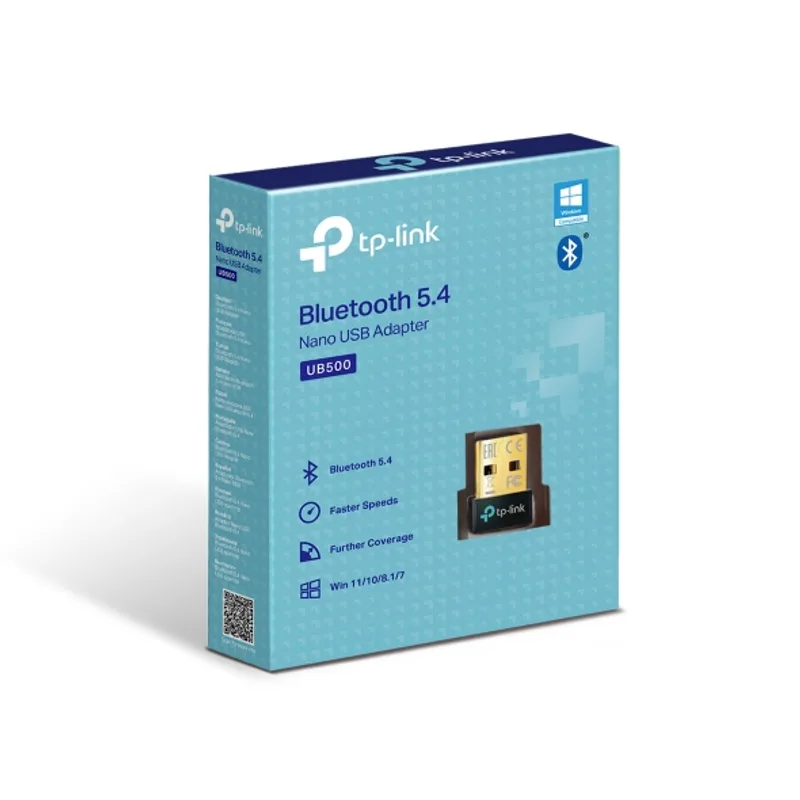
The TP-Link UB500 is the default recommendation because it does one thing and keeps it small. It measures roughly 14.8 x 6.8 x 18.9 mm, lists Windows 11, 10, 8.1 and 7 support, and TP-Link rates its open-space range at up to 20m.
It suits a desktop with a free rear USB port and a controller or headset within a few meters. If you want to tuck it out of the way, this is the easiest one to leave in. The tradeoff is range: the internal antenna cannot match the Kinivo’s external one.
2. TP-Link Archer TXE75E — Best Wi-Fi and Bluetooth Upgrade
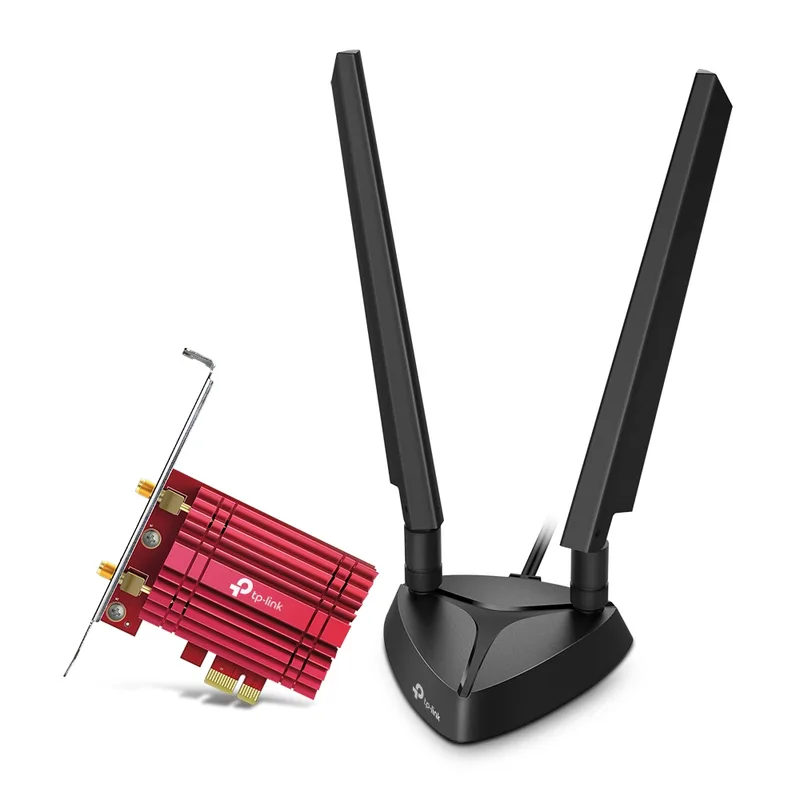
TP-Link Archer TXE75E Wi-Fi 6E PCIe Adapter
The TP-Link Archer TXE75E is a PCIe x1 Intel AX210 card with Wi-Fi 6E and Bluetooth 5.3. TP-Link rates it at 2402 Mbps on 6 GHz, 2402 Mbps on 5 GHz and 574 Mbps on 2.4 GHz. Two external antennas sit on a magnetic base, so you can place them on the case top or desk instead of leaving them behind the rear I/O.
It makes the most sense on a build that has no wireless at all, such as a bare B650 or B760 board. Check the cabling first: Bluetooth connects through an internal USB 2.0 header, and the card needs a free x1 slot. If you only need Bluetooth, skip it.
3. Kinivo Bluetooth 5.3 Long Range Adapter — Best Long Range
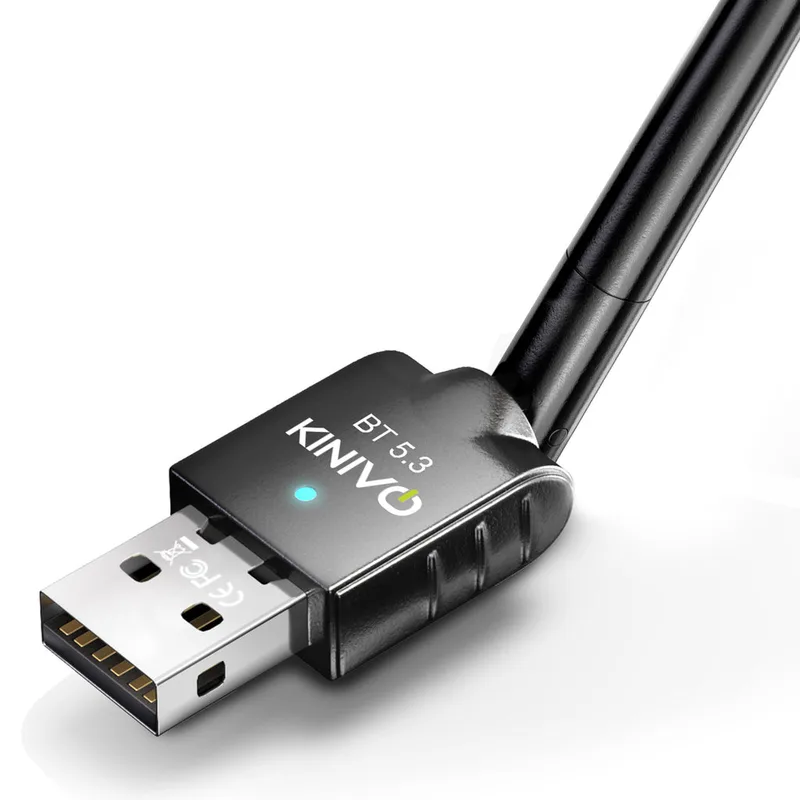
The Kinivo Bluetooth 5.3 adapter uses a fold-out external antenna instead of an internal one. That helps in the common failure case: a rear I/O port behind a metal case panel, with the headset or controller across the room.
It lists Windows 11, 10 and 8.1. The antenna adds bulk, so it fits best in a rear port, not a crowded front panel.
4. Avantree DG60P — Best for Headphones
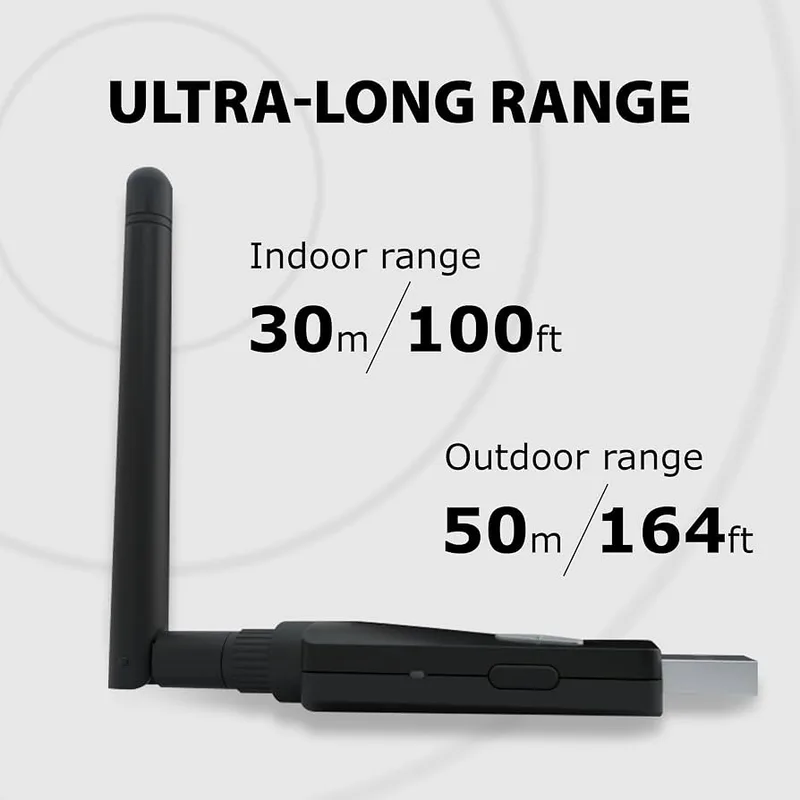
The Avantree DG60P is the only audio-specific adapter here. It supports aptX Adaptive, aptX HD, aptX Low Latency, aptX and SBC. Avantree quotes 40 ms for aptX Low Latency and 66 ms for aptX Adaptive, and a range of 30m indoors or 50m outdoors.
The USB extension cable in the box lets you put the dongle on the desk. Buy it if you own aptX headphones and want better lip-sync in games or video. Do not buy it to pair a mouse, keyboard or controller; it is sold as a transmitter for audio.
5. UGREEN Bluetooth 5.3 Adapter — Best Compact Alternative
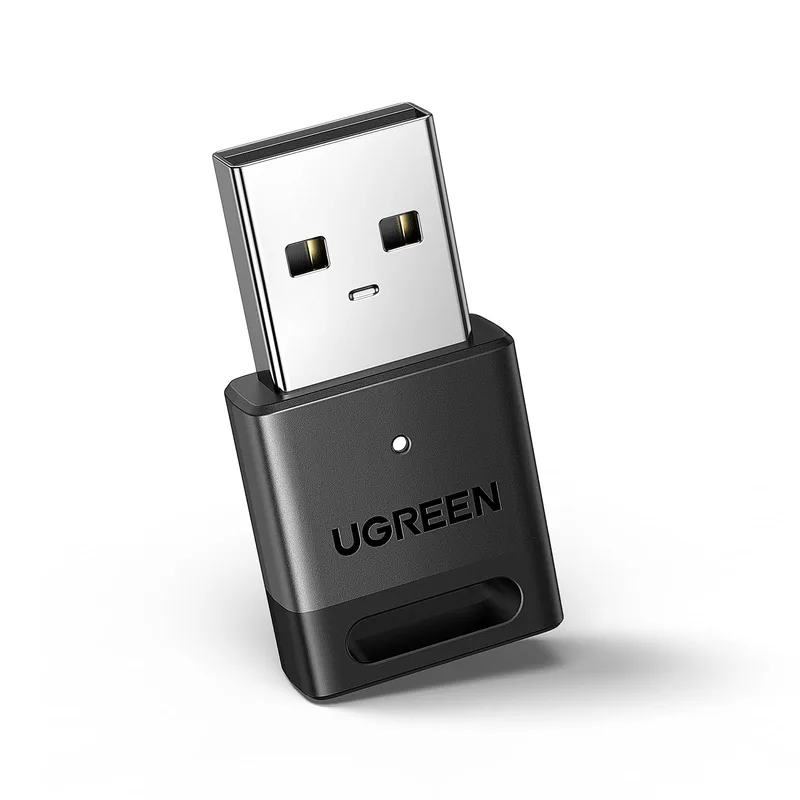
The UGREEN Bluetooth 5.3 adapter covers classic EDR and Low Energy, which means headsets plus BLE keyboards and mice. It is a nano dongle like the UB500, with the same range tradeoffs.
Pick it if the TP-Link is not your preferred brand. The two are close, and the UB500 ranks higher mainly for its published specs and size figures.
FAQ
Do I need a Bluetooth adapter if my motherboard has WiFi?
Often not. Many boards with onboard WiFi also include Bluetooth, but not all. Check Device Manager for a Bluetooth entry. If there is one and it works, skip the dongle.
Will a Bluetooth 5.3 adapter work with older devices?
Yes. Bluetooth is backward compatible, so a 5.3 adapter pairs with 4.x and 5.0 accessories. The connection runs at the older device’s feature level.
Which one is best for a wireless controller?
For most Windows pads, the TP-Link UB500 or the Kinivo are the practical picks. Choose the Kinivo if the PC sits under a desk or behind a metal panel. For lower-latency pairing, look at a dedicated controller adapter.
Can a dongle fix choppy Bluetooth audio?
Sometimes. Moving the dongle to a front port or onto an extension cable fixes many dropouts. If your headphones support aptX, the Avantree DG60P also gives you a better codec than the default.
Should I get the PCIe card instead of a dongle?
Only if you also need Wi-Fi. The Archer TXE75E gives you both, but Bluetooth connects through an internal USB header, so a dongle is simpler for Bluetooth alone. Gifting one? See our PC gamer gift guide.
The Bottom Line
For most builds, the TP-Link UB500 is the simple answer. Choose the Kinivo when the PC sits behind a metal panel and range is the problem, the Avantree DG60P when you own aptX headphones, and the TP-Link Archer TXE75E when the board has no Wi-Fi either.