Black Friday 2026 is not a normal sale season for PC parts. Reports from the last few weeks say memory and flash prices are still climbing, and PC makers are warning that sale prices now may be the last good ones for a while. That changes which parts are worth waiting on: GPUs, CPUs, monitors and peripherals are where the discounts are expected, while DDR5 and premium SSDs are expected to see little or none.
This guide sorts picks by budget, and notes where a Black Friday discount is realistic and where waiting is a gamble. Every product below has a live Check price button, so you see the current price instead of a number that may be stale by the time you read this.
| Spec | upHere Adjustable GPU Support Bracket 8/10 | TP-Link UB500 Bluetooth 5.4 USB Adapter 7.9/10 | M.2 NVMe to PCIe 4.0 x4 Adapter with Heatsink 7.6/10 | Thermal Grizzly Kryonaut (1g) 8.3/10 | TP-Link Archer TX55E WiFi 6 PCIe Card (AX3000 + Bluetooth) 8.1/10 | TP-Link TX201 2.5GbE PCIe Network Card 7.9/10 | iFixit Pro Tech Toolkit 9/10 | Montech X3 Mesh ATX Case 8.5/10 | Corsair iCUE Commander Core XT 8.2/10 | AMD Ryzen 7 9800X3D 9.5/10 |
|---|---|---|---|---|---|---|---|---|---|---|
| type | Knob-adjustable GPU brace | — | — | Non-conductive thermal paste | — | — | — | — | — | — |
| adjustment | Height set by turning a knob | — | — | — | — | — | — | — | — | — |
| mounting | Rests on the case floor, no screws | — | — | — | — | — | — | — | — | — |
| use | Heavy 3-slot and 4-slot cards | Headsets, controllers, mice | Extra SSD slot in a PCIe slot | CPU and GPU repaste | — | NAS, router, or home server link | — | — | — | — |
| Rating | 8/10 | 7.9/10 | 7.6/10 | 8.3/10 | 8.1/10 | 7.9/10 | 9/10 | 8.5/10 | 8.2/10 | 9.5/10 |
Prices change daily — tap Check Price for the current Amazon price.
Prices change daily — tap Check Price for the current Amazon price.
Quick Picks
- Best small gift: the upHere GPU support bracket is the cheapest fix for a card that looks like it is bending. It is the easiest add-on in this guide.
- Best under $100: the iFixit Pro Tech Toolkit covers every screw in a PC, and it doubles as a repair kit.
- Best splurge to wait on: the Ryzen 7 9800X3D. CPUs are among the categories expected to see Black Friday offers, so check the price button against what you saw last month.
Which PC Parts Tend to Get Discounted
Based on what recent price reports and retail coverage say, not on any promised sale:
- GPUs and CPUs: The deals are expected to be real here, and the recent coverage calls Black Friday the last stop before a harder market. If you have a graphics card or processor on your list, this is the category to watch. Our best gaming GPUs roundup lists the cards worth tracking.
- Monitors and peripherals: Keyboards, mice, headsets and monitors are the traditional Black Friday staples and have the widest range of offers.
- Cases, fans and coolers: Moderate. Retailers often mark these down in bundles, but stock on popular models runs thin.
- DDR5 and premium SSDs: Do not wait on these. Memory chip prices rose again in the third quarter, another increase is expected in the fourth, and coverage points to thin discounts on DDR5 and flagship drives. Selective offers on older or smaller drives are more likely.
If a part is on your list because you need it, buying when you see a fair price is a safer plan than holding out for a drop that the supply data does not support. The same logic applies to our PC upgrade priority guide, which ranks what to replace first.
How to Shop the Sales Without Overspending
- Watch the Check price button, not the badge. A “Black Friday deal” label means little. Compare the price you see now with what the listing showed over the past weeks.
- Compare first-party and third-party sellers. Marketplace listings from unknown sellers can look cheaper while shipping slowly or from questionable stock.
- Match the platform before the discount. A CPU deal is wasted if the board needs different memory. Check the socket and RAM type first.
- Keep a small-gift shelf. Under $25 items are rarely discounted deeply and rarely sell out, so they make safe last-minute buys.
For more gift-shaped lists, see our gifts for PC builders, gifts for PC gamers and PC upgrade gift guide. The picks below skip everything those guides already cover.
Under $25
Small parts that fix a specific annoyance. They rarely get deep Black Friday cuts, so there is little reason to wait.
upHere Adjustable GPU Support Bracket
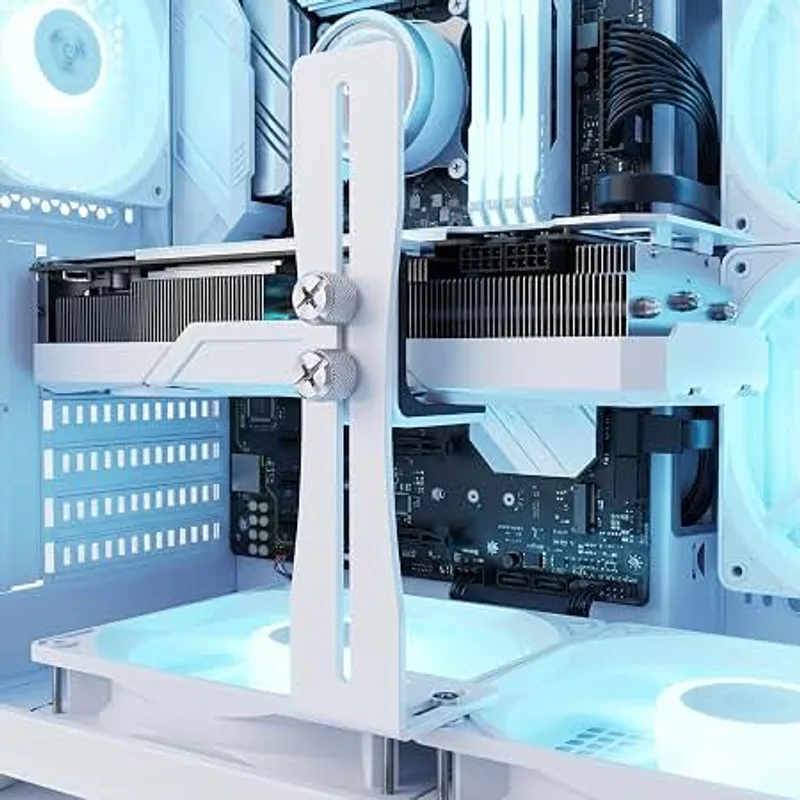
Heavy cards flex in the PCIe slot. A knob-adjustable brace props up the far end of the card from the case floor, and it fits without screws. Our GPU installation guide covers where a card should sit and why sag matters, and the bracket is the easy fix for a three-slot cooler.
TP-Link UB500 Bluetooth 5.4 USB Adapter
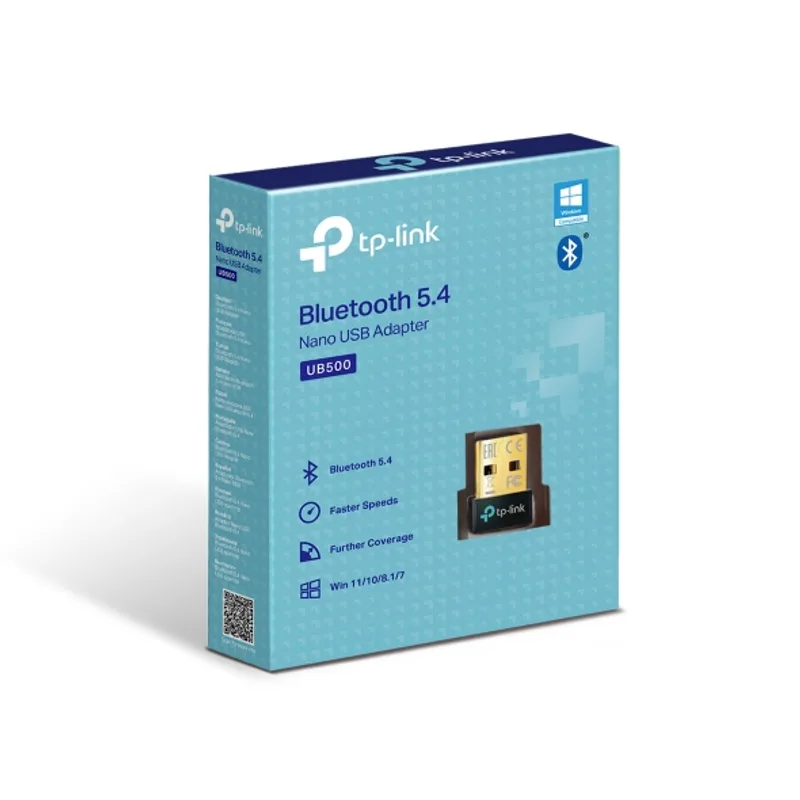
A desktop without Bluetooth cannot pair a wireless headset or a controller. This nano dongle plugs into a rear USB port and adds Bluetooth 5.4 in under a minute. If the recipient’s board already has wireless built in, skip it.
TP-Link UB500 Bluetooth 5.4 USB Adapter
M.2 NVMe to PCIe 4.0 x4 Adapter with Heatsink
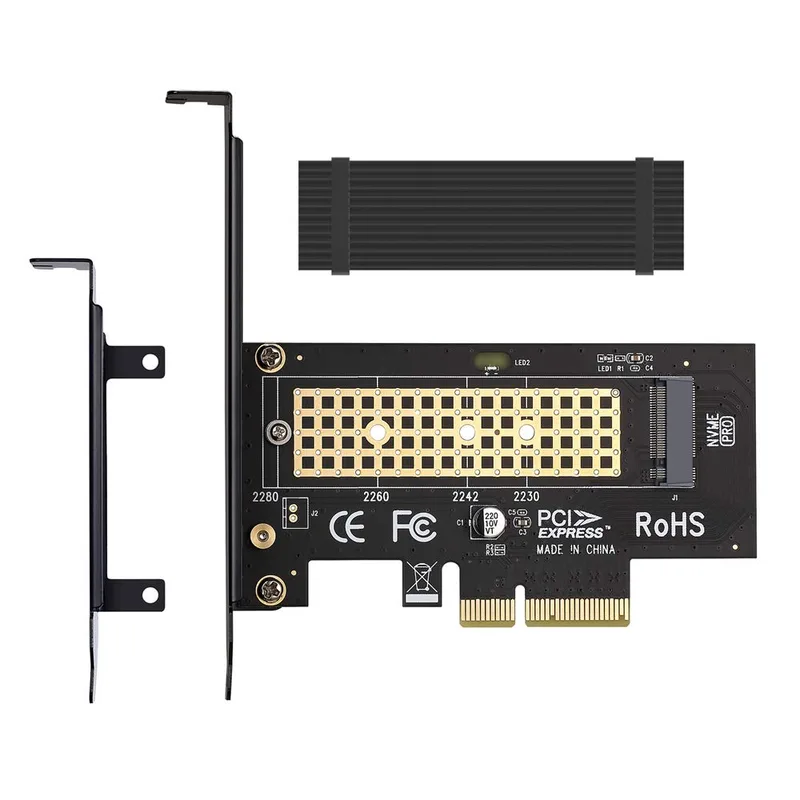
When every M.2 slot on the motherboard is full, this adapter turns a spare PCIe x4 slot into another NVMe slot. The heatsink helps if the drive is a warm Gen4 model. Check that a large GPU does not cover the slot first, and see our NVMe heatsink picks for drives that run hot.
M.2 NVMe to PCIe 4.0 x4 Adapter with Heatsink
Thermal Grizzly Kryonaut (1g)
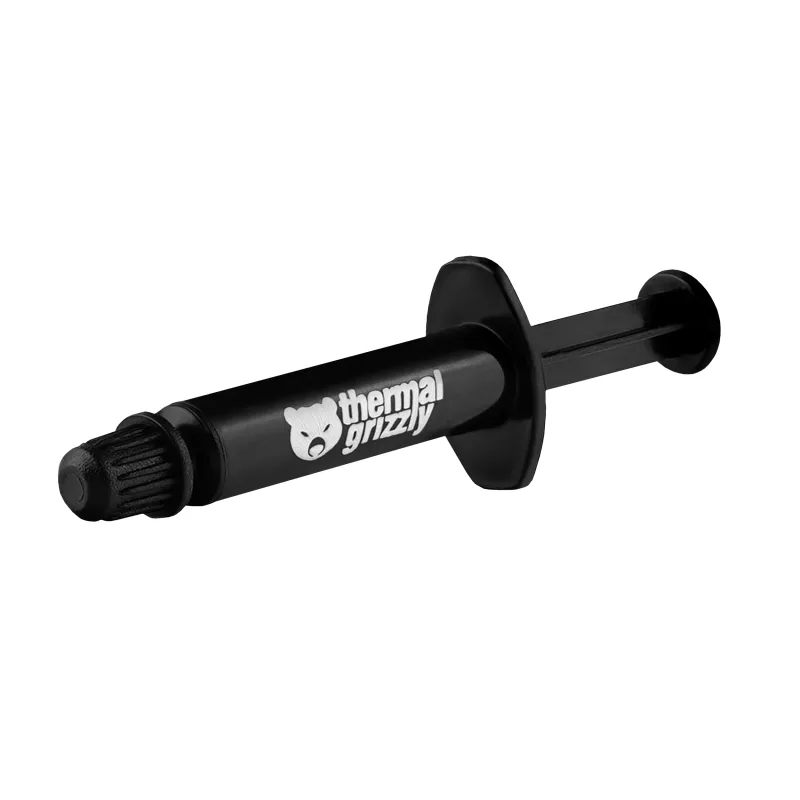
A fresh layer of paste is the cheapest cooling upgrade for a PC that has been running for years. Kryonaut is rated at 12.5 W/mK by the manufacturer and is non-conductive, so it forgives a messy hand. For a broader comparison, read our best thermal paste roundup and the how to apply it guide.
Thermal Grizzly Kryonaut (1g)
Under $50
Network cards. Many budget boards ship without Wi-Fi or with a 1GbE port, and a card fixes both.
TP-Link Archer TX55E WiFi 6 PCIe Card
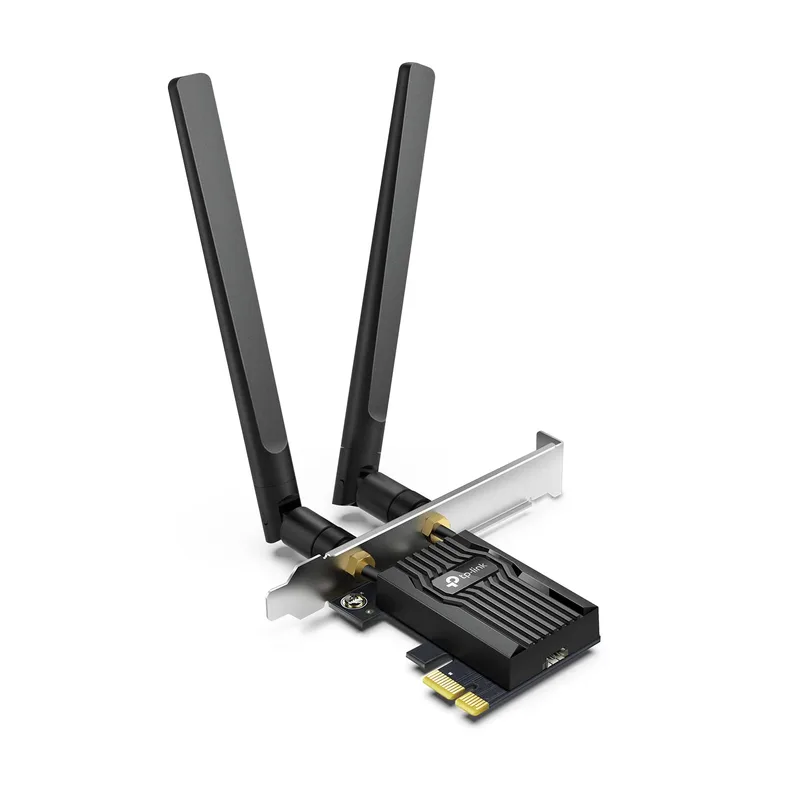
This card adds Wi-Fi 6 on the AX3000 standard and Bluetooth 5.2 through one PCIe x1 slot. It gets the antennas away from the back of a metal case, which usually gives a stronger signal than a USB dongle. Bluetooth connects through an internal USB header, so confirm the board has a free one.
TP-Link Archer TX55E WiFi 6 PCIe Card (AX3000 + Bluetooth)
TP-Link TX201 2.5GbE PCIe Network Card
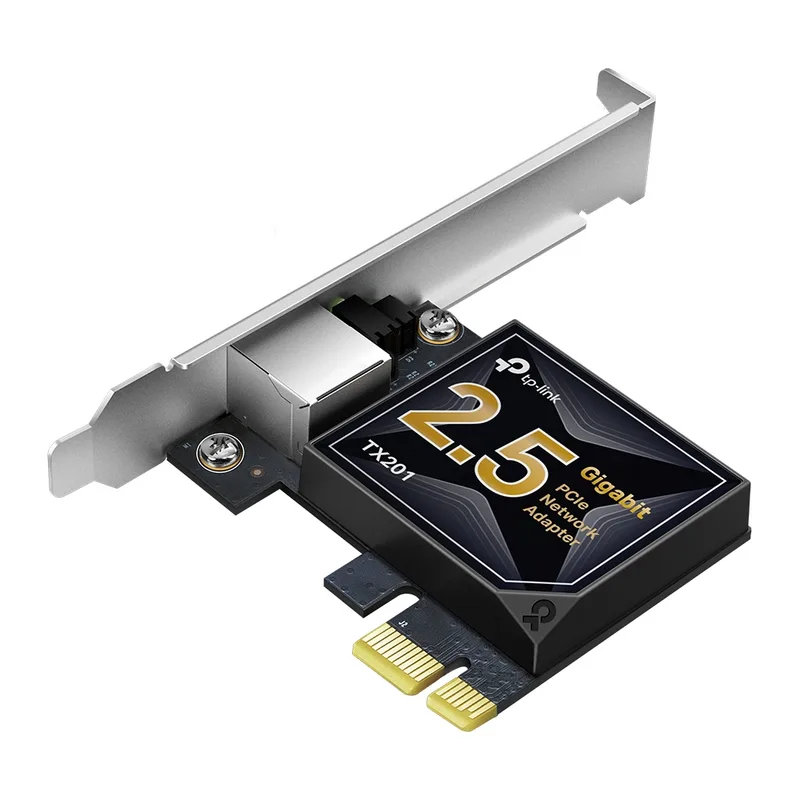
A 2.5GbE card raises a desktop above gigabit speeds for NAS transfers and fast internet plans. It runs on Cat5e cable, but the router or switch must also support 2.5GbE or the card gains nothing.
TP-Link TX201 2.5GbE PCIe Network Card
Under $100
iFixit Pro Tech Toolkit
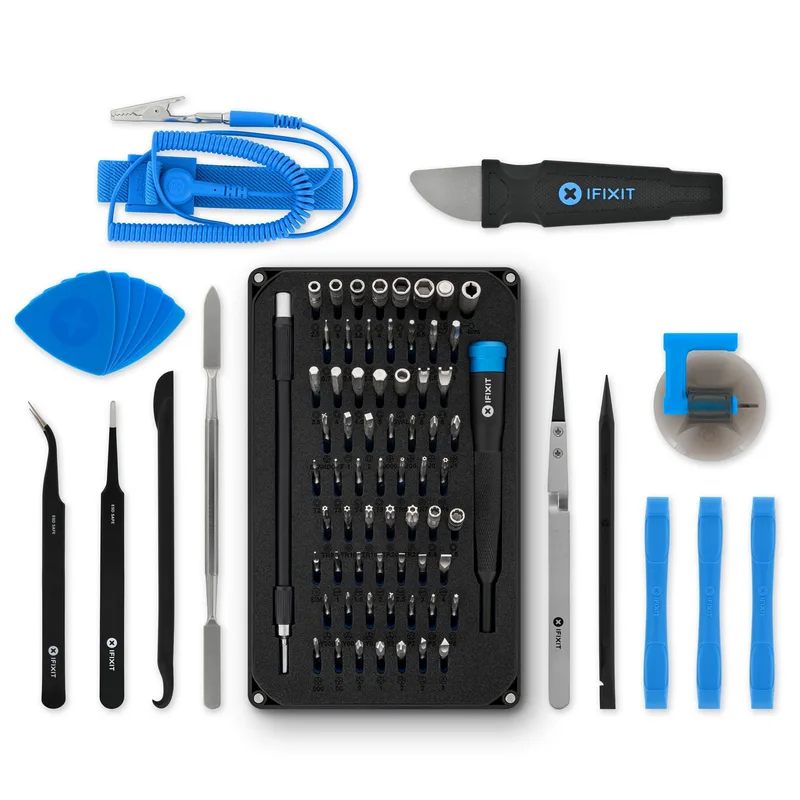
The 64-bit set covers Phillips, Torx and hex heads, plus picks, tweezers and a spudger, with an anti-static wrist strap included. The magnetic lid works as a screw tray. It is more kit than a one-off build needs, so give it to someone who opens electronics regularly. See our PC building tools guide for what else belongs on the bench.
Montech X3 Mesh ATX Case

A mesh-front mid tower with six fans already installed and room for a 360mm radiator. It is a gift for a builder replacing an old case, and cases are a category where Black Friday bundles and markdowns do appear. Check the price button against recent listings to see whether a sale is real.
Montech X3 Mesh ATX Case
Splurge
Corsair iCUE Commander Core XT
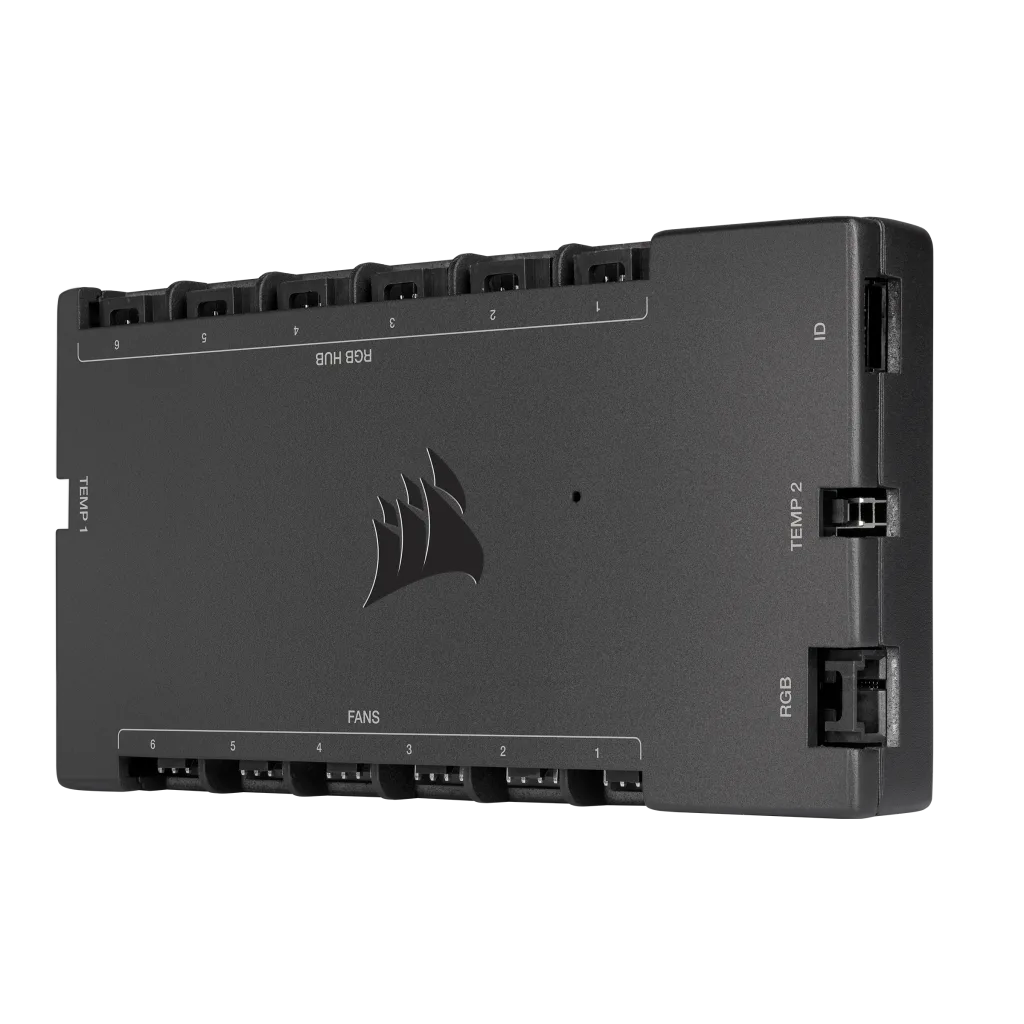
One controller handles six PWM fans and two RGB lighting channels. It reads temperature sensors for fan curves. It makes sense for a builder with a case full of fans; read the airflow guide before deciding if the controller is needed.
AMD Ryzen 7 9800X3D
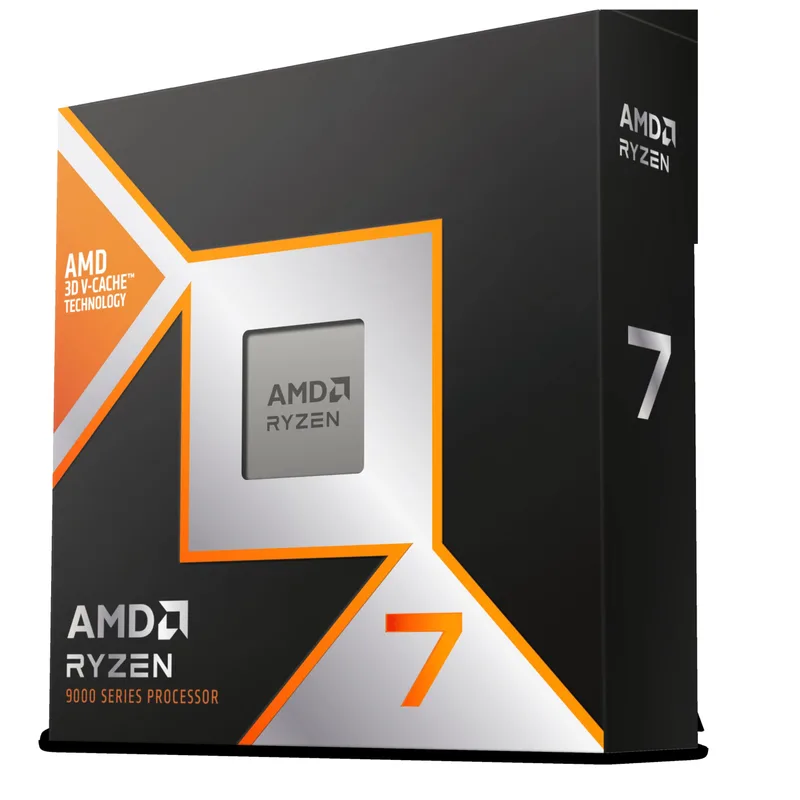
The one big-ticket part worth watching. The Ryzen 7 9800X3D uses the AM5 socket and 96MB of L3 cache; our full 9800X3D review covers where it leads and where it does not. CPUs are among the categories where Black Friday offers are expected this year, so compare the Check price button with the price over recent weeks before buying. It needs an AM5 board and DDR5, and DDR5 is the part least likely to be discounted.
FAQ
Should I wait for Black Friday to buy RAM or an SSD?
No. Current price reports show memory and flash costs rising into the fourth quarter, and discounts on DDR5 and flagship SSDs are expected to be thin. Buy when a fair price appears.
Which PC parts are most likely to be discounted?
Graphics cards, CPUs, monitors and peripherals are the categories where retail coverage expects real deals. Cases, fans and coolers see moderate markdowns, often in bundles.
Are small accessories worth waiting on?
Rarely. Brackets, adapters, paste and network cards are inexpensive and are not usually discounted deeply, so buying early removes the risk of a sell-out.
Can I trust a “Black Friday deal” badge?
Treat it as a prompt to check, not proof. Compare the live price on the Check price button with what the listing showed in the weeks before.
The Bottom Line
Black Friday 2026 favors GPUs, CPUs and peripherals, and works against DDR5 and premium SSDs. For gifts, the iFixit Pro Tech Toolkit is the safest broad pick, the TP-Link Archer TX55E fixes a common budget-board gap, and the Ryzen 7 9800X3D is the one big part worth tracking. For anything you need, buy at a fair price rather than waiting on a drop that may not come.