DDR5 prices jumped sharply after AI data centers began absorbing memory capacity in late 2025, and TechRadar has since reported that prices have stabilized at those high levels. That changes the old shopping advice. When a 32GB kit costs this much, paying extra for a faster kit or for 64GB has to earn its place, so the speed-or-capacity question now decides how much of your budget goes to memory instead of the GPU or CPU.
| Spec | Corsair Vengeance DDR5-6000 CL30 32GB (2x16GB) 9/10 | TEAMGROUP T-Force Vulcan DDR5-6000 CL30 32GB (2x16GB) 8.2/10 | G.Skill Ripjaws S5 DDR5-6400 CL32 32GB (2x16GB) 8.4/10 | G.Skill Trident Z5 RGB DDR5-7200 CL34 32GB (2x16GB) 7.8/10 | Corsair Dominator Titanium RGB DDR5-6400 CL32 64GB (4x16GB) Unavailable 7.5/10 |
|---|---|---|---|---|---|
| Speed | DDR5-6000 | DDR5-6000 | DDR5-6400 | DDR5-7200 | DDR5-6400 |
| Timings | CL30-36-36-76 | CL30 | CL32 | CL34 | CL32 |
| Capacity | 2x16GB (32GB) | 2x16GB (32GB) | 2x16GB (32GB) | 2x16GB (32GB) | 4x16GB (64GB) |
| Voltage | 1.40V | 1.35V | — | — | — |
| Profiles | AMD EXPO + Intel XMP 3.0 | AMD EXPO + Intel XMP 3.0 | Intel XMP 3.0 | Intel XMP 3.0 | Intel XMP 3.0 |
| Rating | 9/10 | 8.2/10 | 8.4/10 | 7.8/10 | 7.5/10 |
Prices change daily — tap Check Price for the current Amazon price.
Prices change daily — tap Check Price for the current Amazon price.
The Short Answer
Capacity matters more until you have enough, and speed matters more after that. Run out of RAM and the system swaps to your SSD, which causes stutter and long stalls no memory speed can fix. Once you have enough, extra speed adds a few percent at best.
For most 2026 builds that means 32GB of DDR5-6000 CL30. Roundups of current gaming kits place the sweet spot between DDR5-5600 and DDR5-6400, with 32GB treated as the standard for gaming. Move to 64GB for specific workloads, and treat anything faster than DDR5-6400 as a niche purchase.
Build at a Glance
| Kit | Speed | Timings | Capacity | Platform | Best for |
|---|---|---|---|---|---|
| Corsair Vengeance CL30 | DDR5-6000 | CL30 | 32GB | EXPO + XMP | Default gaming and general use |
| TEAMGROUP T-Force Vulcan | DDR5-6000 | CL30 | 32GB | EXPO + XMP | Saving money for the GPU |
| G.Skill Ripjaws S5 | DDR5-6400 | CL32 | 32GB | XMP | Intel Core Ultra builds |
| G.Skill Trident Z5 RGB | DDR5-7200 | CL34 | 32GB | XMP | Memory-bound workloads, tuners |
| Corsair Dominator Titanium | DDR5-6400 | CL32 | 64GB | XMP | VMs, large edits, local AI |
Why Capacity Comes First
Running out of RAM is a cliff. A game that wants 20GB of working set on a 16GB system pushes data to the page file, and frame times spike every time the engine touches swapped data. A faster kit does nothing for that. Our guide on how to choose DDR5 RAM covers the basics of reading a kit’s spec string.
Practical thresholds:
- 16GB: workable for esports titles and light use, but tight once a browser, Discord and a launcher run alongside a modern game.
- 32GB: the target for gaming, streaming alongside a game, and most photo and 1080p to 4K video editing.
- 64GB: worth buying for 4K multi-track timelines, After Effects with heavy caches, several virtual machines, or local AI models that load into system memory. Our local AI CPU guide covers that use case from the processor side.
- 96GB and above: professional workloads only. A gaming PC gains nothing here.
Why Speed Comes Second
DDR5 speed and CAS latency work together. True latency in nanoseconds is CL divided by the data rate, times 2000:
| Kit | Calculation | True latency |
|---|---|---|
| DDR5-6000 CL30 | 30 / 6000 x 2000 | 10.0 ns |
| DDR5-6400 CL32 | 32 / 6400 x 2000 | 10.0 ns |
| DDR5-7200 CL34 | 34 / 7200 x 2000 | 9.4 ns |
| DDR5-6000 CL36 | 36 / 6000 x 2000 | 12.0 ns |
Going from DDR5-6000 CL30 to DDR5-7200 CL34 cuts true latency by 0.6 ns and raises bandwidth by 20%. Those gains show up where the CPU waits on memory: 1080p at high refresh with a fast CPU, some simulation and compression tasks, and integrated graphics. At 1440p and 4K the GPU is the limit and the gap shrinks to a rounding error. Our DDR5-6000 vs DDR5-7200 comparison goes through the trade-off in more depth.
The Platform Caveat
On AMD AM5, DDR5-6000 is the usual 1:1 point between memory and controller clocks. Faster kits can force a divided ratio that adds latency, so a 7200 kit can lose to a 6000 CL30 kit on Ryzen. Intel Core Ultra 200S handles DDR5-6400 and beyond more readily, which is why the faster kits here carry XMP-only profiles and suit Intel boards. Check DDR5 picks for Arrow Lake if you are on LGA1851.
Detailed Reviews
Corsair Vengeance DDR5-6000 CL30 32GB: The Default
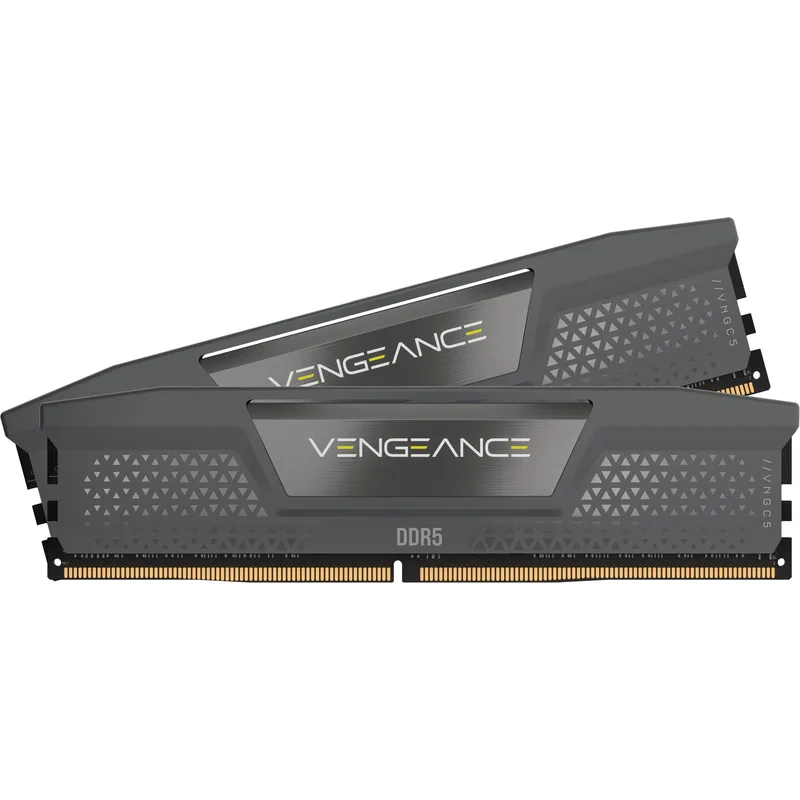
This is the kit the whole article points toward. DDR5-6000 CL30 hits 10 ns true latency, the point where AM5 runs 1:1, and its dual EXPO and XMP profiles make it safe to buy before you pick a platform. Two 16GB sticks are the easiest layout for any board to run at rated speed. If you are unsure what to buy, buy this configuration or an equivalent.
TEAMGROUP T-Force Vulcan DDR5-6000 CL30 32GB: Capacity on a Budget
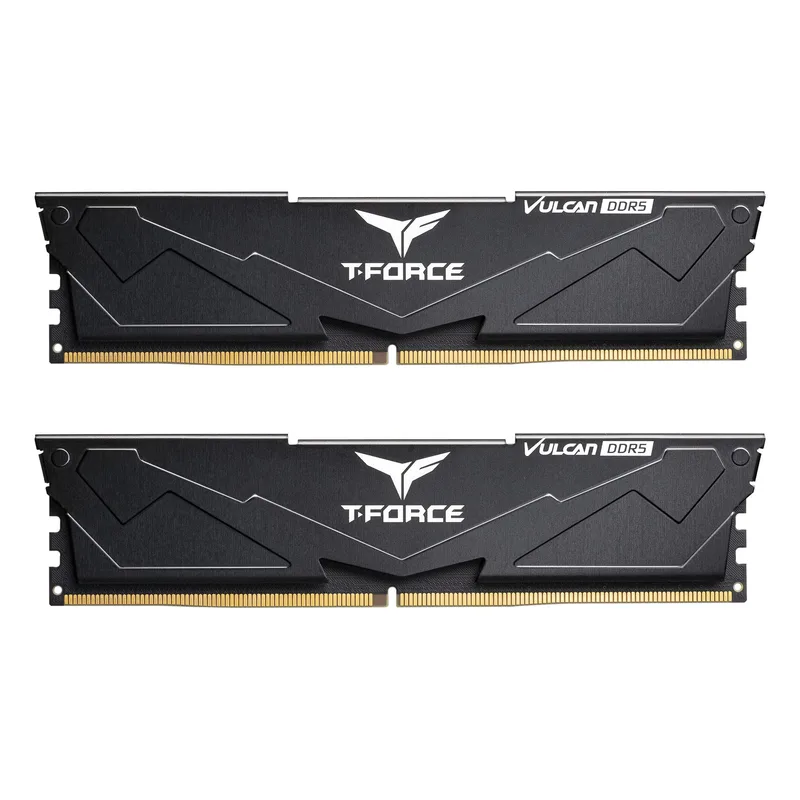
TEAMGROUP T-Force Vulcan DDR5-6000 CL30 32GB (2x16GB)
The Vulcan matches the Vengeance on speed, timings and capacity, so the extra cost of a premium kit buys binning, RGB and a longer record of board compatibility. Owner reports mention more instability complaints, so check your motherboard’s memory support list before buying. If your plan is 32GB now and a bigger GPU budget, this is the efficient spot.
G.Skill Ripjaws S5 DDR5-6400 CL32 32GB: Faster Without New Latency
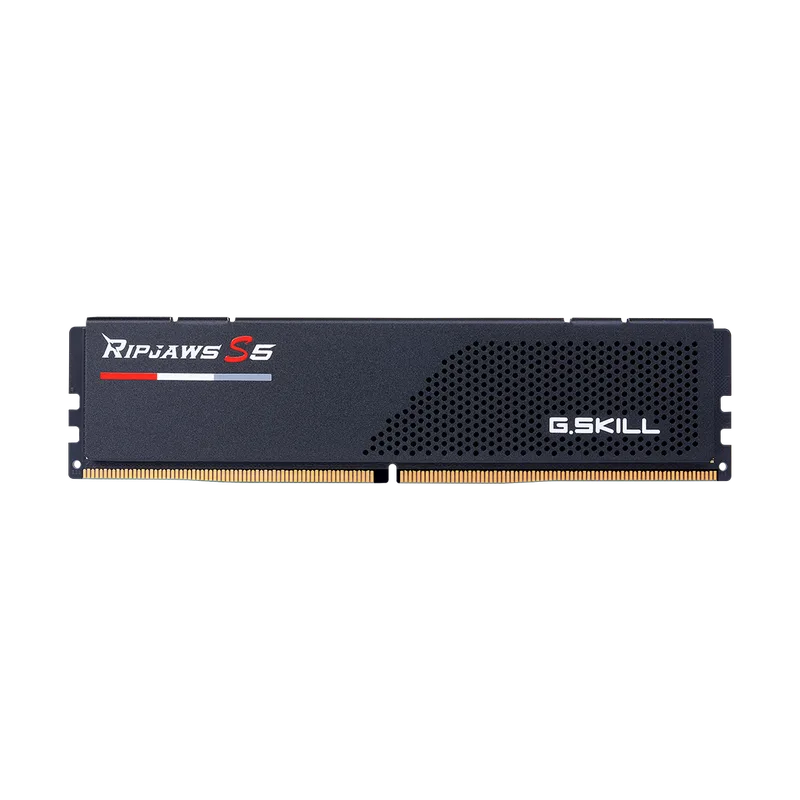
G.Skill Ripjaws S5 DDR5-6400 CL32 32GB (2x16GB)
DDR5-6400 CL32 has the same 10 ns true latency as the 6000 CL30 kits, so the gain is about 7% more bandwidth and nothing else. On Core Ultra 200S that is a free step up if the price is right. On a Ryzen board it is a worse choice because it pushes the controller out of 1:1. Treat it as an Intel-only upgrade.
G.Skill Trident Z5 RGB DDR5-7200 CL34 32GB: For the Memory-Bound
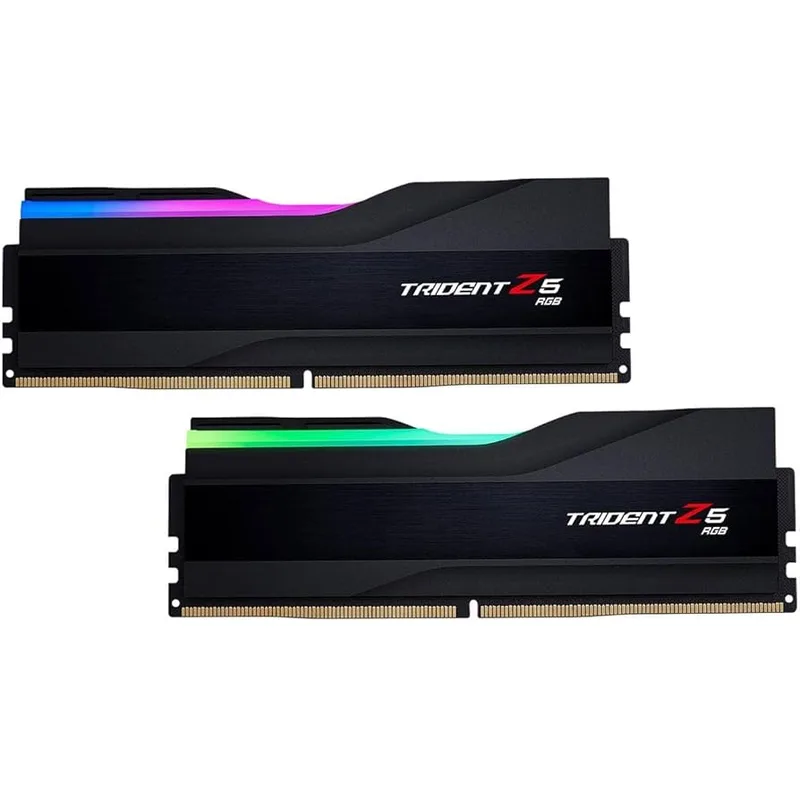
The 7200 kit has the lowest true latency and the most bandwidth here, and that matters in a narrow set of cases: integrated graphics, memory-bound simulation, and tuners chasing the last few percent on Intel. It will not make a GPU-limited game faster. Stability depends on the board and the CPU’s memory controller, so expect to adjust BIOS voltages. For everyone else the money is better spent on capacity or the graphics card.
Corsair Dominator Titanium DDR5-6400 CL32 64GB: When You Need the Room
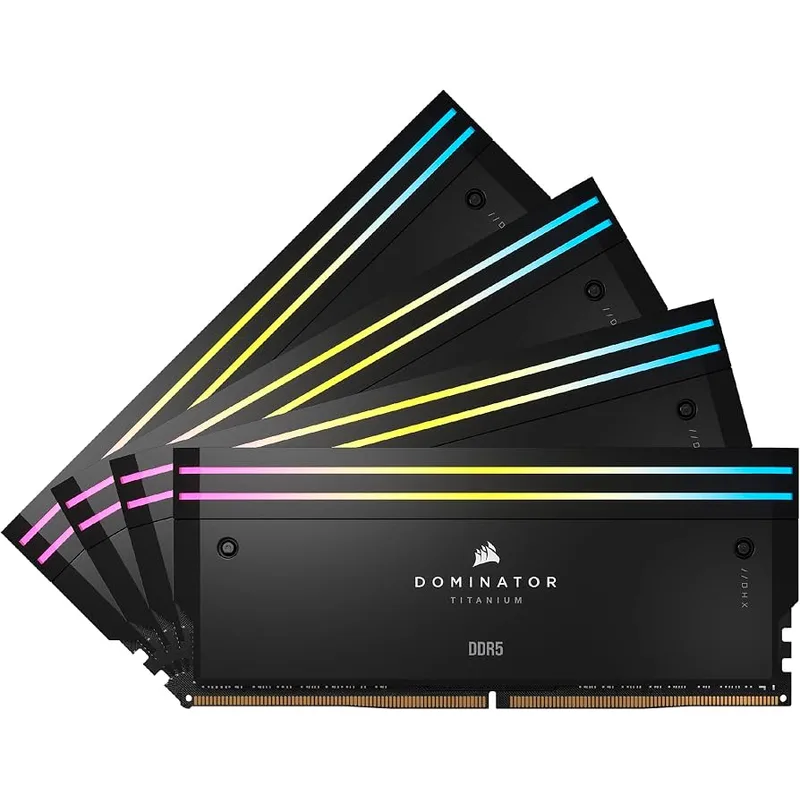
Corsair Dominator Titanium RGB DDR5-6400 CL32 64GB (4x16GB)
Pick this when a project is bigger than 32GB. Four-stick 64GB kits run the memory controller harder than two-stick kits, so the board may drop below rated speed. For editing and virtual machines that is a fair trade, because staying in RAM beats swapping. A two-stick 2x32GB kit is generally easier to run at full speed if you can find one in stock, and 2x32GB leaves two slots free for later.
Which to Choose by Use Case
| If you… | Buy | Skip |
|---|---|---|
| Play at 1440p or 4K | 32GB DDR5-6000 CL30 | 7200 kits |
| Play competitive 1080p on a fast CPU | 32GB DDR5-6000 CL30, or 6400 on Intel | 64GB |
| Edit 4K video or run VMs | 64GB at 6000 to 6400 | Paying extra for 7200 |
| Run local AI models | 64GB or more, speed second | 16GB |
| Build on a tight budget | 32GB CL30 at 6000, or 16GB if truly limited | Premium RGB |
Build Tips
- Use two sticks when you can. Two DIMMs per channel layouts, which means four sticks, usually lower the stable speed.
- Match the platform. Pick EXPO for AM5 and XMP for Intel, or a dual-profile kit.
- Enable the profile. A kit runs at the JEDEC default until you turn on EXPO or XMP in BIOS.
- Update the BIOS first. Memory training fixes arrive in BIOS updates, which matters for high-speed kits.
- Check CPU cooler clearance. Tall RGB heatspreaders like the Trident Z5 can collide with big air coolers.
Performance Expectations
| Workload | Capacity effect | Speed effect |
|---|---|---|
| 4K or 1440p gaming | Big if you run short of 32GB | Small |
| 1080p high-refresh gaming | Moderate | Moderate, mostly latency |
| 4K video editing | Large above 32GB | Small |
| Virtual machines | Large | Minimal |
| Integrated graphics | Moderate | Large, bandwidth-bound |
These are directional estimates based on how each workload uses memory, not measured results.
Upgrade Path
Start with 32GB of DDR5-6000 CL30 in two sticks. If you outgrow it, the cleanest move is a new 2x32GB kit, since mixing in old sticks can lower speed. If you bought 2x16GB and want 64GB, replace the kit and sell the old one. Our RAM installation guide walks through the swap.
FAQ
Is faster RAM or more RAM better for gaming? More RAM, up to 32GB. Beyond that, a faster kit gives a few percent at 1080p and almost nothing at 1440p or 4K.
Is 64GB overkill for gaming? Yes, for a gaming-only PC. It makes sense if you edit video, run virtual machines or load large AI models.
Is DDR5-7200 worth the extra cost over DDR5-6000? Rarely. It cuts true latency by 0.6 ns and adds 20% bandwidth, which matters mostly for integrated graphics and tuning. On AM5 it may run slower than a 6000 CL30 kit.
Does RAM speed affect video editing? Slightly. Capacity decides whether a timeline plays smoothly, and speed changes render times by a small margin.
Should I buy two 32GB sticks or four 16GB sticks for 64GB? Two 32GB sticks. Fewer DIMMs ease the load on the memory controller and leave slots open for later.
The Bottom Line
Buy capacity first and speed second. The Corsair Vengeance DDR5-6000 CL30 32GB is the right pick for most gaming and general builds, the TEAMGROUP T-Force Vulcan matches its spec for builders protecting a budget, and the G.Skill Ripjaws S5 DDR5-6400 is a sensible Intel-only step up. Choose the Corsair Dominator Titanium 64GB when your projects need the room, and skip DDR5-7200 unless you know why you want it.