2026 has been the year GPU power cables got their own product category. Corsair announced its ThermalProtect cable on April 28, 2026, with a temperature sensor in the comb that shuts the GPU down if the connector overheats, and ASUS followed with the ROG Equalizer, a cable it says raises per-wire capacity from 9.2A to 17A. Both exist because of the same problem: a 600W card pushed through a 12V-2x6 connector has little margin. This roundup compares five cables for RTX 5090, RTX 5080 and other 12V-2x6 cards.
| Spec | ASUS ROG Equalizer 12V-2x6 PCIe Power Cable 9.1/10 | Corsair ThermalProtect PCIe 5.1 600W 12V-2x6 Cable 8.9/10 | Corsair Elite Premium Individually Sleeved 12V-2x6 to 12V-2x6 600W PSU Cable 8.4/10 | Corsair Elite Premium Type 5 Individually Sleeved 2x 8-Pin to PCIe 12V-2x6 600W PSU Cable 8/10 | X-Enlazar 12V-2x6 PCIe 5.1 GPU Cable, 90-Degree, 600W 7.8/10 |
|---|---|---|---|---|---|
| length | 750mm | 650mm | — | 650mm | 600mm |
| connector | 12V-2x6 to 12V-2x6 (PSU needs a native 12V-2x6 port) | 12V-2x6 to 12V-2x6 | 12V-2x6 to 12V-2x6 | — | — |
| perWireRating | 17A per wire (ASUS figure; standard cables 9.2A) | — | — | — | — |
| combs | 3 included | — | Low-profile, movable | — | — |
| warranty | 3 years | 2 years | — | — | — |
| standard | ATX 3.1 / PCIe 5.1 | — | — | — | — |
| Rating | 9.1/10 | 8.9/10 | 8.4/10 | 8/10 | 7.8/10 |
Prices change daily — tap Check Price for the current Amazon price.
Prices change daily — tap Check Price for the current Amazon price.
Quick Picks
- Best overall: ASUS ROG Equalizer — the highest stated per-wire rating and a design aimed at uneven current, not just heat
- Best safety cutoff: Corsair ThermalProtect — a sensor 30mm from the connector that shuts the GPU down if it overheats
- Best sleeved native cable: Corsair Elite Premium 12V-2x6 — a visible two-tone connector and clean sleeving without the price of the sensing cables
Buying Guide: What a Replacement 12V-2x6 Cable Can and Cannot Fix
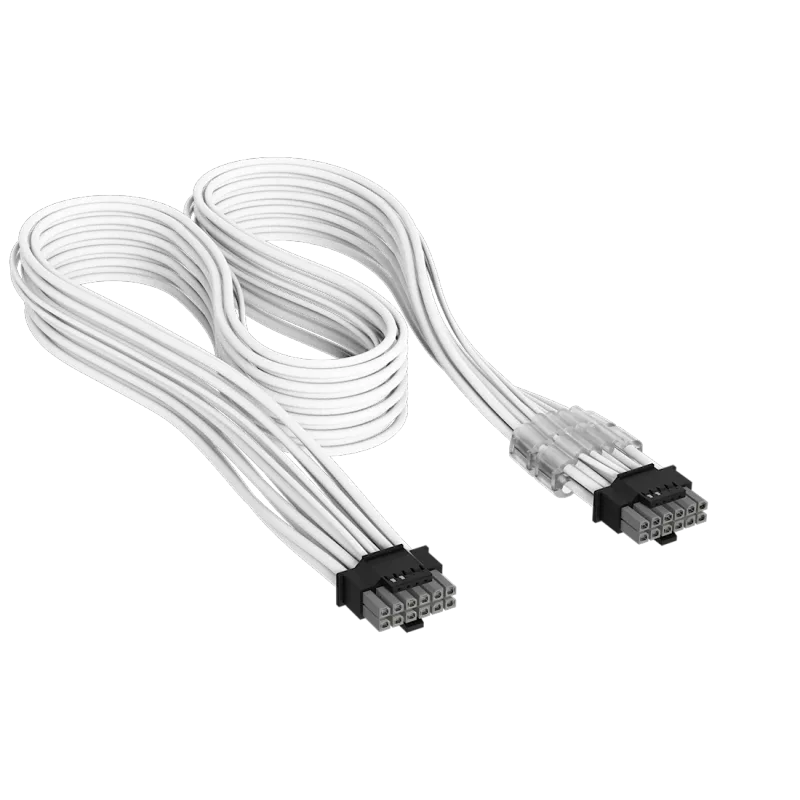
Check your PSU’s socket first
Every cable here runs from a PSU output to the GPU. Three of them (ROG Equalizer, ThermalProtect, Elite Premium 12V-2x6) need a power supply with a native 12V-2x6 or 12VHPWR socket. If your PSU only has 8-pin PCIe outputs, you need a cable with 8-pin inputs such as the Corsair Type 5 version, and that one only fits Corsair Type 5 units. PSU-side connectors are not universal across brands, so match the cable to your exact PSU model. Our 850W and 1000W PSU roundups cover power supplies that suit these GPUs.
Sensing, balancing and styling are three different features
A sensor cable (ThermalProtect) detects overheating and cuts power. A balancing cable (ROG Equalizer) is designed to spread current across wires so none carries far more than its share. A styling cable (Elite Premium, X-Enlazar) does neither and is chosen for appearance or fit. A sleeved cable looks better, but a standard 12V-2x6 cable is still rated for 9.2A per wire, so sleeving alone is not a safety upgrade.
Seat the connector fully
Whichever cable you buy, push it in until it clicks and the retention clip is flush. Dell now uses a metal-locked connector on some systems to prevent partial seating, which shows how seriously the industry takes that failure mode. Leave a gentle bend of at least a few centimeters before the first curve; a 90-degree head such as the X-Enlazar’s helps when side-panel clearance is tight.
Cable length and case fit
The cables here run 600mm to 750mm. A long cable in a small case just adds slack, while a short one in a full tower can pull on the connector. Measure from your PSU shroud to the GPU connector with a bit of slack. If you also want a cleaner build overall, see our sleeved cable extension kits roundup. Check your GPU’s own power needs in the RTX 5070 Ti review or the other GPU reviews before you size a cable.
Detailed Reviews
1. ASUS ROG Equalizer 12V-2x6 PCIe Power Cable — Best Overall
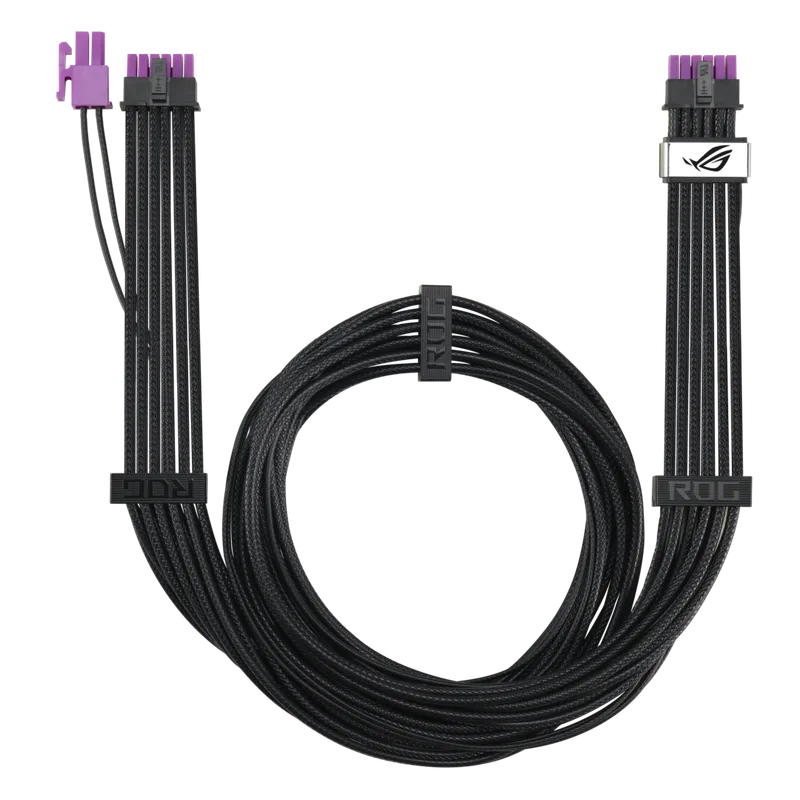
The ROG Equalizer is ASUS’s answer to uneven current across the six power wires. ASUS says it raises per-wire capacity from 9.2A to 17A, and its own comparison reports about a 9°C drop in cable temperature and lower voltage drop against a standard cable. Those are manufacturer figures, but the engineering goal is the most direct fix of the five.
It is 750mm long, ships with three combs and carries a three-year warranty. ASUS bundles it with its 2026 ROG Thor III and ROG Strix Platinum power supplies, and states it works with other brands’ PSUs that have a native 12V-2x6 output. The downside is cost, since it is the priciest cable here, and it adds nothing if your PSU lacks the socket.
2. Corsair ThermalProtect PCIe 5.1 600W 12V-2x6 Cable — Best Safety Cutoff
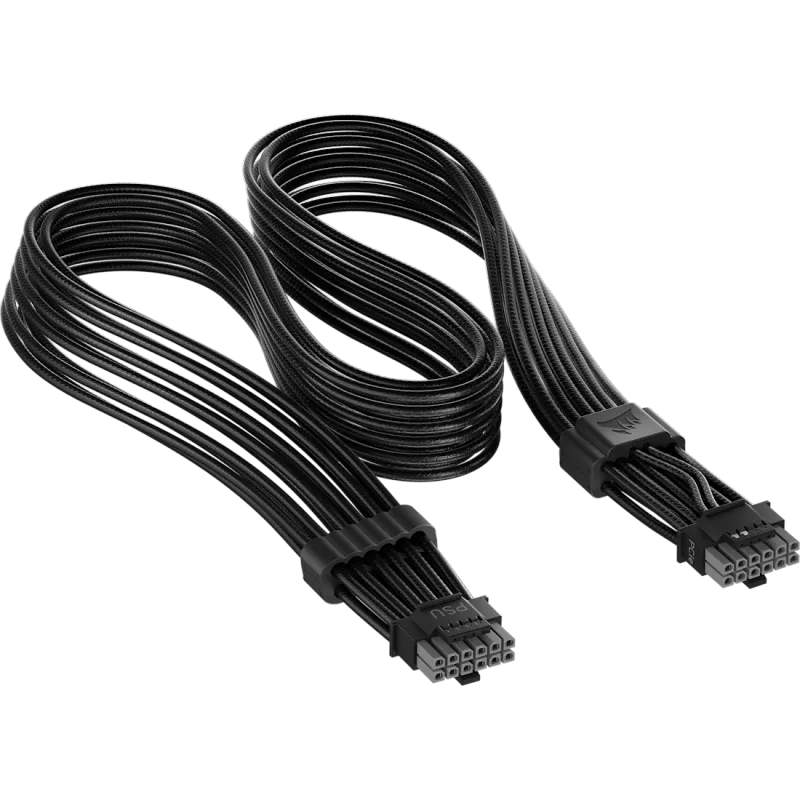
Corsair ThermalProtect PCIe 5.1 600W 12V-2x6 Cable
ThermalProtect takes the opposite approach to the Equalizer. Its Over Temperature Protection sensor is built into the comb that sits 30mm from the GPU connector. If it detects extreme temperature, it triggers a GPU shutdown instead of letting the connector keep heating.
The cable is 650mm, rated 600W, comes in black or white and carries a two-year warranty. It requires a PSU with a native 12V-2x6 connector. It is a good fit for a build you leave running unattended, but it reports a problem rather than preventing uneven current, so pairing the same attention to seating with it is still wise.
3. Corsair Elite Premium Individually Sleeved 12V-2x6 to 12V-2x6 600W PSU Cable — Best Sleeved Native Cable
Corsair Elite Premium Individually Sleeved 12V-2x6 to 12V-2x6 600W PSU Cable
This is the straightforward option for a PSU with a native 12V-2x6 output. Each wire is individually sleeved in triple-mesh paracord, the combs are low-profile and movable, and the two-tone connector head makes a gap at the GPU socket easy to spot. For a window-panel build where the cable is on display, it looks better than a stock cable.
It is a cosmetic and fit upgrade, not a protection one: there is no sensor and no balancing. Corsair sells several variants by PSU type, so confirm the page lists your PSU before ordering.
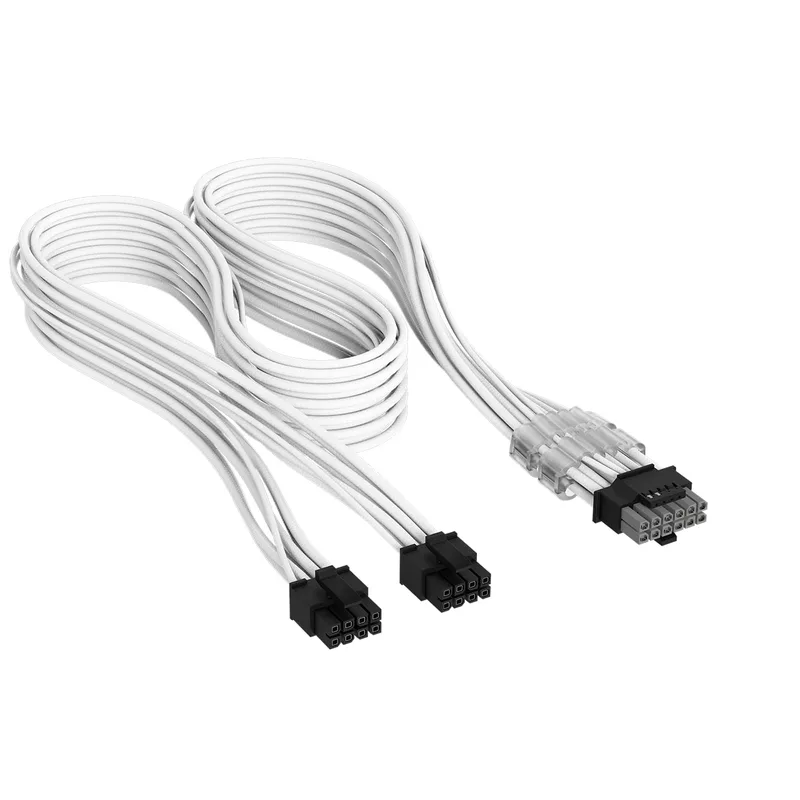
4. Corsair Elite Premium Type 5 2x 8-Pin to PCIe 12V-2x6 600W PSU Cable — Best for PSUs Without a 12V-2x6 Port
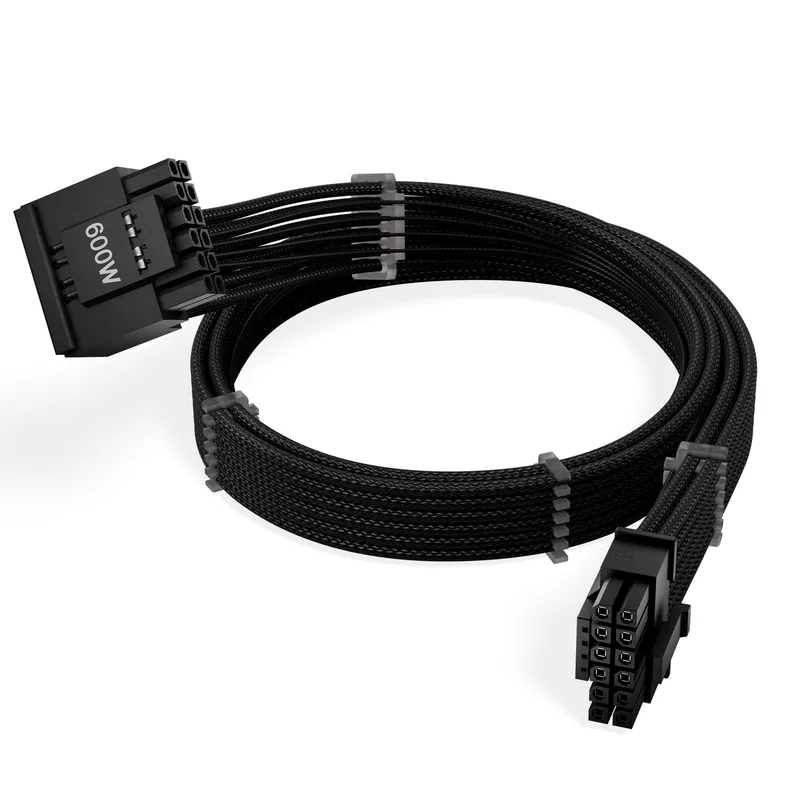
Corsair Elite Premium Type 5 Individually Sleeved 2x 8-Pin to PCIe 12V-2x6 600W PSU Cable
If you own a Corsair Type 5 PSU with 8-pin outputs only, this 650mm cable is the clean route to a 12V-2x6 GPU, replacing the bundled adapter with an individually sleeved run. It uses the same triple-mesh paracord sleeve and low-profile combs as the native version.
Two 8-pin inputs feeding a 600W-rated cable is the point to check carefully: confirm your PSU’s per-socket rating and how much your GPU actually draws. It fits Corsair Type 5 units only, so a Type 4 or non-Corsair PSU needs a different cable.
5. X-Enlazar 12V-2x6 PCIe 5.1 GPU Cable, 90-Degree — Best 90-Degree Option
X-Enlazar 12V-2x6 PCIe 5.1 GPU Cable, 90-Degree, 600W
The X-Enlazar cable is the value pick and the one for tight cases. Its 90-degree head lets the cable leave the GPU socket along the card instead of straight out, which reduces the side-panel gap a straight plug needs. The listing specifies 16AWG wire, individual sleeving with combs, 600mm length and a 600W rating.
It is a third-party cable with no sensing or balancing, and the PSU-side connector must match your power supply, so verify that before ordering. Owners who value the fit in a small chassis will find it useful; owners who want PSU-maker backing should look at the Corsair cables above.
FAQ
Do I need to replace the cable that came with my RTX 50 series card? No. The bundled adapter or PSU cable is rated for 600W. A replacement is optional and mainly makes sense for added margin, a shutdown safeguard, or appearance.
Can I use a cable from a different PSU brand? Not safely unless the cable explicitly supports your PSU. The GPU end is standardized, but the PSU end is not, and brands wire their sockets differently. Stick to cables listed for your exact PSU model, or to ones like the ROG Equalizer and ThermalProtect that are sold for any native 12V-2x6 socket.
Does the ThermalProtect cable stop a melted connector? It is designed to shut the GPU down when its sensor detects extreme temperature, which limits further heating. It does not fix a poorly seated plug, so seating the connector fully remains the first step.
Is a sleeved cable safer? No. Sleeving is cosmetic. Safety comes from seating, wire gauge, and in some cases balancing or sensing, which is what the ROG Equalizer and ThermalProtect add.
Should I use a 90-degree connector? It is useful when the GPU sits close to the side panel. Make sure the exit direction suits your card, and still leave slack before the first bend.
The Bottom Line
The ASUS ROG Equalizer is the best overall pick for a 12V-2x6 PSU, with the highest stated per-wire rating and a balancing design. The Corsair ThermalProtect is the better choice if you want a hard shutdown when heat appears. For appearance only, the Corsair Elite Premium looks the best, and the X-Enlazar 90-degree cable solves tight clearance for less.