The PSU decision got more nuanced in 2026: ATX 3.1 with the 12V-2x6 connector is now the standard on current units, Corsair launched ThermalProtect-equipped RM850e and RM1000e revisions in August 2026, and be quiet! has moved its Pure Power 13 M line to ATX 3.1. That means the old habit of “buy the biggest number you can afford” matters less than matching wattage to your actual GPU and CPU draw. This guide shows how to size a power supply for your build, then gives one pick at each common wattage.
| Spec | Corsair RM750e (2025) 8.8/10 | Corsair RM850e (2025) 9.3/10 | Corsair RM1000e (2025) 9/10 | Corsair HX1200i (2025) 9.3/10 | MSI MPG A1250GS PCIE5 8.9/10 |
|---|---|---|---|---|---|
| wattage | 750W | 850W | 1000W | 1200W | 1250W |
| efficiency | Cybenetics Gold (~90%) | Cybenetics Gold (~90%) | Cybenetics Gold (~90% at 50% load) | Cybenetics Platinum (89.65% at 115V) | 80 Plus Gold |
| standard | ATX 3.1 / PCIe 5.1 | ATX 3.1 / PCIe 5.1 | ATX 3.1 / PCIe 5.1 | ATX 3.1 / PCIe 5.1 | ATX 3.1 / PCIe 5.1 |
| connector | Native 12V-2x6 | Native 12V-2x6 | Native 12V-2x6 | 1x 12V-2x6 (600W) | 2x 12V-2x6 (600W each) |
| modular | Fully modular | Fully modular | Fully modular | — | — |
| warranty | 7 years | 7 years | 7 years | 10 years | 10 years |
| Rating | 8.8/10 | 9.3/10 | 9/10 | 9.3/10 | 8.9/10 |
Prices change daily — tap Check Price for the current Amazon price.
Prices change daily — tap Check Price for the current Amazon price.
Wattage at a Glance
| Your GPU | Board power | Sensible PSU |
|---|---|---|
| RTX 5060 Ti | 180W | 650W-750W |
| RTX 5070 | 250W | 750W |
| RTX 5070 Ti | 300W | 750W-850W |
| RTX 5080 | 360W | 850W |
| RTX 5090 | 575W | 1000W-1200W |
Board power figures are NVIDIA’s rated numbers. The PSU column assumes a single-GPU build with a CPU in the 65W-170W class. Sub-750W units are not covered in the picks below, because the 650W options we checked were not available from Amazon at the time of writing.
How to Calculate PSU Wattage
- Add GPU board power and CPU power. An RTX 5080 (360W) plus a Ryzen 7 9800X3D-class chip lands around 450W-500W under a gaming load. A CPU at its full rated limit during a render adds more.
- Add roughly 50W-100W for the rest. Motherboard, RAM, a couple of NVMe drives and case fans together are a modest draw, but they are not zero.
- Add 30-40% headroom. Power supplies are most efficient around the middle of their load curve, run quieter when they are not near the limit, and absorb the short transient spikes modern GPUs produce.
- Round up to the next common size: 750W, 850W, 1000W or 1200W.
For the CPU side of that math, see TDP explained, because rated TDP and real power draw are different numbers on current Ryzen and Intel chips.
Why Transients Change the Math
Average draw is not what trips a marginal power supply. ATX 3.1 requires units to ride out short excursions of up to 200% of rated wattage, which is why a 12V-2x6 ATX 3.1 unit of a given size is a safer buy for a high-end GPU than an older ATX 3.0 unit of the same size. If a build is close to the limit on paper, go up one tier rather than gambling on the spike.
The Picks by Wattage
750W: Corsair RM750e
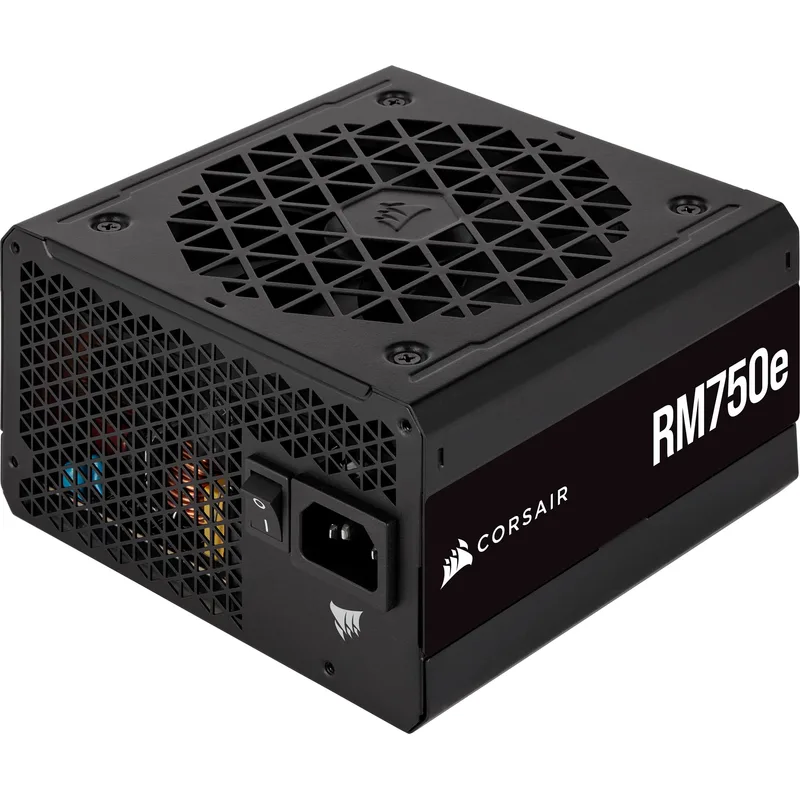
The Corsair RM750e is the practical choice for an RTX 5070 or RTX 5060 Ti build. It uses the same platform as the RM850e, so you are paying for a lower ceiling, not a lesser unit. If you might move to an RTX 5080 later, buy the 850W model now instead.
850W: Corsair RM850e
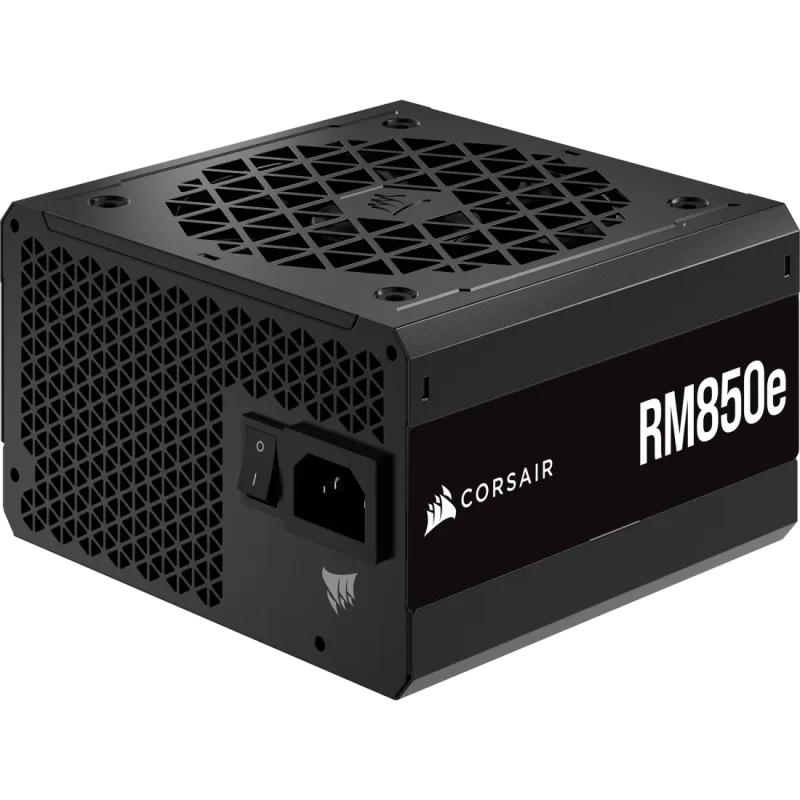
The Corsair RM850e is the default for most gaming builds: enough capacity for an RTX 5070 Ti or RTX 5080 with a flagship gaming CPU. Our dedicated RM850e review covers it in more detail, and the 850W power supply roundup compares alternatives.
1000W: Corsair RM1000e
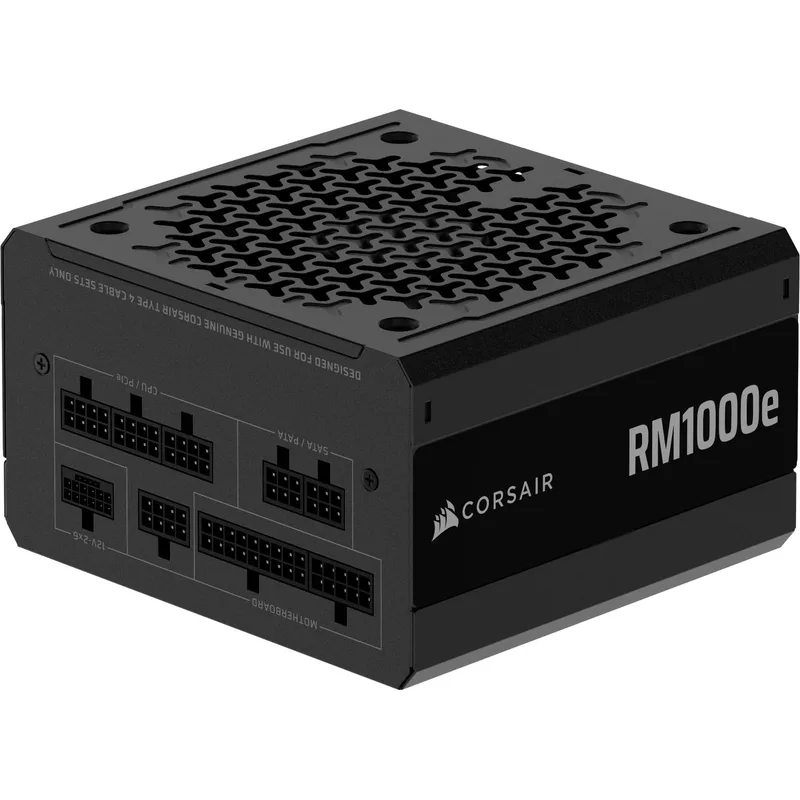
The Corsair RM1000e is the entry point for an RTX 5090. Corsair’s August 2026 ThermalProtect revision adds a connector-temperature cutoff to the 12V-2x6 cable, but the revision was not showing as a separate, reliably listed product, so the pick here is the standard 2025 unit. Check the listing title for “ThermalProtect” if that feature matters to you. See the full RM1000e review and the 1000W roundup.
1200W: Corsair HX1200i
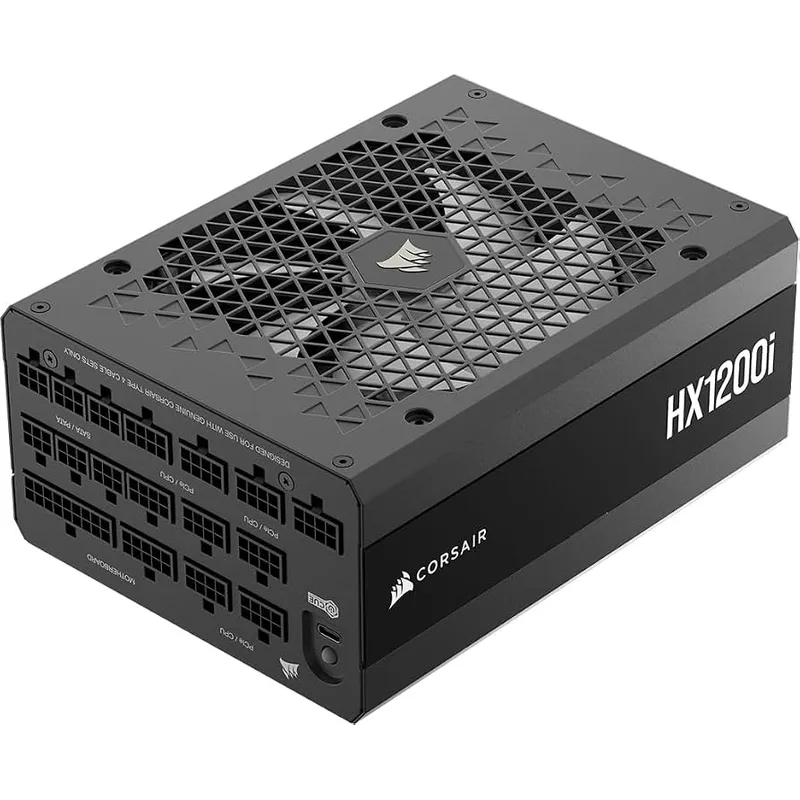
Choose the Corsair HX1200i when an RTX 5090 is paired with an overclocked CPU, or when you want the PSU to run in its quiet mid-load zone. The 10-year warranty also makes sense for a PSU you plan to carry across two GPU generations.
1250W: MSI MPG A1250GS
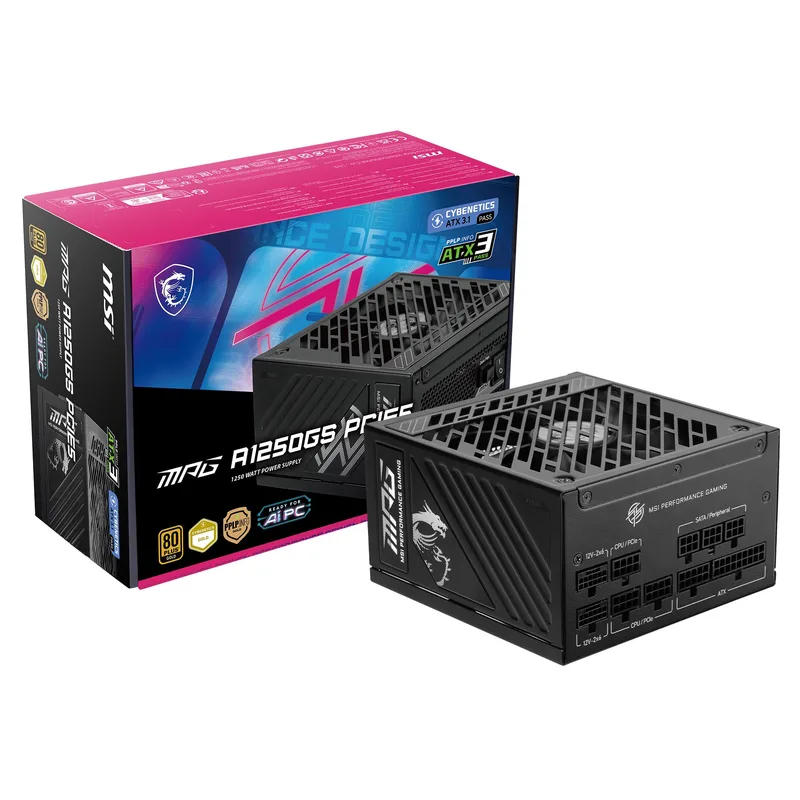
The MSI MPG A1250GS is for the unusual build: two GPUs, or a workstation-plus-gaming machine, where two native 12V-2x6 cables remove the need for adapters. See the multi-GPU PSU roundup for 1500W-class alternatives.
Mistakes to Avoid
- Buying on the wattage number alone. An ATX 3.1 unit with a native 12V-2x6 cable at 850W beats an older ATX 3.0 unit at 1000W that needs an adapter for a 50-series GPU.
- Skipping efficiency ratings. An 80 Plus Gold or Cybenetics Gold unit wastes less as heat, which lets the fan stay off longer.
- Oversizing wildly. A 1600W unit on a 400W gaming load is not harmful, but you pay for capacity you never use. Look at the sizing table instead.
- Reusing old cables. Modular cables are not interchangeable across brands or even product lines. Always use the cables that shipped with your new unit.
Upgrade Path
If you buy at the sizing table’s upper end for your GPU, a PSU can outlast two graphics cards. The cheapest hedge is to buy one tier above today’s need: 850W for an RTX 5070 Ti, 1000W for an RTX 5080 you might replace with a 5090-class card. Longer warranties (10 years on the HX1200i and A1250GS versus 7 on the RM-e series) are worth weighing if you plan to keep the PSU past five years. For smaller cases, see the SFX power supply roundup.
FAQ
How much wattage do I need for an RTX 5080?
An RTX 5080 is rated at 360W board power, so most builds with a modern gaming CPU land in the 450W-550W range under load. An 850W power supply is the sensible choice, with 750W workable if you are not overclocking.
How much wattage do I need for an RTX 5090?
The RTX 5090 is rated at 575W board power, and a flagship CPU plus the rest of the system can push total draw toward 800W. Go with 1000W at a minimum and 1200W if you overclock.
Is a bigger PSU always better?
No. A larger unit adds cost and gains you nothing if your system draws well under half of its rating. A good fit is a PSU that sits at roughly 50-70% load during gaming.
Do I need ATX 3.1?
For any RTX 50-series card, it is the safer choice, because you get a native 12V-2x6 cable and the tighter transient requirements. It is less critical for a low-power GPU that uses standard PCIe 8-pin connectors.
Does PSU wattage affect performance?
No, a bigger PSU does not make a PC faster. An undersized one can cause shutdowns or restarts under load.
The Bottom Line
For most gaming builds, the Corsair RM850e is the right size, covering everything up to an RTX 5080. Step down to the Corsair RM750e for an RTX 5070-class build, and up to the Corsair RM1000e or Corsair HX1200i for an RTX 5090. The MSI MPG A1250GS is the pick only when you need two native 12V-2x6 cables.