Affiliate disclosure: PCBuildRanked earns a commission on qualifying Amazon purchases at no extra cost to you.
4K gaming monitor prices dropped sharply in early 2026 as the second generation of QD-OLED panels arrived. The MSI MPG 272URX QD-OLED hit $849 — down $250 from its original launch — and the Alienware AW2725Q is now priced at $857, in the same range as the MSI MPG 272URX — both strong QD-OLED options for buyers who don’t need the ASUS’s DP 2.1a UHBR20 connectivity. If you’ve been waiting to jump from 1440p, the timing is better now than it’s been since 4K gaming monitors went mainstream.
| Spec | ASUS ROG Swift OLED PG27UCDM 9.5/10 | Alienware AW2725Q Unavailable 9.2/10 | MSI MPG 272URX QD-OLED 9/10 | Acer Predator X32 8.8/10 | GIGABYTE M32U Unavailable 8.2/10 |
|---|---|---|---|---|---|
| panel | 26.5" 4th-Gen QD-OLED | 26.7" QD-OLED | 27" QD-OLED | 31.5" QD-OLED 1700R Curved | 31.5" SS IPS |
| resolution | 3840x2160 (4K UHD) | 3840x2160 (4K UHD) | 3840x2160 (4K UHD) | 3840x2160 (4K UHD) | 3840x2160 (4K UHD) |
| refresh_rate | 240Hz | 240Hz | 240Hz | 240Hz | 144Hz |
| response_time | 0.03ms GtG | 0.03ms GtG | 0.03ms GtG | 0.03ms GtG | 1ms MPRT |
| connectivity | DP 2.1a UHBR20, 2x HDMI 2.1 | DP 2.1, HDMI 2.1 | DP 2.1a, HDMI 2.1 CEC, USB-C 98W PD | 2x DP 1.4, 2x HDMI 2.1, USB-C | HDMI 2.1, DP 1.4, USB-C, KVM |
| hdr | DisplayHDR True Black 400, Dolby Vision | DisplayHDR True Black 400, Dolby Vision | DisplayHDR True Black 400, ΔE≤2 | 1000 nits peak, 99% DCI-P3 | HDR400 |
| Rating | 9.5/10 | 9.2/10 | 9/10 | 8.8/10 | 8.2/10 |
Prices change daily — tap Check Price for the current Amazon price.
Prices change daily — tap Check Price for the current Amazon price.
Quick Picks
- Best Overall: ASUS ROG Swift OLED PG27UCDM — DP 2.1a UHBR20 delivers uncompressed 4K 240Hz, no DSC required. The only 4K OLED with a Neo Proximity Sensor for burn-in protection.
- Best Value Premium: Alienware AW2725Q — 27” 4K QD-OLED 240Hz at $857. Near-identical image quality to the ASUS for $342 less.
- Best Budget: GIGABYTE M32U — 32” 4K IPS at 144Hz for $549. The most affordable path to 4K gaming without compromising resolution.
Buying Guide: What You Need to Know About 4K Gaming Monitors
Panel Types: OLED vs IPS
In 2026, most premium 4K gaming monitors use QD-OLED panels — the Samsung-manufactured substrate that adds a Quantum Dot color filter to an OLED backplane. The result is close to 99% DCI-P3 color coverage combined with true OLED black levels and sub-0.1ms pixel response times.
IPS panels like the GIGABYTE M32U still hold at the budget end. They’re brighter in static HDR windows (400-600 nits sustained vs OLED’s 250-300 nits sustained), and they don’t carry burn-in risk. The trade-off is a 1000:1 contrast ratio compared to OLED’s effectively infinite contrast — a visible difference in dark gaming environments.
Refresh Rate: 144Hz vs 240Hz
At 4K, the GPU requirement for 240Hz is extreme. Running a title like Cyberpunk 2077 with path tracing at 4K 240Hz requires an RTX 5090 or RTX 4090 — and even then you’ll be relying on DLSS Frame Generation for sustained 240fps. If you own an RTX 4080 Super, RTX 5080, or RX 9070 XT, you’ll realistically average 90-160fps in demanding titles at 4K, making a 240Hz panel more future-proof than immediately useful. With an RTX 4070 Ti Super or below, the GIGABYTE M32U’s 144Hz ceiling aligns better with what your GPU can actually deliver.
For competitive gaming at 4K — esports titles, CS2, Valorant — 240Hz is genuinely achievable on mid-tier hardware because those games are designed to run at high framerates.
Connectivity: DisplayPort 2.1 Matters
To run 4K at 240Hz without DSC compression, you need DisplayPort 2.1. Specifically, UHBR20 provides 80 Gbps bandwidth — enough for 4K 240Hz with HDR uncompressed. The ASUS ROG PG27UCDM is currently the only 4K 240Hz monitor with DP 2.1a UHBR20. Most others, including the Alienware AW2725Q and MSI MPG 272URX, use DP 2.1 UHBR13.5 (54 Gbps), which still supports 4K 240Hz but uses DSC at 10-bit HDR.
If you’re connecting to a PS5 or Xbox Series X, HDMI 2.1 is your path to 4K 120Hz with VRR — all monitors here support it.
GPU Requirements
Running 4K above 100fps consistently in demanding titles requires:
- RTX 4090 / RTX 5090: The only GPUs that average 100+ fps in path-traced AAA games at 4K native
- RTX 5080 / RTX 4080 Super: 4K 100-140fps in most games without path tracing, DLSS Quality gets to 144fps
- RX 9070 XT / RTX 4070 Ti Super: 4K 70-100fps in demanding games, solid for 144Hz targets with upscaling
If you’re running anything below those tiers, stick to the 144Hz M32U or consider a 1440p monitor instead. For a dedicated roundup of the best GPUs for 4K gaming, see our best GPUs for 4K gaming guide.
Detailed Reviews
1. ASUS ROG Swift OLED PG27UCDM — Best Overall
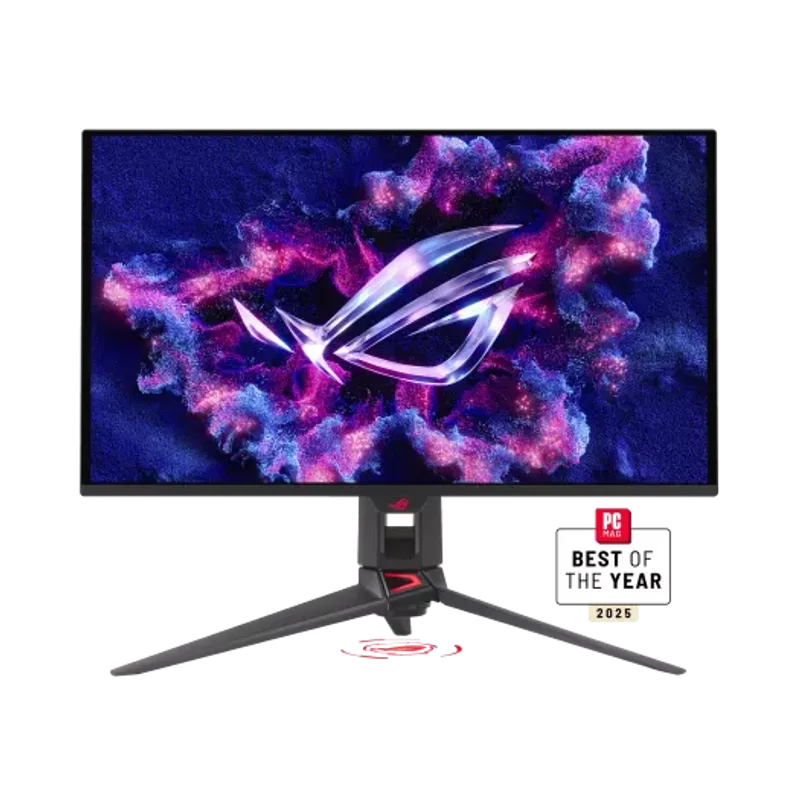
The ASUS ROG Swift OLED PG27UCDM is the definitive 4K gaming monitor in 2026 for one specific reason: it’s the only 4K 240Hz panel with DisplayPort 2.1a UHBR20, delivering 80 Gbps of bandwidth. At 4K 240Hz with 10-bit HDR, that translates to fully uncompressed video output — no DSC, no bandwidth compromise. Every other 240Hz 4K monitor currently uses DP 2.1 UHBR13.5 or UHBR10, which require DSC to hit 240Hz at 10-bit.
The 4th-generation QD-OLED panel uses a custom ASUS heatsink that keeps panel temperature down during sustained workloads. In practice, this means fewer brightness throttling events during extended gaming sessions — a real-world issue on earlier QD-OLED generations that reduced peak brightness after 10-20 minutes of continuous bright content.
The Neo Proximity Sensor detects when you’re not at your desk and blanks the screen automatically. It’s a meaningful anti-burn-in feature rather than a marketing gimmick, given that static UI elements (health bars, minimaps) are the primary burn-in vector on OLED gaming monitors.
Dolby Vision support alongside HDR10 and VESA DisplayHDR True Black 400 gives you hardware-based HDR tone mapping across games, movies, and streaming services. At $1,199, this is a premium investment — but it’s the most complete 4K gaming monitor available at 27”.
2. Alienware AW2725Q — Best Value Premium
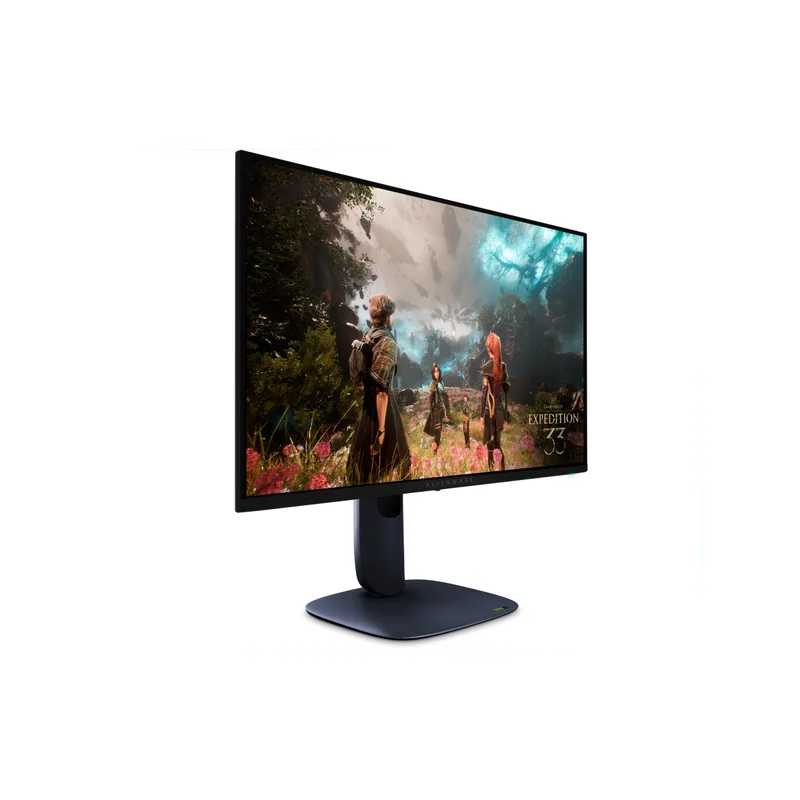
Alienware AW2725Q
The Alienware AW2725Q launched in early 2025 as Dell’s answer to the QD-OLED price war and is currently priced at $857 — delivering strong 27” 4K 240Hz QD-OLED performance in the same tier as the MSI MPG 272URX. Tom’s Hardware called it “serious value and high performance,” and the RTINGS review confirms it hits the same panel specifications as monitors that originally cost $200-300 more.
At its core, it uses the same Samsung QD-OLED panel as the MSI MPG 272URX and shares the 0.03ms GtG response time, 99% DCI-P3 coverage, and DisplayHDR True Black 400 certification. The differentiator versus the ASUS ROG PG27UCDM is DisplayPort 2.1 UHBR13.5 instead of UHBR20 — a meaningful spec difference for uncompressed output, but imperceptible in actual gameplay.
NVIDIA G-SYNC Compatible and AMD FreeSync Premium Pro certification means it’ll work with variable refresh rate from both GPU brands. Dolby Vision support is included — all at $342 less than the ASUS ROG PG27UCDM.
The stand is the main compromise versus the ASUS equivalent: functional but less premium under desk vibration. No built-in USB hub limits cable management. Neither issue affects display performance.
3. MSI MPG 272URX QD-OLED — Editor’s Pick
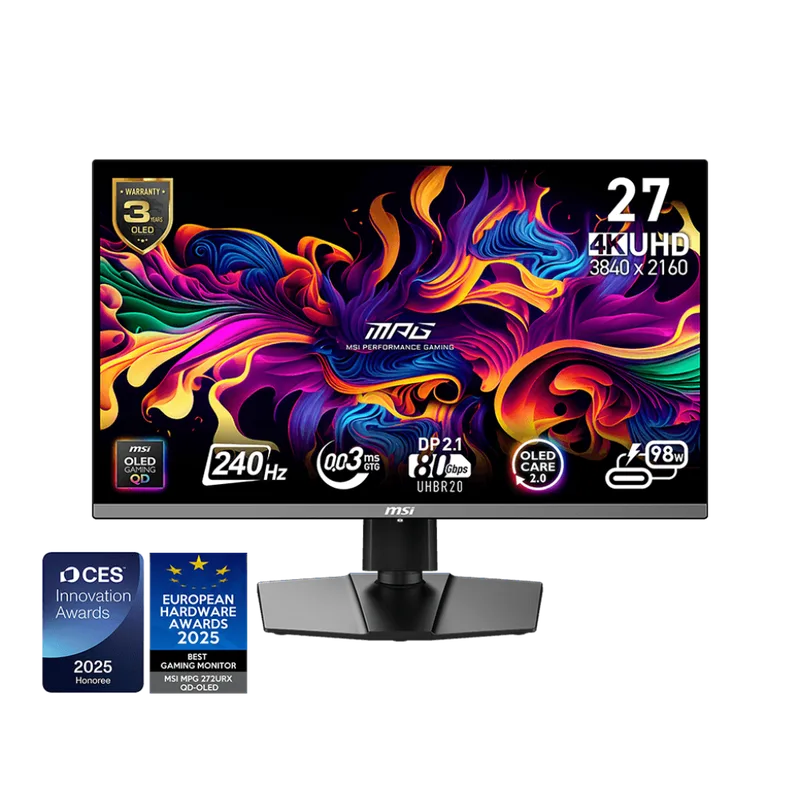
The MSI MPG 272URX QD-OLED launched at $1,099 and has since dropped $250 to $849. At that price, it competes directly with the Alienware AW2725Q and adds two features the Alienware lacks: USB-C with 98W Power Delivery and a graphene radiator.
USB-C 98W PD is a practical differentiator if you work from a USB-C laptop. You can run the monitor, charge your laptop, and maintain a single-cable connection — eliminating a power brick from your desk. The Alienware AW2725Q and ASUS ROG PG27UCDM don’t offer this.
The graphene radiator is MSI’s thermal management solution for QD-OLED longevity. Graphene conducts heat more efficiently than the aluminum heatsinks in competing monitors, which should result in lower panel temperatures under sustained bright content.
Specifications match the class: 27” QD-OLED, 3840x2160, 240Hz, 0.03ms GtG, DisplayHDR True Black 400, and a color accuracy spec of ΔE≤2 — factory calibrated. G-SYNC Compatible is certified.
At $849, the MSI is priced $8 less than the Alienware at $857. The decision comes down to features: MSI if you want USB-C 98W PD; Alienware if you prefer Dell’s warranty and build quality.
4. Acer Predator X32 — Best Large Screen
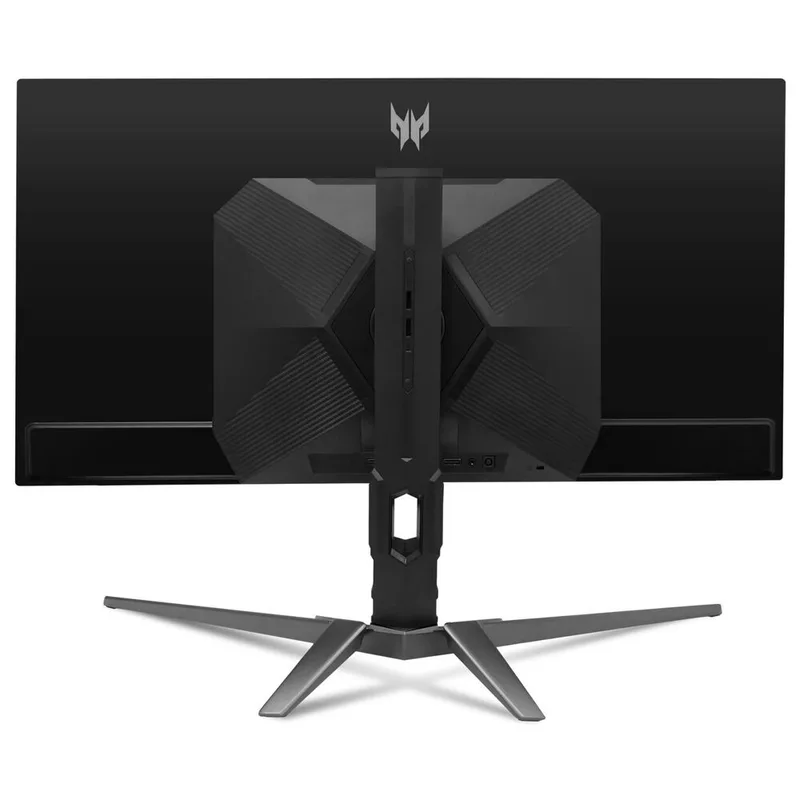
The Acer Predator X32 takes QD-OLED technology to 31.5” with a 1700R curvature — a panel size that no 27” monitor can replicate in terms of visual immersion. At 4K on a 31.5” screen, pixel density sits at 140 PPI, which is slightly below the 166 PPI of 27” 4K panels but still sharp enough that individual pixels are invisible at a 60-70cm viewing distance.
The 1700R curve is subtle enough that it doesn’t create geometric distortion on straight lines in games or productivity work, but noticeable enough to reduce the visual fatigue of scanning between screen edges during extended sessions. It’s a better match for RPGs, open-world titles, and racing sims than for competitive FPS where flat panels have a slight peripheral-target-tracking advantage.
At $799, it costs $58 less than the Alienware AW2725Q while offering a larger, curved panel. The connectivity trade-off is DP 1.4 (two ports) rather than DP 2.1 — running 4K at 240Hz requires DSC compression over DP 1.4, which introduces a small latency penalty vs uncompressed DP 2.1 output. In practice, this is not perceptible during gameplay.
Successor note: Acer has launched the Predator X32 X2, a newer variant with updated connectivity at ~$999. If you want the latest revision, the X32 X2 is available; the original X32 at $799 remains the stronger value pick for buyers who don’t need the spec bump.
The two HDMI 2.1 ports support 4K@120Hz with VRR from PS5 and Xbox Series X, making this a strong dual-purpose PC and console monitor at this size.
5. GIGABYTE M32U — Best Budget
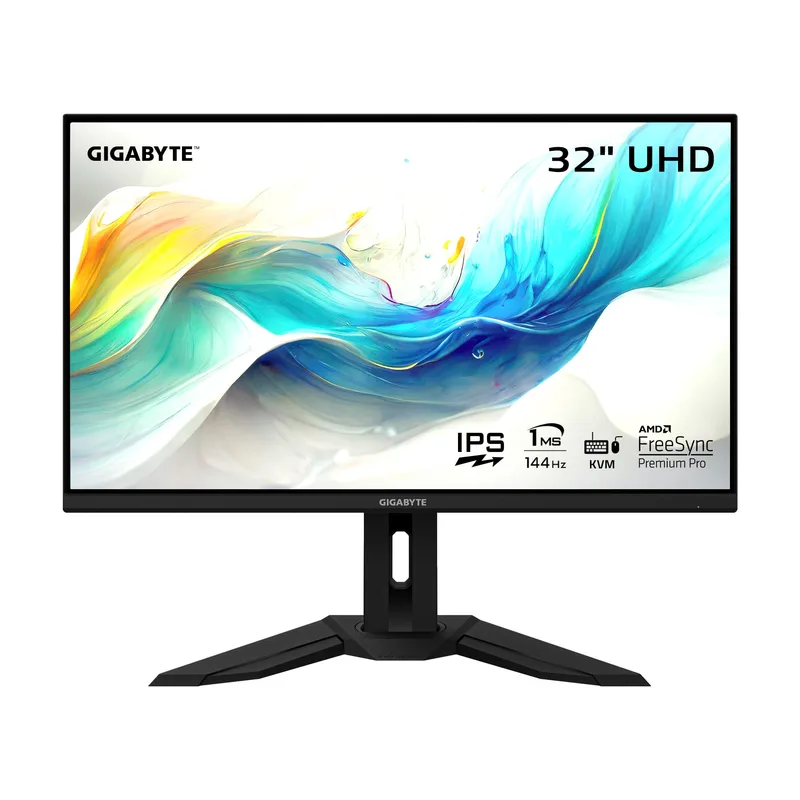
GIGABYTE M32U
The GIGABYTE M32U answers a specific question: can you do 4K gaming without spending $800+? At $549, it proves you can — with a 31.5” SS IPS panel at 4K 144Hz. The concessions versus QD-OLED are real but predictable: 1000:1 static contrast, no per-pixel OLED illumination, and 144Hz instead of 240Hz.
In practice, the IPS panel is bright — 400 nits sustained HDR versus OLED’s 250-300 nits sustained — which matters for daytime use in well-lit rooms. Dark gaming environments are where OLED wins decisively, with black levels that IPS can’t approach at any price.
The built-in KVM switch is a legitimate differentiator at this price. If you run two PCs — a work machine and a gaming rig, or a gaming PC and a laptop — you can share your keyboard and mouse without a physical switch or software. Combined with the USB-C input, it’s a productivity feature that monitors twice the price often omit.
HDMI 2.1 connects to a PS5 or Xbox at 4K 120Hz. The 144Hz refresh rate cap means you’ll need a GPU that consistently outputs above 120fps to feel the difference versus a console — at 4K, that requires at minimum an RTX 4070 Super or RX 7800 XT for most titles.
At $549, the M32U is the most affordable 32” 4K gaming monitor on the market and has no meaningful competitor at this price point.
FAQ
Do I need a new GPU to use a 4K 240Hz monitor?
For a 4K 240Hz panel to show its full benefit in demanding games, you need an RTX 5080, RTX 4090, or equivalent. An RTX 4080 Super or RX 9070 XT will hit 144Hz averages in most titles at 4K, which means you’ll spend time below 240fps on AAA titles. In lighter esports games — CS2, Valorant, Rocket League — mid-tier GPUs can reach 240fps at 4K. If your GPU is an RTX 4070 Super or below, the 144Hz GIGABYTE M32U is a more honest match for your hardware. For a comprehensive look at how NVIDIA and AMD cards compare at 4K, see our NVIDIA RTX vs AMD RX full comparison.
Is QD-OLED burn-in a real concern for gaming?
Static HUD elements — minimaps, health bars, UI chrome — do pose a burn-in risk on OLED panels with extended use in the same game. Monitors with proximity sensors (ASUS ROG PG27UCDM) or pixel-shift features mitigate this. In practice, mixed-use gaming (varying games, streaming, desktop use) rarely causes visible burn-in within 3-5 years. Playing a single game for 8+ hours daily is the scenario to watch. OLED panel warranties now cover burn-in in limited cases — check the specific monitor’s warranty before purchasing.
What’s the difference between QD-OLED and WOLED?
QD-OLED (Samsung) uses a blue OLED emitter with a Quantum Dot color conversion layer. WOLED (LG) uses white OLED with a color filter. QD-OLED typically achieves higher color brightness and better DCI-P3 coverage (99% vs 98-99%). WOLED achieves higher peak white brightness in small windows (1,300-1,700 nits vs QD-OLED’s 1,000 nits). For gaming, the difference is minor — both deliver infinite contrast, sub-0.1ms response, and far superior image quality to IPS at HDR peak brightness.
Does 4K gaming require DisplayPort 2.1?
For 4K at 240Hz uncompressed, DP 2.1 UHBR20 is required (ASUS ROG PG27UCDM only). Most 4K 240Hz monitors use DP 2.1 UHBR13.5, which handles 4K 240Hz with DSC compression — a minor spec trade-off imperceptible in gameplay. For 4K at 144Hz, standard DP 1.4 is sufficient. For console gaming at 4K 120Hz, HDMI 2.1 handles it on all monitors listed here.
Is 4K worth it over 1440p in 2026?
At 27”, 4K (163 PPI) is visibly sharper than 1440p (109 PPI) — text edges, foliage, and fine texture details are meaningfully clearer. At 32”, 4K (138 PPI) vs 1440p (92 PPI) shows a similar advantage. The GPU requirement is the limiting factor: a game that runs at 200fps at 1440p will run at ~130fps at 4K on the same GPU. If your build is centered on a mid-range GPU and high refresh rate matters to you, 1440p remains the sharper performance-per-dollar choice. If you have an RTX 4080+ or RX 9070 XT+ and prioritize image quality over maximum framerate, 4K is the correct call.
What about ultrawide 4K monitors?
True 4K ultrawide (5120x2160) monitors exist — the ASUS ROG Swift PG34WCDM is the main option — but they require even more GPU headroom than standard 4K and carry a significant price premium. For most buyers in 2026, a standard 16:9 4K panel at 27” or 32” gives you the resolution advantage without the GPU and cost overhead of ultrawide 4K.
The Bottom Line
The 4K 240Hz QD-OLED market is competitive in 2026, with three strong 27” options between $799 and $1,199. The Alienware AW2725Q at $799 is the best starting point for most buyers — same panel technology as monitors originally costing $300 more, with Dolby Vision and G-SYNC compatibility included. The ASUS ROG Swift OLED PG27UCDM at $1,199 is worth the premium only if you need DP 2.1a UHBR20 or the burn-in protection of the Neo Proximity Sensor. The GIGABYTE M32U at $549 is the most affordable path to 4K gaming and its KVM switch makes it a practical dual-system display.