Intel cut the Core Ultra 9 285K’s price by nearly 30% in late 2025 — from a $589 launch to around $459 by January 2026 — and the chip is finally in a conversation worth having. For a broader comparison of competing CPUs at this price tier, see our best high-end CPUs over $400 guide. Arrow Lake was a rough debut: the flagship launched into a market dominated by AMD’s Ryzen 7 9800X3D at roughly the same price, delivered weaker gaming frame rates than Intel’s own previous generation in several titles, and dropped hyperthreading entirely. Six months of price corrections and BIOS updates later, here’s where it actually stands.
| Spec | Intel Core Ultra 9 285K 7.8/10 | AMD Ryzen 7 9800X3D 9.4/10 | AMD Ryzen 9 9950X 8.6/10 |
|---|---|---|---|
| cores | 24 cores (8P + 16E) / 24 threads | 8 cores / 16 threads | 16 cores / 32 threads |
| base_clock | 3.7 GHz base / 5.7 GHz boost | 4.7 GHz base / 5.25 GHz boost | 4.3 GHz base / 5.7 GHz boost |
| cache | 36 MB L3 / 40 MB total | 104 MB (64 MB 3D V-Cache) | 80 MB total (64 MB L3) |
| tdp | 125W | 120W | 170W |
| socket | LGA1851 (Arrow Lake) | AM5 (Zen 5) | AM5 (Zen 5) |
| memory | DDR5-6400 / DDR4-3200 | DDR5-5600 (JEDEC) / DDR5-6000+ (OC) | DDR5-5600 (JEDEC) / DDR5-6000+ (OC) |
| Rating | 7.8/10 | 9.4/10 | 8.6/10 |
Prices change daily — tap Check Price for the current Amazon price.
Prices change daily — tap Check Price for the current Amazon price.
Specifications
| Spec | Intel Core Ultra 9 285K |
|---|---|
| Architecture | Lion Cove P-cores + Skymont E-cores (Arrow Lake) |
| Cores / Threads | 24C / 24T (8P + 16E, no HT on P-cores) |
| P-core Base / Boost | 3.7 GHz / 5.7 GHz |
| E-core Base / Boost | 3.2 GHz / 4.6 GHz |
| L2 Cache | 40 MB |
| L3 Cache | 36 MB |
| TDP | 125W (up to 250W PL2) |
| Socket | LGA1851 |
| Memory Support | DDR5-6400 / DDR4-3200 |
| Process | TSMC N3B (3nm-class) |
| Integrated Graphics | Intel Arc (4 Xe-cores) |
| MSRP at Launch | $589 |
| Street Price (Aug 2026) | ~$499 |
What Arrow Lake Actually Changed
Arrow Lake is Intel’s first significant architecture shift since Alder Lake in 2021. The 285K uses TSMC’s 3nm-class N3B process for the compute tile rather than Intel’s own fabs — a notable change in Intel’s manufacturing strategy.
The P-core architecture, called Lion Cove, is a full redesign from Raptor Cove. It’s a clean pipeline without hyperthreading. Intel made the deliberate call to remove HT from P-cores, arguing that wider out-of-order execution windows reduce the need for simultaneous multithreading. The result is 8 P-cores delivering 8 threads instead of 16. Combined with 16 Skymont E-cores at 4.6 GHz boost, you get 24 total threads from 24 cores.
The E-cores have improved significantly over Gracemont. Skymont E-cores in the 285K now punch closer to where Gracemont P-cores used to land in per-core performance. That matters for workloads that scatter across all cores.
The efficiency gains are real and measurable. In gaming, the 285K draws approximately 40W less than the 14900K while running 17°C cooler. For anyone who ran a 14900K and dealt with 300W gaming power draws and thermal throttling at stock settings, this is a meaningful improvement.
Gaming Performance
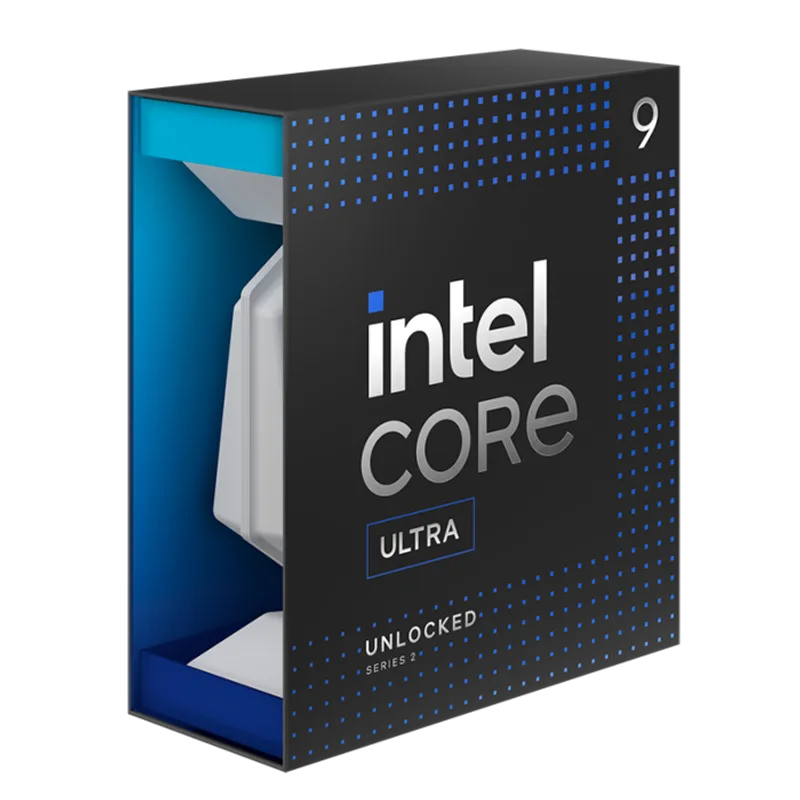
Gaming is where the 285K generates the most debate, because Arrow Lake launched with performance that trailed Intel’s own previous generation in several CPU-bound titles. Post-launch BIOS updates and Intel’s Game On Driver Package addressed some of the deficit, but the 285K still can’t match the Ryzen 7 9800X3D in gaming.
1080p Gaming (CPU-Limited Scenarios)
| Game | Core Ultra 9 285K | Ryzen 7 9800X3D | Ryzen 9 9950X |
|---|---|---|---|
| Starfield | ~124 FPS | ~169 FPS | ~148 FPS |
| Cyberpunk 2077 | ~96 FPS | ~140 FPS | ~87 FPS |
| Counter-Strike 2 | ~519 FPS | ~668 FPS | ~540 FPS |
| Baldur’s Gate 3 | ~138 FPS | ~185 FPS | ~160 FPS |
Benchmarks from GamersNexus and Tom’s Hardware testing at 1080p, GPU not the bottleneck, RTX 4090.
The 285K sits roughly 20-35% behind the 9800X3D in CPU-bound gaming. That gap is primarily the 9800X3D’s 3D V-Cache advantage — the cache slashes cache misses in gaming workloads and the 285K has no equivalent.
Where the 285K holds its own is in titles that don’t respond strongly to cache size. Cyberpunk 2077 at 1440p Ultra is a good example of how at higher resolutions or GPU-bound scenarios, the gap shrinks to single digits. At 4K, you’ll rarely see a meaningful difference between any of these processors.
The integrated Intel Arc GPU (4 Xe-cores) is strictly for display output and lightweight tasks — it won’t run modern games at any meaningful settings.
Productivity Performance
The 285K’s actual strength is threaded productivity work, and this is where the chip makes its case against the 9800X3D.
In Cinebench 2026 nT (multi-core), the 285K scores around 1,050-1,100 points — closely matching the Ryzen 9 9950X and comfortably ahead of the 9800X3D’s 8-core score. For video encoding in Handbrake using H.265, 3D rendering in Blender, and large software compilation jobs, the 285K’s 24-core count provides real throughput advantages over any 8-core chip.
Single-threaded performance is competitive. Lion Cove’s improved out-of-order depth and the 5.7 GHz peak boost put the 285K among the fastest single-threaded chips available. In Cinebench R24 1T, it scores around 145-150, roughly even with the 9950X and slightly ahead in some tests.
The removed hyperthreading is most noticeable in workloads that scale well with thread counts in the 16-32 range — some virtualization scenarios, certain Java applications, and workloads that were specifically tuned to Raptor Lake’s 32-thread configuration. Most creative software doesn’t expose this as a meaningful penalty.
Thermals and Power
The 285K is substantially easier to cool than its predecessors. Stock configuration with the 125W PL1 setting keeps the chip under 90°C on a 280-360mm AIO, with gaming loads typically sitting in the 75-85°C range.
If you leave power limits at Intel’s default “Performance” profile (which enables higher PL2 of up to 250W for boost windows), a 360mm AIO or a premium air cooler like the Noctua NH-D15 is recommended. Dropping back to 125W TDP via BIOS barely costs performance in gaming but keeps thermals and power draw tightly controlled.
Compared to AMD’s 9950X at 170W TDP, the 285K runs cooler in gaming scenarios. In heavy all-core sustained workloads like Cinebench loops, both chips push toward their thermal limits, but the 285K’s 3nm process gives it a slight edge in efficiency at comparable loads.
Platform: LGA1851 and Z890
The 285K requires an LGA1851 socket, which means a new Z890, Z890 chipset motherboard. There is no compatibility with 12th, 13th, or 14th gen motherboards. This is a clean-break platform.
Z890 boards start around $180 for entry-level options and scale past $600 for flagship boards. For most users, a mid-range Z890 board in the $200-250 range is the right pairing — enough PCIe 5.0 bandwidth for a current GPU, clean VRM for the 285K’s power spikes, and WiFi 7 on most options at that tier. For a dedicated roundup of the top Z890 boards for the Core Ultra 200K lineup, see our best Intel Core Ultra motherboards guide.
One genuine advantage over AMD: select Z890 boards retain DDR4 support. If you’re upgrading from a 12th/13th gen system and already own a DDR4-4800 or DDR4-6000 kit, some Z890 boards let you carry it over. You’ll leave some memory bandwidth performance on the table versus DDR5-6400, but it’s a real cost savings.
Intel has not formally committed to LGA1851 longevity the way AMD has committed to AM5 through 2027+. Arrow Lake’s successor (Panther Lake) will likely require a new socket, so LGA1851 is effectively a one-generation platform.
The Competition
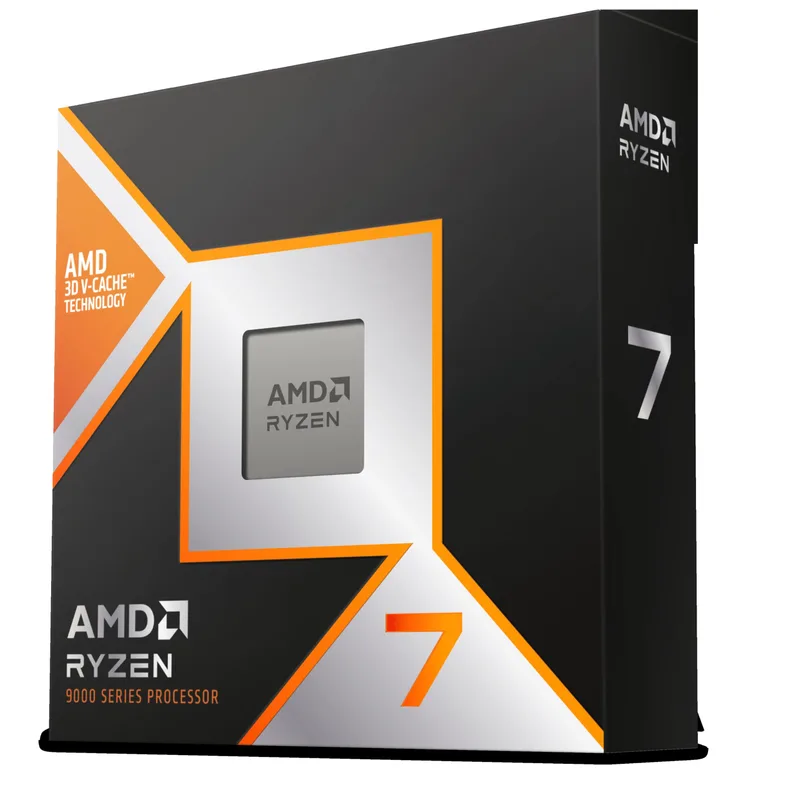
AMD Ryzen 7 9800X3D at ~$448 is the clearest reason to hesitate on the 285K. It’s priced $51 less than the Intel chip and beats it by 20-35% in gaming. For a gaming-first build, this is a decisive gap. The 9800X3D only loses to the 285K when workloads scale past 8 cores with high thread counts — video editing, Blender, large compilation. If your PC is 70%+ gaming, the 9800X3D is the better chip at this price point.
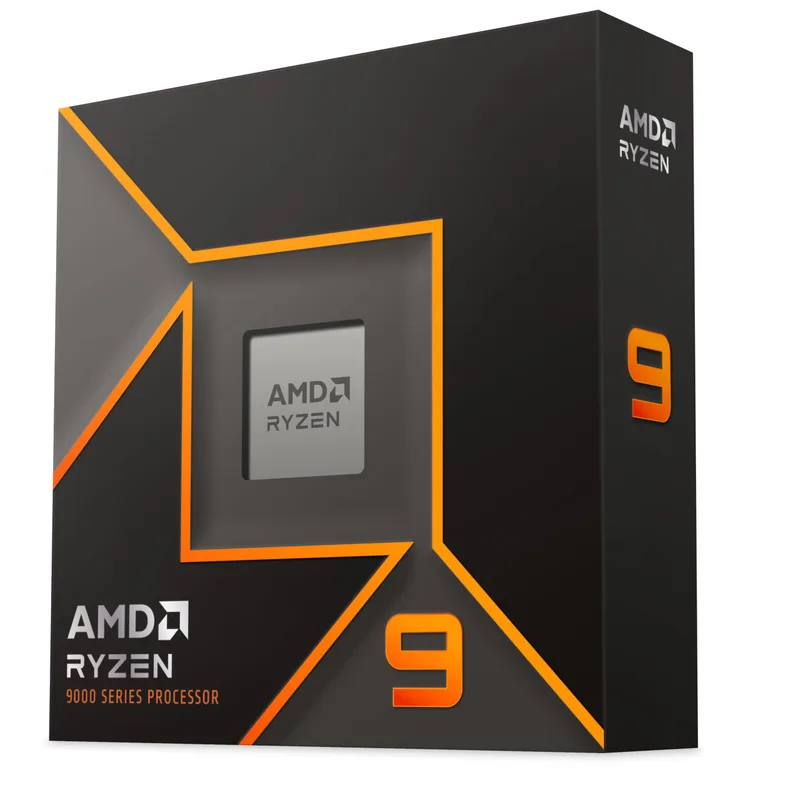
AMD Ryzen 9 9950X
AMD Ryzen 9 9950X at ~$513 is the alternative if you want AMD’s productivity flagship. It has 16 Zen 5 cores with full hyperthreading (32 threads), which edges out the 285K in productivity workloads that use 16+ threads efficiently. Gaming performance is roughly 3-4% better than the 285K on average, with the 9950X taking titles like A Plague Tale: Requiem by up to 10% and the 285K winning Cyberpunk 2077 by around 10%. The 9950X’s 170W TDP requires premium cooling. At $54 more than the 285K, the delta is small enough that it comes down to platform preference.
FAQ
Is the Intel Core Ultra 9 285K good for gaming? It’s capable but not the best option at its price. At ~$499, it trades blows with the Ryzen 9 9950X in gaming but falls 20-35% behind the Ryzen 7 9800X3D in CPU-bound titles. At 4K or on GPU-limited setups, the gap is smaller and the 285K is entirely adequate. For a dedicated gaming PC where CPU performance matters — 1440p high refresh, 1080p competitive — the 9800X3D at the same price is the stronger choice.
Why did Intel remove hyperthreading? Intel claims Lion Cove’s wider pipeline makes HT less necessary for per-thread workloads, and that the chip area previously used for HT logic was better spent elsewhere. The practical result is 24 threads from 24 cores. In most consumer workloads, this isn’t a visible penalty. It’s most noticeable in tasks that previously scaled to 32 threads on the 13900K — specific virtualization, some DAW plugins, and batch workloads explicitly tuned for high thread counts.
Which motherboard should I pair with the 285K? A Z890 board in the $200-280 range handles the 285K well. The MSI MAG Z890 Tomahawk WiFi and ASUS Prime Z890-P are solid mid-range options. Avoid the cheapest Z790/Z890 boards — their VRM configurations aren’t rated for the 285K’s PL2 power spikes during boost. You don’t need a $400+ flagship board unless you’re pushing extreme overclocking. For a full comparison of Z890 boards across price tiers, see our best Z890 motherboards guide.
Does the 285K support DDR4? Yes, on select Z890 motherboards that include DDR4 slots (typically marketed as dual-memory compatible). Not all Z890 boards support DDR4 — check the motherboard spec sheet before buying. DDR5-6400 remains the performance-optimized pairing; DDR4 support is primarily useful for cost savings when upgrading from an older platform.
How does the 285K compare to the Core i9-14900K? The 285K uses 40W less power in gaming, runs 17°C cooler, and delivers comparable or slightly better performance in most scenarios. The 14900K’s 32 threads (via HT) give it an edge in specific multi-threaded workloads, but the 285K’s efficiency improvement is substantial. If you’re running a 14900K with stable thermals, there’s no compelling reason to upgrade. If you’re buying new, the 285K is the better platform.
Is the LGA1851 platform worth investing in? Intel hasn’t confirmed multi-generation LGA1851 support. If platform longevity matters — keeping your motherboard when upgrading CPUs — AMD’s AM5 offers clearer long-term commitment. For the 285K, treat LGA1851 as a one-generation platform and factor in that the next Intel desktop flagship will likely require a new socket.
The Bottom Line
The Intel Core Ultra 9 285K is a genuinely improved chip compared to Arrow Lake’s rough launch. The efficiency gains are real — 40% better than the 14900K in gaming power draw — and the 24-core configuration makes it the right pick for builders who split time between productivity work and gaming. At $499 — down from its $589 launch and from the $535 it held through mid-2026 — it’s priced more competitively than it was at launch.
The problem is straightforward: the AMD Ryzen 7 9800X3D at ~$448 exists. If your PC is primarily a gaming machine, the 9800X3D is faster where it matters and costs $51 less. The only strong argument for the 285K over the 9800X3D is if your non-gaming workloads genuinely scale past 8 cores — video editing timelines, Blender render farms, large C++ builds. In those cases, the 285K’s 24-core count justifies the pick. For everything else, AMD has Intel beat at this price.