AMD’s 3D V-Cache lineup didn’t slow down in 2026 — the 9950X3D shipped alongside the 9900X3D, a 9850X3D refresh, and now a dual-cache 9950X3D2 for buyers chasing every last percent. But for the specific reader searching for a CPU that games at flagship speeds and doesn’t choke the moment OBS starts encoding, the standard 9950X3D remains the chip AMD built for exactly that job: a V-Cache CCD for the game and a second, standard-clock CCD free to run your streaming encoder or a background render.
| Spec | AMD Ryzen 9 9950X3D 9.3/10 | AMD Ryzen 9 9950X 8.7/10 | Intel Core Ultra 9 285K 8.1/10 |
|---|---|---|---|
| Architecture | Zen 5, dual CCD (one V-Cache, one standard) | Zen 5, dual CCD, no V-Cache | Arrow Lake, 8P + 16E hybrid |
| Cores | 16 cores / 32 threads | 16 cores / 32 threads | 24 cores / 24 threads |
| Clocks | 4.3 GHz base / 5.7 GHz boost | 4.3 GHz base / 5.7 GHz boost | 3.7 GHz P-core base / 5.7 GHz P-core boost |
| Cache | 128MB total L3 (V-Cache on one CCD) | 80MB total (64MB L3) | 40MB L3 |
| Socket | AM5 (B650/X670/B850/X870E) | AM5 (B650/X670/B850/X870E) | LGA1851 (Z890/B860) |
| TDP | 170W | 170W (PPT up to ~230W) | 125W (PL2 up to 250W) |
| Rating | 9.3/10 | 8.7/10 | 8.1/10 |
Prices change daily — tap Check Price for the current Amazon price.
Prices change daily — tap Check Price for the current Amazon price.
Who Should Buy the Ryzen 9 9950X3D?
The 9950X3D is built for one specific reader: someone who games competitively enough to want 9800X3D-class frame rates, but also streams, edits, or renders enough that an 8-core chip becomes a bottleneck the moment a second application needs CPU time. Independent testing puts the 9950X3D within 3-5% of the 9800X3D in pure gaming — some titles favor the 9950X3D’s slightly higher single-core clocks, others land closer to a tie. That’s close enough that gaming alone doesn’t justify the price jump.
Where the 9950X3D earns its premium is concurrent workloads. Its dual-CCD design puts 3D V-Cache on one die and leaves the second die at standard clocks with no V-Cache — and that second die is exactly where a streaming encoder, a Discord call, or a background Premiere Pro export can run without touching the cache-sensitive game thread on the other CCD. AMD’s chipset driver and Windows Game Bar handle that scheduling automatically on current builds, routing game threads to the V-Cache CCD and heavier multi-threaded work across both.
If you only game and never stream, render, or run heavy background tasks, the 9800X3D delivers the same frame rates for roughly 40% less money and half the power draw. If gaming is secondary to a rendering-only workflow, the plain 9950X matches the 9950X3D’s productivity scores without the V-Cache premium. The 9950X3D is the right chip specifically when you need both at once.
Core Specs
The 9950X3D is built on the same Zen 5 Granite Ridge foundation as the standard 9950X, but with 3D V-Cache stacked on one of its two compute dies. Only one CCD gets the cache boost — the other runs at the same clocks as a standard Zen 5 core with no V-Cache stack, which is what enables the split-workload scheduling that makes this chip useful for streaming.
Complete specification breakdown:
- Architecture: Zen 5, Granite Ridge, dual CCD
- Cores / Threads: 16 / 32
- Base / Boost clock: 4.3 GHz / 5.7 GHz
- L3 Cache: 128MB total (V-Cache stacked on one CCD only)
- TDP: 170W
- Socket: AM5 — compatible with B650, X670E, B850, X870E
- Memory support: DDR5-5600 official; DDR5-6000 EXPO sweet spot
- PCIe: Gen 5.0 (24 lanes from CPU)
Streaming Performance
This is the section that separates the 9950X3D from every other CPU on this list. Streaming while gaming puts two competing demands on a CPU at once: the game thread needs low latency and benefits heavily from 3D V-Cache, while the encoder needs raw throughput and doesn’t care about cache at all. On an 8-core chip like the 9800X3D, those two workloads fight for the same cores. On the 9950X3D, they don’t have to.
AMD’s scheduling approach routes the game to the V-Cache-equipped CCD and lets the second, standard-clock CCD absorb OBS, Discord, browser overlays, or a background render — without the game thread ever leaving the cache that’s keeping its frame rate high. Reviewers running the newest AMD chipset drivers alongside a current Game Bar build (KGL 2400 or later) report the OS handling this split automatically, without needing manual core affinity tools like Process Lasso. Some streamers still use manual affinity assignment for tighter control, but it isn’t required for the 9950X3D to behave correctly out of the box.
The practical result: encoding load that would cost a single-CCD chip real frame rate barely registers on the 9950X3D, because the encoder is running on cores that were never in the game’s critical path to begin with.
Content Creation and Productivity
Puget Systems’ content-creation testing puts the 9950X3D roughly 7% ahead of the standard 9950X in Premiere Pro scoring on average — a modest but real gain from the extra cache assisting timeline scrubbing and background tasks, even though V-Cache isn’t a traditional productivity feature. Against Intel’s Core Ultra 9 285K, the 9950X3D and 9950X both trail in several Premiere Pro subscores, with the 285K only pulling clearly ahead in export-heavy tasks where its Quick Sync hardware encoder offloads work the CPU would otherwise have to do.
In Cinebench multi-core testing, the 9950X3D runs about 6% ahead of the plain 9950X, with single-core scores essentially tied between the two chips. For Blender and HandBrake-style rendering and encoding, the V-Cache adds effectively nothing over the standard 9950X — both chips perform within noise of each other, since 3D V-Cache benefits latency-sensitive workloads like games far more than throughput-bound rendering.
That’s the core trade-off to understand: buy the 9950X3D for the combination of gaming and concurrent workloads (streaming, background renders, Discord and browser overlays running alongside a game). Buy the plain 9950X if rendering is the only job and gaming FPS doesn’t matter.
Gaming Performance
Across a 16-game 1080p test suite, the 9950X3D averages roughly 30% higher frame rates than the standard 9950X — the clearest demonstration of what 3D V-Cache does for game engines that are sensitive to cache misses. Against the 9800X3D, the gap closes to within 3-5% on average, with the 9950X3D’s slight single-core clock edge occasionally pulling it ahead in specific titles and the 9800X3D’s simpler single-CCD layout occasionally winning elsewhere.
At 1440p and 4K, GPU limitations narrow the gap between all three X3D-class chips further, so the gaming argument for the 9950X3D over the cheaper 9800X3D gets weaker the higher your target resolution. The case for the 9950X3D strengthens specifically when a second workload — streaming, a background render, video calls — is running at the same time as the game, which is exactly the scenario the 9800X3D’s single CCD has to share.
Platform and Compatibility
The 9950X3D uses AM5, the same socket as every Zen 4 and Zen 5 Ryzen chip, and AMD has confirmed its next-generation Zen 6 “Olympic Ridge” desktop chips will keep AM5 as well — a meaningful upgrade runway for anyone buying into this platform now. Existing B650, X670E, B850, and X870E boards support the 9950X3D with a current BIOS.
Memory support sits at DDR5-5600 officially, with DDR5-6000 EXPO the proven sweet spot for Zen 5 bandwidth and latency. The 170W TDP is the highest in the standard AM5 Zen 5 lineup (shared with the plain 9950X), so budget for cooling accordingly — a 280mm AIO is the practical minimum for gaming-only use, and a 360mm AIO or a dual-tower air cooler like the Noctua NH-D15 G2 gives real headroom for sustained gaming-plus-streaming or gaming-plus-render sessions.
AMD Ryzen 9 9950X3D
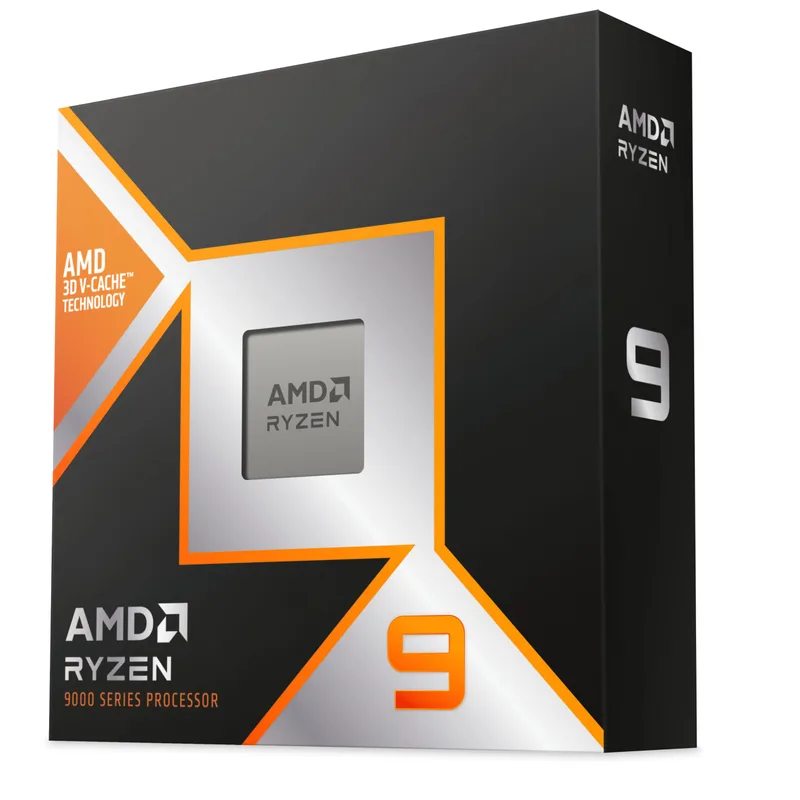
At its current scarce-stock Amazon pricing, the 9950X3D is the chip to buy if your PC has to do two jobs at once: game at near-9800X3D speeds and simultaneously stream, render, or run heavy background tasks without a frame rate penalty. The dual-CCD split between V-Cache and standard cores is exactly the architecture that scenario needs. If your workload is single-threaded — either pure gaming or pure rendering — a cheaper chip on this list does that one job just as well for less money.
Step Down: AMD Ryzen 9 9950X
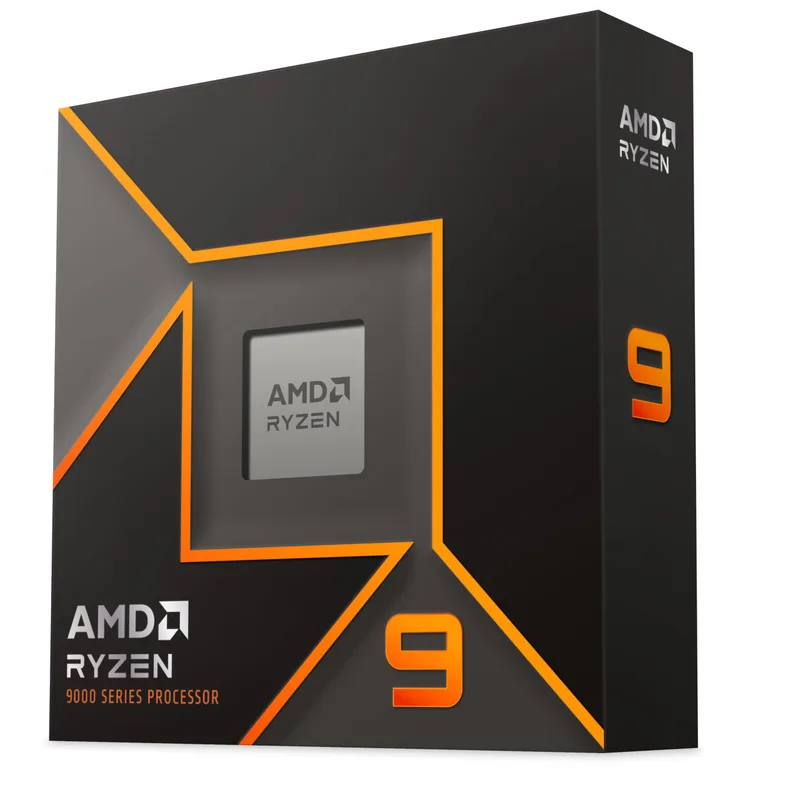
The standard 9950X matches the 9950X3D almost exactly in Cinebench and Blender, because 3D V-Cache does little for throughput-bound rendering work. If you’re building a workstation-first machine where gaming FPS isn’t the priority, the 9950X delivers the same productivity numbers for meaningfully less money, though it still needs the same 360mm-class cooling to run its 16 cores at full boost.
Alternative Platform: Intel Core Ultra 9 285K
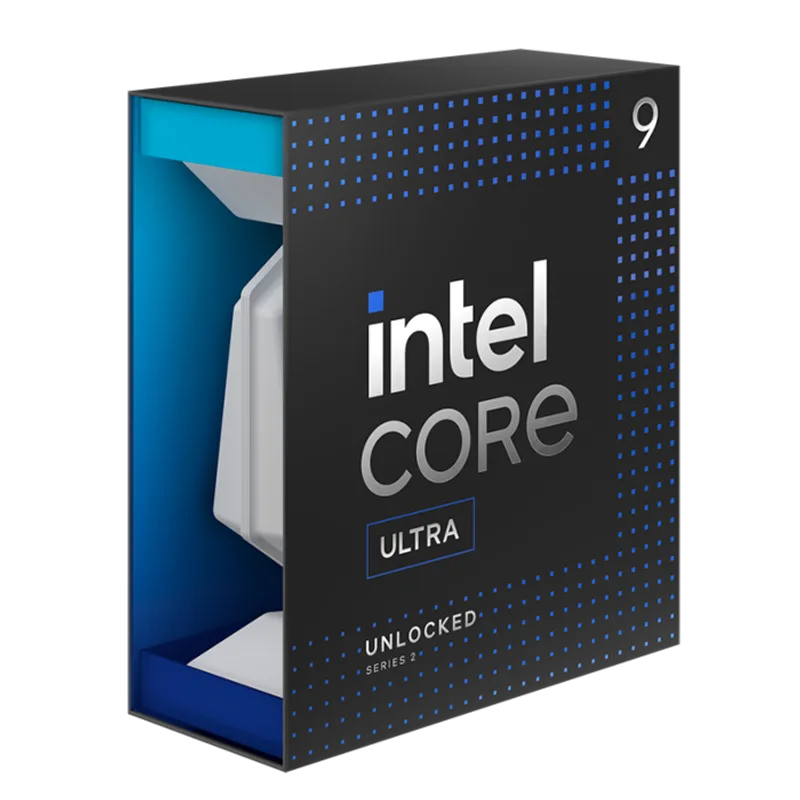
The 285K’s biggest advantage over the 9950X3D isn’t raw performance — it’s Quick Sync. Intel’s integrated Xe-LP graphics can hardware-encode a stream or an export entirely off the CPU, freeing every P-core and E-core for the game or the timeline. For streamers already invested in Intel-optimized encoding pipelines, that’s a genuine alternative approach to the same problem the 9950X3D solves with core scheduling. Where the 285K falls short is gaming FPS in CPU-bound titles, where it trails both AMD X3D chips by a wide margin, and LGA1851’s lack of backward compatibility with older Intel boards.
Frequently Asked Questions
Is the AMD Ryzen 9 9950X3D worth it over the Ryzen 7 9800X3D? Only if you stream, render, or run heavy background tasks alongside gaming. In pure gaming, the two chips land within 3-5% of each other, and the 9800X3D costs roughly 40% less. The 9950X3D’s extra CCD is what lets a streaming encoder or background render run without stealing cycles from the game thread — a benefit the single-CCD 9800X3D can’t offer.
Does the 9950X3D need special configuration for streaming? No manual setup is required on current AMD chipset drivers with an up-to-date Windows Game Bar (KGL 2400 or later) — the scheduler automatically routes the game to the V-Cache CCD and lets encoding software use the second CCD. Some streamers still fine-tune with Process Lasso for tighter manual control, but it isn’t necessary for correct default behavior.
How much faster is the 9950X3D than the plain 9950X in games? Roughly 30% on average across a 16-game 1080p test suite, thanks entirely to the 3D V-Cache stacked on one of its two CCDs. In productivity workloads like Blender and Cinebench, the gap nearly disappears — the two chips are within a few percent of each other.
What cooler does the Ryzen 9 9950X3D need? A 280mm AIO is the practical minimum for gaming-only use given the 170W TDP. For sustained gaming-plus-streaming or gaming-plus-render sessions, step up to a 360mm AIO or a dual-tower air cooler like the Noctua NH-D15 G2 for consistent thermal headroom.
Is the Intel Core Ultra 9 285K a better streaming CPU than the 9950X3D? It depends on your encoding approach. The 285K’s Quick Sync hardware encoder offloads streaming entirely from the CPU, which is a different solution to the same problem the 9950X3D solves through CCD scheduling. But the 285K trails both AMD X3D chips in CPU-bound gaming FPS by a wide margin, so it’s the better pick only if Quick Sync-compatible software is central to your workflow.
The Bottom Line
The AMD Ryzen 9 9950X3D is the CPU to buy specifically for the combination of high-end gaming and simultaneous streaming or content creation — its dual-CCD design lets a V-Cache-equipped die handle the game while a second, standard-clock die absorbs the encoder without a frame rate penalty. If you only game, the Ryzen 7 9800X3D delivers 95%+ of the frame rate for roughly 40% less. If you only render and gaming FPS doesn’t matter, the Ryzen 9 9950X matches its productivity scores without the V-Cache premium. For the streamer who needs both at once, the 9950X3D remains the correct pick in 2026.