Game development demands more from a CPU than almost any other workload — fast compilation for tight iteration loops, multi-threaded muscle for shader baking and asset cooking, and enough single-thread IPC to keep your IDE snappy during long sessions. In August 2026, AMD’s Zen 5 lineup and Intel’s Arrow Lake price cuts have delivered the strongest developer CPU options in years, with the AMD Ryzen 9 9950X now down to ~$485 from its $649 launch price — making 16-core compile power genuinely accessible without a workstation-class budget.
| Spec | AMD Ryzen 7 9800X3D 9.3/10 | AMD Ryzen 9 9950X 9.1/10 | AMD Ryzen 9 9900X 8.6/10 | Intel Core Ultra 9 285K 8.4/10 | Intel Core Ultra 7 265K 8/10 |
|---|---|---|---|---|---|
| cores | 8C / 16T (Zen 5) | 16C / 32T (Zen 5) | 12C / 24T (Zen 5) | 24C (8P+16E) / 24T | 20C (8P+12E) / 20T |
| boost_clock | 5.7 GHz | 5.7 GHz | 5.6 GHz | 5.7 GHz | 5.5 GHz |
| cache | 96 MB L3 (3D V-Cache) | 64 MB L3 | 64 MB L3 | 36 MB L3 | 30 MB L3 |
| socket | AM5 | AM5 | AM5 | LGA1851 (Arrow Lake) | LGA1851 (Arrow Lake) |
| tdp | 120W | 170W | 120W | 125W | 125W |
| Rating | 9.3/10 | 9.1/10 | 8.6/10 | 8.4/10 | 8/10 |
Prices change daily — tap Check Price for the current Amazon price.
Prices change daily — tap Check Price for the current Amazon price.
Quick Picks
Best overall: AMD Ryzen 7 9800X3D ($429) — The 96MB 3D V-Cache isn’t just for gaming. It eliminates the CPU-side hitching that makes playtesting unreliable and keeps iteration loops tight. For developers who spend as much time running their game as building it, nothing else on the market compares.
Best for Unreal Engine 5 and large teams: AMD Ryzen 9 9950X ($485) — 16 Zen 5 cores handle massive shader compilation queues that stall lesser chips. Now $164 cheaper than launch, it’s the right chip for compile-time-critical workflows.
Best value: AMD Ryzen 9 9900X ($329) — 12 Zen 5 cores at $329 cover indie and mid-size studio workloads without the flagship premium, leaving budget for a faster NVMe SSD or more RAM.
Buying Guide: What Game Devs Need in a CPU
Compilation vs. Playtesting — Two Conflicting Demands
Game development creates a CPU tension that most workloads don’t: compilation and shader baking are embarrassingly parallel workloads that scale with core count, while playtesting and debugging run with tight game loops that benefit from high per-core performance and large cache capacity.
The AMD Ryzen 7 9800X3D resolves this tension better than any other consumer CPU. Its 96MB 3D V-Cache handles the cache-sensitive in-engine workloads that cache-starved CPUs stumble on, while its Zen 5 cores handle moderately-sized project builds quickly. For 500+ shader projects with large asset packages, step up to the 9950X’s 16 cores.
Engine-Specific Considerations
Unreal Engine 5 is the most CPU-intensive development environment widely used in 2026. Shader compilation and Lumen GI baking both scale aggressively with thread count. Community reports from UE5 developers consistently point to 12-16+ core CPUs for large projects, with compilation time reductions that approach linear scaling when moving from 8 to 16 cores on shader-heavy builds. The 9950X and the Intel Core Ultra 9 285K are the strongest choices for this engine.
Unity and Godot compile faster and benefit more from per-core IPC. Their build pipelines don’t parallelize as aggressively as UE5’s shader compilation system. The 9800X3D and 9900X are well-matched for these engines, with the 9800X3D pulling ahead during in-engine profiling sessions.
Scripting responsiveness — C#, GDScript, Python build tools — is largely single-threaded during editing. All five CPUs on this list handle scripting workloads without any meaningful difference in day-to-day feel.
Platform: AM5 vs. LGA1851
All three AMD picks use AM5, which supports DDR5 up to DDR5-6400, has an established motherboard ecosystem with lower average prices than Intel’s Z890, and has a confirmed CPU roadmap through Zen 6. AM5 boards at the $150–$200 range offer excellent feature sets for developer workstations.
Both Intel picks require LGA1851 (Z890). The platform supports PCIe 5.0 Gen5 storage and Thunderbolt 4 on most mid-range boards — useful if your workflow involves large file transfers, external capture hardware, or debug probes. Budget $50–$100 more for the motherboard compared to an equivalent AM5 build.
RAM for Game Development
Running a game engine editor, compiler, debug session, and your game instance simultaneously is memory-intensive. 32GB DDR5-6000 is the practical minimum — less than 32GB causes visible paging under typical multi-tool workloads. For console parity testing with large asset streaming, 64GB is worth the investment. Pair any of the AMD chips with DDR5-6000 CL30 for the best balance of bandwidth and latency. The Intel chips run well at DDR5-6400.
Detailed Reviews
AMD Ryzen 7 9800X3D — Best Overall for Game Developers
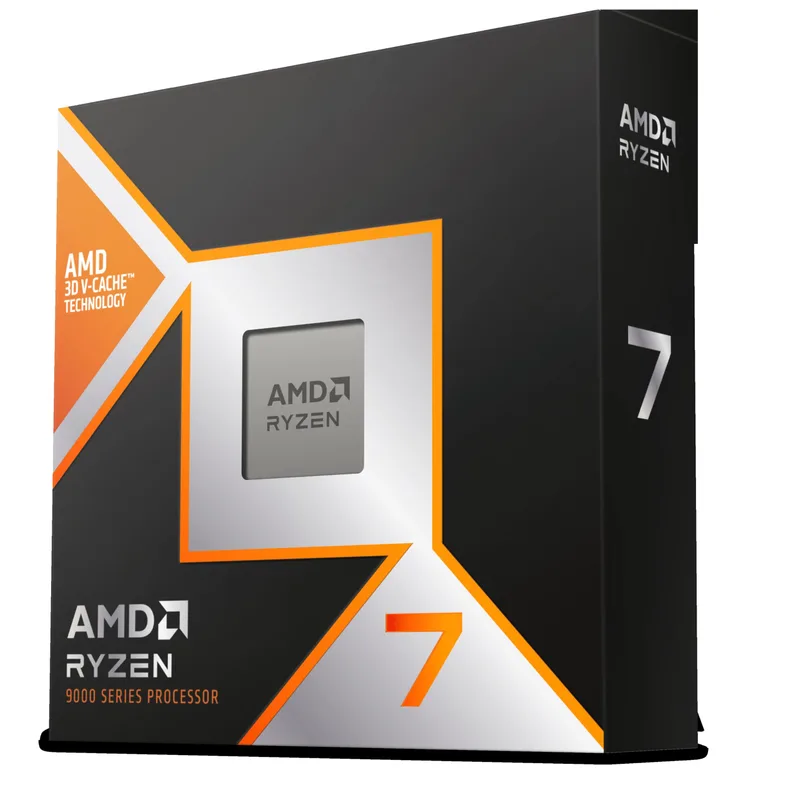
The Ryzen 7 9800X3D earns its top position because it eliminates the distinction between your compilation machine and your test machine. Its 96MB of stacked 3D V-Cache means that when you run your game to diagnose a physics bug or frame-timing issue, the CPU is not the variable — you get an accurate picture of GPU and engine behavior without CPU-induced hitching distorting your profiling data.
In Unreal Engine 5, the 3D V-Cache specifically helps with shader streaming — the runtime cost of pulling shaders into the render pipeline from memory. Owner reports from UE5 developers note substantially fewer CPU-side hitches during Nanite-heavy open-world scenes compared to similarly-clocked chips without 3D cache. This matters most when you’re iterating on geometry-dense environments or debugging Lumen GI behavior: hitches caused by the CPU create false signals that waste engineering time.
On the compile side, 8 Zen 5 cores with strong IPC handle typical indie to mid-size project builds efficiently. The ceiling appears when cooking a 50GB+ UE5 asset package or baking shaders for multi-platform targets simultaneously — that’s where moving up to the 9950X’s 16 cores pays off. For a solo developer or small team on a moderately-sized project, the 9800X3D covers both compile and testing needs without compromise.
At $429, the 9800X3D sits $100 above the 9900X but $56 below the 9950X. The 120W TDP keeps cooling requirements modest — a quality 240mm AIO like the Arctic Liquid Freezer III Pro 360 at full performance, or a premium air cooler, handles it without throttling.
AMD Ryzen 9 9950X — Best for Large Project Compilation
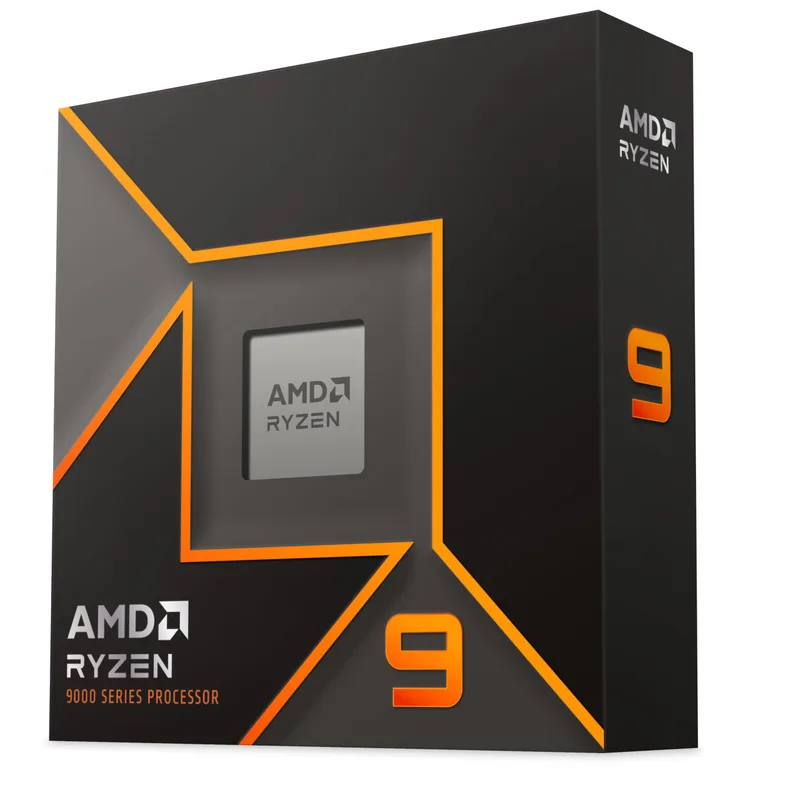
The Ryzen 9 9950X launched at $649 in late 2024 and has dropped substantially through 2026, landing around $485 as of August 2026 — more than a 25% reduction from launch. That price drop makes 16 Zen 5 cores and 32 threads accessible for development workstations that previously required a server-class budget.
Unreal Engine 5 is the benchmark where the 9950X’s core count shines most clearly. UE5’s shader compilation system distributes work across available threads with near-linear scaling up to 16 cores on large projects. For studios baking shaders across PC, Xbox, and PlayStation targets simultaneously, or developers working with 1,000+ material instances in a single scene, the 9950X’s two 8-core Zen 5 CCDs each with 32MB of on-die L3 cache handle compilation queues that would stall 8-core chips for substantially longer.
The 9950X shares the same Zen 5 IPC and 5.7 GHz boost clock as the 9800X3D. Single-threaded compile stages, IDE operations, and script execution feel identical between the two CPUs. What you trade off is the 3D V-Cache: in-engine testing on the 9950X is fast, but you’ll see 10–18% more CPU-induced hitching in cache-sensitive game scenarios compared to the 9800X3D. For a developer who runs long compile jobs and only playtests periodically, that trade-off is acceptable.
Plan your build around the 170W TDP. A 280mm or 360mm AIO — like the NZXT Kraken Elite 360 RGB at $279 — keeps the 9950X running at full boost under sustained compile loads. A quality B850 or X870 motherboard with a strong VRM is equally important to sustain the full core count under load.
AMD Ryzen 9 9900X — Best Value for Game Developers
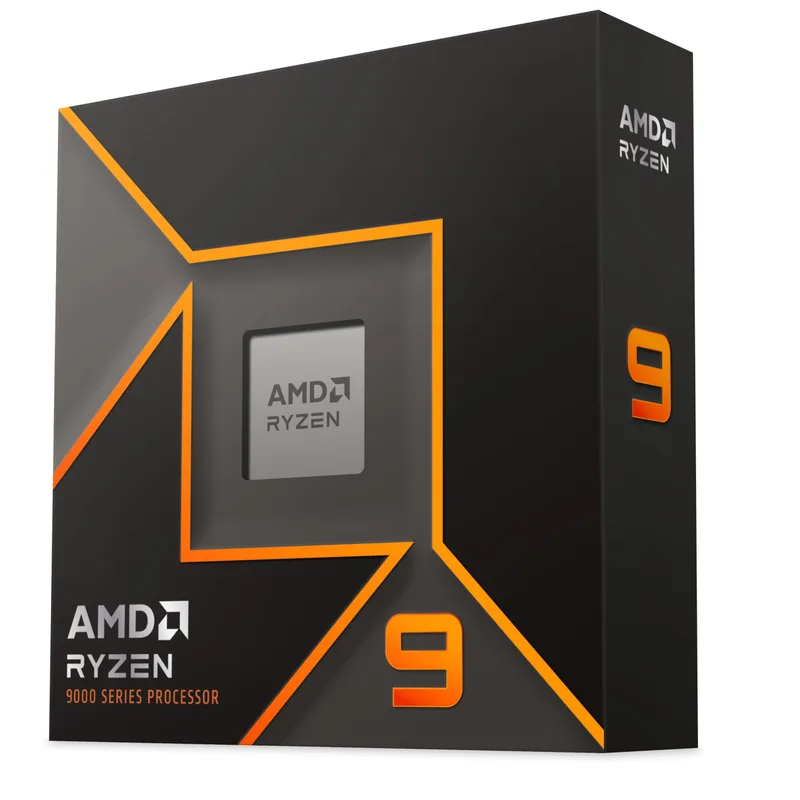
The Ryzen 9 9900X has seen dramatic price reductions from its original $500 MSRP down to $329 in mid-2026 — a 34% drop that repositions it as the clear value choice for indie developers and small studios. Twelve Zen 5 cores cover the compile workloads of most game projects without the flagship pricing of the 9950X or 9800X3D.
The 9900X shares the same Zen 5 architecture and per-core IPC as its more expensive siblings. The 5.6 GHz boost clock — one step below the 9950X’s 5.7 GHz — is effectively imperceptible in day-to-day compile and debugging work. For Unity, Godot, or mid-scale Unreal projects with under 500 shaders, 12 cores compile quickly enough that the gap versus the 9950X is measured in minutes per build session, not hours.
At 120W TDP, the 9900X runs comfortable on a 240mm AIO without throttling under sustained compile loads. This keeps the total build cost lean — the $156 saved versus the 9950X goes further invested in a higher-capacity NVMe SSD for asset streaming or an upgrade from 32GB to 64GB DDR5.
The 9900X on AM5 also represents a clear upgrade path: Zen 6 successors will use the same AM5 socket, so you can drop in a 16-core Zen 6 chip in 2027 or 2028 without replacing the platform. For a long-term developer workstation with budget constraints now but upgrade intentions later, this is the right starting point.
Intel Core Ultra 9 285K — Best Intel for Game Dev
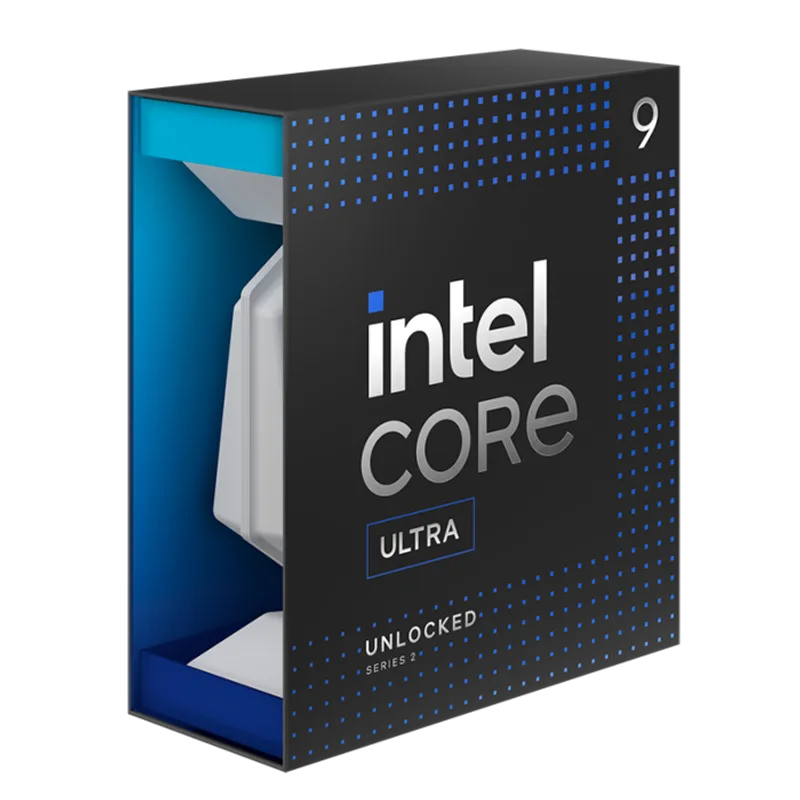
The Intel Core Ultra 9 285K brings 24 physical cores to the LGA1851 platform at $499 — the highest core count on this list, and the most parallel compilation capacity available in a consumer package. For development pipelines that involve distributed build systems, simultaneous multi-platform shader baking, or large CI/CD workflows running locally, 24 cores across Arrow Lake’s P-core and E-core cluster provide tangible advantages.
The 16 E-cores handle background system tasks — version control syncing, asset preview servers, monitoring tools — without pulling resources from the 8 P-cores doing the heavy compilation work. Intel Thread Director manages this routing automatically based on workload type. The practical result during a long compile session is that your Git pulls and asset pipeline processes don’t noticeably delay the build.
AVX-512 support is a differentiator for specific workloads. Game developers building physics simulation systems, ML-driven NPC behavior trees, or procedural generation tooling in C++ can tap AVX-512 SIMD instructions for measurable performance gains in those pipelines — none of the AMD chips on this list support AVX-512.
The trade-offs are platform cost and single-thread IPC. The LGA1851 platform requires a Z890 motherboard — quality boards start around $180, versus $150 for comparable AM5 options. Arrow Lake’s single-threaded IPC trails Zen 5 at equivalent clocks, so IDE responsiveness and hot-reload feel less snappy than on the 9800X3D or 9950X. In-engine playtesting also trails the 9800X3D meaningfully — there’s no Arrow Lake equivalent of AMD’s 3D V-Cache.
Intel Core Ultra 7 265K — Best Budget Intel for Game Dev
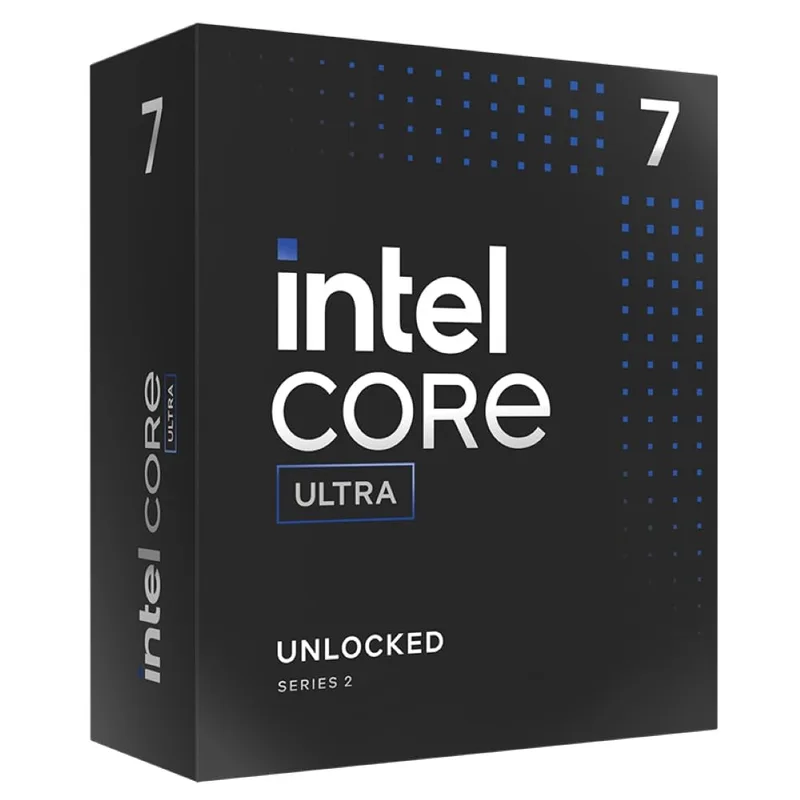
The Intel Core Ultra 7 265K has fallen significantly from its $399 launch price to around $279 in 2026 — Intel’s competitive adjustment following AMD’s strong Zen 5 showing. At that price, 20 cores (8 P-cores + 12 E-cores) on LGA1851 represent real parallel compilation capacity for budget-limited developer setups.
Thread Director’s automatic workload routing is genuinely useful for game development multi-tasking. When you’re compiling in the background while running a previous build in a debug session and syncing assets from source control, the 265K distributes those loads across core types without manual configuration. The P-cores stay focused on compilation; the E-cores absorb the background services.
The main technical limitation is the 30MB L3 cache — significantly smaller than AMD’s 64–96MB across this list. During in-engine testing, this cache deficit shows up as more frequent shader stutter in asset-heavy scenes, which makes CPU bottleneck diagnosis less clean. The 265K is a strong compile machine that’s less suited for precision playtesting.
At $279, the 265K’s budget positioning is partially offset by the Z890 motherboard requirement. An AM5 board at the same total system cost often leaves more budget for faster storage or additional RAM than a Z890 equivalent. The AMD Ryzen 9 9900X at $329 on a $150 AM5 board reaches similar total platform costs while offering 12 Zen 5 cores with better cache capacity. The 265K makes the most sense if you’re already invested in the LGA1851 platform or anticipate moving to Arrow Lake Refresh (Core Ultra Series 3) within the next 12 months.
FAQ
Is the Ryzen 7 9800X3D actually better for game development than a 16-core CPU?
It depends on your primary bottleneck. If you spend comparable time playtesting and profiling as you do compiling, the 9800X3D’s 3D V-Cache delivers more accurate in-engine testing conditions and significantly fewer CPU-induced hitches. If compilation time is the primary constraint — daily shader baking for a large UE5 project — the 9950X’s 16 cores win. Solo developers and small teams working in Unity or Godot almost always benefit more from the 9800X3D. UE5 studios working at scale should move up to the 9950X.
How much RAM does a game development workstation need?
32GB DDR5 is the practical minimum for running a game engine editor, compiler daemon, and a game instance simultaneously without paging. If you’re running multiplayer server simulations alongside the client, or testing with large streaming asset sets, 64GB DDR5 is a worthwhile investment. All five CPUs on this list support DDR5. Pair AMD chips with DDR5-6000 CL30; Intel chips run best at DDR5-6400.
Does AM5 or LGA1851 offer the better upgrade path for a developer workstation?
AM5 carries less platform risk for most developers. AMD has publicly confirmed Zen 6 compatibility with the AM5 socket, giving a clear 2027–2028 upgrade path without a platform change. Z890 (LGA1851) supports Arrow Lake Refresh, but Intel’s socket longevity track record is shorter. For a workstation you intend to upgrade incrementally, AM5’s confirmed roadmap and lower average motherboard costs make it the safer platform investment.
Does a higher core count CPU meaningfully reduce Unreal Engine 5 compile times?
Yes — UE5’s shader compilation system parallelizes well up to 16 cores on large projects. Community reports from UE5 developers describe compile time reductions approaching linear scaling when moving from 8 to 16 cores for shader-heavy builds. Asset cooking and Lumen baking also benefit from more cores. For small to mid-size projects, the gains taper off beyond 12 cores, which is why the 9900X is the value recommendation for most teams.
Can I use a game development CPU for gaming on the same machine?
All five CPUs handle gaming adequately. The 9800X3D is the fastest gaming CPU on this list — by a wide margin — which means you can playtest your game on hardware representative of high-end PC gaming, a genuine editorial advantage when building for that market. The 9950X and 285K are both capable gaming CPUs but trail the 9800X3D by 10–18% in CPU-limited scenarios. For a developer who also games seriously, the 9800X3D is the only choice that serves both roles at peak level.
The Bottom Line
For most game developers in 2026, the AMD Ryzen 7 9800X3D is the right answer — it handles compile workloads efficiently, and its 3D V-Cache delivers in-engine testing accuracy that no other consumer CPU matches. Teams running heavy Unreal Engine 5 workflows should move up to the AMD Ryzen 9 9950X, now at ~$485 following significant price reductions from its $649 launch, for the best parallel shader compilation available on AM5. On a tighter budget, the AMD Ryzen 9 9900X at $329 covers indie and mid-size studio workflows without compromise, on the same AM5 platform with a clear upgrade path to Zen 6.