AMD’s Ryzen 9 9950X3D launched in early 2026 with 2nd-gen 3D V-Cache and immediately claimed the top slot in CPU rendering benchmarks — and after dropping from its $700 MSRP to around $639 on Amazon, it’s now more attainable for Blender professionals. Below it, the standard Ryzen 9 9950X covers 98% of that render throughput for $499, while the Intel Core Ultra 9 285K challenges with 24 hybrid cores and the group’s highest raw Cinebench 2026 MT number. This roundup covers the full tier from budget 8-core AM5 entry to the fastest mainstream CPU for Cycles, EEVEE Next, and long-form multi-threaded render jobs.
| Spec | AMD Ryzen 9 9950X3D 9.5/10 | AMD Ryzen 9 9950X 9.1/10 | Intel Core Ultra 9 285K 8.6/10 | AMD Ryzen 9 9900X 8.4/10 | AMD Ryzen 7 9700X 7.9/10 |
|---|---|---|---|---|---|
| Cores / Threads | 16C / 32T | 16C / 32T | 24C (8P + 16E) / 24T | 12C / 24T | 8C / 16T |
| Boost Clock | 5.7 GHz | 5.7 GHz | 5.7 GHz | 5.6 GHz | 5.5 GHz |
| L3 Cache | 128MB (3D V-Cache) | 64MB | 36MB | 64MB | 40MB |
| TDP | 170W | 170W | 125W base / 253W max | 120W | 65W |
| Socket | AM5 | AM5 | LGA1851 | AM5 | AM5 |
| Cinebench 2024 MT | ~2,390 | ~2,340 | ~2,416 | ~1,810 | ~1,280 |
| Rating | 9.5/10 | 9.1/10 | 8.6/10 | 8.4/10 | 7.9/10 |
Prices change daily — tap Check Price for the current Amazon price.
Prices change daily — tap Check Price for the current Amazon price.
Quick Picks
- Best Overall: AMD Ryzen 9 9950X3D — leads all consumer CPUs in Blender Classroom and BMW scenes; uniquely the best gaming CPU on AM5 simultaneously
- Best Value: AMD Ryzen 9 9950X — within 2% of the 9950X3D in Blender for $140 less; the rational pick for pure rendering workstations
- Best Mid-Range: AMD Ryzen 9 9900X — dropped to ~$343 in 2026; 12-core Zen 5 outperforms the prior-gen 5950X at half the original cost
Buying Guide: What Matters for Blender CPU Rendering
Core Count Is the Primary Driver
Blender’s Cycles renderer is nearly embarrassingly parallel — each additional physical core cuts render time close to linearly until you hit memory bandwidth or scene complexity limits. Doubling cores from 8 to 16 cuts a 10-minute render to roughly 5 minutes under identical clocks. Single-core speed matters for viewport interaction, shader compilation, and sculpting responsiveness, but has diminishing returns above 5 GHz.
AMD Homogeneous vs. Intel Hybrid Architecture
AMD’s Zen 5 design uses homogeneous cores — every core is equally capable of handling ray-tracing workloads. Intel’s Arrow Lake hybrid design mixes high-performance P-cores with lower-power E-cores. In synthetic multi-core tests like Cinebench 2026, the 285K’s 24 total cores produce the highest number in this group. In actual Blender render time, AMD’s equal-performance cores often match or narrow the Intel gap because Blender’s BVH ray traversal extracts less throughput from E-cores per thread than from P-cores.
3D V-Cache and BVH Traversal
The Ryzen 9 9950X3D’s 128MB L3 (vs. 64MB on the 9950X) keeps more of Blender’s scene geometry in fast cache during BVH intersection testing. According to Puget Systems’ content creation benchmark data, the 9950X3D leads the 9950X by roughly 5–7% in dense geometry scenes (architectural visualization, fluid simulations, particle-heavy renders) and 2–3% in simpler scenes. The advantage scales with geometric complexity.
RAM for Blender
Large Blender scenes regularly demand 32–128GB of system RAM. All five CPUs here use DDR5 — there is no DDR4 support on AM5 (AMD) or LGA1851 (Intel). Plan on at least 32GB DDR5-6000 CL30 for professional work. Scenes with 500K+ polygons, complex particle systems, or high-resolution texture stacks benefit from 64GB. Check the best DDR5 RAM kits for 2026 for current DDR5 pricing given ongoing memory market volatility.
CPU vs. GPU Rendering
This article covers CPU rendering. Blender 4.x also supports GPU rendering via CUDA/OptiX (NVIDIA) and HIP (AMD Radeon), which is typically 5–10× faster than even a 16-core CPU for most Cycles scenes. An RTX 5070 completes renders the 9950X takes 10 minutes on in under 2 minutes. CPU rendering remains relevant when VRAM is exhausted by high-poly scenes, when rendering on headless servers, or when GPU driver compatibility is a concern for production pipelines. Most professional setups use GPU rendering for final frames and CPU rendering as a fallback.
Platform Compatibility
All four AMD chips use the AM5 socket — compatible with X870E, X870, B850, and B650 boards with appropriate BIOS updates. The Intel Core Ultra 9 285K requires the new LGA1851 socket and a 600-series Intel board (Z890, B860). LGA1851 is not backward-compatible with LGA1700 systems — factoring in motherboard cost, an Intel Arrow Lake build runs $150–200 more than an AM5 alternative at equivalent CPU tiers.
Detailed Reviews
AMD Ryzen 9 9950X3D — Best Overall
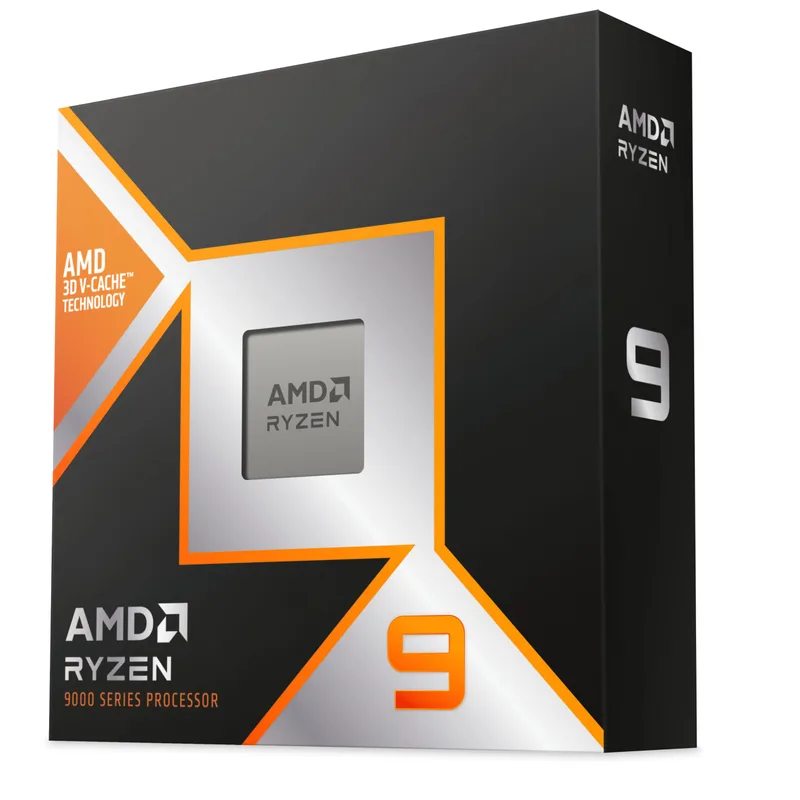
The Ryzen 9 9950X3D is AMD’s flagship AM5 CPU for creators who need maximum CPU rendering throughput without sacrificing gaming capability. Its 2nd-gen 3D V-Cache stacks 64MB of additional SRAM on top of the Zen 5 die, bringing total L3 to 128MB. According to benchmark data published by GamersNexus and Puget Systems, it leads all consumer AM5 CPUs in Blender Classroom, BMW, and Junkshop scenes.
The V-Cache advantage over the standard 9950X is most pronounced in geometrically complex renders — high-poly architectural visualization, dense particle effects, and fluid simulations where BVH data pressure exceeds the 9950X’s 64MB L3. In lower-complexity Blender projects, the margin shrinks to 2–3%. The $140 premium over the 9950X justifies itself primarily in three scenarios: you also game seriously (the cache is transformative for cache-sensitive titles), you render large scenes regularly where the 5–7% margin compounds across long overnight jobs, or you simply want the fastest consumer CPU available.
At 170W TDP, this chip runs hot under sustained rendering load. A 360mm AIO or Noctua NH-D15 G2 class dual-tower cooler is the minimum recommendation — inadequate cooling will cause thermal throttling that erodes the very render advantage you paid for.
Who should buy this: Creators who blend gaming sessions with serious Blender work, professionals rendering geometrically dense scenes overnight, and anyone who wants the unambiguous top of the AM5 hierarchy.
AMD Ryzen 9 9950X — Best Value for Pure Rendering
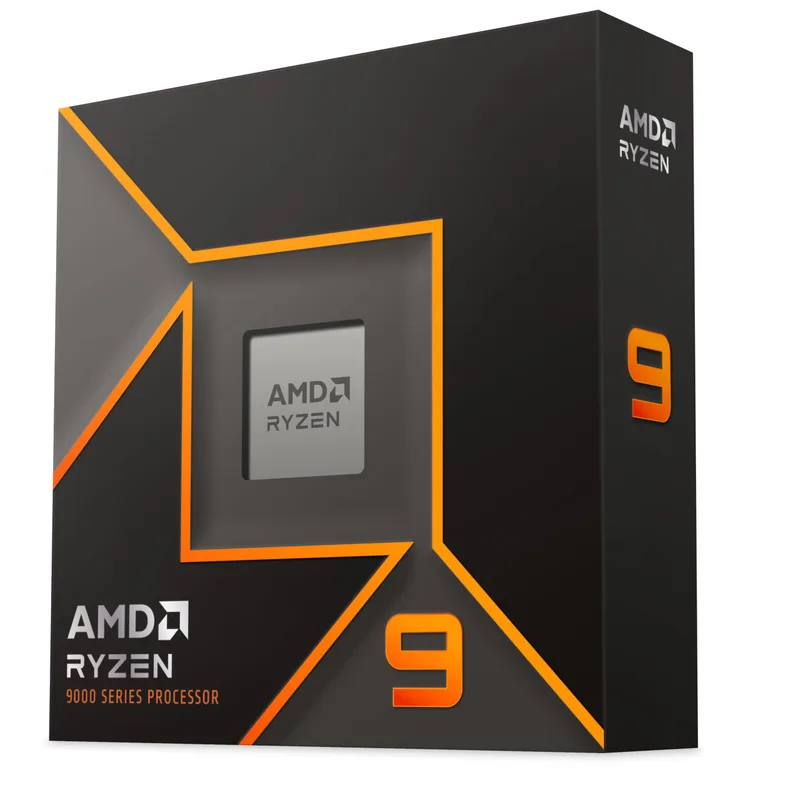
The Ryzen 9 9950X scores ~2,340 in Cinebench 2026 MT — within 2% of the 9950X3D — and per third-party render benchmarks, completes the Blender BMW scene only marginally slower than its V-Cache sibling. For creators who render more than they game, this is the rational ceiling. You’re leaving 2–5% of Blender performance on the table relative to the 9950X3D and saving $140.
The 9950X benefits from the same Zen 5 IPC jump that makes this generation competitive: roughly 16% faster per clock compared to the Zen 4 Ryzen 9 7950X. Paired with 64GB DDR5-6000, it handles large architectural renders and multi-layer compositing without memory pressure for typical professional workloads. The 64MB L3 is the only meaningful gap versus the 9950X3D, and it matters only when scene complexity pushes BVH data past that cache threshold.
The 9950X hit its current ~$499 price level in late April 2026 after a series of market corrections. Given the 9900X’s 12-core ceiling, the 9950X delivers a genuine 25–30% render time reduction for the same $156 price gap — a proportionally better upgrade step than the 9950X3D’s marginal gain over it.
Who should buy this: Professional Blender artists, VFX studios building CPU render nodes, and 3D architects who render more than they game — the 9950X is the pragmatic top of the AMD rendering stack.
Intel Core Ultra 9 285K — Best Intel Option
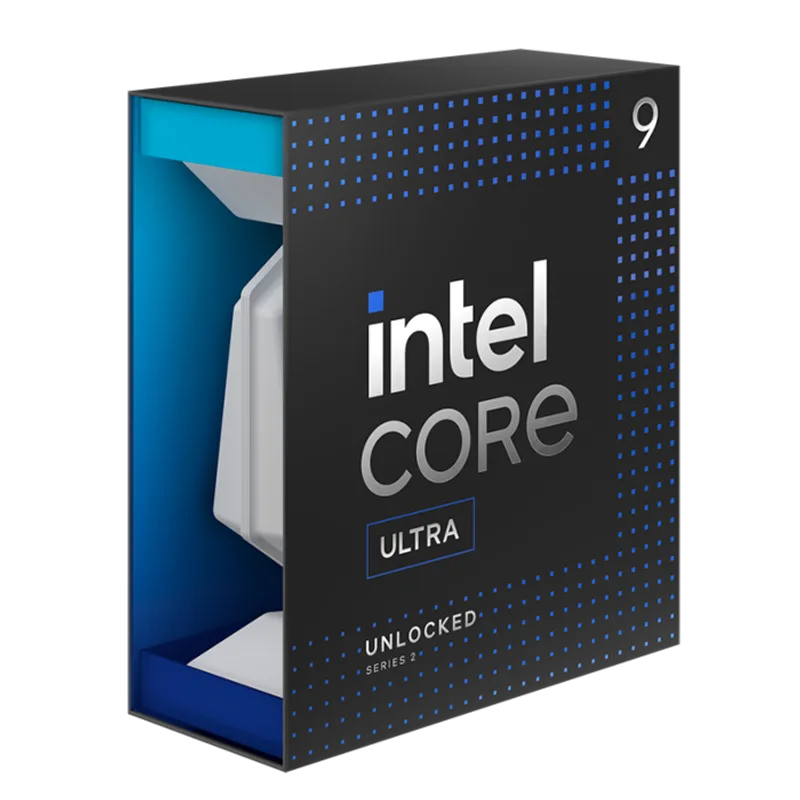
The Core Ultra 9 285K is Intel’s Arrow Lake flagship, and its 24-core hybrid configuration (8 P-cores + 16 E-cores) produces the highest raw Cinebench 2026 MT score in this group at ~2,416. That’s a real lead in synthetic threading benchmarks, but the picture shifts in actual Blender rendering.
Per benchmark data from Hardware Busters and reviewed specs from independent CPU review sites, the 285K’s BMW scene render time comes in at approximately 91 seconds versus the 9950X’s ~89 seconds. The hybrid core architecture gives Blender more threads to schedule work across, but Intel’s E-cores complete fewer ray-tracing operations per unit of time compared to AMD’s performance cores — so the raw thread count advantage in CB2024 MT doesn’t carry fully into Blender’s BVH ray traversal.
At $535, the 285K sits between the 9950X and 9950X3D in price, but requires a new LGA1851 motherboard, raising the total platform entry cost. Where it earns its place: the 285K’s strong single-core P-core speed (5.7 GHz) keeps non-rendering creative tools like Adobe Premiere Pro, DaVinci Resolve timeline scrubbing, and some game engines noticeably responsive, and its DDR5-6400 native bandwidth is a genuine platform advantage for tools that stream large asset libraries from RAM.
Who should buy this: Users already invested in an Intel ecosystem, or creators running mixed Adobe + Blender workflows where single-core performance in timeline tools matters alongside rendering throughput.
AMD Ryzen 9 9900X — Best Mid-Range
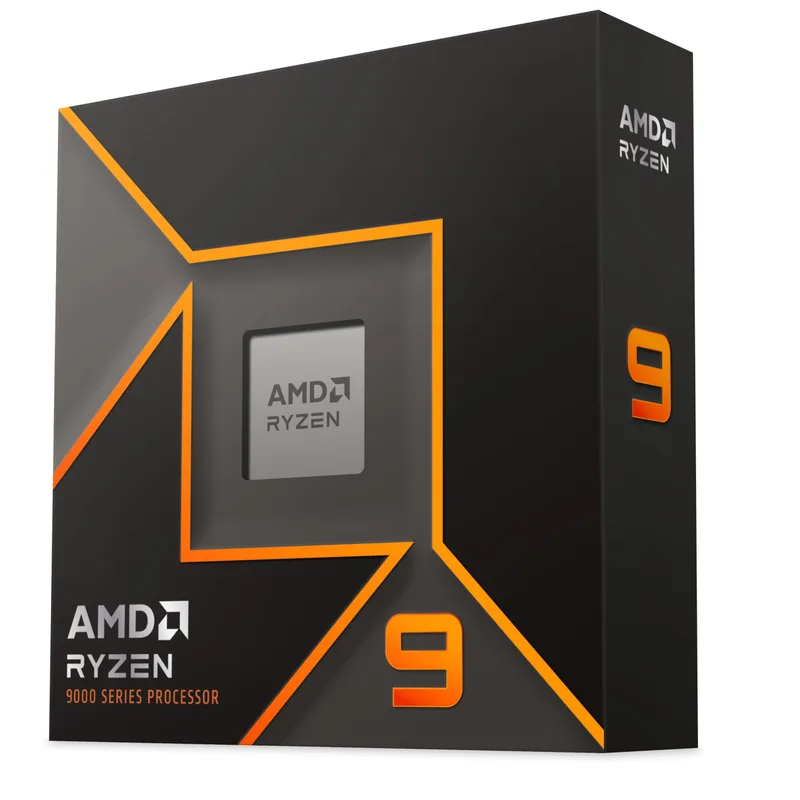
The Ryzen 9 9900X has dropped from its $499 launch MSRP to around $343 street price in 2026, making it one of the stronger value positions in the CPU market right now. Twelve Zen 5 cores at 5.6 GHz boost delivers Cinebench 2026 MT around 1,810 — faster than the Ryzen 9 5950X’s 16-core Zen 3 design, which launched at $800, thanks to the per-core IPC improvements in Zen 5.
The 120W TDP gives the 9900X a meaningful practical advantage over the 170W chips above it. A quality dual-tower cooler like the DeepCool AK620 ($65) handles full sustained render load without thermal throttling, and system noise under overnight render jobs stays manageable. For a dedicated render workstation running 8-hour batches, that thermal envelope matters for component longevity.
The honest limitation is render time. Compared to a 9950X at the same clock, the 9900X needs roughly 25–30% more time to complete identical CPU-bound Blender scenes. On a 30-minute render, that’s a 7–9 minute penalty. For creators running shorter interactive renders under 10 minutes, or who offload final frames to GPU rendering and use the CPU mainly for previews, the 9900X keeps pace with professional needs at a substantially lower cost.
Who should buy this: Intermediate and freelance Blender users, studio artists building a tight-budget render machine, and creators who pair CPU rendering with GPU rendering (CUDA/HIP) for final output where the CPU handles previews only.
AMD Ryzen 7 9700X — Best Budget Entry
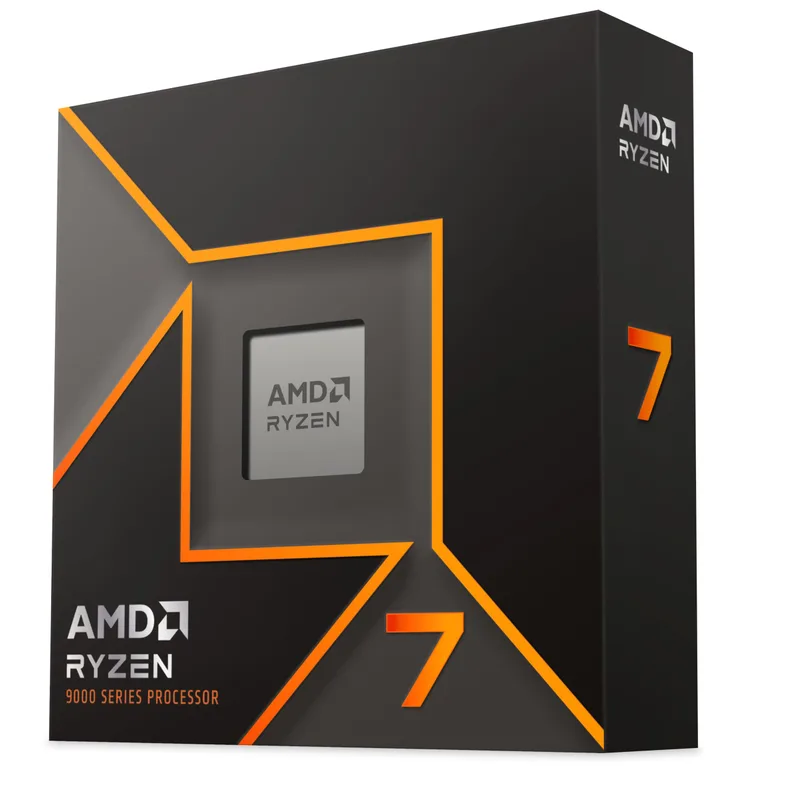
Eight Zen 5 cores at 65W TDP makes the Ryzen 7 9700X the most thermally efficient CPU on this list. At $265, it’s the cheapest AM5 entry point for Blender, and its Cinebench 2026 MT score of approximately 1,280 beats every prior-gen 8-core design — the Zen 5 IPC jump makes a meaningful difference at this core count.
Per Blender Open Data benchmark figures, the 9700X scores competitively in the Monster, Junkshop, and Classroom scenes relative to its 8-core positioning — faster samples-per-minute than the Ryzen 7 7700X despite the same core count. The 65W thermal limit means a basic dual-tower cooler like the Thermalright Peerless Assassin 120 SE ($35) handles full render load without throttling and without notable fan noise. Power costs for all-night render jobs are also measurably lower than the 170W chips above.
The render time trade-off is significant. The 9700X needs roughly twice as long to complete the same Blender scene as a 9950X at equivalent clocks. A 20-minute render becomes 40 minutes. For creators producing short clips, product visualization stills, or learning environments, that’s workable — final renders stay under an hour. For 4K animation or volumetric simulations, the 9700X will bottleneck output and a GPU render offload becomes essential rather than optional.
The AM5 upgrade path is the key long-term argument for the 9700X over a B-tier last-gen chip: when budget allows, swapping in a 9950X costs only the CPU — no board or RAM change required.
Who should buy this: Blender students, hobbyists, and creators on a tight build budget who will pair CPU rendering with a GPU for final output — the 9700X leaves room in the budget for a stronger GPU investment.
FAQ
Does Blender use all CPU cores for rendering? Yes. Blender’s Cycles renderer distributes ray-tracing samples across every logical thread simultaneously. More cores means faster renders — nearly linearly until memory bandwidth or BVH complexity becomes the bottleneck. A 16-core CPU completes the same Cycles render in roughly half the time of an 8-core CPU at equivalent clocks.
Should I use CPU or GPU rendering in Blender? GPU rendering via CUDA/OptiX (NVIDIA) or HIP (AMD Radeon) is typically 5–10× faster than CPU rendering for most Cycles scenes. CPU rendering remains useful when VRAM is exhausted by high-polygon scenes, when rendering on headless servers, or when GPU driver compatibility is a concern. Most professional setups render final frames on the GPU and use CPU rendering for fallback or distributed rendering across multiple machines without GPU resources.
Is the Ryzen 9 9950X3D worth $140 more than the 9950X for Blender? For pure rendering only, generally no — the 9950X comes within 2–5% in most Blender scenes for $140 less. The 9950X3D’s value proposition is the dual use case: it’s simultaneously the fastest gaming CPU on AM5 and the fastest rendering CPU. If you primarily render and don’t game seriously, the 9950X is the better buy.
Does the Intel Core Ultra 9 285K support DDR4? No. Arrow Lake (LGA1851) requires DDR5 — there is no DDR4 support. The same applies to all AM5 AMD chips on this list. DDR4 systems are limited to LGA1700 Intel or AM4 AMD platforms, which are previous generation.
What RAM should I pair with these CPUs for Blender? Minimum 32GB DDR5 for serious Blender work. DDR5-6000 CL30 is the AMD AM5 sweet spot — G.Skill Trident Z5 Neo RGB or Kingston FURY Beast DDR5-6000 CL30 are solid picks. 64GB is recommended for scenes with 500K+ polygons, dense particle systems, or large texture sets. See the best DDR5 RAM kits for 2026 for current pricing given DDR5 market volatility.
Can I pair any of these CPUs with an AM4 or LGA1700 motherboard? No. All four AMD chips use AM5, not AM4. The Intel 285K uses LGA1851, not LGA1700. These are new platforms requiring new boards and DDR5.
The Bottom Line
The AMD Ryzen 9 9950X3D is the fastest consumer CPU for Blender rendering in 2026 — its 128MB 3D V-Cache advantage is real in dense geometry scenes, and its price has come down from the $700 launch to around $639. For creators who don’t game, the Ryzen 9 9950X at $499 captures 95–98% of that render performance for $140 less and is the pragmatic top of the AMD rendering stack. Mid-range users should look hard at the Ryzen 9 9900X at $343 — 12-core Zen 5 at that price is a deal that didn’t exist a year ago. All four AMD options share the AM5 socket, meaning future CPU upgrades are a single chip swap with no board or RAM change required.