HDD prices are up roughly 46% since September 2025 — AI data centers have absorbed most of the global supply from Western Digital, Seagate, and Toshiba, and WD has confirmed it is completely sold out through 2026. Despite that, a mechanical hard drive still delivers the cheapest terabytes available for overflow game storage. The five drives below are confirmed available on Amazon in June 2026 and cover every meaningful use case, from the fastest CMR 7200 RPM option to the most affordable entry point.
| Spec | WD Black 4TB Gaming Internal Hard Drive (WD4006FZBX) 8.5/10 | Toshiba X300 6TB Performance & Gaming (HDWR760XZSTA) Unavailable 8.8/10 | Seagate Barracuda 4TB Internal Hard Drive (ST4000DMZ04) 7.2/10 | WD Blue 8TB Desktop Internal Hard Drive (WD80EAAZ) 8/10 | Seagate IronWolf 4TB NAS Internal Hard Drive (ST4000VNZ06) 8.2/10 |
|---|---|---|---|---|---|
| Capacity | 4TB | 6TB | 4TB | 8TB | 4TB |
| RPM | 7200 RPM | 7200 RPM | 5400 RPM | 5640 RPM | 5400 RPM |
| Recording | CMR | CMR | SMR (Drive-Managed) | CMR | CMR |
| Cache | 256MB | 512MB | 256MB | 256MB | 64MB |
| Interface | SATA 6Gb/s | SATA 6Gb/s | SATA 6Gb/s | SATA 6Gb/s | SATA 6Gb/s |
| Warranty | 5 years | 3 years | 2 years | 2 years | 3 years |
| Rating | 8.5/10 | 8.8/10 | 7.2/10 | 8/10 | 8.2/10 |
Prices change daily — tap Check Price for the current Amazon price.
Prices change daily — tap Check Price for the current Amazon price.
Quick Picks
- Best overall: Toshiba X300 6TB — 7200 RPM CMR with a 512MB cache at $181.60. Better value per GB than the WD Black and faster than any 5400 RPM option.
- Best value CMR: Seagate IronWolf 4TB — $95 gets you CMR recording with a 3-year warranty. Beats the Barracuda on install speed at a lower price.
- Highest capacity: WD Blue 8TB — 8TB CMR for $228.99 if you need to archive a full library.
What You Need to Know Before Buying
CMR vs. SMR: This Is the Most Important Spec for Gaming
The single most important thing to understand about buying an HDD for gaming in 2026 is the difference between CMR (Conventional Magnetic Recording) and SMR (Shingled Magnetic Recording).
CMR drives write data directly to tracks without overlap. Random writes happen at full speed. When you install a 100GB game, the drive handles it without hesitation.
SMR drives overlap magnetic tracks to pack more data into the same space. Reads are fine. But when writing to full regions, the drive must re-read and re-write adjacent tracks — this causes write speeds to crater from 190 MB/s down to 40-60 MB/s during sustained installs. A 100GB game that installs in 8 minutes on a CMR drive can take 20+ minutes on a drive-managed SMR drive under load.
The Seagate Barracuda 4TB on this list uses SMR. It is the cheapest option, and for loading already-installed games it performs fine. But if you install large games frequently, a CMR drive is worth the extra cost.
Drives on this list and their recording tech:
| Drive | Recording | 7200 RPM? |
|---|---|---|
| WD Black 4TB | CMR | Yes |
| Toshiba X300 6TB | CMR | Yes |
| Seagate Barracuda 4TB | SMR | No |
| WD Blue 8TB | CMR | No |
| Seagate IronWolf 4TB | CMR | No |
Capacity Sweet Spot in 2026
With HDD prices up ~46% from September 2025 lows, larger capacity drives are increasingly competitive on a per-TB basis. A 4TB drive at $149.99 costs $37.50/TB. The 6TB Toshiba X300 at $181.60 works out to $30.27/TB. The 8TB WD Blue at $228.99 is $28.62/TB — now the best value per TB on this list.
The 6-8TB range offers the best $/TB right now. If you only want to offload 10-15 older titles, a 4TB drive is sufficient. For a full multi-game archive, 6-8TB is the practical minimum.
HDD as a Secondary Drive
None of these drives should be your boot or primary game drive. Modern SSDs load games 3-5x faster than any HDD. The right strategy for most builds in 2026 is:
- Primary: 1-2TB NVMe SSD for the OS, apps, and current active games
- Secondary: 4-8TB HDD for installed game archives, recordings, screenshots, and games you rotate in
Copying a game from the HDD to your SSD before a session takes 1-3 minutes for a typical 50-100GB title at 180-240 MB/s.
Detailed Reviews
1. WD Black 4TB Gaming Internal Hard Drive (WD4006FZBX)
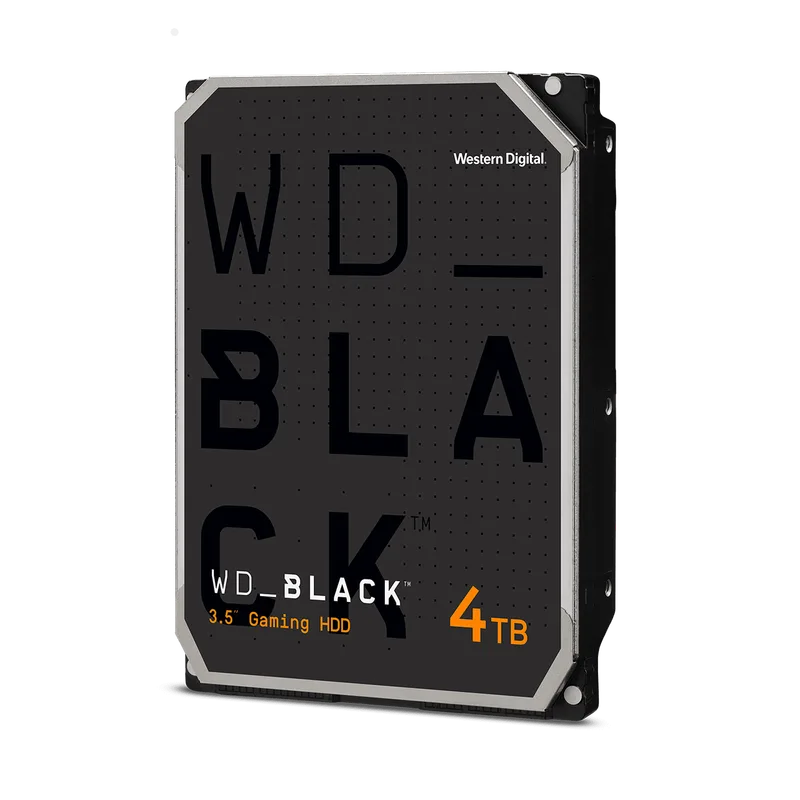
WD Black 4TB Gaming Internal Hard Drive (WD4006FZBX)
The WD Black 4TB (WD4006FZBX) is the fastest desktop HDD on this list. At 7200 RPM with CMR recording and a 256MB cache, it delivers sequential reads above 240 MB/s on outer tracks — closer to entry-level SSD territory than a typical 5400 RPM consumer drive.
The gaming-tuned firmware prioritizes consistent seek times, which matters when a game engine is loading dozens of asset files in sequence rather than one large sequential file. Owner reports on the WD Black consistently note quieter operation than older WD Black generations, with the drive running at 43°C under sustained load in a well-ventilated case.
The 5-year warranty is the best on this list. Given that HDDs are wear items that can fail years into ownership, this matters — the Seagate Barracuda and WD Blue only cover 2 years.
The main argument against it: $244.99 for 4TB. That’s $61/TB. The Toshiba X300 6TB gives you 7200 RPM CMR at $30/TB. Unless you specifically need exactly 4TB and want the longest warranty, the Toshiba offers more drive for less money.
2. Toshiba X300 6TB (HDWR760XZSTA)
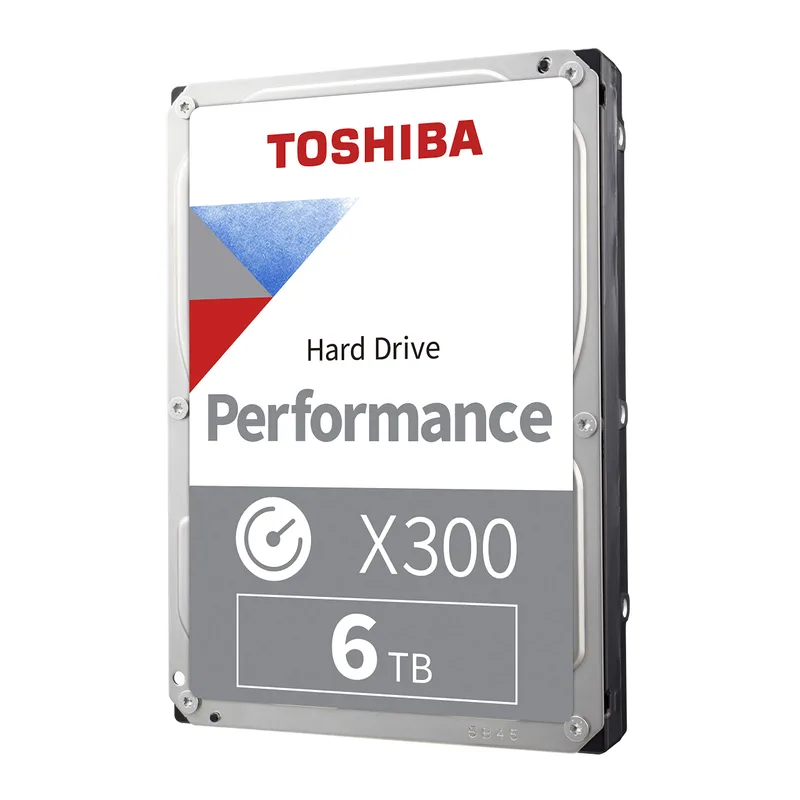
Toshiba X300 6TB Performance & Gaming (HDWR760XZSTA)
The Toshiba X300 6TB (HDWR760XZSTA) is the strongest all-around option on this list. It runs at 7200 RPM, uses CMR recording, and ships with a 512MB buffer — twice the cache of the WD Black 4TB, and eight times the IronWolf 4TB.
The larger cache helps in mixed workloads where the drive is handling background tasks (recording gameplay, syncing cloud saves) while also responding to game load requests. Sequential transfer rates on the outer tracks match the WD Black in practice, and the 55 TB/year workload rating is more than enough for gaming use.
At $181.60 for 6TB ($30.27/TB), this is the best dollar-per-gigabyte option among the 7200 RPM CMR drives available in June 2026. Toshiba designed this drive explicitly for gaming desktops — the X300 lineup includes vibration compensation to reduce noise when installed in multi-drive towers.
The 3-year warranty is adequate but shorter than WD Black’s 5-year coverage. If you’re buying this as a long-term archive drive, factor that in.
3. Seagate Barracuda 4TB (ST4000DMZ04)
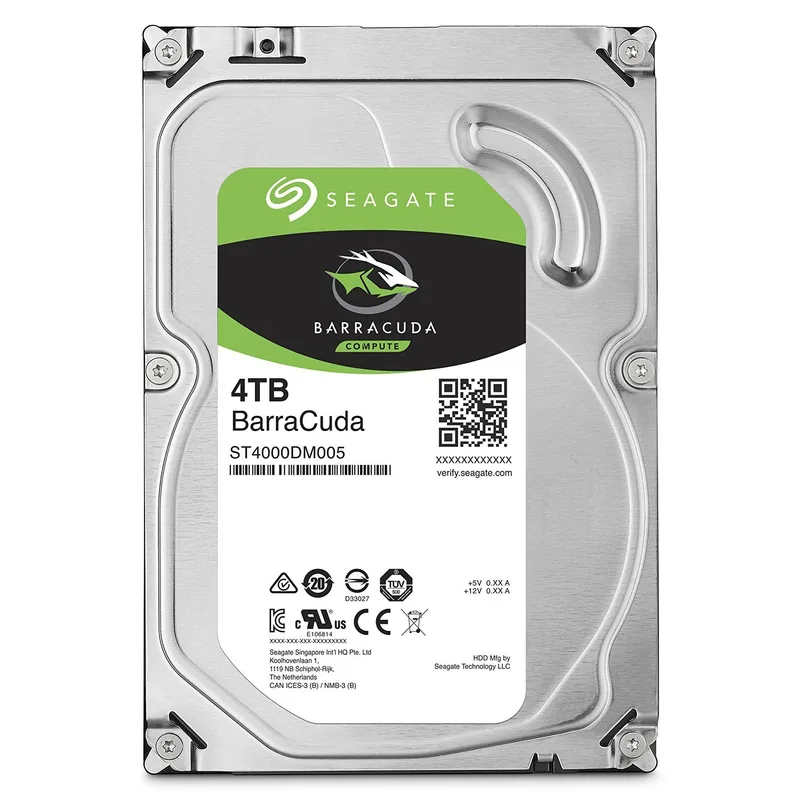
Seagate Barracuda 4TB Internal Hard Drive (ST4000DMZ04)
The Seagate Barracuda 4TB (ST4000DMZ04) is the cheapest path to 4TB of game storage at $149.99. It uses drive-managed SMR — an important caveat addressed in the buying guide above — but for read-heavy workloads like loading already-installed games, SMR does not affect performance.
Sequential reads hit around 190 MB/s in the outer zones, which is adequate for loading games from cold storage. The 256MB cache partially offsets SMR write latency for small files, though sustained installs of large titles will show the SMR penalty.
Who should buy this: someone who moves games to an SSD before playing and only uses the HDD as an archive drive. In that use case, you’re almost never writing to it heavily, so SMR is a non-issue. If you regularly install and uninstall large games directly to/from the HDD, pay the extra $55 for the IronWolf 4TB instead.
The 2-year warranty is the shortest here. Seagate’s RMA process is generally straightforward, but compared to WD’s 5-year coverage on the WD Black, you’re exposed to a longer period without protection.
4. WD Blue 8TB (WD80EAAZ)
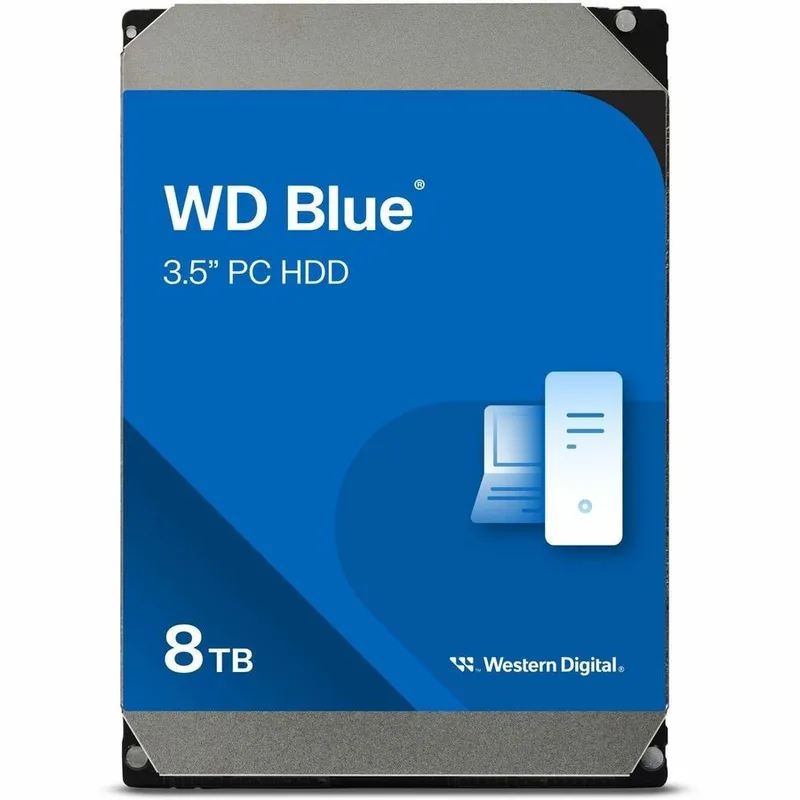
WD Blue 8TB Desktop Internal Hard Drive (WD80EAAZ)
The WD Blue 8TB (WD80EAAZ) is a 2023-launched CMR drive that WD positioned as a step up from their SMR consumer budget line. The WD80EAAZ uses a 5640 RPM platter speed — slightly faster than standard 5400 RPM — with CMR recording and a 256MB buffer.
Sequential reads come in around 175-180 MB/s per the Tom’s Hardware benchmark, which is slower than the 7200 RPM options above but consistent and predictable. For a drive you’re primarily using to store installed games you rotate through, the speed gap versus a WD Black translates to roughly a 30-second difference when copying a 50GB title.
At $228.99 for 8TB, the math works out to $28.62/TB — the best value per TB on this list, undercutting the Toshiba X300 6TB ($30.27/TB) while adding 2TB more capacity. If you’re archiving a library north of 200 games, this is the pick.
The 2-year warranty is the weak spot at this price. A drive this size storing valuable installed game libraries deserves longer coverage.
5. Seagate IronWolf 4TB (ST4000VNZ06)
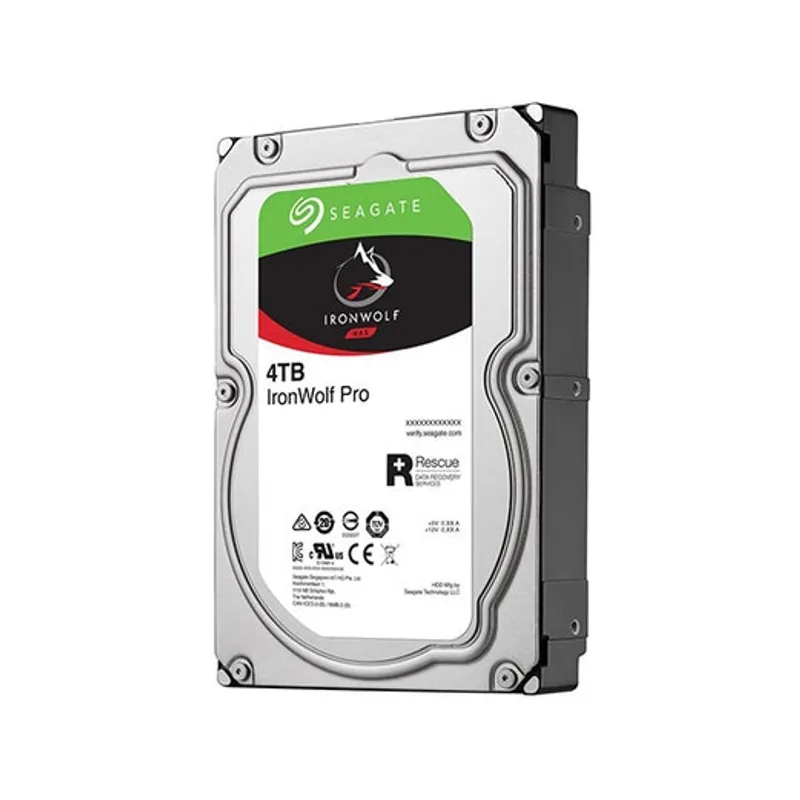
Seagate IronWolf 4TB NAS Internal Hard Drive (ST4000VNZ06)
The Seagate IronWolf 4TB (ST4000VNZ06) is a NAS-grade CMR drive that happens to be the best value CMR option for gaming mass storage in 2026. At $95, it undercuts the Seagate Barracuda 4TB by $55 while delivering CMR recording instead of SMR.
The IronWolf is built for 24/7 multi-drive NAS enclosures — its 180 TB/year workload rating, rotational vibration compensation, and IronWolf Health Management monitoring far exceed what desktop gaming demands. In practice, this over-engineering makes it extremely reliable as a secondary gaming drive.
The 64MB cache is the notable trade-off. Compared to the 256-512MB found on drives with similar capacity, the smaller cache can result in marginally higher latency on random access patterns — a non-issue for sequential game file reads but noticeable if the drive is juggling multiple simultaneous file operations.
The 3-year warranty and Rescue Data Recovery Services (3 years included) add real value. If the drive fails, Seagate will attempt to recover the data at no charge.
FAQ
Should I buy an HDD for gaming in 2026?
Yes, but only as a secondary drive. HDDs remain the cheapest way to store large game libraries — even after the 2026 price surge driven by AI data center demand, a 6TB HDD costs a fraction of a comparable NVMe SSD. Use an SSD as your boot and active game drive; use an HDD to archive titles you aren’t actively playing.
Is CMR really necessary, or is the Barracuda SMR fine?
Depends on your workflow. If you treat the HDD as a read-only archive and copy games to an SSD before playing, SMR is acceptable. If you install and uninstall games directly to the HDD frequently, SMR causes real slowdowns during installs of 50GB+ titles. CMR drives cost $30-50 more at 4TB but the install speed difference is noticeable from day one.
Does HDD speed actually matter if I have an SSD in the same build?
Not for games you’re actively playing — they should be on the SSD. HDD speed matters for two things: (1) how fast you can copy a game from HDD to SSD before a session, and (2) how fast large game installs complete when writing to the HDD. A 7200 RPM CMR drive is 30-40% faster than a 5400 RPM drive for both tasks.
Why are HDD prices so high in 2026?
AI data centers have consumed most of the global hard drive supply. Western Digital announced it was completely sold out for 2026. TechPowerUp reported average price increases of 46% from September 2025 through early 2026. Prices are expected to remain elevated through at least 2027 as manufacturers can’t rapidly expand capacity.
What capacity should I buy?
If you’re building or upgrading a gaming PC and want mass storage, the 6TB range offers the best value per GB right now. 4TB is sufficient for a smaller library; 8TB makes sense if you’re archiving 100+ games. Don’t buy 2TB in 2026 — modern AAA titles are 50-150GB each, and you’ll fill it quickly.
The Bottom Line
For most gaming builds, the Toshiba X300 6TB is the right call: 7200 RPM CMR performance, a 512MB cache, and strong $/GB value at $181.60. If budget is the priority and you can live with SMR, the Seagate Barracuda 4TB at $149.99 is the cheapest entry point. For maximum capacity at the best price per TB, the WD Blue 8TB at $228.99 ($28.62/TB) now undercuts the Toshiba on a per-gigabyte basis while giving you 2TB more headroom. Avoid SMR drives if you install large games directly to the HDD without an intermediate SSD copy step. For NAS-specific storage needs — shared media libraries, game backup arrays, or multi-drive home servers — see our best NAS drives for home builds guide.