The RTX 5060 Ti launched May 19, 2026 and did something no card at that price had done before: it put 16GB GDDR7 and a 9th-gen NVENC encoder under $500. Above it, the rest of NVIDIA’s Blackwell lineup — particularly the RTX 5070 Ti — has transformed mid-range video editing with native H.265 4:2:2 10-bit LongGOP acceleration that the previous NVENC generations couldn’t handle. Here are the five best GPUs for 4K video editing right now, compared across DaVinci Resolve, Premiere Pro, and After Effects using benchmark data from Puget Systems.
| Spec | MSI Gaming Trio OC Plus RTX 5070 Ti 16G 9.3/10 | MSI Gaming Trio OC RTX 5080 16G 9/10 | ASUS TUF Gaming RTX 5070 OC 12GB 8.5/10 | Sapphire Pulse RX 9070 XT 16GB 7.8/10 | MSI Gaming RTX 5060 Ti 16G OC Unavailable 8.2/10 |
|---|---|---|---|---|---|
| vram | 16GB GDDR7, 256-bit | 16GB GDDR7, 256-bit | 12GB GDDR7, 192-bit | 16GB GDDR6, 256-bit | 16GB GDDR7, 128-bit |
| cuda_cores | 8,960 CUDA Cores | 10,752 CUDA Cores | 6,144 CUDA Cores | — | 4,608 CUDA Cores |
| boost_clock | 2,580 MHz (OC) | 2,715 MHz (OC) | 2,640 MHz (OC Mode) | 3,130 MHz | ~2,580 MHz (OC) |
| tdp | 300W TBP | 360W TBP | 250W TBP | 220W TBP | 180W TBP |
| nvenc | 9th Gen NVENC (2× encoder, 1× decoder) | 9th Gen NVENC (2× encoder, 2× decoder) | 9th Gen NVENC (1× encoder, 1× decoder) | — | 9th Gen NVENC |
| psu_requirement | 750W recommended | 850W recommended | 650W recommended | 650W recommended | 550W recommended |
| Rating | 9.3/10 | 9/10 | 8.5/10 | 7.8/10 | 8.2/10 |
Prices change daily — tap Check Price for the current Amazon price.
Prices change daily — tap Check Price for the current Amazon price.
Quick Picks
- Best Overall: MSI Gaming Trio OC Plus RTX 5070 Ti — 16GB GDDR7, dual NVENC, and a 39% LongGOP advantage over the RTX 4070 Ti SUPER in DaVinci Resolve
- Best Budget 16GB: MSI Gaming RTX 5060 Ti 16G OC — only 4K-ready card under $500 with 16GB VRAM and 9th-gen NVENC
- Best for Heavy Workflows: MSI Gaming Trio OC RTX 5080 — dual NVENC plus dual NVDEC for multi-cam 4K and 6K/8K RAW pipelines
What Matters for 4K Video Editing
VRAM: 12GB minimum, 16GB preferred
For standard 4K H.264 or H.265 timelines in Premiere Pro or DaVinci Resolve, 12GB is workable. Once you add 4K RAW, BRAW, ProRes 4444 XQ, or start stacking OFX noise reduction and color grading layers, 12GB saturates fast. The 16GB options on this list — the RTX 5070 Ti ($1,049), RTX 5080 ($1,449), RX 9070 XT ($680), and RTX 5060 Ti 16GB ($499) — are meaningfully more capable in those scenarios than the RTX 5070’s 12GB.
NVENC vs AMD VCN: Why it matters for export speed
NVIDIA’s 9th-gen NVENC on Blackwell is a significant step up. It now handles H.265 4:2:2 10-bit LongGOP natively — a codec used in broadcast and high-bitrate corporate workflows that previously required CPU encoding. A 10-minute 4K H.265 timeline that takes 8-12 minutes with CPU encoding exports in under 3 minutes via NVENC at equivalent quality.
AMD’s VCN 5 encoder on the RX 9070 XT is capable for standard H.264/H.265 delivery, but falls behind NVIDIA in RAW codec handling and GPU effects acceleration within DaVinci Resolve and After Effects.
NVENC/NVDEC count: Only matters at the high end
Most editors will never saturate a single NVENC encoder. The distinction becomes relevant in two scenarios:
- Simultaneous streaming + export: Running OBS via NVENC while Premiere Pro uses NVENC for background export requires two encoder instances. Only the RTX 5070 Ti and RTX 5080 have two NVENC encoders; the RTX 5070 and RTX 5060 Ti have one.
- Multi-cam 4K timelines: The RTX 5080’s dual NVDEC decoder can handle 8+ simultaneous 4K H.265 streams. The RTX 5070 Ti’s single NVDEC starts dropping frames at 6 streams. For broadcast multi-cam work, the RTX 5080 is the only option here that handles that load.
DaVinci Resolve vs Premiere Pro vs After Effects
If you use After Effects frequently, eliminate the RX 9070 XT immediately — its performance in After Effects is the worst of any current GPU in Puget Systems’ testing. Stick with NVIDIA for AE-heavy workflows.
If your work is primarily Premiere Pro H.264/H.265 LongGOP — corporate video, YouTube, social media — the RX 9070 XT punches above its price, outperforming the RTX 5070 by 26% in that specific workload. For those workflows only, it is genuinely faster than NVIDIA cards costing $70–$369 more.
DaVinci Resolve strongly favors NVIDIA across the board. The Blackwell architecture’s media engine handles ProRes, RAW, and GPU effects significantly better than RDNA 4.
PSU requirements
| GPU | TDP | Minimum PSU |
|---|---|---|
| MSI RTX 5060 Ti 16G OC | 180W | 550W |
| Sapphire Pulse RX 9070 XT | 220W | 650W |
| ASUS TUF RTX 5070 OC | 250W | 650W |
| MSI Gaming Trio OC Plus RTX 5070 Ti | 300W | 750W |
| MSI Gaming Trio OC RTX 5080 | 360W | 850W |
The Best GPUs for 4K Video Editing
1. MSI Gaming Trio OC Plus RTX 5070 Ti 16G
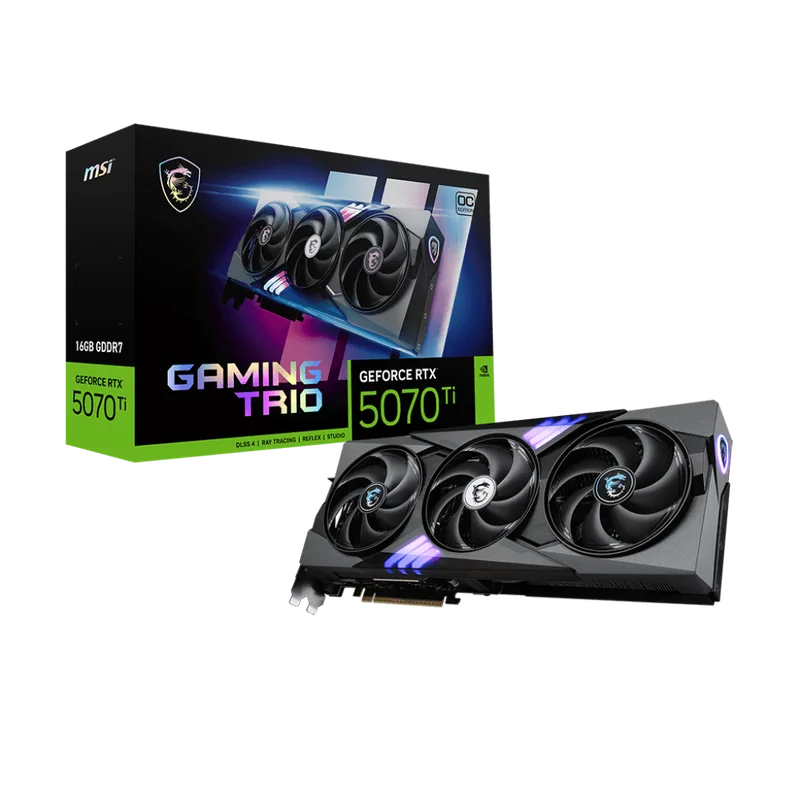
For most professional 4K video editors, the RTX 5070 Ti is the correct card. At $1,049, it delivers 39% faster LongGOP performance than the RTX 4070 Ti SUPER in DaVinci Resolve — and crucially, it ties the RTX 5080 in that specific codec-acceleration workload at $400 less. The difference between the 5070 Ti and 5080 shows up in GPU effects (noise reduction, stabilization, Fusion compositing), where the 5080 holds a 14% lead, and in multi-cam decoding, where the 5080’s second NVDEC matters above 5–6 simultaneous streams.
The 16GB GDDR7 on a 256-bit bus is the right specification for a 4K editing card in 2026. It handles 4K BRAW and ProRes 422 HQ timelines with active color grading without proxy. The dual NVENC encoder means you can stream via OBS at the same time Premiere Pro runs an export in the background — a common workflow for solo creators.
At 300W TBP, it requires a 750W PSU. That’s the same draw as last-gen’s RTX 4080, so existing high-end systems can accommodate it without a PSU upgrade.
2. MSI Gaming Trio OC RTX 5080 16G
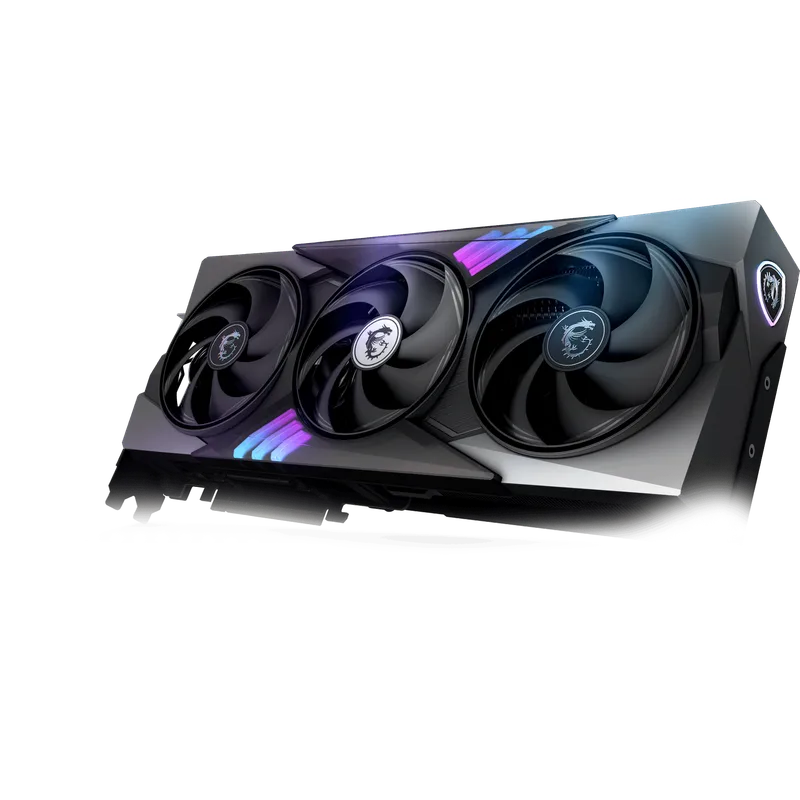
The RTX 5080 separates itself from the RTX 5070 Ti in two ways: dual NVDEC for multi-cam 4K workflows, and a 14% GPU effects advantage in DaVinci Resolve. In LongGOP codec tests — where the 5070 Ti already matches it — the 5080 is 67% faster than the previous-gen RTX 4080 SUPER, making it a meaningful step up from a 40-series editor’s machine.
For multi-cam broadcast editing with 6–8 simultaneous 4K H.265 streams, the dual NVDEC is not optional. Puget Systems confirmed that the RTX 5070 Ti starts dropping frames at 5–6 streams, while the RTX 5080 handles that load without issue. If you’re editing a wedding with 8 camera angles or a live event shoot at 4K 60fps, the $400 premium is justified.
NVIDIA’s AV1 Ultra Quality mode on the 9th-gen NVENC delivers 5% better compression at equivalent perceptual quality according to NVIDIA’s specification — relevant for YouTube pipelines where upload bandwidth and storage costs are ongoing operational expenses.
3. ASUS TUF Gaming RTX 5070 OC 12GB
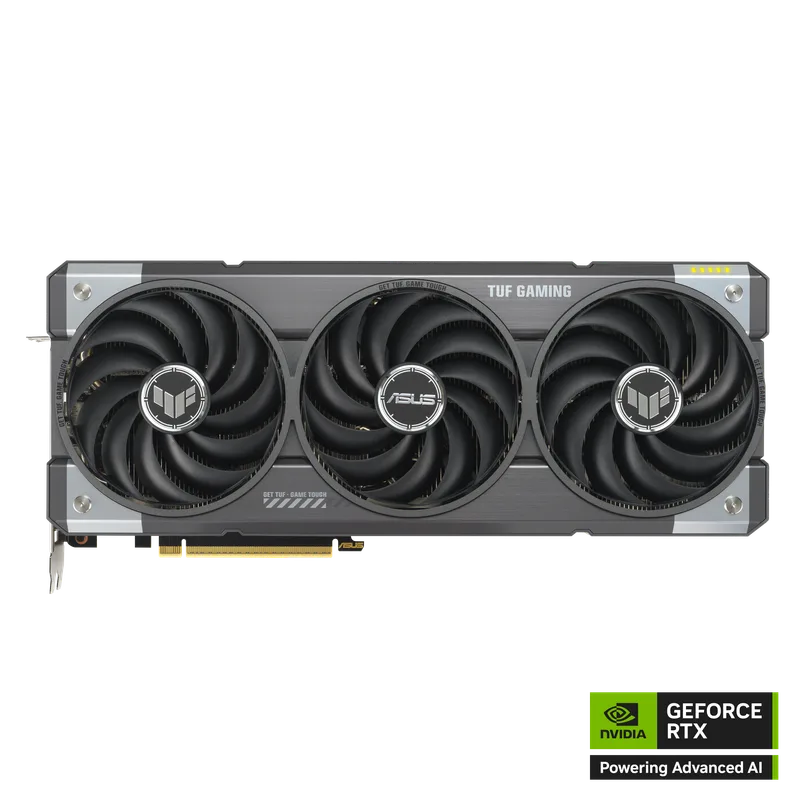
The RTX 5070 slots in as the mid-range 4K editing option at $749, with 14% faster DaVinci Resolve performance and 6% faster Premiere Pro than the RTX 4070 SUPER. For editors upgrading from a 30-series or early 40-series card, those are real, noticeable improvements in timeline responsiveness and export throughput.
The limitation to flag upfront: this is a 12GB card on a 192-bit bus. For 4K H.264/H.265 YouTube workflows with modest effects, 12GB is sufficient. For 4K RAW, BRAW, or ProRes 4444 with heavy grading and multiple OFX nodes, you’ll hit the VRAM ceiling. The ASUS TUF cooler handles the 250W TBP with a quiet three-fan design, and BIOS Flashback simplifies future CPU upgrades without needing a POST-capable CPU.
The single NVENC encoder is also worth noting if you stream while editing — you’ll have to choose one or the other for NVENC at peak quality.
At $749, the RTX 5070 is only $70 less than the ASUS TUF RTX 5070 Ti OC (~$762). At that gap, the 5070 Ti’s additional 4GB VRAM, second NVENC, and meaningfully stronger DaVinci Resolve performance make it the better editorial recommendation. The RTX 5070 makes sense if you find it at a specific sale price or if your budget truly stops at $749.
4. Sapphire Pulse RX 9070 XT 16GB
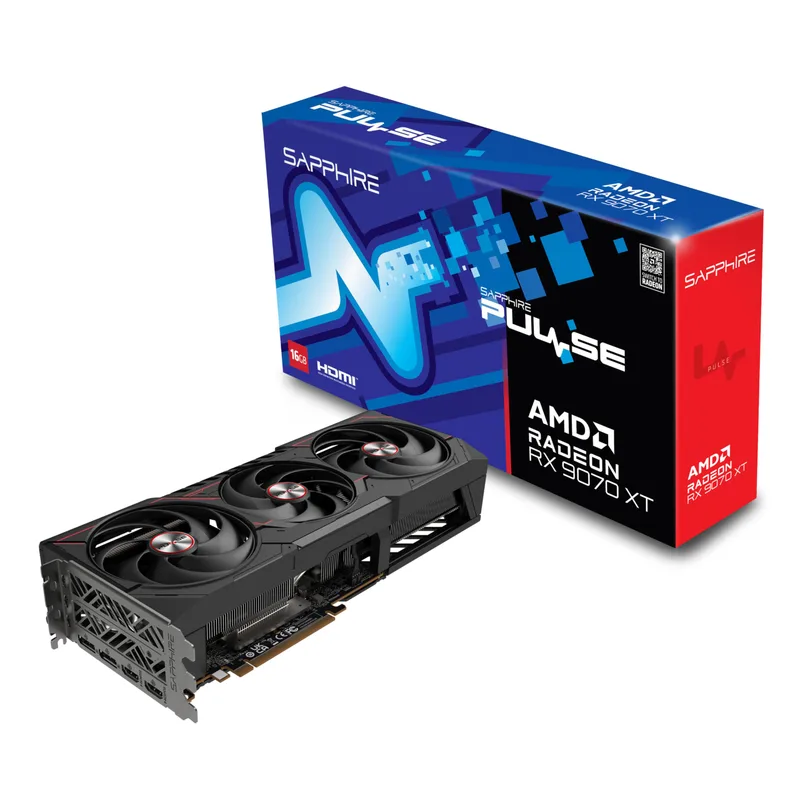
The RX 9070 XT (dual-HDMI variant) is a workflow-specific recommendation. If the majority of your editing is in Premiere Pro with native H.264/H.265 footage — corporate production, YouTube, documentary with Sony/Canon codecs — the RX 9070 XT is the fastest card on this list for that exact workload. Puget Systems benchmarks put it 26% ahead of the RTX 5070 and 15% ahead of the RTX 5070 Ti in Premiere Pro LongGOP tests.
It also has 16GB GDDR6 on a 256-bit bus — more VRAM than the RTX 5070 at $69 less — which handles 4K RAW timelines at the VRAM level, even if NVIDIA’s media engine handles the actual RAW decode faster.
The hard constraint: After Effects. The RX 9070 XT performs worse than a four-year-old RTX 2080 Ti in After Effects per Puget Systems. If you use AE for motion graphics, visual effects, or compositing, this card is not compatible with your workflow. It is not a general-purpose editing card — it is a narrow specialist for Premiere Pro LongGOP.
In DaVinci Resolve, it runs 8% behind the RTX 5070 overall, with NVIDIA’s advantage widening in RAW codecs and GPU effects. For Resolve-primary workflows, choose an NVIDIA card.
5. MSI Gaming RTX 5060 Ti 16G OC
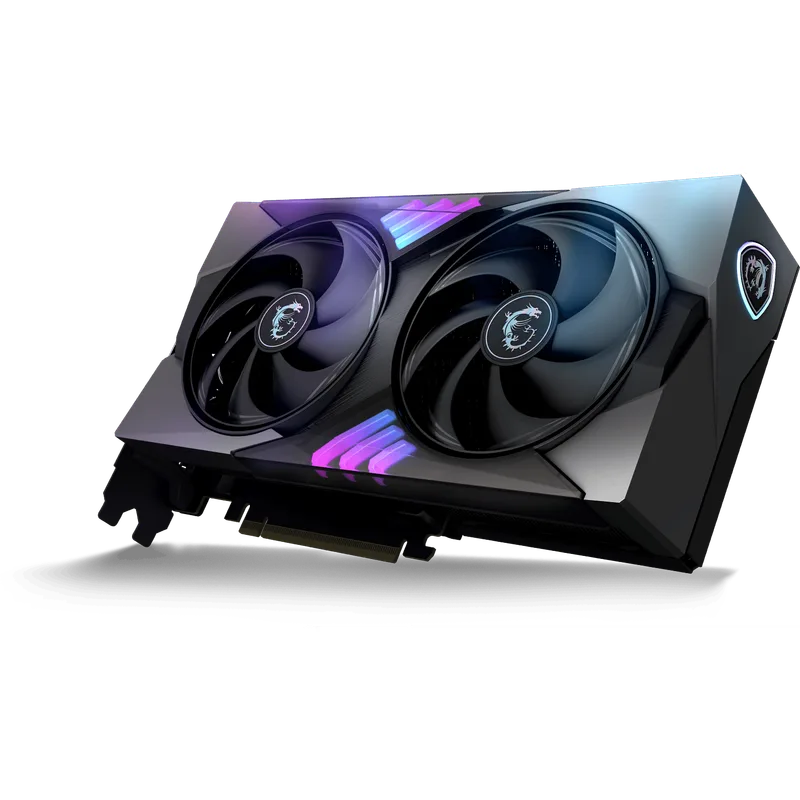
MSI Gaming RTX 5060 Ti 16G OC
The May 2026 launch of the RTX 5060 Ti is significant for budget 4K editors specifically because of the 16GB variant. The 8GB model is not recommended for 4K work — 8GB saturates quickly with 4K ProRes or native R3D footage. The 16GB version at $499 changes the entry point for 4K editing meaningfully.
The 9th-gen NVENC export performance is identical to the more expensive cards on this list at the codec level. A 10-minute 4K H.265 project exports in under 3 minutes via NVENC, same as the RTX 5070 Ti. The difference shows up in GPU effects, color grading with complex node trees, and any workload that stresses the narrower 128-bit memory bus.
That 128-bit bus results in ~448 GB/s bandwidth — compared to 672 GB/s on the RTX 5070 and 896 GB/s on the RTX 5070 Ti. OFX noise reduction plugins (like DaVinci’s NR tools or Neat Video), Fusion compositing, and heavy color grading stacks will show the bottleneck. For H.264/H.265 timeline editing at standard YouTube or corporate delivery specs, this card performs its job without issue.
The 180W TBP is the lowest on this list — it fits in any 550W+ system and operates quietly in compact cases where the 250W+ cards run hot.
FAQ
Do I need 16GB VRAM for 4K video editing?
For 4K H.264 and H.265 timelines in standard delivery formats (YouTube, H.265 corporate), 12GB is workable. Once you move to 4K RAW (R3D, BRAW), ProRes 4444, or add heavy OFX effects stacks, 16GB becomes necessary to maintain smooth playback and avoid forced proxy generation. The 16GB options on this list are the RTX 5070 Ti ($1,049), RTX 5080 ($1,449), Sapphire Pulse RX 9070 XT ($680), and MSI RTX 5060 Ti 16G ($499).
Is NVIDIA better than AMD for video editing?
In DaVinci Resolve and After Effects, NVIDIA Blackwell cards are ahead of AMD RDNA 4 at every price point. In Premiere Pro H.264/H.265 LongGOP workflows, the RX 9070 XT is actually faster than NVIDIA cards costing $69–$369 more. The answer depends entirely on your software and codec pipeline.
What is NVENC and why does it matter?
NVENC is NVIDIA’s hardware video encoder. It accelerates H.264, H.265, and AV1 encoding tasks that would otherwise run on the CPU. NVIDIA’s 9th-gen NVENC on Blackwell now handles H.265 4:2:2 10-bit LongGOP natively — a codec used in broadcast and high-bitrate production that required CPU encoding on all previous NVENC generations. Export times for typical 4K projects improve roughly 3–4× compared to CPU x264 encoding.
Can I do 4K video editing with an RTX 5060 Ti 8GB?
Not reliably. 8GB saturates with 4K RAW and even standard 4K ProRes 422 HQ timelines once you add effects and color grading. The 16GB RTX 5060 Ti at $499 is the minimum recommended configuration for uncompressed 4K work. The 8GB variant is fine for 1080p editing and compressed 4K delivery-side exports.
What PSU wattage do I need for a 4K editing workstation?
A system with the RTX 5060 Ti (180W) or RX 9070 XT (220W) works fine on a 650W PSU. The RTX 5070 (250W) needs 650W minimum. The RTX 5070 Ti (300W) needs a 750W PSU. The RTX 5080 (360W) requires an 850W PSU, especially combined with a Ryzen 9 or Core Ultra 9 processor that adds another 100–125W under load.
The Bottom Line
The MSI Gaming Trio OC Plus RTX 5070 Ti is the right card for most professional 4K editors in 2026: 16GB GDDR7, dual NVENC, and Resolve LongGOP performance that ties the RTX 5080 at $400 less. If you do multi-cam broadcast work with 6+ simultaneous 4K streams, step up to the MSI Gaming Trio OC RTX 5080 for its dual NVDEC. On a budget, the MSI Gaming RTX 5060 Ti 16G OC is the only sub-$500 card worth considering for 4K work — the 16GB version only, not the 8GB.