Corsair’s Commander Duo is the new reference point for fan and lighting controllers in 2026. It replaces the Commander Core XT, doubles the supported fans to twelve, and adds iCUE LINK ports so a mixed build can sit under one controller. HYTE also announced a four-header PWM hub at Computex 2026, slated for Q3 availability. Below are five hubs and controllers that cover everything from a plain 10-port splitter to a software-driven RGB setup.
| Spec | Corsair Commander Duo 9.1/10 | Corsair iCUE Commander Core XT 8.4/10 | ASUS TUF Gaming ARGB PWM Fan Hub 8.6/10 | NZXT RGB & Fan Controller 8.1/10 | Thermalright Fan Hub Controller Rev. A 7.9/10 |
|---|---|---|---|---|---|
| Fan Channels | 2 PWM + ARGB channels, up to 6 fans each (12 total) | — | — | 3, up to 9 fans | — |
| ARGB Limit | 50 LEDs per channel | — | — | — | — |
| iCUE LINK | 2 ports, hybrid with System Hub | — | — | — | — |
| Sensors | 2 temperature sensor headers | — | — | — | — |
| Mounting | Magnetic back | Magnetic back | — | — | Magnetic / adhesive |
| Warranty | 3 years | — | — | — | — |
| Rating | 9.1/10 | 8.4/10 | 8.6/10 | 8.1/10 | 7.9/10 |
Prices change daily — tap Check Price for the current Amazon price.
Prices change daily — tap Check Price for the current Amazon price.
Quick Picks
- Best overall: the Corsair Commander Duo, with twelve fans across two channels, iCUE LINK support and temperature sensor inputs.
- Best without extra software: the ASUS TUF Gaming ARGB PWM Fan Hub, which splits six PWM fans and six ARGB devices from the motherboard headers.
- Best budget: the Thermalright Fan Hub Controller Rev. A, ten PWM ports on one SATA-powered board, no lighting.
Buying Guide: Hub or Controller?
Splitter hub vs. software controller
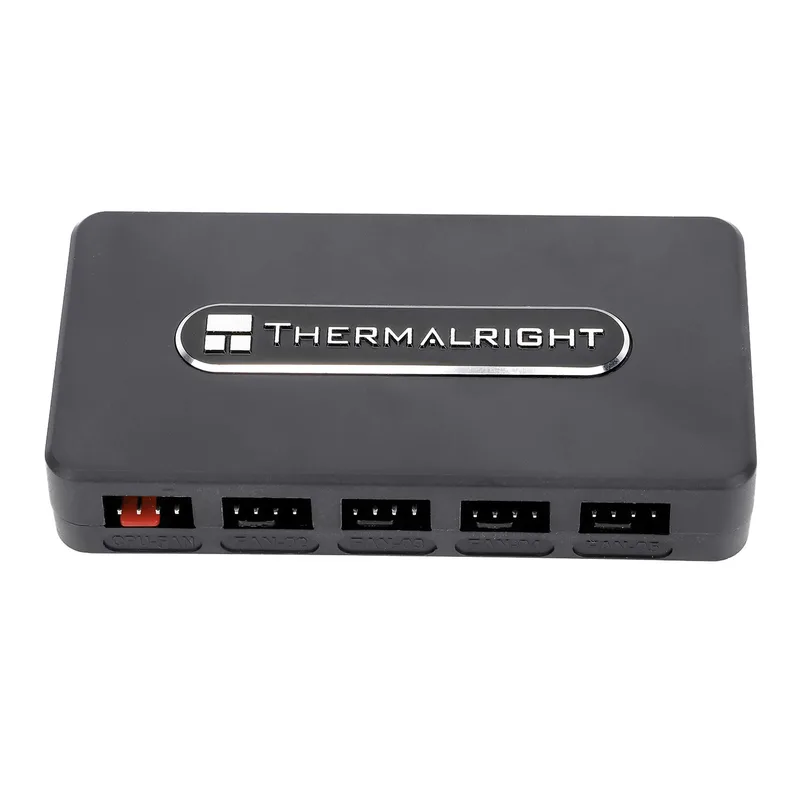
A hub such as the Thermalright passes the motherboard’s PWM signal to every fan, so all fans follow one curve. A controller such as the Commander Duo or NZXT unit takes commands from software (iCUE or CAM), so you can set separate curves per channel. Pick a hub if you want one simple curve; pick a controller if you want zones.
Power matters more than port count
Motherboard fan headers are typically rated for around 1A each. A hub fed by SATA power draws from the PSU instead, which protects the header. Check the combined fan current against the hub’s rating: the ASUS hub is rated 108W for fans, and the NZXT controller is rated 12V 3A. Check each fan’s rated current on its spec sheet and add them up per channel.
ARGB connectors are not universal
Standard ARGB uses a 3-pin 5V connector. NZXT’s RGB channels and Corsair’s iCUE LINK fans use their own connectors, so mixing brands usually needs adapters or a dedicated hub. If you already own a fan kit, match the controller to it before looking at anything else.
Mounting and cable routing
All five hubs here fit behind the motherboard tray or on a case wall. The Commander Duo and Core XT have magnetic backs, as does the ASUS and Thermalright hub, so a steel-backed case needs no screws. For airflow planning, see our guide to managing airflow in a PC case, and if the fans themselves are the question, our positive airflow case fan roundup covers five options.
Detailed Reviews
1. Corsair Commander Duo — Best Overall
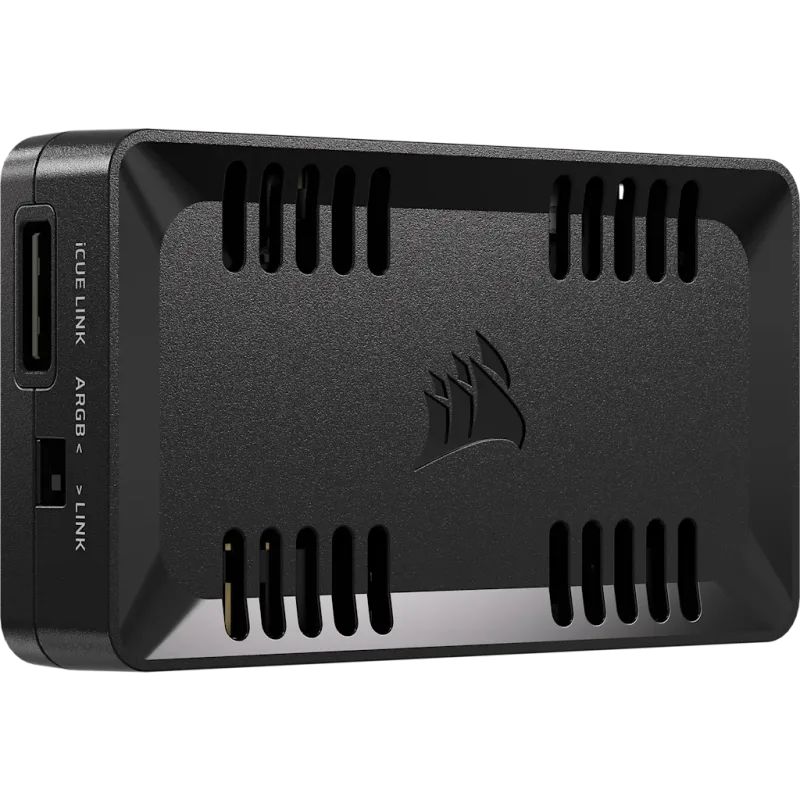
The Commander Duo gives you two PWM ARGB channels, each daisy-chaining up to six fans, plus two iCUE LINK ports and two temperature sensor headers. Each ARGB header supports up to 50 LEDs. Pair it with an iCUE LINK System Hub and Corsair says you can manage 11 iCUE LINK devices alongside 12 PWM fans in the same software.
The trade-off is software dependence. The fan curves and lighting zones live in iCUE, so the Duo makes most sense if you already run Corsair fans or an AIO, such as the models in our 360mm AIO roundup.
2. Corsair iCUE Commander Core XT — Best for Existing iCUE Builds
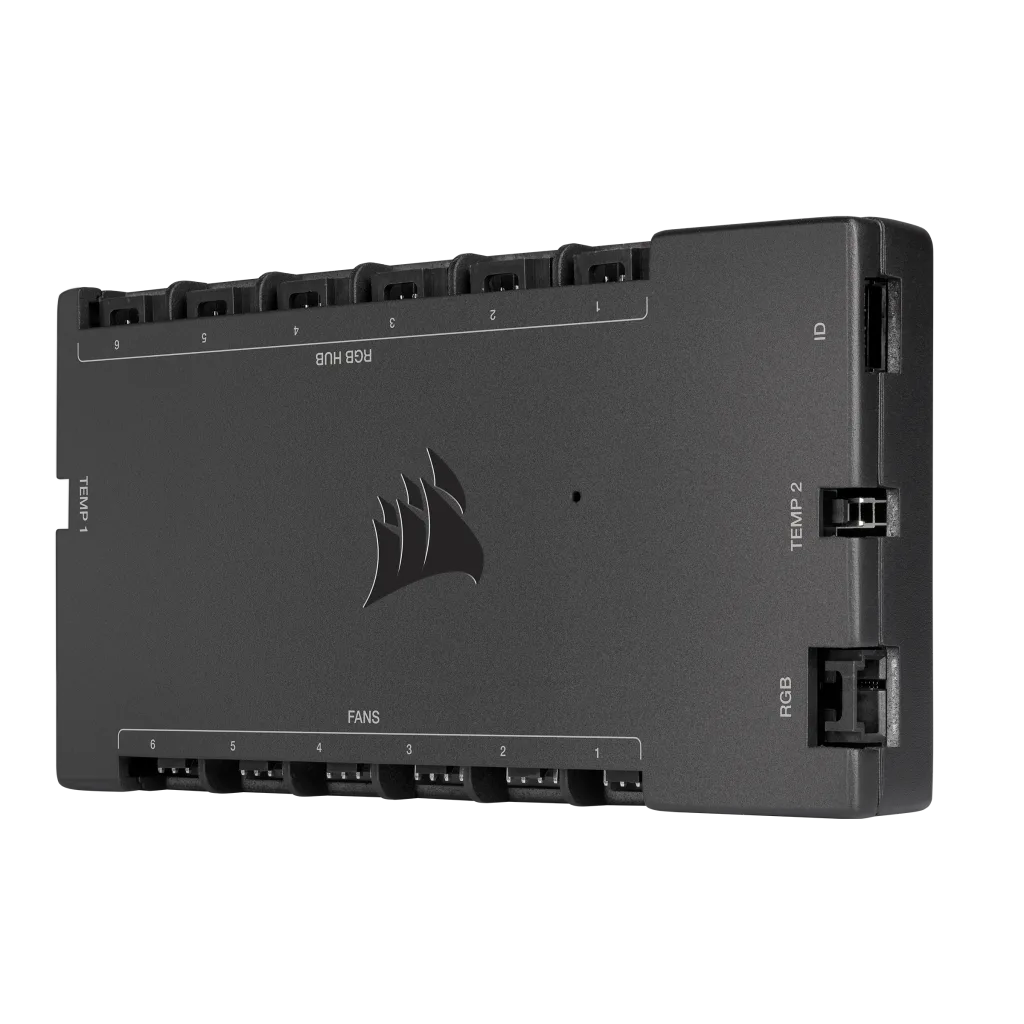
The Commander Core XT controls up to six fans and their RGB through iCUE. It is the right buy if you are extending a build that already uses Corsair’s ARGB fan connectors and only need a few more channels.
For a new build, the Duo is the better choice: the Duo supports twice as many fans per Corsair’s own comparison, and Corsair now positions it as the successor. The Core XT stays on this list because it remains in stock and fits older iCUE setups.
3. ASUS TUF Gaming ARGB PWM Fan Hub — Best Hardware-Only Hub
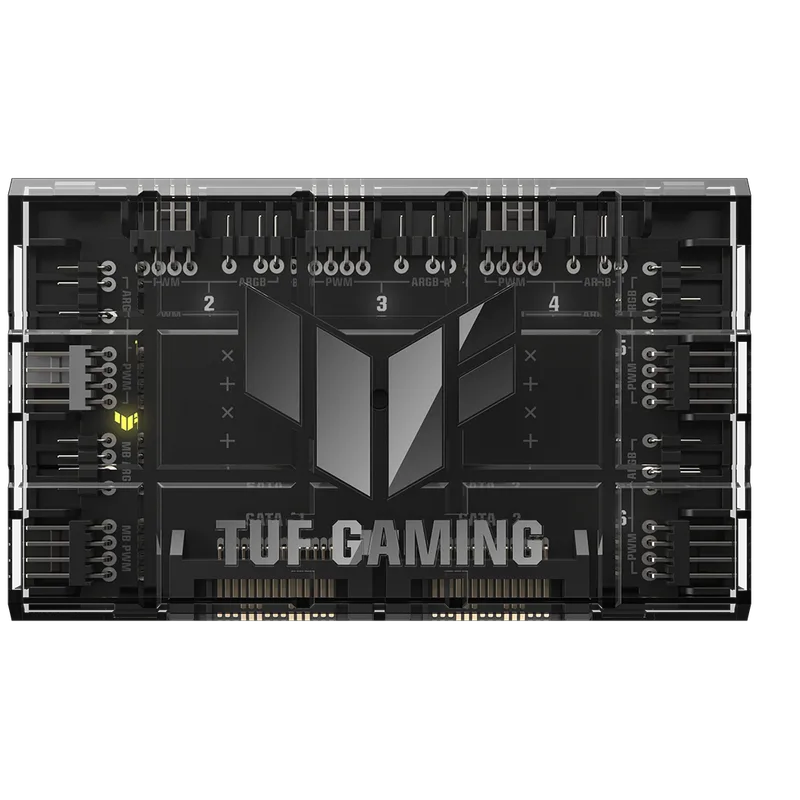
The ASUS TUF Gaming ARGB PWM Fan Hub has six PWM ports and six ARGB ports, with 108W available to fans and 45W to lighting. Power comes in through two SATA connectors, and two safety fuses guard against overcurrent. A power indicator and magnetic mount make installation simple.
It suits builders who want a clean, centralized layout without a vendor app. ARGB sync runs through the motherboard header, so it works best with boards that have strong ARGB software support, and it looks right in the RGB case builds where six lit fans are common.
4. NZXT RGB & Fan Controller — Best for NZXT Cases
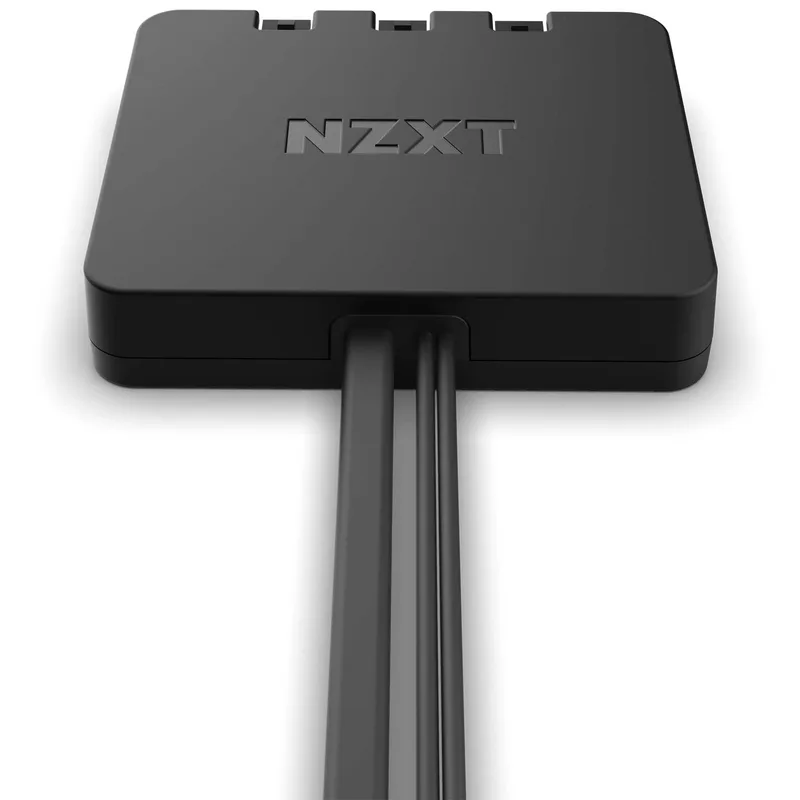
The NZXT RGB & Fan Controller offers six NZXT RGB channels and three fan channels. Each fan channel handles daisy-chained fans, up to nine in all, and it accepts both 3-pin DC and 4-pin PWM fans. Up to 40 LEDs run on each lighting channel, 120 in total, managed in NZXT CAM.
It is the sensible pick if your case already includes NZXT’s controller connectors or you use NZXT fans and strips. Outside that ecosystem the proprietary connectors become a hassle.
5. Thermalright Fan Hub Controller Rev. A — Best Budget
The Thermalright Fan Hub Controller Rev. A is a ten-port, SATA-powered PWM splitter measuring 90 x 46 x 16mm. It carries the motherboard’s single PWM signal to every port, which keeps fans in lockstep.
It is the cheapest way to fix a header shortage in a case with many fans, such as a dual-chamber case with radiators on two sides. It has no lighting control, so pair it with an ARGB solution if you want lit fans.
FAQ
Do I need a fan hub if my motherboard has enough headers?
No. A hub helps only when you run out of headers or want to take fan load off them. Motherboards usually offer one CPU header, one pump header and a handful of case-fan headers.
Can a PWM hub run RGB fans?
A PWM-only hub such as the Thermalright unit controls speed only. Lighting needs a separate ARGB header or a combined controller like the ASUS, NZXT or Corsair models.
Is SATA power necessary?
Strongly preferred for more than a few fans. SATA power takes the load off the motherboard header, which is built for far less current than a hub with many fans connected.
Will a Corsair controller work with non-Corsair fans?
The Commander Duo supports standard PWM ARGB fans on its two channels, so third-party fans with standard connectors work. Fans with proprietary connectors, such as NZXT’s, need adapters.
The Bottom Line
The Corsair Commander Duo is the pick for most builds that want zoned fan curves and lighting control. Choose the ASUS TUF Gaming ARGB PWM Fan Hub for a no-software layout and the Thermalright Fan Hub Controller Rev. A when you just need more PWM ports on a tight budget.