The WD Black SN8100 launched to near-universal praise in early 2026, earning recognition from Tom’s Hardware as “the fastest overall consumer SSD ever made” — and for video editors, the timing matters. NAND shortage pricing has pushed mid-range Gen4 drives up sharply from 2025 lows, narrowing the price gap between Gen4 and Gen5 to the point where skipping straight to PCIe 5.0 is now a realistic choice for a creator workstation build.
Cutting 4K ProRes 422 HQ in DaVinci Resolve or managing an 8K RED RAW timeline in Premiere Pro — the drive on your scratch disk and project SSD directly determines whether you hit dropped frames and cache stalls or sail through uninterrupted. These five picks cover every budget and workflow from the $159 value tier to the Gen5 professional tier.
| Spec | WD Black SN8100 2TB 9.4/10 | Seagate FireCuda 540 2TB Unavailable 9/10 | SK Hynix Platinum P41 2TB Unavailable 8.7/10 | WD Black SN850X 2TB Unavailable 8.5/10 | Samsung 9100 Pro 2TB 9.1/10 |
|---|---|---|---|---|---|
| Interface | PCIe 5.0 x4 NVMe 2.0 | PCIe 5.0 x4 NVMe | PCIe 4.0 x4 NVMe | PCIe 4.0 x4 NVMe 1.4 | PCIe 5.0 x4 NVMe 2.0 |
| Sequential Read | 14,900 MB/s | 10,000 MB/s | 7,000 MB/s | 7,300 MB/s | 14,800 MB/s |
| Sequential Write | 14,000 MB/s | 10,000 MB/s | 6,500 MB/s | 6,600 MB/s | 13,400 MB/s |
| Random IOPS | 2,300K read / 2,000K write | — | 1,400K read / 1,300K write | 1,200K read / 1,100K write | 2,200K read / 2,600K write |
| Endurance | 1,200 TBW | 2,000 TBW | 1,200 TBW | 1,200 TBW | 1,200 TBW |
| Form Factor | M.2 2280 | M.2 2280 | M.2 2280 | M.2 2280 | M.2 2280 |
| Rating | 9.4/10 | 9/10 | 8.7/10 | 8.5/10 | 9.1/10 |
Prices change daily — tap Check Price for the current Amazon price.
Prices change daily — tap Check Price for the current Amazon price.
Quick Picks
- Best overall: WD Black SN8100 2TB — 14,900/14,000 MB/s Gen5, the benchmark reference for sustained creator workloads in 2026
- Best endurance: Seagate FireCuda 540 2TB — 2,000 TBW and Gen5 speeds at $230, the smart buy for editors who write thousands of terabytes per year
- Best value: SK Hynix Platinum P41 2TB — $159 for the fastest sustained-write Gen4 drive available, handles 4K editing without compromise
Buying Guide: What Video Editors Actually Need from an SSD
Speed Requirements by Workflow
Not all video editing workloads demand the same bandwidth. Here’s what each format actually needs from a scratch disk:
| Format | Read/Write Needed | Min Drive |
|---|---|---|
| 4K H.264 / HEVC (8-bit) | ~100 MB/s | Any Gen3 NVMe |
| 4K ProRes 422 HQ | ~1,200 MB/s | Fast Gen4 |
| 4K ProRes RAW / BRAW | ~2,500 MB/s | Fast Gen4 |
| 8K ProRes RAW | ~5,000 MB/s | Gen5 recommended |
| 8K RED HELIUM RAW multi-cam | ~8,000+ MB/s | Gen5 required |
The Gen4 drives on this list — the P41 and SN850X — comfortably cover everything up to 4K RAW multi-cam. Gen5 becomes necessary when you’re running simultaneous 8K RAW streams or AI-accelerated noise reduction workflows that hit sustained 10GB/s+ I/O.
TBW Endurance and Why It Matters for Video Editors
Consumer SSDs are rated in Terabytes Written (TBW). A video editor exporting a single 4K feature film at 4K ProRes 4444 writes roughly 3-4TB. If you’re finishing two features a month, that’s 6-8TB of writes per month — 72-96TB per year. At that rate:
- 1,200 TBW drives (P41, SN850X, SN8100): 12-16 years of warranty coverage
- 2,000 TBW (FireCuda 540): 20+ years of warranty coverage
For a professional post-production environment processing terabytes daily, the FireCuda’s 2,000 TBW becomes genuinely compelling even against faster drives.
Capacity: How Much Do You Need?
- 1TB: Workable only as a dedicated OS/app drive; too small for a scratch disk with modern codecs
- 2TB: Minimum for a project-plus-scratch setup on a single drive
- 4TB: Recommended for active project libraries; WD SN8100 4TB is available at ~$729 if you need the headroom
Gen4 vs Gen5: The 2026 Decision Point
In 2025, Gen5 carried a steep premium. In 2026, the Seagate FireCuda 540 at $230 has collapsed that barrier for the 2TB tier. If your motherboard has a PCIe 5.0 M.2 slot (all AM5 boards from B650 onward, and Intel Z690/Z790/Z890), Gen5 is now worth serious consideration. The only caveat: Gen5 runs hotter under sustained load. Budget for a heatsink or choose a board with an M.2 thermal pad.
Detailed Reviews
1. WD Black SN8100 2TB — Best Overall for Video Editing
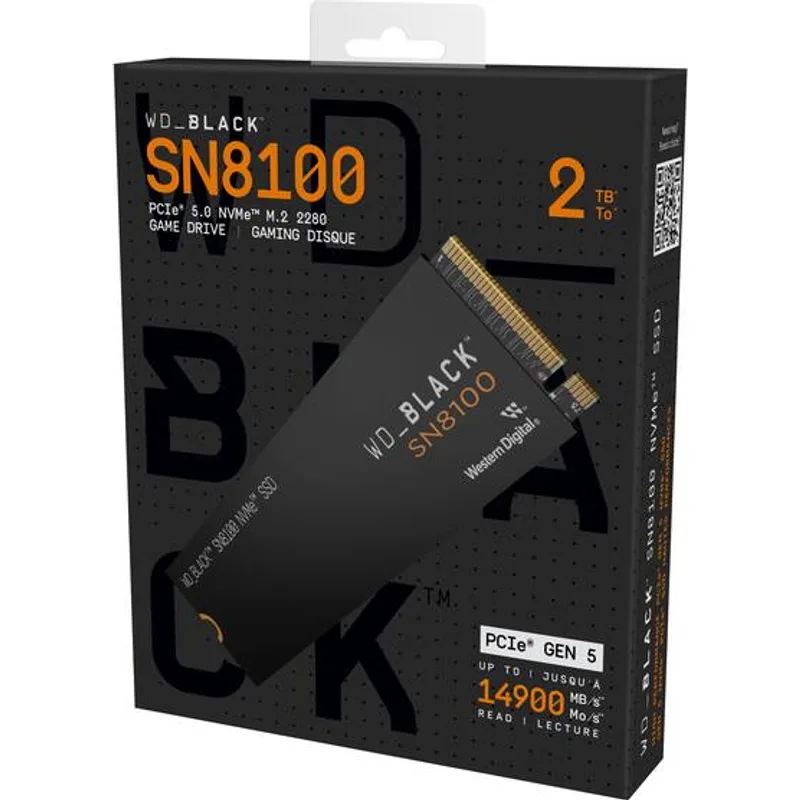
The SN8100 is built on WD’s (now SanDisk parent) Phison E26 Gen5 controller paired with BiCS 6 NAND, delivering 14,900/14,000 MB/s sequential. What distinguishes it from other Gen5 drives in real editing workflows is its sustained performance: independent testing at StorageReview confirmed the SN8100 maintains around 12 GB/s through 100GB+ sequential transfers, where competing drives like the Samsung 9100 Pro throttle to 8-10 GB/s after cache exhaustion.
For a DaVinci Resolve workstation running Fusion pages alongside a 4K ProRes 422 HQ timeline, the difference between 10 GB/s and 12 GB/s sustained matters when Resolve is simultaneously reading source clips, writing grade cache files, and streaming audio — all at once.
The NAND shortage has pushed the 2TB to $440, up from its launch-era sub-$200 pricing, but at that price it remains the single best internal drive money can buy for creator workflows in 2026.
Ideal for: 8K RAW editing, DaVinci Resolve Fusion workflows, simultaneous multi-stream 4K capture
2. Seagate FireCuda 540 2TB — Best Endurance
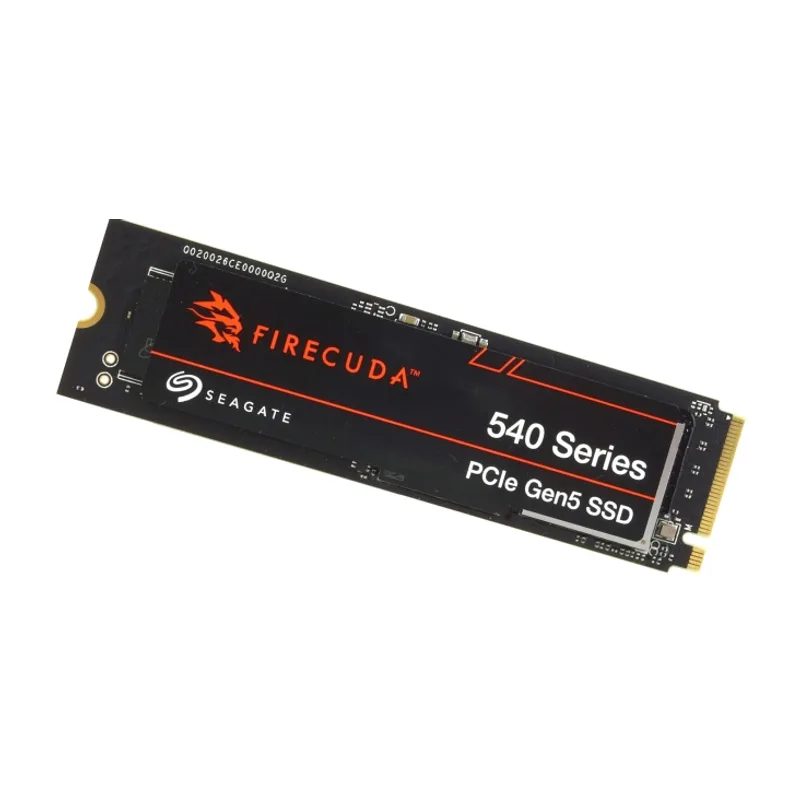
Seagate FireCuda 540 2TB
The FireCuda 540 makes a strong case on two fronts: it’s the lowest-cost PCIe 5.0 2TB drive at $230, and it carries a 2,000 TBW endurance rating — the highest of any drive on this list. Sequential read/write peaks at 10,000 MB/s each, which is slower than the SN8100 on paper but still 43% faster than the best Gen4 drives.
For editors who write constantly — dailies processing, proxy generation, repeated export versions — the 2,000 TBW warranty ceiling is meaningful insurance. Seagate also bundles three years of Rescue Recovery Services, a data recovery program that will attempt to recover data from a failed drive at no charge. For professional workflows where a failed drive means a missed delivery deadline, that’s worth real money.
The thermal profile is the main caveat. Without a heatsink, the FireCuda 540 throttles under continuous writes above 200GB. Pair it with your board’s M.2 heatsink or buy the heatsink variant to keep sustained write speeds stable.
Ideal for: High-write-cycle environments, proxy generation pipelines, editorial workflows with heavy daily exports
3. SK Hynix Platinum P41 2TB — Best Value
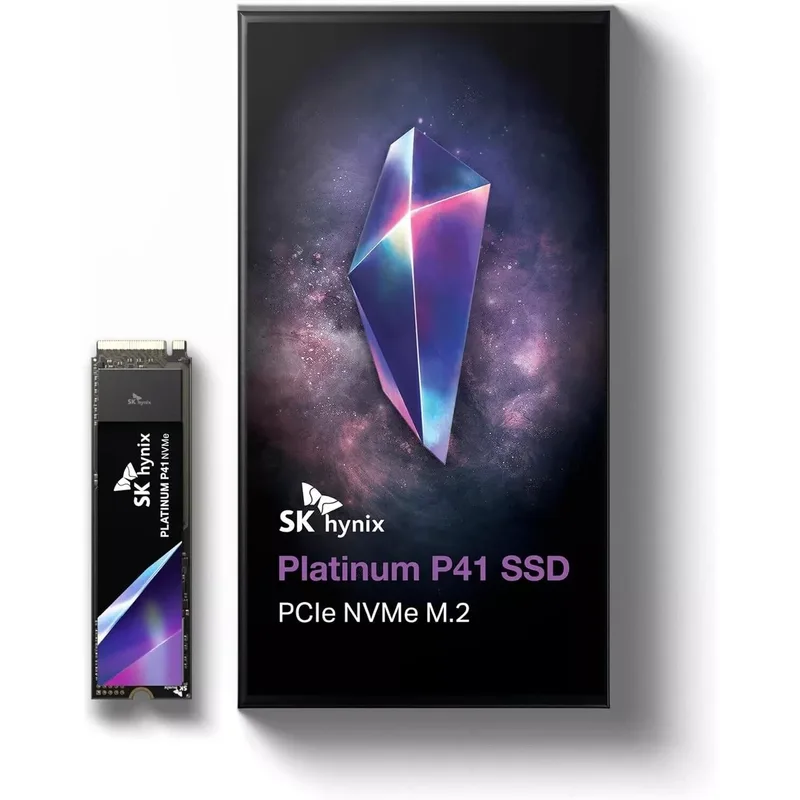
SK Hynix Platinum P41 2TB
The Platinum P41 is consistently reviewed as the best sustained-write Gen4 drive available, and at $159 for 2TB in May 2026, it punches above its price point despite the NAND shortage elevating mid-range storage prices across the board.
Sequential read/write of 7,000/6,500 MB/s is enough bandwidth for 4K ProRes 422 HQ, BRAW, and H.265 multi-cam setups. Random write IOPS of 1,300,000 keeps Adobe Media Cache reads responsive during long project sessions. SK Hynix’s 176-layer NAND delivers the flattest write performance curve of any Gen4 drive according to endurance benchmarks from ThePCEnthusiast, meaning you get consistent speeds through the full TBW lifecycle rather than degrading after the first 100TBW.
The trade-off is simple: if your workstation has a PCIe 5.0 slot and your budget allows even $230, the FireCuda 540 is a better buy for future-proofing. But on an AM4 Ryzen build, an older Intel Z690 system, or any budget-constrained setup where $280 is meaningful, the P41 at $159 is the right call.
Ideal for: AM4 builds, budget-conscious creators, 4K H.264/HEVC and ProRes 422 workflows
4. WD Black SN850X 2TB — Proven Gen4 Workhorse
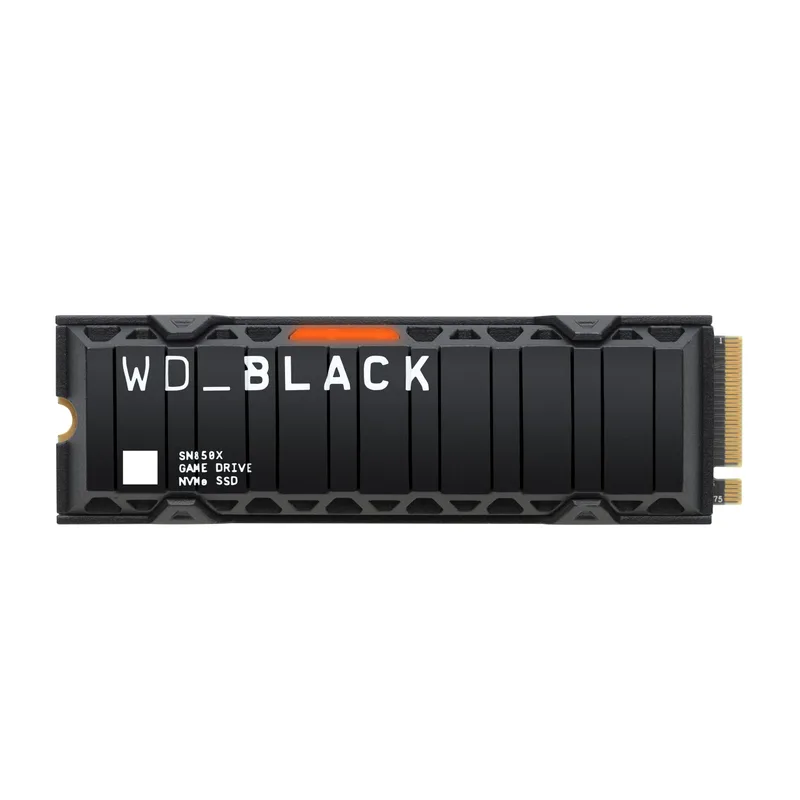
WD Black SN850X 2TB
The SN850X arrived in 2022 as WD’s flagship Gen4 drive and has maintained a strong reputation for consistent sustained performance. At 7,300/6,600 MB/s sequential with 1,200K/1,100K random IOPS, it matches or slightly exceeds the SK Hynix P41 on peak numbers, and its Game Mode 2.0 firmware prioritizes predictive caching for sequential workloads — which benefits editor-style access patterns (large sequential reads followed by large sequential writes).
The value proposition in 2026 is harder to defend. At $389 for 2TB Gen4, the SN850X is $230 more expensive than the SK Hynix P41 for similar performance, and only $51 less than the Gen5 SN8100. It makes most sense as a replacement drive for someone who already has an SN850X ecosystem, or for editors on platforms that have optimized firmware specifically for WD drives (certain NAS and video server setups).
Ideal for: Existing WD Black ecosystem, editors prioritizing firmware stability over peak performance per dollar
5. Samsung 9100 Pro 2TB — Samsung’s Gen5 Answer
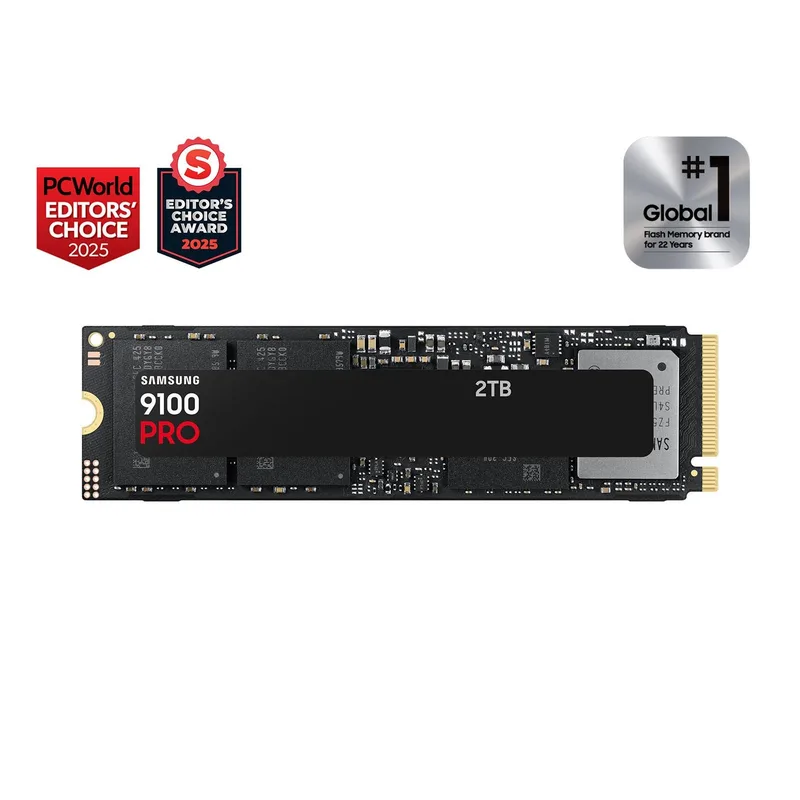
Samsung 9100 Pro 2TB
Samsung’s 9100 Pro is the company’s first PCIe 5.0 consumer drive, reaching 14,800/13,400 MB/s sequential on a custom Samsung Artisan controller paired with V-NAND. Its random write IOPS of 2,600K outperforms the WD SN8100’s 2,000K, which matters in workloads that mix random and sequential access — Adobe After Effects cache operations, for example, involve high-frequency small random writes alongside large sequential video reads.
The catch is pricing: at $489 for 2TB, it costs $49 more than the WD SN8100 2TB with marginally lower peak sequential performance. The Samsung Magician software ecosystem (health monitoring, encryption management, performance optimization) is excellent and justifies the premium for studios that are already standardized on Samsung drives. For a new build without prior brand loyalty, the SN8100 at $440 is the better value.
Ideal for: Samsung-standardized studios, After Effects-heavy workflows, anyone who wants Magician monitoring software
FAQ
Do I need a Gen5 SSD for 4K video editing?
No. A fast Gen4 drive like the SK Hynix Platinum P41 or WD SN850X handles all 4K workflows including ProRes 422 HQ and BRAW without bottlenecks. Gen5 becomes relevant for 8K RAW multi-cam, simultaneous AI noise reduction passes, or workloads where you’re reading and writing multiple 4K+ streams simultaneously. If your motherboard has a PCIe 5.0 slot and the budget allows, Gen5 is worth it — but Gen4 is not a limiting factor for the vast majority of 4K editors.
Should I use a separate SSD for my OS and project files?
Yes, and especially for video editing. Keep your OS, applications, and render cache on one drive; store raw footage and project files on a second. This prevents your editing software’s cache writes from competing with footage reads on the same controller, which causes the stutters and dropped frames that editors typically blame on CPU bottlenecks. A cheap 1TB Gen4 drive handles OS duty; put your 2TB high-performance drive on project/scratch.
How much SSD capacity do I need for video editing?
For a project drive: 1TB is too small for anything beyond short-form content. 2TB covers one feature film or several episodes of short-form in ProRes. 4TB (WD SN8100 4TB at ~$729) works as a full active project library. For archive storage, consider high-capacity HDDs — SSDs at current NAND shortage prices aren’t cost-effective for long-term cold storage.
Will these drives work in a laptop editing setup?
The M.2 2280 form factor fits most laptop M.2 slots, but PCIe 5.0 drives require PCIe 5.0-capable slots, which are rare in laptops as of 2026. The SK Hynix Platinum P41 and WD SN850X are the most compatible options for laptop upgrades. Verify your laptop’s M.2 slot generation before ordering.
Does NAND type matter — TLC vs QLC vs MLC?
For video editing workloads, TLC (Triple-Level Cell) is the right call. All five drives on this list use TLC NAND. QLC drives (four bits per cell) have lower endurance and slower sustained writes, which is a problem for the constant read-write cycles of editing workflows. MLC (two bits per cell) is overkill for consumer editing and rarely available at consumer pricing.
The Bottom Line
For a new AM5 or Intel Z890 workstation build, the WD Black SN8100 2TB at $440 is the clear top pick — it’s the fastest consumer SSD available for sustained creator workloads, with no meaningful competition at its price. If endurance is your priority over peak speed, the Seagate FireCuda 540 2TB at $230 delivers Gen5 speeds with 67% more TBW than everything else on this list, making it the standout value in the current market. For creators on tighter budgets or older platforms, the SK Hynix Platinum P41 2TB at $159 remains one of the best-value Gen4 drives available even at 2026 NAND-shortage pricing.