The Intel Core Ultra 7 265K launched in October 2026 as part of the Arrow Lake lineup — Intel’s first fully disaggregated chiplet design for desktop, shipping with Lion Cove P-cores and Skymont E-cores on TSMC 3nm compute tiles. The launch was rough. Early reviews from GamersNexus, TechSpot, and Tom’s Hardware found Arrow Lake trading blows with or losing to Raptor Lake chips from the 13th and 14th gen, which Intel had been selling for two years at lower prices. Scheduler patches from Microsoft and microcode updates from Intel followed through 2025. By mid-2026, the platform is stable and the 265K’s actual performance story is clearer — this is a strong multi-threaded processor with real gaming trade-offs against AMD’s Zen 5 lineup.
| Spec | Intel Core Ultra 7 265K 7.8/10 | AMD Ryzen 7 9700X 8.8/10 | AMD Ryzen 5 9600X 8.6/10 |
|---|---|---|---|
| cores | 20 cores (8 P + 12 E) / 20 threads | 8 cores / 16 threads | 6 cores / 12 threads |
| base_clock | 3.9 GHz P-core base / 5.5 GHz boost | 3.8 GHz base / 5.5 GHz boost | 3.9 GHz base / 5.4 GHz boost |
| cache | 30 MB L3 + 36 MB L2 | 40 MB total (32 MB L3 + 8 MB L2) | 38 MB total (32 MB L3 + 6 MB L2) |
| tdp | 125W base / 250W MTP | 65W | 65W |
| socket | LGA1851 (Arrow Lake) | AM5 (Zen 5) | AM5 (Zen 5) |
| memory | DDR5-6400 native | DDR5-5600 (up to DDR5-6000 with EXPO) | DDR5-5600 (up to DDR5-6000 with EXPO) |
| Rating | 7.8/10 | 8.8/10 | 8.6/10 |
Prices change daily — tap Check Price for the current Amazon price.
Prices change daily — tap Check Price for the current Amazon price.
Specifications
| Spec | Intel Core Ultra 7 265K |
|---|---|
| Architecture | Arrow Lake (Lion Cove P-cores + Skymont E-cores) |
| Cores / Threads | 20C / 20T (8 P-cores + 12 E-cores, no HT on P-cores) |
| P-Core Base / Boost | 3.9 GHz / 5.4 GHz |
| E-Core Base / Boost | 3.3 GHz / 4.6 GHz |
| Max Turbo (All-Core) | 5.5 GHz (single-core) |
| L3 Cache | 30 MB |
| L2 Cache | 36 MB |
| TDP / MTP | 125W / 250W |
| Socket | LGA1851 |
| Memory Support | DDR5-6400 native (JEDEC) |
| PCIe | PCIe 5.0 x16 (GPU) + PCIe 5.0 storage lanes |
| iGPU | Intel Graphics (4 Xe cores) |
| MSRP at Launch | $394 |
| Street Price (May 2026) | ~$300 |
Arrow Lake Architecture: What Actually Changed
Arrow Lake’s compute tile is manufactured on TSMC N3, combining 8 Lion Cove P-cores and 12 Skymont E-cores. The L-cores represent a substantial IPC jump from the Raptor Cove P-cores used in 13th and 14th gen — Intel claims ~9% IPC uplift for Lion Cove. The 12 E-cores, up from 8 in the Core Ultra 9 285K’s sibling positioning, are what give the 265K its multi-threaded edge over the 8-core-only Zen 5 chips it competes against.
Intel dropped Hyper-Threading from the P-cores in Arrow Lake — the 265K’s 8 P-cores produce 8 threads rather than 16. Combined with the 12 E-cores, you get 20 threads total instead of the 28 a hypothetical HT P-core design would produce. Intel’s reasoning: with fast E-cores handling background workloads, the SMT overhead on P-cores is unnecessary. In practice, this trade-off costs the chip in some specific workloads but produces better power efficiency in gaming.
The native memory controller supports DDR5-6400 JEDEC — the fastest native Intel desktop memory spec yet, up from DDR5-5200 on 13th gen. Arrow Lake works best with DDR5-6000 to DDR5-6800 kits and benefits from running the JEDEC speed natively without overclocking instability risk. This matters because the early platform shipped with memory subsystem latency issues that affected performance — those have been resolved in current BIOS releases.
Gaming Performance
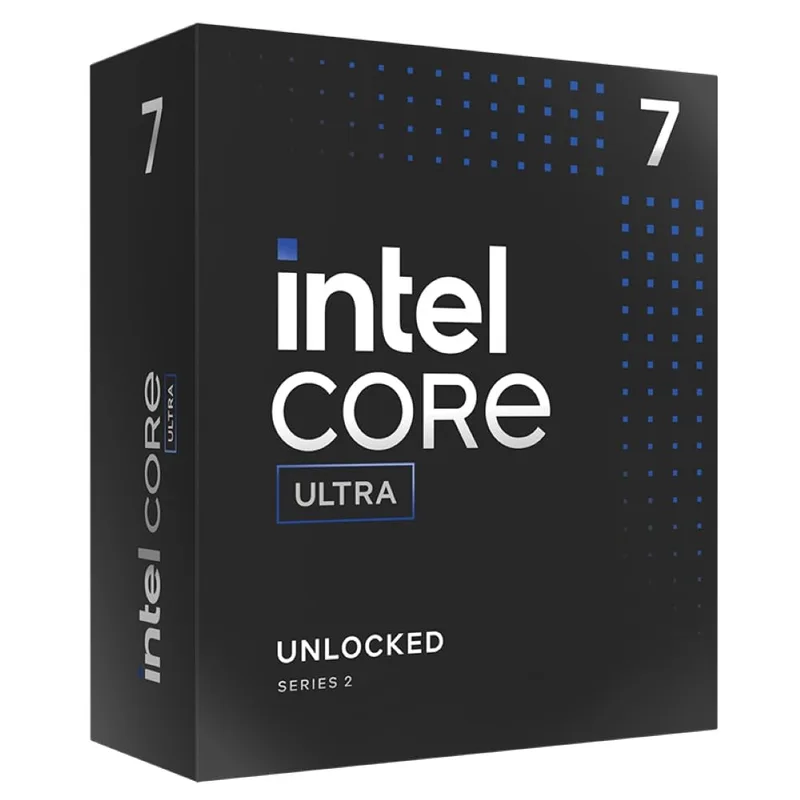
After the scheduler patches and BIOS updates that shipped through 2025, the 265K’s gaming picture is more consistent than at launch. The chip no longer sees the worst regression cases from Arrow Lake’s launch benchmarks — but the fundamental dynamic hasn’t reversed. The Ryzen 7 9700X leads in most CPU-limited gaming scenarios.
Based on data from TechSpot’s 265K review, GamersNexus comparisons, and PCGuide’s testing across multiple titles, the 265K sits approximately 5-15% behind the 9700X on average in CPU-limited 1080p tests. Some titles show a narrower gap; others show the 9700X pulling 20%+ ahead. The worst-case scenario is CPU-heavy titles with poor multi-core scaling — the 9700X’s Zen 5 architecture handles those better than Arrow Lake’s hybrid design.
Gaming Benchmarks (Approximate, 1080p CPU-Limited)
Approximate averages from GamersNexus, TechSpot, and PCGuide benchmark data. Results vary by board, BIOS version, and DDR5 kit speed.
| Game | Core Ultra 7 265K | Ryzen 7 9700X | Ryzen 5 9600X |
|---|---|---|---|
| Cyberpunk 2077 (Ultra) | ~148 fps avg | ~181 fps avg | ~161 fps avg |
| Starfield | ~134 fps avg | ~142 fps avg | ~136 fps avg |
| The Last of Us Part 1 | ~193 fps avg | ~180 fps avg | ~175 fps avg |
| Hogwarts Legacy | ~158 fps avg | ~173 fps avg | ~160 fps avg |
| A Plague Tale: Requiem | ~119 fps avg | ~151 fps avg | ~138 fps avg |
The 265K has genuine wins. In The Last of Us Part 1, its 193 fps average beats both AMD chips — a title where Arrow Lake’s higher P-core boost clock and large cache help. In Starfield, all three processors perform similarly since the game is more GPU-bound even at 1080p high settings. But in Cyberpunk 2077 and A Plague Tale: Requiem — titles that respond to pure single-core speed and thread count scaling differently — the Ryzen 7 9700X pulls ahead significantly.
The 1440p picture is less interesting. At 1440p with a high-end GPU, the gap between all three chips narrows to 1-4% in most titles. GPU-limited scenarios erase most CPU-to-CPU deltas. If you’re building for 1440p gaming and won’t regularly stress the CPU with off-game workloads, the 265K’s gaming deficit against the 9700X essentially disappears in practice.
For 1080p high-refresh-rate builds or esports titles at 240Hz+, the 9700X’s gaming advantage is real and matters. The 265K is not the right pick for a pure 1080p/240Hz gaming system when the 9700X costs $35 less.
Productivity and Content Creation
Multi-threaded performance is where the 265K’s 20-core design pays off. In Cinebench 2026 multi-core, the 265K reaches approximately 2,047 points — 8% faster than the i7-14700K and 18% faster than the Ryzen 9 9900X at similar wattage. The Ryzen 7 9700X’s 8-core configuration scores roughly 1,100-1,200 points, approximately 40-45% behind.
For Blender Open Data rendering — the kind of workload used for 3D renders and CGI — the 265K performs approximately 7% faster than the i7-14700K and 30-40% faster than the Ryzen 7 9700X. The E-core contribution is real and substantial in fully parallelized rendering. If you split time between gaming and 3D work, the 265K’s compute headroom is difficult to match at its price.
HandBrake video encoding shows similar results. Software H.265 encoding with 20 cores completes encodes noticeably faster than the 9700X’s 8 cores. The advantage scales with encode preset complexity — at slower presets with more parallelism, the 265K pulls further ahead.
Single-core performance is competitive across the board. The 265K’s 5.4 GHz P-core boost matches the Ryzen 7 9700X’s 5.5 GHz in clock-speed-sensitive tasks. Cinebench single-thread scores land within 3-5% of either AMD chip. Photoshop and lightly-threaded applications don’t show dramatic differences.
One area worth flagging: in Photoshop 2025, multiple reviewers found Arrow Lake CPUs performing below expectations — TechSpot noted the 265K “only matching” much older chips in some Photoshop subtests. This appears to be an application-specific optimization issue rather than a fundamental architectural problem, but photo editors running complex Photoshop workflows may see less benefit than the core count suggests.
Thermals and Power
Power draw is the 265K’s most important practical consideration. Under gaming load, the chip operates in the 180-220W range — significantly higher than the 9700X’s 65-88W gaming draw. Under full sustained CPU load (Cinebench, Blender, video encoding), the 265K can approach its 250W MTP ceiling.
This has direct implications for cooling. The 265K requires a 280mm AIO or large dual-tower air cooler for comfortable operation under sustained load. A 240mm AIO works for primarily-gaming systems but may see thermal throttling during extended encoding sessions. Single-tower coolers under ~$60 are inadequate for the 265K’s MTP-range workloads. Intel does not include a cooler in the box.
The contrast with AMD’s Zen 5 chips is sharp. The Ryzen 7 9700X and Ryzen 5 9600X both operate at 65W TDP with a ~88W PPT cap. Either AMD chip runs stable under 75°C on a $33 Thermalright PA120 SE. The total system power difference between an AMD and Intel build — over a year of gaming use — adds up to meaningful electricity cost and cooling infrastructure savings.
If you’re in a situation where system power draw matters — small form factor case, aggressive power plan, noise-sensitive environment — the 9700X’s 65W operating envelope is a compelling practical advantage the 265K cannot match.
Platform: LGA1851 and Z890
The 265K requires an LGA1851 socket, which means Z890 motherboard territory. Z890 boards start at roughly $180-200 for reliable entry options. The ASUS TUF Gaming Z890-Plus WiFi at ~$261 is a solid mid-range pick with 16+1+2+1 power stages, WiFi 7, Thunderbolt 4, and four M.2 slots including PCIe 5.0. The ASUS ROG Maximus Z890 Hero at ~$449 is the enthusiast choice if you plan to push the 265K’s MTP limits regularly.
Z890’s connectivity is strong. PCIe 5.0 for both the GPU slot and storage means you’re set for current-gen NVMe like the WD Black SN8100 and future GPU generations. Most Z890 boards include WiFi 7 and 2.5GbE as standard. Thunderbolt 4 appears on mid-range and above boards — useful for creative professionals with Thunderbolt peripherals.
The LGA1851 upgrade path includes Intel’s Arrow Lake Refresh lineup (the “K Plus” series launched in early 2026). The Core Ultra 7 270K Plus is the drop-in successor with improved IPC and gaming behavior — if you buy a Z890 board now, that upgrade costs only the CPU price. AMD’s AM5 offers a comparable upgrade runway to future Ryzen 9000-series chips.
Platform cost parity with AM5 has tightened. Entry Z890 boards run $180-220; comparable B850/X870 for AMD starts around $195-230. The platform cost difference between building on Intel vs AMD in 2026 is $0-30 in most realistic configurations — not the $50-100 gap it was at Arrow Lake’s original launch.
The Arrow Lake Refresh Problem
Intel launched the Core Ultra 7 270K Plus in early 2026 as part of its Arrow Lake Refresh lineup. At ~$320-340, the 270K Plus adds refined microcode with better out-of-box gaming behavior, revised E-core frequency curves, and what Tom’s Hardware called “the architecture operating as originally intended.” If you’re choosing between the 265K and the 270K Plus at a $20-40 premium, the 270K Plus is the stronger case.
The 265K’s sweet spot is when it dips below $280 — at that price, it’s a genuinely compelling mainstream Arrow Lake option for buyers who need strong multi-threaded throughput at a price the 270K Plus doesn’t reach. At $300 street, the value math is tighter.
The Competition
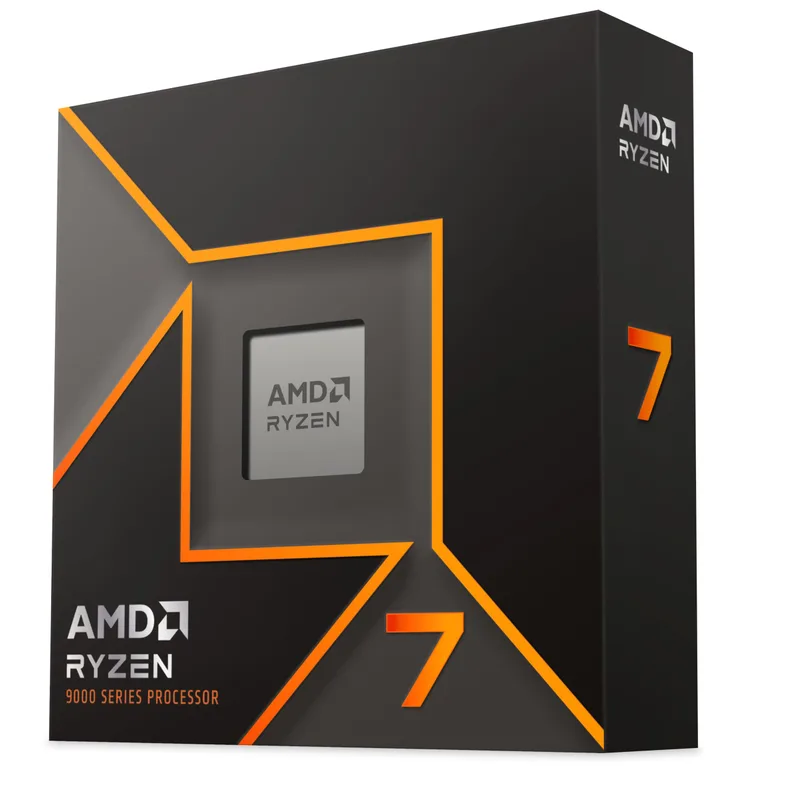
AMD Ryzen 7 9700X
AMD Ryzen 7 9700X at ~$265 is the strongest argument against the 265K for pure gaming systems. The 9700X beats the 265K by 5-23% in CPU-limited gaming scenarios, draws 100-150W less power under gaming load, runs on a $40-50 tower cooler, and costs $35 less. For builders whose primary workload is gaming, the 9700X wins on performance, power, noise, and price.
The 265K wins back ground in content creation. Its 20-core configuration beats the 9700X by roughly 40-45% in Cinebench multi-core and comparable margins in Blender. If you edit video, render 3D scenes, or run software encoders alongside gaming, the 265K’s compute headroom justifies its power draw and price premium.
See our Intel vs AMD CPU comparison guide for a broader look at the platform trade-offs.
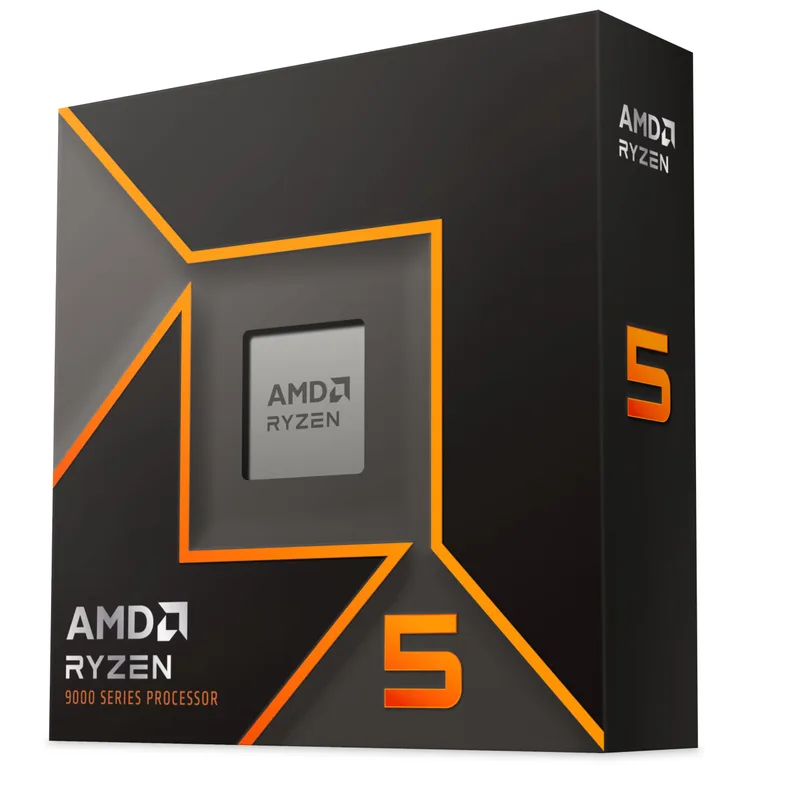
AMD Ryzen 5 9600X
AMD Ryzen 5 9600X at ~$179 is the budget option that makes the 265K look expensive. The 9600X delivers gaming performance within 3-8% of the 265K in most titles — the difference at 1080p is real but smaller than the $121 price gap suggests. For a pure gaming system with no content creation workload, the 9600X is the rational choice. You’re getting comparable frames at a dramatically lower power draw, simpler cooling, and lower total platform cost.
Where the 9600X falls short is under sustained multi-threaded load. Content creation, software streaming, and heavily parallelized productivity work expose the gap between 6 cores and 20 cores. If your workflow involves any of those, the 265K’s core count is meaningful.
FAQ
Is the Core Ultra 7 265K worth buying in 2026?
For gaming-only builds, no — the Ryzen 7 9700X at $265 beats it in gaming and costs less. For mixed gaming and content creation builds, yes — the 265K’s 20-core configuration meaningfully accelerates Blender, HandBrake, and video editing tasks that the 9700X’s 8 cores can’t match. The 265K is also the right pick if you specifically want iGPU capability for a display during initial setup.
What motherboard pairs best with the 265K?
The ASUS TUF Gaming Z890-Plus WiFi (~$261) is the strongest mid-range pairing — 16+1+2+1 power stages handle the 265K’s MTP ceiling without thermal issues, WiFi 7, Thunderbolt 4, and four M.2 slots including PCIe 5.0. For a budget-oriented Z890 build, entry boards around $180-200 work for predominantly gaming use since the 265K’s gaming draw stays below 200W consistently.
What cooler does the 265K need?
For gaming workloads, a quality 240mm AIO handles the 265K — the Arctic Liquid Freezer III Pro 360 (~$95) is the safest choice with full margin for productivity peaks. For primarily-gaming systems on a budget, the DeepCool AK620 Digital at ~$83 handles sustained gaming loads. Avoid 120mm AIOs and budget single-tower coolers — the 265K’s 250W MTP ceiling will overwhelm them under encoding or rendering workloads.
How does the 265K compare to the Ryzen 9 9800X3D?
The Ryzen 7 9800X3D at ~$449 dominates the 265K in gaming — AMD’s 3D V-Cache chip leads in CPU-limited gaming by 20-40% in most titles and even more in cache-sensitive games. The 265K beats the 9800X3D in parallelized multi-threaded workloads due to its higher core count, but for a gaming-focused build, the 9800X3D is the clear choice if budget allows. See our Best CPUs for Gaming guide for a complete tier breakdown.
Should I wait for the 270K Plus instead?
If the price premium is under $40, yes. The Core Ultra 7 270K Plus offers better out-of-box gaming behavior per Tom’s Hardware’s faceoff review, with Arrow Lake Refresh’s revised microcode delivering the gaming improvements Intel originally promised for the platform. The 270K Plus is the 265K done right. If the 265K falls below $270 on sale, that changes the calculus in the 265K’s favor.
Does the 265K support PCIe 5.0 storage?
Yes. Z890’s storage lanes support PCIe 5.0 NVMe drives like the WD Black SN8100 and Samsung 9100 Pro. The 265K’s CPU die exposes PCIe 5.0 for the primary GPU slot and storage allocation — you get full Gen5 bandwidth for both if your Z890 board supports it.
The Bottom Line
The Intel Core Ultra 7 265K at ~$300 is a competent multi-threaded processor with a specific value proposition: more cores than AMD’s mainstream Zen 5 options at a price that beats the Ryzen 9 9900X and competes near the Ryzen 7 9700X. In content creation, video encoding, and rendering, it’s the strongest chip under $350 from either platform.
Gaming is where the 265K shows its limits. The Ryzen 7 9700X at $265 beats it across most CPU-limited scenarios, costs $35 less, and draws dramatically less power. For a pure gaming build, the 9700X wins. For mixed gaming and productivity work, the 265K’s core count justifies the premium — but only if you’ve ruled out the Core Ultra 7 270K Plus first, which fixes Arrow Lake’s lingering gaming behavior at a modest price step up.
The Ryzen 5 9600X at $179 remains the budget disruptor. If gaming is your primary focus and content creation is minimal, its performance-per-dollar at $179 is stronger than either chip above it in this comparison.
Sources:
- Intel Core Ultra 7 265K Review — TechSpot
- Core Ultra 7 265K vs Ryzen 7 9700X — Tech4Gamers
- Intel Core Ultra 7 265K Gaming Benchmarks — GamerBenchmark
- Core Ultra 7 270K Plus vs Ryzen 7 9700X — Tom’s Hardware
- I retested the Intel Core Ultra 7 265K — PC Games N
- Intel Core Ultra 7 265K Review — PC Guide