The Ryzen 9 9950X3D landed in March 2026 and upended the creator CPU market by combining 16 Zen 5 cores with a 128 MB 3D V-Cache stack — the first time a single chip has topped both gaming and multi-threaded rendering charts simultaneously. That changed the calculus for every buyer in this category. Below is a breakdown of the five best CPUs for content creation available right now, ranked by their actual render throughput, power efficiency, and value for money.
| Spec | AMD Ryzen 9 9950X 9.3/10 | Intel Core Ultra 9 285K 9/10 | AMD Ryzen 9 9950X3D 9.1/10 | AMD Ryzen 9 9900X 8.7/10 | Intel Core Ultra 7 265K 8.5/10 |
|---|---|---|---|---|---|
| Cores / Threads | 16C / 32T | 24C / 24T (8P + 16E) | 16C / 32T | 12C / 24T | 20C / 20T (8P + 12E) |
| Boost Clock | 5.7 GHz | 5.7 GHz (P-core) | 5.7 GHz | 5.6 GHz | 5.5 GHz (P-core) |
| TDP | 170W | 125W base / 250W max | 170W | 120W | 125W base / 250W max |
| L3 Cache | 64 MB | 36 MB | 128 MB (3D V-Cache) | 64 MB | 30 MB |
| Socket | AM5 | LGA1851 | AM5 | AM5 | LGA1851 |
| Architecture | Zen 5 (4nm) | Arrow Lake (N3B) | Zen 5 + 3D V-Cache | Zen 5 (4nm) | Arrow Lake (N3B) |
| Rating | 9.3/10 | 9/10 | 9.1/10 | 8.7/10 | 8.5/10 |
Prices change daily — tap Check Price for the current Amazon price.
Prices change daily — tap Check Price for the current Amazon price.
Quick Picks
- Best overall: AMD Ryzen 9 9950X — 16 cores, leads Blender by 6–10% over the 285K, $499 street
- Best Intel option: Intel Core Ultra 9 285K — 24 cores, AV1 Quick Sync hardware encode, $499
- Best value: Intel Core Ultra 7 265K — 20 cores, 88% of flagship performance at $300
Buying Guide: What Matters for Content Creation
Core Count vs. Clock Speed
Content creation workloads split cleanly into two camps. Render-heavy tasks — Blender, V-Ray, Cinema 4D, HandBrake encoding — scale nearly linearly with core count. A 16-core chip finishing a Blender render in 60 minutes will do it in roughly 80 minutes on 12 cores. Single-threaded tasks — Lightroom culling, Photoshop filter application, After Effects RAM previews — care primarily about IPC and boost clock, where Zen 5 and Arrow Lake are nearly identical.
For most creator workloads, 12 cores is the practical floor. Below that, render queues start to bottleneck.
Memory Bandwidth
Zen 5 on AM5 supports DDR5-6000 EXPO natively and benefits measurably from faster RAM in bandwidth-sensitive creative apps. AMD’s memory controller is more forgiving than Intel’s: DDR5-6000 CL30 works reliably on AM5 without manual tuning. Arrow Lake on Z890 supports DDR5-9600 in spec, but real-world gains above DDR5-6400 are marginal for creation workloads.
Hardware Media Engines
If your pipeline involves frequent H.264, H.265, or AV1 encode/decode — final export from Premiere Pro, delivering to YouTube, or live streaming — Intel’s Quick Sync hardware media engine is a genuine advantage. It offloads encode from the CPU to the iGPU’s dedicated block, which means exports finish faster without consuming render headroom. AMD CPUs rely on the GPU (AMD Radeon media engine or NVIDIA NVENC) for hardware encode; if you have a discrete GPU, this difference is minimal in practice.
Platform Cost
AM5 (AMD) uses B850 or X870E motherboards for Ryzen 9000-series. B850 ATX boards start around $195 and offer PCIe 5.0, DDR5, and BIOS Flashback. Intel’s LGA1851 requires a Z890 board; comparable-tier Z890 boards typically run $50–$100 more than AM5 equivalents. This matters if you are building from scratch.
Detailed Reviews
1. AMD Ryzen 9 9950X — Best Overall
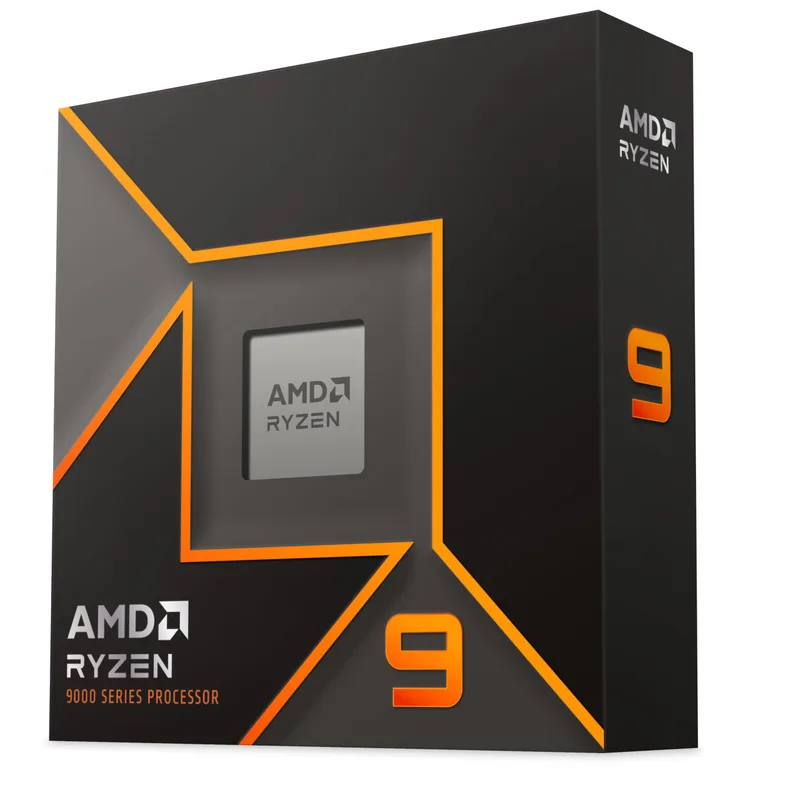
The Ryzen 9 9950X is the fastest-value CPU for pure content creation. Based on Blender Open Data results and HandBrake x265 encoding tests compiled from multiple reputable reviews, the 9950X leads the Core Ultra 9 285K by 6–10% in sustained multi-threaded workloads at the same $499 street price. Tom’s Hardware’s head-to-head comparison called it “not even close” in AMD’s favor for multi-threaded throughput.
The 16 Zen 5 cores give it 32 threads at 5.7 GHz boost. That thread count matters in software renderers: V-Ray, Blender Cycles, and Cinema 4D’s Team Render all distribute work across every available logical processor. At 231W under AVX stress, the 9950X runs 29% cooler than the 285K’s 325W peak — a meaningful consideration in compact workstation builds.
The one area where the 9950X does not dominate is Adobe Premiere Pro’s export stage. GPU-accelerated encode (via your discrete GPU’s NVENC or RCE encoder) handles most of the export work in Premiere, so CPU choice matters less there than in CPU-bound renderers. If your whole workflow runs through Premiere with GPU acceleration enabled, the Core Ultra 9 285K’s Quick Sync engine can edge it out in pure export time.
For any renderer that runs primarily on CPU threads — Blender Cycles on CPU, V-Ray CPU mode, HandBrake software encode — the 9950X is the correct answer under $600.
Recommended cooler: Arctic Liquid Freezer III Pro 360 or Noctua NH-D15 G2 (250mm tower clearance required).
2. Intel Core Ultra 9 285K — Best Intel Option
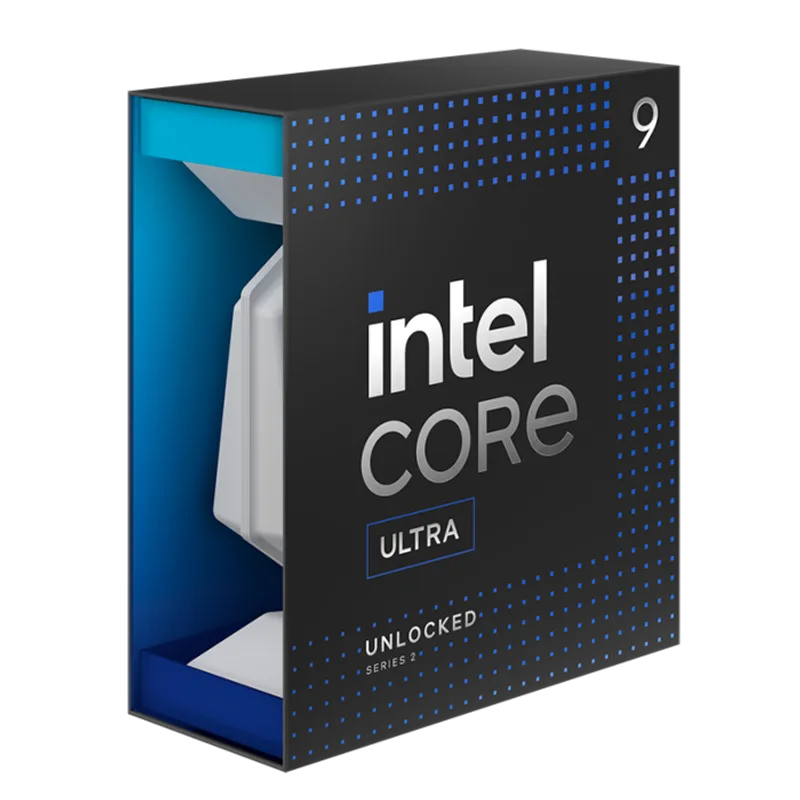
The Core Ultra 9 285K is the fastest Intel desktop CPU for content creation, and its 24-core configuration (8 P-cores + 16 E-cores) gives it a slight edge in peak Cinebench 2026 multi-core scores (~2,400 vs ~2,340 for the 9950X). In real-world Blender renders, however, the 9950X’s architecture advantage narrows or reverses that lead — the 285K’s E-cores contribute less per-core throughput to floating-point-heavy workloads like ray tracing.
Where the 285K pulls ahead is in delivery pipelines. Intel’s Quick Sync AV1 hardware encoder, built into the Arrow Lake integrated graphics block, is the fastest software-transparent hardware AV1 encoder available on desktop. Exporting a long-form YouTube video through Premiere Pro’s hardware encode path finishes noticeably faster than on AMD, which routes the same task through the discrete GPU (still fast, but adds GPU scheduling overhead).
Arrow Lake dropped Hyperthreading from P-cores, so 24 cores = 24 threads — no P-core SMT. Some thread-saturating renderers interpret this as fewer resources than 16 cores with 32 threads. In practice, the 16 E-cores compensate in most workloads, but it is worth knowing if you benchmark-compare against the 9950X’s thread count.
The platform premium is real: a Z890 ATX board with comparable features to a B850 runs ~$60–$100 more. Factor that into the total build cost.
Recommended cooler: Thermalright Aqua Elite 360 V3 or Arctic Liquid Freezer III Pro 360.
3. AMD Ryzen 9 9950X3D — Best Creator-Gamer Hybrid
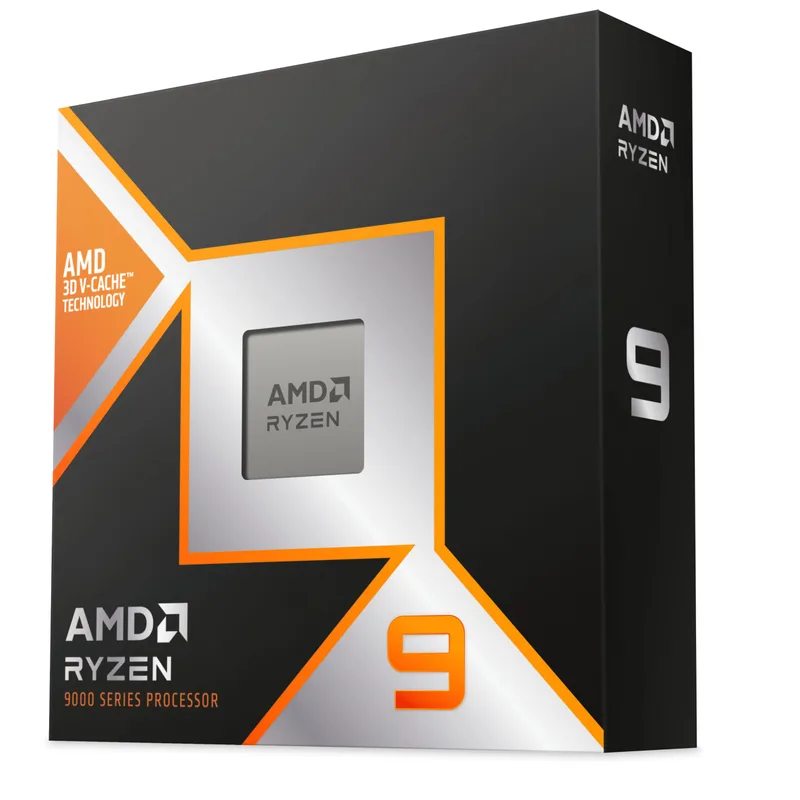
AMD launched the Ryzen 9 9950X3D on March 12, 2026, at $699 MSRP (street has settled to ~$639). It stacks 64 MB of 3D V-Cache on top of the standard 9950X’s CCD, bringing total L3 to 128 MB. According to GamersNexus benchmarks from the launch review, the 9950X3D is the fastest gaming CPU currently available, edging the 9800X3D in most titles while maintaining full 16-core content creation throughput.
Content creation performance is nearly identical to the standard 9950X. Blender render times differ by 1–2% — within noise. The large L3 cache does benefit specific workloads: large DAW projects with many sample library tracks show lower stutter, and game engine compilation (Unreal Engine build times, Unity batch builds) improves when the cache can hold more of the compilation graph in-cache.
The honest assessment: the $140 premium over the standard 9950X is a gaming tax. If you spend 80% of your time in Blender and 20% gaming, the standard 9950X is the smarter buy. If that split is closer to 50/50, the 9950X3D justifies the premium with best-in-class performance across both disciplines.
Also worth noting: AMD launched a Ryzen 9 9950X3D2 Dual Edition on April 22, 2026 at $899, featuring 3D V-Cache on both CCDs for 192 MB total L3 — the first dual-CCD 3D V-Cache chip. It targets professional simulation and developer workflows. That is a separate product not covered here.
Recommended cooler: Arctic Liquid Freezer III Pro 360 or Lian Li Galahad II Trinity Performance 360.
4. AMD Ryzen 9 9900X — Best Mid-Range
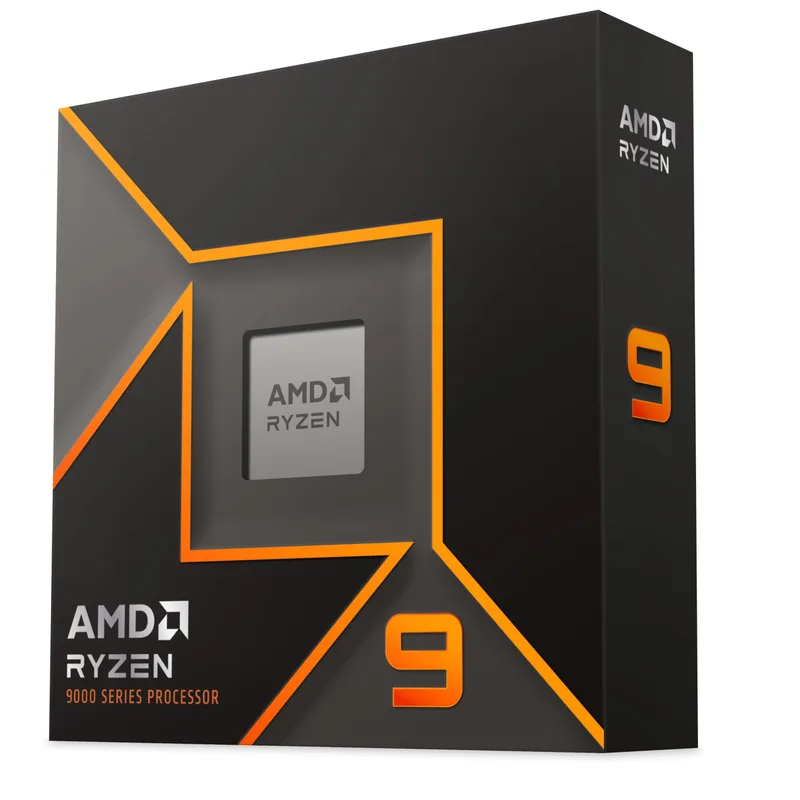
The Ryzen 9 9900X is the answer for creators who need more than an 8-core chip but don’t want to pay 9950X prices. At $359 with 12 cores and 24 threads on Zen 5, it handles 4K multi-camera editing in DaVinci Resolve and Premiere Pro without frame drops, exports Blender renders 9% faster than the 7900X it replaced, and does it all at 162W under full load.
That efficiency number is significant. The Core i9-14900K draws roughly 250W for comparable multi-threaded throughput. The 9900X delivers similar performance at 65% of the power — beneficial if you run render jobs for hours at a time.
The gap below the 9950X is real, not theoretical. With 24 threads vs 32, sustained render queues in CPU-only Blender Cycles take roughly 30% longer. That manifests as 2 hours vs 1.4 hours on a representative scene, or finishing a project overnight vs needing to let it run into the morning. For creators who render regularly and value time, the $140 step up to the 9950X pays back quickly.
For 4K video editing, audio production, graphic design, and light-to-moderate 3D work, the 9900X is the right price-to-performance call.
Recommended cooler: DeepCool AK620 or be quiet! Pure Loop 2 FX 240mm.
5. Intel Core Ultra 7 265K — Best Value
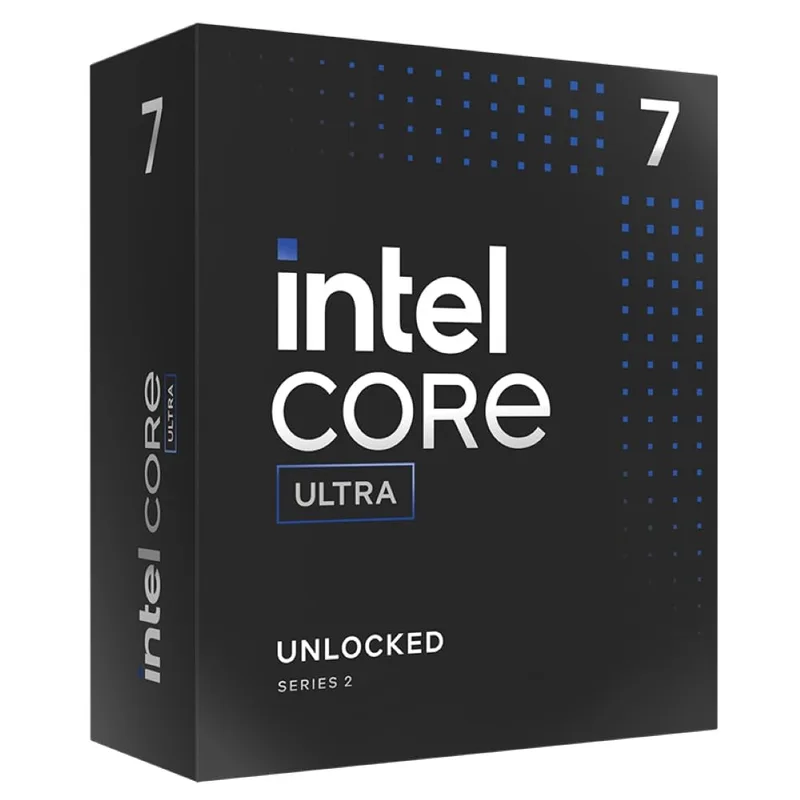
The Core Ultra 7 265K launched as the $394 sibling to the 285K and has since dropped to ~$300 street, which makes it the best per-dollar content creation CPU on the Intel platform. Its 20 cores (8 P-cores + 12 E-cores) hit ~2,047 in Cinebench 2026 multi-core after the Intel 200S Boost BIOS update released post-launch — a score that beats the Ryzen 9 9900X’s ~1,768 and comes within 15% of the 285K’s ~2,400.
In Blender Open Data results, the 265K runs ~8% faster than the Ryzen 9 9900X. Combined with Intel Quick Sync AV1 hardware encode and a $300 street price, it competes effectively against the 9900X ($359 AMD) for workflows that mix rendering with frequent delivery export.
The tradeoff is the Z890 platform. A capable Z890 board costs $230–$260, pushing the total CPU + motherboard outlay to $530–$560 — comparable to pairing a Ryzen 9 9900X with a B850 board at roughly the same total. If you are building Intel, the 265K is the smart starting point with an upgrade path to the 285K later.
Gaming performance is a known weak point for Arrow Lake — the hybrid architecture’s E-cores have limited benefit in frame-rate-sensitive games. If gaming alongside content creation matters, the AM5 platform (9900X or 9950X) offers better balance.
Recommended cooler: Thermalright Peerless Assassin 120 SE V2 or DeepCool AK620.
FAQ
Is the Ryzen 9 9950X still worth buying now that the 9950X3D exists?
Yes, for most creators. The 9950X3D is faster in gaming but within 2% of the 9950X in content creation benchmarks. The $140 price difference pays for better RAM or a higher-tier cooler. Unless gaming is a significant part of your daily use, the standard 9950X is the smarter content creation buy.
How many cores do I actually need for 4K video editing?
8 cores is sufficient to edit 4K H.264/H.265 footage in Premiere Pro or DaVinci Resolve with GPU acceleration enabled — the GPU handles most decode and playback. 12+ cores matters for CPU-bound tasks: software color grading, CPU-only rendering, and multi-stream multi-cam timelines. 16 cores makes a measurable difference if you render Blender scenes or transcode long-form video regularly.
Does more RAM help more than a faster CPU for content creation?
It depends on the workload. Photoshop, After Effects, and Blender all benefit from more RAM when working with large assets. But once you have 32 GB, adding more RAM rarely speeds up renders the way a faster CPU does. If you are on 16 GB, upgrade RAM first. If you are on 32 GB and renders feel slow, upgrade the CPU.
What is Intel Quick Sync and does it matter for creators?
Quick Sync is Intel’s hardware media engine — dedicated silicon on the CPU die that handles H.264, H.265, and AV1 encode/decode without using CPU cores. In Premiere Pro and DaVinci Resolve’s hardware export mode, Quick Sync can cut export times significantly vs CPU software encode. If you export videos frequently (YouTube, delivery, client files), Intel’s Quick Sync AV1 encoder is a genuine workflow advantage. If you use GPU encode via NVENC or AMD RCE through a discrete GPU, the advantage is smaller.
Can these CPUs handle 3D rendering and gaming at the same time?
The Ryzen 9 9950X3D is the only CPU here designed to excel at both simultaneously. The 9950X performs gaming well but trails the 9800X3D in pure gaming FPS. The 285K and 265K underperform AMD in gaming due to Arrow Lake’s hybrid architecture. If splitting time evenly between gaming and rendering is your scenario, the 9950X3D is the correct pick.
The Bottom Line
For pure content creation, the AMD Ryzen 9 9950X at $499 is the clear recommendation — it leads or matches the Intel Core Ultra 9 285K in every CPU-bound render workload while costing less and drawing less peak power. The Ryzen 9 9950X3D is worth the $640 if you game seriously alongside creative work, as it wins both disciplines. Budget-focused creators on the Intel platform should look at the Core Ultra 7 265K at $300, which delivers near-285K multi-thread throughput at a fraction of the flagship price. All five CPUs here run on AM5 or LGA1851 with DDR5 — whichever platform you choose, the bottleneck in 2026 creation workflows is almost never the CPU. If your work involves game development, engine compilation, or real-time simulation, see our best CPUs for game development guide. For work-from-home users who need a capable all-rounder without flagship pricing, see our best CPUs for work from home guide.