DDR4 is no longer the cheap fallback for older PCs. TweakTown reports DDR4 prices rose more than 50% in Q3 2026, and Guru3D reports that DDR4 contract prices climbed another 4% month on month in October, with supply shortages possibly lasting up to two years. The five kits below are in stock on Amazon today and cover the two upgrades that make sense on a DDR4 platform: 16GB for a system stuck at 8GB, and 32GB for one that needs room to run modern games.
| Spec | G.Skill Ripjaws V DDR4-3600 CL16 32GB (2x16GB) 9/10 | Corsair Vengeance LPX DDR4-3200 CL16 32GB (2x16GB) 8.8/10 | Corsair Vengeance LPX DDR4-3600 CL18 32GB (2x16GB) 8.4/10 | Corsair Vengeance LPX 16GB DDR4-3200 CL16 (2x8GB) 8.3/10 | Kingston FURY Beast DDR4-3200 CL16 16GB (2x8GB) 8.1/10 |
|---|---|---|---|---|---|
| Speed | DDR4-3600 MT/s | DDR4-3200 MT/s | DDR4-3600 MT/s | DDR4-3200 MT/s | DDR4-3200 MT/s |
| Timings | CL16-19-19-39 | CL16-20-20-38 | CL18-22-22-42 | CL16 | CL16 |
| Voltage | 1.35V | 1.35V | 1.35V | 1.35V | 1.35V |
| Capacity | 32GB (2x16GB) | 32GB (2x16GB) | 32GB (2x16GB) | 16GB (2x8GB) | 16GB (2x8GB) |
| Profile | Intel XMP 2.0 | Intel XMP 2.0 | Intel XMP 2.0 | Intel XMP 2.0 | Intel XMP 2.0, plug-n-play |
| Rating | 9/10 | 8.8/10 | 8.4/10 | 8.3/10 | 8.1/10 |
Prices change daily — tap Check Price for the current Amazon price.
Prices change daily — tap Check Price for the current Amazon price.
Quick Picks
- Best overall: G.Skill Ripjaws V DDR4-3600 CL16 32GB has the tightest timings in the list, at about 8.9ns of true latency.
- Best value 32GB: Corsair Vengeance LPX DDR4-3200 CL16 32GB gives up little in real speed against the 3600 kits.
- Best 16GB pick: Corsair Vengeance LPX 16GB DDR4-3200 is the cheapest way off 8GB.
Buying Guide: What to Check Before You Buy DDR4
Confirm your board is DDR4 first
DDR4 and DDR5 modules use different notches and are not interchangeable. Intel 12th and 13th Gen boards come in both flavors, so check the motherboard model before ordering. AM4 boards and Intel 10th and 11th Gen platforms are DDR4 only. If you are weighing a platform change instead, the DDR4 vs DDR5 upgrade comparison covers when it makes sense to move on.
16GB or 32GB
Sixteen gigabytes is the minimum for current games. 32GB adds headroom for background apps, streaming, and editing, and it stops you from buying twice. With DRAM prices rising, buying 32GB once is often cheaper than buying 16GB now and adding a second kit later. The RAM speed vs capacity guide goes deeper on that trade-off.
Speed matters less than capacity
Real latency in nanoseconds is roughly the CL value divided by half the MT/s rate. DDR4-3200 CL16 gives 10ns. DDR4-3600 CL16 gives about 8.9ns. DDR4-3600 CL18 gives 10ns again, so the Corsair 3600 CL18 kit is no faster than the 3200 CL16 kit in raw latency. It matters mainly for Ryzen 5000 users who want a 1:1 Infinity Fabric ratio.
Match the kit to your platform
On AM4, DDR4-3200 to 3600 is the practical range for Ryzen 3000 and 5000. On Intel 10th to 13th Gen, XMP 2.0 profiles work on most boards, but some budget H-series and B-series chipsets cap memory speed, so check your board’s spec page for the supported maximum. Enable XMP or DOCP in the BIOS or the kit will run at the 2133 or 2666 MT/s default.
Use matched kits, not mixed modules
Buy a single two-module kit rather than adding one stick to an existing one. Mixed modules often fall back to the slowest timings and can fail to boot at rated speed. If you are adding capacity to a four-slot board, replace the old kit or buy a second identical one. The step-by-step RAM install guide shows which slots to use for dual channel.
Detailed Reviews
1. G.Skill Ripjaws V DDR4-3600 CL16 32GB — Best Overall
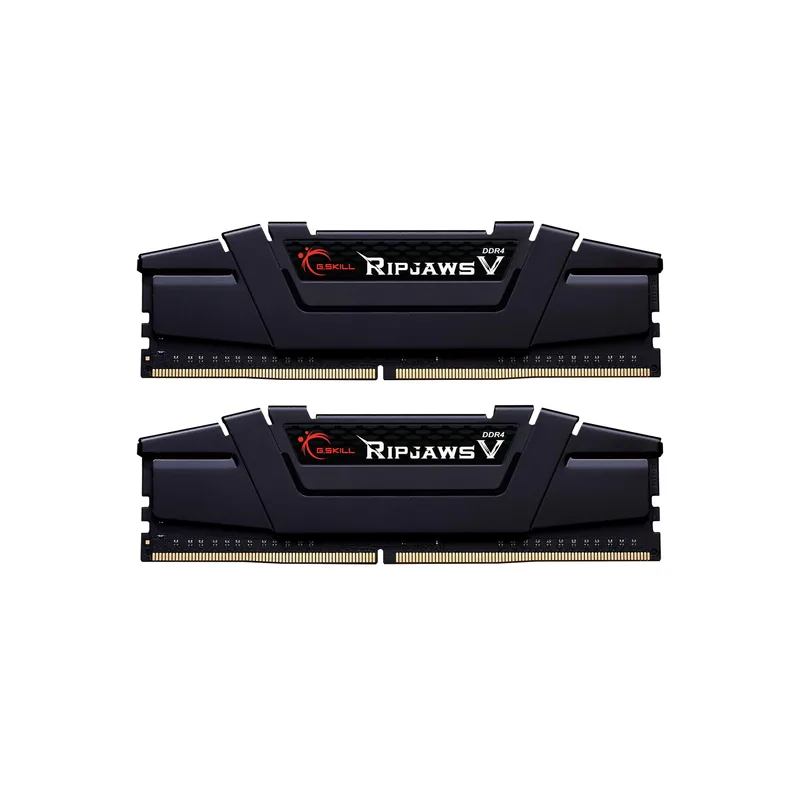
The Ripjaws V is the fastest kit in the list on paper and on latency. CL16-19-19-39 at 3600 MT/s and 1.35V works out to about 8.9ns, which beats every other kit here. It carries an Intel XMP 2.0 profile, and Ryzen boards typically read it through their DOCP or XMP setting.
At 32GB across two modules, it fits older Ryzen 5000 and Intel 10th to 12th Gen builds that need more headroom. It is also the most expensive option, and DDR4 inventory is thin, so confirm stock before planning around it.
2. Corsair Vengeance LPX DDR4-3200 CL16 32GB — Best Value 32GB
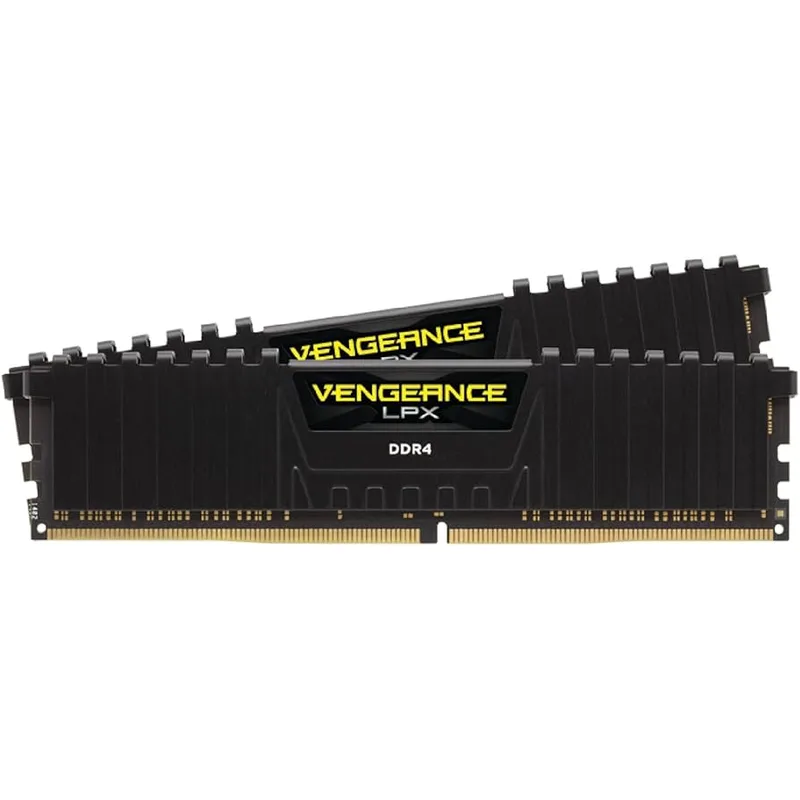
Corsair Vengeance LPX DDR4-3200 CL16 32GB (2x16GB)
DDR4-3200 CL16 is the default recommendation for older Ryzen and Intel systems, and the Vengeance LPX 32GB is the safe version of it. The compact black heat spreader is the same design Corsair has sold for years, and it fits under most air coolers without clearance trouble.
The gap to the Ripjaws V is about one nanosecond of latency, which is hard to feel in everyday use. If the price difference is meaningful, this is the kit to buy. The only real downside is the lack of RGB.
3. Corsair Vengeance LPX DDR4-3600 CL18 32GB — Best for Ryzen 5000
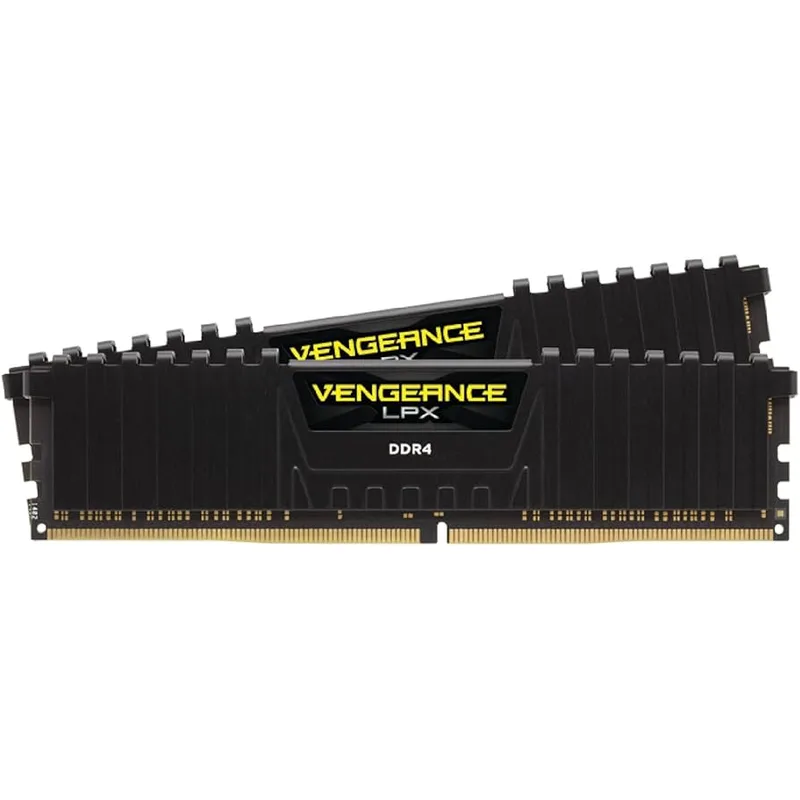
Corsair Vengeance LPX DDR4-3600 CL18 32GB (2x16GB)
This kit exists for one reason: 3600 MT/s. Ryzen 5000 chips commonly run the Infinity Fabric at 1800 MHz 1:1 with DDR4-3600, and a 3600 kit makes that setup easy. For Intel owners it offers no latency gain over the 3200 CL16 kit, because CL18 at 3600 equals CL16 at 3200 at 10ns.
Pick it for an AM4 build. Skip it on Intel unless it is cheaper than the 3200 kit on the day you check.
4. Corsair Vengeance LPX 16GB DDR4-3200 CL16 (2x8GB) — Best 16GB Budget Pick
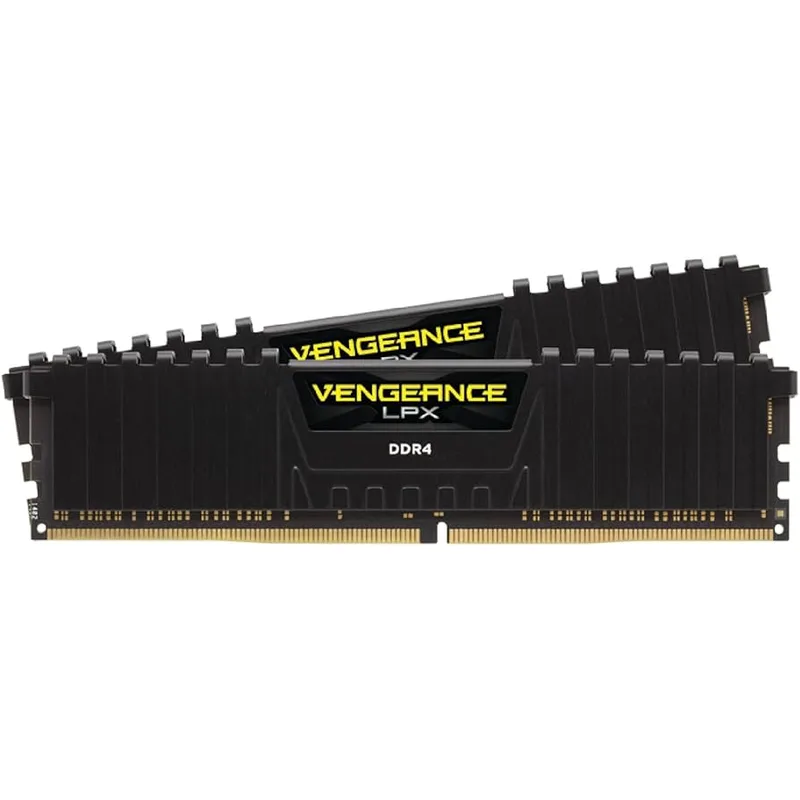
Corsair Vengeance LPX 16GB DDR4-3200 CL16 (2x8GB)
If a system is stuck at 8GB, this kit is the cheapest fix. Two 8GB modules run dual channel at DDR4-3200 CL16 and 1.35V, which helps both Ryzen performance and integrated graphics. For a budget gaming rig, it is the practical floor, and it fits the targets in the budget gaming PC under $500 guide.
Sixteen gigabytes will start to feel tight in games that already use over 12GB of memory with a browser open. It also fills two slots with small modules, which matters on a two-slot board.
5. Kingston FURY Beast DDR4-3200 CL16 16GB (2x8GB) — Alternative 16GB Kit
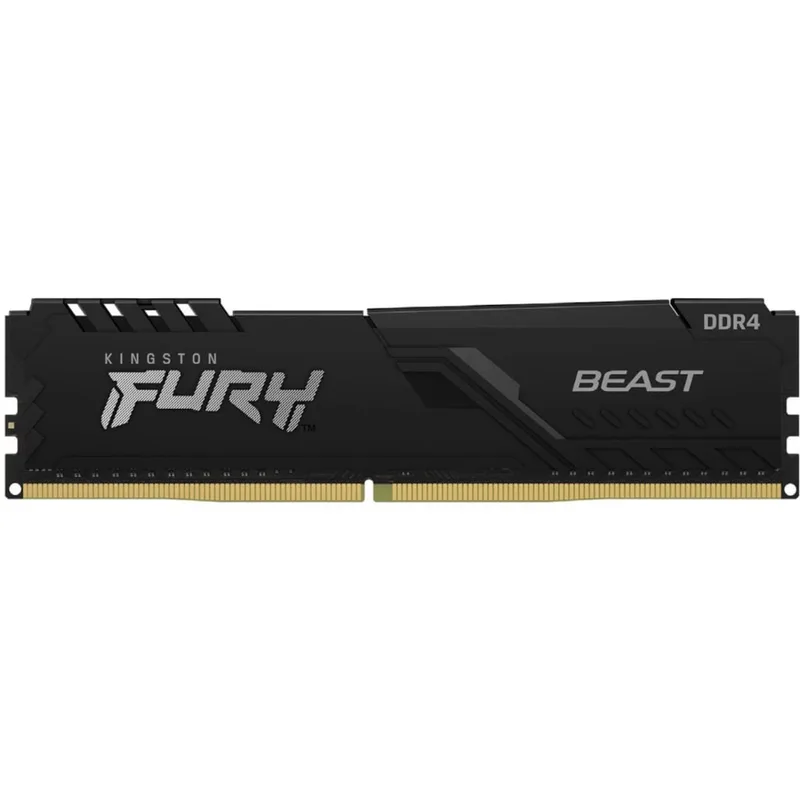
Kingston FURY Beast DDR4-3200 CL16 16GB (2x8GB)
The FURY Beast matches the Corsair 16GB kit on speed and timings, and it adds plug-n-play operation, so many boards run it at rated speed without a BIOS visit. Consider it when the Corsair kit is out of stock, since it gives the same upgrade from a second vendor.
Check the price against the Corsair kit before buying. Amazon pricing on the Kingston listing has varied widely, and the spec sheet gives it no advantage.
FAQ
Is it still worth buying DDR4 in 2026?
Yes, if your motherboard only takes DDR4 and the CPU is still fast enough for your games. Moving to DDR5 means a new motherboard and often a new CPU, which costs far more than a RAM kit. The upgrade vs build new decision guide helps you judge when the whole platform is worth replacing, and the PC upgrade priority guide shows where RAM falls in the order of upgrades.
Is DDR4-3600 worth it over DDR4-3200?
For Ryzen 5000, yes, because it fits the common 1800 MHz Infinity Fabric setting. For Intel, the real latency gain only appears if the 3600 kit has tighter timings, like CL16. A CL18 3600 kit offers no latency advantage over CL16 3200.
Can I mix a new DDR4 kit with my old RAM?
It can work, but it often does not run at the new kit’s rated speed. The system tends to settle on the slowest module’s speed and timings. For reliable results, replace the old modules with a matched kit.
Why are DDR4 prices going up when it is the older standard?
Manufacturers have shifted production toward AI data center memory, and DDR4 supply has been wound down. Reports from TweakTown and Guru3D describe DDR4 contract prices rising through Q3 and into October 2026. That makes buying the capacity you need once a better plan than upgrading in steps.
The Bottom Line
For most older PCs, the Corsair Vengeance LPX DDR4-3200 CL16 32GB is the best balance of capacity, speed, and cost. If you want the fastest option and stock is available, the G.Skill Ripjaws V DDR4-3600 CL16 32GB has the tightest timings here. For a quick fix on an 8GB system, the Corsair Vengeance LPX 16GB is the cheapest way in.