The $500 gaming monitor bracket changed shape in 2026. QD-OLED panels that launched at $650-$800 two years ago now sit at $399, and 4K at 144Hz — a spec reserved for $700+ displays as recently as 2023 — is available at the same price point. Meanwhile, 240Hz 1440p IPS with a built-in KVM switch has dropped under $300. This is the widest spread of genuinely good technology this budget has ever bought: pick between per-pixel OLED contrast, native 4K sharpness, refresh-rate speed, or mini-LED HDR, all under $500.
| Spec | MSI MAG 272QP QD-OLED X24 9.2/10 | Acer Predator XB283K Unavailable 8.6/10 | Gigabyte M27Q X Unavailable 8.8/10 | ASUS TUF Gaming VG27AQL3A 8.5/10 | AOC Q27G40XMN Unavailable 9/10 |
|---|---|---|---|---|---|
| panel | QD-OLED (Gen 3) | Agile-Splendor IPS | SS IPS | Fast IPS | VA Mini-LED |
| resolution | 2560x1440 (QHD) | 3840x2160 (4K UHD) | 2560x1440 (QHD) | 2560x1440 (QHD) | 2560x1440 (QHD) |
| refreshRate | 240Hz | 144Hz | 240Hz | 180Hz | 180Hz |
| responseTime | 0.03ms GtG | 1ms GtG | 1ms MPRT | 1ms GtG | 0.5ms |
| hdr | HDR True Black 400 | DisplayHDR 400 | No HDR | DisplayHDR 400 | HDR1000 (1,152-zone FALD) |
| connectivity | 1x HDMI 2.1, 1x DP 1.4a, USB-C w/ DP Alt Mode | 2x HDMI 2.1, 1x DP 1.4, USB-C | 1x DP 1.4, 2x HDMI 2.0, 1x USB-C (KVM) | 2x HDMI, 2x DisplayPort | 2x HDMI, 2x DisplayPort |
| Rating | 9.2/10 | 8.6/10 | 8.8/10 | 8.5/10 | 9/10 |
Prices change daily — tap Check Price for the current Amazon price.
Prices change daily — tap Check Price for the current Amazon price.
Quick Picks
- Best OLED Value: MSI MAG 272QP QD-OLED X24 — 240Hz QD-OLED with true blacks for $399
- Best 4K: Acer Predator XB283K — native 4K at 144Hz with dual HDMI 2.1 for $399
- Best Value: Gigabyte M27Q X — 240Hz 1440p with a KVM switch for under $300
Buying Guide: What Actually Matters Under $500
QD-OLED vs. IPS vs. VA Mini-LED
At $500, all three panel technologies are represented, and each solves a different problem. QD-OLED (MSI MAG 272QP) delivers per-pixel black levels and instant pixel response — nothing looks as sharp in motion or as contrasty in dark scenes. IPS (Acer, Gigabyte, ASUS) trades that contrast for higher sustained brightness, no burn-in risk, and in the Acer’s case, native 4K resolution. VA mini-LED (AOC) splits the difference: real HDR punch from local dimming zones without OLED’s static-image caution. If you play primarily at night with the lights off, QD-OLED’s contrast is transformative. If you leave the monitor on for desktop work with a taskbar visible for hours, IPS or mini-LED avoids any long-term burn-in conversation entirely.
Resolution and Refresh Rate Trade-offs
Under $500, you get to pick two of three: resolution, refresh rate, and price headroom. The Acer Predator XB283K spends its budget on resolution — 4K at 144Hz needs a genuinely powerful GPU (RTX 4080 or better) to feed consistently in demanding titles, and running below native res on an IPS panel looks noticeably softer than on a 1440p screen at native res. The MSI and Gigabyte spend their budget on refresh rate instead, holding at 1440p but hitting 240Hz, a target a mid-range GPU like an RTX 4070 can sustain in the large majority of titles. Match the monitor to the GPU you actually own, not the one you plan to buy later.
HDR Tiers at This Price
DisplayHDR 400 (Acer, ASUS) is edge-lit certification with a 400-nit peak — a modest step above SDR. HDR1000 with full-array local dimming (AOC’s 1,152 zones) is a genuine tier up, hitting sustained 1,000-nit highlights with minimal haloing. QD-OLED’s HDR True Black 400 certification measures differently — because OLED pixels turn off individually, its 400-nit spec still produces deeper absolute blacks than the AOC’s 1,000-nit mini-LED backlight can, even though the peak brightness number is lower. Don’t compare OLED and mini-LED HDR certifications directly; they measure different things.
Connectivity and KVM
The Gigabyte M27Q X’s USB-C KVM switch is the standout feature in this bracket — it lets one keyboard, mouse, and monitor serve two computers without a separate KVM box, a feature that’s typically a $150+ upsell on other panels. The MSI’s USB-C port adds DisplayPort Alt Mode for single-cable laptop connections. Console players should prioritize the Acer’s dual HDMI 2.1 ports, the only inputs here that pass native 4K120 without compression.
Detailed Reviews
MSI MAG 272QP QD-OLED X24 — Best OLED Value
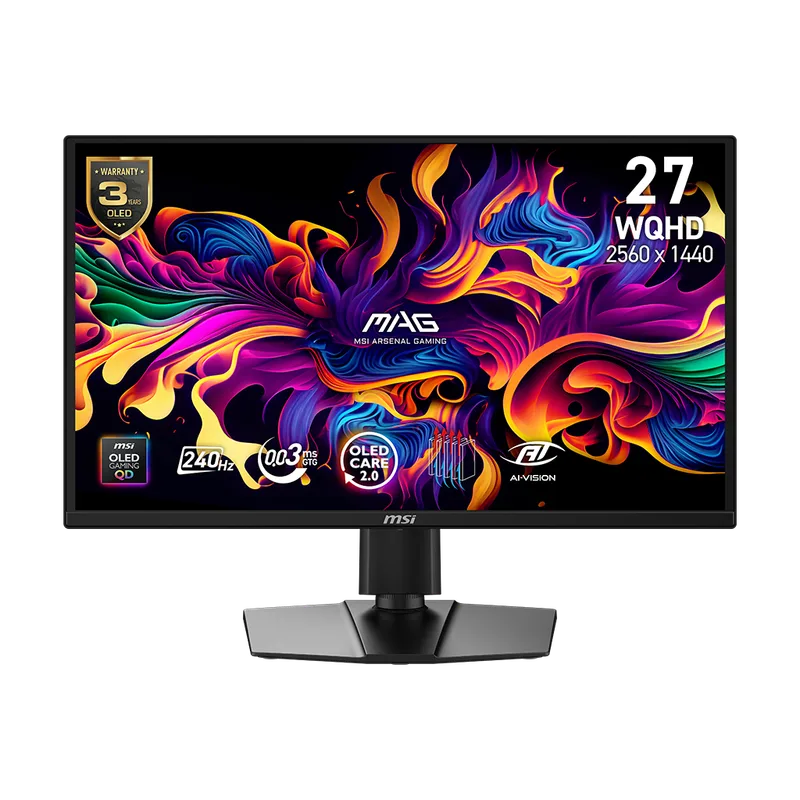
The MSI MAG 272QP QD-OLED X24 brought third-generation QD-OLED technology down to $399, a price that would have bought an entry-level IPS panel with none of OLED’s contrast advantages just two years ago. The panel’s per-pixel emissive design means true blacks next to bright highlights in the same frame — something no IPS or VA backlight, however many local-dimming zones it has, can fully replicate. Pixel response of 0.03ms GtG combined with 240Hz refresh produces motion clarity that makes 1440p IPS panels at the same refresh rate look comparatively smeared in fast panning shots.
The USB-C port with DisplayPort Alt Mode is a genuine convenience for anyone running a laptop dock setup, carrying video and data over a single cable. The trade-offs are the ones inherent to current OLED technology: no 4K option exists yet at this price tier, and static content left on screen for extended periods — a taskbar, a HUD element, a paused loading screen — carries burn-in risk without periodic pixel-refresh cycles (which the panel runs automatically on power-down). For anyone prioritizing contrast and motion clarity over resolution, this is the best value QD-OLED has offered at any price point to date.
Acer Predator XB283K — Best 4K
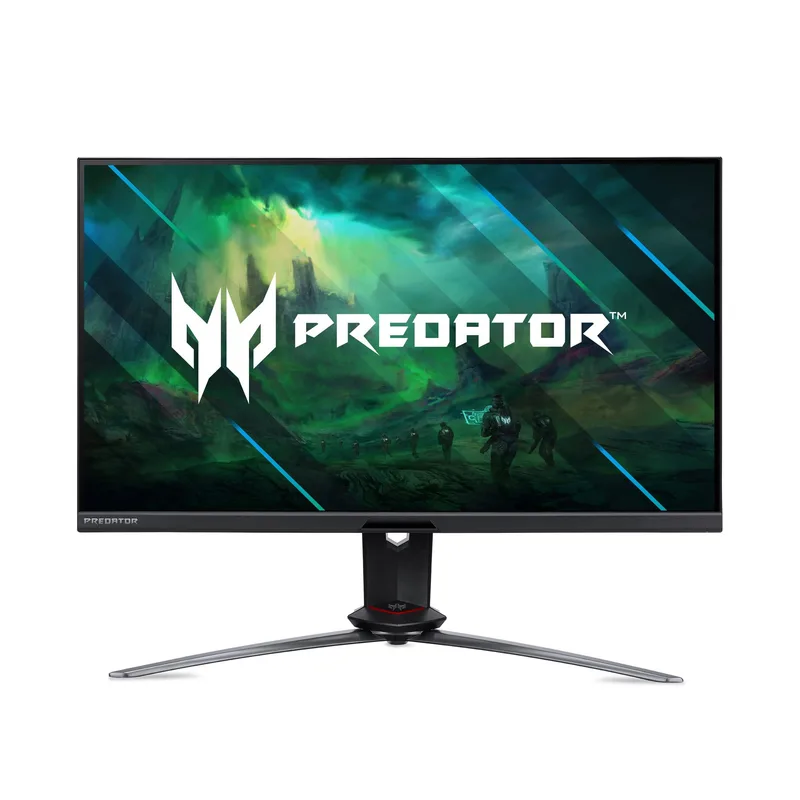
Acer Predator XB283K
The Acer Predator XB283K is the only 4K panel in this roundup, and it holds the $399 price point that used to buy 1440p 240Hz panels exclusively. The 28-inch Agile-Splendor IPS panel keeps pixel density above 157 PPI, sharp enough that Windows scaling can stay at 100% without visible pixel structure — a real upgrade in desktop legibility over any 27-inch 1440p panel here. Dual HDMI 2.1 ports handle native 4K120 from current-generation consoles without dropping to a compressed signal, and the USB-C input adds single-cable laptop connectivity.
The catch is GPU demand: sustaining 144fps at native 4K in AAA titles requires an RTX 4080-class card or better, and running below native resolution on this IPS panel looks visibly softer than on the 1440p options in this list running at their own native res. DisplayHDR 400 is also edge-lit rather than local-dimming, so HDR contrast trails well behind the AOC mini-LED panel below. If your GPU can feed 4K and you value resolution and desktop sharpness over raw refresh rate, this is the only choice under $500.
Gigabyte M27Q X — Best Value
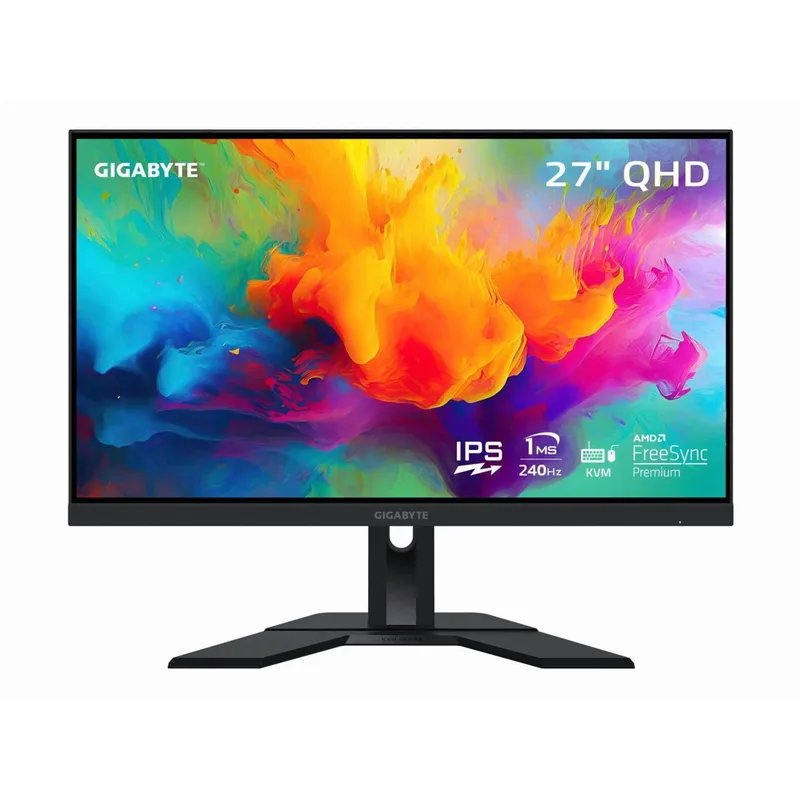
Gigabyte M27Q X
The Gigabyte M27Q X delivers 240Hz at 1440p for $279, a full $100-$150 less than most 240Hz IPS competitors, and adds a feature none of them include: a USB-C KVM switch that lets a single keyboard and mouse control two connected PCs. For anyone running a work laptop and a gaming desktop on the same desk, that alone justifies the price over a plain 240Hz panel. The SS IPS panel covers 92% DCI-P3, accurate enough for light content work alongside gaming duties.
There’s no HDR certification at all here — this is a pure SDR panel, and buyers wanting HDR punch should look to the AOC or MSI instead. The stand is also more basic, offering height and tilt but no swivel or pivot. Neither omission changes the core value proposition: at $279, 240Hz 1440p with a working KVM switch is the strongest dollar-for-dollar pick in this bracket for anyone who doesn’t need HDR.
ASUS TUF Gaming VG27AQL3A — Best Budget
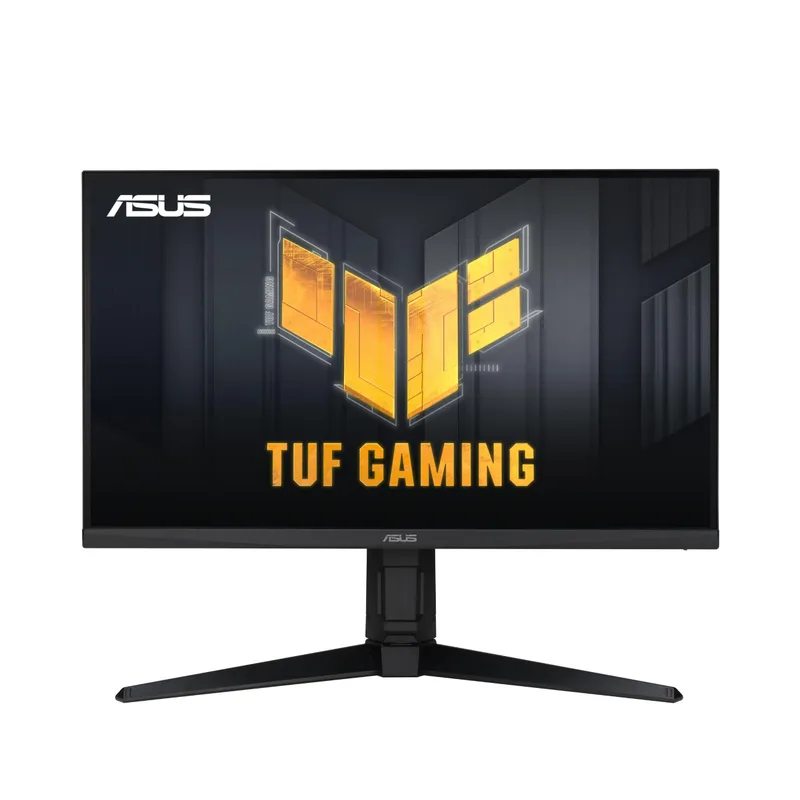
The ASUS TUF Gaming VG27AQL3A is the cheapest monitor in this roundup at $249 and still delivers a legitimate 1440p 180Hz Fast IPS panel. The 130% sRGB color gamut produces richer, more saturated color than typical budget IPS competitors, and ELMB Sync — motion blur reduction running simultaneously with G-Sync/FreeSync — is a feature usually withheld from monitors this cheap, since most force a choice between the two technologies.
DisplayHDR 400 here is edge-lit with no local dimming, so treat it as a minor SDR contrast bump rather than real HDR. There’s also no USB-C or KVM functionality, a gap the similarly-priced Gigabyte M27Q X fills. For buyers who want to spend as little as possible while still getting 1440p and a fast, color-accurate IPS panel, this is the entry point to the whole bracket.
AOC Q27G40XMN — Best HDR
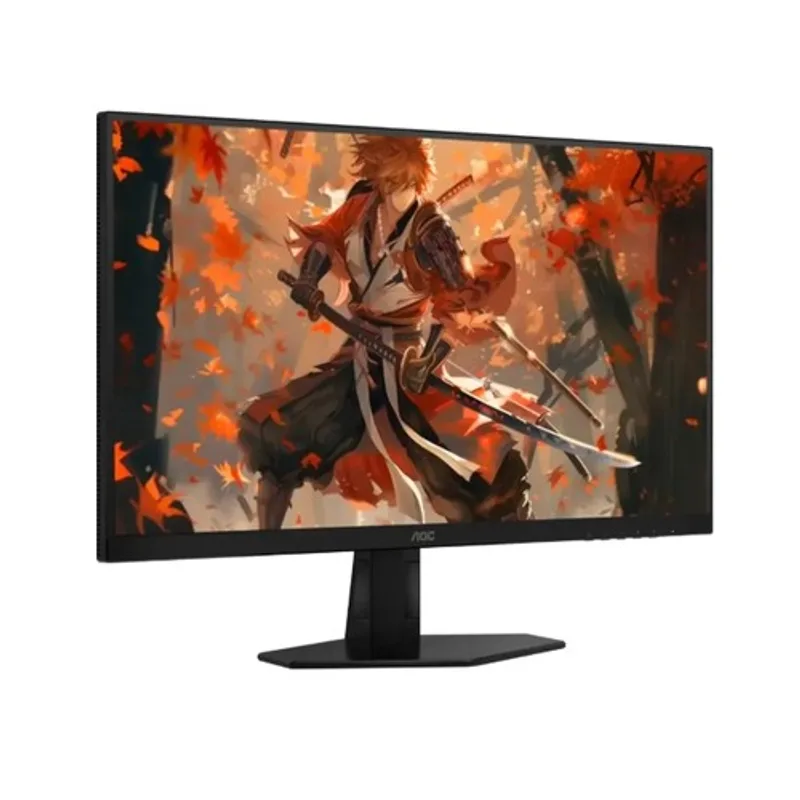
AOC Q27G40XMN
The AOC Q27G40XMN carries 1,152 individually controlled mini-LED dimming zones, more than any other panel in this roundup, delivering sustained HDR1000 brightness with tight, precise zone transitions instead of the coarse haloing that plagues lower-zone-count competitors. The VA panel’s native 4,000:1 contrast ratio also means SDR content looks deep and punchy without ever enabling HDR, something no IPS panel at this price approaches. Connectivity is generous too, with dual HDMI and dual DisplayPort inputs beating the single-port-per-type MSI QD-OLED.
The 180Hz refresh ceiling trails the MSI and Gigabyte’s 240Hz, and VA’s characteristically slower dark-to-dark pixel transitions produce faint smearing in pure-black scenes at high refresh — a real consideration for competitive shooters played on dark maps. For HDR-forward gaming and cinematic content where contrast matters more than chasing the highest possible frame rate, this is the strongest mini-LED option under $300, let alone under $500.
FAQ
Is QD-OLED worth it over IPS at this price? If you play primarily in dim or dark rooms, yes — the MSI MAG 272QP QD-OLED X24’s per-pixel contrast and 0.03ms response time are a genuine step up from any IPS or VA panel at $500. If you leave the monitor on for extended desktop work with static UI elements visible, or you’re not comfortable managing OLED burn-in risk, the Gigabyte M27Q X or ASUS TUF VG27AQL3A deliver excellent 1440p IPS performance without that consideration.
Can a mid-range GPU actually drive the 4K Acer Predator XB283K at 144Hz? Not consistently in demanding AAA titles. An RTX 4070 or RX 7800 XT can hit 60-100fps at native 4K in most games, well short of 144fps. To use the full refresh rate range in graphically demanding titles, you’d want an RTX 4080 or better. In esports titles (CS2, Valorant, Overwatch 2), even a mid-range GPU can approach 144fps at 4K thanks to their lower rendering overhead.
What’s the real difference between HDR1000 mini-LED and QD-OLED’s HDR True Black 400? They measure different things. HDR1000 (AOC) certifies sustained 1,000-nit brightness with a backlight that dims in zones — bright highlights get genuinely bright, but some light bleeds into adjacent dark zones. HDR True Black 400 (MSI QD-OLED) certifies a lower peak brightness but each pixel emits its own light and can turn fully off, producing deeper absolute blacks with zero haloing. Neither number is “better” in isolation — pick QD-OLED for dark-scene contrast, mini-LED for peak brightness in bright HDR content.
Does the Gigabyte M27Q X’s KVM switch require special setup? No — connect two computers via the monitor’s USB-C and DisplayPort/HDMI inputs, plug a keyboard and mouse into the monitor’s USB hub, and toggle between sources using the monitor’s OSD or a hotkey. It behaves like a hardware KVM box built into the display, with no software installation required on either connected PC.
Which of these monitors is best for a console-only setup? The Acer Predator XB283K, thanks to its dual HDMI 2.1 ports that pass native 4K at up to 120Hz from a PS5 or Xbox Series X without any compression. The other four monitors in this roundup use HDMI 2.0, which caps console output at 1440p 120Hz or lower depending on the specific port bandwidth.
The Bottom Line
Under $500 in 2026, the MSI MAG 272QP QD-OLED X24 delivers the single biggest technology jump for the money — 240Hz QD-OLED contrast that cost hundreds more just two years ago. Buyers who need native 4K sharpness for desktop work and console gaming should get the Acer Predator XB283K instead, while anyone prioritizing value above all else should look at the Gigabyte M27Q X, which pairs 240Hz 1440p with a KVM switch for under $300.