OLED is the story of the 2026 monitor market. Omdia’s October forecast has OLED monitor panel shipments growing 79% this year to 6.1 million units, and mainstream 27-inch 240Hz OLED models have dropped by more than 40% according to retail price trackers. That makes the old IPS-versus-OLED question a real decision at mid-range budgets. This guide walks through the four specs that matter (resolution, panel type, refresh rate and connectivity) and matches each to a monitor.
| Spec | ViewSonic VX2728J-2K 8.5/10 | LG 27GR83Q-B UltraGear 8.7/10 | KTC H27P6 8.8/10 | MSI MAG 272QP QD-OLED X24 8.8/10 | LG 34G630A-B UltraGear 8.7/10 |
|---|---|---|---|---|---|
| Panel | IPS | IPS | Fast IPS (Dual Mode) | 27" QD-OLED | Curved VA |
| Resolution | 2560x1440 (QHD) | 2560x1440 (QHD) | 3840x2160 / 1920x1080 dual mode | 2560x1440 (QHD) | 3440x1440 (UWQHD) |
| Refresh Rate | 180Hz | 240Hz | 160Hz (4K) / 320Hz (1080p) | 240Hz | 240Hz |
| Response Time | 0.5ms GtG | 1ms GtG | 1ms GtG | 0.03ms GtG | 1ms GtG |
| HDR | None | DisplayHDR 400 | HDR400 | DisplayHDR True Black 400 | DisplayHDR 400 |
| Connectivity | 2x HDMI, 1x DisplayPort | 1x HDMI 2.1, 1x DisplayPort 1.4 | HDMI 2.1, DP 1.4, 90W USB-C with KVM | — | HDMI, DisplayPort, USB-C, speakers |
| Rating | 8.5/10 | 8.7/10 | 8.8/10 | 8.8/10 | 8.7/10 |
Prices change daily — tap Check Price for the current Amazon price.
Prices change daily — tap Check Price for the current Amazon price.
Monitors at a Glance
- Cheapest sensible 1440p: ViewSonic VX2728J-2K
- Competitive shooters on IPS: LG 27GR83Q-B
- 4K plus a fast 1080p mode: KTC H27P6
- Best image quality at a mid-range budget: MSI MAG 272QP QD-OLED X24
- Immersion and productivity: LG 34G630A-B
What Actually Matters When Choosing a Gaming Monitor
Resolution: match it to your GPU
1080p needs the least GPU power and suits an RTX 5060 or RX 9060 class card chasing high frame rates. 1440p is the usual pick for an RTX 5070 or RX 9070 class card, and it keeps 27-inch text sharp. 4K at 27 to 32 inches looks the sharpest but needs an RTX 5070 Ti or faster to hold 60+ fps in demanding games with settings turned up. A dual-mode panel like the KTC H27P6 lets you run 4K for single-player and drop to 1080p for competitive games.
Panel type: IPS, VA or OLED
- IPS gives good color and wide viewing angles with fast response. The trade-off is lower contrast and visible glow in dark rooms. The ViewSonic and LG 27GR83Q-B are IPS.
- VA has noticeably higher contrast than IPS, so dark scenes look deeper. Dark-to-dark transitions are slower and can smear, as on the LG 34G630A-B.
- OLED lights each pixel individually, which gives true black and near-instant response. The costs are lower peak full-screen brightness and a long-term burn-in risk with static HUDs and taskbars.
Refresh rate: diminishing returns above 180Hz
Going from 60Hz to 144Hz or 180Hz is the big visible jump. Going from 180Hz to 240Hz matters mainly if your GPU delivers 200+ fps in the games you play. Matching your monitor to your typical frame rate matters more than paying for a headline number. Our 144Hz vs 240Hz vs 360Hz comparison goes deeper on this.
Connectivity and ergonomics
- Check for DisplayPort 1.4 or HDMI 2.1 if you want high refresh at 1440p or 4K, and for consoles.
- USB-C with power delivery, as on the KTC and LG ultrawide, simplifies a laptop-plus-desktop desk.
- Check the stand. Some OLED models, including the MSI here, are tilt and height only. A monitor arm solves that.
Gaming Monitor Deep Dives
ViewSonic VX2728J-2K
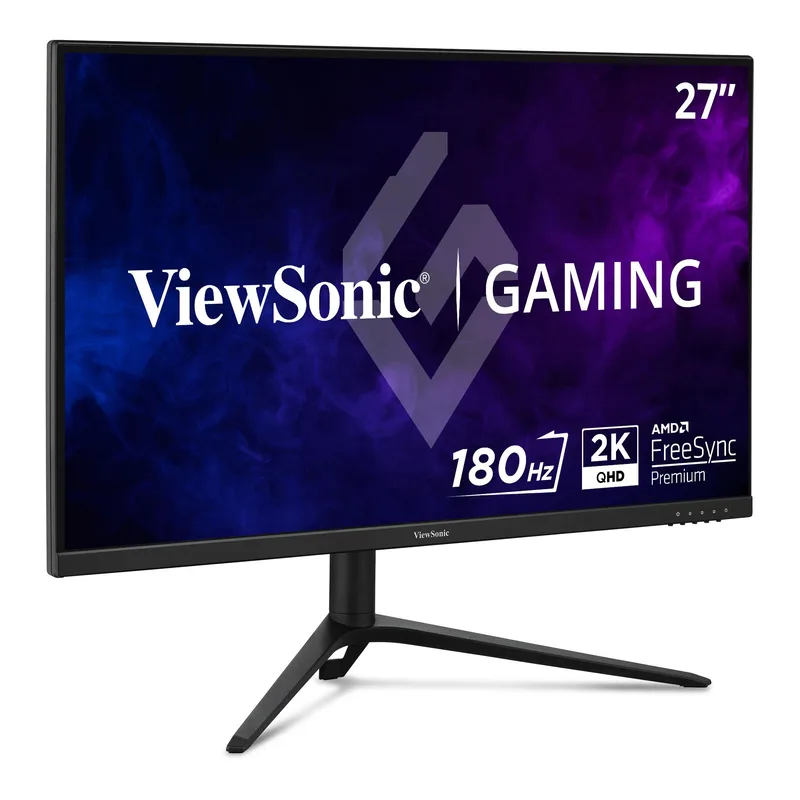
The cheapest route to 1440p in this guide. A 180Hz IPS panel with full stand adjustment fits a mid-range build well, and it lacks only HDR. Choose it if you want to spend as little as possible on the screen and keep the budget for a GPU.
LG 27GR83Q-B UltraGear
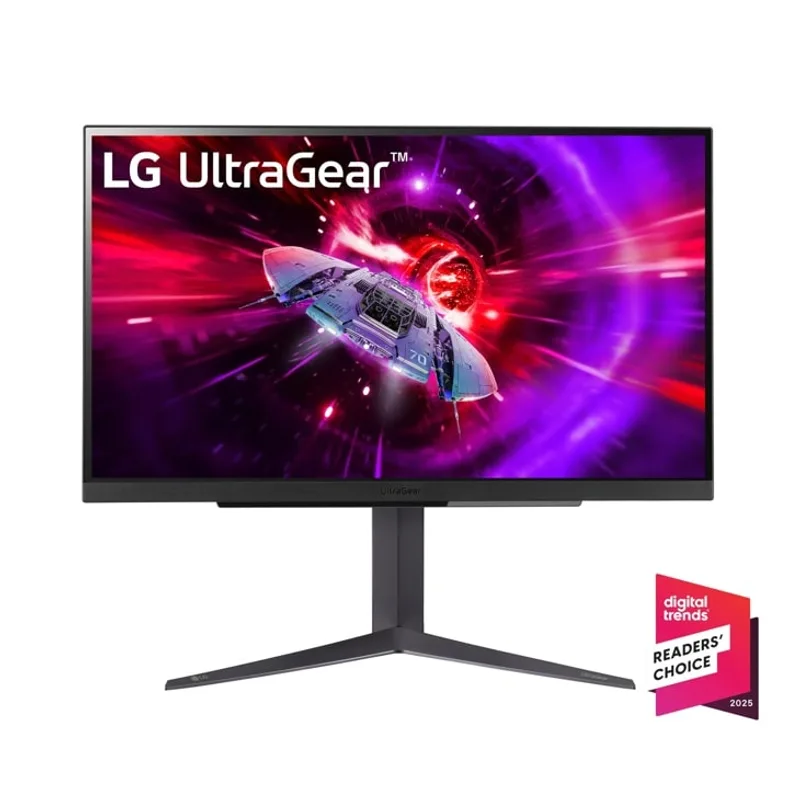
The pick for competitive players who prefer IPS. 240Hz at 1440p, a 1ms GtG rating and HDMI 2.1 for consoles. Owners should know the HDR is a DisplayHDR 400 entry level, so treat it as an SDR monitor first.
KTC H27P6
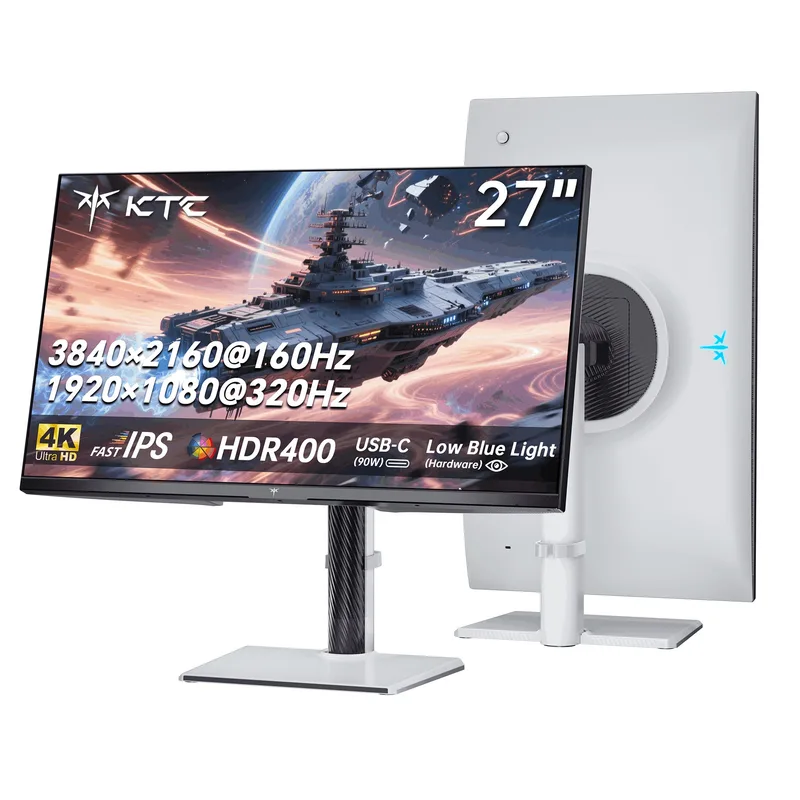
Two monitors in one. Native 4K at 160Hz for single-player games, with a 1080p mode at 320Hz for shooters. The 90W USB-C port with KVM is a bonus for hybrid work. The mode switch is not instant, so expect to pick a mode per session.
MSI MAG 272QP QD-OLED X24
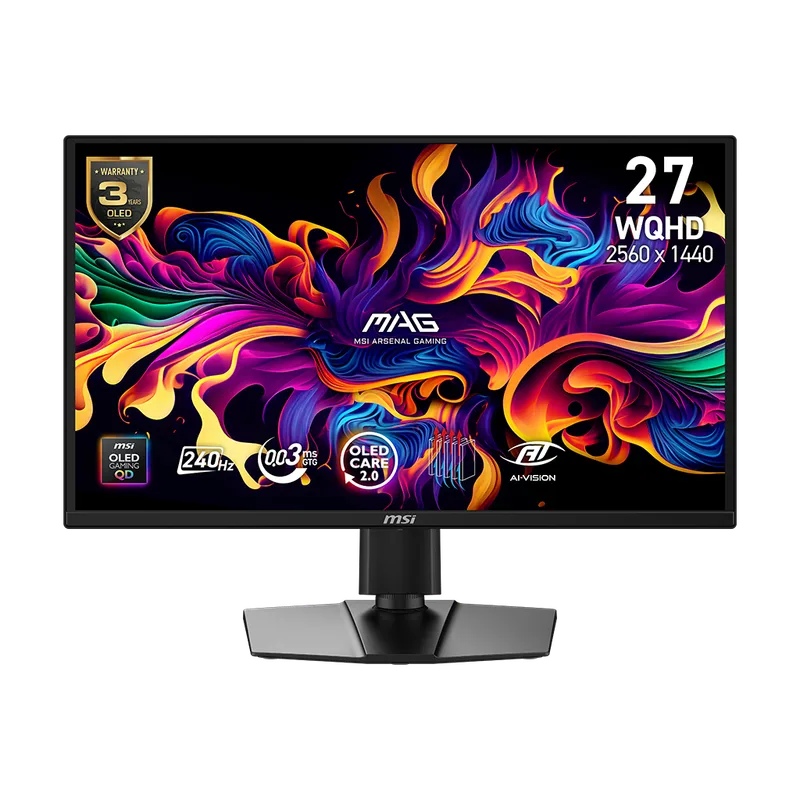
The OLED entry point in this guide. The 0.03ms response and per-pixel black levels give an image no IPS panel in this guide matches. If you play in a dim room and mix gaming with video, it is the strongest picture here. Keep a dark taskbar and use screen-saver features to limit burn-in risk. See our best OLED gaming monitors roundup for higher-end options.
LG 34G630A-B UltraGear
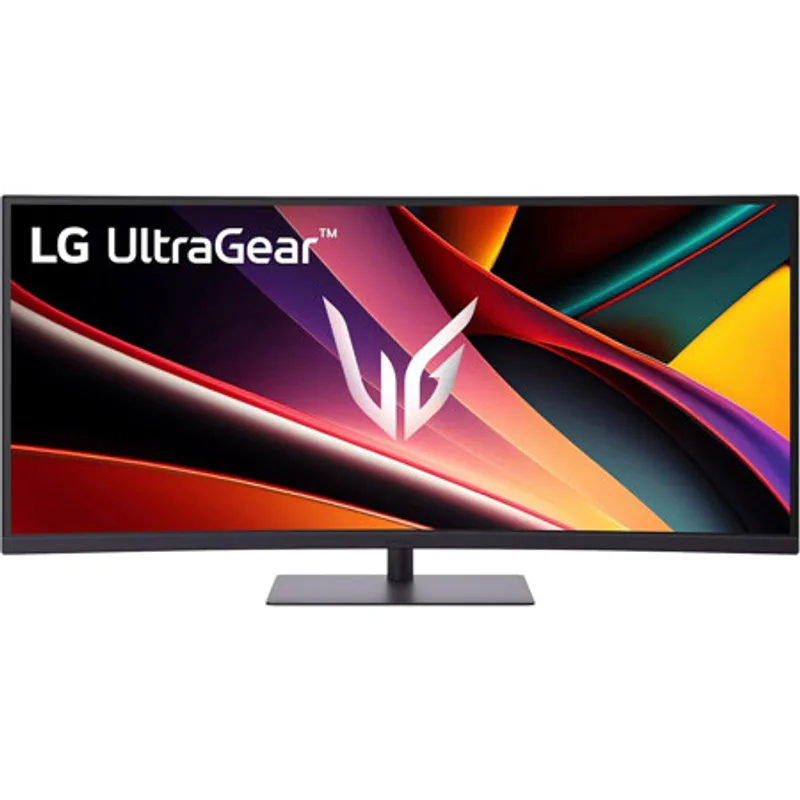
The ultrawide choice. A curved 34-inch VA panel at 3440x1440 and 240Hz suits racing, flight and open-world games, and USB-C helps on a shared desk. Pair it with a GPU strong enough for 3440x1440, which has about 30% more pixels than 16:9 1440p. See the best ultrawide gaming monitors for more.
Compatibility Checks Before You Buy
- GPU ports: confirm your card has DisplayPort 1.4 or HDMI 2.1 for the refresh rate you want. Our best 1440p gaming monitors and best 4K gaming monitors pages list more models.
- VRR: FreeSync and G-Sync Compatible both work with current NVIDIA and AMD cards, but check the supported range.
- VESA mount: most 27-inch models take a 100x100 mount, but confirm before buying an arm.
Upgrade Path
Start with the monitor’s resolution, then upgrade the GPU to match. A 1440p monitor on a mid-range card is a better first step than a 4K monitor the GPU cannot drive. If you later move to 4K or OLED, a 1440p IPS panel makes a solid second screen.
FAQ
Is 1440p or 4K better for gaming in 2026?
1440p suits most mid-range GPUs and keeps frame rates high. 4K looks sharper but needs an RTX 5070 Ti class card or better for demanding games at high settings.
Is OLED worth it for gaming?
If you play in dim rooms and want the best contrast and response, yes. If your desk has bright windows or static windows open for hours, IPS or VA is the safer choice for burn-in.
Do I need 240Hz?
Only if your GPU produces 200+ fps in your games. For most players 144Hz to 180Hz covers the visible gains.
IPS or VA?
IPS for color and fast response, VA for contrast. VA suits dark single-player games, while IPS suits fast competitive ones.
The Bottom Line
For most buyers, the ViewSonic VX2728J-2K is the safe 1440p pick and the LG 27GR83Q-B is the competitive upgrade. If you want the best picture and play in a dim room, the MSI MAG 272QP QD-OLED X24 is where OLED value now sits. Pick the KTC H27P6 for 4K flexibility or the LG 34G630A-B for ultrawide immersion.