VR punishes a graphics card differently than a monitor does. The GPU renders every frame twice, once per eye, at 90Hz or higher, and a missed frame shows up as judder instead of a lower number on a counter. Buyer guides written for PCVR in 2026 put the RTX 5070 class as the practical floor for holding 90fps at high per-eye resolution on Meta Quest 3 PCVR, with RTX 5080 class only necessary for flight, space and racing sims that reward heavy supersampling. This roundup ranks five cards that are in stock on Amazon right now against that yardstick.
| Spec | NVIDIA GeForce RTX 5080 Founders Edition Unavailable 9.3/10 | Sapphire Pulse AMD Radeon RX 9070 XT 16GB Unavailable 9/10 | ASUS TUF Gaming GeForce RTX 5070 12GB OC Unavailable 8.8/10 | MSI GeForce RTX 5070 12G Ventus 2X OC Unavailable 8.5/10 | XFX Swift AMD Radeon RX 9060 XT OC 16GB (Triple Fan) 8.2/10 |
|---|---|---|---|---|---|
| VRAM | 16GB GDDR7, 256-bit | 16GB GDDR6, 256-bit | 12GB GDDR7, 192-bit | 12GB GDDR7, 192-bit | 16GB GDDR6, 128-bit |
| Board Power | 360W | 304W (AMD reference) | 250W (NVIDIA reference) | 250W (NVIDIA reference) | 160W (AMD reference, 16GB model) |
| Recommended PSU | 850W | 750W | 650W | 650W | 450W |
| Power Connector | 1x 16-pin 12V-2x6 | 2x 8-pin | 1x 16-pin 12V-2x6 | 1x 16-pin 12V-2x6 | — |
| Outputs | 3x DisplayPort 2.1b, 1x HDMI 2.1b | 2x HDMI 2.1b, 2x DisplayPort 2.1a | — | — | 1x HDMI 2.1b, 3x DisplayPort 2.1a |
| Rating | 9.3/10 | 9/10 | 8.8/10 | 8.5/10 | 8.2/10 |
Prices change daily — tap Check Price for the current Amazon price.
Prices change daily — tap Check Price for the current Amazon price.
Quick Picks
- Best for high-resolution headsets and sims: the RTX 5080 Founders Edition, with 16GB of GDDR7 and the most rendering headroom here.
- Best high-end value: the Sapphire Pulse RX 9070 XT, which matches the 5080 on VRAM capacity and needs a 750W PSU.
- Best for most Quest 3 owners: the ASUS TUF RTX 5070, the class VR guides treat as the practical minimum for demanding titles.
What VR Needs From a GPU
Per-eye resolution drives the load. A headset like the Quest 3 renders a separate image for each eye, and PCVR runtimes typically render above the panel’s native resolution to keep the image sharp after lens distortion correction. Raising the supersampling slider in a sim is the single fastest way to turn a comfortable 90fps into a slideshow, and it is where a 5080-class card earns its place over a 5070.
VRAM is the second ceiling. Two eye buffers plus high-resolution textures take more memory than the same game on a monitor. 12GB covers most action and social VR; 16GB gives headroom for modded VRChat worlds and texture-heavy sims. Our VRAM guide covers the general rules.
Frame consistency beats average frame rate. Reprojection and motion smoothing hide dropped frames, but they add artifacts. Choosing a card one tier above your minimum lets you turn those features off in demanding titles.
Check power and outputs before buying. The RTX 5070 and 5080 use the 12V-2x6 connector, while the RX 9070 XT uses two 8-pin plugs. PSU recommendations here follow the vendor reference figures: 450W, 650W, 750W and 850W for the 9060 XT, 5070, 9070 XT and 5080. Wireless Quest streaming also leans on a decent router and the card’s video encoder, so the headset connection matters as much as the GPU. For general card comparisons, see the best GPUs for gaming.
Match the card to the headset, not the other way round. A Quest 3 streaming over Wi-Fi or a cable is bounded by the headset’s panel resolution and the link bitrate, so a 5080 does not make the picture sharper than a 5070 unless you raise render resolution. If you plan to move to a higher-resolution headset later, that is when stepping up a tier pays off. Also confirm your case has room: the triple-fan cards here are longer than the dual-fan Ventus, and a 12V-2x6 connector needs clearance for a gentle cable bend.
Detailed Reviews
1. NVIDIA GeForce RTX 5080 Founders Edition
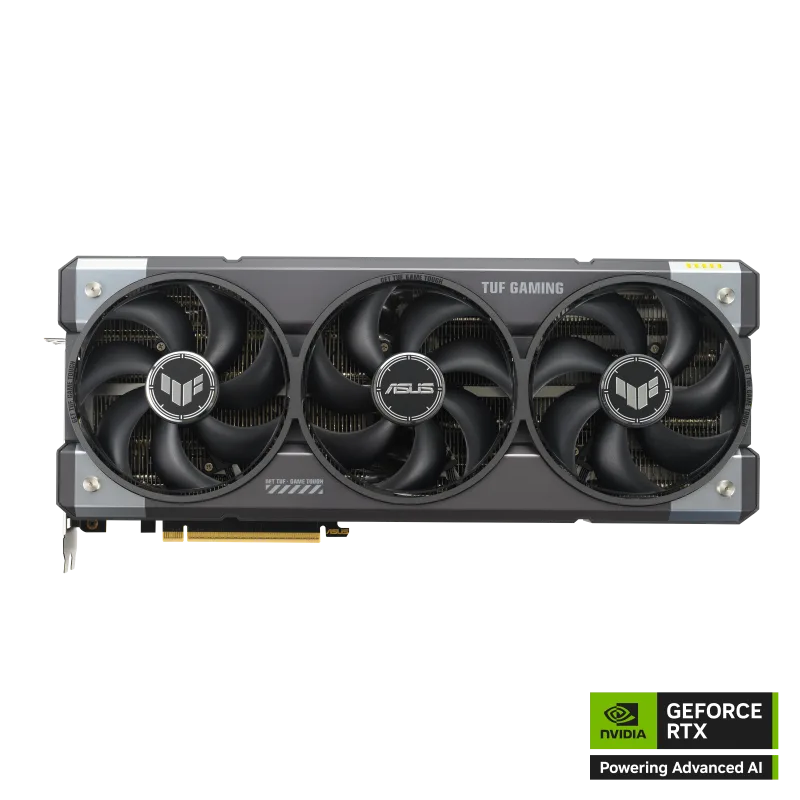
NVIDIA GeForce RTX 5080 Founders Edition
The RTX 5080 is the card for VR players whose libraries lean on simulators. Pushing a high-resolution headset in a flight or racing sim at 90Hz with supersampling above 100% is the scenario where 16GB of GDDR7 and the extra shader throughput over a 5070 are visible. Our RTX 5080 review covers the architecture in depth.
The cost is power and money. A 360W board wants an 850W supply with a native 12V-2x6 cable, and Founders Edition supply can be inconsistent. If your VR library is mostly action, rhythm and social titles, the 5070 below gets you most of the way for far less.
2. Sapphire Pulse AMD Radeon RX 9070 XT 16GB
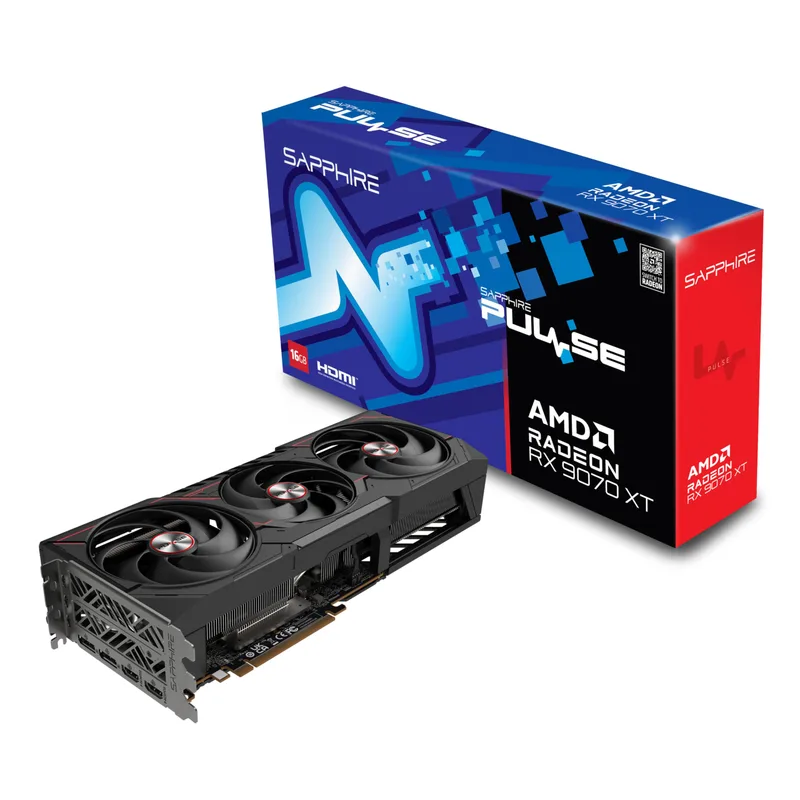
Sapphire Pulse AMD Radeon RX 9070 XT 16GB
The RX 9070 XT is the value argument at the high end. It has the same 16GB capacity as the RTX 5080 and a lower 304W reference board power, with two 8-pin connectors instead of a 12-pin cable. For a SteamVR-heavy library that is mostly rasterized, it is a strong match. See the RTX 5070 vs RX 9070 XT comparison for how it stacks up in general.
The caveat is software. Some VR titles and headset utilities are tuned around NVIDIA hardware first, so check forums for your specific games and wireless streaming setup before buying. The dual-fan Pulse cooler also has less thermal headroom than triple-fan 9070 XT models in long sessions.
3. ASUS TUF Gaming GeForce RTX 5070 12GB OC
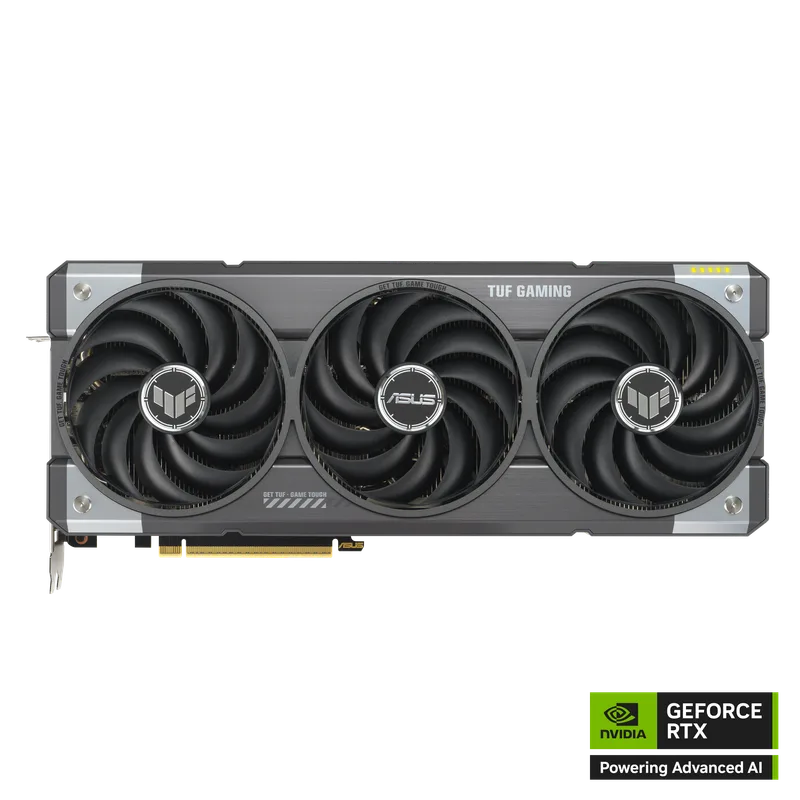
ASUS TUF Gaming GeForce RTX 5070 12GB OC
For most Quest 3 owners, the RTX 5070 is the sweet spot. VR guides cite this class as the practical minimum for sustaining 90fps at high per-eye resolution across demanding PCVR titles, and its 250W reference board power fits the 650W PSU most builders already have.
The TUF’s triple Axial-tech fan design is aimed at sustained loads, and VR sessions are exactly that: no menu screens, no pauses. The 12GB of memory is the limitation to watch with heavily modded worlds.
4. MSI GeForce RTX 5070 12G Ventus 2X OC

MSI GeForce RTX 5070 12G Ventus 2X OC
The Ventus 2X OC is the same RTX 5070 silicon in a smaller dual-fan package, which makes it the pick for compact cases and tighter budgets. Performance in VR is governed by the GPU rather than the cooler, so differences come down to noise and sustained clocks over long sessions. Compare more variants in our RTX 5070 cards roundup.
5. XFX Swift AMD Radeon RX 9060 XT OC 16GB (Triple Fan)
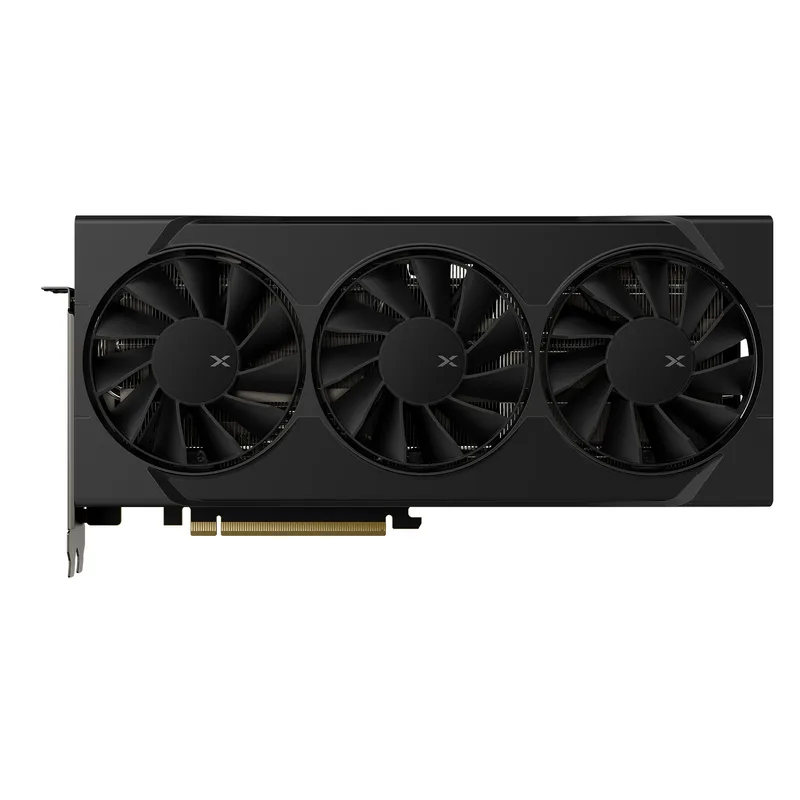
XFX Swift AMD Radeon RX 9060 XT OC 16GB (Triple Fan)
The RX 9060 XT 16GB is the entry ticket. With 16GB of GDDR6 at the 160W reference tier, it suits Quest 3 and older headsets running at the default render resolution, and it works with a 450W PSU. It will not keep up with a supersampled sim, but for action titles, rhythm games and social VR at 90Hz it is the least expensive card here that avoids the VRAM ceiling. Read the RX 9060 XT review for more.
FAQ
What is the minimum GPU for PCVR in 2026?
Buyer guides for Quest 3 PCVR put the RTX 4070 or RTX 5070 class as the practical floor for 90fps at high per-eye resolution in demanding titles. Lighter games run on an RX 9060 XT 16GB at default render resolution.
Do I need 16GB of VRAM for VR?
Not for most titles. 12GB handles typical action and social VR; 16GB matters for heavily modded VRChat worlds, texture-rich sims and high supersampling.
Is NVIDIA or AMD better for VR?
Both work. AMD cards here offer more VRAM per tier, while NVIDIA tends to be the first target for VR software and headset utilities. Check the titles and wireless streaming method you use before buying.
Does a standalone Quest 3 need a PC GPU?
No, it runs standalone games on its own chipset. A GPU matters only when you stream PC games to it over cable or Wi-Fi, which is what this guide covers.
The Bottom Line
The ASUS TUF RTX 5070 is the card to buy for most PCVR players: it sits at the class VR guides call the practical minimum and works with a 650W PSU. Step up to the RTX 5080 if you play supersampled flight or racing sims, or choose the Sapphire Pulse RX 9070 XT for 16GB of VRAM at lower cost. On a tight budget, the XFX Swift RX 9060 XT 16GB runs lighter VR titles at default resolution.