Desktop Wi-Fi 7 cards are no longer a niche item. MSI announced its HERALD BE9400 PCIe card in April 2026, Gigabyte has its own GC-WIFI7 card, and TP-Link and ASUS both sell tri-band Wi-Fi 7 cards with Bluetooth 5.4. If your motherboard has no Wi-Fi, or its built-in Wi-Fi 6 chip is holding back a newer router, a PCIe card is a small fix. We researched the specs and owner feedback for five cards that cover a Wi-Fi 6 budget pick through to tri-band Wi-Fi 7.
| Spec | ASUS PCE-BE92BT Wi-Fi 7 PCIe Adapter 9/10 | TP-Link Archer TBE550E BE9300 Wi-Fi 7 PCIe Card 8.8/10 | FENVi Wi-Fi 7 PCIe Adapter (Intel BE200) 8.2/10 | BE6500 MT7925 Wi-Fi 7 PCIe Card 7.8/10 | TP-Link Archer TX55E AX3000 Wi-Fi 6 PCIe Card 8/10 |
|---|---|---|---|---|---|
| standard | Wi-Fi 7 (BE9400) | Wi-Fi 7 (BE9300) | Wi-Fi 7 | Wi-Fi 7 (BE6500) | Wi-Fi 6 (AX3000) |
| bands | Tri-band, 2.4 / 5 / 6 GHz | Tri-band, 2.4 / 5 / 6 GHz | Tri-band, 2.4 / 5 / 6 GHz | Tri-band, 2.4 / 5 / 6 GHz | Dual-band, 2.4 / 5 GHz |
| bluetooth | Bluetooth 5.4 | Bluetooth 5.4 | — | Bluetooth 5.4 | Bluetooth (included) |
| antennas | 2 external antennas | External antennas on a magnetic base | — | — | — |
| interface | PCIe x1 | — | PCIe x1 | PCIe x1 | PCIe x1 |
| Rating | 9/10 | 8.8/10 | 8.2/10 | 7.8/10 | 8/10 |
Prices change daily — tap Check Price for the current Amazon price.
Prices change daily — tap Check Price for the current Amazon price.
Quick Picks
- Best overall: the ASUS PCE-BE92BT pairs tri-band Wi-Fi 7 with two external antennas and Bluetooth 5.4 from a brand with proper driver support.
- Best TP-Link option: the TP-Link Archer TBE550E is a BE9300 card with a magnetic antenna base for placing the signal pickup on top of your desk.
- Best for a Wi-Fi 6 router: the TP-Link Archer TX55E costs the least and matches what a Wi-Fi 6 router can send.
Buying Guide
Match the card to your router, not to the newest standard. A Wi-Fi 7 card on a Wi-Fi 6 router connects at Wi-Fi 6 speeds. The AX3000 TX55E is the sensible pick if you have no plans to replace the router soon. If a Wi-Fi 7 or Wi-Fi 6E router is already installed or on your shopping list, a tri-band card gets you the 6GHz band, which is the main reason to upgrade.
6GHz is the band that benefits from antenna placement. It carries the most bandwidth but loses strength fastest through walls and metal. A card that screws an antenna into the back of a case sits behind steel and a motherboard tray. Cards with a cable and magnetic base, like the ASUS and TP-Link picks, let you stand the antenna on the desk. The same logic applies to Bluetooth, since the card’s Bluetooth radio uses the same antennas.
Check driver support for your operating system. TP-Link lists Windows 11 for the TBE550E. For Intel BE200 cards on Linux, Intel community threads reported that Wi-Fi 7 features like 320MHz channels and multi-link operation lacked a Linux driver as of early 2025, though kernel support for the card itself exists from Linux 6.11. If you run Linux, read the current driver status for your chipset first.
Bluetooth needs a motherboard connection. Most of these cards carry Bluetooth over an internal USB header cable to the motherboard. Check you have a free USB 2.0 header, usually a 9-pin connector, before buying. Without it, the Wi-Fi works but Bluetooth will not.
You need a free PCIe x1 slot. Every card here uses PCIe x1. On a compact board, a three-slot graphics card can cover the lowest slot. If you are choosing a board for a new build, our budget motherboards, best B760 motherboards and best micro-ATX motherboards roundups are worth a look, since a board with Wi-Fi built in saves both the slot and the card.
Detailed Reviews
1. ASUS PCE-BE92BT Wi-Fi 7 PCIe Adapter
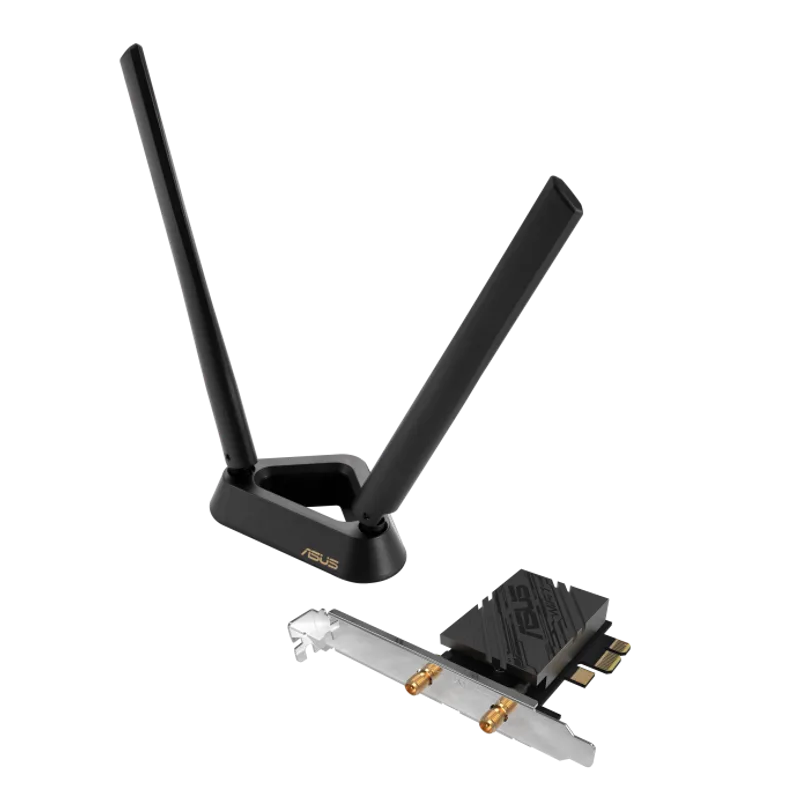
The ASUS PCE-BE92BT is the card to buy if you want the least friction. It is a BE9400 tri-band Wi-Fi 7 adapter with Bluetooth 5.4 and two external antennas, installed in a single PCIe x1 slot. The 6GHz band is the headline: on a Wi-Fi 7 or Wi-Fi 6E router it gives you a channel that is not shared with neighbors’ 2.4 and 5GHz networks.
ASUS is the best-supported brand in this group, with a dedicated product page and driver downloads. The cost of that support is a higher price than the generic cards below. If you do not own a Wi-Fi 7 router, you are paying for headroom you cannot use yet.
2. TP-Link Archer TBE550E BE9300 Wi-Fi 7 PCIe Card
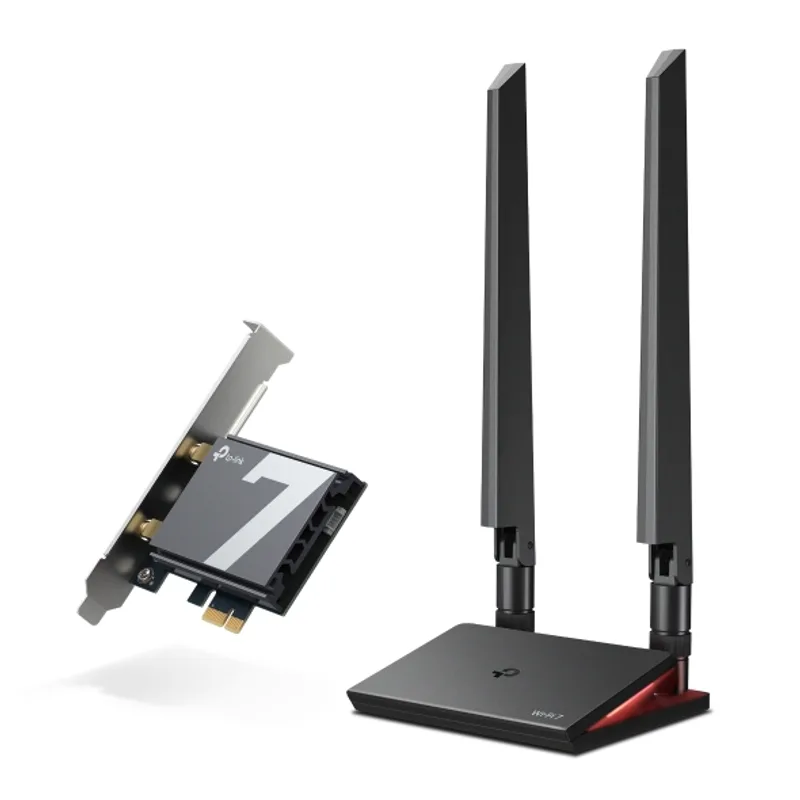
The TP-Link Archer TBE550E is a BE9300 tri-band card with Bluetooth 5.4, and TP-Link markets it as the first Wi-Fi 7 tri-band PCIe adapter. It ships with antennas on a magnetic base so you can move them up to the desk.
It is a good fit for a Windows 11 gaming PC where you want a recognizable brand and a router that is also TP-Link, though the card works with other brands’ Wi-Fi 7 routers. TP-Link lists Windows 11 as the target OS, so Linux and Windows 10 users should check the driver page first.
TP-Link Archer TBE550E BE9300 Wi-Fi 7 PCIe Card
3. FENVi Wi-Fi 7 PCIe Adapter (Intel BE200)
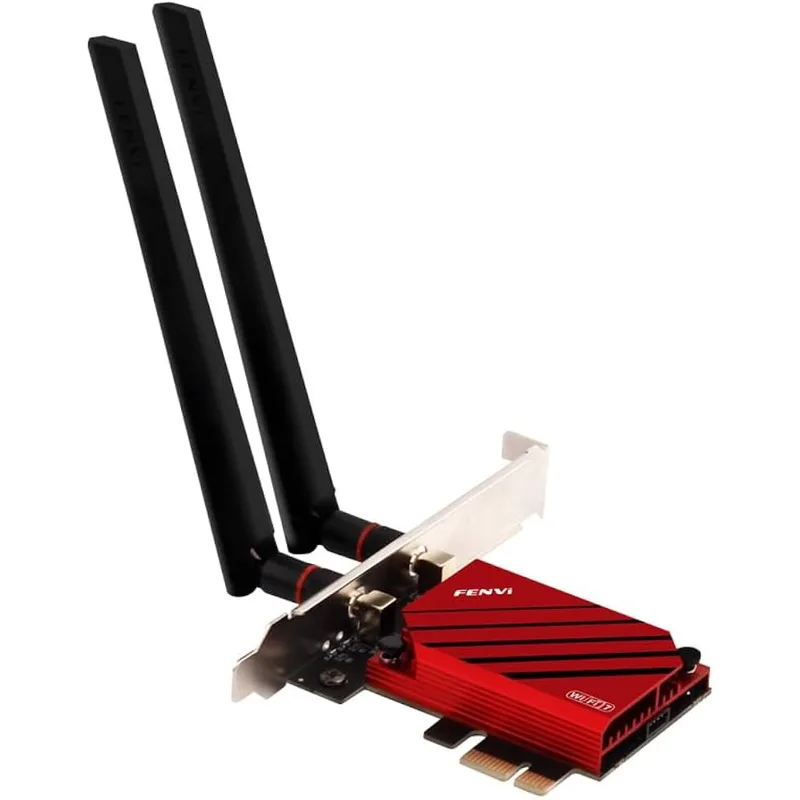
The FENVi Wi-Fi 7 PCIe Adapter is built around Intel’s BE200 chip, rated up to 8774 Mbps in the listing. That rating is the theoretical maximum link rate, not real-world throughput. Intel’s chip is familiar from laptops, so Windows driver availability is not a concern.
The caution is Linux. As noted in the buying guide, Intel’s own community forum threads describe missing Wi-Fi 7 feature support in the Linux driver as of early 2025. Windows buyers who want an Intel chipset at a moderate price will find this a reasonable middle ground between the top-tier ASUS card and the unbranded cards.
4. BE6500 MT7925 Wi-Fi 7 PCIe Card
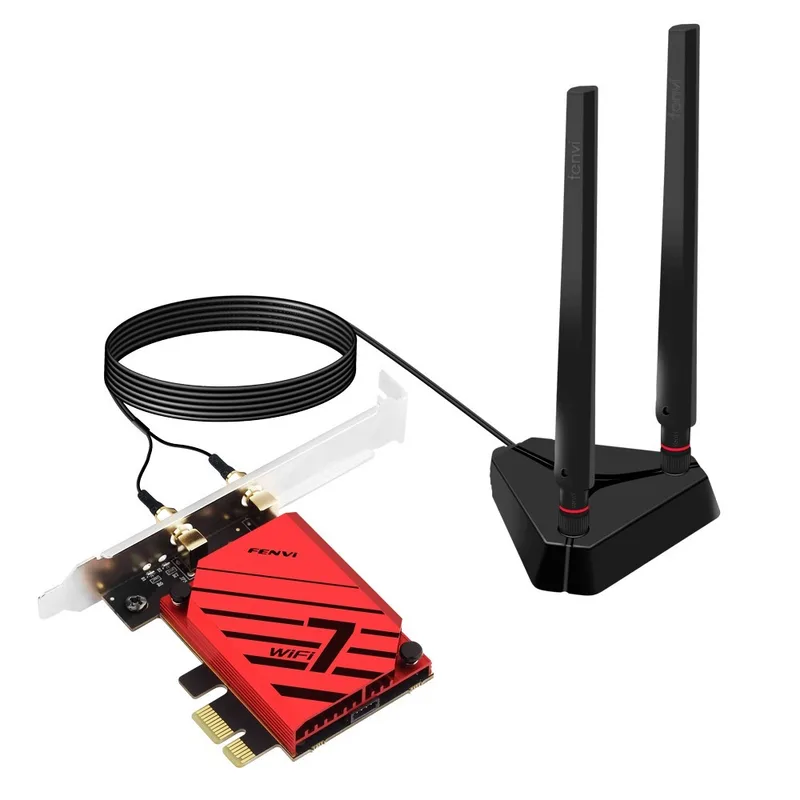
The BE6500 MT7925 card is the cheapest way here into Wi-Fi 7 and 6GHz. It uses the MediaTek MT7925, the same chipset family as TP-Link’s TBE400E. BE6500 is a lower tier than the BE9300 and BE9400 cards, which affects peak link speeds between your PC and a nearby router but not typical internet speeds.
The risk is support. The listing is an unbranded product, so a driver problem means relying on MediaTek’s generic drivers or the seller. If you only want Wi-Fi 7 for the 6GHz band and have a basic router, it is an easy trade.
5. TP-Link Archer TX55E AX3000 Wi-Fi 6 PCIe Card
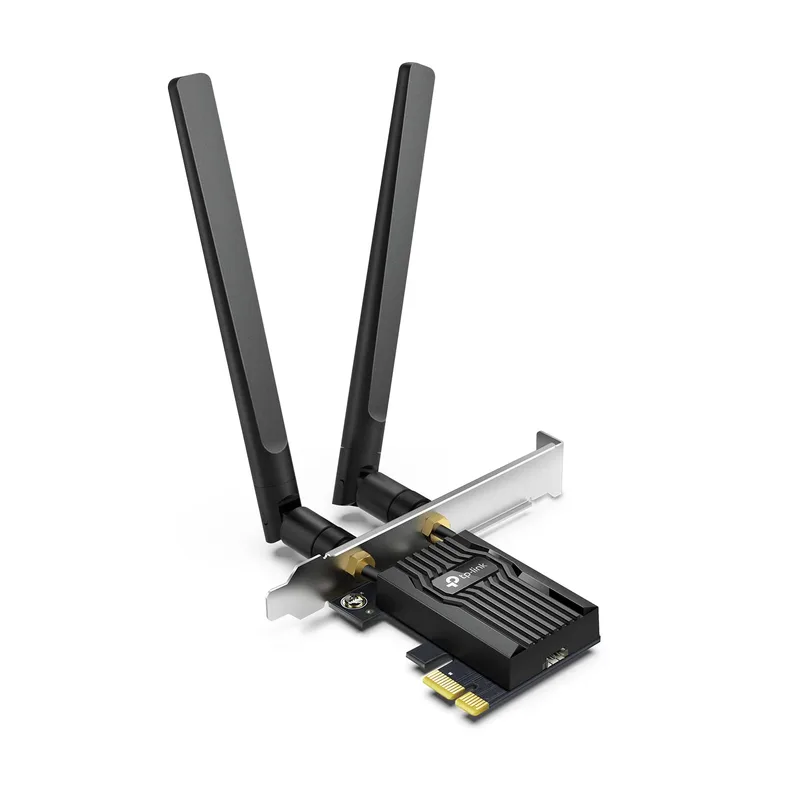
The TP-Link Archer TX55E is the pick if you are still on a Wi-Fi 5 or Wi-Fi 6 router. AX3000 means the card’s rated maximum is in line with what a mainstream Wi-Fi 6 router sends, and it includes Bluetooth. It does not have a 6GHz radio.
This is also the pick for a budget gaming build where the money is better spent on a GPU. It does the job for streaming, downloads and online play, and it can be swapped for a Wi-Fi 7 card later.
FAQ
Do I need a Wi-Fi 7 router to use a Wi-Fi 7 card? Yes, to get Wi-Fi 7 features. On an older router the card falls back to Wi-Fi 6 or Wi-Fi 6E speeds, and it will work fine, but you are not using what you paid for.
Is a PCIe Wi-Fi card better than a USB Wi-Fi adapter? For a desktop, usually yes. A PCIe card has more room for antennas, does not use a USB port, and avoids the heat and bandwidth limits of small USB sticks. The trade-off is that it needs a free slot.
Will Bluetooth work out of the box? Only if you connect the card’s internal USB cable to a motherboard USB header. Most cards in this group use that cable for Bluetooth.
Which card should I buy for Linux? Check the current driver status for the specific chipset before ordering. The Intel BE200 had incomplete Wi-Fi 7 support under Linux as of early 2025, per Intel’s community forums, and TP-Link lists Windows 11 for the TBE550E.
Can I use these cards on an Intel or AMD board? Yes. The cards use a standard PCIe x1 slot and are not tied to a CPU socket, so they work on any ATX, micro-ATX or mini-ITX board that has a free slot.
The Bottom Line
Buy the ASUS PCE-BE92BT if you have or plan to buy a Wi-Fi 7 router and want a well-supported card. The TP-Link Archer TBE550E is the same idea from TP-Link. If your router is Wi-Fi 6 or older, the TP-Link Archer TX55E is enough, and the unbranded MT7925 card is the lowest-cost way to get 6GHz.