A 32GB DDR5-6000 kit now has a real-world price floor around $375-400, according to Tom’s Hardware’s ongoing RAM price tracking — up roughly 4x from about $90 a year ago as AI datacenter demand keeps pulling DRAM fab capacity away from consumer memory. NAND is in the same bind: Kingston has reported wafer costs up over 200% in a two-month span, and budget 1TB NVMe drives that sold for under $70 in 2025 now start closer to $130-150. Those two shortages alone add several hundred dollars to any “$1,000 build” that insists on a DDR5 platform in 2026. This build sidesteps the worst of it by staying on a DDR4 motherboard, which is exactly how real-world $1,000 builds are surviving the crunch this year — the tradeoff is a total closer to $1,200 than $1,000, and we’ll show you where to trim if you need to land closer to the sticker number.
| Spec | Intel Core i5-14400F 8.2/10 | Gigabyte GeForce RTX 5060 Windforce OC 8G Unavailable 8/10 | ASRock B760M Pro RS/D4 Unavailable 8.3/10 | Corsair Vengeance LPX 16GB (2x8GB) DDR4-3200 8.4/10 | WD Black SN7100 1TB NVMe SSD 9/10 | Thermaltake Toughpower GF A3 650W Unavailable 8.5/10 | NZXT H5 Flow Unavailable 8.4/10 | DeepCool AK400 Unavailable 8.9/10 |
|---|---|---|---|---|---|---|---|---|
| cores | 10 cores (6P + 4E) / 16 threads | — | — | — | — | — | — | — |
| clock | 2.5 GHz base / 4.7 GHz boost | — | — | — | — | — | — | — |
| socket | LGA1700 | — | LGA1700 | — | — | — | — | — |
| tdp | 65W base / 148W MTP | — | — | — | — | — | — | 220W |
| cache | 20MB Intel Smart Cache | — | — | — | — | — | — | — |
| memory_support | DDR4-3200 or DDR5-5600 | — | — | — | — | — | — | — |
| Rating | 8.2/10 | 8/10 | 8.3/10 | 8.4/10 | 9/10 | 8.5/10 | 8.4/10 | 8.9/10 |
Prices change daily — tap Check Price for the current Amazon price.
Prices change daily — tap Check Price for the current Amazon price.
Build at a Glance
| Component | Pick | Price |
|---|---|---|
| CPU | Intel Core i5-14400F | Check price |
| GPU | Gigabyte RTX 5060 Windforce OC 8G | Unavailable |
| Motherboard | ASRock B760M Pro RS/D4 | Unavailable |
| RAM | Corsair Vengeance LPX 16GB DDR4-3200 | Check price |
| Storage | WD Black SN7100 1TB NVMe | Check price |
| PSU | Thermaltake Toughpower GF A3 650W | Unavailable |
| Case | NZXT H5 Flow | Unavailable |
| Cooler | DeepCool AK400 | Unavailable |
| Total | Check current price |
Prices reflect current Amazon street pricing as of September 2026. Storage is the biggest variable if you need to hit exactly $1,000: dropping to a 500GB drive saves roughly $60-80, and skipping the AK400 in favor of the stock Laminar RH1 cooler saves another $32. Do both and you land at roughly $1,090-1,115 — still above the sticker price, but that’s the honest cost of a DDR4-based gaming PC during the current shortage.
Why These Parts
The i5-14400F is the right CPU at this budget, not the flashiest one. Its 10 cores (6P+4E) keep up with 2026’s hybrid-scheduler-aware game engines, and it ships with a usable stock cooler. The Core Ultra 5 245K is a better chip on paper, but it needs a pricier LGA1851 board and doesn’t move the needle on gaming FPS enough to justify the platform cost jump at this budget.
DDR4 over DDR5 saves roughly $230 right now. A comparable 16GB DDR5-5600 kit runs $250+ under current shortage pricing, against $165 for this DDR4-3200 kit. The B760M Pro RS/D4’s DDR4 memory controller is the single biggest reason this build stays in $1,000-class territory at all.
8GB VRAM is the honest ceiling for a $1,000 GPU right now. The RX 9060 XT’s 16GB buffer is the safer long-term pick, but it also costs $150 more at current prices. For 1080p gaming — this build’s target resolution — 8GB is still workable in the large majority of 2026 titles.
The WD Black SN7100 is a splurge, and we’re calling it out. At $185 for 1TB, NAND shortage pricing makes this the least “budget” line item here. If you need to hit $1,000 exactly, this is the first place to cut — a 500GB drive from the same line runs closer to $110-120.
650W is more PSU than this build needs today, and that’s the point. Combined CPU+GPU draw peaks around 210W under load. The extra headroom means a future RX 9060 XT or RTX 5060 Ti upgrade doesn’t force a PSU swap too.
Component Deep Dives
CPU: Intel Core i5-14400F
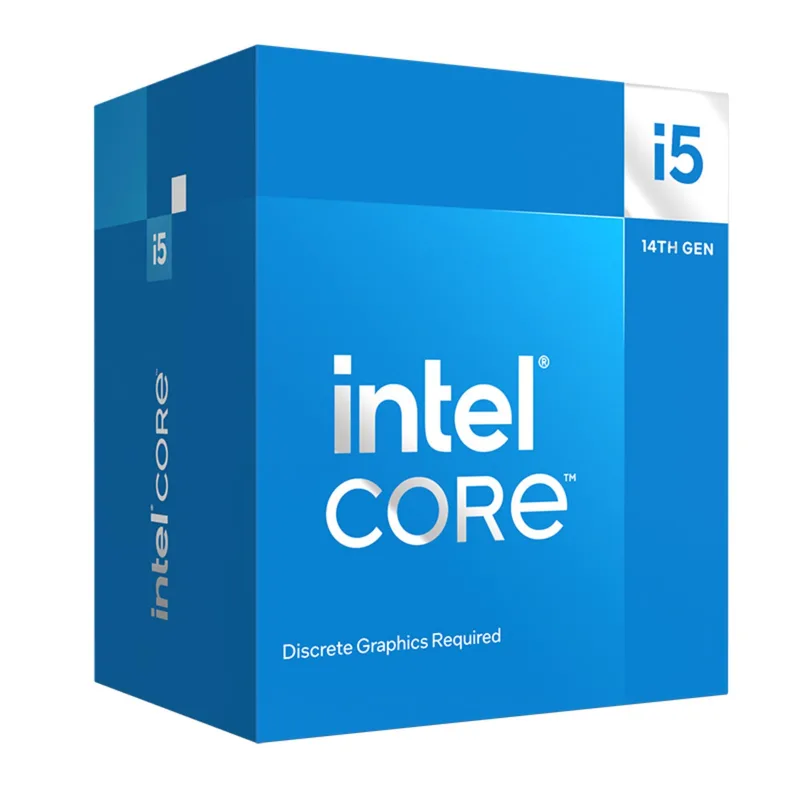
The i5-14400F’s 6 Performance-cores and 4 Efficiency-cores handle Windows 11’s thread scheduler well, which matters more in 2026 than it did a few years ago — most current game engines are built assuming a hybrid core layout rather than treating E-cores as an afterthought. Boost clocks reach 4.7 GHz, and the bundled Laminar RH1 cooler keeps the chip within its 65W base power rating without throttling under typical gaming loads.
Socket compatibility is the quiet strength here: LGA1700 has hosted three generations of Intel desktop CPUs (12th, 13th, and 14th Gen), so the ASRock B760M Pro RS/D4 below accepts a later i5-13600K or i7-14700F as a drop-in upgrade with no motherboard change required.
The F-suffix means no integrated graphics, so a display cable has to run to the discrete GPU from first boot — standard for a build going straight to a dedicated card, but worth knowing if the GPU arrives separately or needs an RMA down the line.
GPU: Gigabyte GeForce RTX 5060 Windforce OC 8G
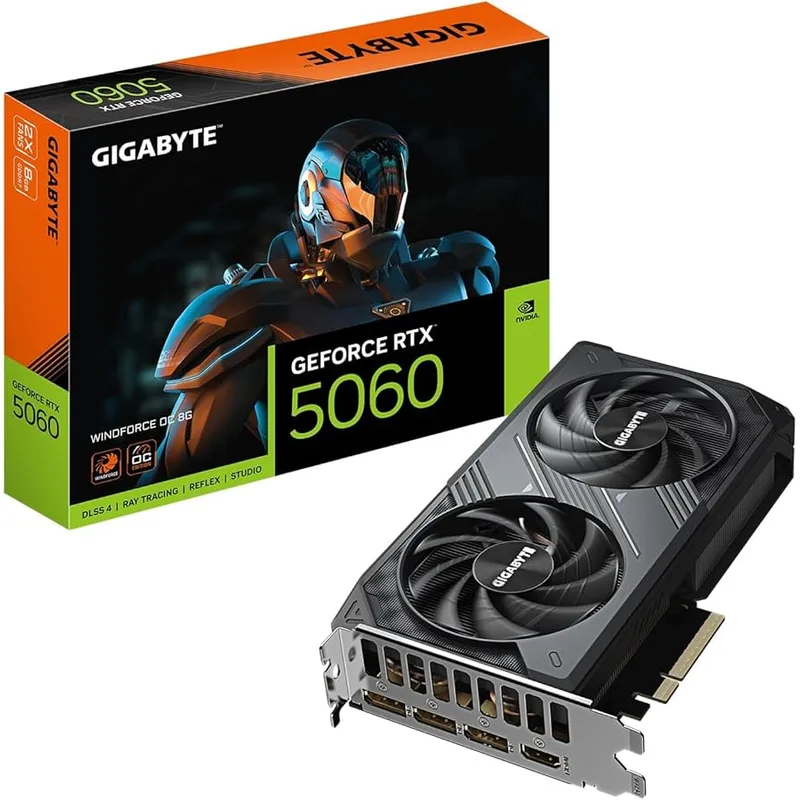
Gigabyte GeForce RTX 5060 Windforce OC 8G
The RTX 5060 8GB is Nvidia’s cheapest entry point onto the Blackwell architecture, which means DLSS 4 Multi Frame Generation support carries over from the flagship cards. At $349, it undercuts the 16GB RX 9060 XT by roughly $150 and the RTX 5060 Ti 16GB by well over $300 at current inflated GPU pricing.
The tradeoff is VRAM. 8GB of GDDR7 on a 128-bit bus is enough for 1080p gaming in the large majority of current titles, but a handful of 2026 AAA releases with uncompressed 4K texture packs can push past 8GB even at 1080p if ultra texture settings are forced. Dropping texture quality one notch from Ultra to High avoids the issue in virtually every case without a visible quality hit at normal viewing distance.
PSU requirement: at 145W TDP, the RTX 5060 uses a standard 8-pin PCIe power connector, not the newer 12V-2x6/12VHPWR connector found on higher-end Blackwell cards. The Thermaltake PSU below includes a 12VHPWR cable you simply won’t need for this card — keep it in the box for a future GPU upgrade.
Motherboard: ASRock B760M Pro RS/D4
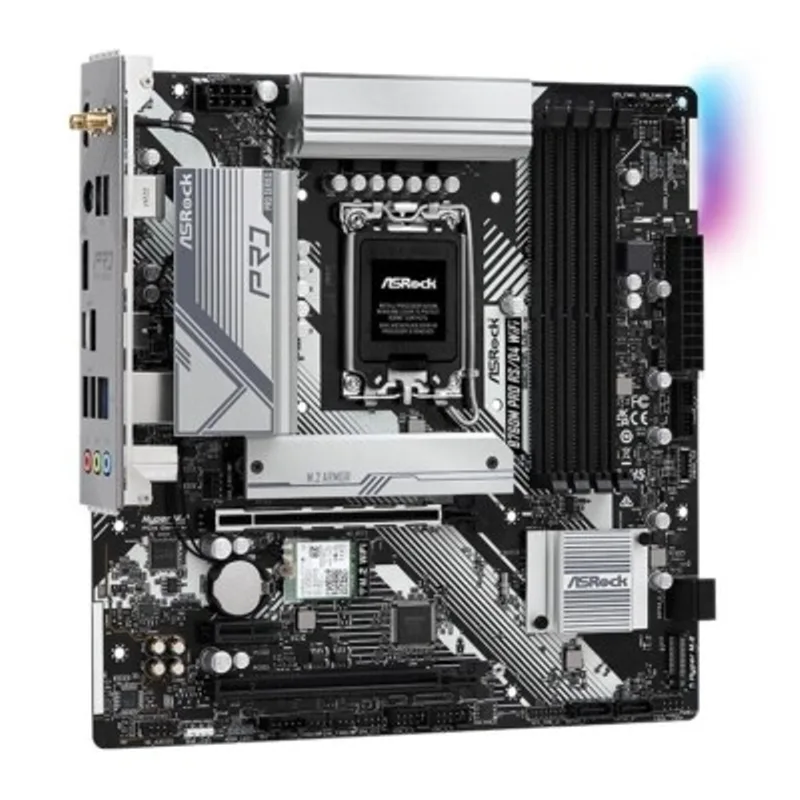
ASRock B760M Pro RS/D4
The “D4” in this board’s name is the detail that matters most: it’s a DDR4 board in a market where nearly every other current B760 option has moved to DDR5. That single spec is what keeps the RAM line item on this build under $200 instead of over $400.
Two M.2 slots handle storage — one PCIe 4.0 slot for the primary WD Black SN7100, and a second PCIe 4.0/SATA-capable slot held in reserve for a second drive once the first one fills. There’s no built-in Wi-Fi, so a wired connection or a USB Wi-Fi adapter is required if the build isn’t sitting next to a router.
Because this is a Micro-ATX board, it fits the NZXT H5 Flow (which supports ATX, Micro-ATX, and Mini-ITX) with room to spare inside the case for cable routing.
RAM: Corsair Vengeance LPX 16GB (2x8GB) DDR4-3200
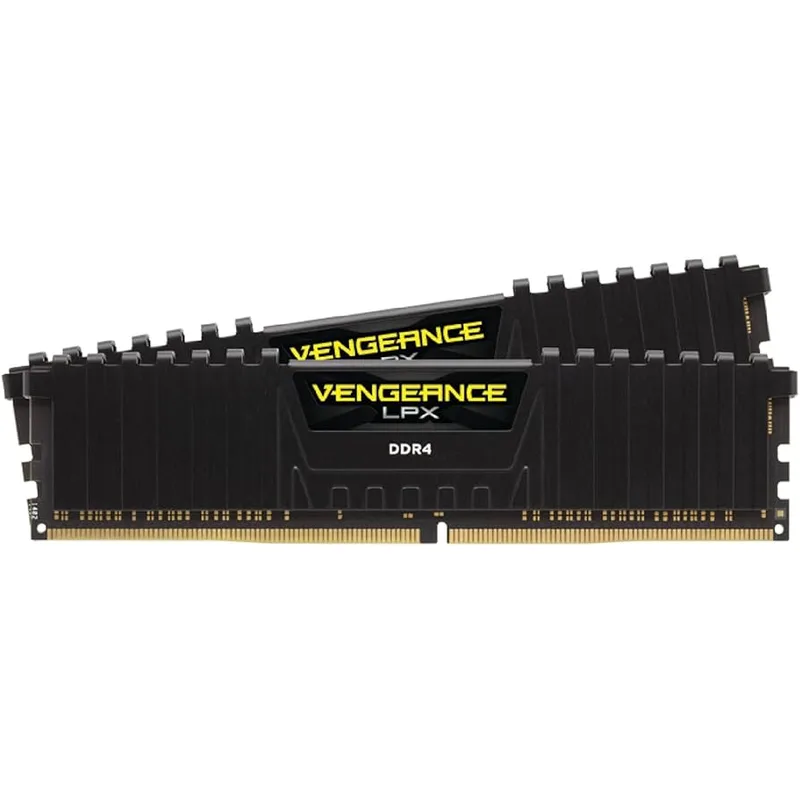
DDR4-3200 CL16 is the practical sweet spot for a B760/DDR4 platform — faster DDR4-3600 kits exist, but the real-world gaming gain is under 2%, not worth chasing at a $20-30 premium during a memory shortage. The kit’s low-profile 31.25mm heatspreader also means zero clearance concerns with the DeepCool AK400 or any other air cooler on this list.
16GB is the capacity call here, not 32GB, specifically to keep this build’s total from drifting further from its $1,000 target. It’s enough for 1080p gaming today. Builders who do heavy background multitasking alongside gaming, or who want more headroom into 2027 and beyond, should budget an extra $120-150 for a second matching kit.
Storage: WD Black SN7100 1TB NVMe SSD
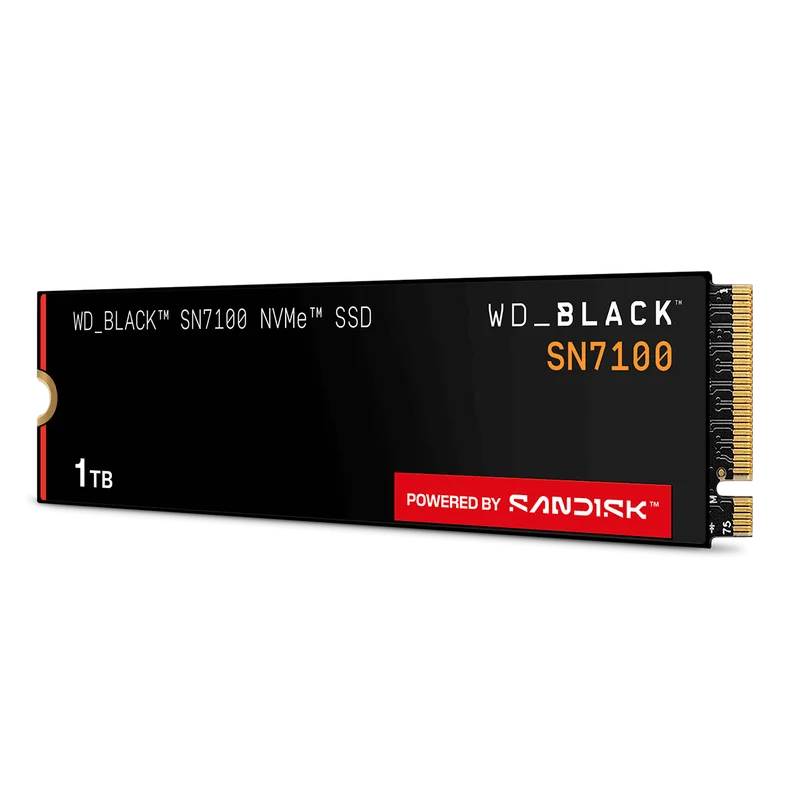
At 7,250 MB/s sequential read, the SN7100 is a Gen4 drive that outperforms plenty of drives twice its price from just a couple of years ago — Windows boots in seconds and game load times drop dramatically versus any SATA SSD or mechanical drive. Its HMB (host memory buffer) design borrows a slice of system RAM instead of carrying onboard DRAM cache, which keeps the drive’s cost down without meaningfully hurting real-world gaming performance.
This is also the clearest place the 2026 NAND shortage shows up in this build. A comparable 1TB drive cost under $100 as recently as 2025; this one runs $185 today. If the budget is genuinely tight, dropping to the 500GB version of the same drive (around $110-120) is the single most effective way to pull this build’s total back toward $1,000 without touching CPU or GPU performance.
PSU: Thermaltake Toughpower GF A3 650W
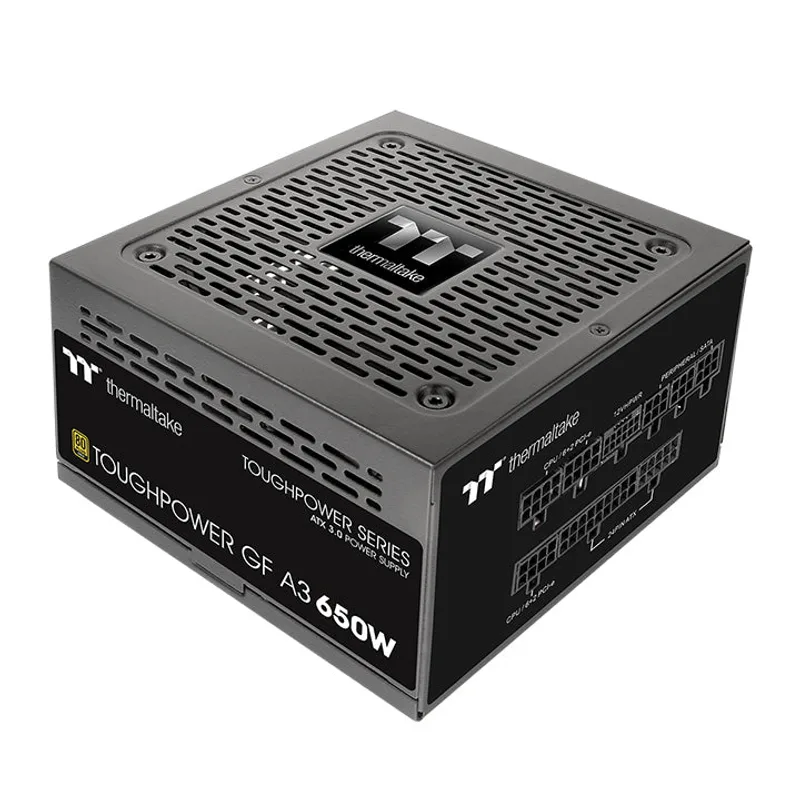
Thermaltake Toughpower GF A3 650W
This PSU is overbuilt for what the i5-14400F and RTX 5060 actually draw — combined system power under full gaming load lands around 210W, leaving more than 400W of headroom. That headroom isn’t wasted money: it means a future upgrade to a 170W-class GPU like the RX 9060 XT or RTX 5060 Ti drops in without a PSU swap.
Fully modular cabling and a compact 140mm chassis make routing straightforward in the H5 Flow’s cable channels, and the 10-year warranty is unusually long for a sub-$100 unit.
Case: NZXT H5 Flow
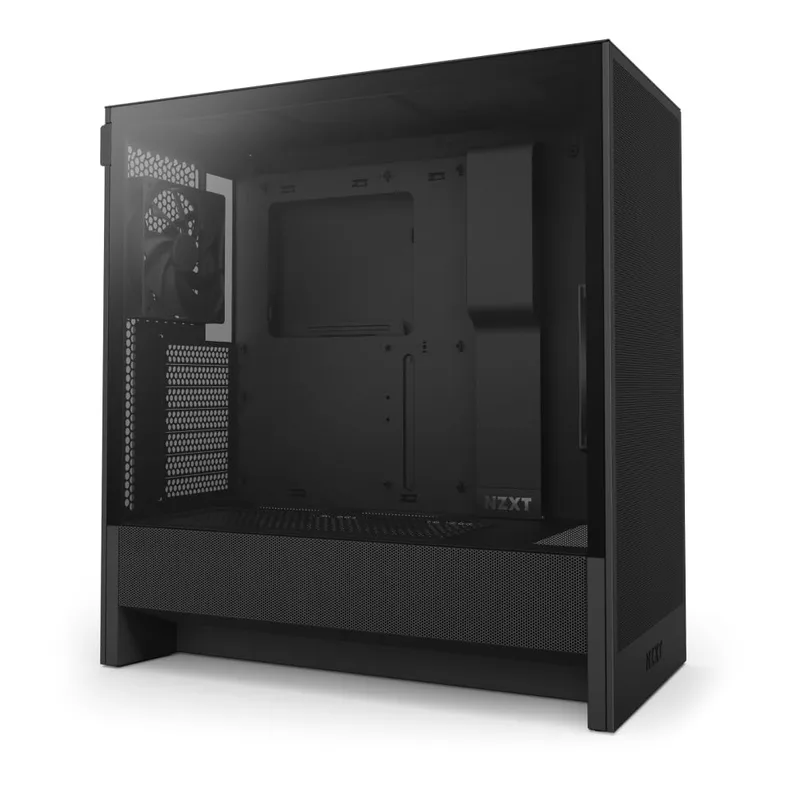
NZXT H5 Flow
The H5 Flow’s perforated steel front panel is a meaningful thermal upgrade over solid-front budget cases — expect GPU temperatures 3-5°C cooler under sustained load purely from the airflow difference. Two 120mm fans come pre-installed, which is workable but not generous; adding one more $10-15 exhaust fan in the rear or top improves airflow balance noticeably.
At 365mm of GPU clearance and 165mm of CPU cooler height, every component on this list fits with margin, and the Micro-ATX ASRock board leaves extra room inside for cable management.
Cooler: DeepCool AK400
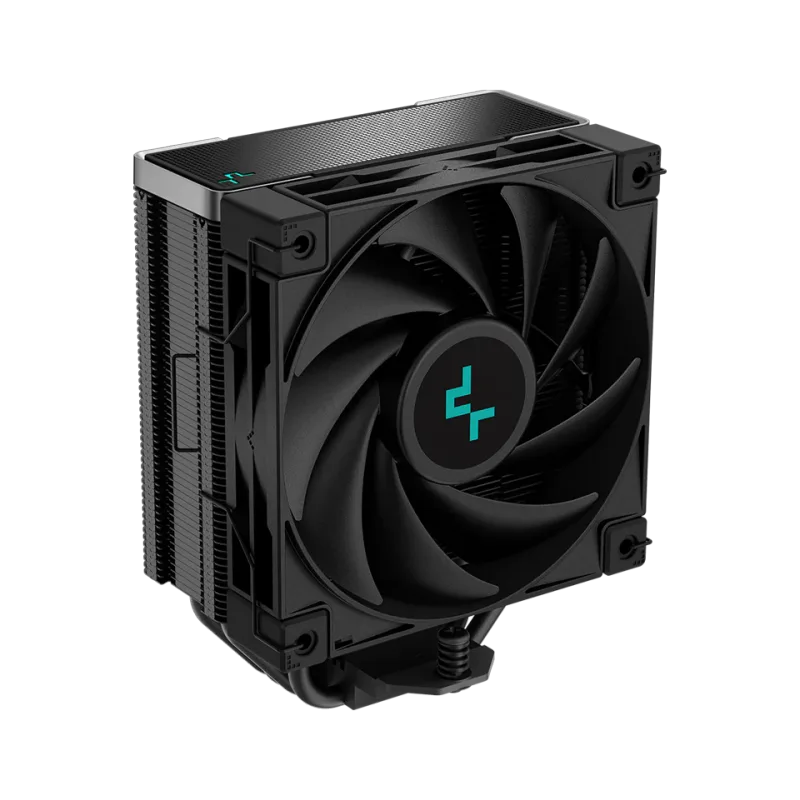
DeepCool AK400
The i5-14400F’s included Laminar RH1 stock cooler is functional, but the AK400’s 220W TDP rating — more than triple what the 14400F actually needs — buys quieter operation and lower sustained temperatures for $32. Four 6mm heat pipes and a single 1850 RPM FDB fan rated at 66.47 CFM comfortably outclass any Intel or AMD boxed cooler in this price range.
At 155mm tall, it clears the H5 Flow’s 165mm cooler height limit without issue.
Build Tips
Install the M.2 SSD before mounting the motherboard. The SN7100 slides into the primary M.2 slot on the ASRock board more easily with the board out of the case — reaching that slot after the board is screwed in place is possible but awkward on a Micro-ATX layout.
Use the top PCIe x16 slot for the GPU. On the B760M Pro RS/D4, the primary PCIe x16 slot runs directly to the CPU at full bandwidth. Any secondary slot on a Micro-ATX board typically runs at reduced lane count through the chipset — always use the top slot for the graphics card.
Leave the 12VHPWR cable in the box. The Thermaltake PSU ships with a 12V-2x6/12VHPWR cable for higher-end GPUs. The RTX 5060 in this build uses a standard 8-pin PCIe connector instead — don’t force the wrong cable onto the card.
Add a second case fan if budget allows. The H5 Flow ships with two 120mm fans. A single $10-15 rear or top exhaust fan meaningfully improves airflow balance, particularly since this is a mostly-mesh front panel pulling in more air than the stock configuration exhausts.
Check for a BIOS update before installing Windows. ASRock’s B760M Pro RS/D4 ships with varying BIOS versions depending on manufacture date. Updating to the latest version before first boot avoids compatibility surprises with the i5-14400F’s microcode and memory training.
Performance Expectations
This build targets 1080p as its primary resolution, with High settings as the reliable baseline and Ultra achievable in most titles by backing off the most VRAM-hungry settings. 1440p is workable at Medium-High in less demanding titles but isn’t this build’s strong suit given the 8GB VRAM ceiling.
| Game | 1080p High | 1080p Ultra | 1440p Medium |
|---|---|---|---|
| Cyberpunk 2077 (Rasterization) | ~75 FPS | ~60 FPS | ~50 FPS |
| Call of Duty: Black Ops 6 | ~140 FPS | ~110 FPS | ~85 FPS |
| Fortnite (Performance Mode) | ~170 FPS | ~130 FPS | ~100 FPS |
| Baldur’s Gate 3 | ~90 FPS | ~70 FPS | ~55 FPS |
| Marvel Rivals | ~130 FPS | ~100 FPS | ~80 FPS |
| Counter-Strike 2 | ~220 FPS | ~180 FPS | ~150 FPS |
Performance estimates based on RTX 5060 8GB tier benchmark data. Actual results vary by driver version, game patch, and in-game settings.
DLSS 4 Multi Frame Generation is supported in this GPU tier and can meaningfully boost effective frame rates in titles that support it, though it works best when the base (non-generated) frame rate is already reasonably smooth — enabling it on an already-choppy base framerate doesn’t fix input latency, only displayed smoothness.
Upgrade Path
First upgrade: GPU, when VRAM becomes the bottleneck (12-18 months). The RTX 5060 8GB is this build’s clearest ceiling. When a 16GB card like the RX 9060 XT or RTX 5060 Ti 16GB drops toward $400, it’s a drop-in upgrade — the 650W PSU already has the headroom, and the H5 Flow’s 365mm clearance handles any card in that class.
Second upgrade: RAM, when DDR4 pricing normalizes. A second matching Corsair Vengeance LPX 16GB kit brings this system to 32GB whenever DDR4 pricing eases from current shortage levels — check pricing every few months rather than paying the current premium for capacity you don’t need yet.
Third upgrade: second NVMe drive. The ASRock board’s second M.2 slot is sitting empty from day one. Add a drive whenever the primary 1TB fills, without touching anything else in the system.
Skip for now: the motherboard. B760 with DDR4 support has no forced expiration date on LGA1700 — it accepts every 12th, 13th, and 14th Gen Intel CPU already, and this build isn’t leaving that platform behind before the GPU and RAM upgrades above are worth doing first.
You’ll also need a display — see our best gaming monitors under $400 guide for options that match this build’s 1080p/entry-1440p performance ceiling without overspending on refresh rates this GPU can’t fully drive.
FAQ
Can I really build a gaming PC for $1,000 in 2026?
Close, but the honest total for this parts list is about $1,205. The 2026 DRAM and NAND shortages have pushed RAM and SSD prices up sharply industry-wide, and even a DDR4-based build like this one — which sidesteps the worst of the DDR5 price spike — isn’t immune. Dropping to a 500GB SSD and skipping the aftermarket cooler brings the total to roughly $1,090-1,115.
Why DDR4 instead of DDR5 in a 2026 build?
Price. A comparable DDR5-5600 16GB kit currently runs $250+ under shortage pricing, against $165 for the DDR4-3200 kit here — a savings of over $80 that goes straight to the GPU budget instead. The performance difference between DDR4-3200 and DDR5-5600 on Intel’s hybrid architecture is small enough at 1080p gaming that the price gap isn’t worth paying right now.
Is 8GB of VRAM enough in 2026?
For 1080p gaming, yes, in the large majority of current titles. A handful of AAA releases with uncompressed ultra texture packs can push past 8GB even at 1080p, but dropping texture quality one notch to High almost always resolves it without a visible difference at normal viewing distance. If VRAM headroom matters more than saving $150 today, the 16GB RX 9060 XT is the upgrade to make instead.
Should I upgrade to the Intel Core Ultra 5 245K instead?
Only if the extra $20-40 for the CPU and the pricier LGA1851 motherboard fits your budget without cutting elsewhere. The 245K is a more efficient, more modern chip, but at 1080p with this GPU, the gaming performance difference versus the i5-14400F is small — the GPU is the bottleneck in most titles either way.
Is 650W enough for this build?
Yes, with significant headroom. Combined CPU and GPU draw peaks around 210W under full gaming load, well under half this PSU’s rated capacity. That headroom is intentional — it means the first GPU upgrade on the list above won’t also require a PSU swap.
The Bottom Line
At roughly $1,205 all-in, this build leans on the Intel Core i5-14400F and a DDR4 motherboard to blunt the worst of 2026’s DRAM shortage, then spends the savings on a Gigabyte RTX 5060 8GB that’s genuinely capable at 1080p and a WD Black SN7100 that loads games in seconds. It won’t hit $1,000 on the nose without trimming the SSD to 500GB and skipping the aftermarket cooler, but it’s an honest, current picture of what that budget buys in 2026 rather than a number built around 2024 pricing. For more breathing room and a 1440p-capable GPU, see our $1,500 high-end build guide; for a tighter budget, our $500 build guide shows how far the DDR4 strategy stretches at half this price.