AMD has said its Zen 6 desktop chips will stay on socket AM5, while Intel’s Arrow Lake Refresh (the Core Ultra 200S Plus line) arrived in March 2026 on the same LGA1851 socket as the original Core Ultra 200S. Both sockets are current, but they make different promises about what you can upgrade later. This guide covers the decision for a first-time builder: what each platform offers, what it costs to enter, and which parts make a sensible starting pair.
| Spec | AMD Ryzen 7 9700X 8.2/10 | MSI MAG B850 Tomahawk MAX WiFi 9.2/10 | Intel Core Ultra 7 265K 7.8/10 | MSI MAG Z890 Tomahawk WiFi 9/10 |
|---|---|---|---|---|
| Architecture | Zen 5, 4nm | — | — | — |
| Cores / Threads | 8 / 16 | — | — | — |
| Clocks | 3.8 GHz base / 5.5 GHz boost | — | 3.9 GHz P-core base / 5.5 GHz boost | — |
| TDP | 65W | — | 125W base / 250W max turbo | — |
| Socket | AM5 (LGA1718) | AM5 | LGA1851 (Arrow Lake) | LGA1851 (Intel Z890) |
| Rating | 8.2/10 | 9.2/10 | 7.8/10 | 9/10 |
Prices change daily — tap Check Price for the current Amazon price.
Prices change daily — tap Check Price for the current Amazon price.
Build at a Glance
| Platform | Starter pairing | Socket | Upgrade outlook |
|---|---|---|---|
| AM5 | Ryzen 7 9700X + MSI MAG B850 Tomahawk MAX WiFi | AM5 | AMD says Zen 6 desktop chips use AM5 |
| LGA1851 | Core Ultra 7 265K + MSI MAG Z890 Tomahawk WiFi | LGA1851 | Arrow Lake Refresh chips fit current boards; Intel has not detailed anything beyond that |
Why These Parts
The Ryzen 7 9700X and Core Ultra 7 265K are the closest mainstream rivals. Both are eight-or-more-core chips that handle gaming and streaming at once, and both land in a similar price band. The difference is character. The 9700X is a 65W part that stays cool on modest cooling and wins most CPU-limited gaming comparisons. The 265K has 20 cores, so it pulls ahead in rendering and encoding, but it asks for a bigger cooler and a stronger power budget.
The boards follow the same split. The B850 Tomahawk MAX is the sweet spot of the AM5 range: enough VRM for a 16-core chip, two PCIe 5.0 M.2 slots, and WiFi 7. The Z890 Tomahawk brings Thunderbolt 4 and four M.2 slots to LGA1851 without flagship pricing.
Socket Longevity: The Real Deciding Factor
Buying a platform is also buying a future upgrade. AMD’s public position is that Zen 6 stays on AM5, with launch rumored for late 2026 or early 2027. A B850 board bought today should accept a newer Ryzen after a BIOS update, so you can start with a 9700X and move up later without replacing the board, RAM, or cooler.
On LGA1851, the Plus-suffix refresh chips (Core Ultra 7 270K Plus and Core Ultra 5 250K Plus) add four extra E-cores and raise supported memory speed to DDR5-7200, and they are pin-compatible with existing Z890 and B860 boards. That gives LGA1851 buyers a step up inside the same generation. What comes after is not something Intel has spelled out in the sources we reviewed, so treat any LGA1851 board as a platform you will probably keep until you rebuild.
Chipset Tiers
On AM5, B850 is the mainstream pick and X870E is the flagship tier; our X870E vs X670E comparison covers what the premium chipset adds. On Intel, Z890 unlocks K-series overclocking and more PCIe lanes, while B860 keeps XMP memory profiles but locks CPU multiplier overclocking. If you will run a K chip at stock speeds, a B860 board saves money. See our best Z890 motherboards and best AM5 motherboards roundups for the full lists.
Component Deep Dives
AMD Ryzen 7 9700X
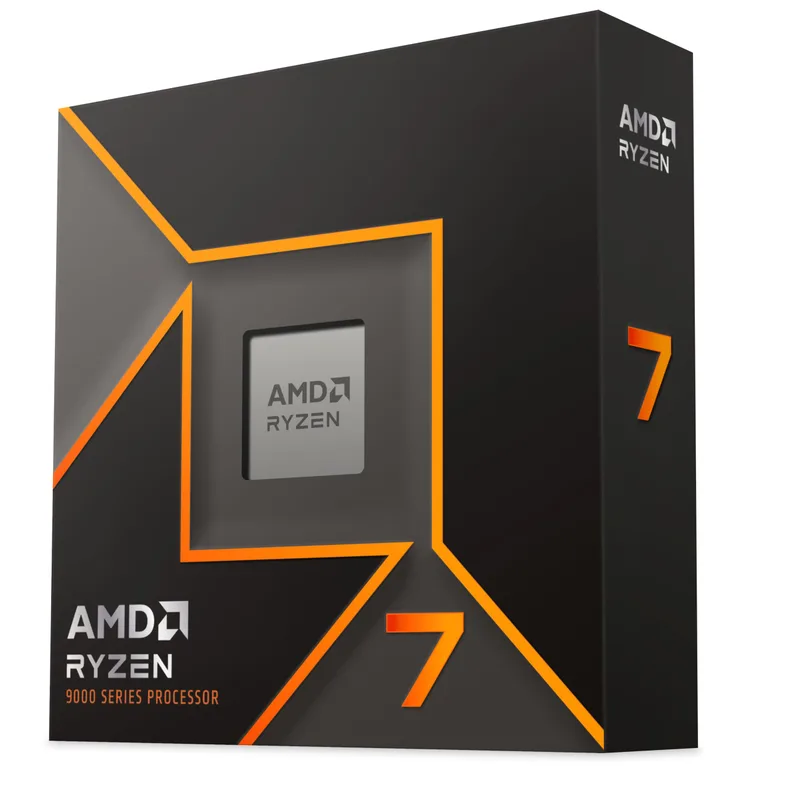
The 9700X is the low-effort AM5 entry. At 65W it avoids the cooler spending that Intel’s K chips demand, and its eight Zen 5 cores handle most gaming and streaming mixes. If you want more gaming headroom later, the socket lets you move to an X3D part. Our Ryzen 7 9700X review goes deeper.
MSI MAG B850 Tomahawk MAX WiFi
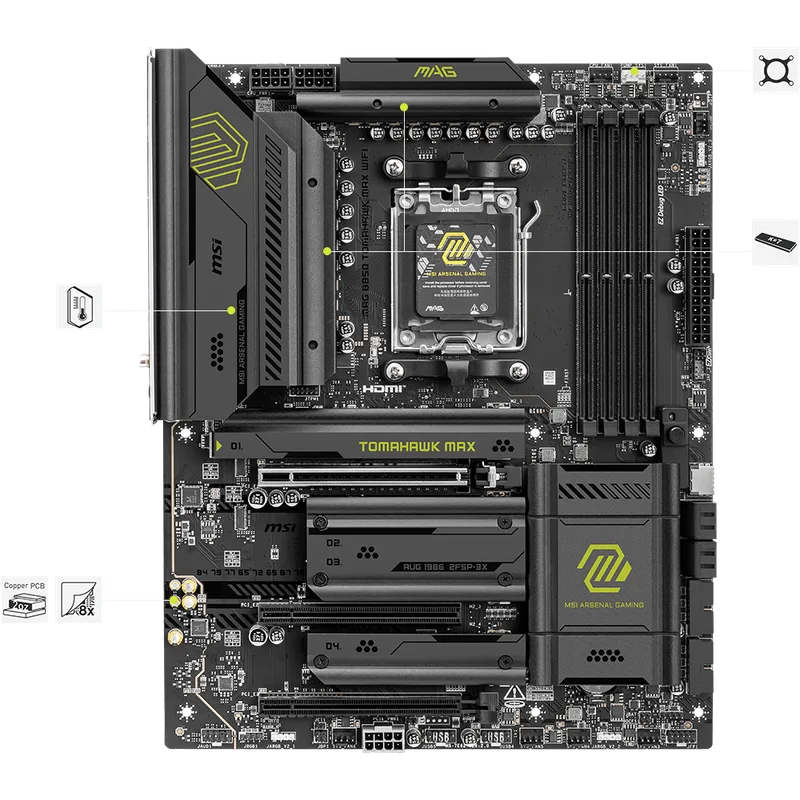
This board pairs naturally with the 9700X and leaves room for a 16-core Ryzen 9 later. The two PCIe 5.0 M.2 slots mean you can add a Gen 5 drive now or save the slot for later. Pair it with DDR5 from our DDR5 6400 kits for AM5 list.
Intel Core Ultra 7 265K
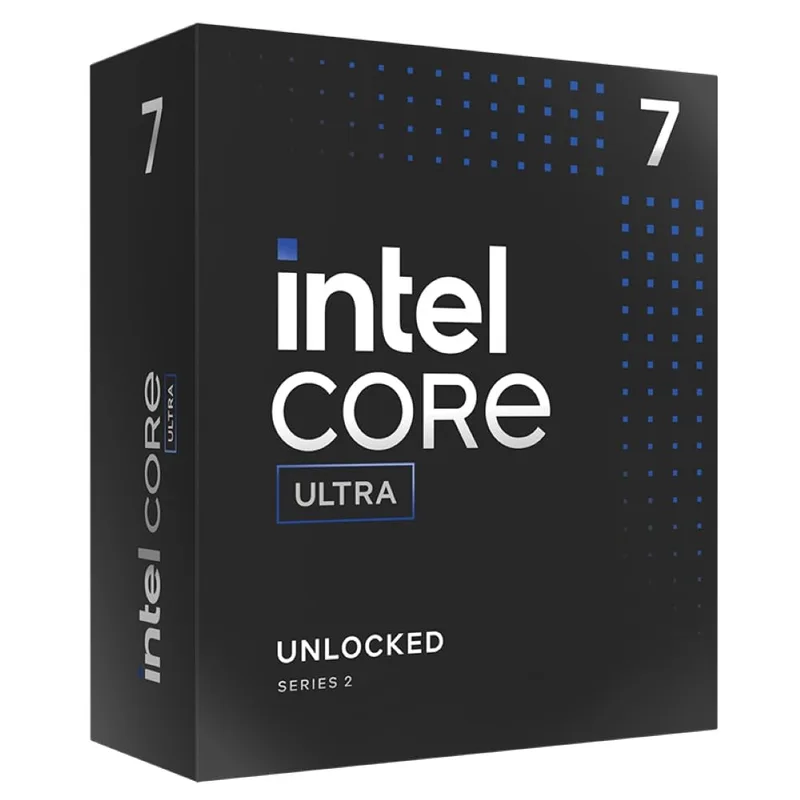
The 265K makes sense if your workload is rendering, encoding, or heavy multitasking more than pure gaming. Budget for a 360mm AIO or a top-tier air cooler, since the 250W max turbo is real. See our Core Ultra 7 265K review and the 9800X3D vs 265K comparison if gaming is a priority.
MSI MAG Z890 Tomahawk WiFi
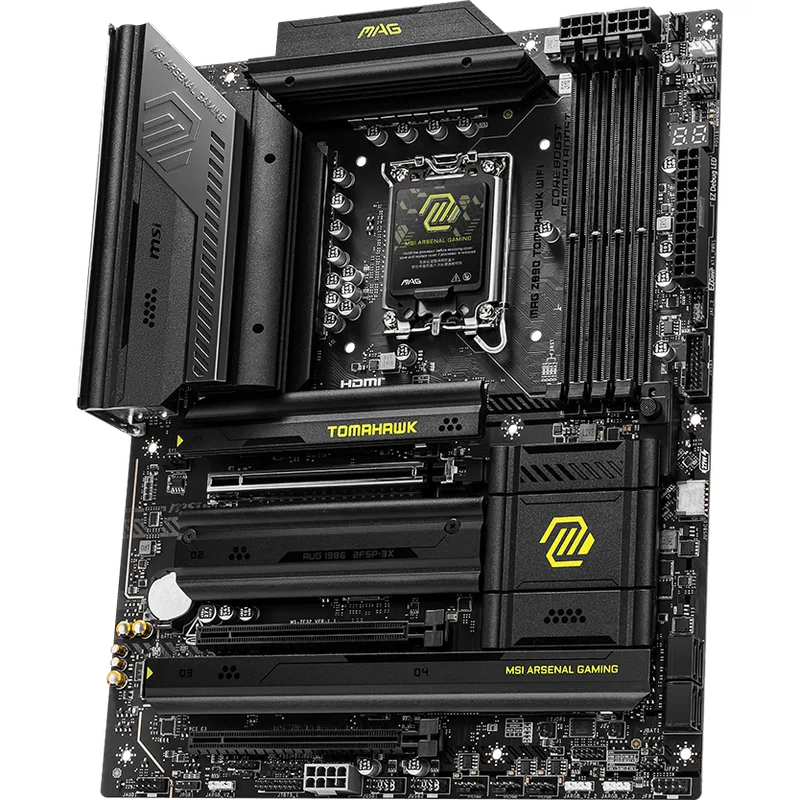
The Z890 Tomahawk is the sensible LGA1851 board for most K-series builds. Thunderbolt 4 matters if you use fast external storage or docks. The single PCIe 5.0 M.2 slot is the trade-off: fine for one Gen 5 drive, limiting if you plan several.
Memory, Storage, and Everything Else the Platform Touches
Platform choice reaches past the CPU and board. Both sockets are DDR5-only, so the memory decision is about speed and capacity, not generation. Ryzen chips generally run best with DDR5-6000 to 6400 kits, and the 265K supports DDR5-6400 natively, so a single 6000 to 6400 kit works on either platform. Chasing DDR5-8000 and above on Intel is an overclocking project that depends on the board and the individual chip, and AMD’s memory controller gains little from it. Our DDR5 explained guide covers capacity and speed trade-offs, and DDR5 prices remain elevated industry-wide in 2026, so budget the RAM line carefully.
Storage is nearly platform-neutral. The B850 Tomahawk MAX gives you two PCIe 5.0 M.2 slots and the Z890 Tomahawk gives you one, but a PCIe 4.0 drive is fast enough for game loading on either. If you do add a Gen 5 drive, plan for the heat: see NVMe heatsinks before assuming the board’s built-in cover is enough.
Power supply and case needs differ mostly by cooler and GPU, not socket. A 65W Ryzen leaves more of the PSU budget for the graphics card, while a Core Ultra K chip at its 250W max turbo eats into it. If you are sizing a unit, a quality 850W model such as our Corsair RM850e review covers a high-end GPU on either platform. For GPU pairing, our 1440p GPU roundup applies equally to both sockets, since graphics performance does not depend on whether the CPU is AMD or Intel.
Which Buyer Should Pick Which
Pick AM5 if you want the longest runway on one motherboard, mostly play games, or want a cooler and quieter build. Pick LGA1851 if your paid work is video encoding or 3D rendering, you want Thunderbolt 4 on a mid-priced board, or you find a Core Ultra chip at a price that undercuts the Ryzen equivalent. If you are undecided, the safer default is AM5 because the downside of being wrong is smaller: the socket’s stated future support gives you more ways to recover.
Build Tips
- Match the cooler to the chip. A 65W Ryzen runs on a mid-range air cooler; a 250W-turbo Core Ultra wants a 360mm AIO or a large dual-tower. Compare options in air cooling vs liquid cooling.
- Both platforms use DDR5 only. Check the board’s memory support list before buying a high-speed kit.
- Update the BIOS before installing a newer CPU generation. Boards bought from older stock may need it for Plus-suffix Intel chips or future Ryzen parts.
- Neither CPU includes a cooler.
Performance Expectations
| Workload | Better fit |
|---|---|
| CPU-limited 1080p gaming | Ryzen 7 9700X, per the comparisons in our reviews |
| Rendering and video encoding | Core Ultra 7 265K, thanks to 20 cores |
| Quiet, low-power build | Ryzen 7 9700X (65W) |
| Gaming plus background encoding | Either, with 265K favored for encoding load |
Upgrade Path
On AM5, the first upgrade is the CPU: a Ryzen 7 X3D chip for gaming, or Zen 6 once it launches. On LGA1851, the in-generation step is a Plus-suffix Arrow Lake Refresh chip. Either way, the RAM and cooler carry over, and GPU upgrades are independent of platform.
FAQ
Is AM5 or LGA1851 better for gaming? AM5 has the edge. The Ryzen 7 9700X leads the Core Ultra 7 265K in CPU-limited 1080p tests, and AMD’s X3D chips extend that further. At 1440p and 4K the gap narrows because the GPU becomes the limit.
Which platform has the better upgrade path? AM5. AMD has said Zen 6 desktop chips stay on the socket. LGA1851 has the Plus-suffix refresh, but beyond that we found no confirmed Intel roadmap.
Do I need a Z890 or X870E board? Not necessarily. B850 on AMD and B860 on Intel cover most builds. Pick the premium chipsets for overclocking, extra PCIe lanes, or Thunderbolt and USB4.
Can I reuse DDR4 RAM? No. Both platforms are DDR5 only.
Which is cheaper to cool? The AMD 65W chip. The Core Ultra 7 265K has a 250W max turbo and benefits from a 360mm AIO or a large tower.
The Bottom Line
For most builders, AM5 with the Ryzen 7 9700X and MSI MAG B850 Tomahawk MAX WiFi is the safer pick: it wins most gaming comparisons, stays cool, and sits on a socket AMD says will carry Zen 6. LGA1851 with the Core Ultra 7 265K and MSI MAG Z890 Tomahawk WiFi is the better choice if rendering and encoding drive your decision and you will accept a platform with a less clear upgrade story.